Brand consistency in
AI-generated content.
AI makes it easy to generate more posts—and just as easy to publish a feed where every carousel looks and sounds like a different company. Brand consistency is what turns fast output into recognizable trust.
When your workflow knows what your business is about, who your target audience is, how you speak, and how your visual kit is built, every generated draft starts on brand instead of from a blank template.
AI makes publishing fast. Staying recognizable is what builds trust.
People rarely buy from a single social post. Recognition compounds when your audience sees the same point of view, relevant topics, and visual identity week after week—and erodes when AI generates disconnected posts in random styles.
What happens when AI runs without brand context
- Every batch picks a different font pairing, color palette, and visual mood—making three posts from the same week look like three unrelated businesses.
- Topics drift into generic industry tips because the AI does not know your specific offers or who your target buyers are.
- Captions default to interchangeable AI phrasing and hype words that flatten your team’s actual expertise.
- You spend all the time AI saved manually recoloring slides, swapping fonts, and rewriting hooks before you can publish.
What consistent branding does for your business
- Prospects recognize your posts in the feed before they even read your account handle—building familiarity across LinkedIn, Instagram, TikTok, and YouTube.
- Post ideas and hooks stay anchored in the problems your business solves and the language your target audience actually uses.
- Visual variety happens inside your system—fresh slide compositions that still share your typography, colors, and product imagery.
- Reviewing a week of drafts takes minutes because voice, styling, and factual boundaries are applied upfront.
Five pillars that keep AI content on brand.
A real Brand Kit is more than a hex code and a logo file. It combines who your business is, who you speak to, how you sound, and how your visuals look into one reusable foundation.
01
Business positioning & target audience
What your business does, the offers and problems you solve, and who your target audience is—so AI knows which topics matter and how to frame every post for your buyers.
Useful for: Seeding relevant post ideas grounded in your actual business and shaping hooks, examples, and takeaways around the questions your ideal customers care about.
Your judgment: Check that each post speaks directly to your target buyer’s situation rather than offering broad, industry-generic advice that could come from anyone.
Before choosing a tool: Can the tool learn your business positioning and audience from your website URL, and let you refine that context as your offers evolve?
Maintain consistency across channels →02
Brand voice & tone rules
How your brand sounds in writing—sentence rhythm, point of view, vocabulary, humor or formality, and phrases you intentionally avoid.
Useful for: Keeping captions, slide headlines, and video scripts recognizable whether you are explaining a technical workflow, sharing a customer win, or announcing an offer.
Your judgment: Read the opening hook and closing takeaway aloud to make sure the draft sounds like a person on your team wrote it, not a default AI prompt.
Before choosing a tool: Does your Brand Kit apply voice rules across slide headlines, body copy, and social captions together, or only inside a standalone text box?
Define your brand voice →03
Visual identity (logo, colors & typography)
Your logo placement, primary and accent hex colors, light or dark background preferences, and heading and body font pairings.
Useful for: Making sure every carousel, single-image graphic, and short video looks like it belongs to the same company in a busy feed—instead of changing fonts and palettes from post to post.
Your judgment: Verify contrast, hierarchy, and readability on mobile screens, and make sure accent colors highlight the key phrase on each slide.
Before choosing a tool: Does the software apply your exact hex codes and font families to multi-slide layouts automatically, while still letting you adjust individual slides?
See what belongs in a Brand Kit →04
Brand imagery, visual references & template sets
Approved product screenshots, photography style, visual reference images, and reusable slide layout families that fit your aesthetic.
Useful for: Giving AI concrete visual references—like real UI screens, product photos, or illustration styles—so generated slides feature authentic visuals instead of random stock art.
Your judgment: Swap in specific product screenshots or customer photos when a post references a concrete feature, place, or result.
Before choosing a tool: Can you upload reference images and brand assets once so the generator draws from them across future carousels and slideshows?
Organize your brand assets →05
Source-grounded facts & claim boundaries
Anchoring generated posts in your real website pages, PDFs, articles, or briefs so AI only states claims, numbers, and promises your business actually stands behind.
Useful for: Preventing fabricated statistics, invented features, or off-brand promises when turning product docs, newsletters, or topic briefs into social posts.
Your judgment: Confirm that any numbers, quotes, or product capabilities on the slides match your source material before scheduling.
Before choosing a tool: Does the workflow generate directly from your approved source documents and website pages rather than improvising facts from a one-line prompt?
Explore source-grounded generation →How to evaluate AI tools for brand consistency.
Most tools either remember your tone in a text prompt or store colors in a design canvas—rarely both. Check these four criteria before committing your workflow.
Website-drafted starting point plus manual control
Setting up a Brand Kit shouldn’t take a week. Look for a tool that can scan your website URL to draft your positioning, audience, voice, colors, and fonts in seconds—and still let you edit every field by hand.
One Brand Kit across both copy and visuals
Many tools split brand memory in two: a prompt box for text and a separate design tool for graphics. Choose a workflow where one Brand Kit governs post angles, slide copy, captions, typography, colors, and imagery together.
Variety within your brand—not the same rigid template
Brand consistency does not mean publishing the exact same slide layout fifty times. Good AI brand systems keep your fonts, palette, and voice locked while varying layout composition so your feed stays visually fresh.
Slide-level editability and multi-brand support
You should always have the final word before a post goes live. Check that you can tweak any headline, font, color, or image on individual slides—and switch cleanly between separate Brand Kits if you run multiple brands or client accounts.
Testing with your own brand? Run the same source article, PDF, or website page through the tool multiple times and compare whether the generated posts look and read like one cohesive brand across the whole batch.
Compare brand systems & real examples
See how teams structure brand kits, evaluate software, and fine-tune generated slides before publishing.
Same source. Before and after applying a Brand Kit.
To show how a Brand Kit changes multi-post generation, we ran the exact same source document through WaveGen twice—first with no Brand Kit selected, and then with a Brand Kit extracted from salesforce.com.
BEFORE / WITHOUT A BRAND KIT
Run 1: Source PDF only → Three drifted carousels
INPUT · SOURCE PDF
Sales Cloud Edition Datasheet (2-page PDF brochure)
Public product datasheet covering seller productivity with built-in AI, unified customer data, and revenue growth on one integrated platform—submitted with no brand rules attached.
OUTPUT · 3 GENERATED CAROUSELS (UNBRANDED)
Without brand context, AI invents a different font pairing, color mood, and visual style for every post in the batch—making three posts from the same source look like three unrelated companies.

Post 1 · Seller productivity
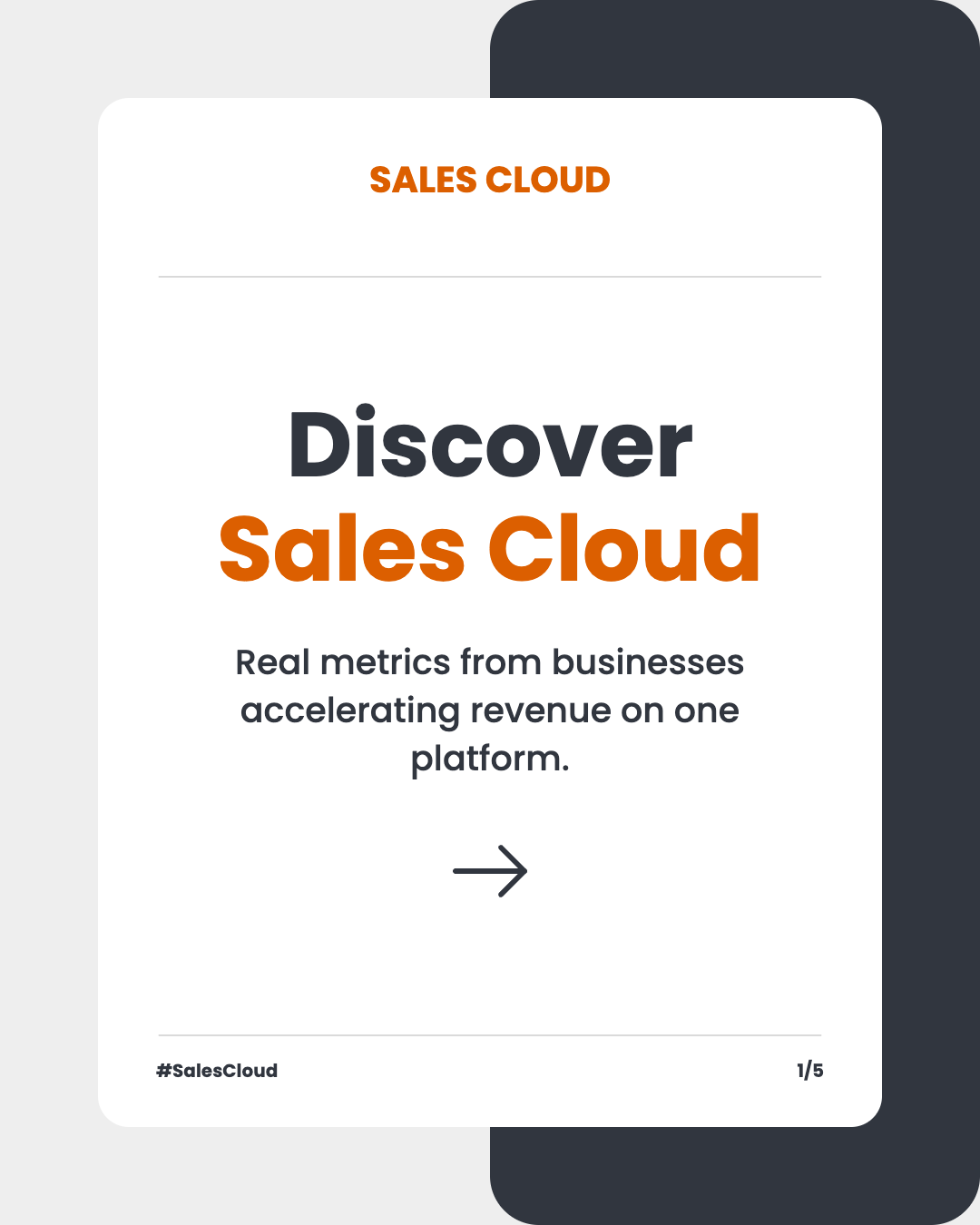
Post 2 · Discover Sales Cloud
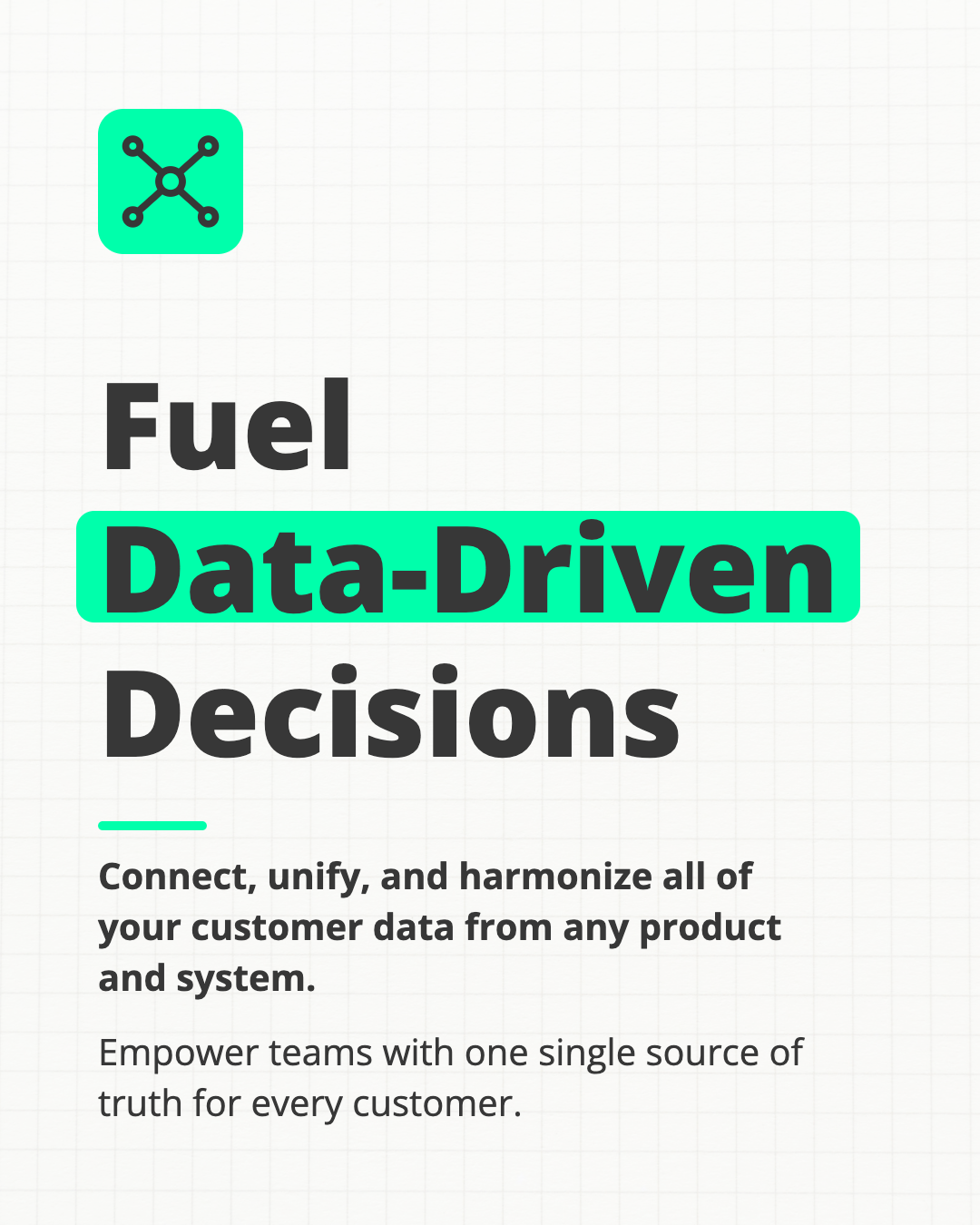
Post 3 · Data-driven decisions
AFTER / WITH BRAND KIT APPLIED
Run 2: Same source PDF + Brand Kit → Three cohesive carousels
INPUT · SAME SOURCE PDF + BRAND KIT EXTRACTED FROM SALESFORCE.COM
1. Source document: Same 2-page Sales Cloud Edition Datasheet PDF used in Run 1.
View source PDF ↗2. Brand Kit (auto-extracted from salesforce.com):
Salesforce
Tagline: “The #1 AI CRM” · salesforce.com
+ 5 extracted site visuals
Palette & Typography
Heading: Roboto · Subheading: Arial
Voice & Tone · Professional
“Authoritative, innovative, and customer-focused voice that emphasizes trust, efficiency, and progress.”
Target Audiences (3 segments)
- Enterprise IT & business leaders unifying customer data and deploying governed AI agents
- Sales, service & marketing teams automating routine tasks and improving customer engagement
- Developers & architects building custom integrations, agents, and apps
OUTPUT · 3 NEW BRANDED CAROUSELS
With the Brand Kit active, every generated carousel uses Roboto headings, the coordinated navy, blue, and turquoise palette, and extracted product reference visuals—while varying layout composition and tailoring each post angle to the kit’s target audiences.
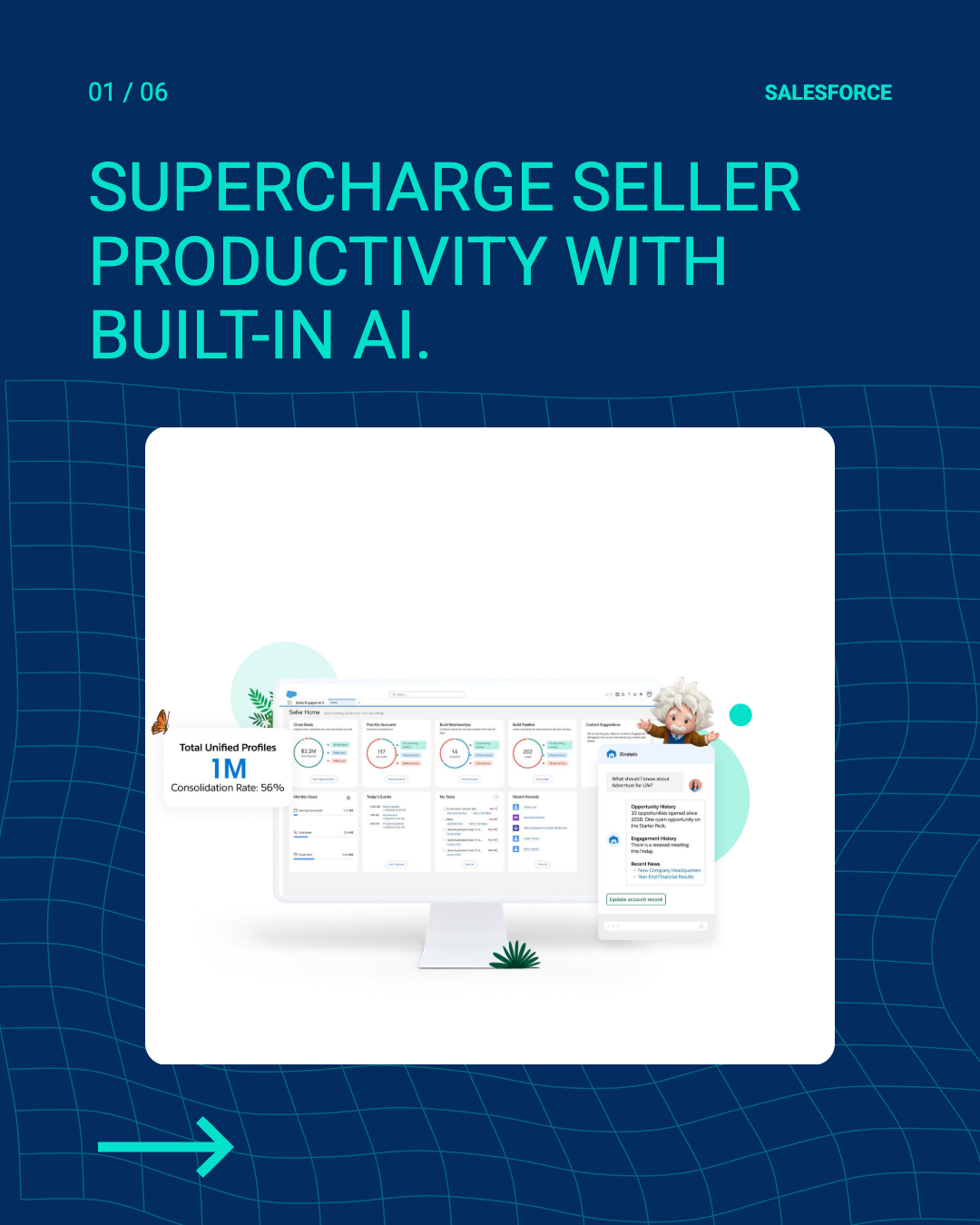
Post 1 · Seller productivity

Post 2 · Integrated platform
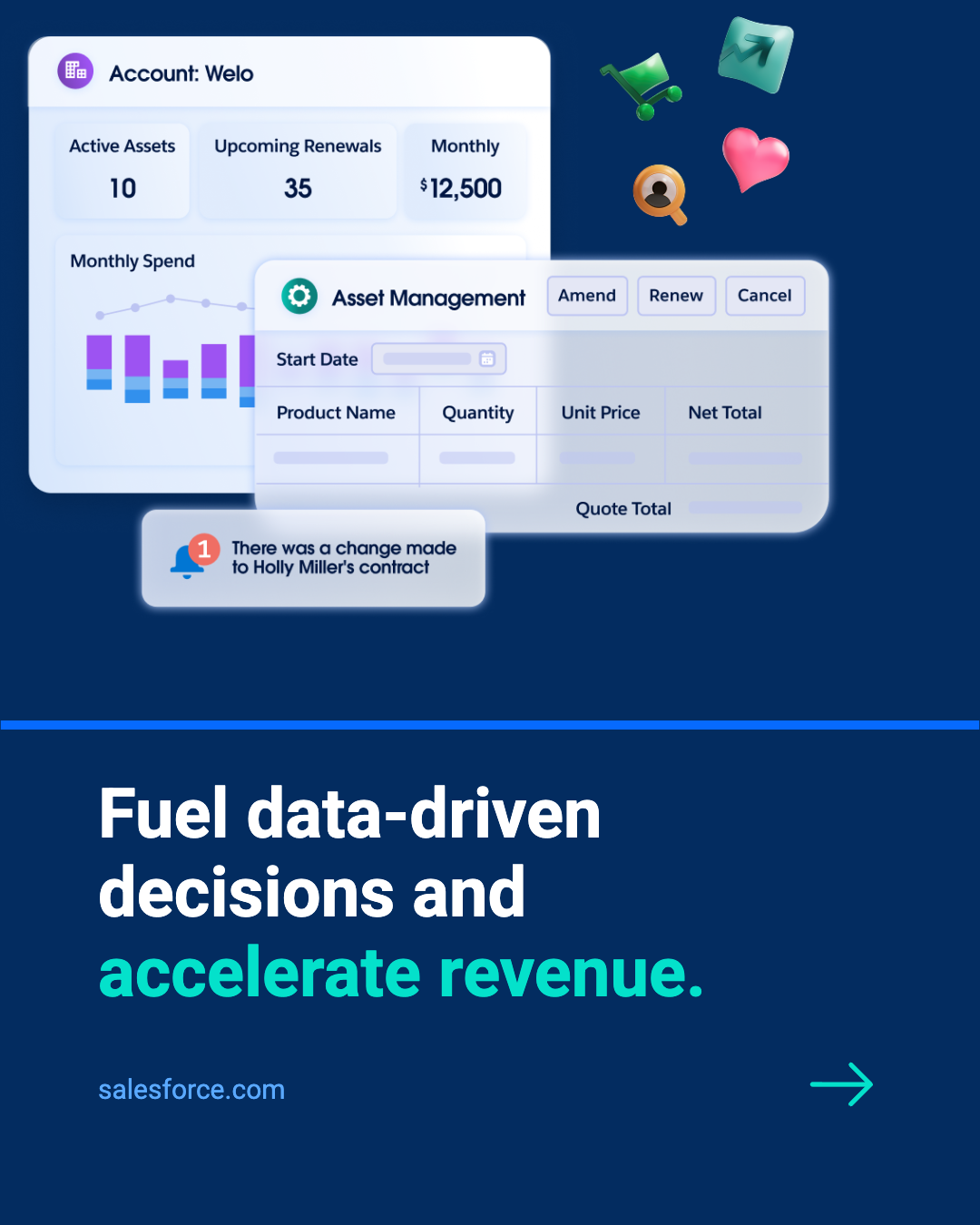
Post 3 · Data-driven decisions
VIDEO WALKTHROUGH
Watch the full before-and-after walkthrough.
Follow the four-minute tutorial showing how the two-page PDF was turned into carousels first without a Brand Kit, and then regenerated with the Brand Kit extracted from salesforce.com.
WaveGen tutorial · 4:36
See what WaveGen extracts from your website.
Paste your URL to pull your logo, color palette, typography, brand voice, and audience segments into a reusable Brand Kit—then generate your first on-brand carousels free.
Build and document your brand foundation.
Whether you are setting up your first Brand Kit or documenting voice and visual standards for a growing team, start with these step-by-step playbooks.
Setup guide · 15 minutes
How to create a Brand Kit for social media
Gather your positioning, target audience, voice rules, logo variations, color palette, typography, and reference imagery into one reusable kit your whole workflow can share.
Build your Brand Kit →Voice & copy template
Brand voice guidelines template that scales with AI
Document how your brand sounds—with concrete do/don’t phrasing examples, audience framing, and tone rules that both teammates and AI generators can follow.
Get the voice guidelines template →Complete brand system
How to create brand guidelines for your business
Connect your positioning, visual identity, logo rules, and channel examples into clear guidelines that keep every touchpoint recognizable as you grow.
Follow the brand guidelines playbook →Common questions about AI brand consistency.
What is a Brand Kit in AI content creation?
In AI content creation, a Brand Kit is a saved profile that stores both who your business is (your positioning, target audience, and brand voice) and how your brand looks (your logo, hex color palette, fonts, layout style, and reference imagery). Instead of pasting style instructions into every prompt or recoloring slides by hand, the AI applies your Brand Kit automatically to every generated post.
Why does AI-generated social media content often look and sound generic?
When AI runs without brand context, it guesses from internet averages—picking a random color scheme, font pairing, and generic marketing tone on every run. Giving the system your business positioning, target audience, voice rules, and visual identity anchors every draft in your specific brand.
How do I set up a Brand Kit in WaveGen?
You can paste your website URL and let WaveGen automatically extract a draft Brand Kit—including your business summary, target audience, voice, logo, color palette, and typography—or set each rule manually. You can also upload product screenshots and visual reference images, and refine any setting at any time.
Can I manage multiple Brand Kits for different businesses or clients?
Yes. Each workspace or project can maintain its own Brand Kit with separate positioning, audience, voice rules, colors, fonts, and connected social channels—so agencies, founders with multiple products, and multi-brand teams never mix assets across accounts.
Connect the next steps.
Create social content in your Brand Kit →
Turn post ideas and briefs into editable carousels, short videos, and captions that follow your brand rules.
Repurpose existing material on brand →
Transform blogs, PDFs, newsletters, and videos into channel-ready posts anchored in your real sources.
Automate your weekly publishing loop →
Connect brand-consistent drafting with recurring channel queues and cross-channel analytics.
Go deeper into AI brand consistency
Start with a guide, try a tool, or compare your options.
Voice & storytelling
Visual identity & assets
Apply your brand on social
Browse all 17 guides, tools and comparisons in this topic
- Master Brand Asset Management for 2026 Success
- Brand Consistency Software Explained for Teams
- 7 Brand Identity Kit Examples to Adapt
- 10 Brand Storytelling Techniques for 2026
- Brand Voice Guidelines Template That Actually Scales
- Unlock Brand Power: Color Psychology in Branding
- Digital Asset Library: Build Your 2026 Content Hub
- How to Create a Brand Kit: A Step-by-Step Guide (2026)
- How to Create Brand Guidelines: A 2026 Playbook
- How to Maintain Brand Consistency Across Channels
- LinkedIn Personal Brand: The Complete 2026 Guide
- Logo Usage Guidelines: WaveGen.ai's 2026 Standards
- Voice and Tone Guidelines: A Complete Framework
- What Is a Brand Kit? a Practical Guide for 2026
- What Is Brand Voice: Define and Apply It
- Why Is Brand Consistency Important: 2026 Guide
- AI Brand Voice & Brand Kit for Social Media
Keep every AI-generated post unmistakably on brand.
Extract your logo, color palette, typography, voice, and target audiences from your website once—then turn your articles, PDFs, and ideas into editable social posts that look and sound like your business every time.