One brand kit. Every post sounds and looks like you.
Give WaveGen your website and it drafts an editable Brand Kit from the signals it finds—such as your logo, colors, fonts, and how your business speaks—or build every part manually. Add brand images and optional template preferences so the writing and visuals stay recognizably yours.
Product information reviewed September 16, 2026
Inside WaveGen
Starting point
WaveGen reads your website to draft an editable kit
Brand system
Voice, logo, colors, fonts, and brand images
Visual preference
Reference images plus an optional template set
From website signals to a Brand Kit you control.
01
Let WaveGen draft the starting point—or start manually
Paste your website and WaveGen reads it to propose a logo, palette, fonts, and brand voice. If you prefer, skip the website and define every element yourself.
02
Decide what belongs in the Brand Kit
Approve or edit each proposed field. Set how the brand sounds, who it speaks to, and which logo, colors, and fonts should guide future generations.
03
Show WaveGen your visual preferences
Upload brand photography, illustration, collage, or other references. WaveGen can use them directly or let them guide Auto-mode imagery. If you want a consistent feed, you can also limit generations to a selected set of templates.
Actual WaveGen exports
One brand identity, carried across platforms.
These posts were exported from WaveGen with WaveGen's Brand Kit applied. The topic, template, imagery, composition, and aspect ratio change with the job, while the brand name and recurring visual cues remain recognizable.
Video
9:16
Vertical video
A 9:16 short video built around a Petropak content case study
Carousel
4:5
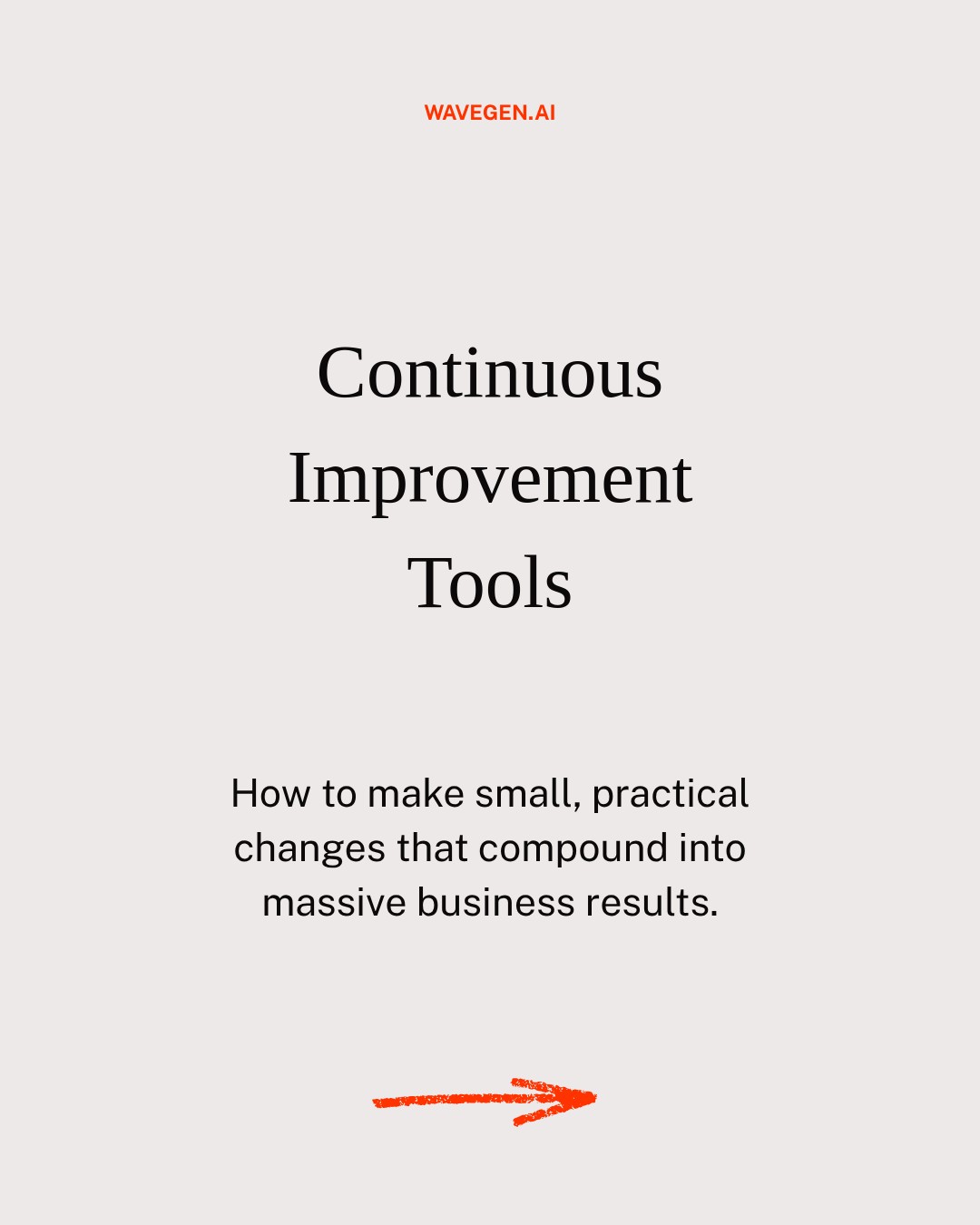
Five-slide carousel
A five-slide 4:5 carousel on continuous-improvement tools
Quote post
4:5

Single-image post
A 4:5 quote post that turns the same theme into one visual
You stay in control
Guidance, not a black box
Website analysis creates an editable starting point, not a locked identity. You can change every field. Brand images guide generation in Auto mode, while an explicitly selected image style takes priority. Template preferences are chosen by you, not inferred from the website.
Frequently asked questions
Straight answers about brand voice & kit.
Build your Brand Kit