Turn Your Blog Posts into Carousel Slides
WaveGen converts any blog URL into Instagram, LinkedIn, and TikTok carousel slides in under 2 minutes. The AI reads the full article, extracts key points, and generates on-brand slides with AI-generated images. Free to start, no credit card required.
Works with any public URL — blog posts, Medium, Substack, newsletters, and more.
Under 2 min
From blog URL to first draft
Up to 20 slides
Per Instagram carousel
4 platforms
Instagram, LinkedIn, TikTok, Pinterest
Free
No credit card required






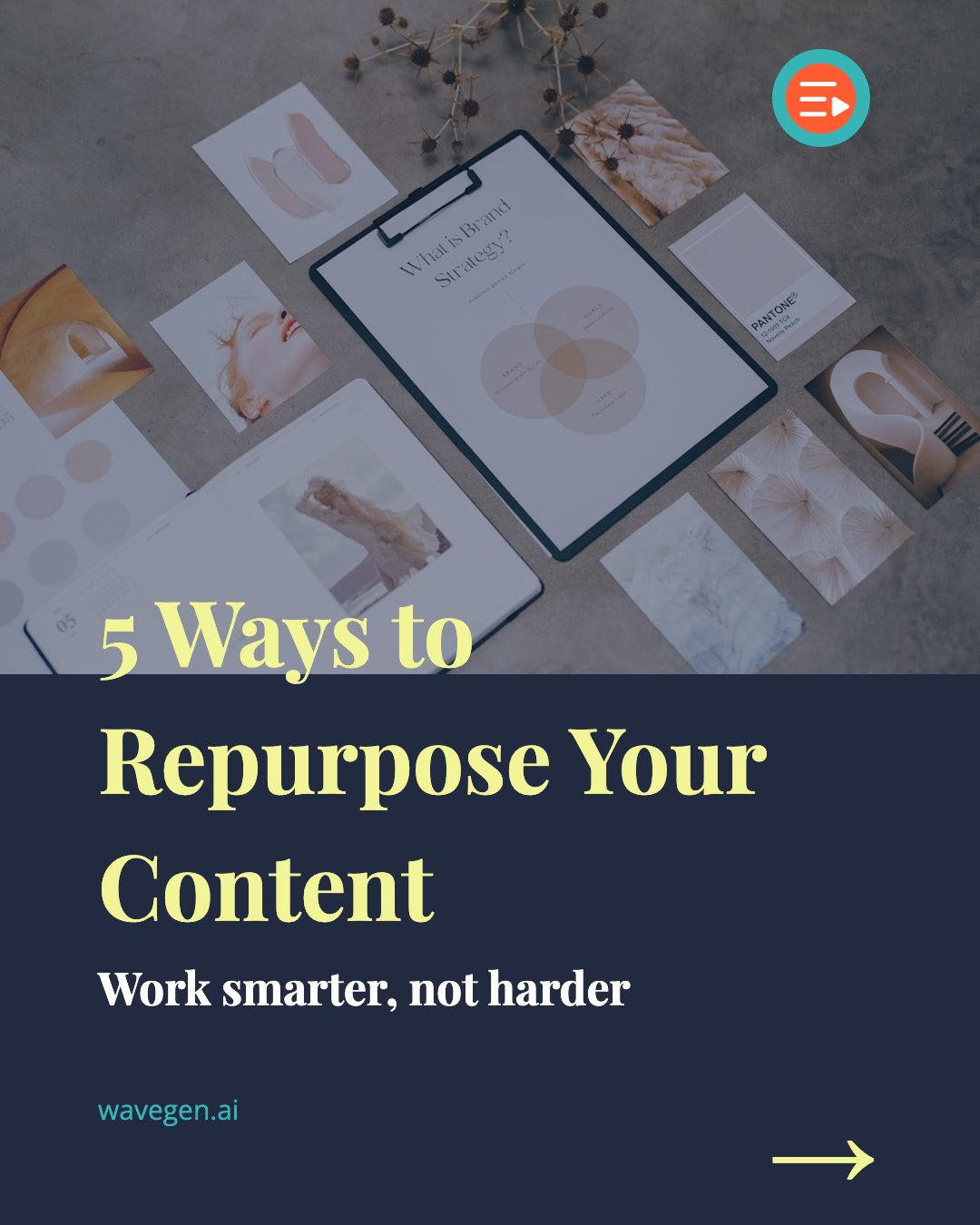

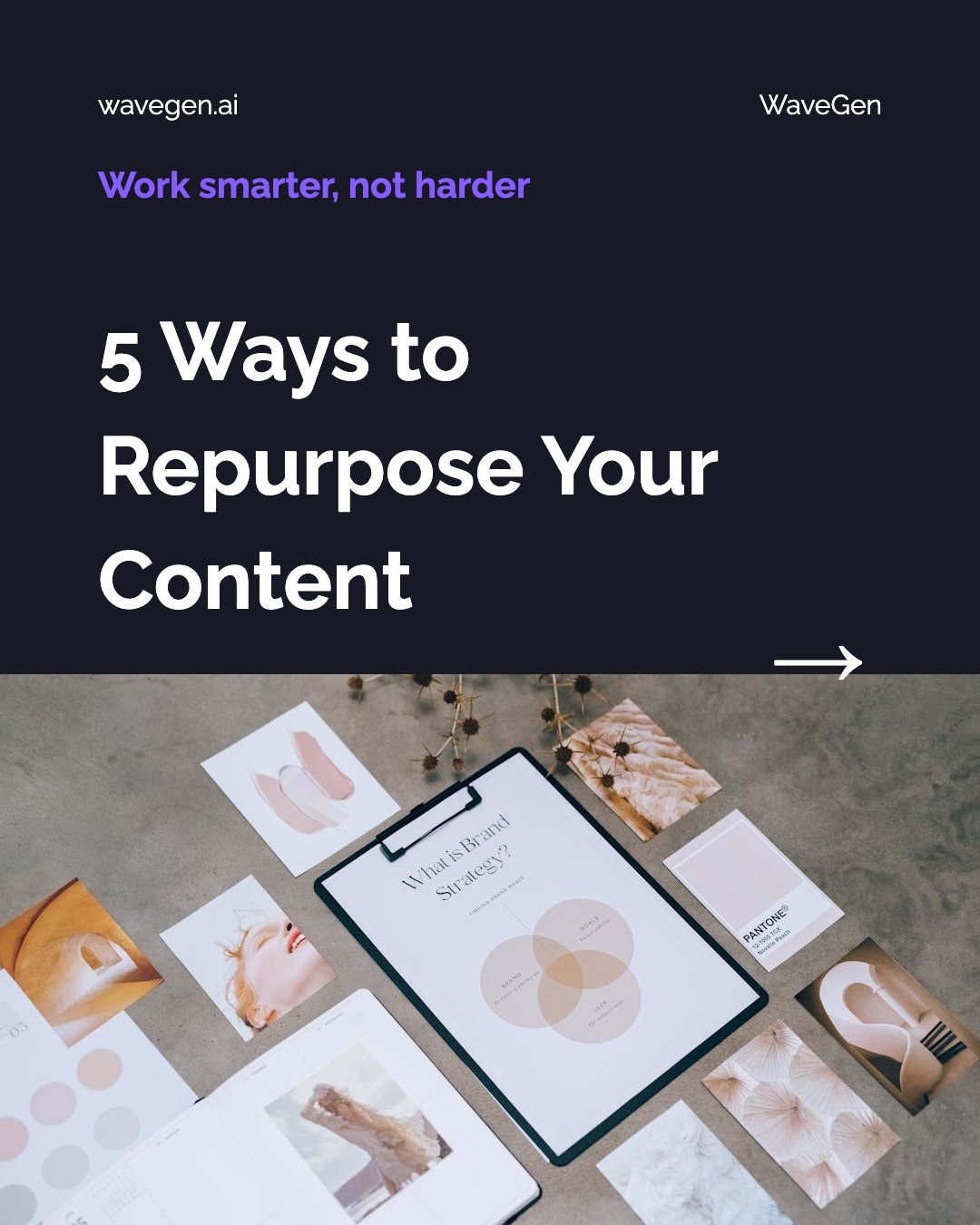
How Do I Turn a Blog Post into a Carousel?
Three steps. No templates to fill, no copy to write, no images to source. WaveGen handles everything from URL to finished slides.
1
Paste Your Blog URL
Copy the link of any blog post, article, or newsletter and paste it into WaveGen. The AI fetches and reads the full page content automatically.
2
AI Extracts Key Points
WaveGen's AI identifies the main arguments, statistics, quotes, and takeaways from your article. It structures them into individual carousel slides with headlines and body text.
3
Get Ready-to-Publish Slides
Each slide gets a relevant AI-generated image, your brand colors and fonts, and proper sizing for Instagram, LinkedIn, TikTok, or Pinterest. Download the set or schedule it directly.
What Can You Convert into Carousel Slides?
WaveGen accepts any publicly accessible URL. If there is text on the page, the AI can turn it into slides. Here are the most popular source types.
Blog Posts
WordPress, Ghost, Webflow, custom CMS — any blog with a public URL.
Articles & News
News sites, industry publications, thought-leadership pieces.
Newsletters
Substack, Beehiiv, ConvertKit, Mailchimp archive links.
Medium Posts
Public Medium articles and friend links. Free and metered content.
Substack Posts
Any public Substack article or newsletter edition.
Any Public URL
Documentation, landing pages, research papers — if it has text, it works.
How Does WaveGen Compare to Buffer, Hootsuite, and SocialBee?
Buffer, Hootsuite, and SocialBee are the schedulers most teams already use. They distribute content you've already made — WaveGen creates the carousel slides and captions from your blog URL, then schedules and publishes them in the same workflow.
| Feature | WaveGen | Buffer | Hootsuite | SocialBee |
|---|---|---|---|---|
| Creates carousel slides from a blog URL | ||||
| AI-generated images and slide design | ||||
| AI-written post text | AI Assistant | OwlyWriter AI | AI Copilot | |
| Schedules and publishes to major platforms | ||||
| Feed-native sizes per platform (IG, LinkedIn PDF, TikTok) | ||||
| Brand kit applied to generated visuals | ||||
| Social inbox and brand monitoring | Comments only | |||
| Evergreen recycling with content categories |
Buffer, Hootsuite, and SocialBee are mature schedulers — Hootsuite adds enterprise-grade monitoring and a unified inbox, and SocialBee's evergreen recycling is best in class. None of them generate carousel slides or images from a blog URL — that is the creation layer WaveGen adds on top of scheduling. Comparison based on publicly available feature lists as of June 2026.
How to Turn a Blog Post into a Carousel with WaveGen
Go from a published blog post to a scheduled carousel in six steps — four core, two optional.
Step 1: Open WaveGen and copy your blog URL
Sign in to WaveGen and copy the URL of the blog post you want to repurpose. It can be your own content or a third-party article you want to share and credit. Any publicly accessible page works — WordPress, Ghost, Webflow, Medium, Substack, or a custom CMS.
Step 2: (Optional) Apply your brand kit
If you've set up a brand kit, select it before generating — your logo, brand colors, fonts, and voice will be applied to every slide automatically. This keeps all your carousels visually consistent, whether you're repurposing one blog post or fifty.
Step 3: Paste the URL and click Generate
Select the URL tab, paste your blog link, and click Generate. The AI fetches the article, analyses its structure, and identifies the strongest talking points — statistics, key arguments, actionable tips, and memorable quotes. Within seconds, it produces a set of carousel slides, each with a headline, supporting text, and a relevant AI-generated image. You can also generate in a different language from the original blog — great for reaching international audiences.
Step 4: Customize in the visual editor
Review the generated slides in WaveGen's built-in editor. Swap images, rewrite headlines, adjust font sizes, reorder or remove slides, or add new ones manually. The editor renders a live preview so you see exactly what your audience will see.
Step 5: (Optional) Add first comment with blog link
Set up a first comment to automatically post the link to your original blog when the carousel goes live. This drives traffic back to your site and gives your audience easy access to the full article — a proven strategy for boosting both engagement and web traffic from social.
Step 6: Download or schedule to social media
When the carousel looks right, choose your publishing path. Download all slides as images for manual posting, export as a PDF for LinkedIn document posts, or schedule the carousel directly to Instagram, LinkedIn, TikTok, Facebook, YouTube, or Pinterest — all from within WaveGen. Pick a date and time, and WaveGen publishes it automatically.
No credit card required. Convert your first blog post in under 2 minutes.
Why Repurpose Blog Content for Social Media?
Writing a blog post takes hours. Repurposing it into social media carousels takes minutes — and the return on that extra effort is enormous.
Multiply your reach without multiplying your work
A single blog post can become 5-10 carousel posts across Instagram, LinkedIn, TikTok, and Pinterest. That is 5-10 opportunities for your audience to discover the same idea in the format they prefer. According to HubSpot, companies that repurpose content generate 3x more leads per piece than those that publish once and move on.
Carousels outperform single-image posts
LinkedIn reports that carousel (document) posts receive 2-3x more engagement than text-only updates. On Instagram, carousels have the highest average engagement rate of any post type — higher than Reels, Stories, or single images. Converting your blog into carousel format puts your content in the highest-performing container on both platforms.
Save 5-10 hours per week on content creation
The traditional approach — read article, outline slides, write headlines, source images, design in Canva, export, upload — takes 45-90 minutes per carousel. WaveGen compresses that to under 2 minutes. For a team posting daily, that is 5-10 hours saved every week that can go back into strategy, community engagement, or creating the next pillar piece.
Extend the lifespan of evergreen content
Blog posts decay in search traffic over time, but social media gives them a second (and third, and fourth) life. Repurposing lets you resurface your best-performing articles months or years later in a fresh format. Each repurposed carousel drives new traffic back to the original blog post, creating a compounding content flywheel.
The bottom line: content repurposing is not about being lazy — it is about being strategic. Every blog post you write already contains multiple social media posts worth of material. The only question is whether you extract that value or leave it locked in a single format. Tools like AI content repurposing platforms make the extraction automatic. A dedicated carousel maker like WaveGen handles the design layer. And built-in scheduling means you can queue a week of content in one sitting using the AI carousel generator. Want to automate the writing half too? See our step-by-step guide to automating content marketing with Claude — from draft to published post to social distribution.
Can I Turn an Article into Instagram Slides?
Yes — and Instagram carousels are one of the highest-engagement formats on the platform. Here is why converting articles into Instagram carousel slides works so well.
Instagram carousels allow up to 20 slides per post, and the algorithm re-shows carousels to followers who did not swipe the first time — effectively giving you multiple bites at the engagement apple. When you convert a blog post into Instagram carousel slides with WaveGen, the AI automatically sizes each slide to 1080x1350 pixels (the optimal portrait ratio for Instagram feed), adds a swipe-worthy hook on the first slide, and distributes your article's key points across the remaining slides.
The same principle applies to LinkedIn. LinkedIn carousel (document) posts are uploaded as PDFs that followers swipe through. They consistently outperform text-only posts in impressions and engagement. WaveGen can export your blog-sourced carousel as both Instagram images and a LinkedIn PDF from the same project — so you repurpose once and publish to both platforms.
For TikTok, the photo carousel format (sometimes called "slideshow" or "photo mode") has emerged as a powerful alternative to short video. TikTok carousels appear in the For You feed alongside videos and benefit from the same recommendation algorithm. WaveGen exports slides at 1080x1920 for TikTok's vertical format, so your repurposed blog content fits natively on every major social platform.
Blog to Carousel FAQs
Turn Your Next Blog Post into a Carousel
You already spent hours writing the article. Let WaveGen turn it into a week of social media content in under two minutes. Paste a URL, generate carousel slides, and schedule them across every platform — all in one place.
Free to start. No credit card required.