October 1, 2026
15 min read
7 Brand Identity Kit Examples to Adapt
Explore 7 brand identity kit examples from leading platforms, with practical lessons on colors, fonts, logos, voice, templates, and governance.
A brand identity kit isn't a logo, two colors, and a font pair saved in a folder. That advice produces attractive fragments, not a usable brand system. The stronger question is whether a kit tells people what to use, how to use it, where to find it, and what must stay controlled.
I evaluate brand identity kit examples against five practical requirements: visual rules, voice guidance, asset access, template behavior, and governance. A good system helps a designer make informed choices. A great one helps a non-designer produce approved work without creating a review bottleneck.
The examples below move from full living guideline systems to fast, creator-friendly production kits. Each one solves a different operational problem, so the useful takeaway isn't to copy its visual style. It's to identify the components and workflow your own team can repeat. A consistent kit can also support tools such as WaveGen.ai when you turn source content into on-brand social assets, as this FLYP LTD guide to brand identity also frames brand identity as a working system rather than a collection of isolated visuals.
Table of Contents
- 1. Frontify
- 2. Corebook°
- 3. Brandpad
- 4. Canva Brand Kit
- 5. Adobe Express Brand Kit
- 6. Marq
- 7. Visme
- Top 7 Brand Identity Kit Comparison
- Turn Inspiration Into a Working Brand System
1. Frontify
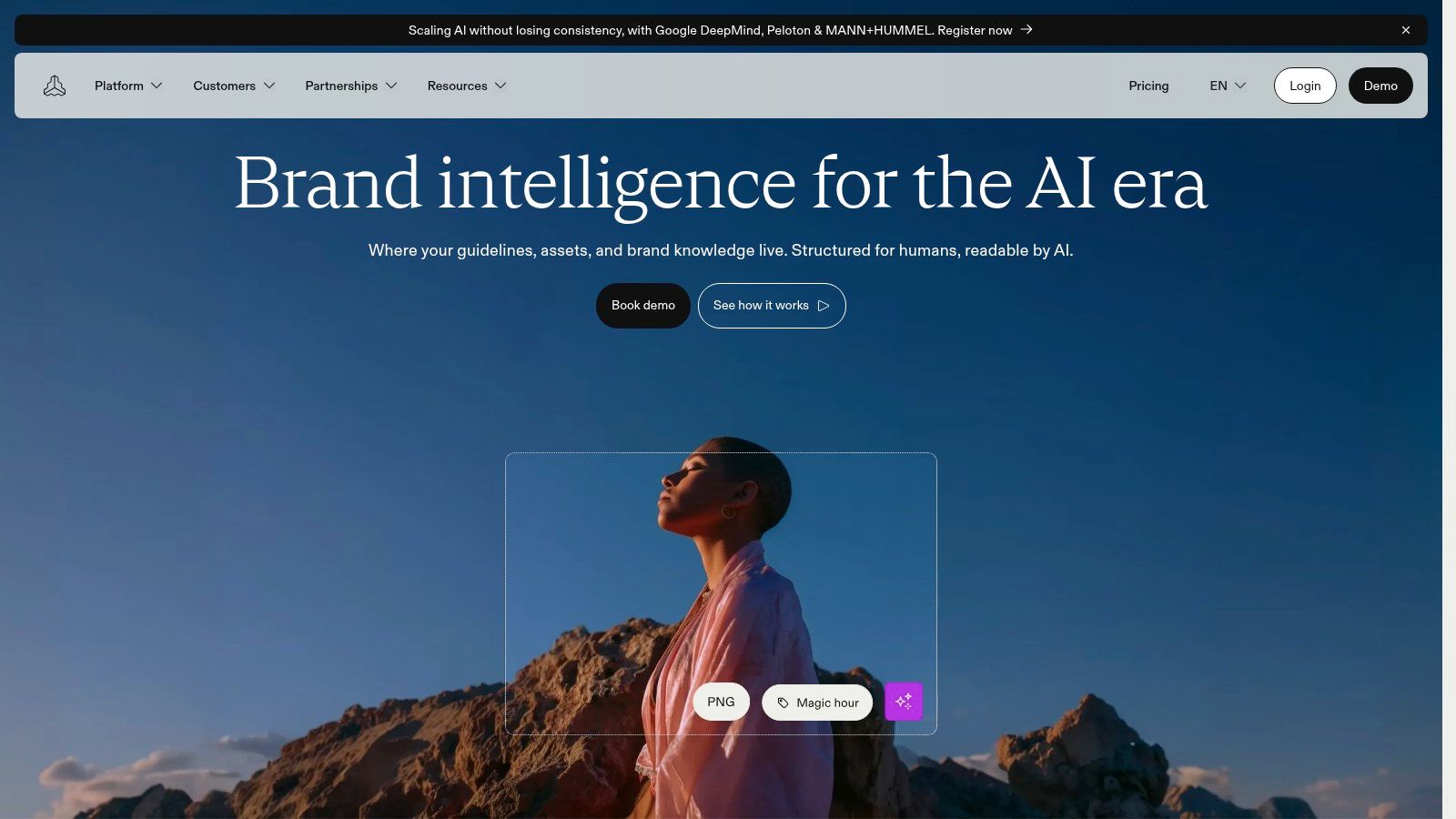
Frontify is the strongest reference point when a brand identity kit needs to operate as a living system rather than a static document. Its online guidelines can combine voice, color, motion, usage examples, and do and don't rules in navigable pages. That structure matters for organizations with several brands, regions, departments, or external partners.
The connected asset library is equally important. Teams can organize logos, icons, photography, and other media in a centralized DAM, then distribute collections or public links without sending outdated attachments around. Governance and access controls help brand owners decide who can edit, view, or share specific materials.
What to adapt from the system
Frontify's best lesson isn't its interface. It's the separation between rules, assets, and permissions. A consultant building a smaller kit can reproduce that logic with a searchable guideline page, a clearly named asset folder, and a simple approval owner.
- Living guidance: Write rules as short, searchable instructions instead of burying them in a PDF.
- Asset governance: Store approved logos, images, and templates alongside the rule that explains their use.
- Partner access: Create an external handoff area with only the files collaborators need.
- Examples in context: Show the correct application on a social post, landing page, presentation, or video frame.
Frontify is a sensible choice when brand safety and scale outweigh simplicity. It offers many real-world examples through its customer showcase, and its controls are useful when several contributors produce work across markets. The trade-off is practical: pricing is sales-led and typically enterprise-oriented, so a solo creator or small business may spend more time evaluating the platform than using it.
Practical rule: If your team keeps asking which file is current, your problem is asset governance, not color selection.
For smaller content teams, a lighter tool may be enough. The underlying workflow can still feed brand consistency software, provided the kit defines approved assets and voice clearly enough for repeatable production.
2. Corebook°
Corebook° treats the online brand book as the product. That focus suits agencies and brand teams that need a polished, interactive guideline destination without adopting a full digital asset management environment.
Its builder combines customizable navigation, asset libraries, and public or private sharing. Pages can cover logo rules, typography, color, imagery, voice, and applications, with updates published online instead of trapped in a static PDF. Enterprise options add controlled access, including private and SSO-based sharing. A Figma plugin also helps teams move design work into documented guidance.
The platform's Brand Stories area offers a useful reference point for information architecture. The transferable workflow is straightforward: state the brand idea, define the visual ingredients, then show how the system works through applications, restrictions, and examples. This sequence helps a reader understand not only what to use, but why and where.
The system problem Corebook° solves
Corebook° sits between a PDF handoff and a full brand-management suite. Its strongest use case is an agency engagement where the guideline itself needs to feel like a finished client deliverable, while remaining editable after a campaign, rebrand, or template revision.
Build the kit around three audiences:
- Client stakeholders: Give them the brand rationale, core decisions, and enough context to approve work confidently.
- Creators and vendors: Provide downloadable assets, usage rules, and examples that answer production questions quickly.
- Internal designers: Document the system's logic well enough for them to extend it without creating competing conventions.
For an agency, the repeatable workflow is to publish the core system first, test it against real deliverables, then revise the pages where users hesitate. That turns feedback into guideline maintenance rather than another round of ad hoc explanations.
The trade-off is access and discoverability. Customer examples may remain private, enterprise quoting can require a sales conversation, and smaller teams may find the added structure unnecessary. Corebook° fits when the guideline experience is central to the engagement. If the immediate risk is contributors editing the wrong part of a locked production template, choose a production-focused platform instead.
A polished online brand book should reduce questions, not simply make the questions look better.
3. Brandpad
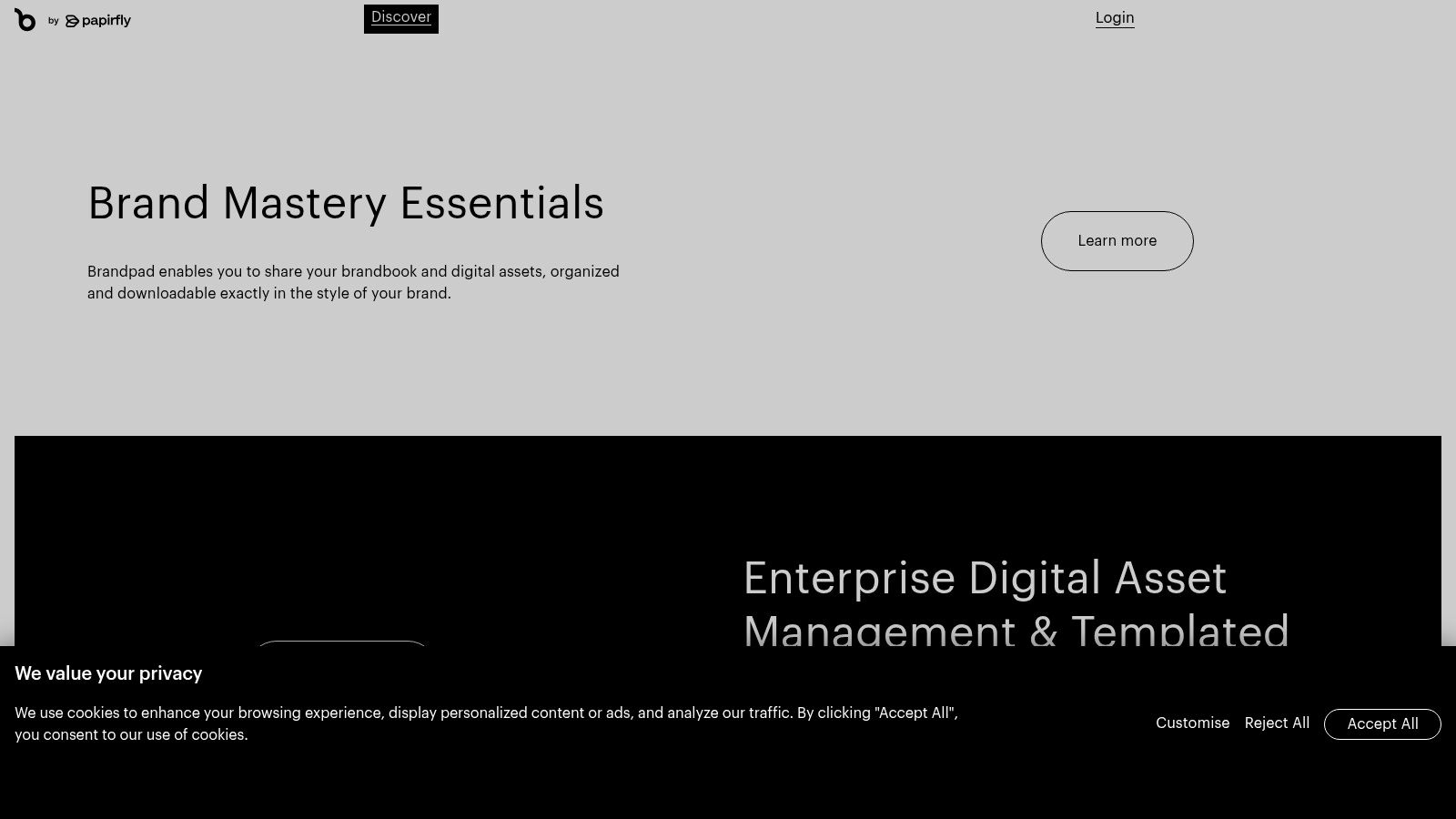
Brandpad addresses a practical brand-system problem: turning approved assets and rules into a polished, shareable guideline without a long publishing process. Its design-focused editor includes sections for logos, colors, typography, and downloadable assets, while prebuilt templates give teams a usable structure from the start.
That structure matters for small teams and agencies. They may know which files exist but lack the time or expertise to design an information architecture for the guide. Brandpad provides a presentable framework, so the team can focus on deciding what users need to find and apply.
Build the kit around retrieval
The strongest component to copy is the connection between reference content and downloads. A contributor should read the logo rule and retrieve the approved file on the same page. Separating those actions across a guideline and a shared drive creates avoidable questions and version risk.
A practical kit can organize the system like this:
- Logo section: Primary, secondary, light, dark, and icon versions, each paired with a concise usage note.
- Color section: Swatches, names, digital values, print values where needed, and accessibility guidance.
- Typography section: Heading and body roles, weights, fallback fonts, and examples in real layouts.
- Imagery section: Photography characteristics, illustration behavior, and examples to avoid.
- Downloads area: Clearly named files in formats suited to web, print, social, and presentations.
Brandpad's publishing workflow supports public or private distribution. That makes it practical for an agency handing over a client guide or a small company giving freelancers clear instructions.
The trade-off is governance. Brandpad is not a full DAM, so teams managing large media libraries, complex permissions, or extensive version histories may need a separate asset-management system. Its value is narrower and clearer: a visually consistent guideline hub that makes approved decisions easy to understand and retrieve.
Choose it when speed, presentation, and straightforward publishing matter more than enterprise-level asset control. A locked production-template problem requires a different platform.
4. Canva Brand Kit
Canva Brand Kit addresses a practical production problem: helping non-designers apply a brand without constant designer involvement. Logos, colors, fonts, and templates live alongside the tools for creating social posts, documents, videos, and presentations. That connection turns brand rules into repeatable production choices.
Canva can generate a preliminary kit from a website or uploaded file, identifying core identity elements for review. Use that extraction to save setup time, then correct hierarchy, voice, imagery, and exceptions manually. Automated detection can find ingredients, but it cannot decide how the system should behave.
The strongest Canva workflow treats templates as tests of the identity. Build a carousel, event graphic, document, and short video, then inspect what fails. A heading font may become difficult to read at small sizes. An accent color may dominate a text-heavy layout. Those failures point to missing rules or templates, not merely design preferences.
Canva fits teams that need:
- Repeatable self-service production: Contributors start from approved layouts instead of blank pages.
- Cross-format consistency: The same kit supports social content, documents, video, and presentations.
- Fast access to approved assets: Users select configured elements inside the creation workflow.
- Human-reviewed AI assistance: Brand settings can guide generated designs, while a responsible reviewer checks the output.
Set up the kit around decisions, not just files. Define which templates suit each channel, identify elements contributors may edit, and specify when a designer must review the result. A short guide to creating a brand kit can support this process by focusing on identity elements configured for use rather than documentation alone.
Governance remains Canva's main limitation. Advanced controls are aimed at Business and Enterprise tiers, and expanded brand features may require paid plans. Organizations with strict regional permissions or complex approval paths may need a platform with deeper administration.
For a small team, use a simple test: can a contributor produce a competent asset without asking a designer? If not, improve the template or clarify the rule. Canva's value lies in making that gap visible during everyday production.
5. Adobe Express Brand Kit
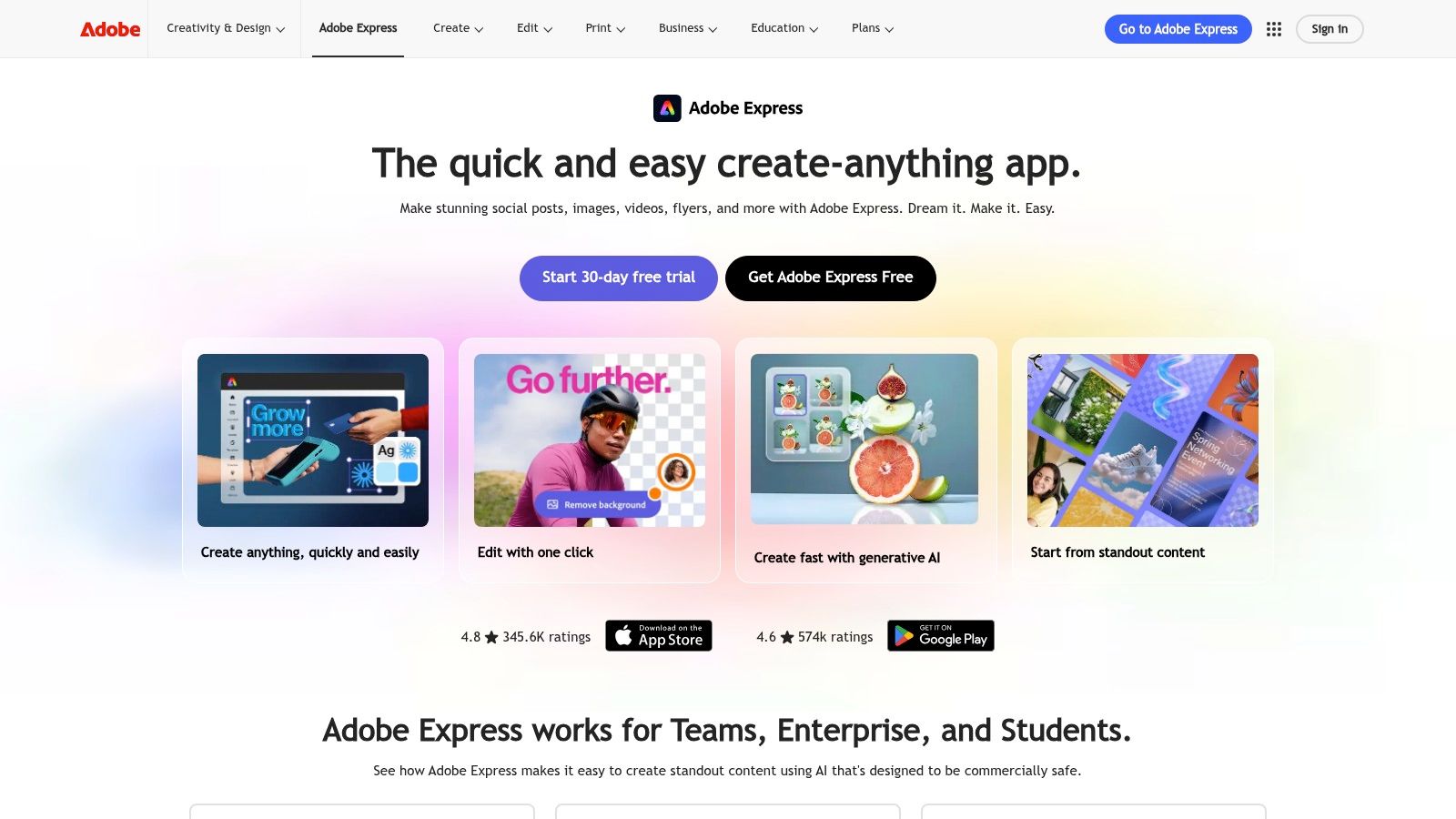
Adobe Express solves a handoff problem: a designer defines the identity, then marketers, regional teams, and other non-specialists produce approved content without opening full Adobe applications. It can extract assets from existing files and carry colors and fonts into templates for social, short video, and print.
That makes the kit a working distribution layer rather than a static brand book. Role-based visibility can show particular kits and libraries to the departments or regions that use them. The trade-off is that contributors still need clear rules for decisions the platform cannot settle, such as voice, imagery, and exceptions.
Design the handoff before loading the kit
Start with a clean asset base. Remove obsolete logos and duplicate files, then organize templates by purpose, channel, audience, or region. Mark which elements contributors may change and protect the logo position, type hierarchy, or legal wording where variation creates risk.
Define the fallback rule too. If a brand font or image treatment is unavailable, contributors need an approved substitute rather than an improvised one. Set the review boundary in the same workflow: some assets can publish directly, while others require design approval.
Adobe Express is a practical choice for content-heavy organizations that need quick on-brand autofill across social, video, and print. Paid tiers contain the richest governance features and AI credits, and the interface differs from professional Adobe applications. A Creative Cloud expert should not assume that every Express user understands the same workflow.
The explanation of what a brand kit is helps separate reusable identity inputs from the broader rulebook. Adobe Express distributes those inputs efficiently, while the team supplies concise guidance for the decisions templates cannot lock.
6. Marq
Marq, formerly Lucidpress, addresses a specific production problem: contributors need to create branded materials without changing protected elements. Its core strength is template locking at project, page, and object levels. The result is a controlled content workflow rather than a traditional guideline site.
The production flow is straightforward. A designer can import existing InDesign layouts and convert them into locked templates. Sales teams, franchise locations, field marketers, and regional offices then edit approved areas while logos, typography, and other fixed elements stay in place. Its web-to-print storefront also suits multi-location businesses that need local production without local redesign.
What template locking changes in production
A guideline explains the rule. A locked template builds the rule into the file. That distinction matters when contributors work under time pressure or produce materials repeatedly.
Marq fits workflows such as:
- Local marketing materials: Locations can change addresses, offers, or contact details inside approved layouts.
- Sales collateral: Representatives can personalize content without moving logos or changing core typography.
- Print-ready assets: Teams can use web-to-print workflows without sending every job to a central designer.
- Repeated campaign formats: A template gallery keeps logo, color, and font choices consistent across recurring outputs.
The main trade-off is limited exploration. Marq does not provide the same living brand-book experience for explaining brand meaning, voice, or the reasoning behind the system. It enforces decisions during production, so teams developing new creative may need a separate guideline platform.
Use workflow risk to evaluate the fit. Clear pricing tiers and a license calculator support planning, but the stronger question is whether contributors repeatedly alter protected elements. If they do, locking can prevent more errors than adding another page of instructions. Pair Marq with a broader guideline system when contributors must understand the brand and create new directions.
7. Visme
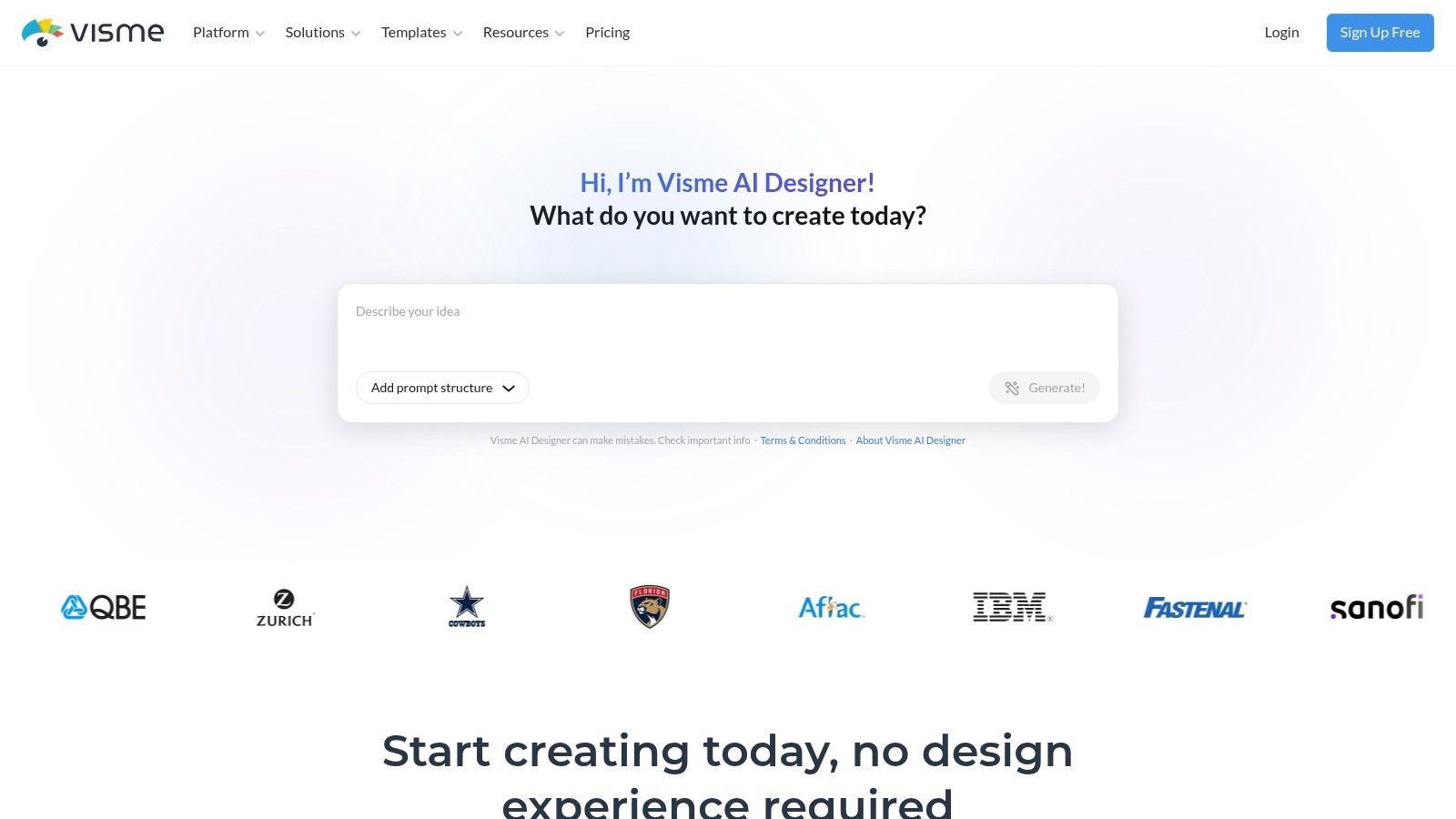
Visme is most useful when a brand needs a working guide quickly, not a full governance portal. Its Brand Kit stores logos, colors, fonts, and template controls, while brand guideline templates turn those assets into an editable document. The result gives consultants, coaches, and small marketing teams a practical starting system without commissioning a large digital brand platform.
The value is the connection between rules and production. A creator can define approved assets, then apply them across presentations, social graphics, reports, and other visual materials. Comments, collaboration features, and multi-format export also support review with distributed contributors.
Build the kit around decisions
Visme's template gallery can make the guideline itself too elaborate. Keep the document operational. Someone should be able to select the correct logo, write in the brand voice, and produce a consistent asset without interpreting decorative pages.
Start by documenting decisions such as:
- Which logo variation works on dark and light backgrounds?
- Which colors are primary, supporting, or reserved for emphasis?
- Which typefaces serve headings, body copy, captions, and fallback use?
- What visual qualities should photography, illustration, and icons share?
- Which phrases, claims, punctuation choices, and tone patterns fit the brand?
- Which templates are approved, and which elements can contributors edit?
Visme is easier to adopt than an enterprise brand-management suite, but its governance is lighter. Full Brand Kit and team functionality require a paid plan. That trade-off suits small teams that prioritize speed and presentation quality. It becomes limiting when a growing organization needs complex permissions, extensive asset libraries, or strict production controls.
Use Visme for an editable, centralized guide that connects identity rules with repeatable content creation. Keep the first version concise, link to downloadable assets, and assign an owner for updates. Without that ownership, even a polished guide can become an attractive snapshot of an outdated identity.
Top 7 Brand Identity Kit Comparison
| Product | 🔄 Implementation complexity | ⚡ Resource & cost | 📊 Expected outcomes (⭐) | 💡 Ideal use cases | ⭐ Key advantages |
|---|---|---|---|---|---|
| Frontify | High, enterprise governance & DAM setup 🔄 | High, sales-led pricing, dedicated admin resources ⚡ | ⭐⭐⭐⭐⭐, scalable, enterprise-grade brand consistency 📊 | Large multi-brand orgs, external partner control | Comprehensive DAM + living guidelines, multilingual, strict access controls |
| Corebook° | Moderate, purpose-built brand book with integrations 🔄 | Mid, mid-market pricing; fewer DAM overheads ⚡ | ⭐⭐⭐⭐, modern, maintainable online guidelines 📊 | Agencies & mid-size brands needing online brand books (no full DAM) | Modular guideline builder, Figma plugin, focused UX |
| Brandpad | Low, template-driven editor, fast publishing 🔄 | Low, lightweight product; not a DAM ⚡ | ⭐⭐⭐⭐, attractive, ready-made guideline sites 📊 | Teams wanting quick, design-forward guideline templates | Professionally designed templates, simple editor, one-click publish |
| Canva Brand Kit | Low, auto-create kits and immediate use 🔄 | Low, free/Pro tiers; paid for advanced governance ⚡ | ⭐⭐⭐⭐, rapid visualization across thousands of templates 📊 | Small teams and non-designers needing fast, visual kits | Huge template library, AI-assisted design, very low learning curve |
| Adobe Express Brand Kit | Low–Moderate, quick setup, integrates with Creative Cloud 🔄 | Mid, included/extended via Adobe subscriptions ⚡ | ⭐⭐⭐⭐, balanced speed and control for Adobe users 📊 | Organizations in Adobe ecosystem, distributed teams | Role-based visibility, template autofill, strong Adobe integration |
| Marq (formerly Lucidpress) | Moderate–High, template locking and production workflows 🔄 | Mid, clear pricing tiers and license options ⚡ | ⭐⭐⭐⭐, strict enforcement of brand rules in outputs 📊 | Distributed sales/field teams needing locked templates | Deep template locking, InDesign import, web-to-print storefronts |
| Visme | Low, template-based assembly, quick edits 🔄 | Low–Mid, paid plans for full Brand Kit & teams ⚡ | ⭐⭐⭐⭐, fast path to presentable, editable guidelines 📊 | SMBs and creators wanting quick, editable guideline docs | Brand guideline templates, collaboration, easy exports |
Turn Inspiration Into a Working Brand System
The best choice depends on the failure you need to prevent. Frontify suits governed, living systems where guidelines, assets, and access controls must work together. Corebook° and Brandpad fit teams that want polished online guidelines without adopting a full enterprise DAM. Canva and Visme make brand application accessible to non-designers, while Adobe Express is a natural option for organizations connected to Creative Cloud. Marq is the specialist choice when locked production templates matter more than guideline exploration.
Don't choose a platform because its showcase pages look attractive. Choose it based on who creates content, who approves it, how often assets change, and whether users need freedom or constraints. A solo consultant may need a clear kit and a few editable templates. An agency may need client-facing guidelines, downloads, and controlled handoff. A distributed organization may need permissions, version control, and locked layouts.
Your first working kit should include:
- Logo usage: Approved variations, clear space, minimum size, backgrounds, and prohibited treatments.
- Color tokens: Primary, secondary, accent, and neutral colors with the values your channels require.
- Typography hierarchy: Heading, body, caption, and fallback font roles with practical examples.
- Imagery direction: Photography, illustration, icon, texture, and graphic treatments that fit the identity.
- Voice rules: A short description of personality, tone shifts by context, vocabulary preferences, and sample copy.
- Dos and don'ts: Visual and verbal examples that remove common ambiguity.
- Downloadable assets: Clearly named files in the formats collaborators use.
- Template permissions: What users can edit, what stays locked, and which outputs require approval.
A kit becomes more valuable when it enters the production workflow. Saved colors, fonts, logo files, voice rules, and template preferences can guide repeatable content distribution, including social carousels and other assets created from a single article, newsletter, podcast script, or video transcript. WaveGen.ai can use a configured Brand Kit as an input for on-brand social content, so the identity system doesn't stop at documentation.
Start with the lightest system that matches your governance needs. Add a DAM when asset sprawl becomes the problem. Add locked templates when users keep breaking layouts. Add deeper voice and messaging guidance when visual consistency is no longer enough. The strongest brand identity kit examples aren't the longest. They're the ones people can find, understand, and apply without guessing.
WaveGen.ai turns a single article, newsletter, podcast script, or YouTube transcript into on-brand carousels, short videos, quote cards, and captions with platform-specific formatting. Set your colors, fonts, logo, and voice once, then edit and publish the resulting content across major social channels by visiting WaveGen.ai.
brand identity kit examples
brand guidelines
brand templates
visual identity
brand management
Turn this kind of writing into a week of social content.
Paste a blog post, newsletter, or rough draft — WaveGen turns it into publish-ready carousels, captions, and slideshows for every channel.
No credit card · First posts in 2min