Turn Your Newsletter into Social Media Posts
WaveGen turns one newsletter into branded carousels, captions, and quote cards for LinkedIn, Instagram, TikTok, Facebook, YouTube, and Pinterest in under 2 minutes. Paste any Substack, Beehiiv, ConvertKit, or Mailchimp URL and the AI generates platform-tailored posts ready to schedule. Free to start, no credit card required.
No credit card required. See your first posts in under 2 minutes.
Under 2 min
From newsletter to multi-platform posts
6 platforms
LinkedIn, IG, TikTok, Facebook, YouTube, Pinterest
3 formats
Carousels, captions, quote cards
Free
No credit card required




How It Works
Three steps to turn any newsletter into a week of social media content.
Step 1: Paste Newsletter or URL
Copy your newsletter text directly into the input box or paste the public web archive link. WaveGen accepts content from Substack, Mailchimp, ConvertKit, Beehiiv, Ghost, and any newsletter platform with a shareable URL.
Step 2: (Optional) Apply Your Brand Kit
Select your brand kit before generating — your logo, colors, fonts, and brand voice are applied to every slide and caption automatically. Available on all plans, including free.
Step 3: Click Generate
WaveGen's AI reads the full newsletter, identifies the strongest ideas, statistics, and quotable moments, then produces carousel slides, Reels, and captions. You can also generate in a different language from the original newsletter.
Step 4: Customize & Edit
Review slides in the visual editor. Swap images, rewrite text, reorder slides, or add new ones. Everything is fully editable.
Step 5: (Optional) Add First Comment
Set up a first comment to auto-post a link to your newsletter when the post goes live — driving subscribers back to your archive and boosting web traffic.
Step 6: Schedule or Download
Schedule posts directly to LinkedIn, Instagram, TikTok, Facebook, YouTube, and Pinterest — or download slides as images and PDFs.
What You Get from One Newsletter
One newsletter edition becomes a full content library — no design tools or copywriters needed.
Carousel Slides
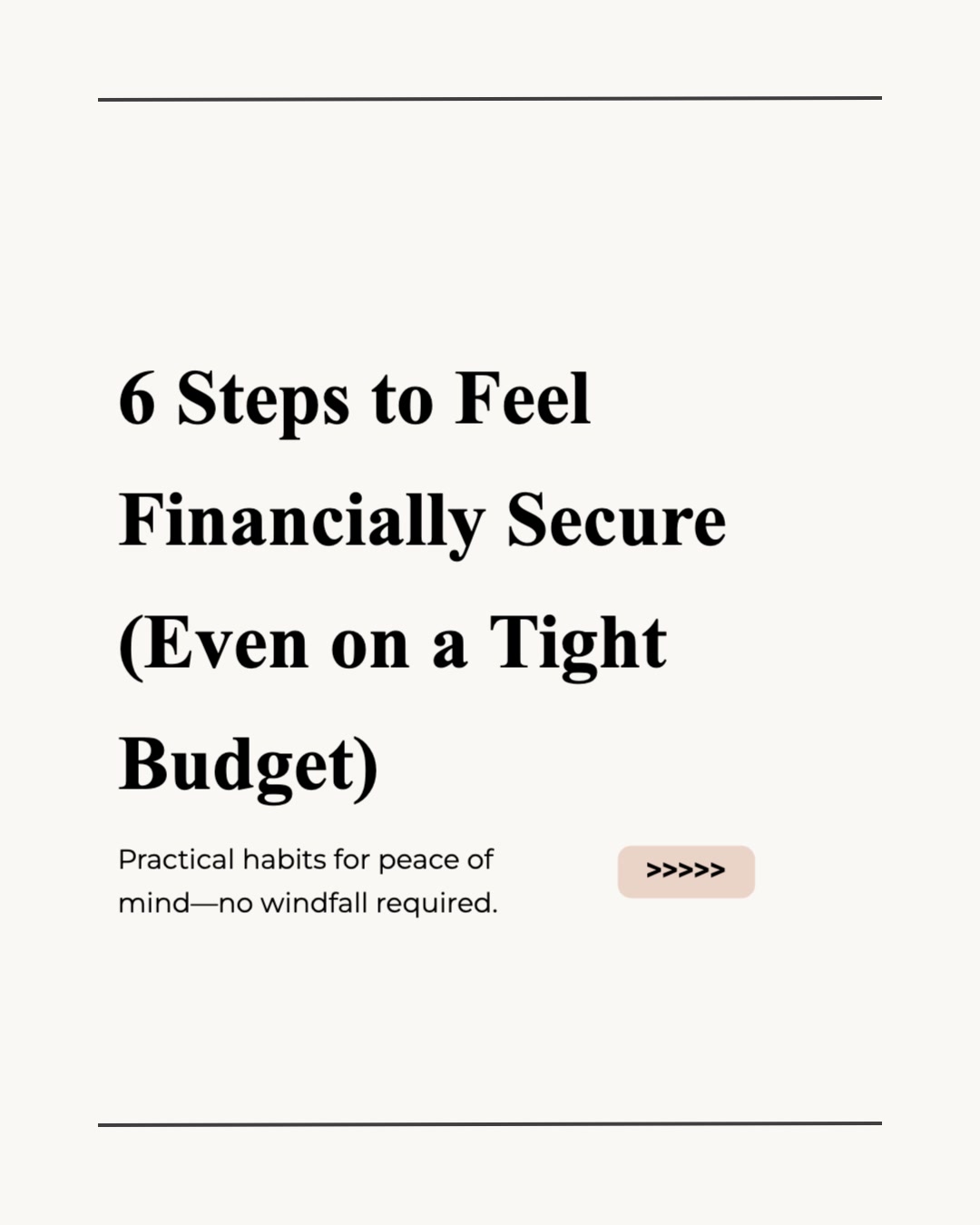
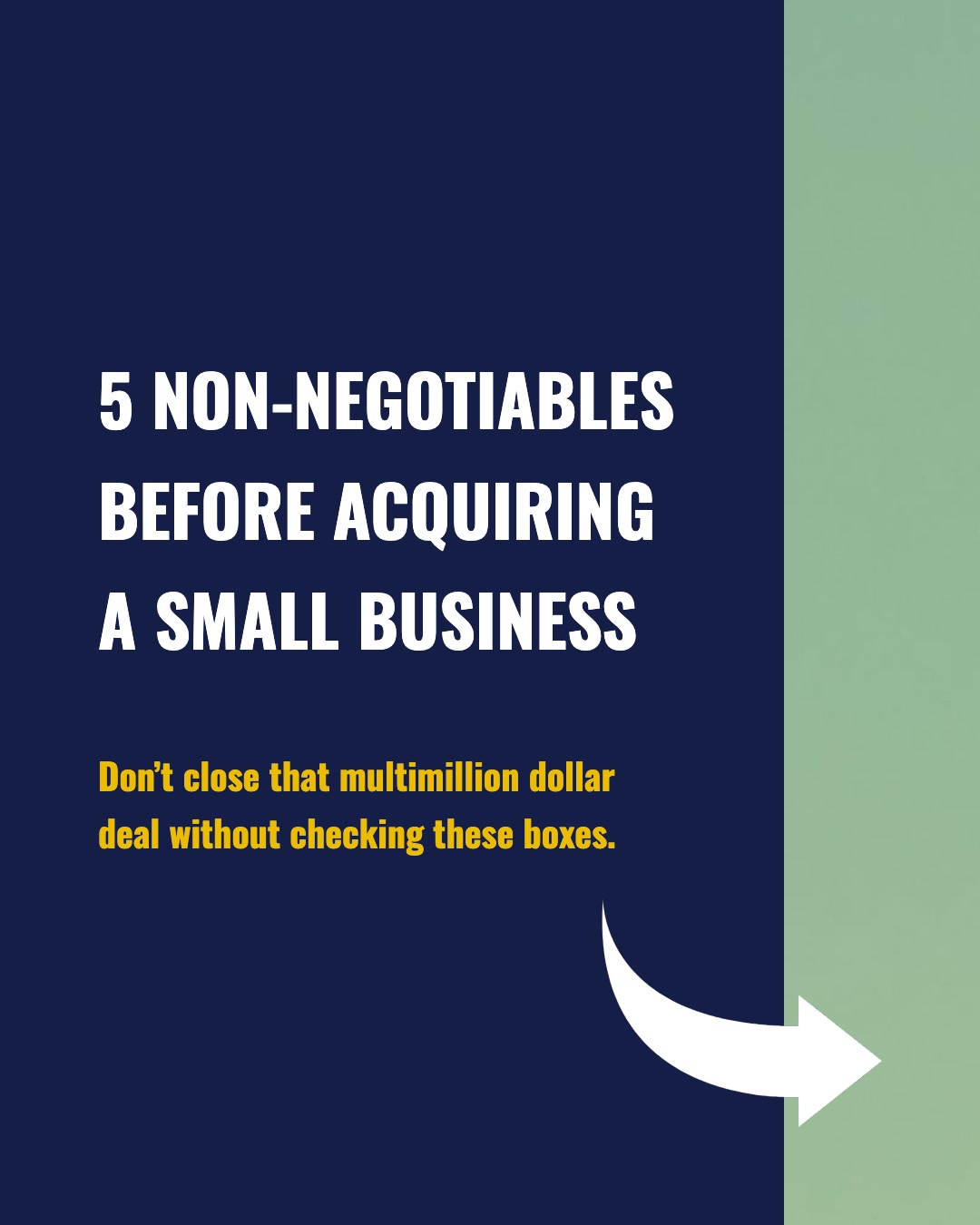
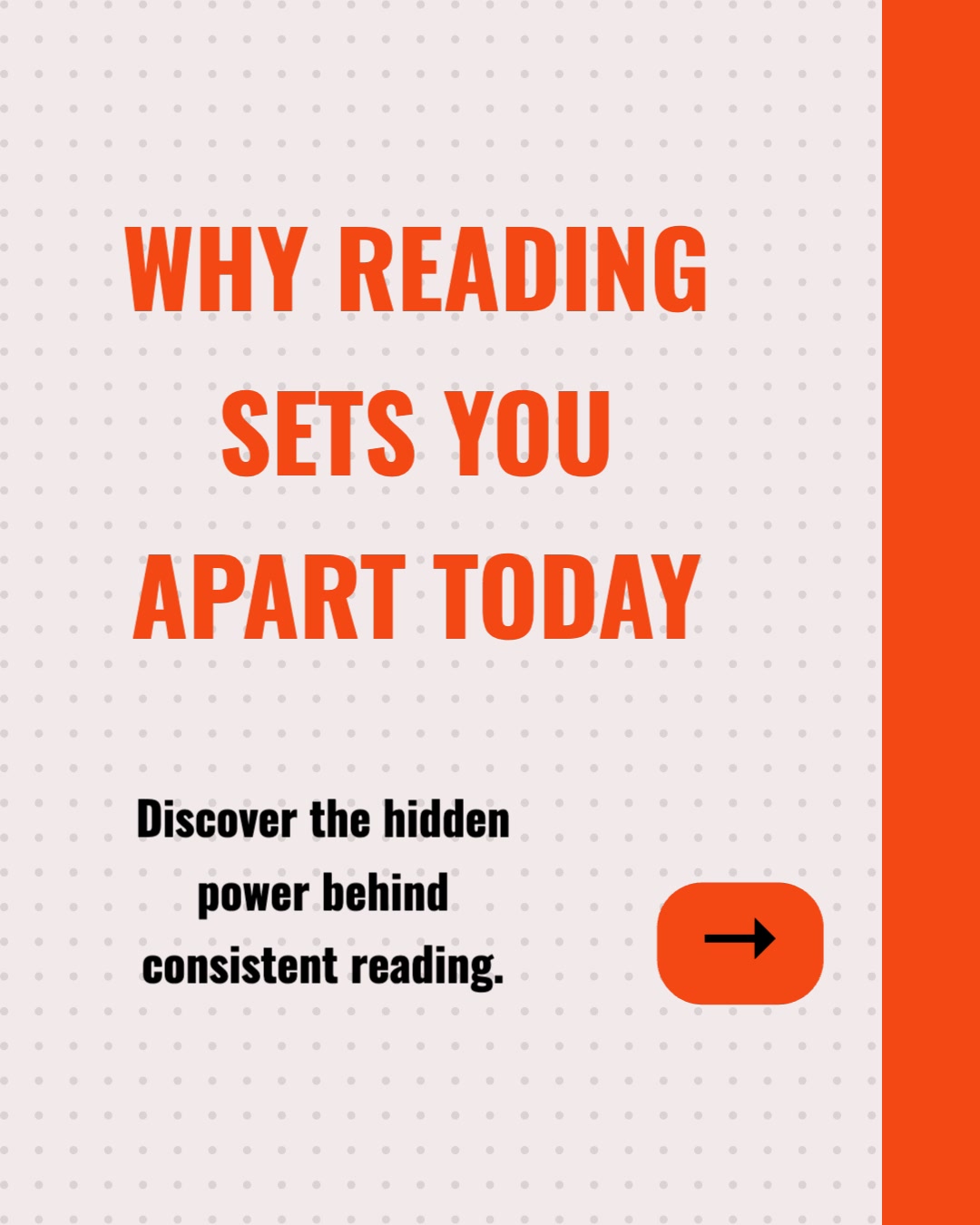
Branded, multi-slide carousel posts sized for LinkedIn (PDF), Instagram (1080 x 1080), and TikTok (1080 x 1920). Each slide has a clear headline, supporting text, and your brand colours and fonts.
Platform Captions
AI-written captions tailored to each platform's tone and character limits — professional for LinkedIn, conversational for Instagram, hook-driven for TikTok. Hashtags and CTAs included.
Short-Form Videos
Turn your newsletter into silent animated slideshow videos for Reels and TikTok, using relevant source or compatible generated visuals with transitions, music, and on-screen captions. One newsletter, multiple short videos.
Quote Cards
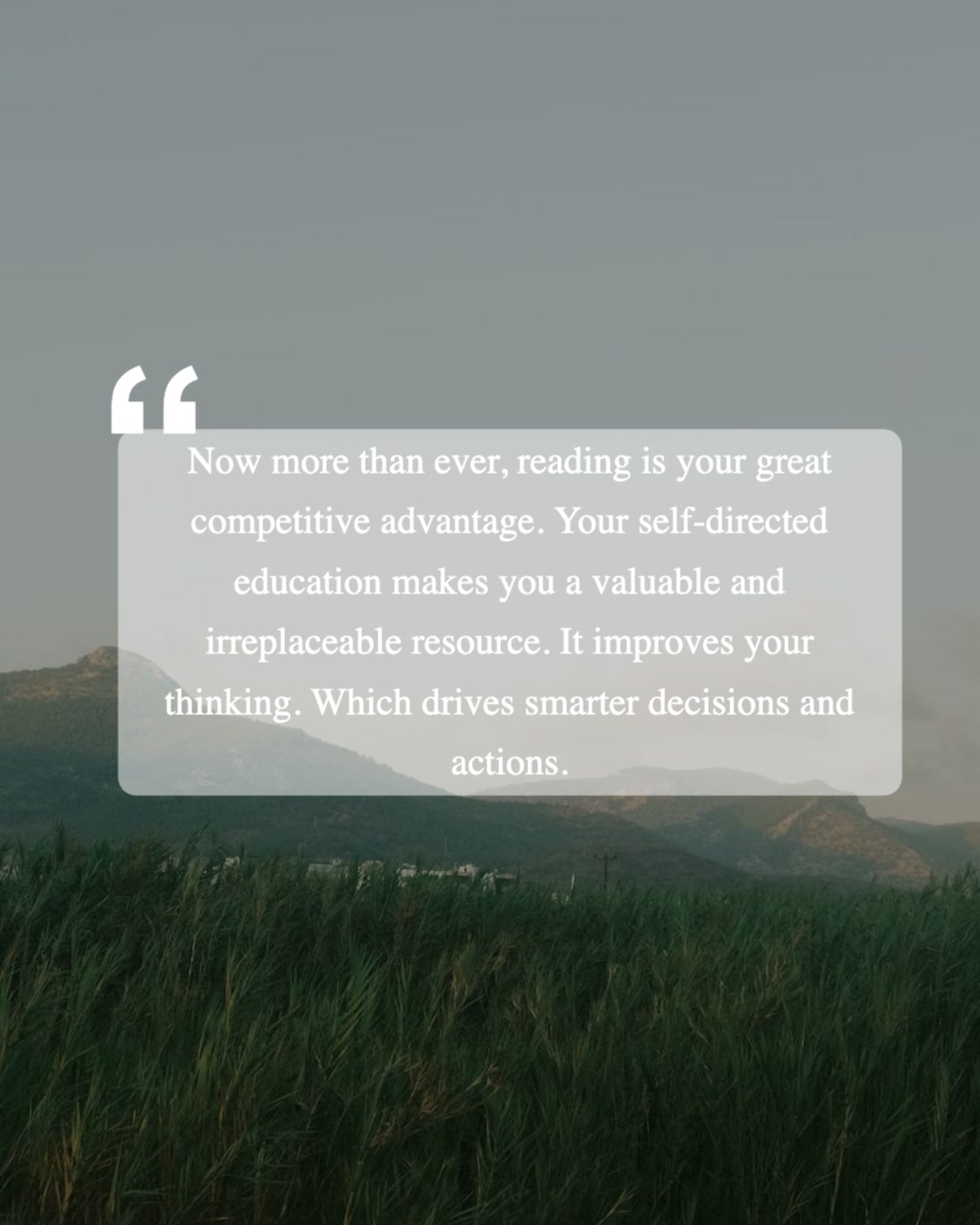
Standalone quote-card images pulled from the strongest lines of your newsletter. Great for Instagram Stories, LinkedIn single-image posts, and Twitter.
Multiple Formats
From a single newsletter issue you get carousels, Reels, quote cards, and captions — each with their own angle. Cover different sub-topics to keep your feed varied all week.
Newsletter Repurposing Tools Compared
How does WaveGen stack up against Buffer, Hootsuite, and SocialBee — the schedulers most teams already use? Here is a fair, feature-by-feature comparison.
| Feature | WaveGen | Buffer | Hootsuite | SocialBee |
|---|---|---|---|---|
| Turns a newsletter into carousel slides | ||||
| AI-generated images and quote cards | ||||
| AI-written captions | ||||
| Built-in scheduling | ||||
| Multi-platform publishing | ||||
| Platform-native carousel sizing (IG, LinkedIn PDF, TikTok) | ||||
| Brand kit applied to generated visuals | ||||
| Brand monitoring and social listening | ||||
| Evergreen content recycling |
Buffer, Hootsuite, and SocialBee are excellent at distributing content you've already made — Buffer is the lightest way to schedule across platforms, Hootsuite adds enterprise-grade monitoring and a unified inbox, and SocialBee's content categories and evergreen recycling keep a queue full indefinitely. What none of them do is create the content: their AI assistants write post text, but they don't generate carousel slides, images, or quote cards from a newsletter. WaveGen covers that creation layer and the scheduling, so one newsletter becomes published visual posts without a second tool.
Why Repurpose Your Newsletter?
Your newsletter contains your best thinking. Keeping it locked in the inbox means most of your audience never sees it.
21%
Average newsletter open rate
Industry data shows the average email newsletter open rate sits around 21%. That means 79% of your subscribers — the people who already opted in — never see your content. Repurposing to social media puts the same ideas in front of those subscribers in a format they do engage with, plus reaches entirely new audiences who never joined your list.
10x
Potential audience reach via social
A single LinkedIn carousel or Instagram post can reach ten times the audience of an email blast because it benefits from algorithmic distribution, reshares, and discoverability. Your newsletter's ideas deserve that kind of reach. WaveGen bridges the gap by converting newsletter content into the visual formats that perform best on social platforms.
5-10x
Content lifespan extension
An email gets read once and archived. A social media post can surface for days in a feed, get saved, reshared, and indexed by search engines. By repurposing your newsletter into multiple social posts spaced over a week, you extend the lifespan of every idea from one morning to an entire content cycle.
The bottom line: newsletter repurposing is not about creating more content from scratch. It is about extracting the value you already created and putting it where your audience actually spends their time. Social media algorithms reward consistent, visual posting — and your newsletter is an untapped goldmine of material that just needs to be reformatted. Learn more about AI content repurposing.
How to Turn a Newsletter into Social Posts with WaveGen
A detailed walkthrough so you can go from inbox to Instagram in minutes.
Open WaveGen and choose your input method
Navigate to the WaveGen app and select the generate tab. You have two options: paste the full text of your newsletter, or paste a URL to the web-hosted version. Both work equally well. If you use Substack, Beehiiv, ConvertKit, Mailchimp, or Ghost, your newsletter almost certainly has a web archive link you can copy and paste. This is the fastest option because WaveGen will automatically scrape and extract the content.
Review the AI-extracted content blocks
Once WaveGen processes your newsletter, it breaks the content into individual content blocks — each representing a standalone social media post. You will see the key points, statistics, advice, and quotable moments the AI identified. Each block is already structured with a hook, supporting text, and a conclusion slide. Review them to make sure the AI captured the right ideas. You can remove blocks you don't want or edit the text inline.
Customize the visual design with your brand kit
WaveGen applies your saved brand kit automatically — colours, fonts, logo placement, and background style. If you haven't set one up yet, you can choose from the built-in templates and customize on the spot. The carousel slides are generated at the correct dimensions for each platform: 1080 x 1080 for Instagram, PDF format for LinkedIn, and 1080 x 1920 for TikTok slideshows.
Edit captions and add finishing touches
Each post comes with a platform-specific caption. LinkedIn captions are longer and more professional; Instagram captions include hashtags and a hook; TikTok captions are short and punchy. Use the built-in editor to adjust wording, add a personal anecdote, or tweak the call-to-action. You can also regenerate any caption with a single click if you want a different angle.
Schedule or download your posts
When everything looks right, schedule each post to your connected social accounts — LinkedIn, Instagram, TikTok, Facebook, YouTube, and Pinterest — or download the carousel slides as images and PDFs for manual posting. WaveGen's scheduler lets you pick specific dates and times for each post, so you can drip the content out over the week for maximum reach.
That is the entire workflow. One newsletter becomes three to six visual social media posts — carousel slides, captions, and quote cards — in under five minutes. No Canva, no copywriter, no context switching between tools. See how the AI carousel generator works.
Who Benefits from Newsletter Repurposing?
If you write a newsletter, you already have the hardest part done. Here is who gets the most out of repurposing it.
Solo creators and writers
You spend hours writing a weekly Substack or ConvertKit newsletter. Repurposing into LinkedIn carousels and Instagram posts means every issue works harder — growing your audience on platforms where people discover new creators, not just where existing subscribers read.
SaaS and B2B marketing teams
Your product newsletter is packed with feature updates, case studies, and industry insights. Turning those into carousel posts and quote cards drives social engagement back to your product without writing separate social copy from scratch.
Agencies managing multiple clients
Client newsletters are a reliable content source. With WaveGen, agency teams can batch-process several newsletters into social post libraries in minutes, saving hours of manual design and copywriting per client per week.
Consultants and thought leaders
Your newsletter establishes expertise. Repurposing the best insights into branded carousel posts on LinkedIn amplifies your authority and drives inbound leads. One strong newsletter can feed your social calendar for an entire week.
Ecommerce and DTC brands
Product launch emails, seasonal campaigns, and educational content make excellent social posts. Convert your Mailchimp or Klaviyo newsletters into Instagram and TikTok carousels to reach customers where they scroll — not just their inbox.
Nonprofits and community organisations
Donor updates, impact stories, and event recaps from your newsletter become shareable social content that extends your message beyond the mailing list and into the wider community.
Whether you write a weekly roundup, a deep-dive essay, or a quick product update, WaveGen turns it into visual social media content that matches the format each platform rewards. Also works for blog posts and articles.
Newsletter Repurposing FAQs
Your Newsletter Deserves a Bigger Audience
Stop letting your best writing sit in the inbox. Paste your latest newsletter into WaveGen and see it transformed into visual social media posts for every platform — carousel slides, captions, and quote cards — in under two minutes.
No credit card required. Works with Substack, Mailchimp, ConvertKit, Beehiiv, and any newsletter platform.