Create, schedule, and publish without the handoff.
Keep every channel active without another scheduling tool. Publish now, choose an exact time, or add posts to recurring queues—then manage the whole plan in one place.
Product information reviewed September 16, 2026
From editor to calendar
Channels
LinkedIn, Instagram, TikTok, Facebook, YouTube, and Pinterest
Channel queues
Set a schedule for each channel, then add posts to its queue
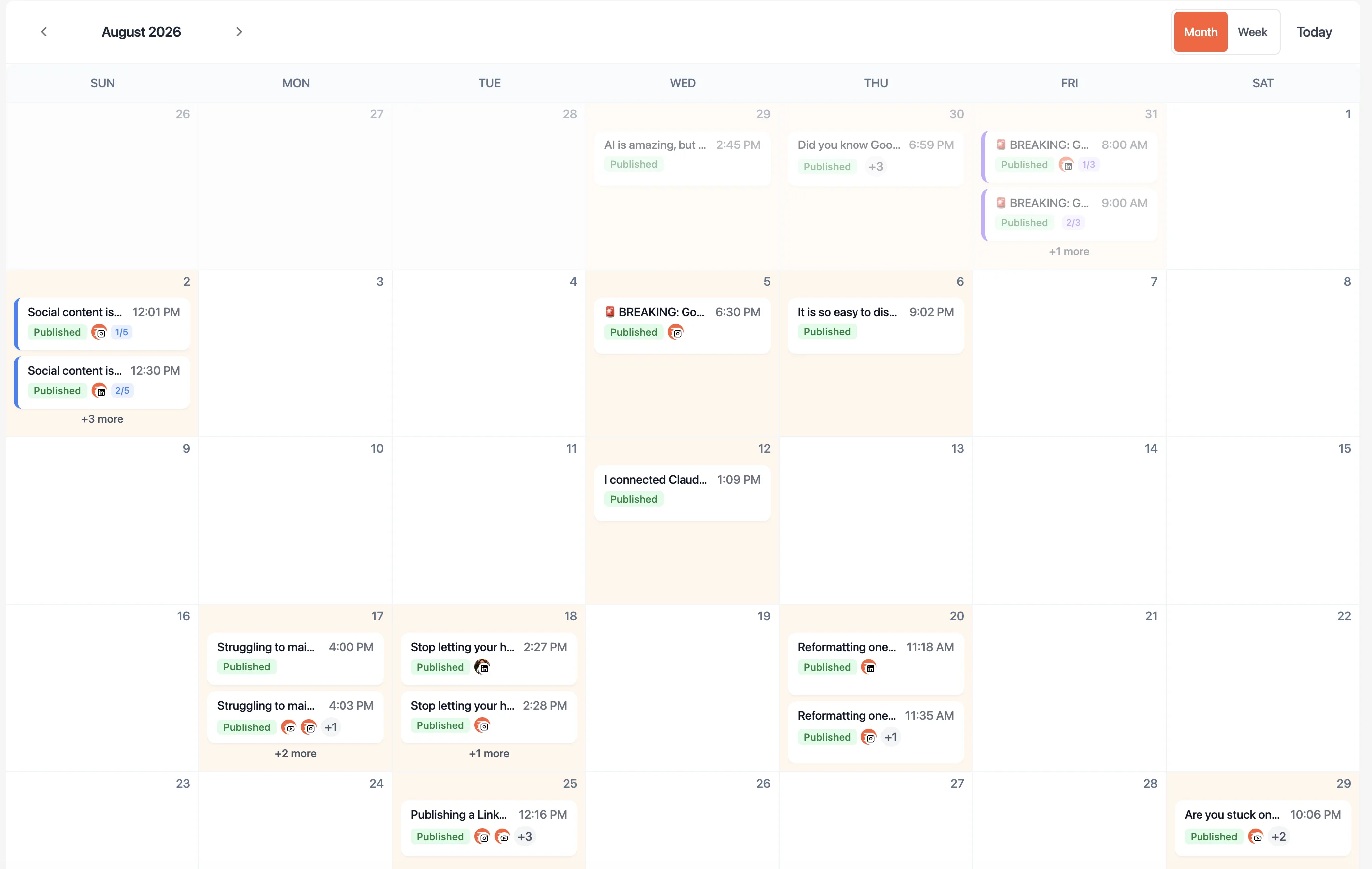
Social calendar
Manage and reschedule posts in one calendar
Choose the timing. See the plan. Change it quickly.
01
Set an optional rhythm for each channel
Connect a supported account and choose recurring publishing days and times when you want an always-ready queue. Each channel can follow its own cadence.
02
Choose how each post goes live
Publish a finished post immediately, schedule it for a specific date and time, or add it to the next available slot in that channel's queue.
03
Manage the plan your way
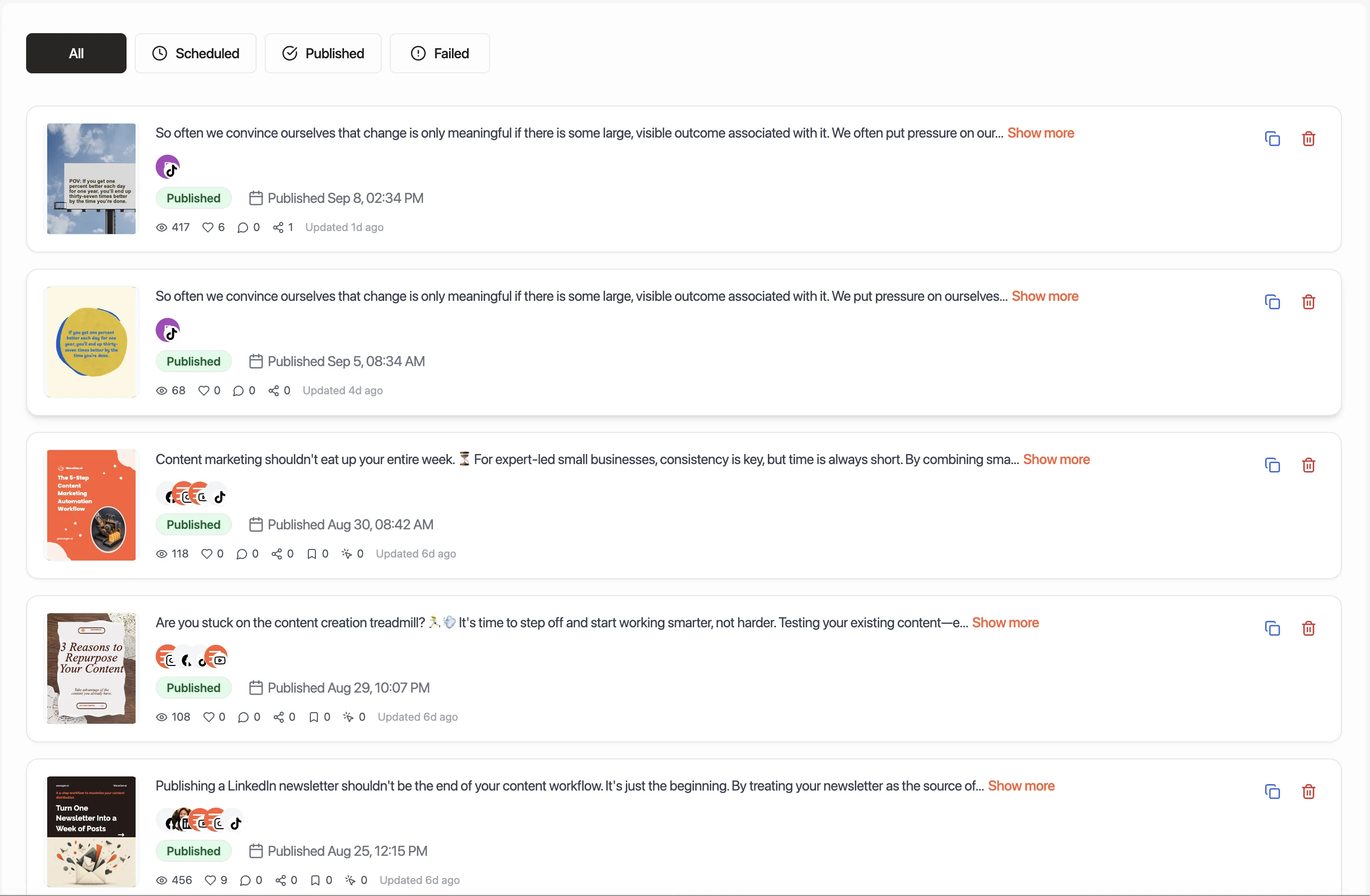
See scheduled and published posts in calendar or list view. When timing changes, drag a scheduled post to a new place on the calendar instead of rebuilding the plan.
Manage your social media schedule in two views.
Plan across channels in the calendar, or use the list to find a specific post and check its status.
Frequently asked questions
Straight answers about scheduling & publishing.
Keep the handoff in WaveGen