Turn Sunday's sermon into a recap carousel.
Paste your sermon notes, or link the service video. WaveGen makes a carousel with the scripture, one main point per slide and a question for the week, so the message keeps going after Sunday.
GENERATED WITH WAVEGEN · DEMO
From sermon notes to a five-slide recap.
WaveGen made the carousel below from this sample. No brand kit was applied; with yours, it uses your colors, fonts and logo.
THE SERMON NOTES
Sermon: Rest for the Weary (Matthew 11:28–30) Pastor Ana Ruiz, Grace Community Church Jesus says, "Come to me, all you who labor and are heavily burdened, and I will give you rest." (Matthew 11:28) 1. Rest is an invitation, not a reward. Jesus doesn't say come once you've earned it. He says come. 2. A yoke is still work, but it's shared work. "My yoke is easy, and my burden is light" (v. 30) means we don't carry it alone. 3. Rest takes practice. Pick one hour this week with no phone and no to-do list, and spend it with God. This week: what is one burden you've been carrying alone, and who could you share it with?
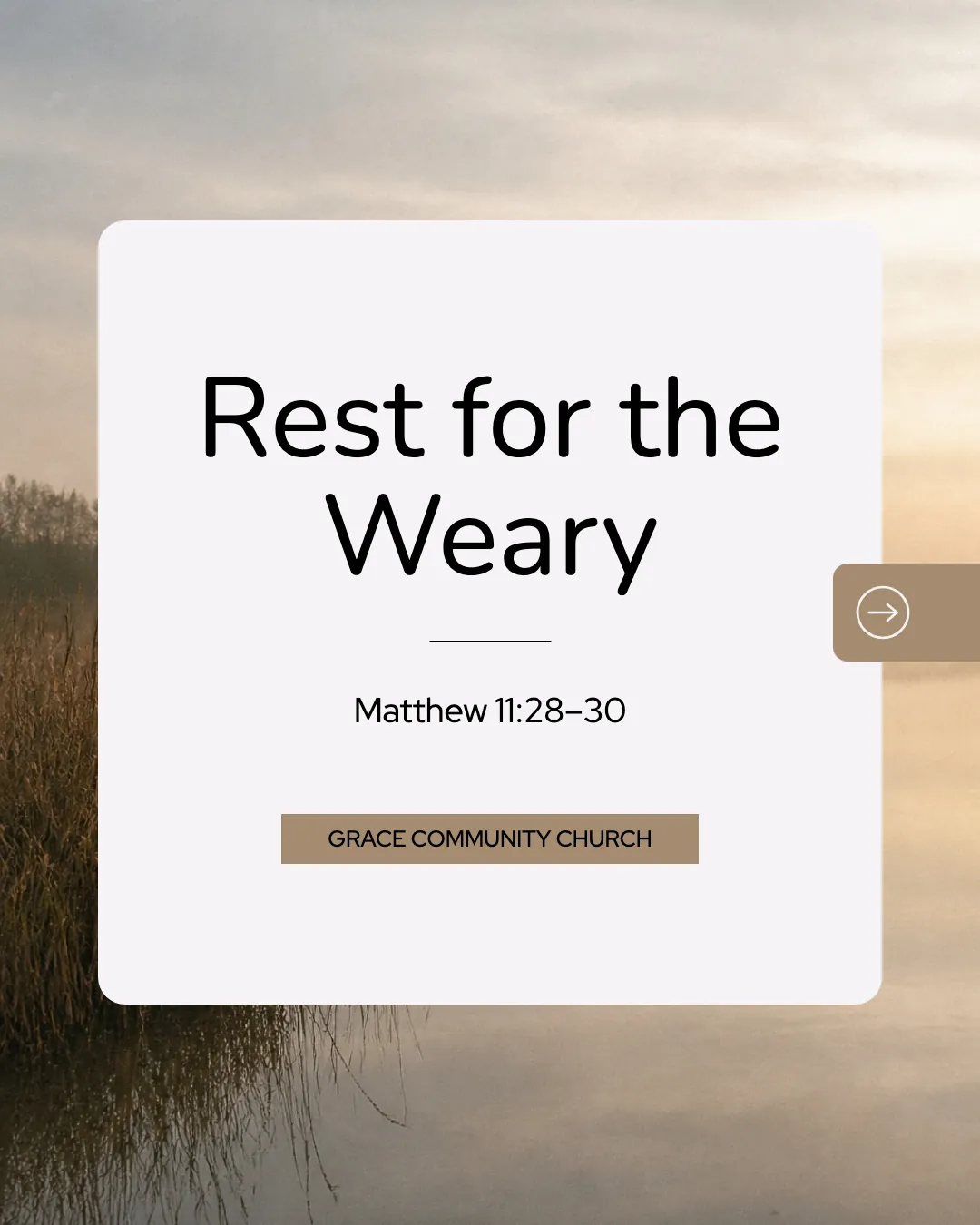
Slide 1 of 5
The scripture where it was preached
The passage is on the cover, and the verses are quoted on the slides that use them, exactly as written in the notes.
A question for the week
The last slide carries the sermon's question, so the post gives people something to think about, not just a summary.
Read the example caption
Pastor Ana Ruiz from Grace Community Church delivered a powerful message titled "Rest for the Weary" based on Matthew 11:28–30. Jesus tells us, "Come to me, all you who labor and are heavily burdened, and I will give you rest." He reminds us that rest is an invitation, not a reward we have to earn. Even though a yoke represents work, Jesus promises that His yoke is easy and His burden is light. This means the work we are called to do is shared work—we are never meant to carry our burdens entirely alone. Finding true rest takes practice. Try picking just one hour this week with no phone and no to-do list, and spend it entirely with God. What is one burden you've been carrying alone, and who could you share it with this week? #SermonRecap #GraceCommunityChurch #RestForTheWeary #Matthew11 #Faith #ChristianLiving #SundaySermon
How to turn a sermon into a carousel
01
Add the sermon
Paste your notes, outline or transcript, or link the service video.
02
Generate the recap
WaveGen puts the scripture, each main point and the question for the week on their own slides, and writes a caption.
03
Check and schedule
Check the scripture references and wording, then post it on Monday or midweek, while the message is still fresh.
Keep the message going all week.
Most of your church won't hear every sermon, and those who did will forget most of it by Wednesday. A recap post reaches both.
Lead with the scripture
Put the passage on the first or second slide so people know where the message comes from and can read it themselves.
Three points is enough
If the sermon had more, pick the ones people will remember. The full message can be linked in the caption.
End with something to do
A question to reflect on or a small challenge for the week gives people a reason to save and share the post.
Sermon to Carousel FAQs
What did you preach on Sunday?
Paste your notes and turn the message into a post for the week.