Turn a course lesson into a carousel.
A lesson from your course makes a post that shows people what they'd learn. Paste your lesson notes or a transcript, link the course page or upload a workbook, and WaveGen makes a carousel that teaches one idea per slide.
GENERATED WITH WAVEGEN · DEMO
From one lesson to a seven-slide teaching carousel.
WaveGen made the carousel below from this sample. No brand kit was applied; with yours, it uses your colors, fonts and logo.
THE LESSON
Lesson 3: Price your first coaching package From the course Start Your Coaching Practice, by Dana Brooks 1. Price the outcome, not the hour. Clients buy a result, like "confident at your first job interview", not six calls. 2. Start with three months. It's long enough to get a result and short enough to say yes to. 3. Work backwards. Decide what you want to earn each month, divide it by the number of clients you can take on, and that's your monthly price. 4. Offer one package, not three. More choice slows people down. Homework: write your package in one sentence: who it's for, the result, and how long it takes.
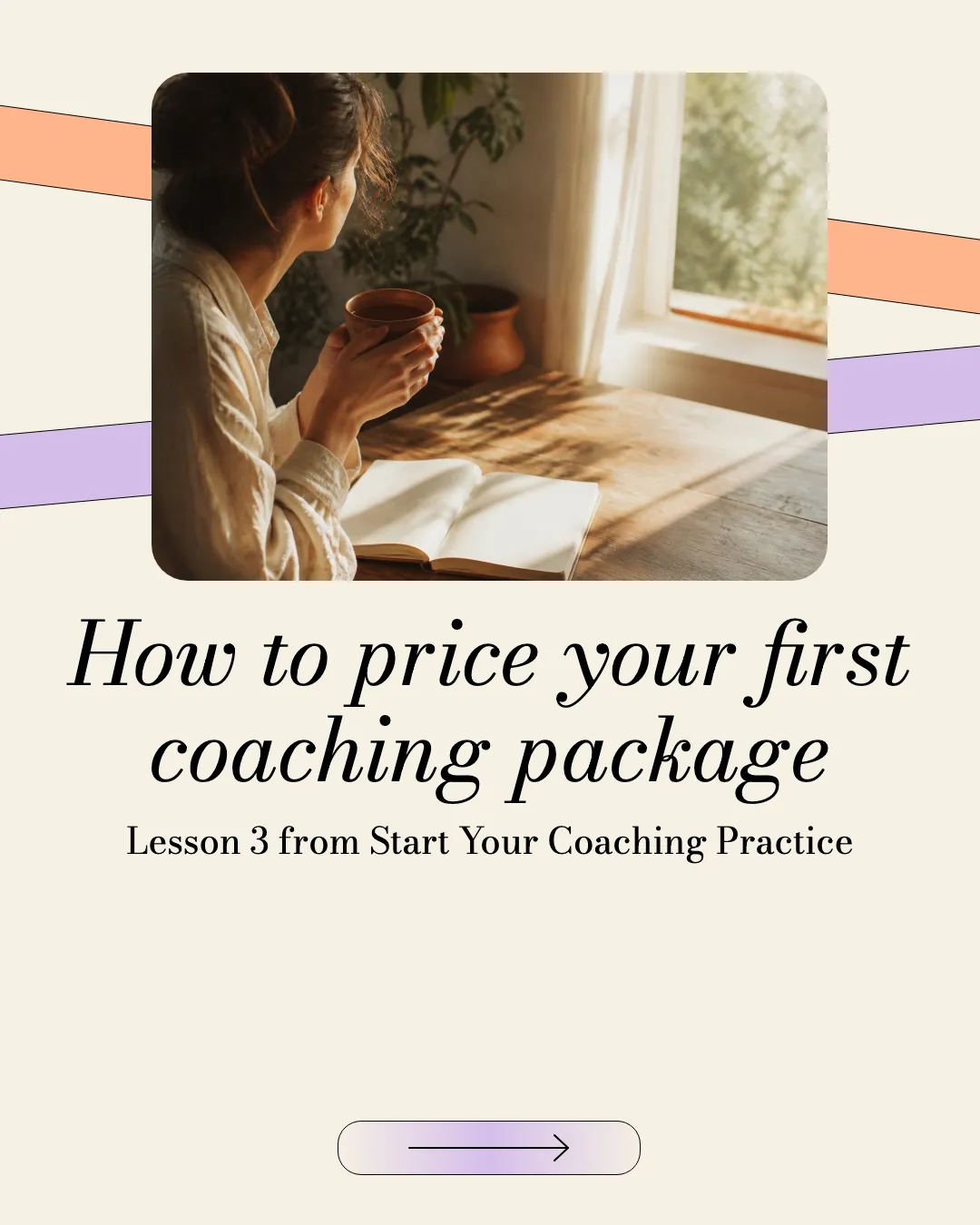
Slide 1 of 7
One step per slide
Each of the lesson's four steps got its own slide in the teacher's words, followed by the homework.
Ends with the course
The closing slide names the course and its teacher, so the free lesson points to the full one.
Read the example caption
Pricing your coaching services can be intimidating, but it doesn't have to be complicated. In Lesson 3 of the Start Your Coaching Practice course by Dana Brooks, we break down exactly how to price your first coaching package with confidence. The key is to shift your mindset from selling time to selling results. Clients aren't looking to buy six calls; they want a specific outcome, like feeling confident at their first job interview. By pricing the outcome, starting with a three-month commitment, and working backwards from your income goals, you can create a sustainable business model. Remember to keep it simple by offering just one package to avoid overwhelming your potential clients. For your homework, try writing your package in a single sentence covering who it is for, the result, and the timeline. #CoachingBusiness #PricingStrategy #DanaBrooks #EntrepreneurLife #CoachingTips #StartYourCoachingPractice
How to turn a course lesson into a carousel
01
Add a lesson
Paste the lesson notes or transcript, link the lesson, or upload a workbook or slides PDF.
02
Generate the carousel
WaveGen puts one step or idea on each slide, ends with the course, and writes a caption.
03
Check and schedule
Make sure it teaches something useful on its own, then schedule it. Each lesson can be its own post.
Teach in public to sell the course.
People buy a course when they've already learned something from you. A lesson carousel shows how you teach, before they pay.
Give away one lesson, not the whole course
One useful lesson builds trust. The full path, practice and feedback stay in the course.
One step per slide
Steps people can save and come back to are what make teaching carousels worth saving.
Turn the curriculum into a series
One lesson a week gives you months of posts from a course you've already made.
Course to Carousel FAQs
What's one lesson worth sharing?
Paste it and turn it into a post that teaches.