Turn Your YouTube Videos into Carousel Slides
Paste a YouTube link and WaveGen turns the video into LinkedIn, Instagram, TikTok, and Pinterest carousel slides. It imports the video natively and understands the footage and spoken audio — no captions and no downloads required. Free to start, no credit card required.
Works with public and unlisted videos — tutorials, webinars, podcasts, talking-head videos, and Shorts.
Link to slides
AI finds the key takeaways
No captions needed
Understands the video itself
4 platforms
LinkedIn, Instagram, TikTok, Pinterest
Free
No credit card required
SEE IT IN ACTION
One video. A carousel you can swipe.
Steve Jobs’ 15-minute Stanford speech, distilled into five slides with images from the original video.
THE SOURCE · 15:04 VIDEO

Steve Jobs' 2005 Stanford Commencement Address
Watch the original on YouTubeThree lessons, turned into slides:
THE CAROUSEL
5 slides
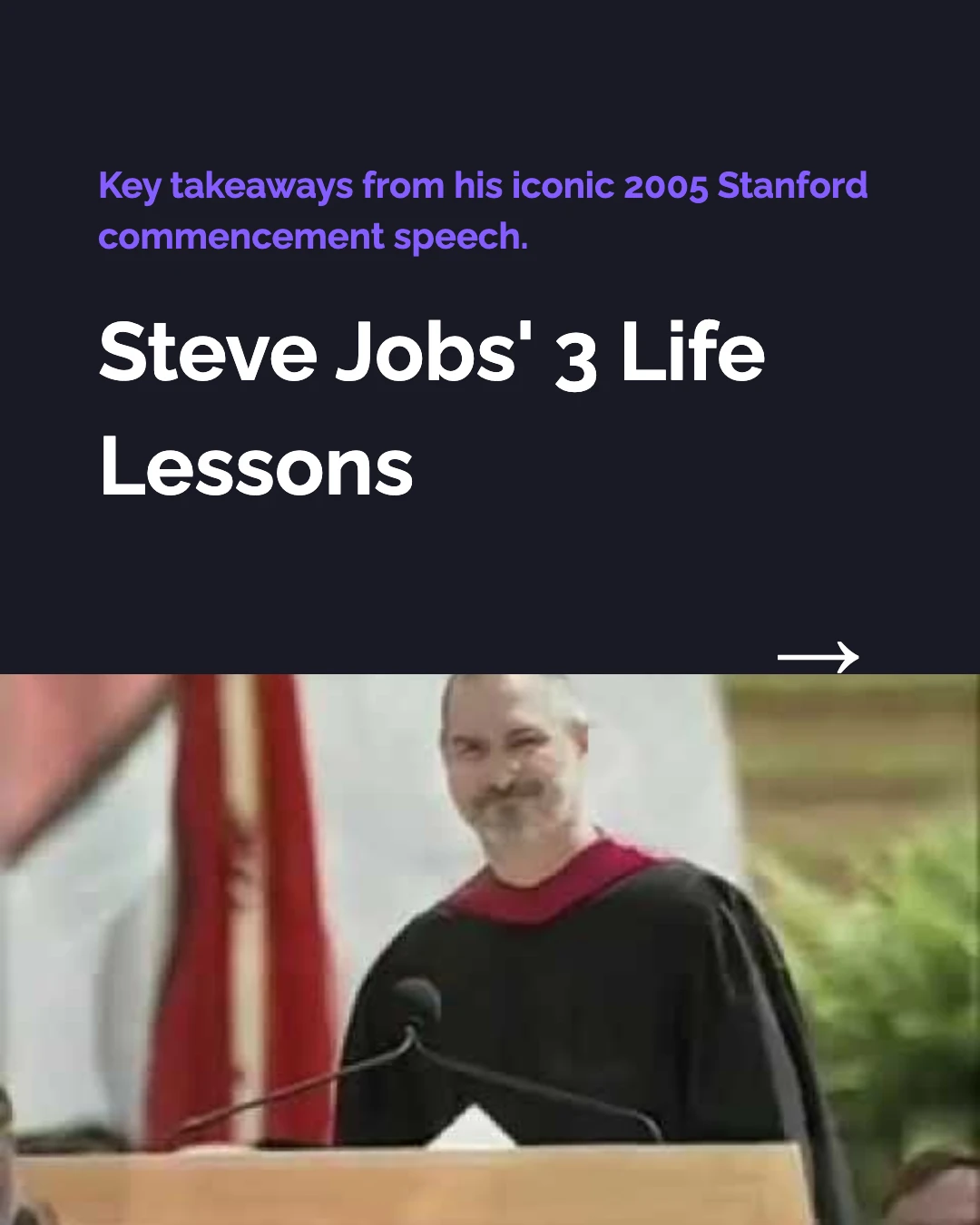
1 / 5
How Do I Turn a YouTube Video into a Carousel?
Three steps. No re-watching, no manual note-taking, no downloads. WaveGen watches the video for you and turns it into finished slides.
1
Paste Your YouTube Link
Copy the URL of any public or unlisted YouTube video and paste it into WaveGen. The AI imports the video straight from the link — nothing to download or upload.
2
AI Watches and Extracts
WaveGen analyzes the actual video — visuals and spoken audio — through Gemini's multimodal understanding. It pulls the key points and structures them into carousel slides with headlines and body text.
3
Get Ready-to-Publish Slides
Each slide gets a relevant thumbnail, public preview frame, or compatible generated visual, plus your brand colors and fonts in the right size for LinkedIn, Instagram, TikTok, or Pinterest.
What Kinds of YouTube Videos Can You Convert?
If WaveGen can open the link, it can turn the video into slides. Because it understands speech as well as visuals, dialogue-heavy videos work just as well as visual ones.
Talking-Head Videos
Long explainers and to-camera videos become key-takeaway carousels.
Tutorials & How-Tos
Step-by-step videos turn into step-by-step slide carousels.
Webinars & Talks
Recorded webinars and conference talks become summary carousels.
Podcast Episodes
Episodes posted on YouTube become quote-and-insight carousels.
YouTube Shorts
Short vertical videos get reframed as quick swipeable slide sets.
Evergreen Videos
Resurface an older hit as several fresh carousels months later.
How Does WaveGen Compare to Other Ways to Repurpose Video?
Castmagic transcribes the audio into written assets; Descript and Opus Clip cut the video into shorter clips. WaveGen is the one that turns the video into ready-to-publish carousel slides — paste the link, no download or upload.
| Feature | WaveGen | Castmagic | Descript | Opus Clip |
|---|---|---|---|---|
| Takes a YouTube link directly | Audio upload | File import | ||
| Ingests uploaded video files | Audio only | |||
| Designed carousel slides from the video | ||||
| Short vertical clips with auto-captions | ||||
| Virality scoring for clips | ||||
| Written posts and captions per platform | Clip captions only | |||
| Brand kit (logo, colors, fonts) on output | Video templates | Caption styles | ||
| Publishes directly to social platforms | Video to some platforms | Auto-posts clips |
Castmagic is built for audio ingestion and written output — show notes, summaries, text posts. Descript is a full video editor, and Opus Clip finds the best moments and auto-posts captioned clips. All three take raw media files, which WaveGen does not — WaveGen works from the YouTube link and produces designed carousel slides for LinkedIn, Instagram, TikTok, and Pinterest. Comparison based on publicly available feature lists as of June 2026.
How to Turn a YouTube Video into a Carousel with WaveGen
Go from a published video to a scheduled carousel in six steps — four core, two optional.
Step 1: Open WaveGen and copy your YouTube link
Sign in to WaveGen and copy the URL of the video you want to repurpose. It can be your own video or a third-party one you want to summarize and credit. Any public or unlisted link works — a tutorial, talking-head video, webinar recording, conference talk, podcast episode, or Short.
Step 2: (Optional) Apply your brand kit
If you've set up a brand kit, select it before generating — your logo, brand colors, and fonts are applied to every slide automatically, and your brand voice guides the copy. This keeps all your carousels visually consistent, whether you're repurposing one video or your whole channel.
Step 3: Paste the link and click Generate
Select the URL tab, paste your YouTube link, and click Generate. WaveGen imports the video natively and analyzes the footage and spoken audio through Gemini's multimodal understanding — no captions required. It identifies the strongest takeaways and produces carousel slides with headlines, supporting text, and relevant thumbnail or public preview imagery when available, with a compatible generated visual as the fallback. You can also generate in a different language from the original video to reach international audiences.
Step 4: Customize in the visual editor
Review the generated slides in WaveGen's built-in editor. Rewrite headlines, swap or regenerate images, adjust font sizes, reorder or remove slides, or add new ones manually. The editor renders a live preview so you see exactly what your audience will see.
Step 5: (Optional) Add a first comment linking the video
Set up a first comment to automatically post the link to the original YouTube video when the carousel goes live. This sends engaged viewers to watch the full thing and turns silent feed scrollers into channel subscribers.
Step 6: Download or schedule to social media
When the carousel looks right, choose your publishing path. Download all slides as images for manual posting, export as a PDF for LinkedIn document posts, or schedule the carousel directly to LinkedIn, Instagram, TikTok, or Pinterest from within WaveGen. Pick a date and time, and WaveGen publishes it automatically.
No credit card required. Start with your first video.
Why Repurpose YouTube Videos into Carousels?
You already invested hours filming, editing, and uploading the video. Reaching the audiences who never visit YouTube takes minutes — and the payoff is enormous.
Reach the feeds your video never touches
Your YouTube video only reaches people on YouTube. A carousel built from it can live in the LinkedIn, Instagram, TikTok, and Pinterest feeds where a huge share of your audience actually spends their time. One video becomes several entry points to the same idea, each native to a platform your channel can't reach on its own.
Carousels are read silently — most feeds are muted
The majority of social browsing happens with the sound off. Video struggles in that environment; carousels thrive in it because the takeaways are written right on the slides. LinkedIn document posts and Instagram carousels consistently outperform other formats on engagement, and they get re-shown to people who didn't swipe the first time.
Skip the re-watch-and-note grind
The manual route means re-watching the video, taking notes, writing headlines, finding images, and designing slides. WaveGen turns the video's key takeaways into a first draft, so you can spend your time reviewing and refining it.
Turn one evergreen video into a week of posts
A single long video usually holds several distinct ideas. Generate one carousel that summarizes the whole thing, then spin out more — one per tip, section, or quote. An evergreen tutorial or talk you uploaded months ago can fuel a fresh week of social content and quietly drive new viewers back to the original.
The bottom line: a YouTube video is a deep well of social content that most creators leave untouched. Every tutorial, talk, and episode already contains several carousels worth of takeaways — the only question is whether you extract them or let them stay locked inside a single video. Tools like AI content repurposing platforms make that extraction automatic. A dedicated carousel maker like WaveGen handles the design layer. And built-in scheduling means you can queue a week of content in one sitting using the AI carousel generator.
How Does WaveGen Understand the Video Without Captions?
Most tools that "summarize a YouTube video" only read the caption file. WaveGen watches and listens to the video itself — here is why that matters.
WaveGen imports your video natively through Google Gemini's multimodal video understanding. Instead of scraping the auto-generated captions, it processes the actual footage and the spoken audio together. That means it works on videos with no manual captions at all, and it captures points a caption scrape would miss — a chart shown on screen, an emphasis in the speaker's delivery, or a moment where the visuals carry the meaning rather than the words.
This is what makes dialogue-heavy videos work so well. A podcast episode or a fireside chat posted to YouTube is mostly people talking, and WaveGen follows the conversation to surface the quotable insights worth turning into slides. A tutorial, on the other hand, is mostly demonstration — and there the AI tracks the on-screen steps to build a step-by-step carousel. Same paste, very different videos, both understood on their own terms.
The result lands ready for silent, scroll-first feeds. Carousel slides for Instagram are sized to 1080x1350 portrait; LinkedIn carousels export as swipeable PDF document posts; TikTok photo mode renders at 1080x1920 vertical. So a single YouTube video becomes content that fits natively wherever your audience is already scrolling — no sound required.
YouTube to Carousel FAQs
Turn Your Next YouTube Video into a Carousel
You already did the hard part — filming and editing the video. Let WaveGen turn its key takeaways into social content. Paste a link, generate carousel slides, and schedule them across LinkedIn, Instagram, TikTok, and Pinterest — all in one place.
Free to start. No credit card required.