Turn your impact report into a carousel.
Your annual report took months to make. Upload the PDF, link it or paste the highlights, and WaveGen makes a carousel with one result per slide, a story from the report and how to give or volunteer.
GENERATED WITH WAVEGEN · DEMO
From an impact report to a seven-slide carousel.
WaveGen made the carousel below from this sample. No brand kit was applied; with yours, it uses your colors, fonts and logo.
THE REPORT HIGHLIGHTS
2025 Impact Report: Eastside Food Pantry Thanks to 412 volunteers and 1,860 donors, here's what we did together in 2025: 1.2 million pounds of food distributed, up 18% from 2024. 9,400 households served, 2,100 of them for the first time. 38% of the food we gave out was fresh produce. Our new Saturday mobile pantry reached 6 neighborhoods with no grocery store. "I came in for groceries and left with a job lead and a friend." Maria, pantry guest since March In 2026 we plan to open a second site. $50 provides a week of groceries for a family of four. Give or volunteer on our website.
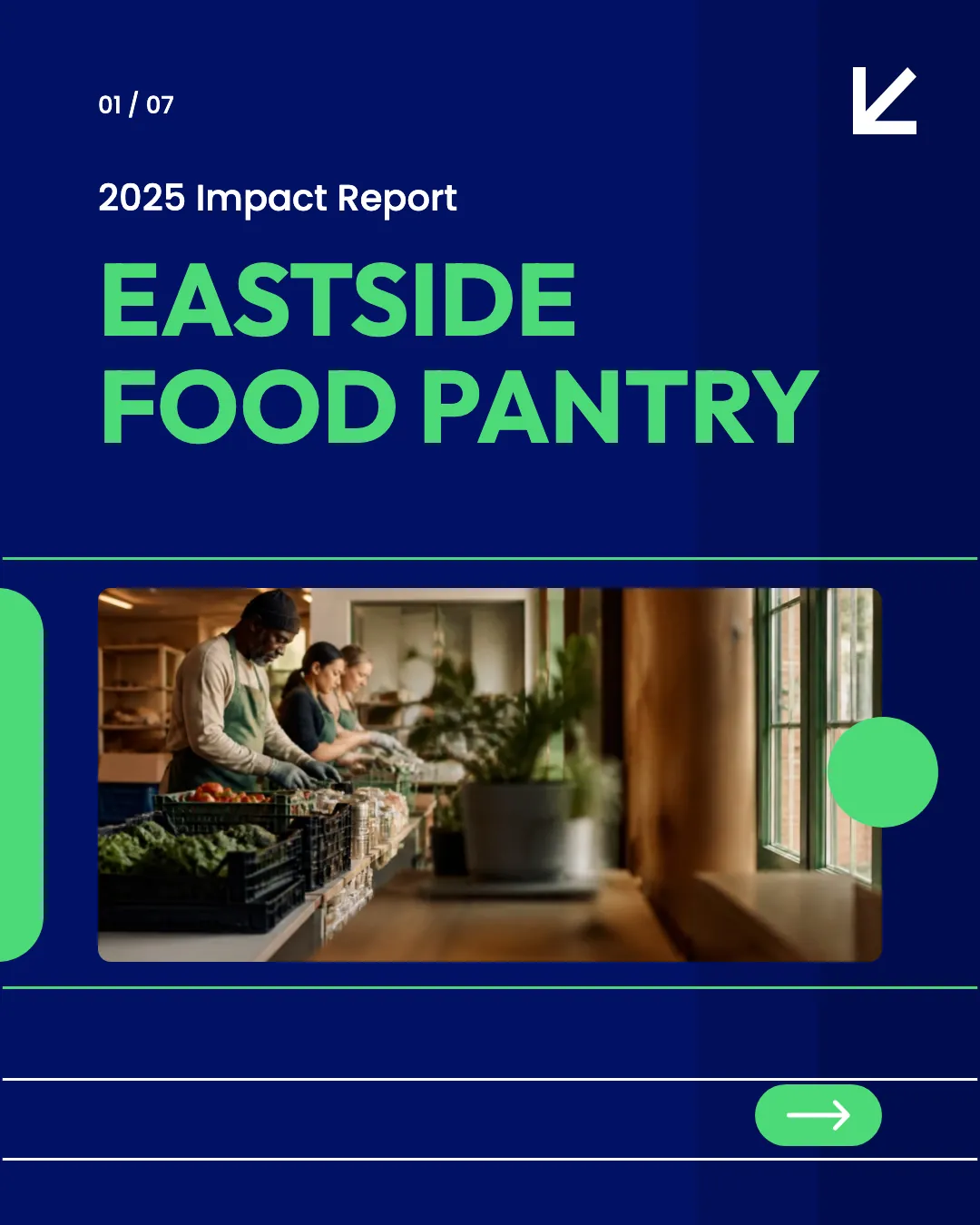
Slide 1 of 7
Results with their numbers
Each result got a slide with the report's figures kept exactly, and the caption thanks the volunteers and donors.
A person, then the ask
A guest's quote comes before the closing slide, which says what $50 does and how to give or volunteer.
Read the example caption
Thanks to 412 volunteers and 1,860 donors, the Eastside Food Pantry achieved incredible things in 2025. Together, we distributed 1.2 million pounds of food—an 18% increase from 2024. We prioritized nutrition, ensuring 38% of the food we gave out was fresh produce. This year, we served 9,400 households, including 2,100 visiting for the first time. We also launched a Saturday mobile pantry that successfully reached 6 neighborhoods with no grocery store. The impact goes beyond just meals. As Maria, a guest since March, shared: "I came in for groceries and left with a job lead and a friend." In 2026, we plan to open a second site to reach even more people. Just $50 provides a week of groceries for a family of four. Visit our website to give or volunteer today. #ImpactReport #EastsideFoodPantry #FoodSecurity #CommunitySupport #GiveBack
How to turn an impact report into a carousel
01
Add your report
Upload the PDF, link the report page, or paste the highlights.
02
Generate the carousel
WaveGen gives each result its own slide, adds a story or quote from the report, and writes a caption.
03
Check and schedule
Check the numbers and names, then schedule it. One report can fill several posts: results, stories and thank-yous.
Most supporters won't open the PDF.
An impact report shows donors what their gift did. A carousel puts the best of it where they already are.
Lead with the biggest result
One number people can picture, like meals served or families housed, belongs on the first slide.
Add a person
A short quote or story next to the numbers shows who the work is for. Get permission before you share it.
Thank people and ask for the next step
Thank volunteers and donors by name or number, then say how to give, volunteer or share.
Impact Report to Carousel FAQs
Show supporters what their gift did.
Upload your impact report and turn it into posts.