Turn a customer review into a testimonial post.
Paste a review from Google, Yelp, an email or a survey. WaveGen designs a testimonial post in your brand style that quotes it exactly, writes the caption, and you schedule it.
GENERATED WITH WAVEGEN · DEMO
From a review page to a testimonial post.
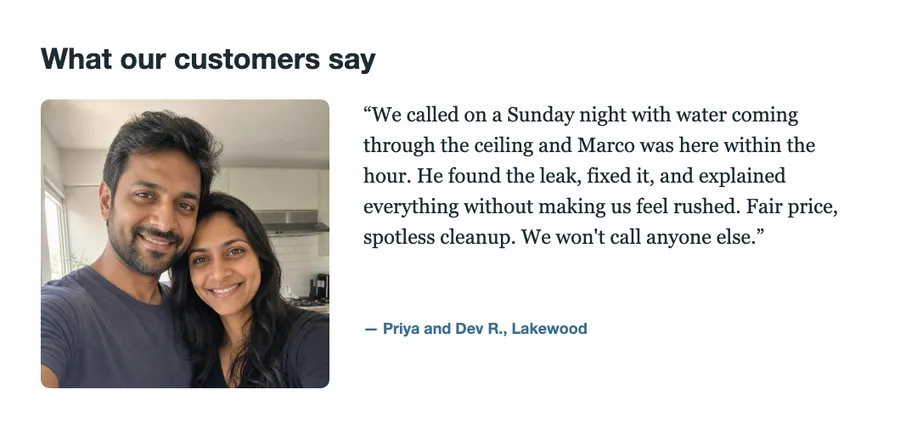
WaveGen turned a review page with the sample review and the customers' photo into this post. The review and photo are made up for this demo. No brand kit was applied; with yours, it uses your colors, fonts and logo.
THE REVIEW PAGE
Customer review: Priya and Dev R., Lakewood | Marco's Plumbing
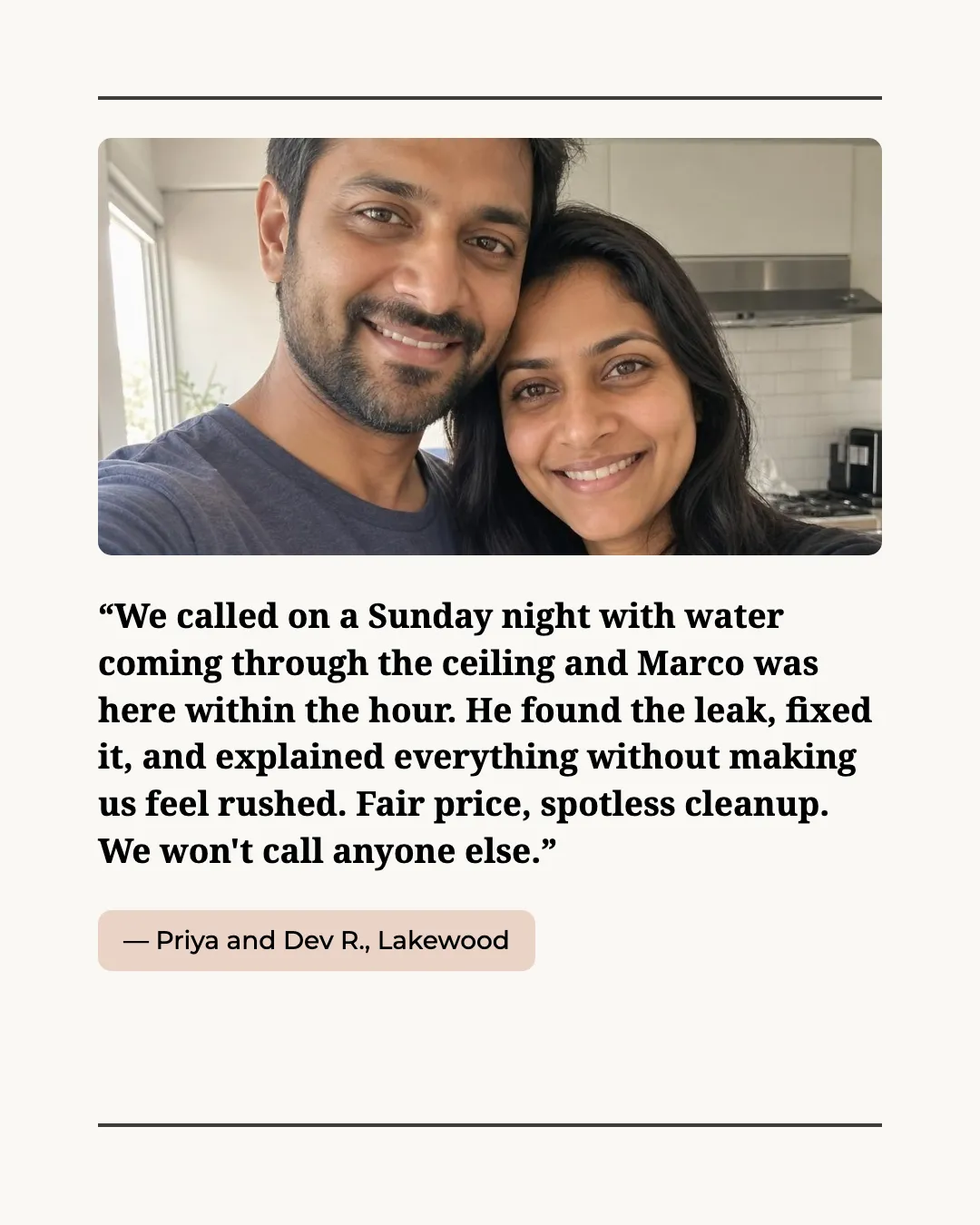
Quoted word for word, with their names
The review on the image matches the original exactly, and the customers are credited under it.
Their photo, from the review page
Give WaveGen a page that shows the customer's photo and it puts the photo on the post. If you paste only the text, the post has no photo. Only use photos customers agreed to share.
Read the example caption
When unexpected plumbing emergencies happen, you need a professional who responds quickly and treats your home with the utmost respect. That’s exactly what happened for Priya and Dev R. in Lakewood. They faced a highly stressful Sunday night with water coming through their ceiling, but our team member Marco was there within the hour to find and fix the leak. We pride ourselves on offering fair prices, spotless cleanups, and clear explanations without ever making our customers feel rushed during a crisis. It means the world to us to hear that we are the only ones you'll call. Thank you, Priya and Dev, for trusting us with your home and sharing your wonderful experience! We are always ready to help when you need us. #CustomerReview #Testimonial #PlumbingServices #HomeRepair #Lakewood
How to make a testimonial post
01
Paste the review
Copy the review and the name you have permission to show. Paste several to make a carousel.
02
Generate the post
WaveGen designs the quote in your brand colors and fonts and writes a caption that thanks the customer.
03
Check the quote and schedule
Compare the wording with the original review, then schedule it to your channels.
Pick reviews that answer a doubt.
The best testimonial says the thing a hesitant customer is worried about, in a customer's own words.
Specific beats glowing
“Here within the hour on a Sunday” persuades more than “Amazing service!”. Look for reviews that name what happened.
Quote it exactly
Shorten with an ellipsis if you need to, but don't reword it. People notice when a review sounds like marketing.
Ask before you share
Get the customer's OK to feature them and agree how they're named: full name, first name and initial, or a description like “homeowner in Austin”.
Testimonial Post Maker FAQs
Got a great review this week?
Paste it and turn it into a post your next customer will see.