Turn a job posting into a “We're hiring” post.
Paste the job link or the description. WaveGen designs a hiring post with the role and the reasons to apply, writes the caption with the application link, and you schedule it.
GENERATED WITH WAVEGEN · DEMO
From a job ad to a “We're hiring” post.
WaveGen turned the sample job ad above into this single-page post. No brand kit was applied, so it generated the photo; with yours, it uses your colors, fonts, logo and images.
THE JOB AD
We're hiring a Lead Barista at Harbor Coffee Roasters, Portland (Pearl District). Full time, $21 to $24 an hour plus tips, health insurance after 60 days, and a free bag of coffee every week. You'll run the morning shift, train new baristas and dial in our espresso each day. At least one year of specialty coffee experience. Apply at harborcoffee.com/jobs by May 30.
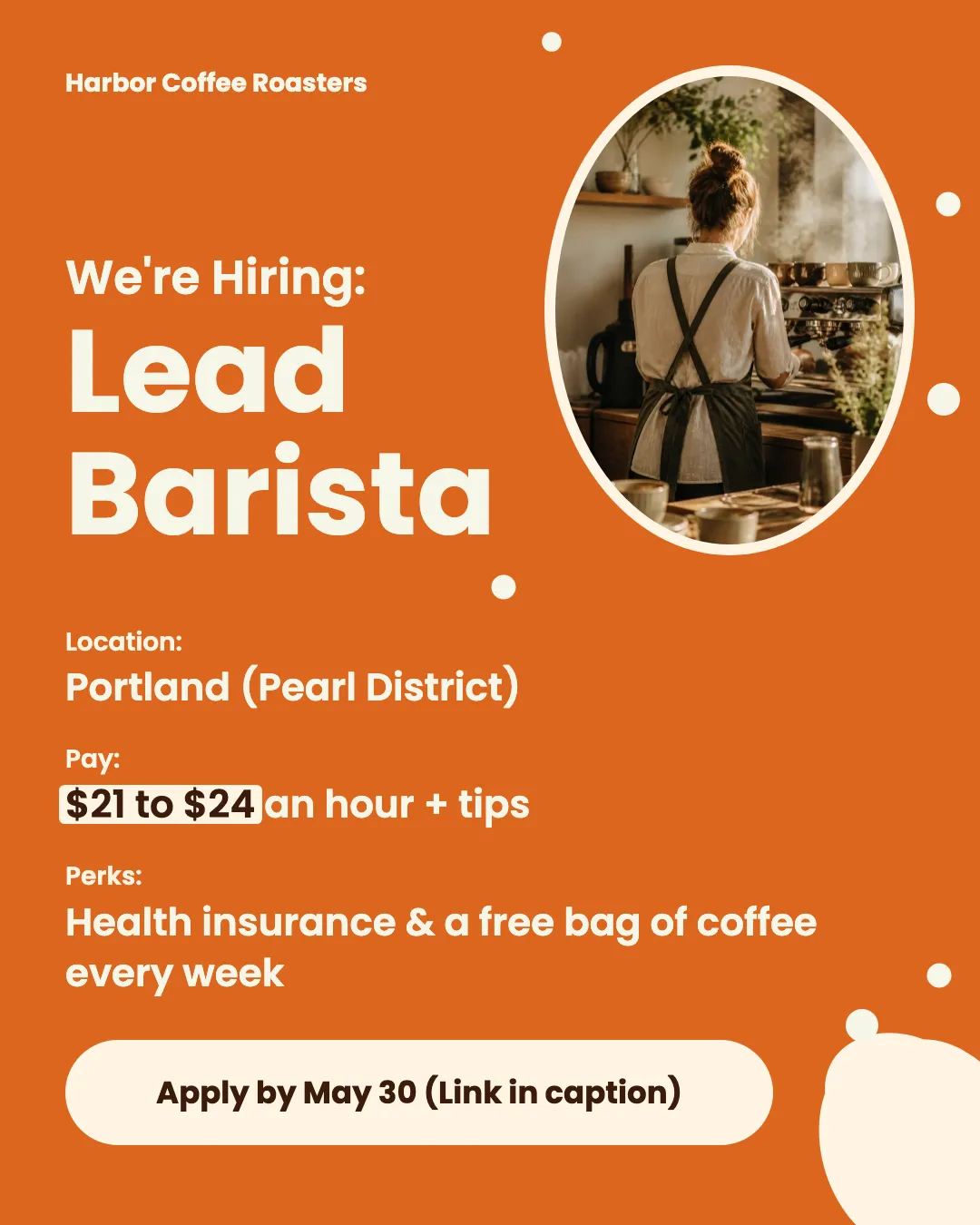
The role, pay and perks at a glance
The job title is the biggest thing on the image, with the location, pay and perks underneath.
How to apply, with the deadline
The image says to apply by May 30, and the caption has the duties, requirements and harborcoffee.com/jobs.
Read the example caption
Harbor Coffee Roasters is looking for a Lead Barista to join our team in Portland's Pearl District! If you have at least one year of specialty coffee experience and a passion for leadership, we want to hear from you. In this full-time role, you will run the morning shift, train our new baristas, and dial in our espresso each day to ensure the highest quality. We offer a competitive starting pay of $21 to $24 an hour plus tips. Our team members also enjoy health insurance after 60 days and a free bag of coffee every single week. Ready to take the next step in your coffee career? Apply at harborcoffee.com/jobs by May 30. #PortlandJobs #PearlDistrict #BaristaJobs #SpecialtyCoffee #CoffeeCareers #HarborCoffeeRoasters #NowHiring
How to make a hiring post
01
Add the job
Paste the job posting link or the description.
02
Generate the post
WaveGen designs a hiring post in your brand style with the role and its best selling points, and writes a caption with the application link.
03
Schedule it where candidates look
Edit the wording, then schedule it to LinkedIn, Instagram and Facebook from one place.
What a hiring post needs.
A good candidate scrolls past most job posts. Give them the reasons to stop in the first glance.
The role and where it is
Job title, city or remote, and full or part time. These decide whether someone reads on.
Two or three reasons to apply
Pay range, a standout benefit, or what makes the team good to work with. Specifics beat “competitive salary”.
How to apply
One link and a deadline if there is one. Put the link in the caption, not only on the image.
Hiring Post Maker FAQs
Have a role to fill?
Paste the job posting and get a hiring post you can schedule today.