Facebook Post Templates
Free Facebook Post Templates
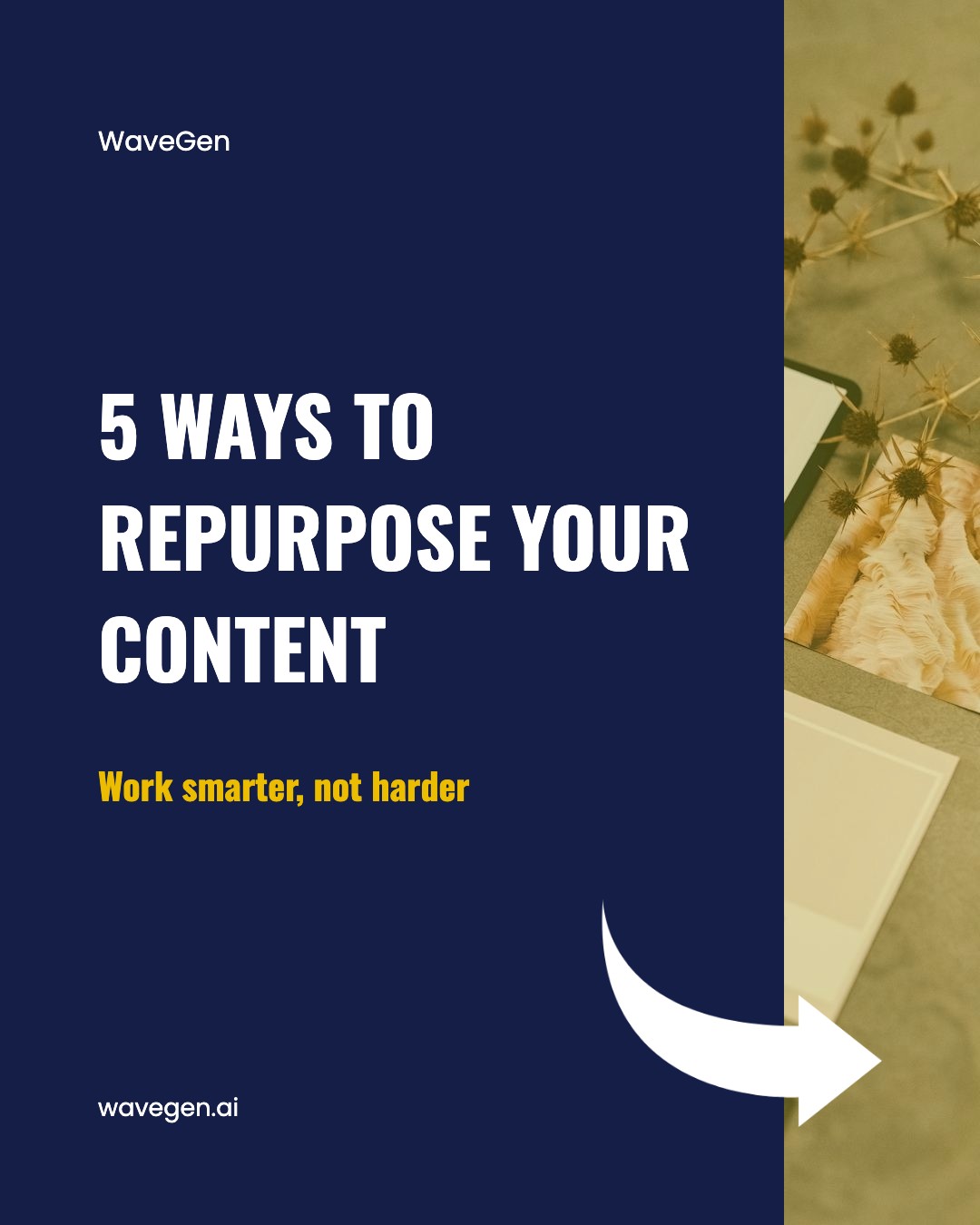
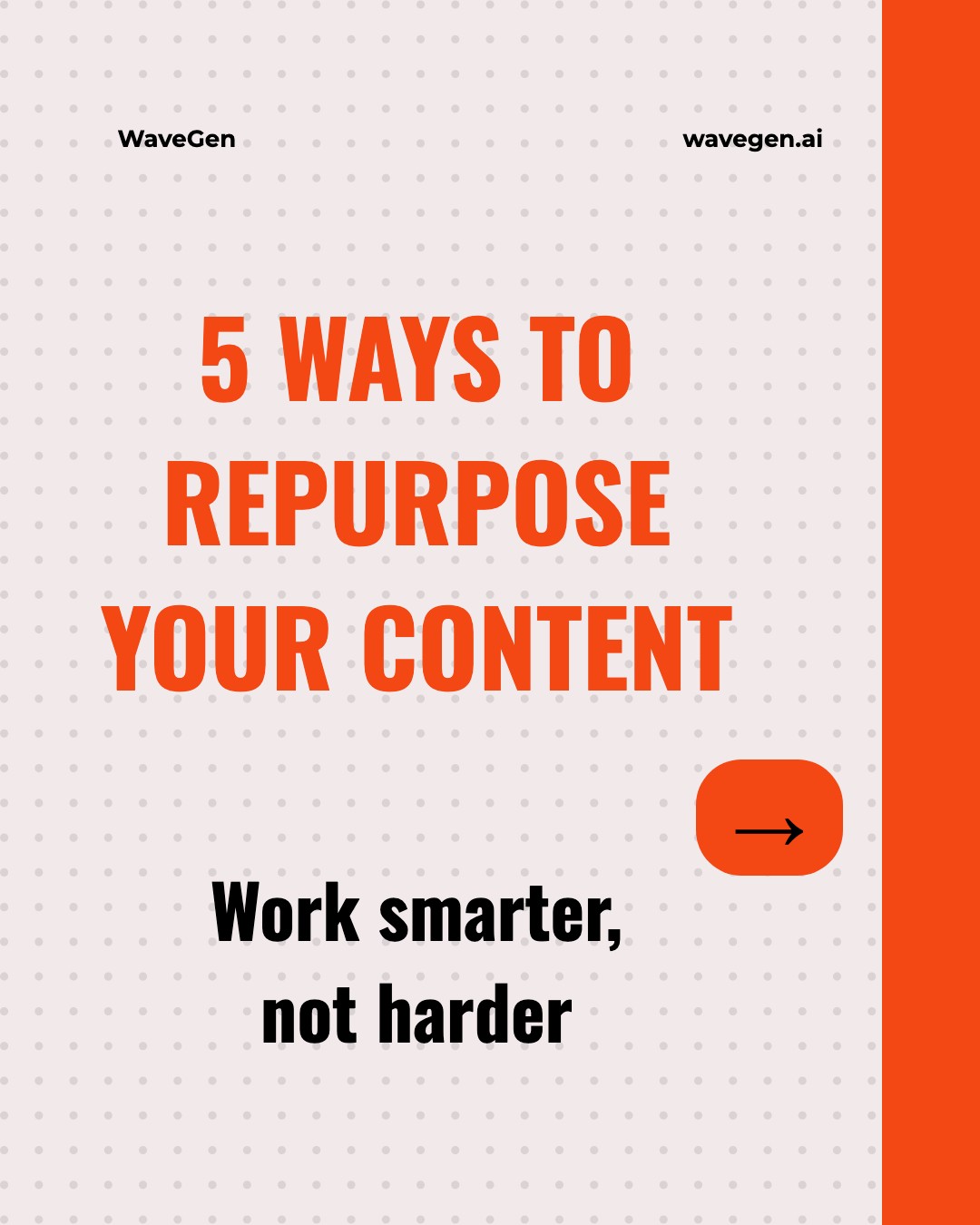
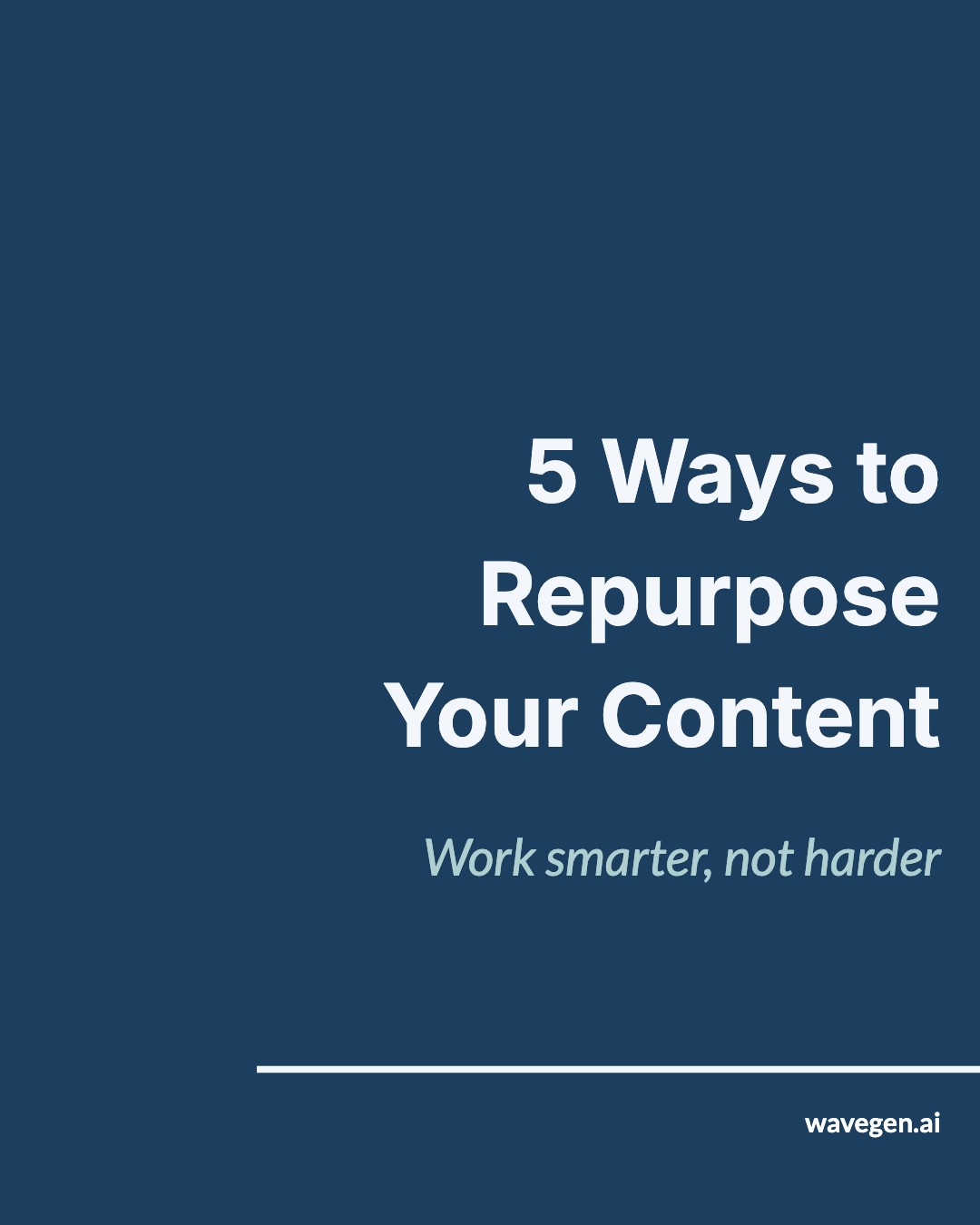
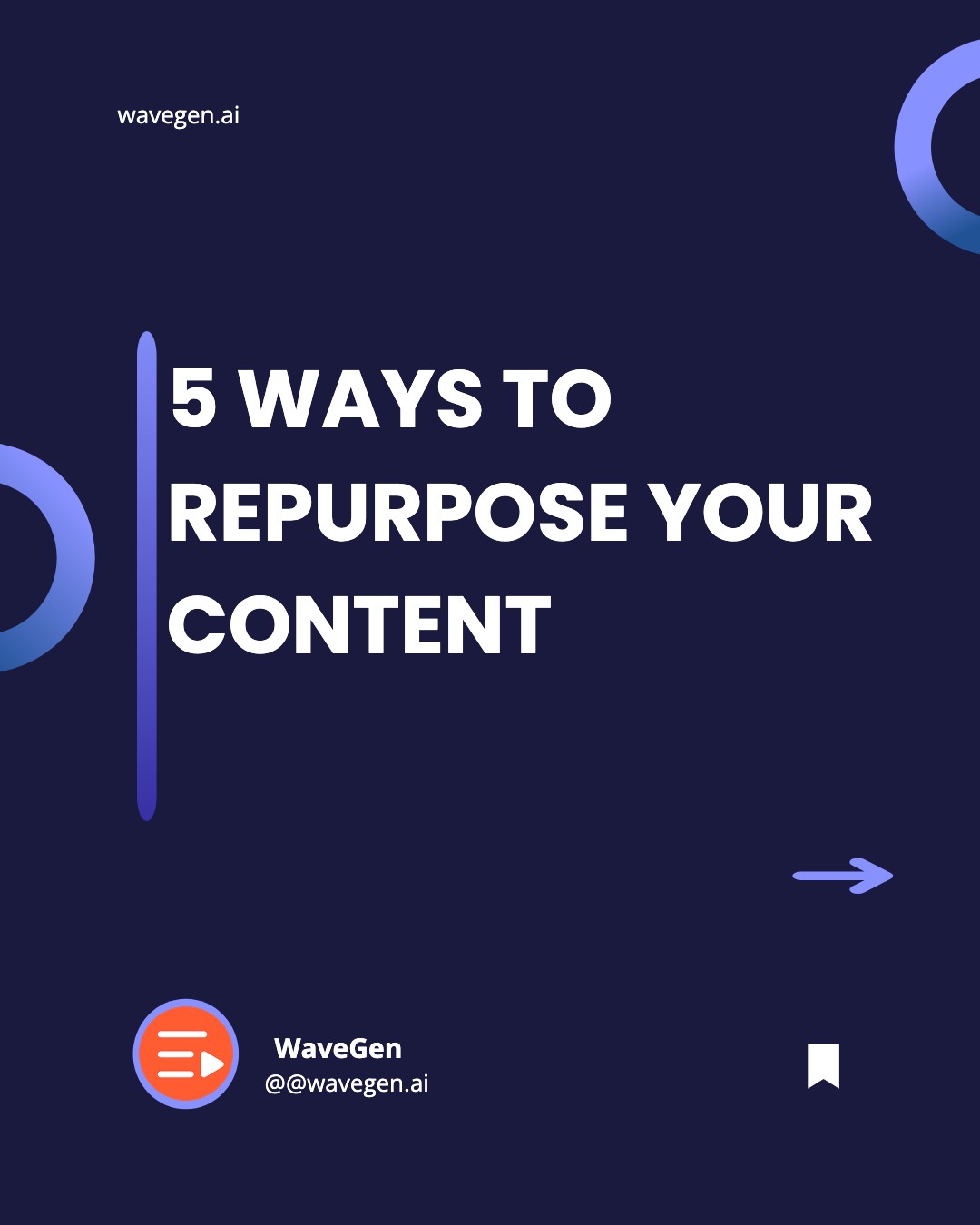
Professional Facebook post templates you can customize and publish for free. Create carousel posts that drive engagement, no design skills needed.


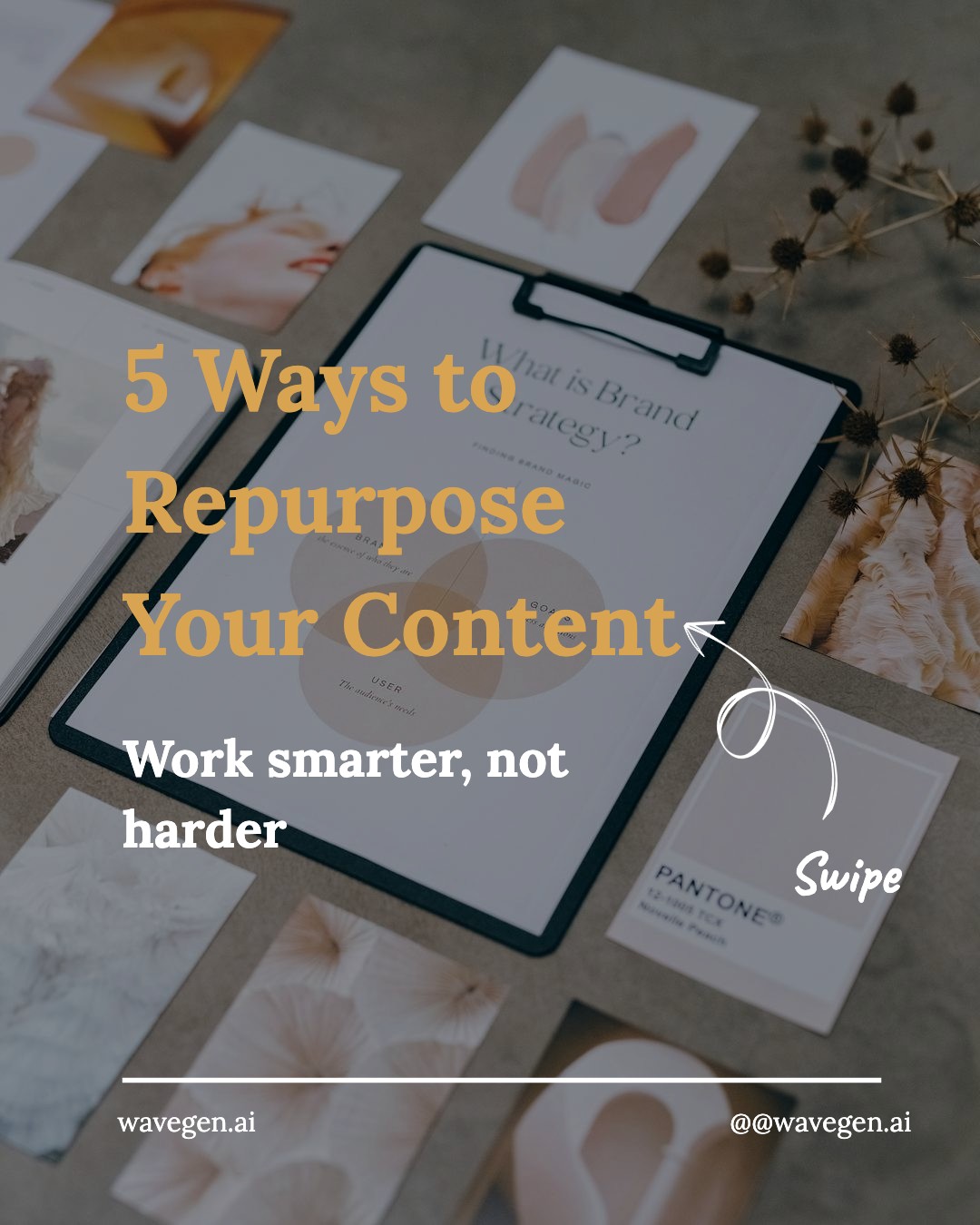
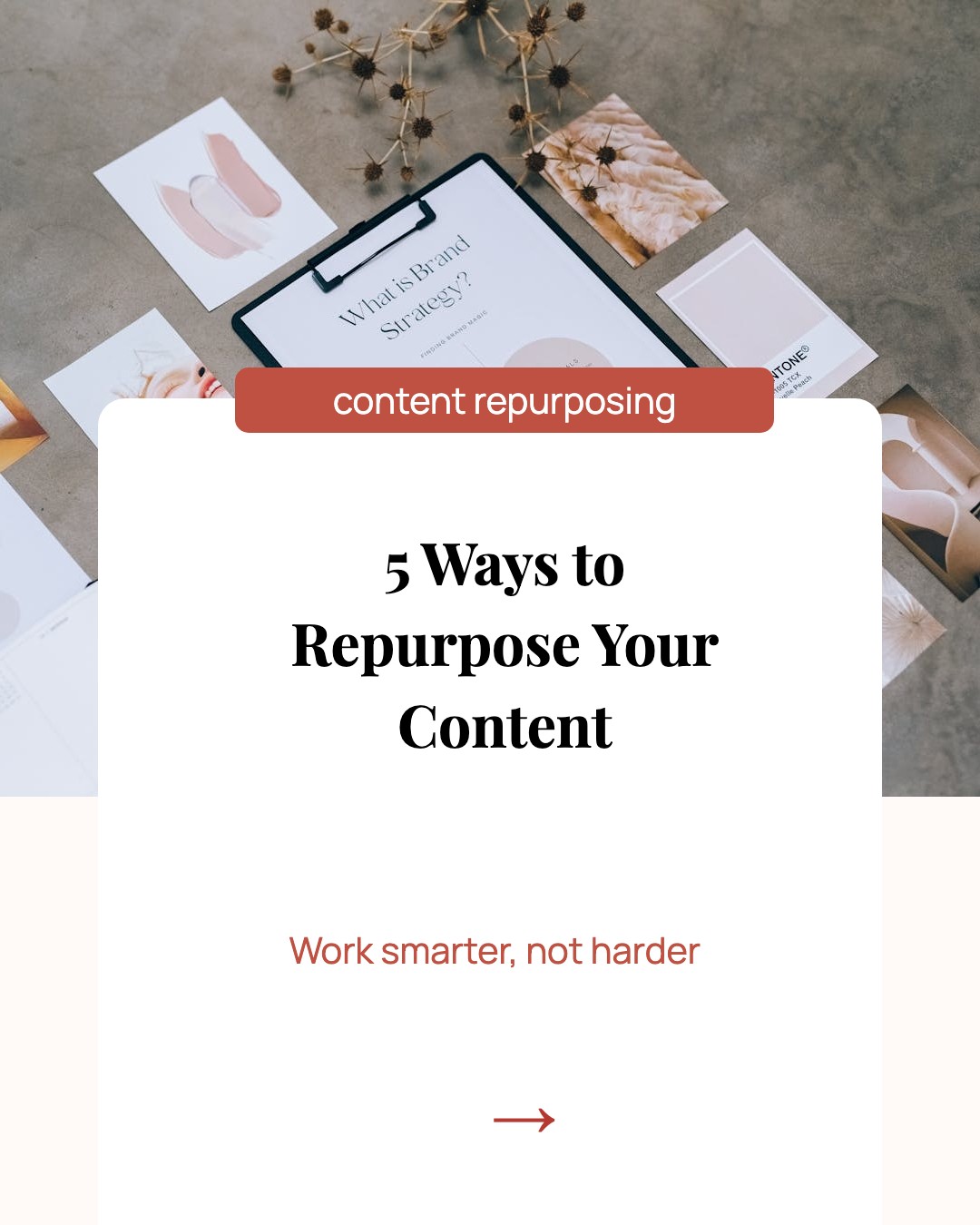
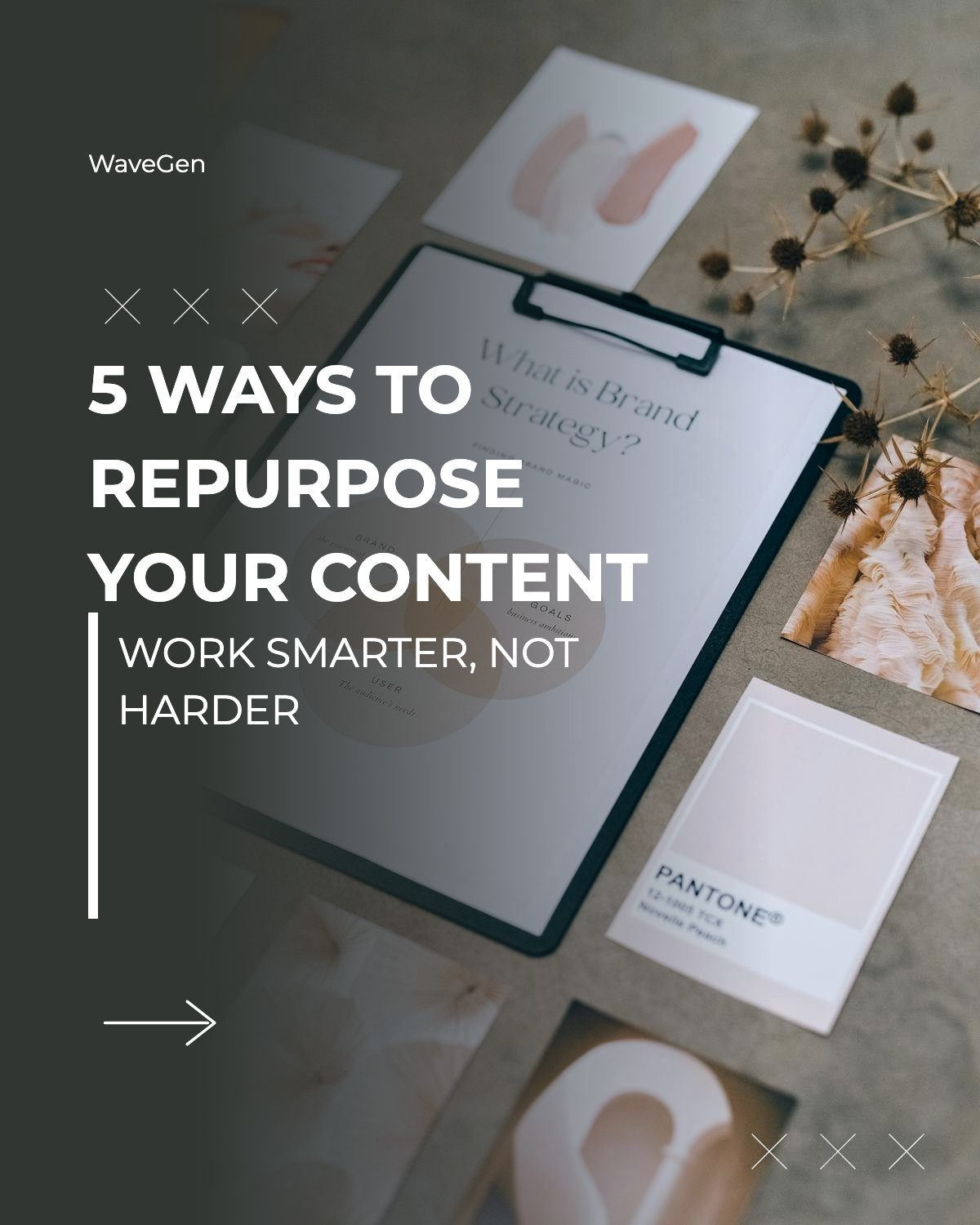
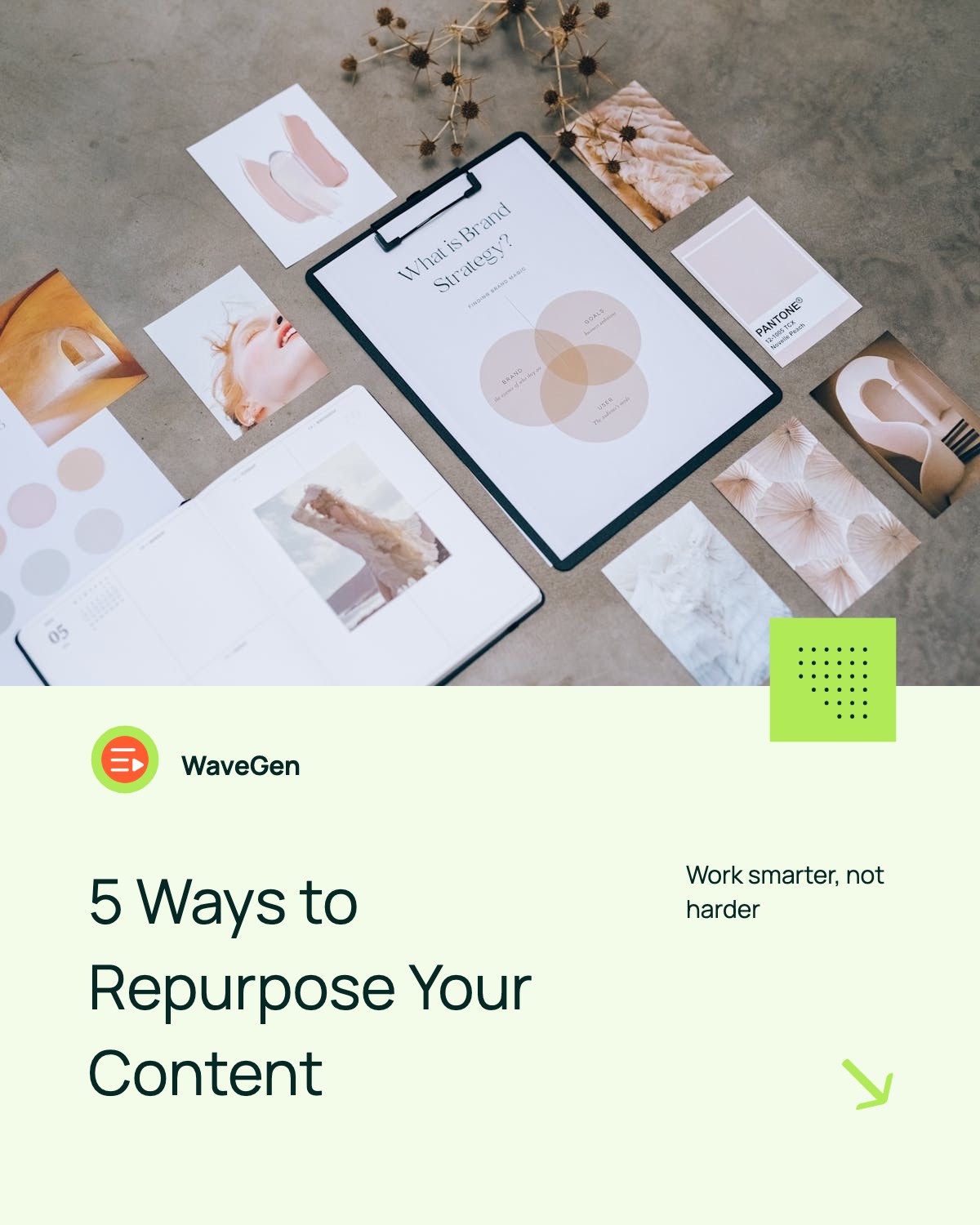
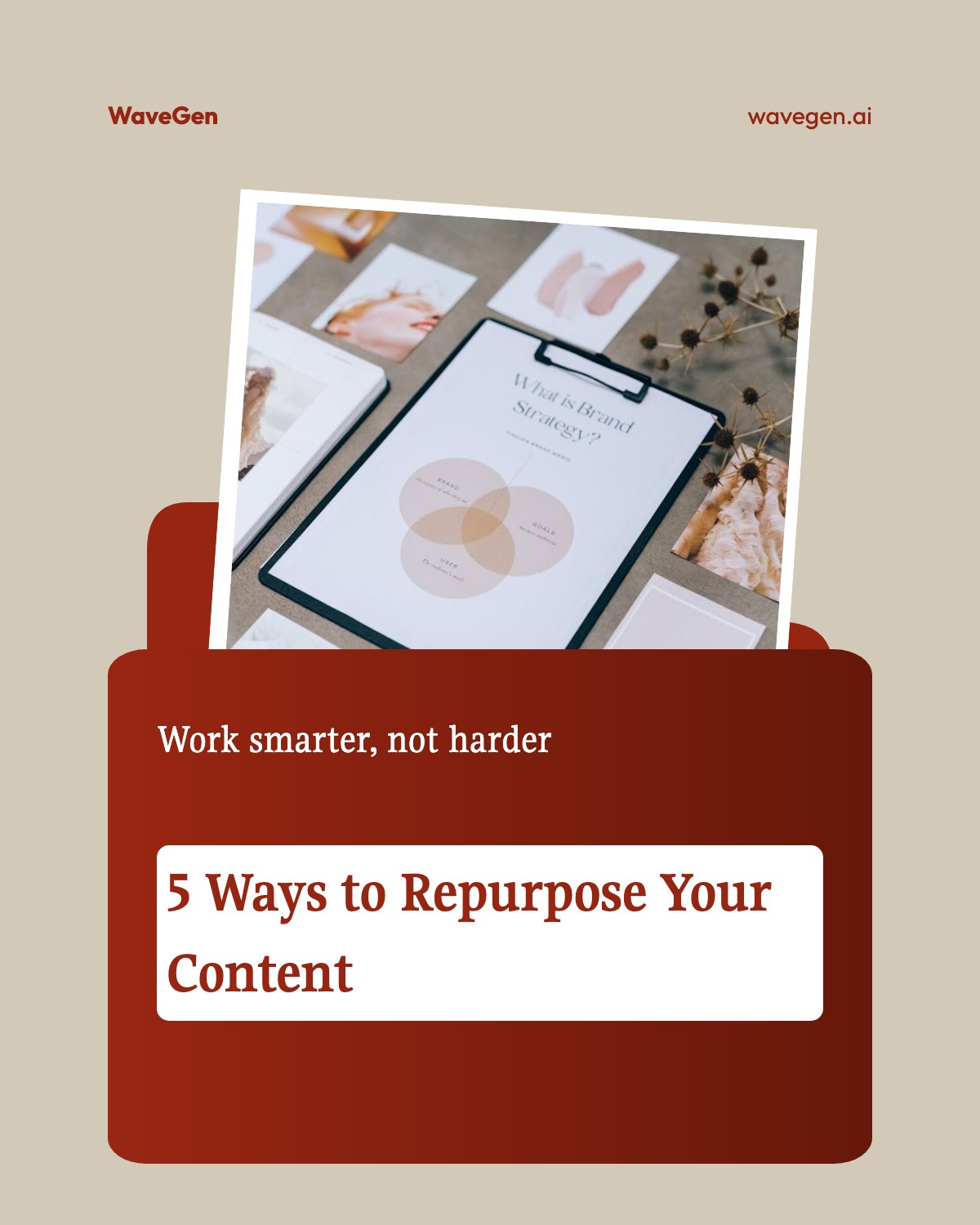
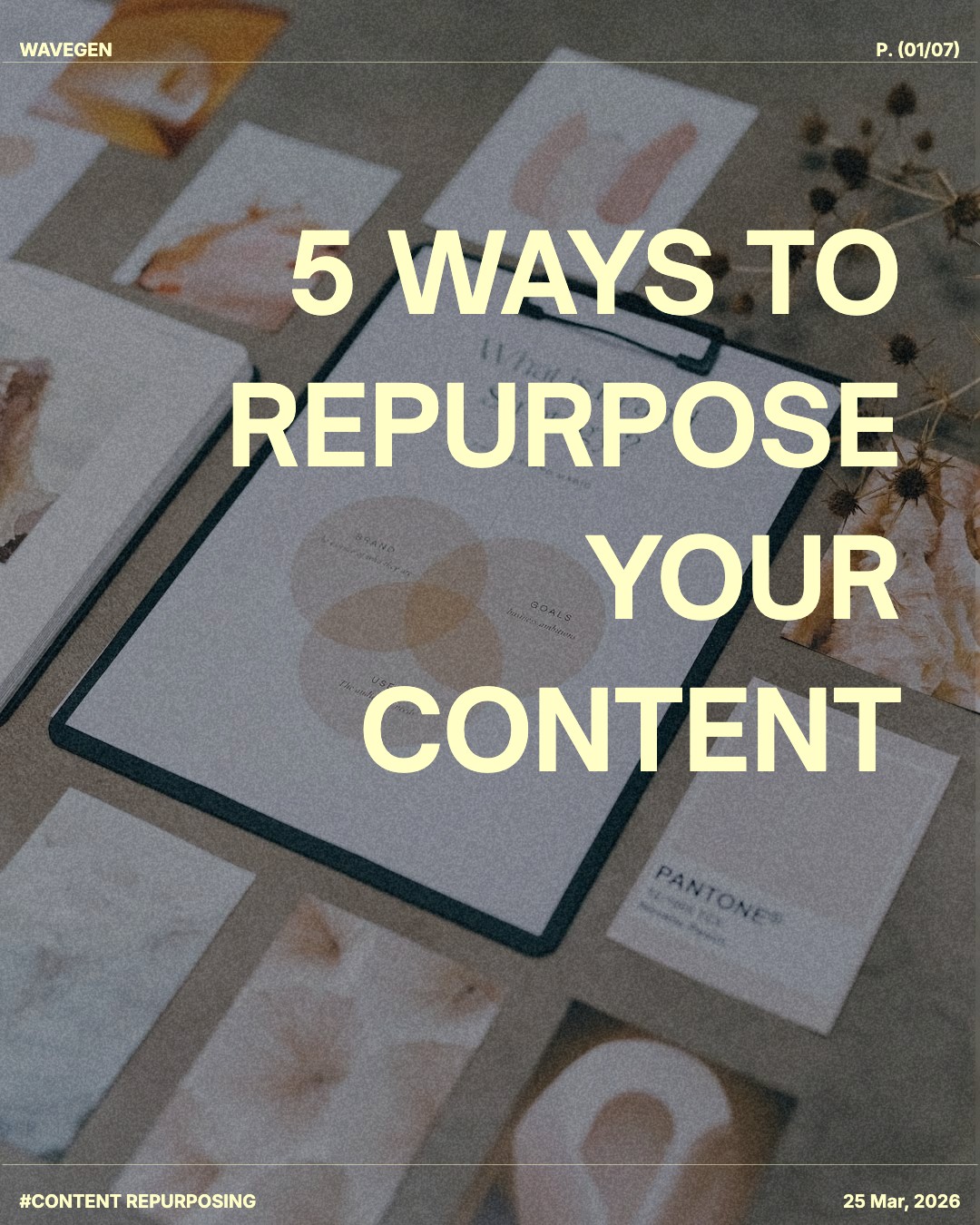


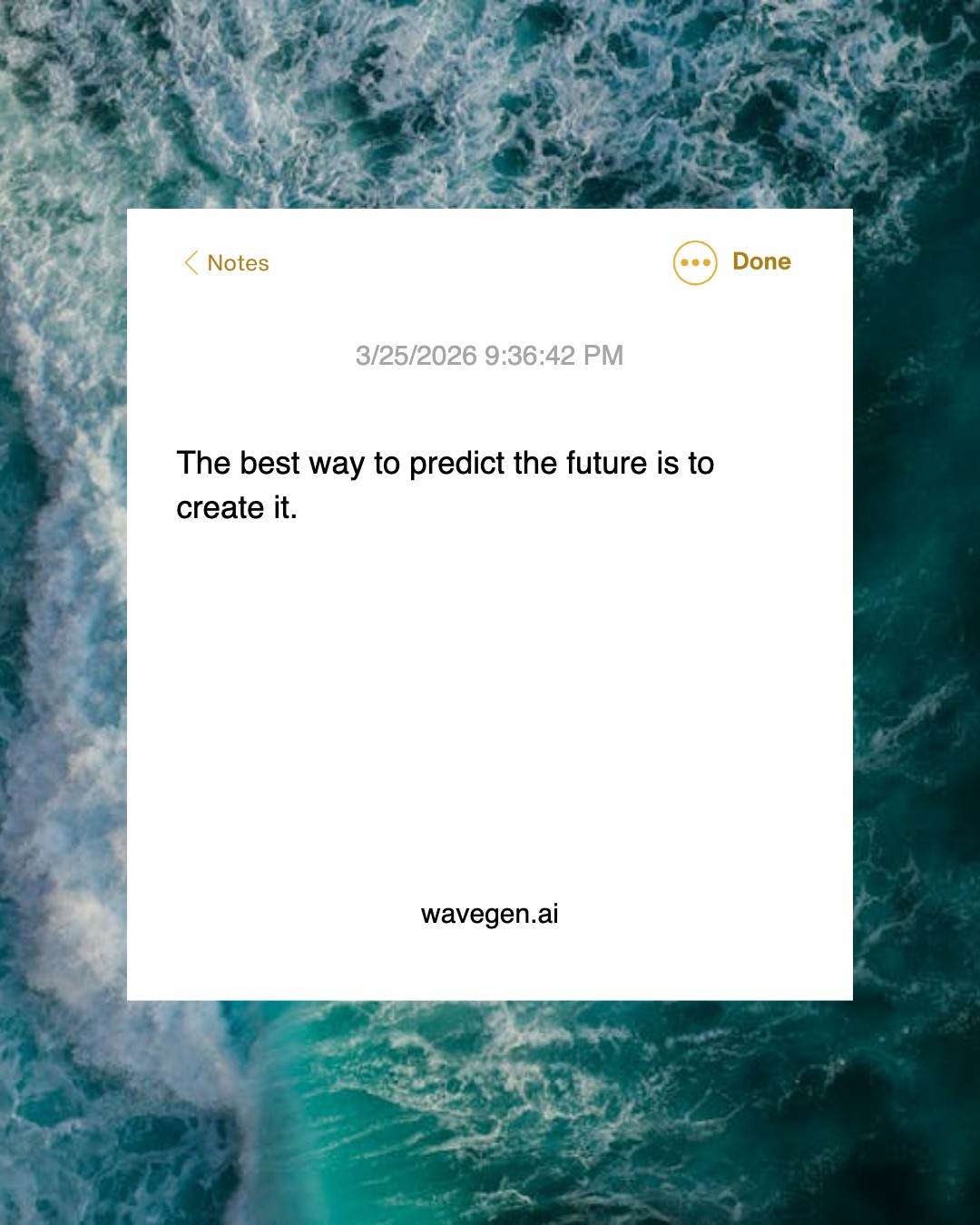
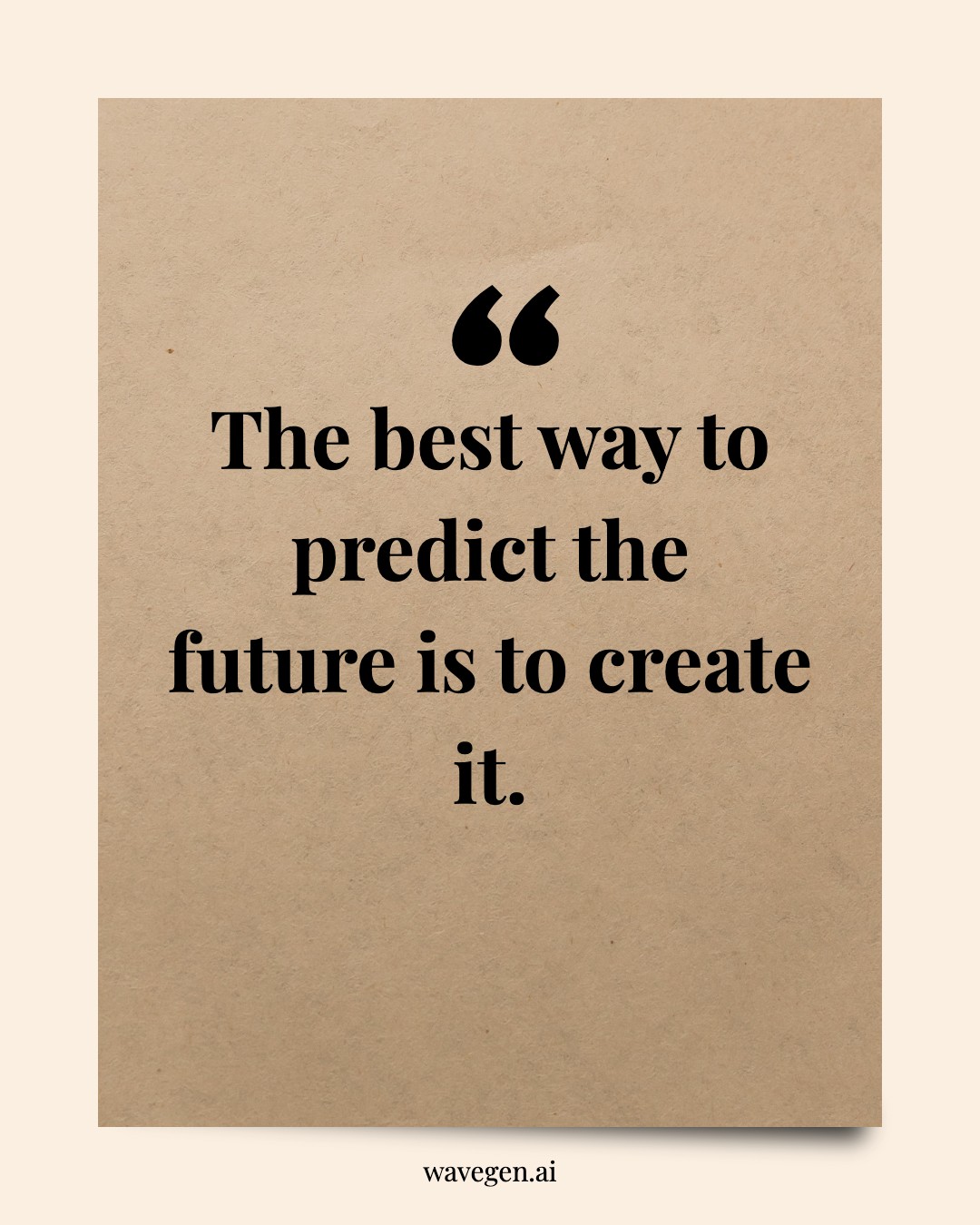

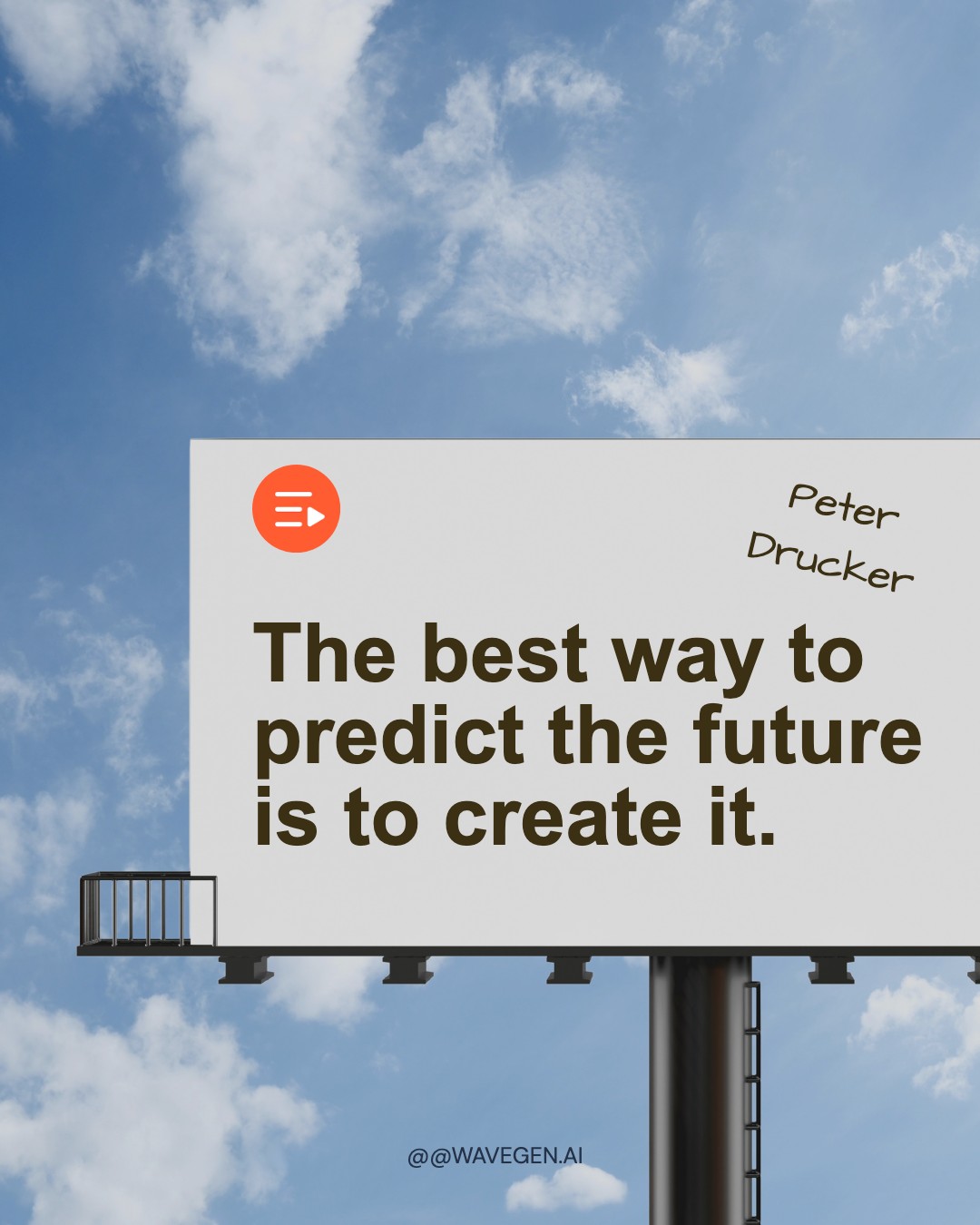
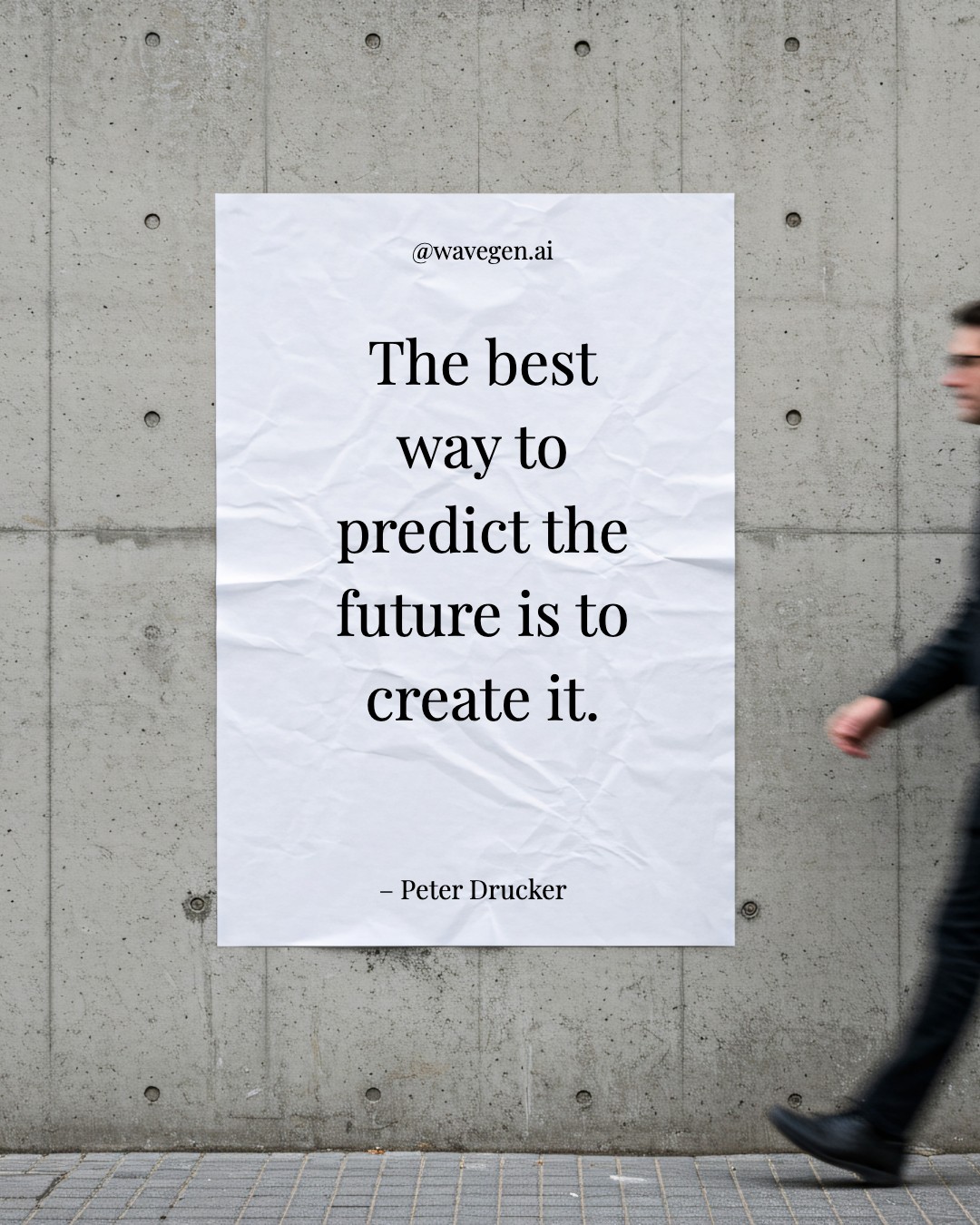

Facebook Post Specs & Tips
Maximize your Facebook reach with the right dimensions and multi-image strategy.
Recommended Sizes
Use 1080 x 1080 (square) for universal compatibility, or 1080 x 1350 (portrait) for maximum mobile visibility. All cards in a carousel must share the same aspect ratio — Facebook crops mismatched ones.
Higher Click-Through
Facebook carousels support 2-10 cards (images or videos) and get significantly higher click-through rates than single images. Each card can link to a different URL for product showcases.
Best Content Formats
Product showcases, multi-step how-tos, event highlights, and customer testimonials perform best. Facebook prioritizes content that generates meaningful interactions — ask questions and encourage comments.
First Card Matters
The first card displays by default in the feed — make it count. Use a bold visual or headline that compels users to swipe through the rest of your carousel.
Drive Engagement
Facebook's algorithm rewards posts with meaningful interactions. End your carousel with a question or CTA that sparks conversation in the comments.
Full Size Reference
Need the complete breakdown of Facebook image dimensions? Check out our Facebook post size guide for every format.
Create Carousel Posts with AI
Paste a URL or describe your topic, and WaveGen will generate a complete carousel post with your branding in seconds.
Try WaveGen FreeFacebook Post Template FAQs
Ready to Create?
Pick a template, customize it with your content, and post to Facebook in minutes. Or let AI do the heavy lifting.