LinkedIn Post Templates
Free LinkedIn Post Templates
Professional LinkedIn post templates for carousel documents. Pick a design, customize with your content, and publish to LinkedIn for free. No design skills needed.




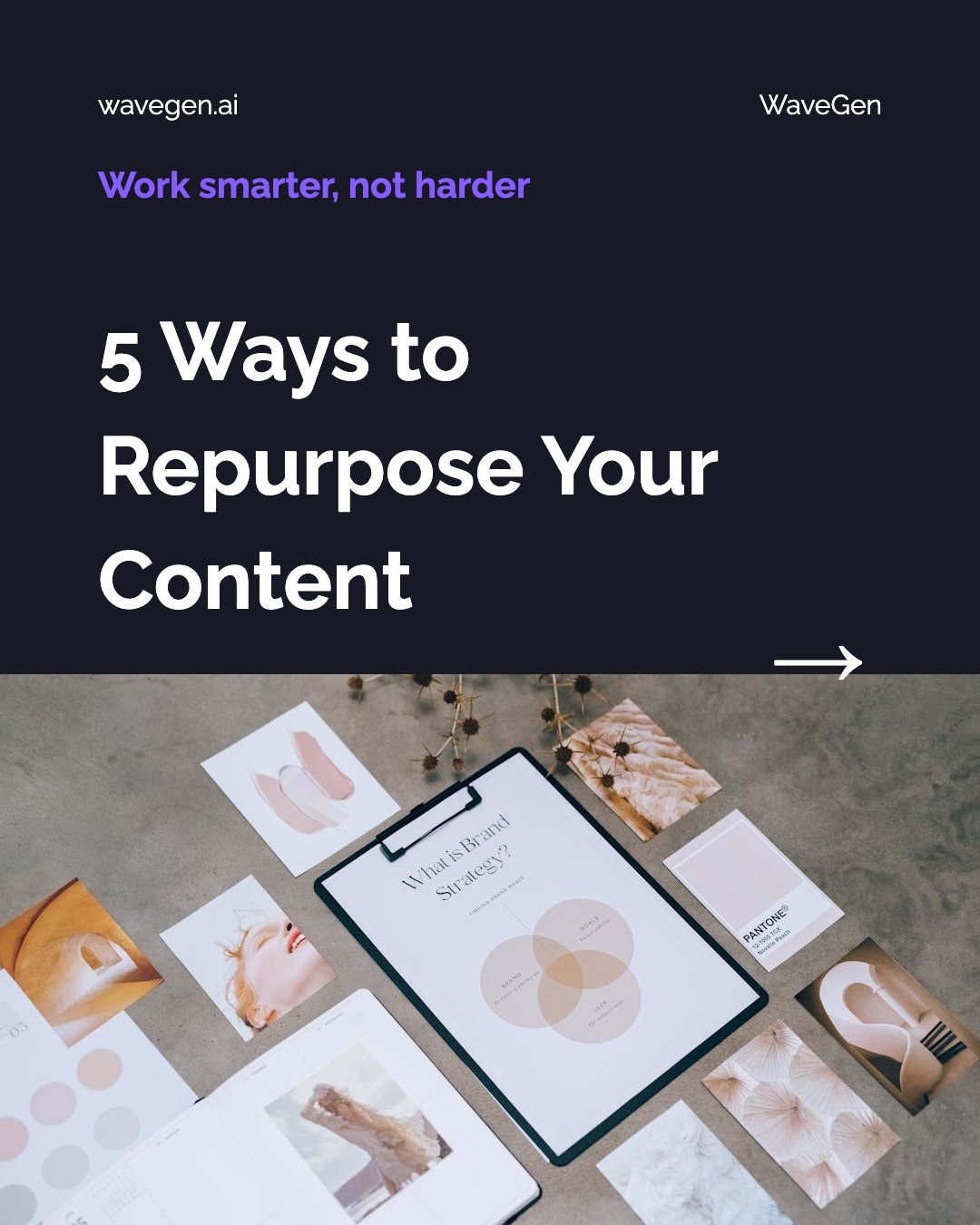




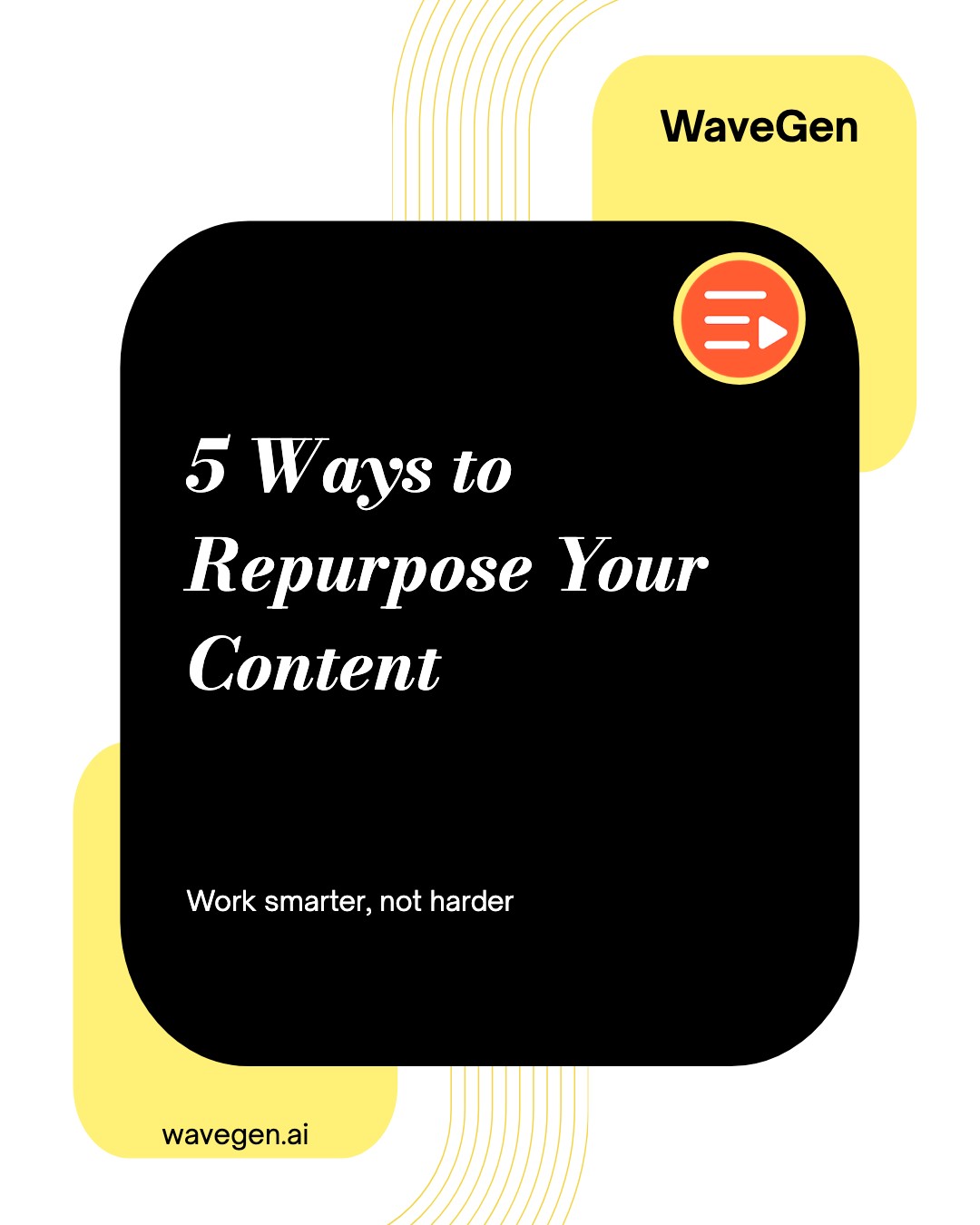

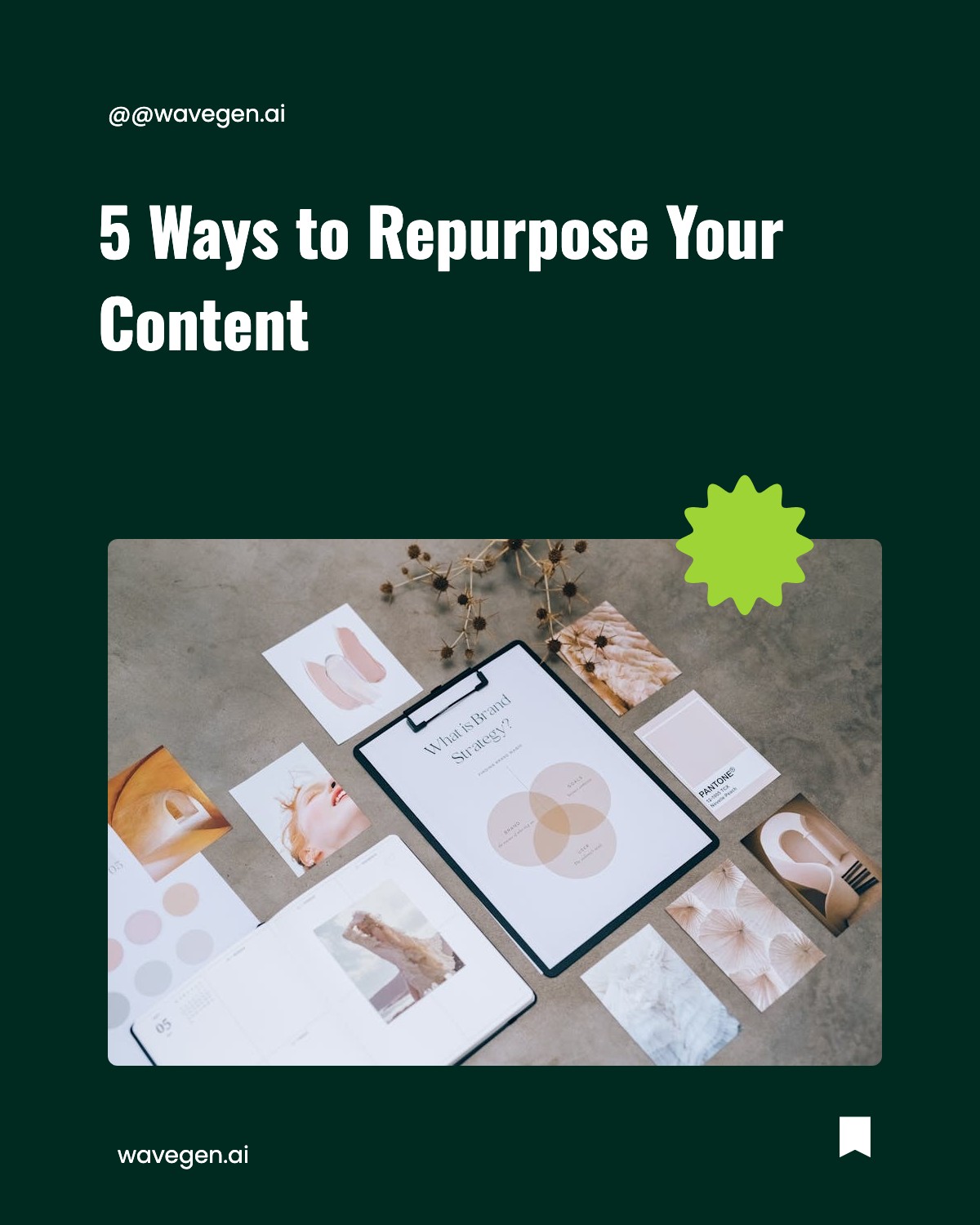
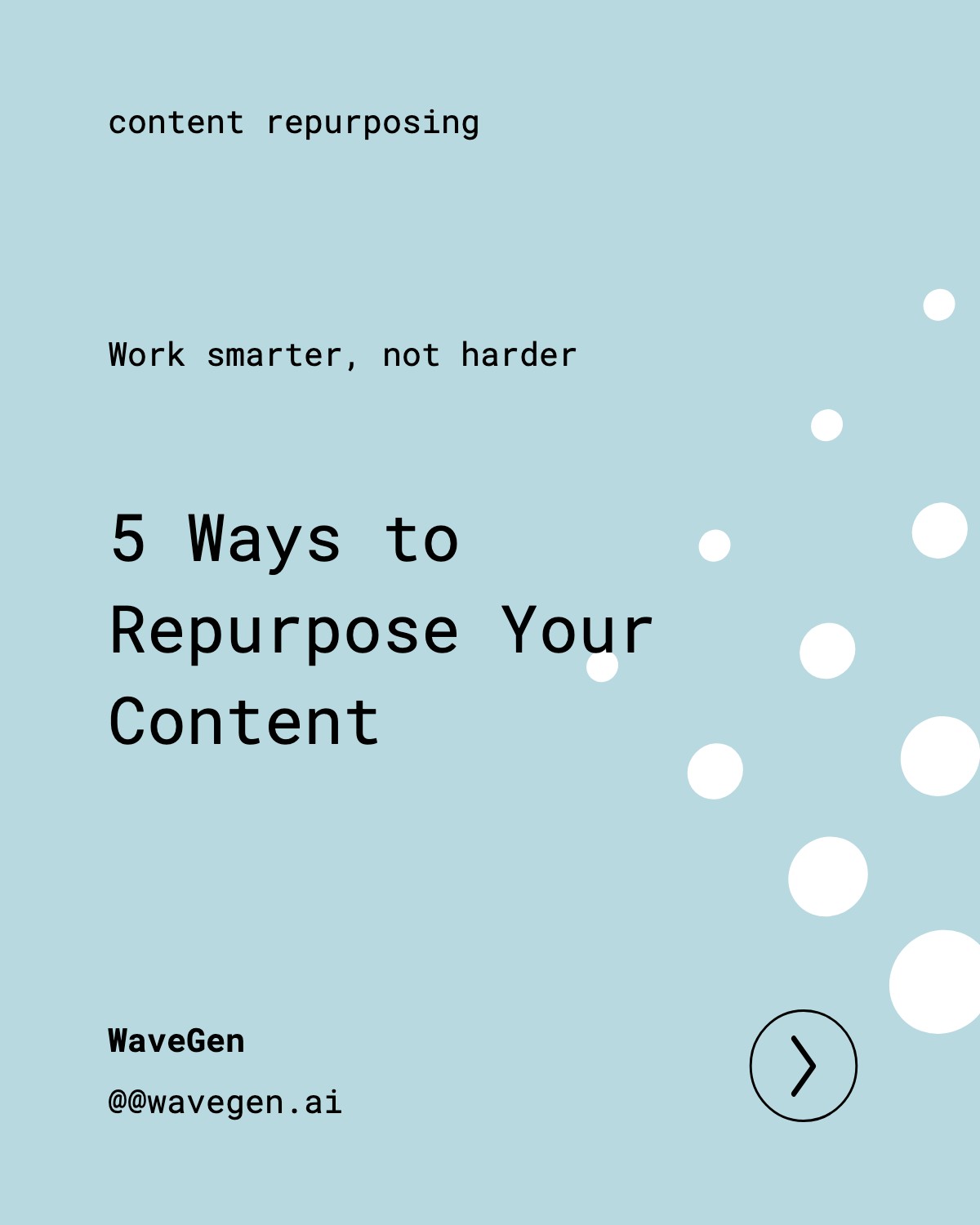
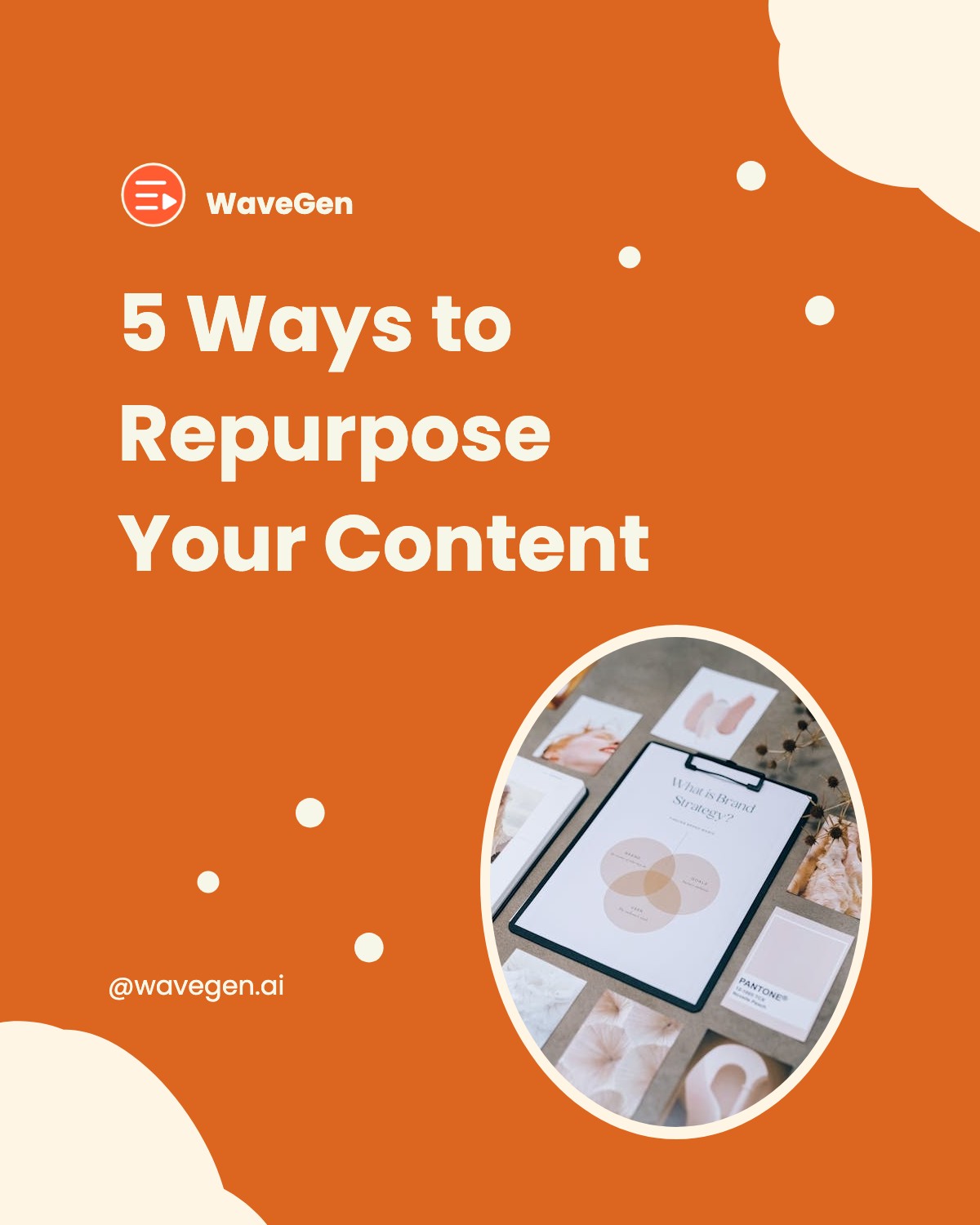

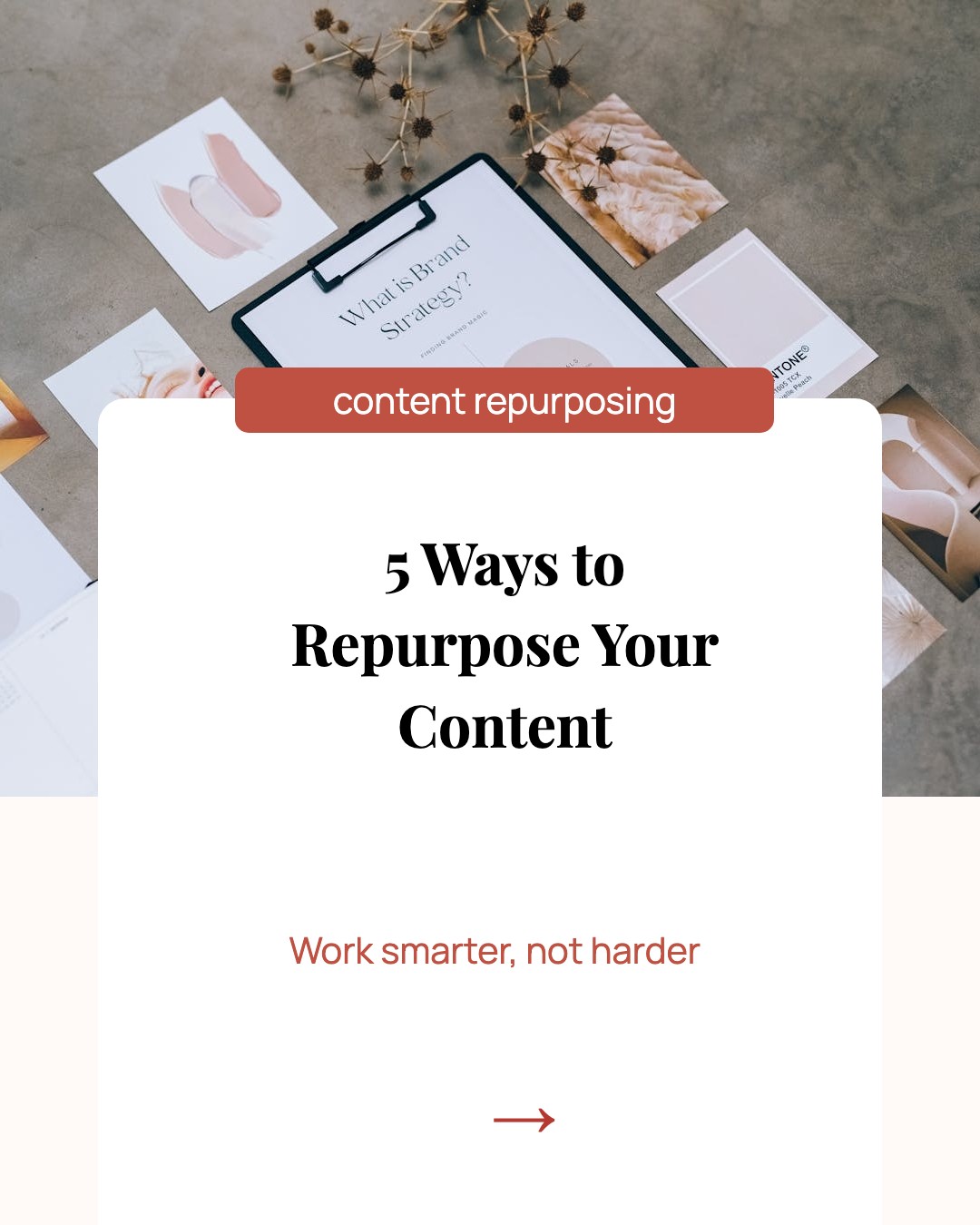

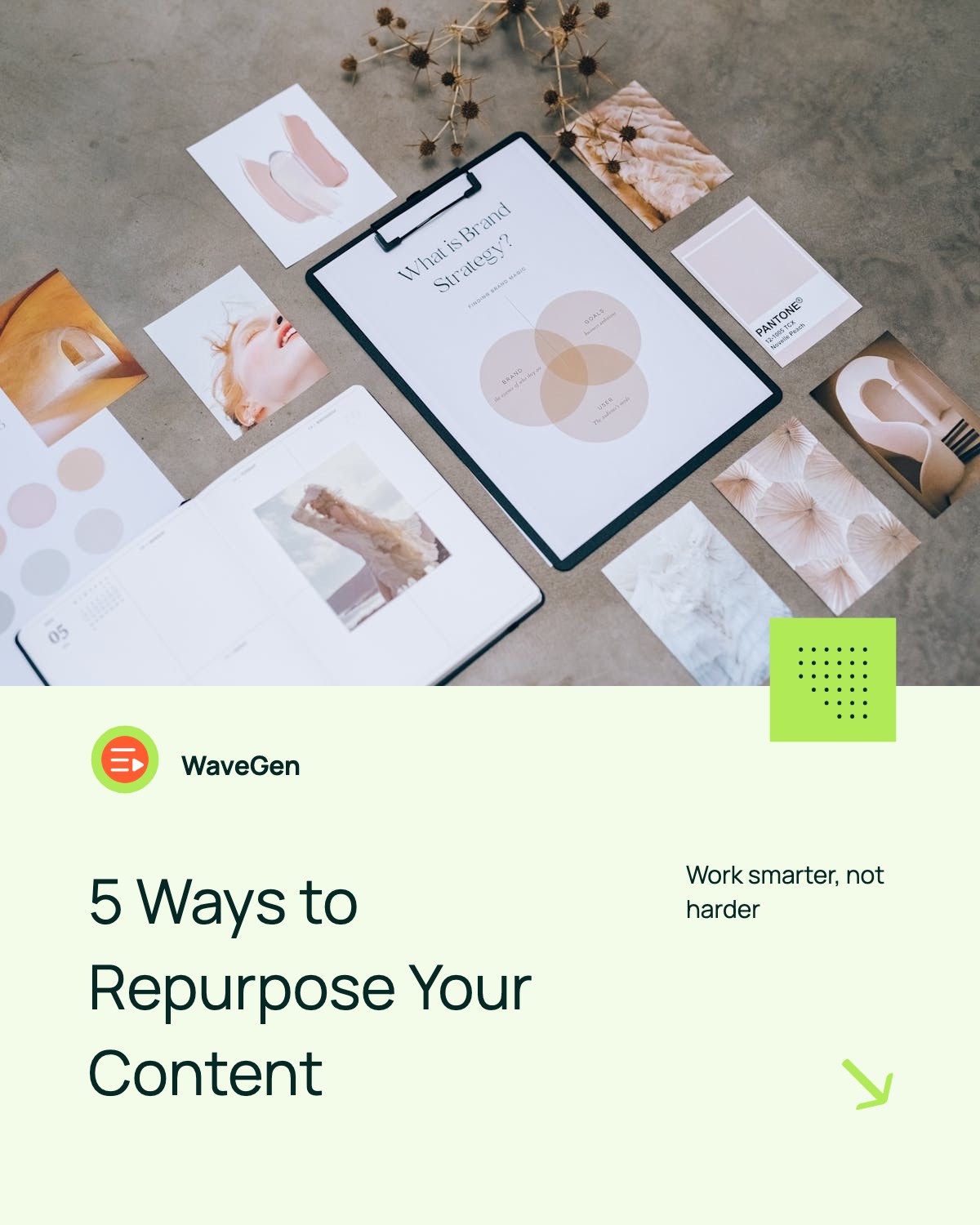
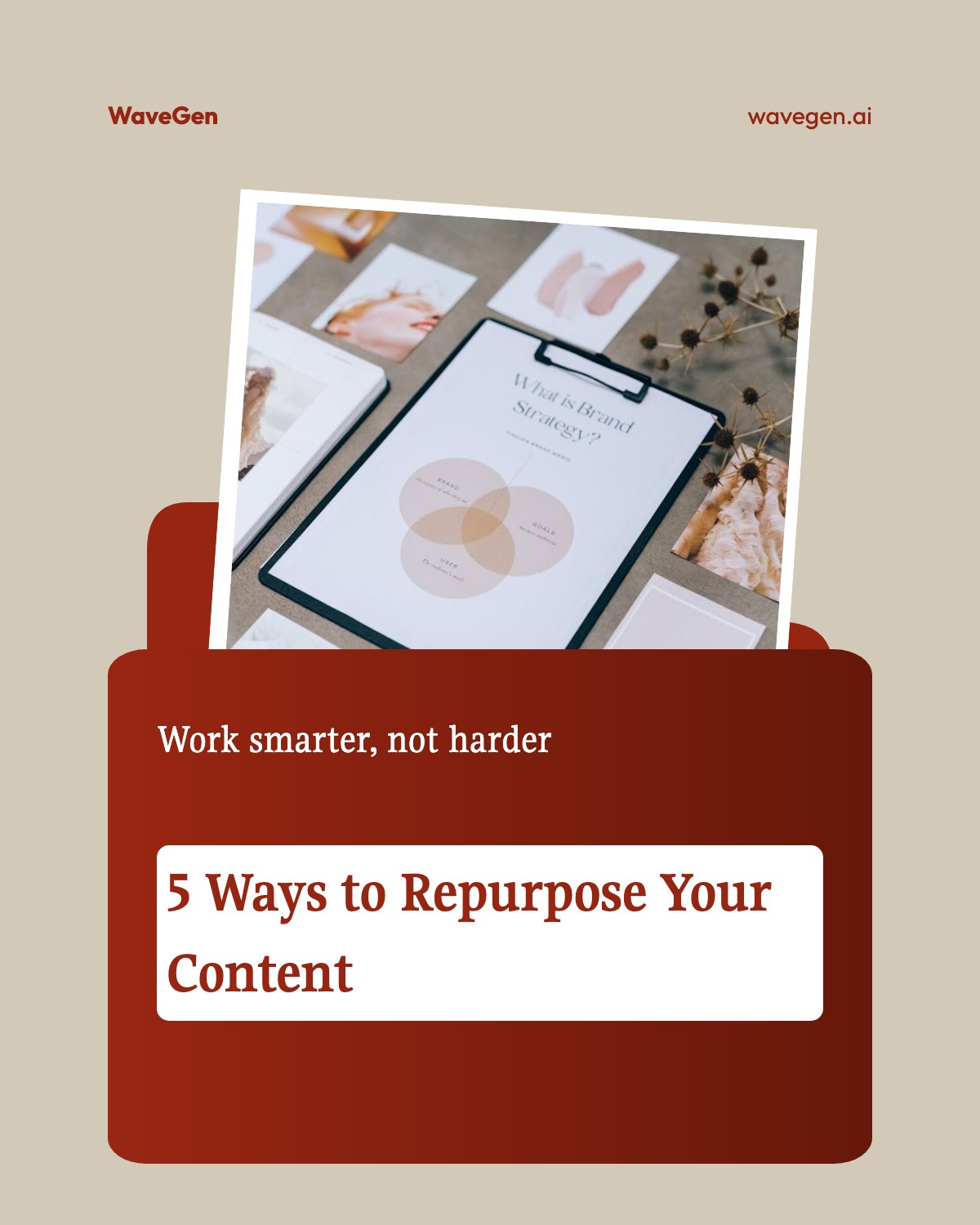








LinkedIn Post Specs & Tips
Make your LinkedIn document carousels stand out with the right format and engagement strategy.
Document-Based Format
LinkedIn carousels are document-based — upload as PDF for the swipeable format. This is different from Instagram or Facebook where you upload individual images.
Recommended Dimensions
Use 1080 x 1080 (square) or 1080 x 1350 (portrait) for optimal display. LinkedIn allows 2-10 slides, but 6-10 pages work well since users read more deeply on this platform.
3x More Engagement
LinkedIn carousel posts get 3x more engagement than regular text posts. Users on LinkedIn slow down and read carefully — you can include more detail per slide than on other platforms.
Best Content Types
Industry insights, thought leadership, data presentations, and case studies perform best. LinkedIn's professional audience values actionable, in-depth content.
End With a Question
End your carousel with a question to drive comments — LinkedIn's algorithm rewards comment velocity. Posts with early comments get significantly more impressions.
Full Size Reference
Need the complete breakdown of LinkedIn post dimensions? Check out our LinkedIn post size guide for every format.
Create Carousel Posts with AI
Paste a URL or describe your topic, and WaveGen will generate a complete carousel post with your branding in seconds.
Try WaveGen FreeLinkedIn Post Template FAQs
Ready to Create?
Pick a template, customize it with your content, and publish to LinkedIn for free. Or let AI generate your carousel automatically.