Instagram Post Templates
Free Instagram Post Templates
Browse and use free Instagram post templates. Pick a design, customize with your content, and publish to your channels. Professional templates, no design skills needed.
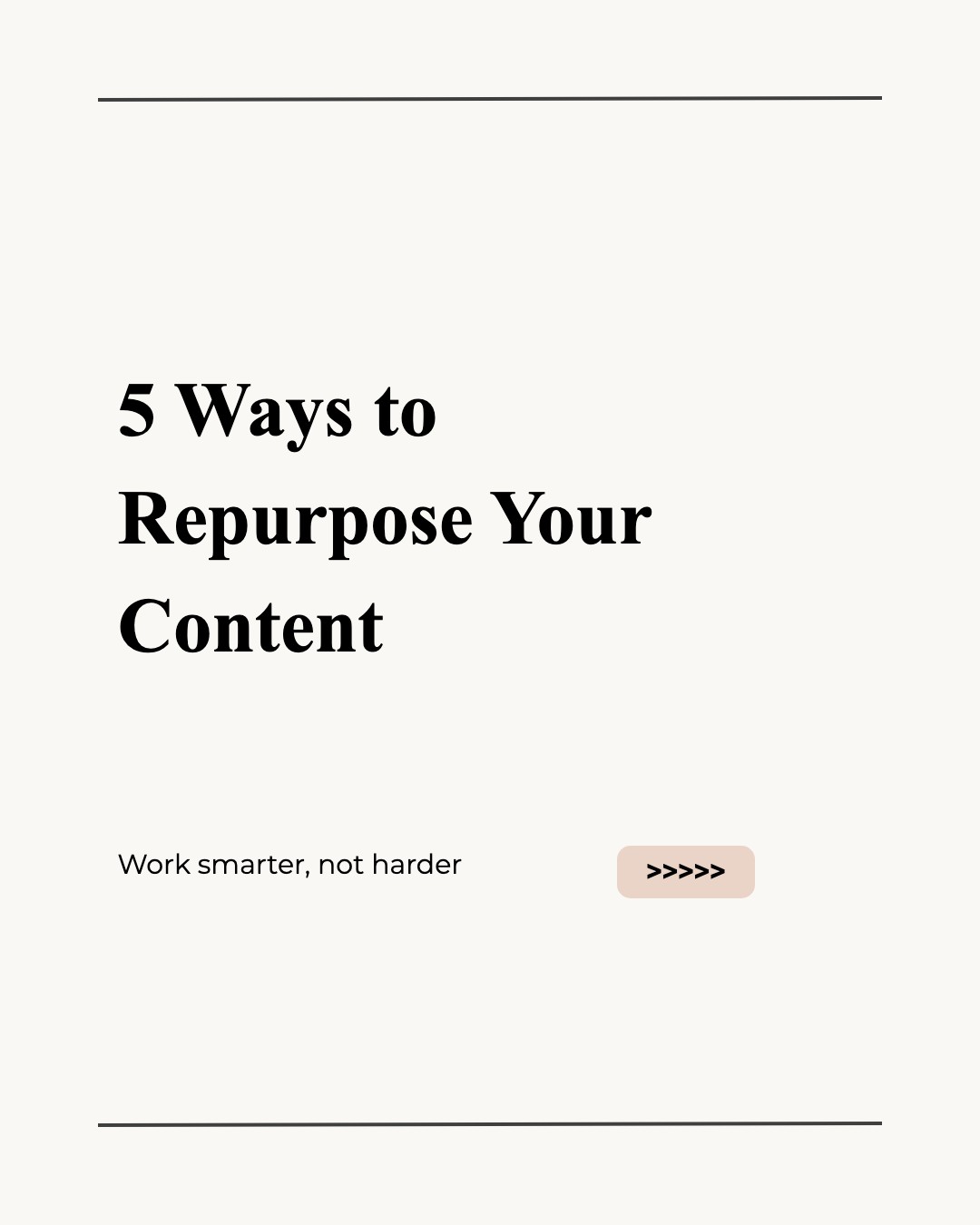
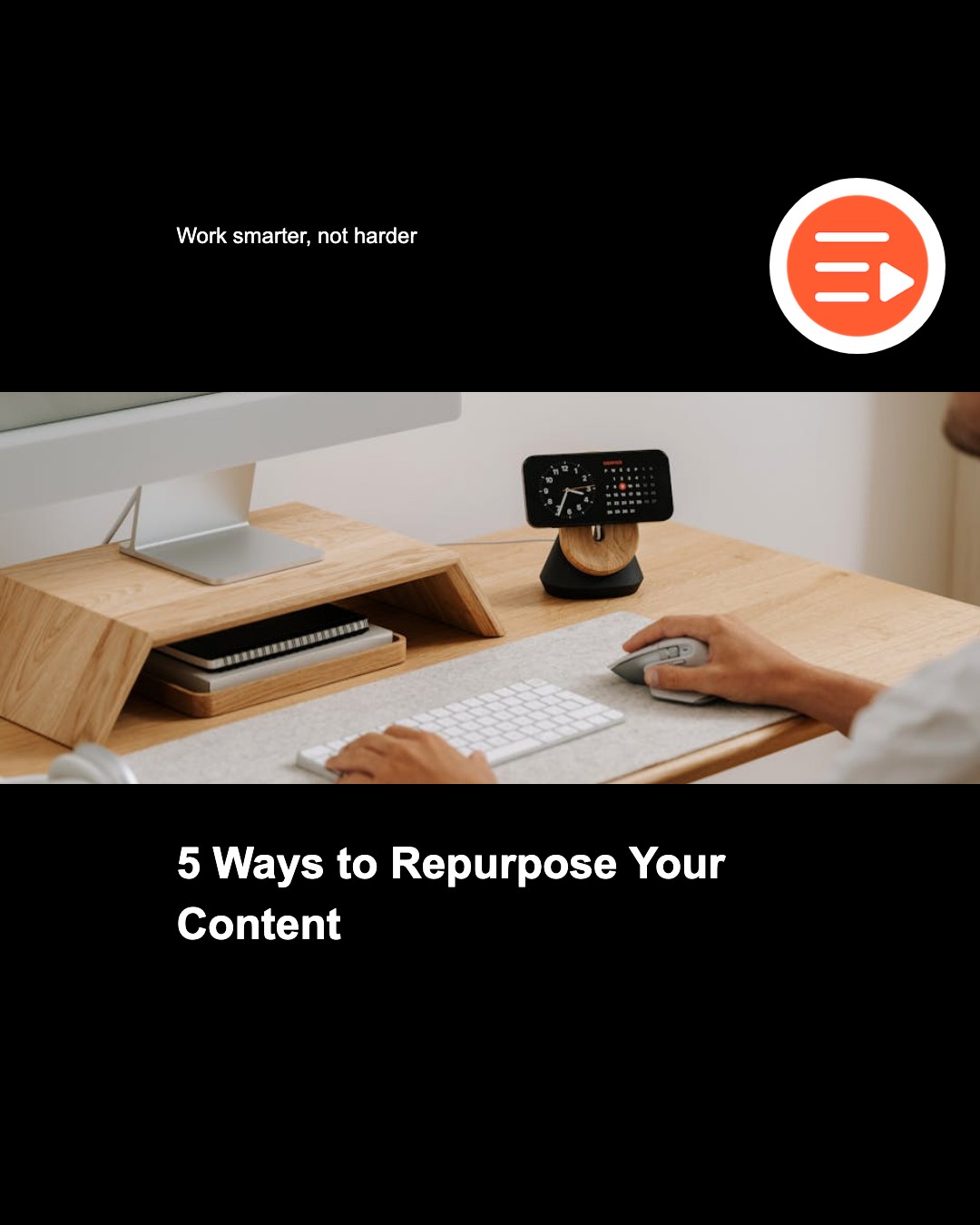
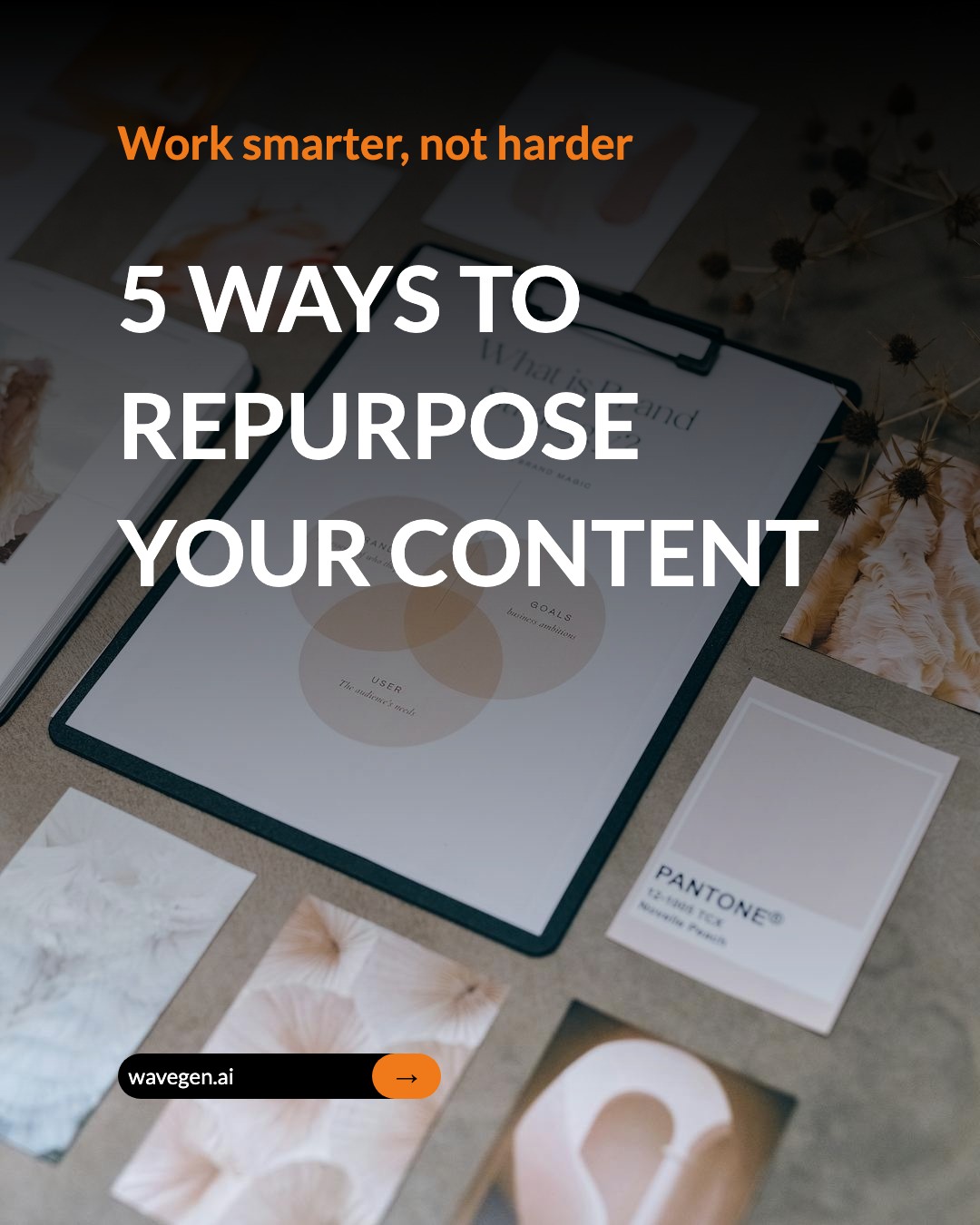
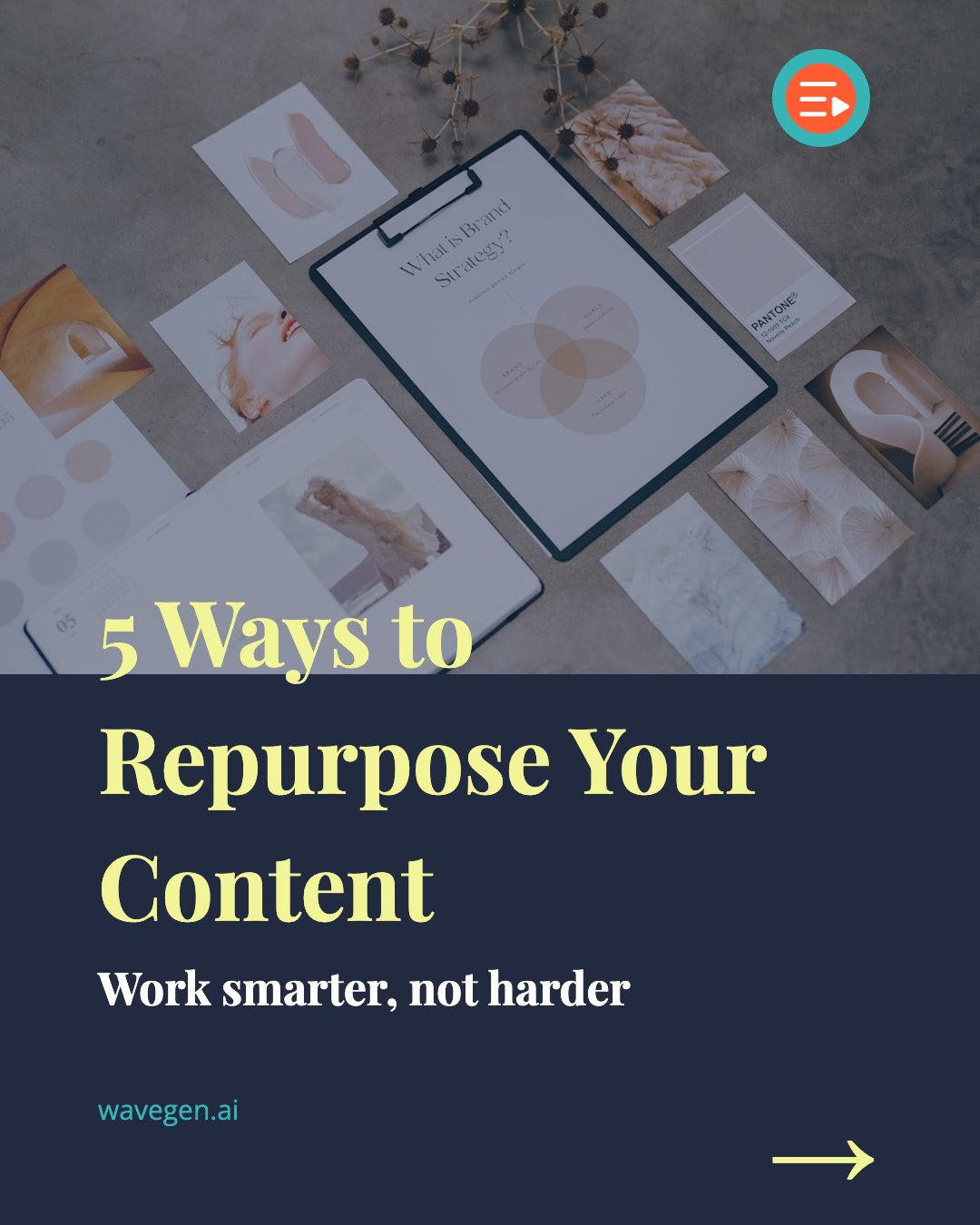


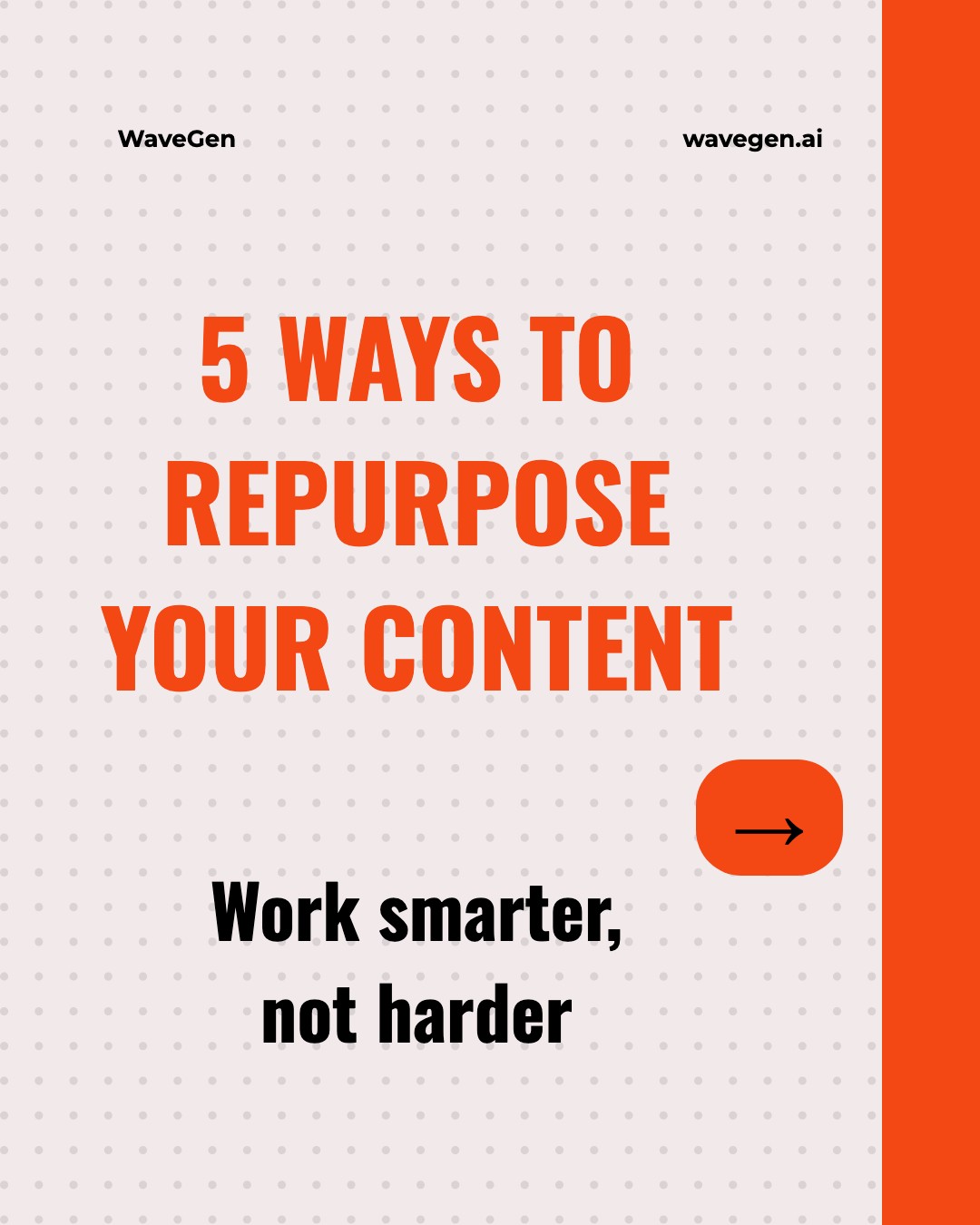
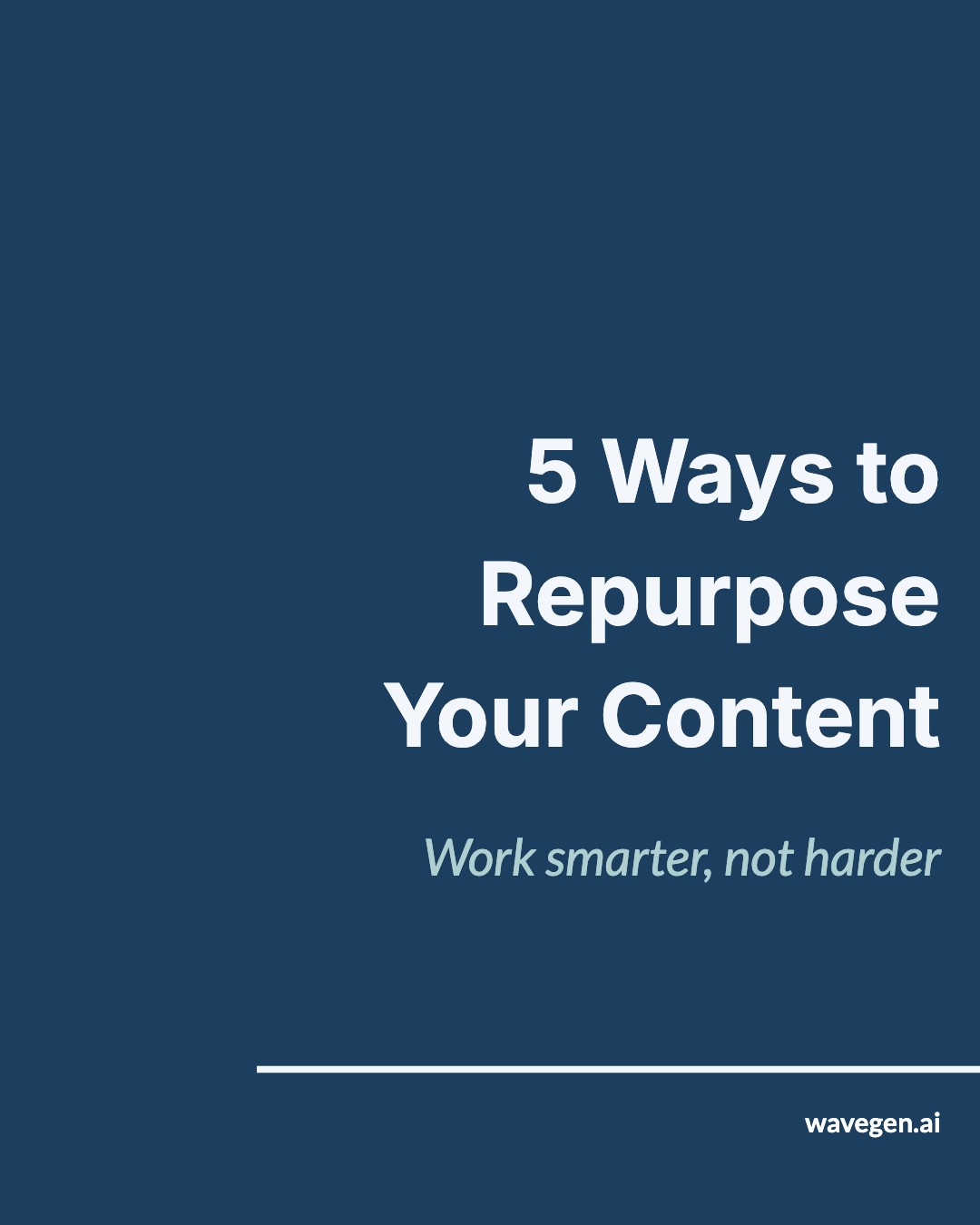
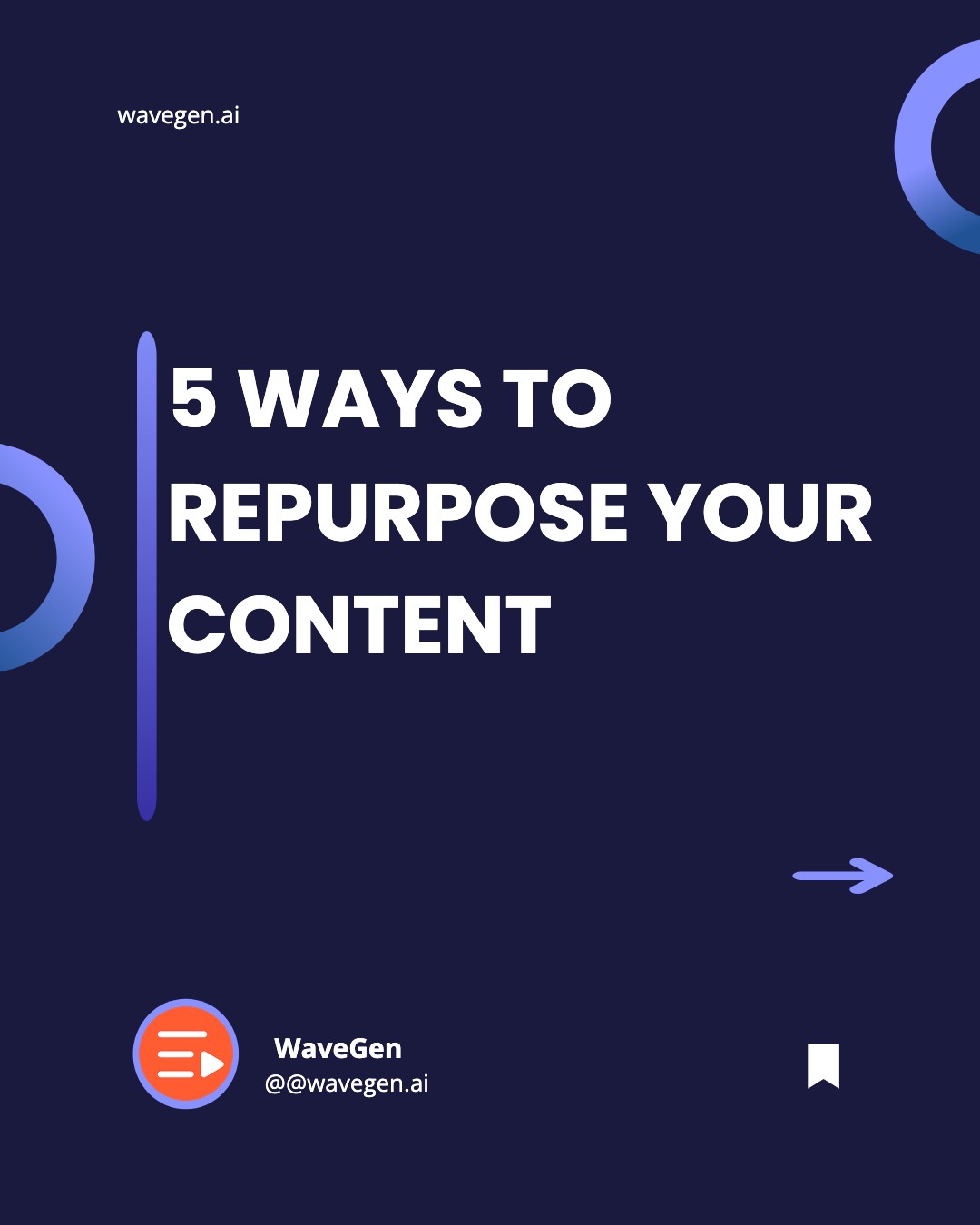
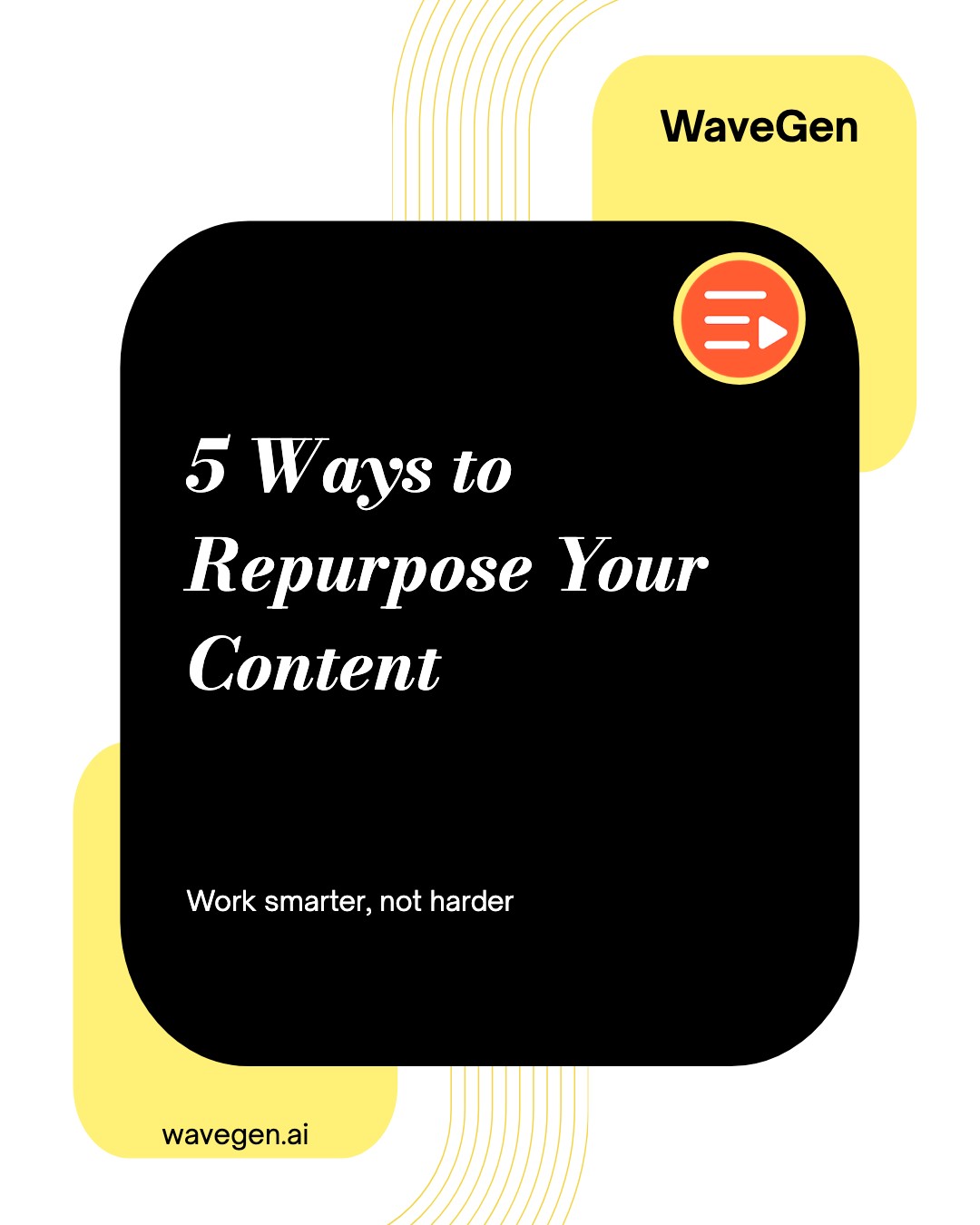

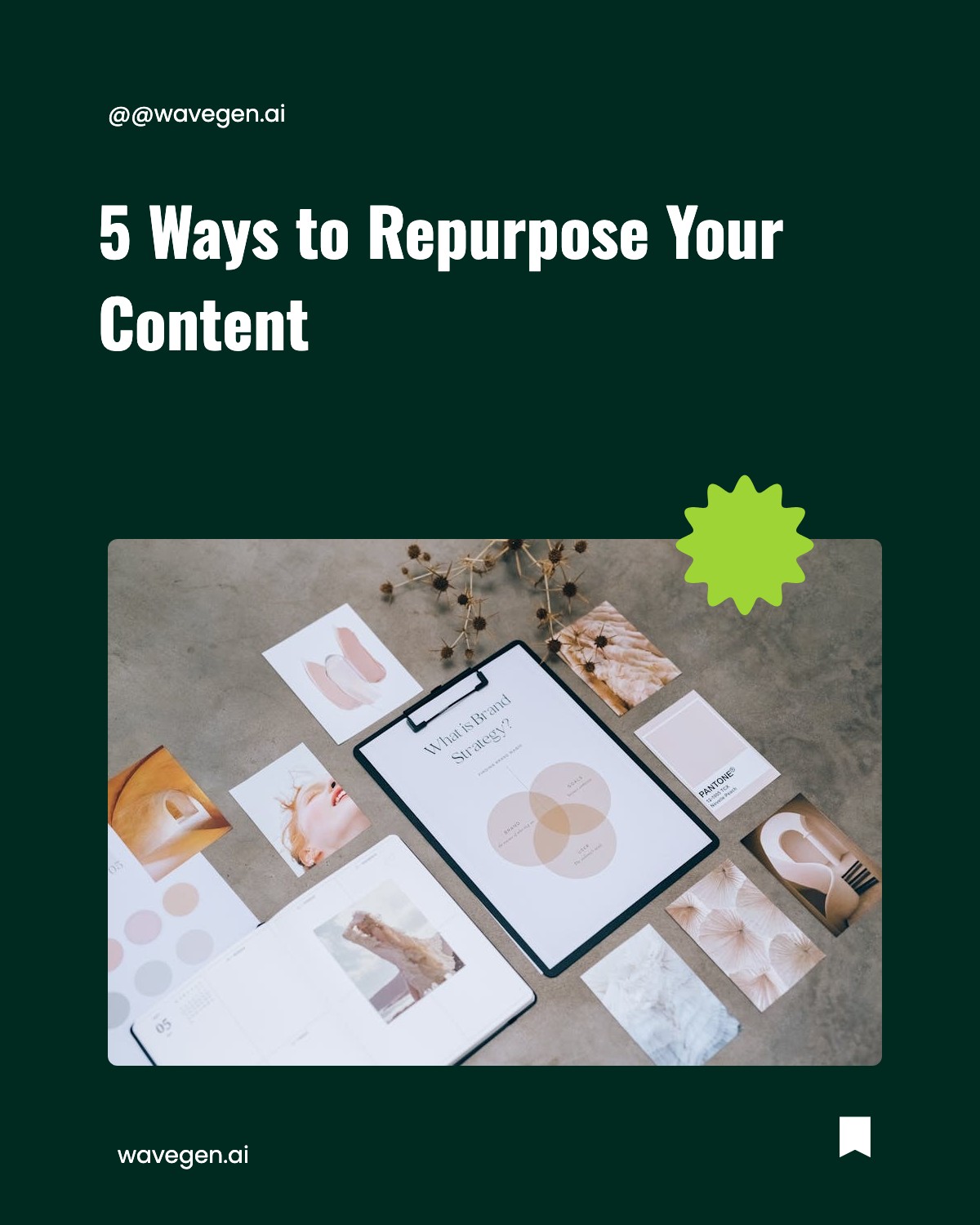
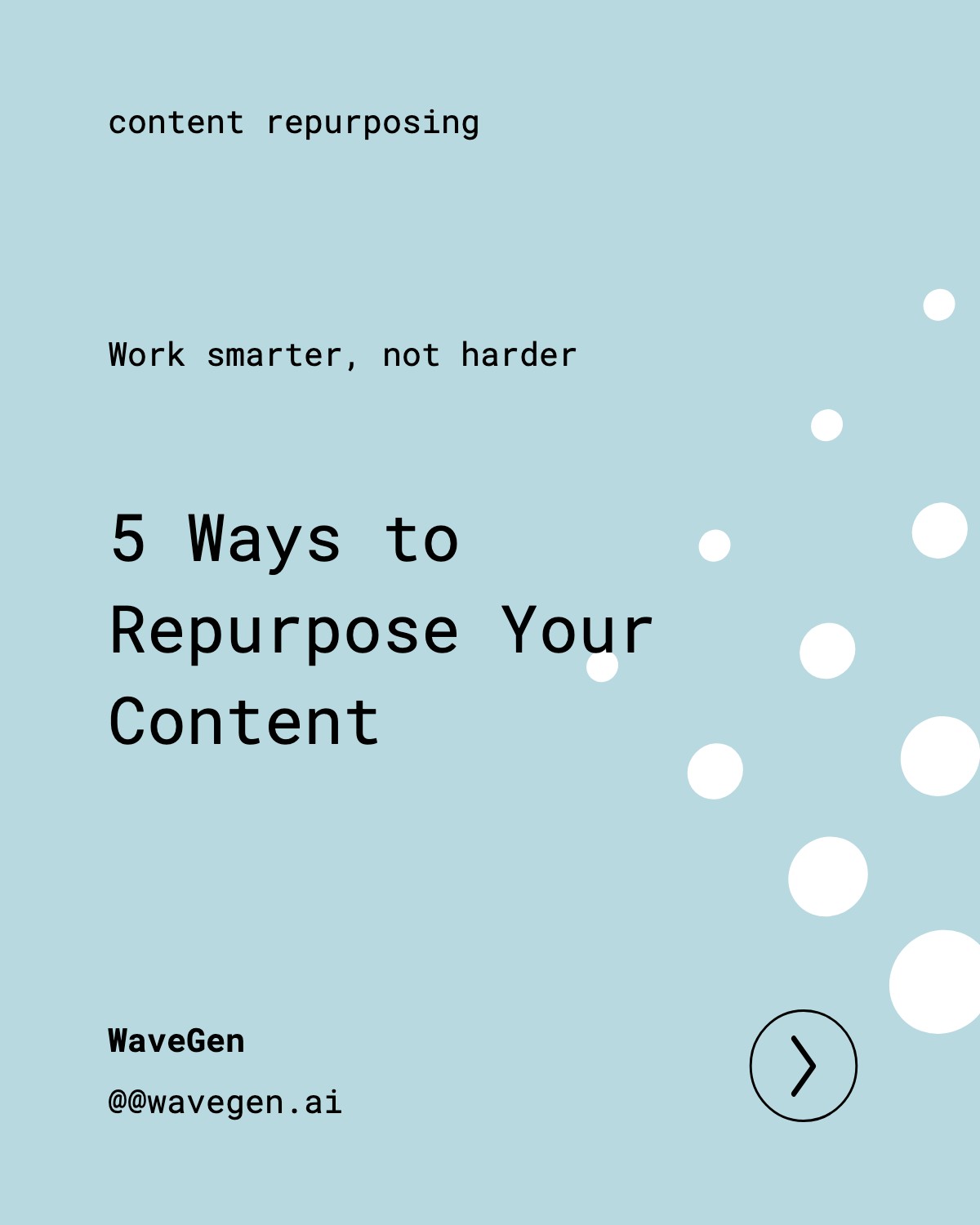
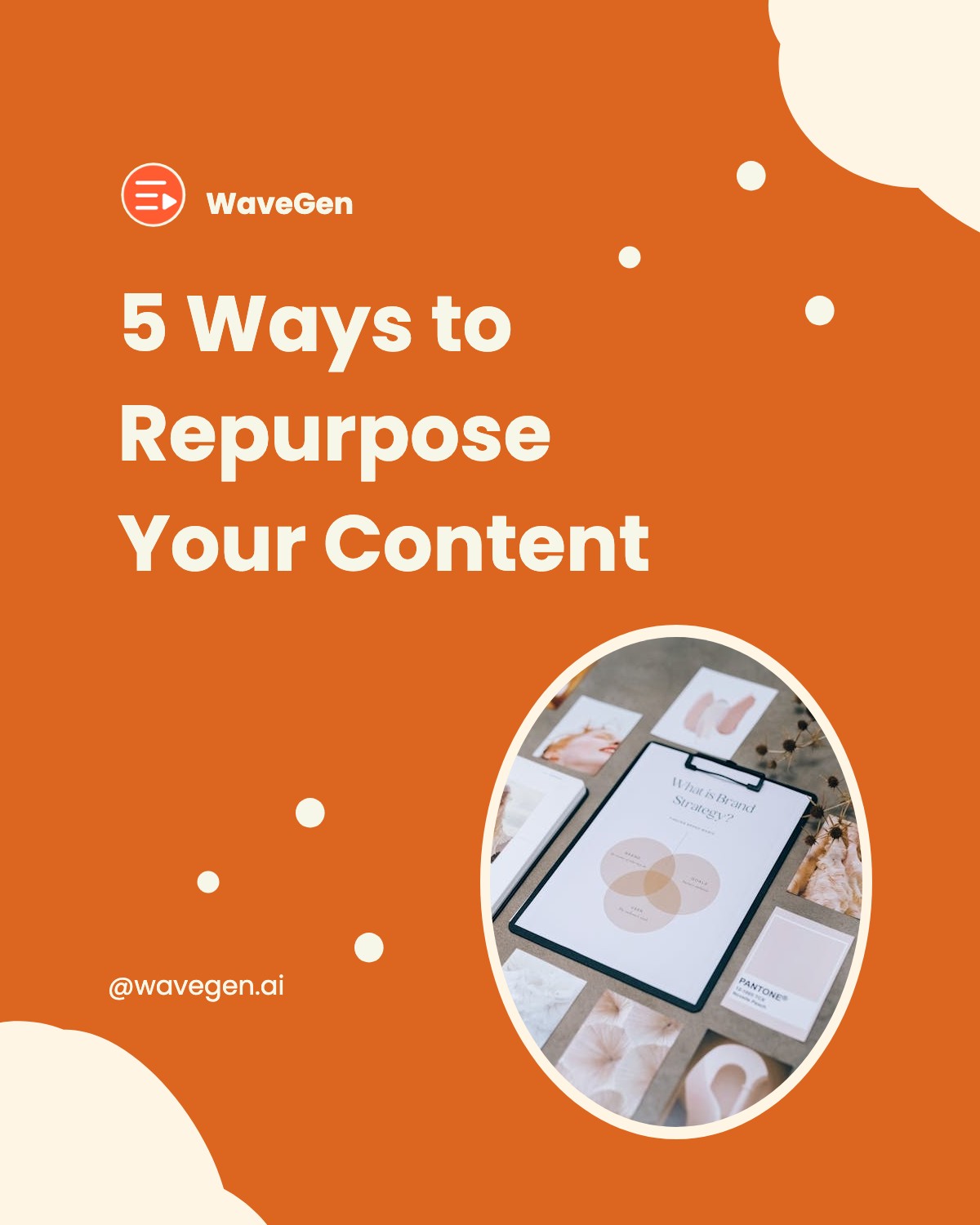
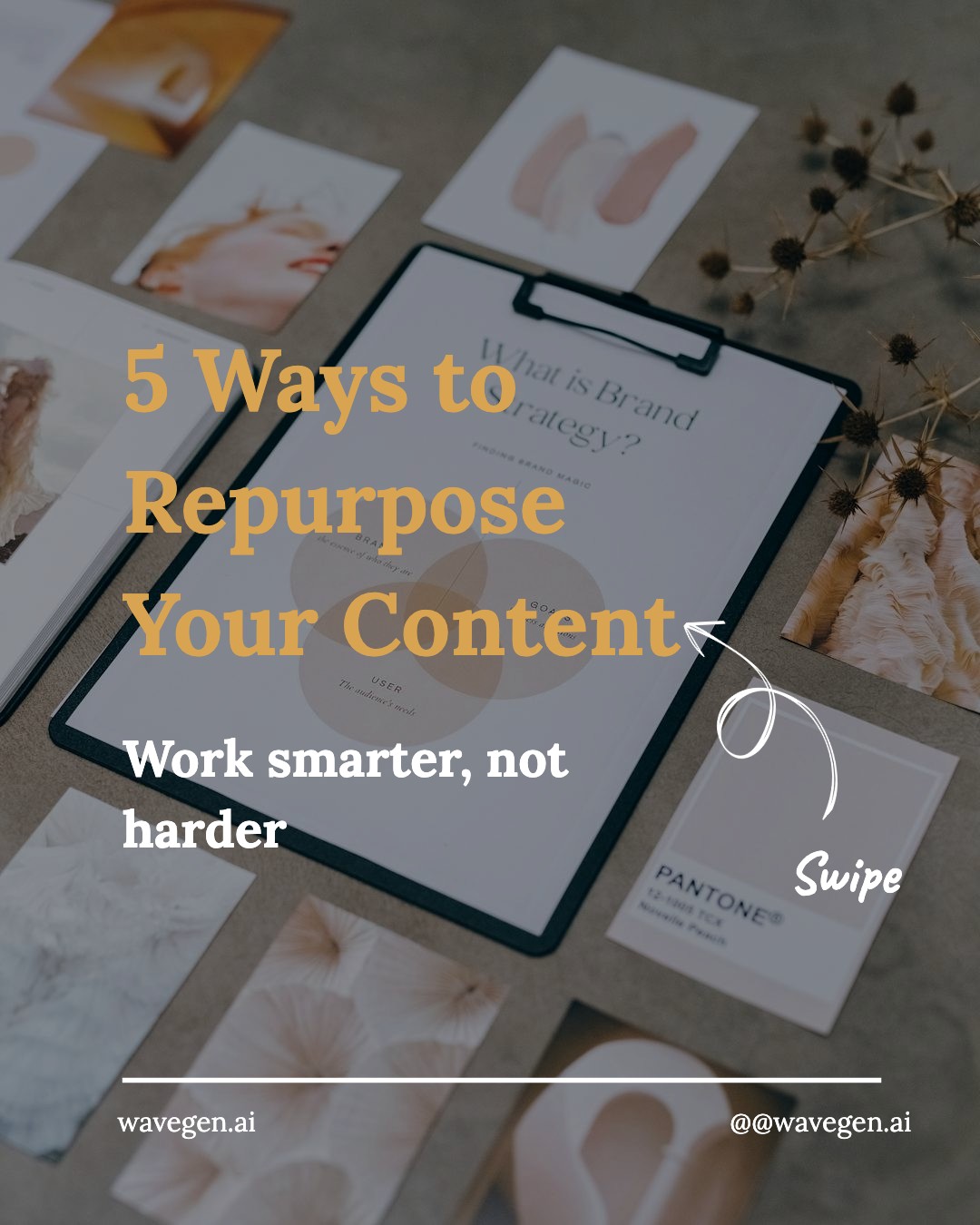
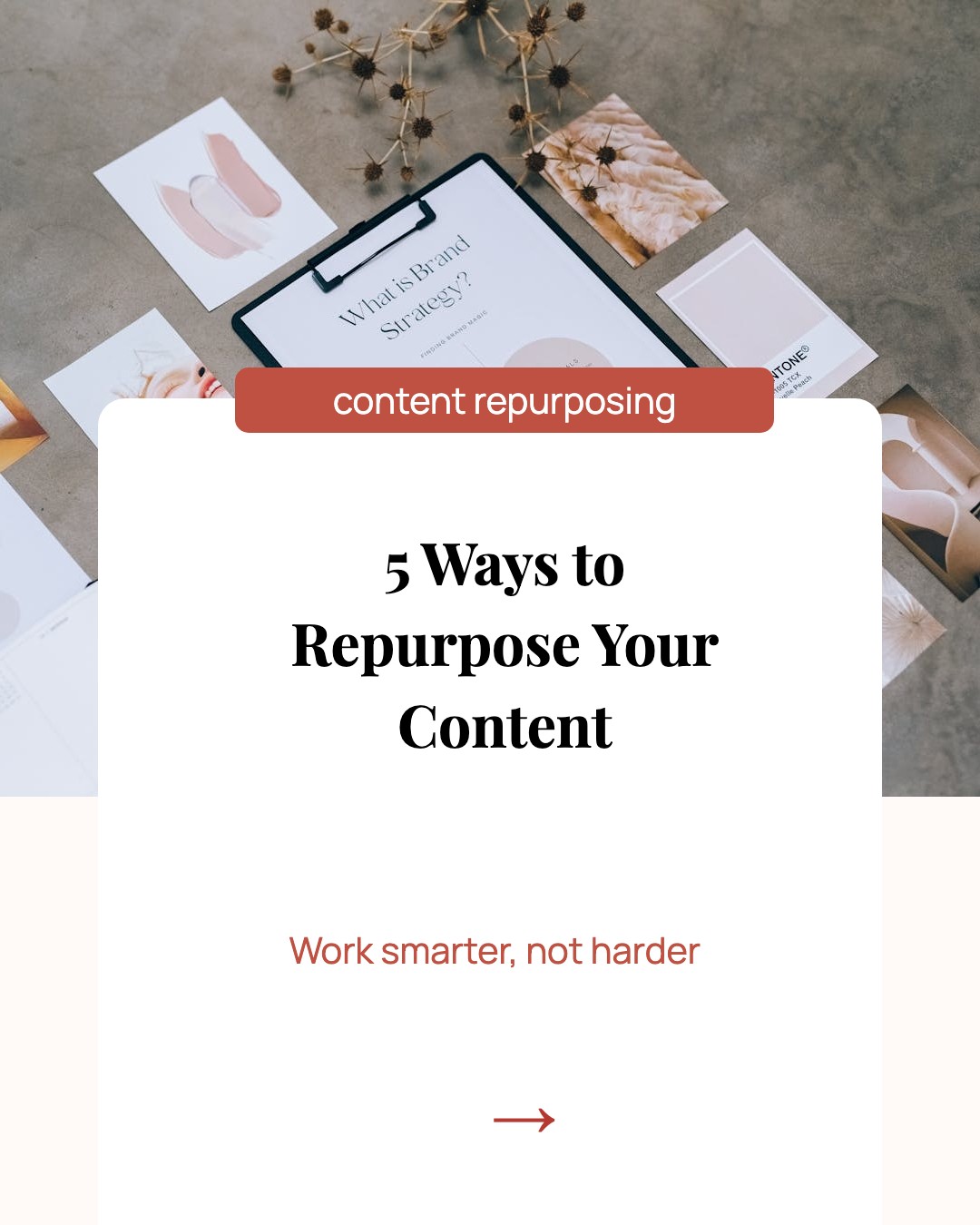
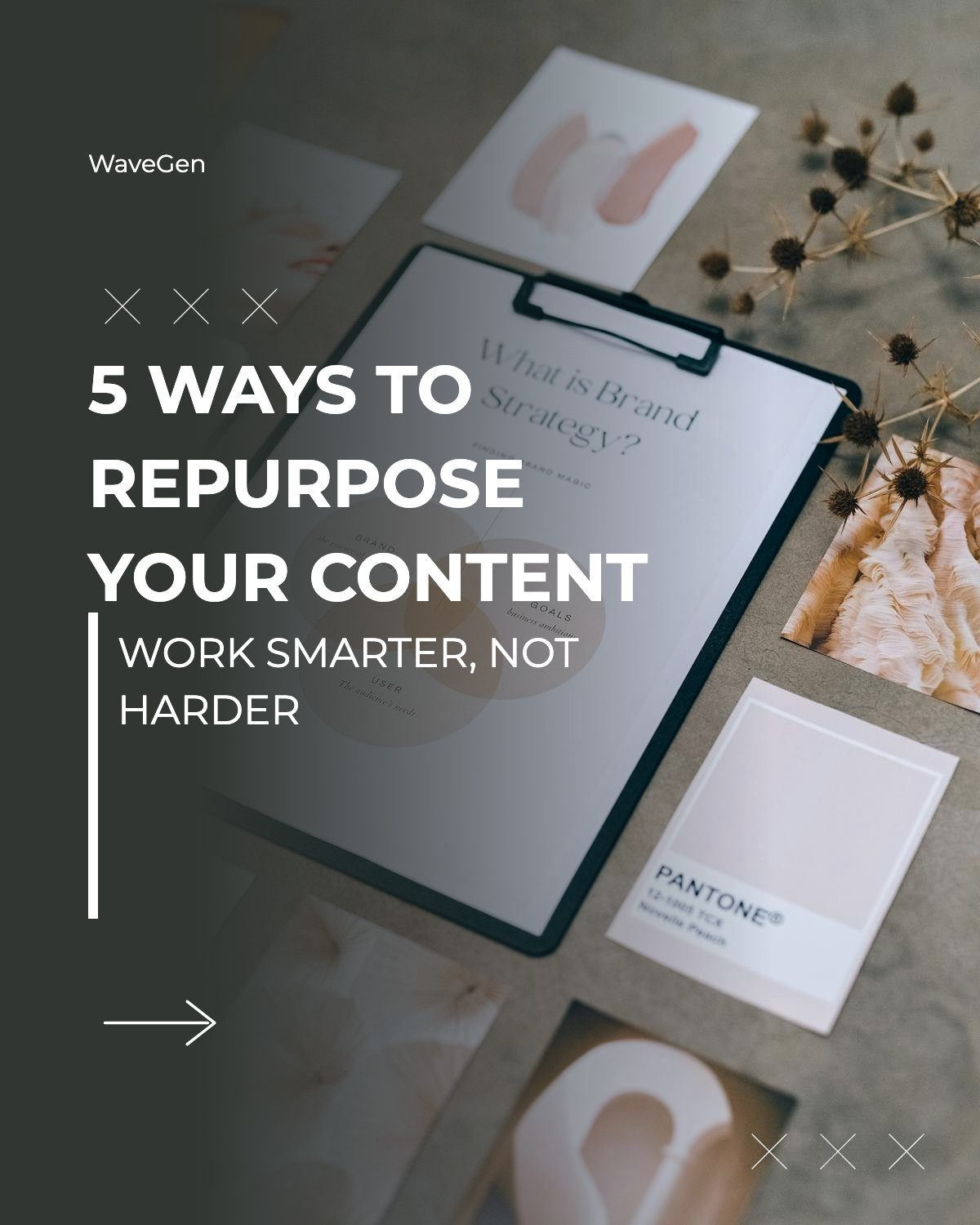
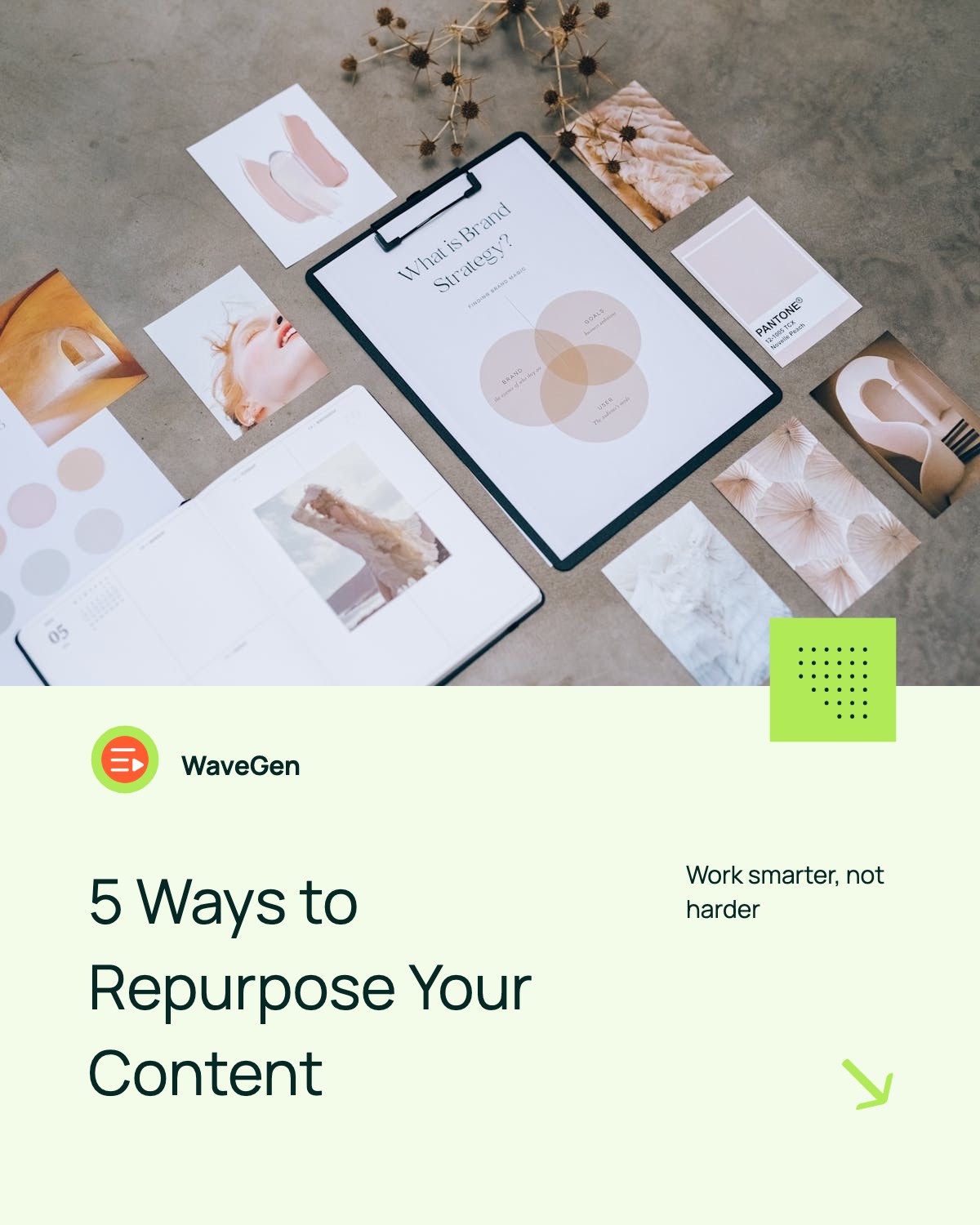
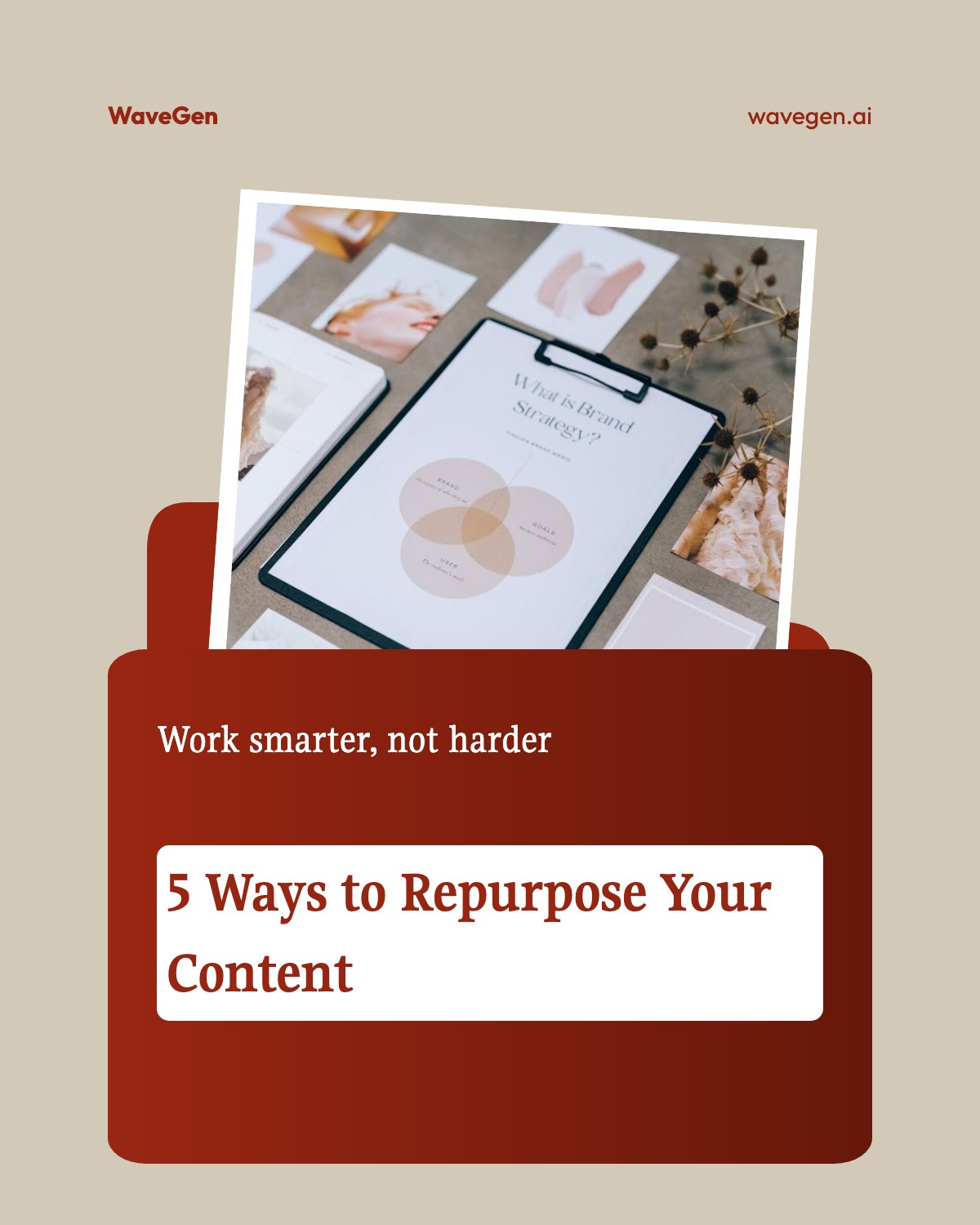


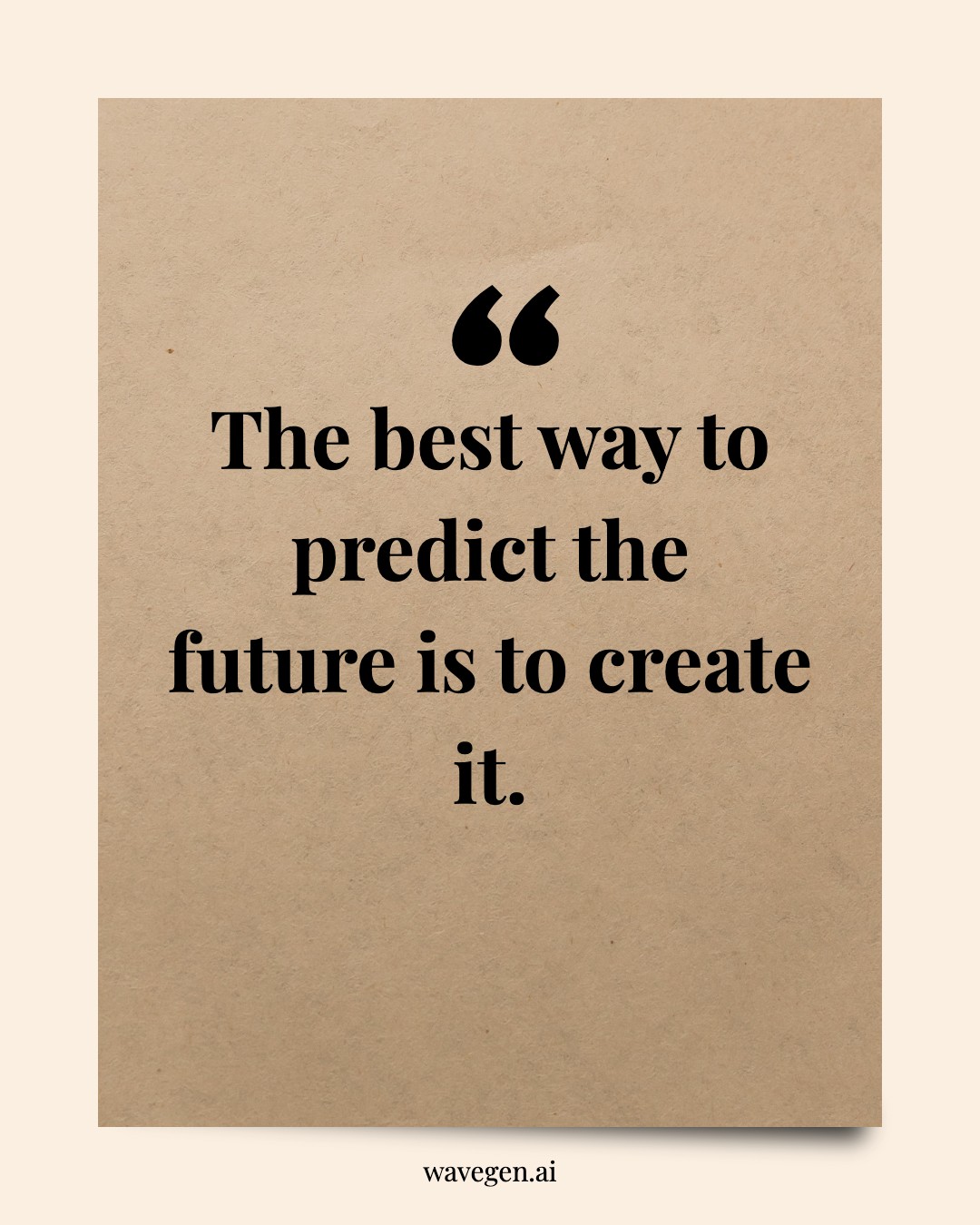

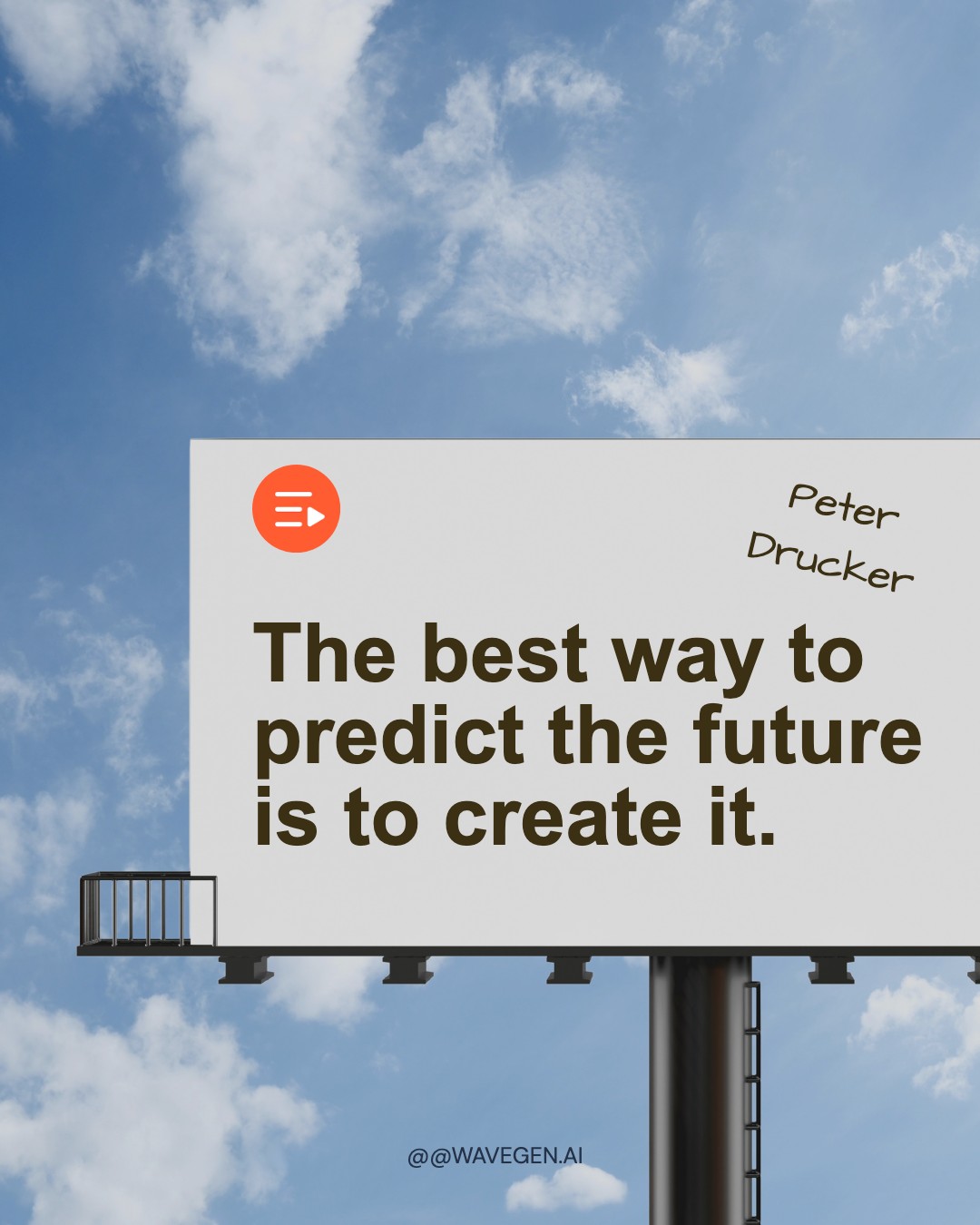
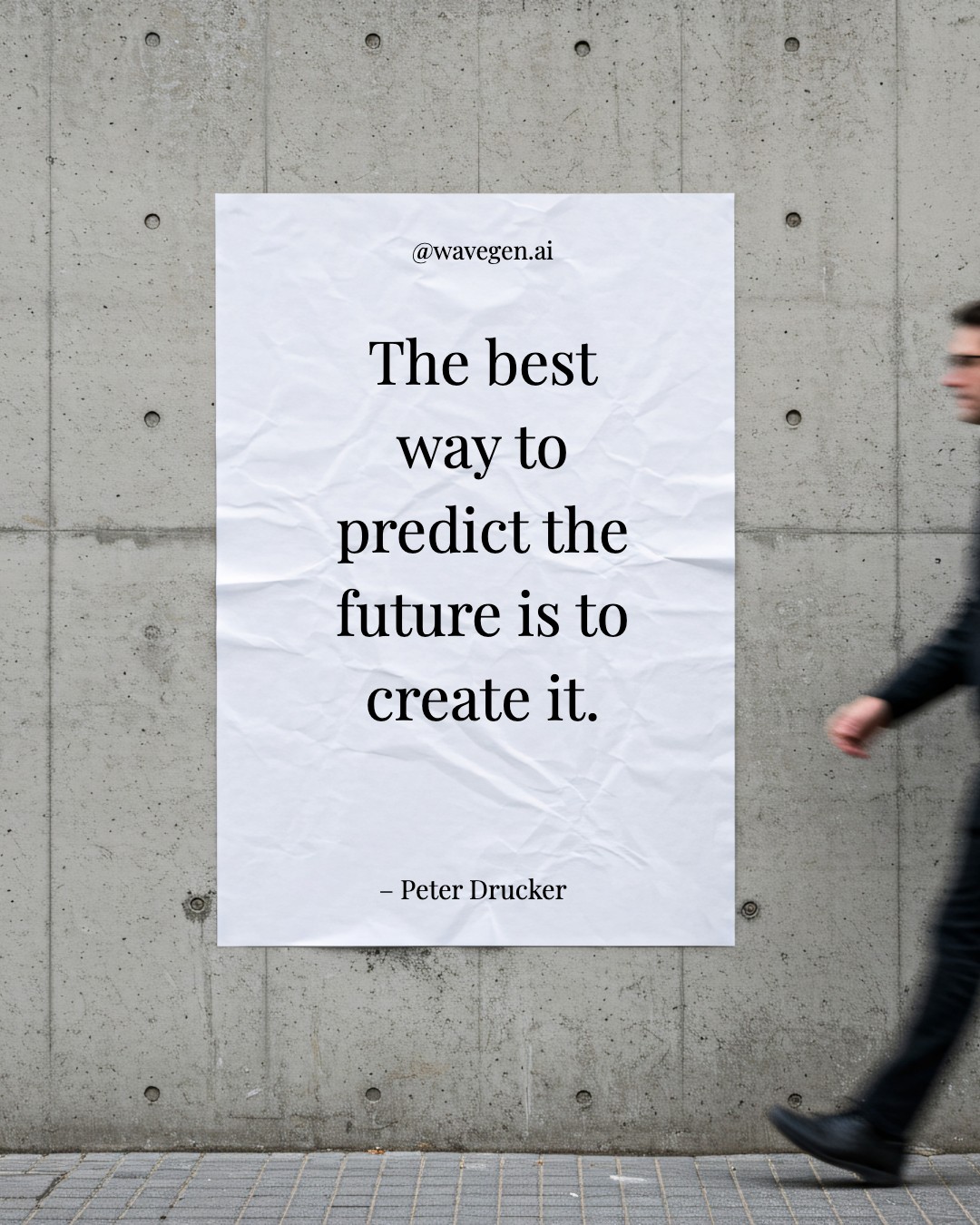

Instagram Post Specs & Tips
Get the most out of your Instagram posts with the right dimensions and content strategy.
Optimal Image Size
Use 1080 x 1350 px (4:5 portrait) for maximum feed visibility. Square (1080 x 1080) also works but takes up less screen real estate on mobile.
Carousel Reach Advantage
Instagram carousels get 1.4x more reach and 3.1x more engagement than single images. The algorithm shows carousels multiple times if users don't engage on first view.
Up to 10 Slides
Instagram supports carousel posts with up to 10 slides. The sweet spot is 5-8 slides for engagement — enough to deliver value without losing attention.
Best Content Types
Educational tips, before/after reveals, and step-by-step tutorials consistently outperform other formats. Pair with a strong CTA on the final slide.
Hook the First Slide
The first slide needs to stop the scroll. Use a bold headline, high-contrast colors, and a clear topic promise to earn the swipe.
Full Size Reference
Need a deeper dive into dimensions across post types? Check out our Instagram carousel size guide for the complete breakdown.
Create Carousel Posts with AI
Paste a URL or describe your topic, and WaveGen will generate a complete carousel post with your branding in seconds.
Try WaveGen FreeInstagram Post Template FAQs
Ready to Create?
Pick a template, customize it with your content, and post to Instagram in minutes. Or let AI do the heavy lifting.