Turn One Webinar into Weeks of LinkedIn Posts
Paste your webinar transcript and WaveGen builds LinkedIn text posts, document-post carousels, and quote cards — a month of content from one session. Zoom, Teams, and every webinar platform already generated the transcript — copy and paste it. Replay published to YouTube? Paste the YouTube link instead and WaveGen pulls the full captions.
No video upload needed — paste the transcript your webinar platform already made, or the YouTube link if the replay lives there.
1 transcript
Weeks of LinkedIn content
3 formats
Text posts, carousels, quote cards
Under 3 min
From paste to first posts
Free to start
No credit card required






How Do I Repurpose a Webinar into LinkedIn Posts?
Three steps from recording to a scheduled month of content. The webinar did the hard part — this is distribution.
1
Paste the Webinar Transcript
Copy the transcript Zoom, Teams, Livestorm, or your webinar platform auto-generated with the recording, and paste it into WaveGen. Replay on YouTube? Paste the link instead — WaveGen pulls the captions. No video upload, no re-watching the session.
2
AI Extracts Every Post-Worthy Moment
WaveGen reads the full session — presentation and Q&A — and surfaces the frameworks, statistics, speaker quotes, and audience questions that deserve their own LinkedIn post, carousel, or quote card.
3
Brand, Schedule, and Publish
Apply your brand kit, edit anything in the visual editor, and schedule the batch across the coming weeks — directly to LinkedIn, plus Instagram, TikTok, Facebook, YouTube, and Pinterest if you want the reach.
What One Webinar Transcript Becomes
A 45–60 minute session typically yields 10–15 distinct posts across three LinkedIn-native formats.
LinkedIn Text Posts
Insight-driven text posts in LinkedIn's native style — one framework, statistic, or contrarian take per post, with a hook that earns the 'see more' click. The bread and butter of a B2B content calendar, written from what your speakers actually said.
Document-Post Carousels
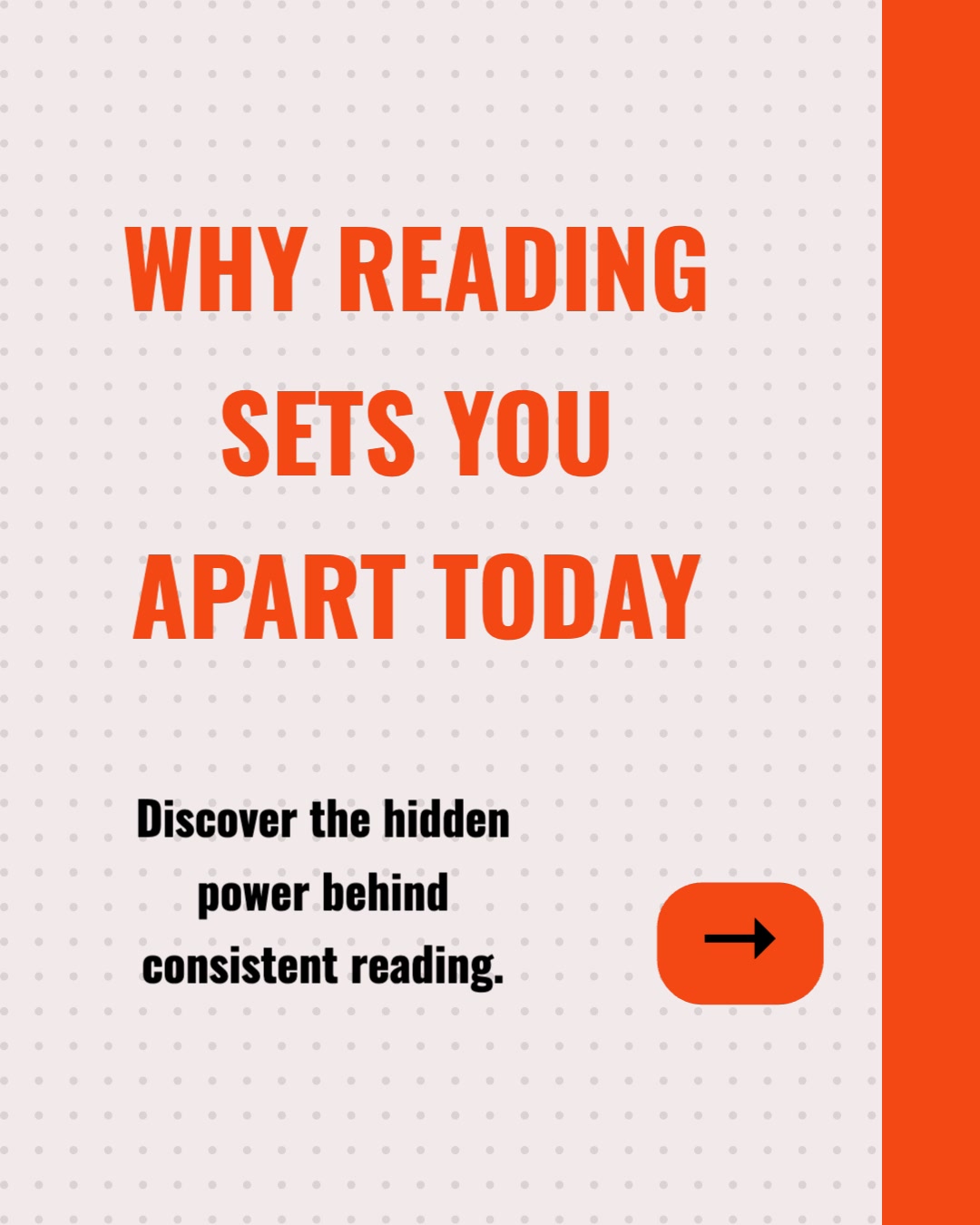
Multi-slide PDF carousels — the swipeable document format LinkedIn's algorithm rewards with dwell time. The webinar's core frameworks and takeaways, one idea per slide, with your brand kit applied throughout. Ideal as the post-webinar recap.
Quote Cards
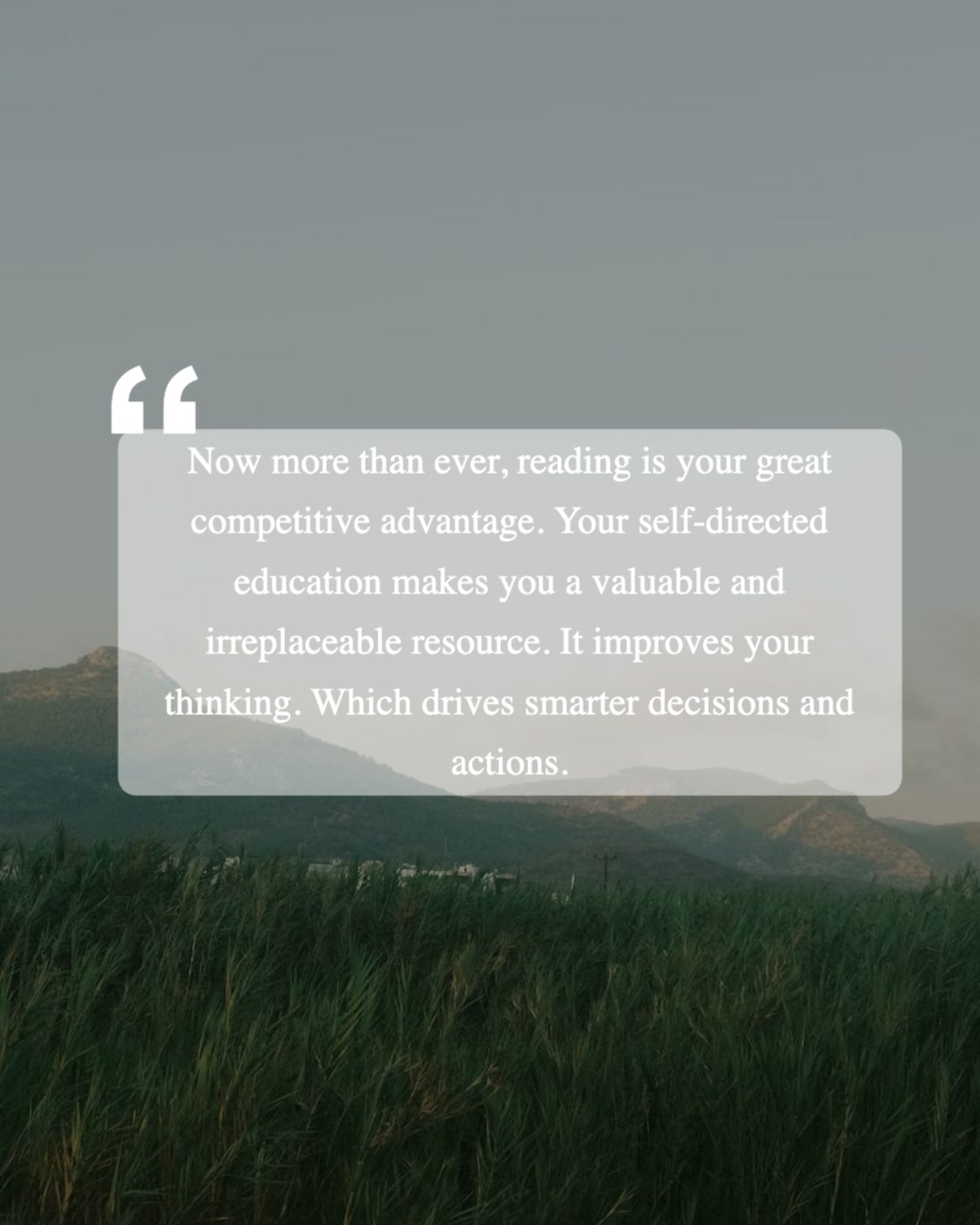
Single-image posts featuring a speaker's strongest line with name and attribution. When the speaker is a guest expert or customer, these are the posts they reshare — putting your webinar in front of their entire network.
LinkedIn-first, but not LinkedIn-only: the same carousels and quote cards publish to Instagram, TikTok, Facebook, YouTube, and Pinterest from the same generation — useful when your audience overlaps channels. Every post comes with a platform-appropriate caption, and everything is editable before it ships.
How Does WaveGen Compare for B2B Content Repurposing?
Taplio, Supergrow, and Typegrow are capable LinkedIn tools — AI posts, carousels, scheduling. Here is where each fits when the source is a full webinar recording, not a blank page.
| Feature | WaveGen | Taplio | Supergrow | Typegrow |
|---|---|---|---|---|
| AI-written LinkedIn posts | ||||
| Works from a full webinar transcript, URL, PDF, or YouTube link | Short prompts | Short prompts | Short prompts | |
| LinkedIn document-post carousels (PDF) | ||||
| Quote cards with speaker attribution | ||||
| Brand kit (logo, colors, fonts, voice) | Carousel styles | Carousel styles | Basic | |
| Scheduling to LinkedIn | ||||
| Repurposes the same webinar for Instagram, TikTok, Facebook, YouTube, Pinterest | LinkedIn only | LinkedIn only | LinkedIn only | |
| LinkedIn analytics dashboard | ||||
| Lead and CRM features |
Taplio is the most complete LinkedIn-only suite — writing, carousels, scheduling, analytics, and lead/CRM features at premium pricing. Supergrow and Typegrow are leaner personal-branding tools with the same core loop: write or prompt, design, schedule. All three are built around creating from scratch. WaveGen is built around the webinar you already ran: paste the transcript and it becomes document carousels, quote cards, and captions — published to LinkedIn and repurposed for Instagram, TikTok, Facebook, YouTube, and Pinterest. Comparison based on publicly available feature lists as of June 2026.
How to Turn a Webinar into LinkedIn Posts with WaveGen
The full workflow B2B marketing teams use to make every webinar pay for itself twice.
Step 1: Copy the transcript from your webinar platform
Open the session recording in Zoom, Microsoft Teams, Livestorm, Goldcast, or whichever platform hosted it — every major platform auto-generates a transcript for recorded sessions. Copy the full text, Q&A included. The Q&A is often the most valuable part: real prospects asking real questions, with your team's unrehearsed answers.
Step 2: (Optional) Set up your brand kit first
Your logo, brand colors, and fonts apply to every carousel slide and quote card automatically once the kit is configured. For tone, define your brand voice yourself or let WaveGen auto-draft one from your website and edit it — and since the posts come from your transcript, they keep your speakers' actual framing rather than flattening it into generic copy.
Step 3: Paste the transcript and generate
Paste everything into WaveGen's text input and click Generate. If your team published the replay to YouTube, switch to the YouTube Link tab and paste the link instead — WaveGen pulls the full captions. Either way, the AI reads the full session, separates the presentation arc from the Q&A, and extracts every post-worthy unit: frameworks, statistics, strong opinions, audience questions with sharp answers, and quotable speaker lines with attribution.
Step 4: Review and edit each post
Treat the output as a strong first draft from someone who watched the whole webinar and took perfect notes. Verify speaker quotes are verbatim — especially for guest speakers who will see the posts. Tighten hooks, swap slides, regenerate imagery, or rewrite captions in the visual editor. Everything is editable before anything ships.
Step 5: Lead with the recap carousel
Publish the takeaways carousel as a LinkedIn document post within 48 hours of the live session, while it is still fresh for registrants. It serves three audiences at once: attendees who want the summary, registrants who missed it, and prospects who never registered but follow your page. Add a first comment linking to the on-demand recording.
Step 6: Schedule the rest across the coming weeks
Queue the remaining text posts and quote cards at two or three per week in WaveGen's scheduler. One webinar can cover most of a month at that cadence. Paid plans can also download watermark-free carousels as PDFs or image files for manual distribution.
No credit card required. Your last webinar's transcript is sitting in Zoom right now.
Why Repurpose Webinar Content?
A webinar is the most expensive content most B2B teams produce — speakers, promotion, production, rehearsal. Letting it end at the recording link wastes most of that investment.
Reach the registrants who didn't show
Every webinar marketer knows the gap between registrations and live attendance. The no-shows told you exactly what topic they care about, then missed the content. LinkedIn posts built from the session put the ideas back in front of them in a format that takes 30 seconds, not 60 minutes — with the on-demand link one comment away.
An 'on-demand recording' link converts almost no one
The standard follow-up — a landing page with the full recording — asks cold prospects for an hour before showing any value. Posts that lead with the webinar's actual insights invert that: value first, commitment after. The people who engage with three insight posts are the warm segment worth retargeting.
One session, a month of presence
Consistent LinkedIn posting is the hardest operational problem in B2B content — someone has to write all of it. A single webinar transcript yields 10–15 posts, which at two or three per week is most of a month. The team that runs monthly webinars and repurposes them never faces an empty calendar again.
Repurposing is distribution, not recycling
The expertise in your webinar is not 'used up' after the live session — it was seen by a tiny fraction of your addressable audience, once. B2B content repurposing is a distribution strategy: the same validated ideas, reshaped into the formats LinkedIn's feed rewards, reaching the people who were never going to attend a webinar in the first place.
The bottom line: your webinar program already produces the raw material for a serious LinkedIn presence — it just produces it in the one format the feed cannot consume. WaveGen is the content distribution system that closes that gap: transcript in, weeks of branded LinkedIn content out. The same workflow handles your whitepapers and case studies, and the AI content repurposing hub maps every input-to-output workflow.
A Month of LinkedIn Content from One Transcript
The cadence B2B teams use to stretch a single session across the weeks between webinars.
Week 1: the recap carousel
A document-post carousel of the session's core takeaways, published within 48 hours while registrants still remember signing up. First slide = the webinar's central promise; middle slides = one takeaway each; last slide = on-demand recording link in the first comment. This is the highest-engagement post of the cycle — do not skip it.
Weeks 2–3: insight posts and Q&A posts
One framework, statistic, or contrarian take per text post, two or three per week. The audience Q&A is gold here: "Someone asked us X during last month's webinar. Here's the honest answer" is a proven LinkedIn opener because it is a real question from a real buyer — the exact thing your prospects are also wondering.
Week 4: quote cards and the bridge to the next webinar
Close the cycle with speaker quote cards — especially if your speakers were guest experts or customers, who will reshare a well-designed card carrying their own words. Then use the final post to bridge: "We go deeper on this in next month's session" with the registration link. The repurposed content from webinar N becomes the promotion engine for webinar N+1.
Webinar to LinkedIn Posts FAQs
Your Last Webinar Has More to Give
The transcript is sitting in Zoom or Teams right now. Paste it below and watch one session become the LinkedIn posts, carousels, and quote cards that carry your pipeline to the next one.
Free to start. No credit card required.