Turn patient handouts into carousels.
The advice you give in the exam room makes good posts. Paste a handout, link an article from your site or upload a PDF, and WaveGen makes a carousel with one clear point per slide that you can check and schedule.
GENERATED WITH WAVEGEN · DEMO
From a sunscreen handout to a seven-slide carousel.
WaveGen made the carousel below from this sample. No brand kit was applied; with yours, it uses your colors, fonts and logo.
THE HANDOUT
Sunscreen: how to choose it and use it From Bayview Dermatology Choose broad-spectrum. It protects against both UVA and UVB rays. Use SPF 30 or higher. That's what the American Academy of Dermatology recommends for most people. Use enough. Most adults need about one ounce, enough to fill a shot glass, to cover the body. Reapply every two hours, and after swimming or sweating. Don't skip cloudy days. UV rays still reach your skin through clouds. Worried about a spot or a mole? Book a skin check with us.
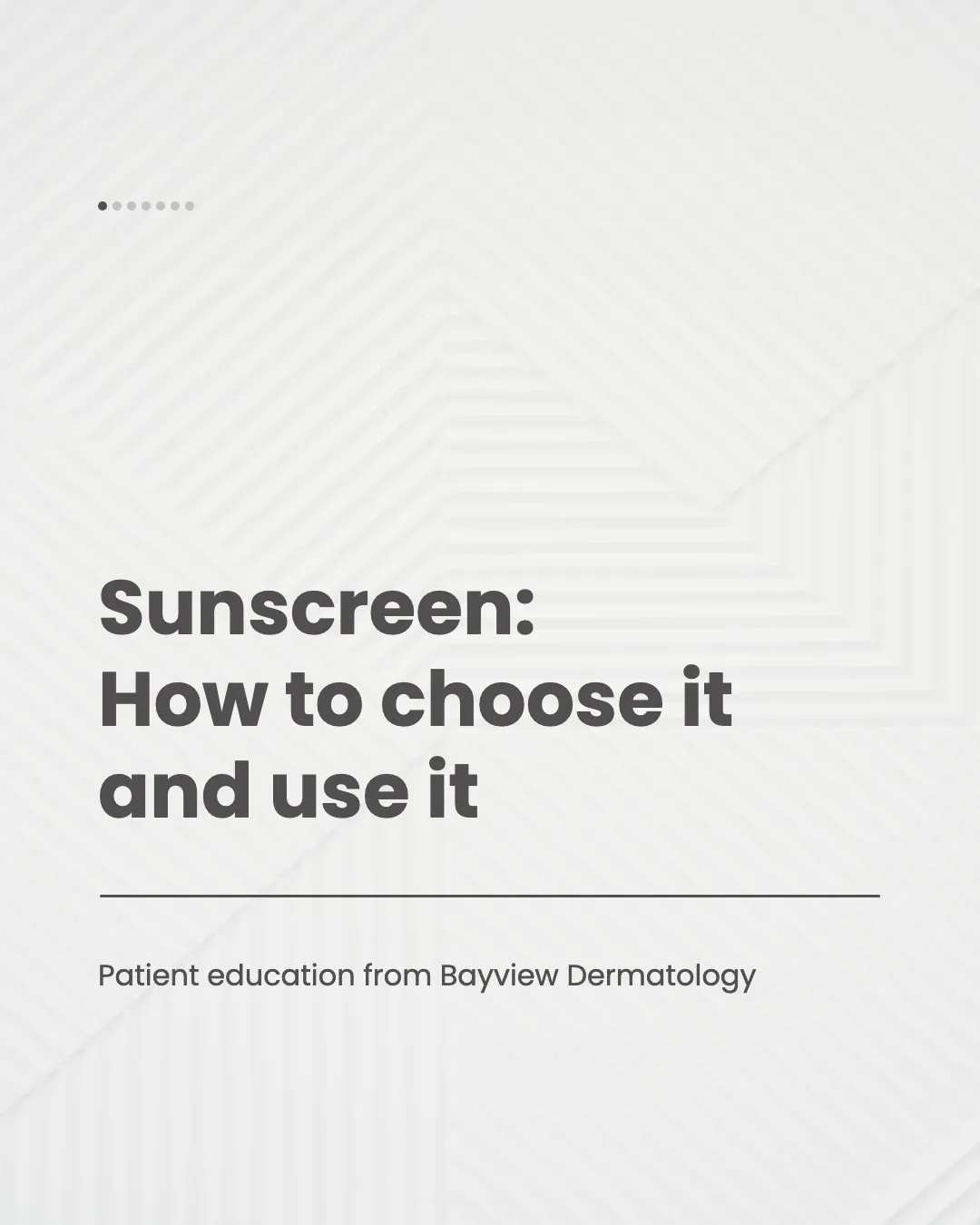
Slide 1 of 7
Only what the handout says
Each tip kept the handout's facts, including the American Academy of Dermatology's SPF advice, with nothing added.
Ends with a visit
The closing slide sends people to their own clinician or a skin check, which is where personal questions belong.
Read the example caption
Protecting your skin starts with knowing exactly how to choose and use your sunscreen. Bayview Dermatology shares essential tips to keep your skin safe from harmful UV rays. First, always choose a broad-spectrum sunscreen to ensure you are protected against both UVA and UVB rays. For everyday protection, the American Academy of Dermatology recommends using an SPF of 30 or higher for most people. Application matters just as much as the product. Make sure you use enough: most adults need about one ounce, which is enough to fill a shot glass, to fully cover the body. Remember to reapply every two hours, and immediately after swimming or sweating. Finally, do not skip cloudy days, as UV rays can still reach your skin through the clouds. Worried about a spot or a mole? Book a skin check with us or ask your own clinician. #Sunscreen #SkinCare #Dermatology #SkinHealth #SunProtection
How to turn patient education into a carousel
01
Add your handout
Link an article from your site, paste the handout, or upload it as a PDF.
02
Generate the carousel
WaveGen puts one point on each slide in plain language and writes a caption.
03
Have a clinician check it
Review every slide for accuracy before you schedule it, the same as you would a printed handout.
Answer the health questions patients search for.
Patients look up their questions online before and after a visit. Posts in your own wording give them an answer from someone they trust.
Start with what you explain every day
Aftercare, prevention and what to expect at a first visit are good topics. You already have the handouts.
One point per slide
Short, plain sentences are easier to read on a phone and easier to remember.
Keep it general
Share the same advice you'd give anyone, never details about a patient, and point people to a visit for their own situation.
Patient Education Carousel FAQs
What do you explain to patients every week?
Paste your handout and turn it into a post.