September 24, 2026
13 min read
Creating Short Videos for Social Media: Step-by-Step Guide
Master creating short videos for social media with this practical guide. Learn to plan, shoot, edit, and optimize vertical content that drives engagement.
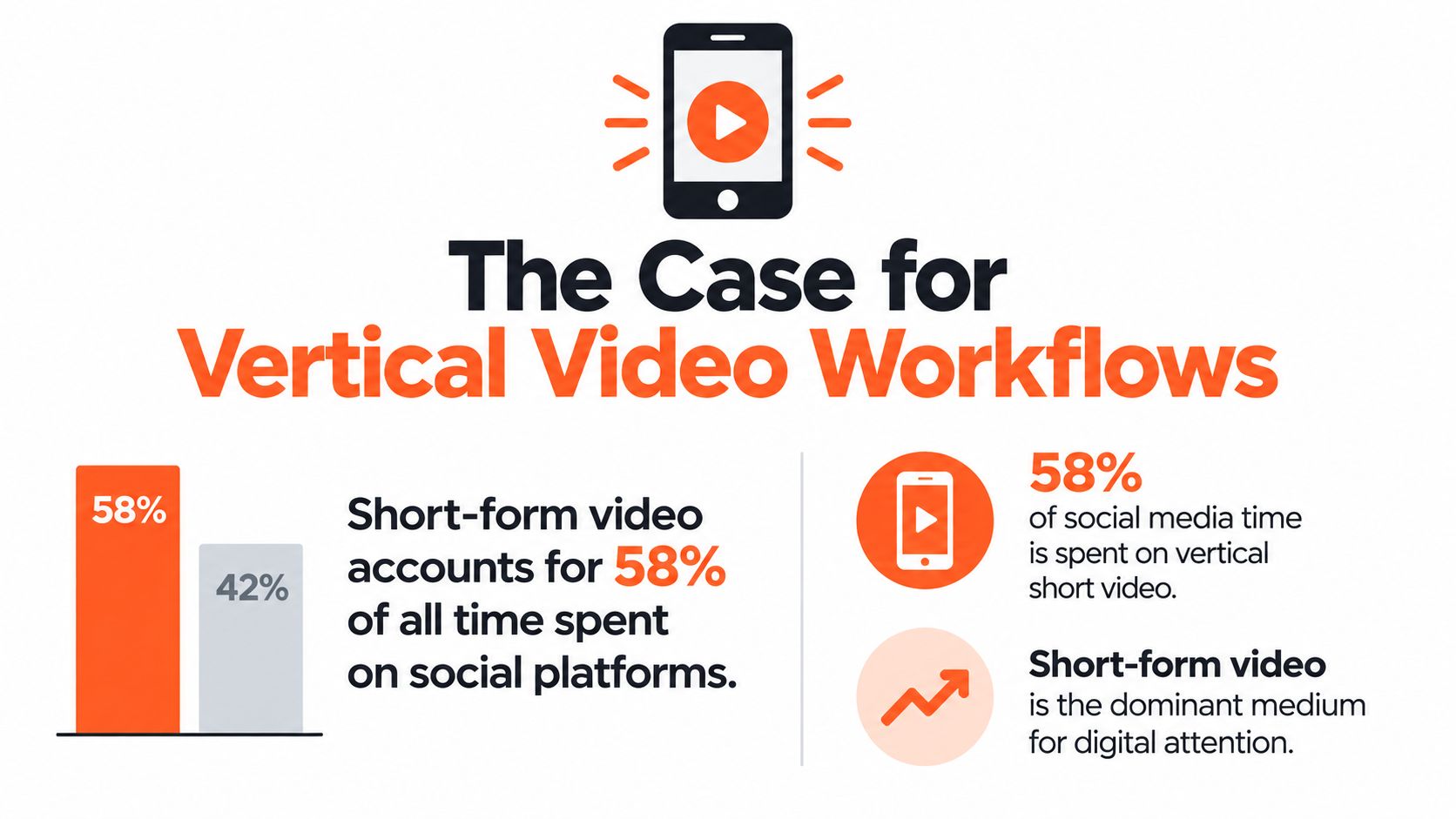
Short-form video is now the dominant attention format, but it often creates the opposite of what busy teams need: more daily work, more half-finished edits, and more pressure to publish. Short-form video accounts for 58% of all time spent on social media globally, according to Sprout Social's 2026 overview of social media video statistics. The winning response isn't to chase every trend. It's to build a production system that turns one clear idea into a repeatable stream of useful, platform-ready clips.
Creating short videos for social media works best when you treat content as a pipeline rather than a series of isolated creative acts. You need a source of ideas, a batch scripting habit, a simple filming setup, a fast editing routine, and distribution that doesn't require manual uploading to every channel. The workflow below focuses on those bottlenecks, because consistency usually fails before creativity does.
Table of Contents
- The Case for Vertical Video Workflows
- Scripting for the First Few Seconds
- Filming Setup and Performance
- Rapid Editing for Maximum Retention
- Platform Optimization and Distribution
- Building a Sustainable Content System
The Case for Vertical Video Workflows
Vertical short-form video now deserves a defined production system, not occasional attention. A 2026 global overview reports that 58% of all time spent on social media goes to short-form video (Sprout Social). TikTok, Instagram Reels, and YouTube Shorts have made vertical video a standard format for brands, experts, and creators.
The opportunity is clear, but daily production creates friction. A strong idea becomes a reliable channel only when your team can script, record, edit, caption, adapt, and publish without rebuilding the process each time. Sporadic filming creates occasional posts. A connected pipeline creates consistent output.
Replace individual videos with a content pipeline
Build the workflow around five connected stages:
- Source ideas: Gather topics from client questions, sales calls, newsletters, webinars, articles, and recurring objections.
- Batch scripts: Group related ideas and turn them into short beat sheets before opening the camera app.
- Film in blocks: Record several clips while lighting, framing, and audio are already set.
- Edit from a template: Standardize captions, typography, transitions, and export settings.
- Distribute once: Adjust the hook and caption where required, then schedule or publish across relevant platforms.
Batching removes repeated setup work. One-click distribution also prevents the final stage from becoming a manual upload queue, which is where otherwise reliable production systems often stall.
Repurposing makes the pipeline more productive. A detailed article or YouTube episode can generate several short-form angles instead of serving one publication cycle. Use this workflow for repurposing YouTube videos when a longer asset already contains several teachable points.
Workflow rule: Ask, “Which stage of the pipeline needs attention?” instead of, “What should we post today?”
Short video works well for discovery and repeated exposure, while direct monetization can be weaker. A 2026 creator-economy report cited by Kapwing's short-form video statistics guide places Shorts RPM at $0.03–$0.06, compared with $1–$10 for long-form video. For expert-led businesses, use short clips to earn attention and trust, then guide qualified viewers to a consultation, newsletter, resource, or deeper explanation.
Scripting for the First Few Seconds
Weak short videos often follow presentation logic: background first, topic definition second, useful point later. That sequence loses viewers. Write for momentum. Each line should earn the next second and move one clear idea toward an action.
Use Hook, Value, CTA as the base structure. It fits a consultant diagnosing a mistake, a coach demonstrating a technique, or a marketer explaining a campaign decision. Build several scripts from one topic before filming so the batch shares a consistent angle without sounding repetitive.
Build the script in beats
The hook gives viewers an immediate reason to stay. Open with a problem, contrast, result, or direct challenge:
- “Your landing page may be losing leads before anyone reads the offer.”
- “Stop turning every newsletter into a talking-head video.”
- “This is the fastest way to find three social clips in one article.”
Put the hook in the first few seconds. HubSpot's short-form video trends research recommends an early hook, vertical 9:16 framing, quick cuts, captions, and a clear CTA. Skip thank-you messages and company introductions. Start with the viewer's problem.
The value section should deliver one idea, not a compressed course. Follow this sequence:
- State the problem.
- Explain the reason.
- Show the action.
- Give a concrete example.
An advisor discussing weak LinkedIn posts could say: “The post isn't failing because the topic is boring. It's failing because the first line describes the subject instead of the reader's problem. Replace ‘Thoughts on hiring' with ‘Your best candidate may reject the role before the first interview.’”
The CTA must match the video's purpose. Ask for a comment to encourage discussion, invite a profile visit when the next resource is there, or point to a longer asset when the clip introduces a complex subject. Use one CTA. Multiple requests dilute the close.
Write the text before you record
On-screen text carries the argument when viewers watch without sound and reinforces the spoken message for everyone else. Completion-rate data from ContentMation's short-form video analysis associates on-screen text with 56% higher completion than audio-only versions.
Prepare three layers before filming:
- Spoken line: What the presenter says.
- Overlay: The shortest useful version of the point.
- Visual instruction: The movement, screenshot, object, or cut that supports it.
Keep every beat easy to deliver in one breath. Mark emphasis words, lock the script, and record several takes without changing the wording. That gives editors clean options and prevents batch production from turning into repeated rewrites. Save approved scripts in a shared template, then adapt the opening and CTA for each platform during distribution.
Filming Setup and Performance
You don't need a studio, but you do need controlled variables. A phone near a bright window can produce a credible expert video. A dedicated corner with a fixed light, tripod, and microphone produces faster repeatability. Choose the setup based on how often you'll publish, not on how impressive the equipment looks.

Match the setup to the situation
| Recording situation | Practical setup | Trade-off |
|---|---|---|
| Desk-based advice | Phone on a tripod, window or soft light in front of you, uncluttered background | Fast and repeatable, but visually limited |
| Standing explanation | Phone at eye level, more space around the subject, light aimed at the face | Allows gestures and movement, but needs more framing discipline |
| On-the-go update | Phone microphone or compact lavalier, stable grip, quiet location | Feels immediate, but sound and exposure can change |
| Product or screen demonstration | Presenter footage combined with screen recording or close-up B-roll | Clarifies the lesson, but requires extra editing |
Audio deserves priority over visual polish. Test the first sentence before recording the full batch, then listen with headphones. A lavalier microphone usually gives a cleaner, more consistent voice than a phone microphone, while a phone mic can work when the environment is quiet and the speaker stays close.
Frame for 9:16 vertical video, keep the eyes near the upper portion of the frame, and look at the camera lens rather than your own face on the screen. Leave enough space for captions, but don't place the subject so low that text covers the mouth.
Add movement without performing
Movement doesn't mean exaggerated gestures. Change the visual state when the idea changes. Step toward the camera for the hook, hold up an object, switch to a screen recording, point to a keyword, or cut to a close-up of the relevant detail.
Record each sentence as a separate take when the script contains clear beats. That gives the editor natural cut points and lets you remove pauses without forcing a long, perfect performance. Keep your energy slightly higher than it would be in a meeting, because the phone frame compresses small expressions and gestures.
Practical rule: Fix the room, camera position, and audio test once. Then record the batch before changing anything.
Rapid Editing for Maximum Retention
Fast editing protects consistency. Build a repeatable workflow that clarifies the message, tightens the pace, and limits unnecessary decisions. Style matters only when it improves understanding or keeps attention.
Create a reusable project template in CapCut, Descript, Adobe Premiere Pro, or DaVinci Resolve. Set the vertical canvas, caption style, logo position, audio treatment, and export preset before the batch reaches the editor. That keeps production time focused on message choices instead of repeated file setup.
Use a retention-first edit
Follow this sequence:
- Remove dead space: Cut greetings, repeated phrases, long breaths, and pauses that add no tension.
- Protect the hook: Open with the strongest visual and clearest line.
- Cut on idea changes: Use jump cuts when the speaker moves from the problem to the explanation or example.
- Add supporting visuals: Insert a screenshot, product view, chart, or relevant B-roll when it makes the point easier to understand.
- Caption the complete message: Start with automatic transcription, then correct names, industry terms, and punctuation manually.
- Check the silent version: Watch without audio and confirm that the story still makes sense.
- Export once: Keep a clean master, then create platform-specific versions from it.
Short videos still need the right length for the message. HubSpot's benchmark guidance identifies stronger Instagram Reels engagement in the 45–60 second and 120–180 second bands, while clips longer than 180 seconds see a sharp decline in engagement and views (HubSpot). Use the shorter band for a focused answer and the longer band when the explanation needs room.
Completion improves when the opening arrives quickly and every cut earns its place. Videos under 15 seconds can reach a 72% completion rate, compared with 46% for videos between 30–60 seconds, while hook-first formats see 28% higher completion (ContentMation). Use those benchmarks to remove setup that does not help the viewer, not to reduce every topic to a slogan.
For a deeper editing workflow, use this practical guide to video editing for social media. End with a visual or sentence that connects naturally to the opening. That structure can encourage rewatches without adding a long sign-off, and it gives the editor a clear final beat for every version.
Platform Optimization and Distribution
One master file can support several channels, but one identical post shouldn't be your entire distribution strategy. The core lesson may stay the same, while the opening line, caption, cover frame, and CTA change according to the platform's audience and context.
Instagram Reels often favors visually immediate clips with concise captions and clear text overlays. TikTok gives creators more room for informal delivery, direct commentary, and trend-aware framing. YouTube Shorts can support a slightly more complete narrative when the viewer needs a sequence of explanation, demonstration, and conclusion. LinkedIn usually needs a professional reason to care, such as a decision, lesson, mistake, or practical observation.
Adapt the package, not the whole idea
Use one script as the source, then create channel variations:
| Element | Instagram Reels | TikTok | YouTube Shorts | |
|---|---|---|---|---|
| Opening | Visual result or sharp claim | Immediate problem or reaction | Clear promise of the explanation | Business consequence or lesson |
| Delivery | Polished and concise | Conversational and direct | Narrative or tutorial | Credible and specific |
| Caption | Short context with a focused CTA | Searchable phrasing and conversation prompt | Descriptive title and clear topic | Insight-led post copy |
| Visual priority | Cover frame and readable overlays | Native-feeling cuts and movement | Retention across the full explanation | Legibility and professional context |
Keep the technical foundation consistent with the vertical workflow. Don't export a widescreen clip and expect the platform to repair the composition. Check that captions don't sit beneath interface controls, remove visible watermarks from other platforms, and upload native versions where possible.
Use trends selectively. Trending audio can support discovery, but it shouldn't overpower a technical explanation or make an expert brand sound unlike itself. Hashtags should clarify the subject and audience rather than fill the caption with unrelated reach attempts. For paid or promotional creative, this short form video performance guide offers useful context on adapting short-form assets for advertising.
Distribution is where many teams lose hours. Save platform variants with a naming system that includes the topic, channel, and version. Then schedule the approved files in one sitting. If a clip needs a different first line for TikTok or LinkedIn, change that asset deliberately instead of creating a separate production process.
For channel-specific TikTok editing details, see how to edit a TikTok video. The aim isn't to post everywhere automatically. It's to preserve the idea while respecting how each audience consumes it.
Building a Sustainable Content System
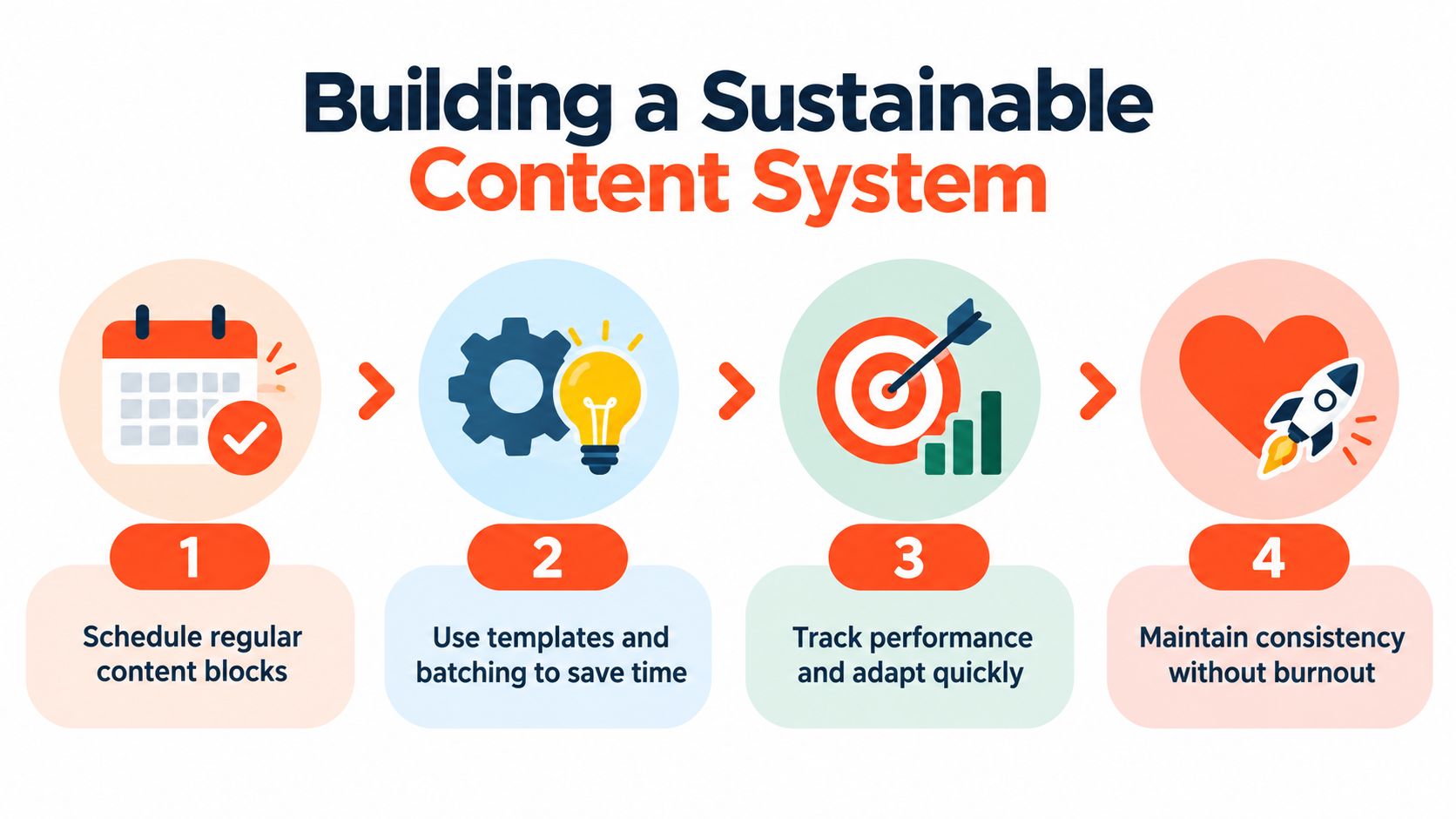
Consistency comes from removing decisions, not from demanding more discipline. A small team should know when ideas are collected, when scripts are approved, when filming happens, and who owns final distribution. If those decisions happen in the middle of every workday, short video will compete with client work until it disappears.
Run the week in production blocks
A practical cadence looks like this:
- Idea block: Capture questions from sales calls, support messages, articles, podcasts, and meetings. Group them by audience problem.
- Script block: Write several hooks for each priority topic, select the strongest angle, and add the spoken line, overlay, and visual instruction.
- Filming block: Record related scripts in the same setup. Change the shirt, background, or framing only when it helps the content feel distinct.
- Editing block: Apply the template, correct captions, add supporting visuals, and export a clean master.
- Distribution block: Adjust each platform's copy and cover, schedule the approved variants, and record the destination for the CTA.
- Review block: Compare retention, completion, comments, saves, profile actions, and qualified enquiries. Use the results to improve the next scripts.
Batching doesn't mean publishing the same idea repeatedly. It means grouping similar work so your team avoids constant context switching. One long-form article can generate an explanation, a mistake to avoid, a client question, a checklist, and a contrarian take. Each clip should stand on its own, even when the source is shared.
WaveGen.ai is one option for reducing manual production steps. It can turn an article, newsletter, blog post, podcast script, or YouTube transcript into social assets including captioned 9:16 short videos, carousels, quote cards, and platform-specific captions, then let users edit and schedule content for channels including Instagram, TikTok, LinkedIn, YouTube, and Facebook. It also supports brand kits and one-click publishing, which makes it relevant when the bottleneck is distribution rather than ideation.
Before committing to an automated caption workflow, compare AI subtitle tools and check how each handles punctuation, speaker names, styling, and export control. Automation should remove repetitive work while leaving a human responsible for accuracy and brand judgment.
Track the system with a simple operating dashboard. Record the topic, source asset, platform versions, publication status, owner, CTA, and result. Review patterns instead of chasing a single viral post. If a topic earns attention but no qualified action, improve the offer or CTA. If the message is strong but completion is weak, rewrite the opening and tighten the edit. If production repeatedly stalls at caption correction or uploading, automate that stage before adding more content ideas.
WaveGen.ai turns your existing articles, newsletters, podcast scripts, and YouTube transcripts into on-brand short videos, captions, carousels, and other social assets, with editing, scheduling, and one-click publishing in one workflow. Visit WaveGen.ai to turn your next long-form idea into a consistent, platform-ready content batch without rebuilding every asset manually.
creating short videos for social media
short video marketing
social media content
vertical video
video strategy
Turn this kind of writing into a week of social content.
Paste a blog post, newsletter, or rough draft — WaveGen turns it into publish-ready carousels, captions, and slideshows for every channel.
No credit card · First posts in 2min