Free AI Carousel Generator
Paste a link or describe a topic, and WaveGen’s AI turns it into carousel slides for Instagram, LinkedIn, TikTok, and Pinterest. Prefer to write it yourself? Edit a template right here with no signup.
- Links, topics, YouTube videos, and PDFs
- 10 AI posts with a free account
- No signup to edit templates
Or make it yourself — no signup
Slide 1 of 7
PNG or PDF · No signup
FIND YOUR STARTING STYLE
Good ideas deserve good design.
A few designs to get you started. Discover even more templates in the WaveGen app.
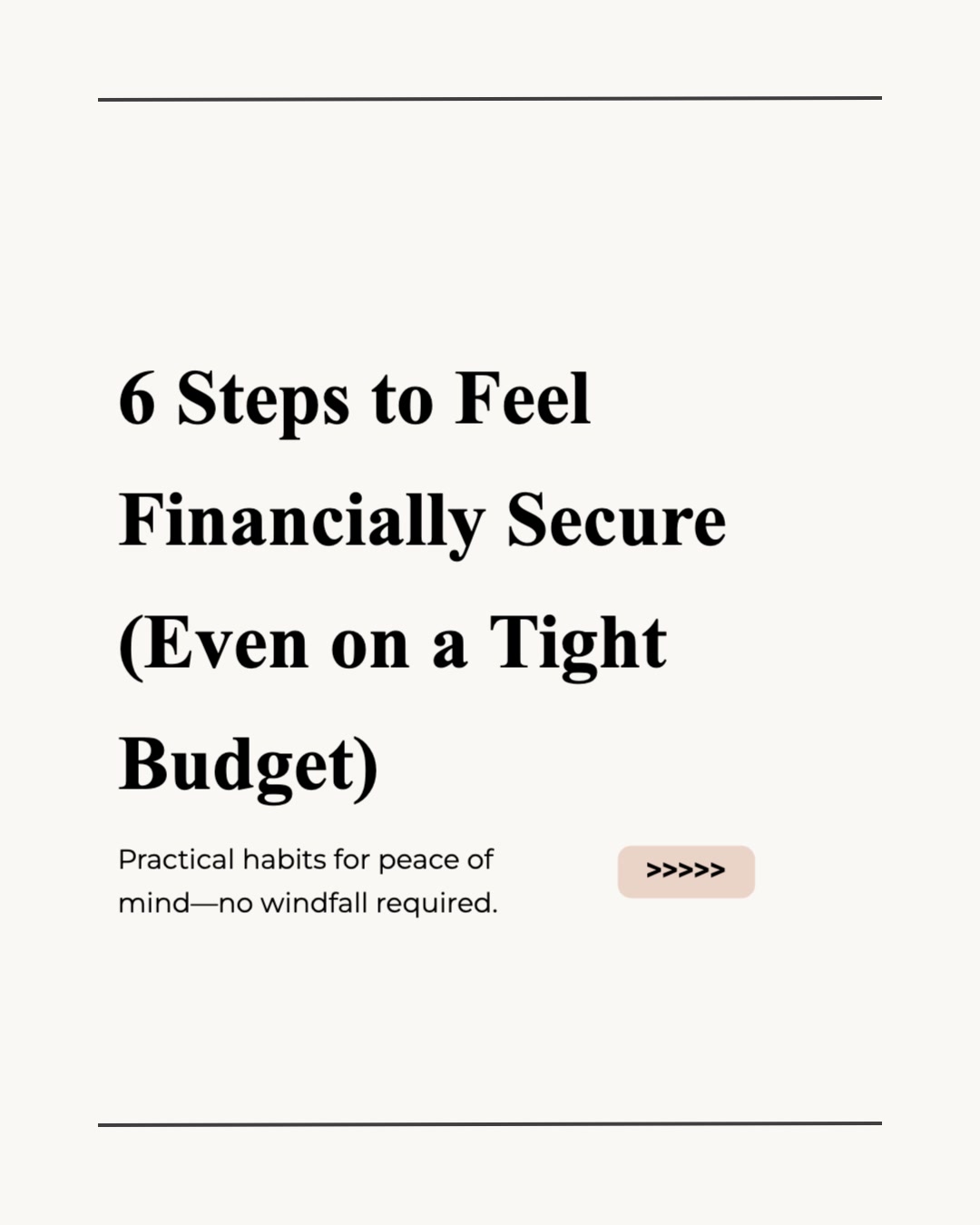



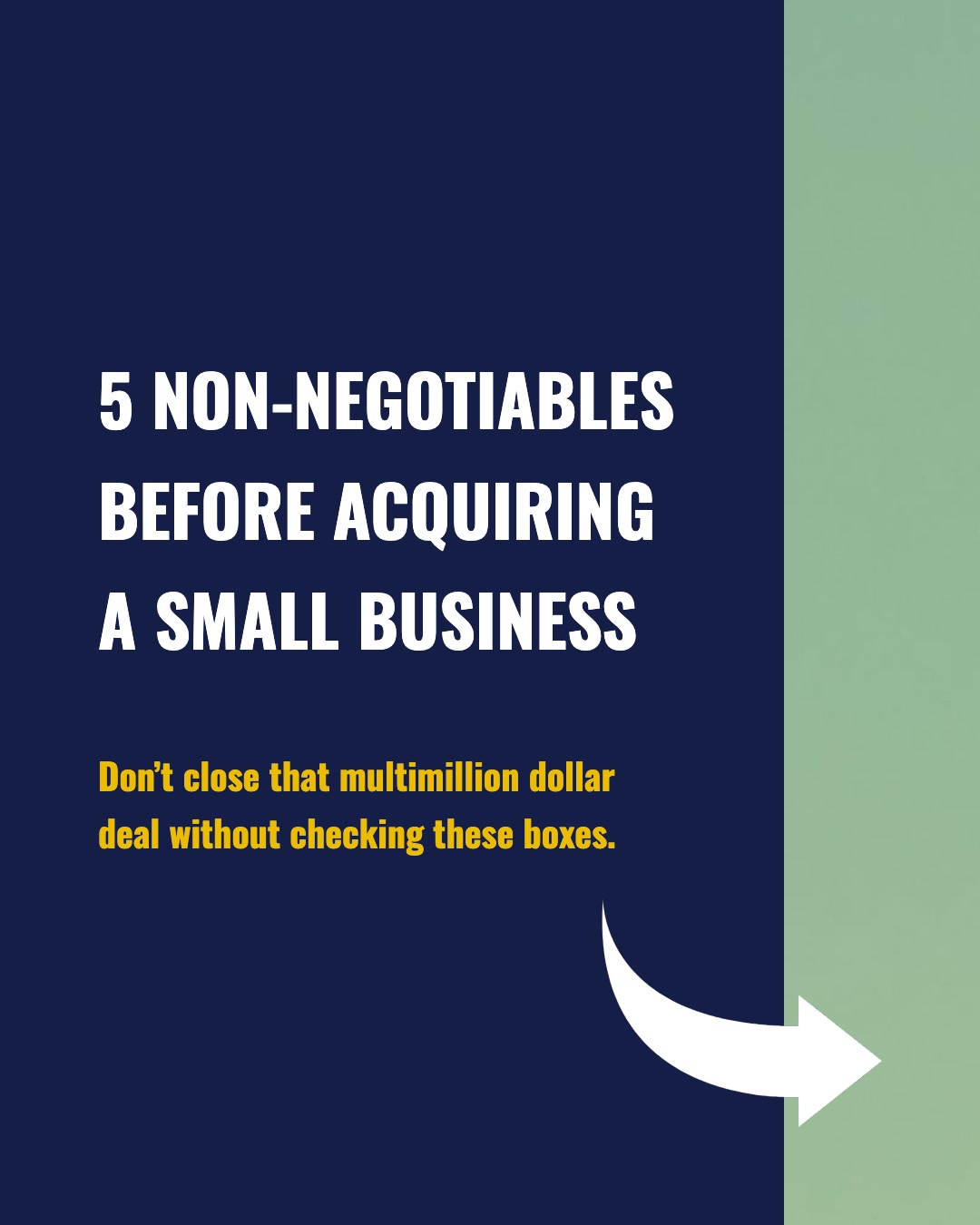

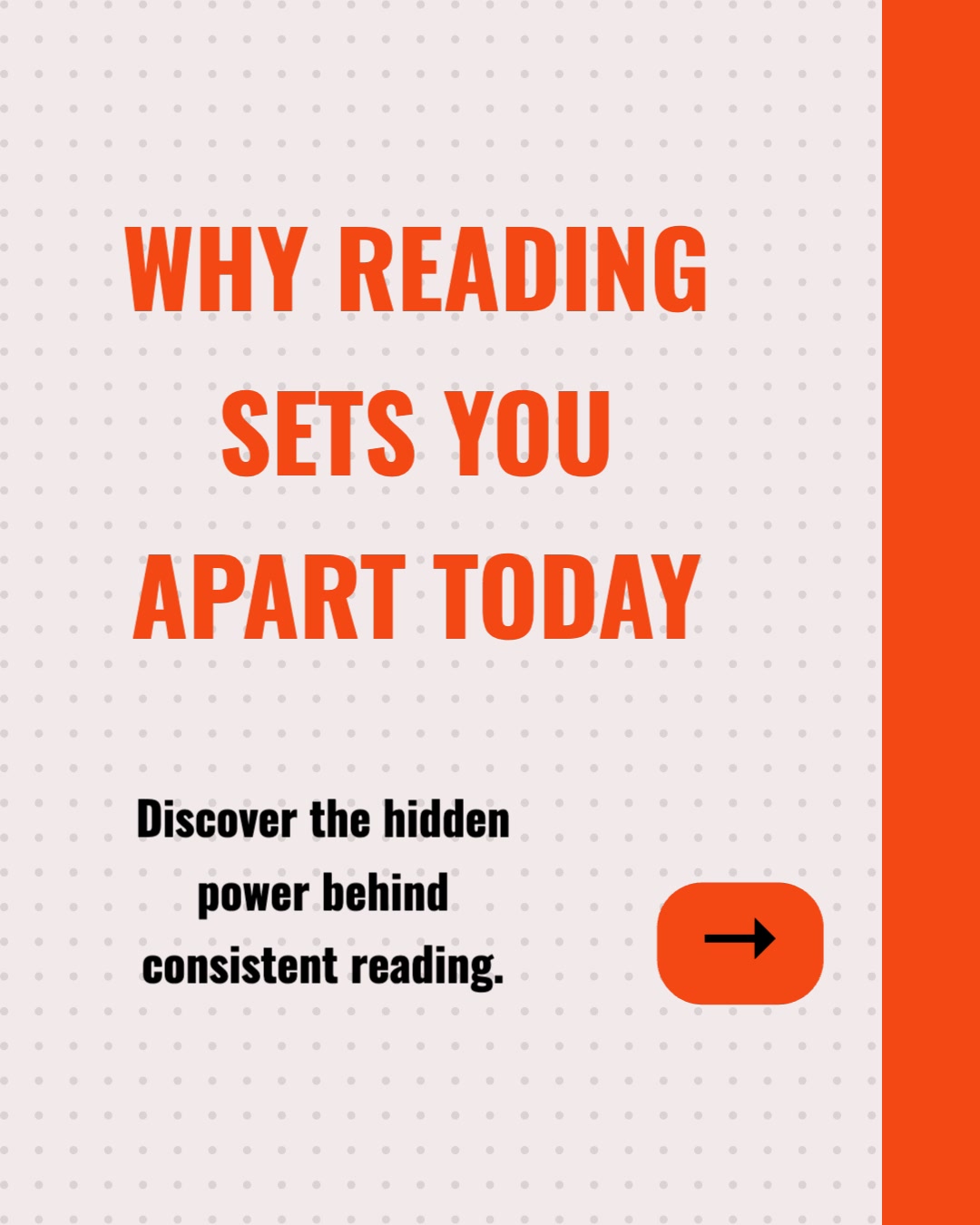
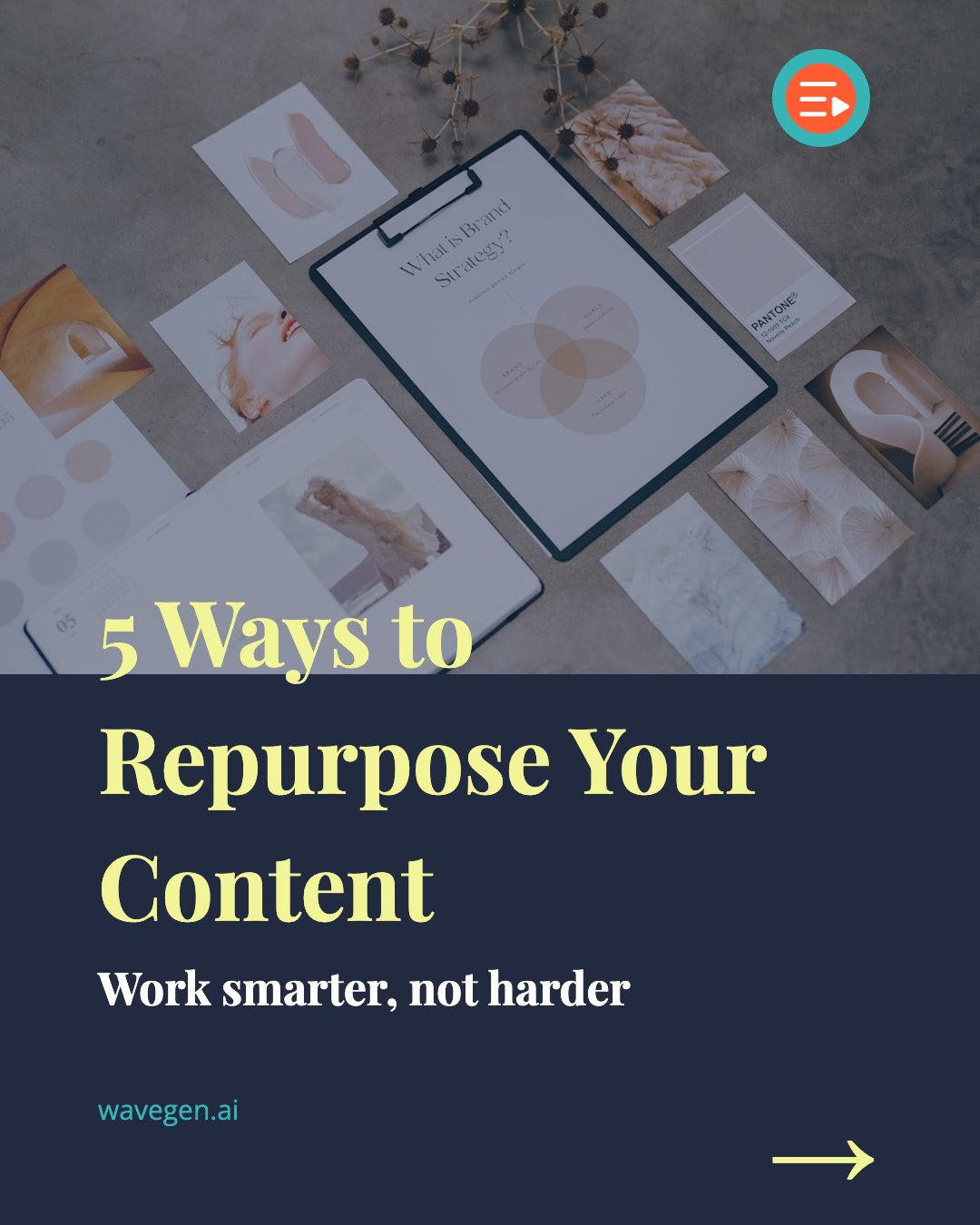
Carousel Posts for Every Platform
Generate carousels optimized for the exact dimensions and engagement patterns of each social media platform.
Generate carousel posts with up to 10 swipeable image slides at the optimal 1080x1350 resolution. Carousels get 1.4x more reach and 3.1x more engagement than single images on Instagram.
Size
1080 x 1350 px
Slides
Up to 10
Create PDF document carousels that consistently outperform text-only posts for impressions and comments. Export as PDF or schedule directly from WaveGen.
Size
1080 x 1350 px
Slides
Up to 20+
TikTok
Build photo slideshows optimized for TikTok's full-screen vertical format. Photo carousels are one of TikTok's fastest-growing content types for engagement.
Size
1080 x 1920 px
Slides
Up to 35
Publish image and carousel Pins to the board you choose, with a destination link and a compact Pinterest description.
Size
1080 x 1350 px
Slides
Up to 5
How the AI Carousel Generator Works
Paste your content and WaveGen’s AI does the writing — or edit a template yourself:
1. Choose Your Path
Paste a topic or link to create with AI, or edit a template right on this page with no signup.
2. Add Content
Enter a topic or text, or link to an article, newsletter, YouTube video, or PDF. You can also write your slides in the template editor.
3. Preview
Review your slides, refine the design, and check each one before you publish.
4. Publish & Share
Download your slides, or publish and schedule from WaveGen.
5. Analyze
See what catches attention. Compare reach and engagement in WaveGen, then use what you learn in your next post.
Everything You Need to Create Carousels with AI
A complete carousel creation workflow -- from content input to published post -- powered by AI and built for speed.
Links to Carousels
Paste a link to an article, blog, newsletter, YouTube video, or PDF. AI extracts the key points, and turns them into carousel slides automatically. No copy-pasting or manual reformatting required.
AI Content Extraction
The AI doesn't just summarize -- it identifies the most carousel-worthy takeaways, structures them into a logical flow, and writes concise slide copy that fits the format. Long-form content becomes snackable social posts.
50+ Professional Templates
Choose from a library of professionally designed carousel templates built for engagement. Every template is optimized for readability, visual hierarchy, and platform-specific dimensions.
Multi-Platform Output
Generate carousels for Instagram, LinkedIn, TikTok, Facebook, YouTube, and Pinterest from a single piece of content. Each output is automatically sized and formatted for the target platform.
Built-In Scheduling
Schedule your carousels to publish at the optimal time for each platform. Connect your accounts once and WaveGen handles the rest -- no downloading and re-uploading to third-party schedulers.
Brand Kit
Upload your logo, brand colors, fonts, and brand voice — every carousel automatically matches your brand identity. Available on all plans, including free.
Multi-Language Generation
Generate carousels in a different language from your source content. Paste an English article, get a carousel in Spanish, French, or dozens of other languages — no manual translation needed.
First Comment Auto-Post
Automatically post a link to the original article in the first comment when your carousel goes live. Drive traffic back to your site with zero extra effort.
Why an AI Carousel Generator Changes the Content Game
Carousel posts are the highest-engagement format on Instagram and LinkedIn. They get 1.4x more reach than single images, 3.1x more engagement, and they are the most-saved content type on Instagram -- saves being one of the strongest algorithm signals for future distribution. On LinkedIn, PDF carousel posts consistently outperform text-only updates for impressions and comments.
The problem has always been production time. Designing a 7-slide carousel from scratch takes 30 to 60 minutes even for experienced designers: outlining the content, writing slide copy, choosing layouts, ensuring visual consistency across every slide. Most marketers and creators don't have that time for every post.
An AI carousel generator collapses that workflow to under two minutes. You provide the raw material -- text you've already written, articles, YouTube videos, PDFs, meeting notes, a thread draft -- and the AI handles the rest. It reads your content, identifies the most carousel-worthy takeaways, structures them into a logical slide sequence, and applies a professional template. You review, tweak if needed, and publish. The result is the same high-quality format that drives engagement, produced at a fraction of the effort.
This isn't about replacing creativity. It's about removing the bottleneck between having something to say and getting it in front of your audience in the format that performs best. WaveGen's carousel maker gives you manual control when you want it; the AI generator gives you speed when you need it. Most users find that the AI-generated first draft needs only minor edits before it's ready to publish.
Carousel Performance by the Numbers
1.4x more reach than single-image posts on Instagram
3.1x more engagement compared to standard feed posts
Most-saved content type on Instagram -- saves drive algorithm distribution
LinkedIn PDF carousels outperform text posts for impressions and comments
TikTok photo carousels are among the platform's fastest-growing engagement formats
How to Create Carousels with AI: A Practical Guide
Creating carousels with AI is fundamentally about giving the tool good source material and then refining the output. The quality of your input directly determines the quality of your carousel. Here is a practical, step-by-step approach that works whether you are repurposing a blog post, turning meeting notes into thought leadership, or building a content series from scratch.
Start with Strong Source Content
The best carousels come from content that already has a clear structure: listicles, how-to guides, data-driven reports, step-by-step tutorials, or opinion pieces with distinct arguments. If your source material is a wall of unstructured text, the AI will still produce slides, but you will spend more time editing. Structured inputs produce structured outputs.
For article links, blog posts with headings, subheadings, and bullet points work best. The AI uses the document's structure to determine slide breaks. For text input, you can paste anything from a full article to a rough outline -- the AI adapts to the length and format of what you provide.
Let the AI Do the First Pass
After you paste your content and hit generate, the AI produces a complete carousel draft: cover slide, content slides, and a call-to-action slide. Resist the urge to start editing immediately. First, read through all the slides in sequence and ask yourself: does this tell a coherent story from slide 1 to the last? Does each slide earn the swipe to the next? Is the most compelling point near the beginning, not buried at the end?
The AI typically handles content extraction and slide pacing well. Where it sometimes needs human input is in the hook -- the cover slide headline that determines whether someone stops scrolling and starts swiping. Spend your editing time there first. A strong hook paired with AI-generated body slides is a high-output, low-effort combination.
Apply Your Brand and Publish
Once the content is right, apply your brand kit -- colors, fonts, logo -- and choose a template that matches the tone. WaveGen's brand kit feature saves these settings so every carousel you generate looks consistent without manual styling each time. Then export or schedule directly to Instagram, LinkedIn, TikTok, Facebook, YouTube, or Pinterest.
The entire process -- from pasting content to a scheduled post -- takes under five minutes. For teams producing multiple carousels per week, this means hours of saved production time that can be redirected toward strategy, community engagement, or creating the original long-form content that feeds the carousel pipeline.
Best Carousel Formats That Drive Engagement
Not all carousel formats perform equally. Here are the proven formats that consistently generate the highest saves, shares, and engagement across platforms.
Listicle Carousels
The most popular carousel format on both Instagram and LinkedIn. Each slide presents one numbered tip, tool, or takeaway. The numbered format creates a natural progression that encourages swiping, and the "completionist" instinct drives people to swipe to the end. Listicles with 5 to 8 items hit the sweet spot between depth and attention span. WaveGen's AI is particularly strong at extracting listicle-worthy points from long-form content -- paste a 2,000-word blog post and get a clean 7-slide listicle carousel in seconds.
How-To / Tutorial Carousels
Step-by-step instructional carousels are the highest-saved format on Instagram because people bookmark them for later reference. Each slide walks through one step of a process with a clear action. The key is making each step self-contained enough to understand on its own slide while maintaining a logical sequence. These carousels work exceptionally well when repurposed from how-to blog posts or blog-to-carousel workflows where the source material is already structured as instructions.
Data and Insight Carousels
Carousels that present statistics, research findings, or industry benchmarks slide by slide build authority and trust. Each slide features one data point with context, making complex information digestible. These perform especially well on LinkedIn where professionals are actively looking for industry insights to share with their networks. The AI can extract data points from research reports and articles and present them in a visually clean format.
Before/After and Comparison Carousels
Comparison carousels -- "Do this, not that" or "Before vs. After" -- tap into the contrast principle that makes content instantly engaging. The visual juxtaposition creates a strong pattern that drives high swipe rates. These work across nearly every niche: marketing tactics, design principles, fitness transformations, business strategies. The format is simple but effective, and the AI can structure comparison content from any source material that presents alternatives or transformations.
Regardless of the format you choose, the fundamental principle is the same: every slide needs to earn the swipe to the next one. The cover slide is your hook -- it stops the scroll. The body slides deliver on the promise. And the final slide includes a clear call to action: follow, save, share, visit, or comment. WaveGen's AI carousel generator structures every output around this principle, so even your first draft follows the engagement pattern that works.
Frequently Asked Questions
Common questions about using AI to generate carousel posts for social media.
Turn Any Content Into a Carousel -- In Seconds
Give your articles, newsletters, YouTube videos, and PDFs a new audience. Turn them into carousels, add your branding, and publish across your social channels with WaveGen.