Turn Your Whitepaper into a Social Media Campaign
Months of research deserve more than one launch email. Drop the whitepaper PDF — it's parsed in your browser and never uploaded — or paste the key sections, and WaveGen generates carousel teasers, stat cards, and insight posts that drive downloads without giving the whole report away. Free to start, no credit card required.
We read about the first 12–15 dense pages (~30,000 characters) — usually the executive summary and headline findings.
No credit card required. See your first posts in under 2 minutes.
Under 2 min
From PDF drop to first drafts
10+ posts
From a single whitepaper
6 platforms
LinkedIn, IG, TikTok, Facebook, YouTube, Pinterest
Free
No credit card required
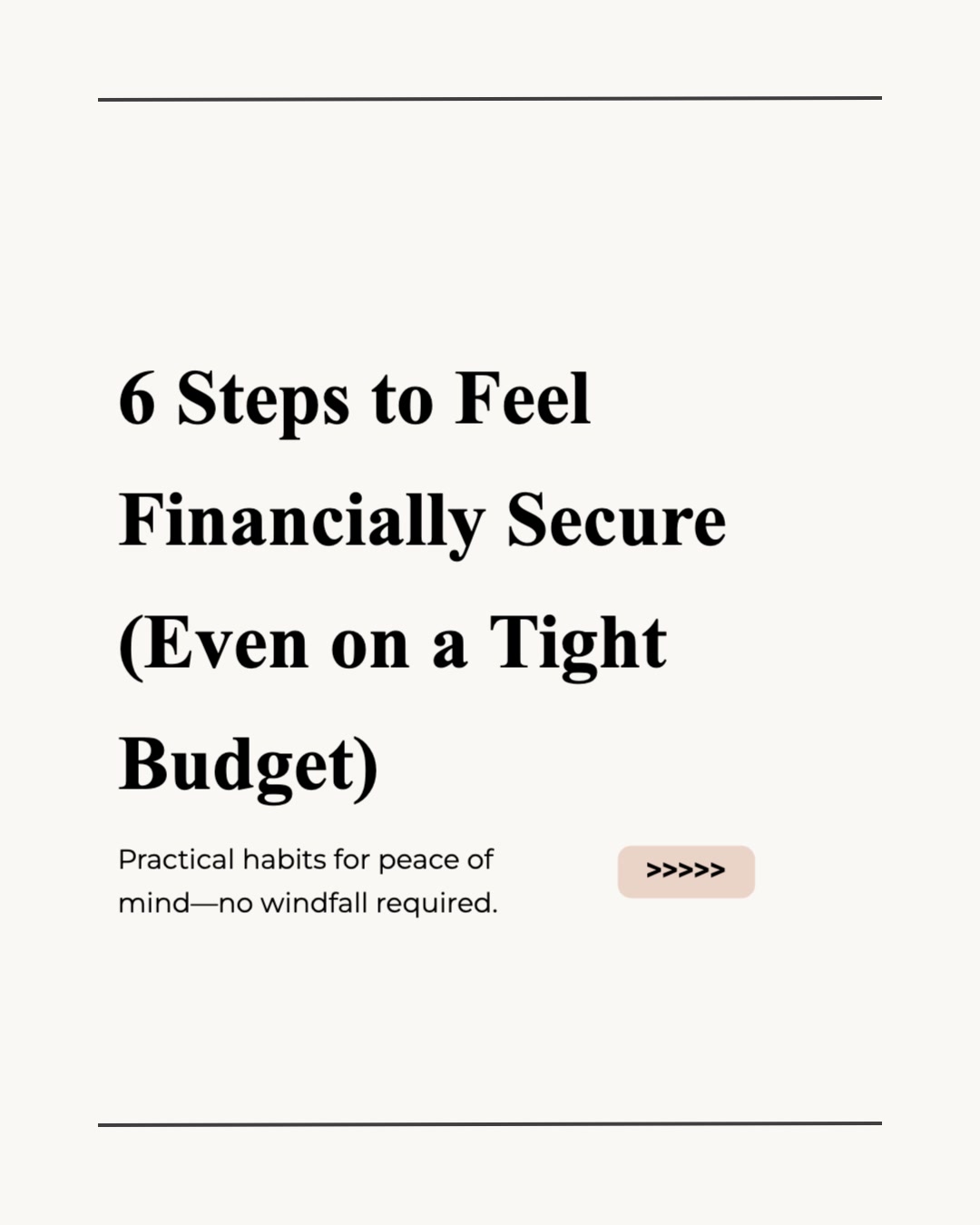


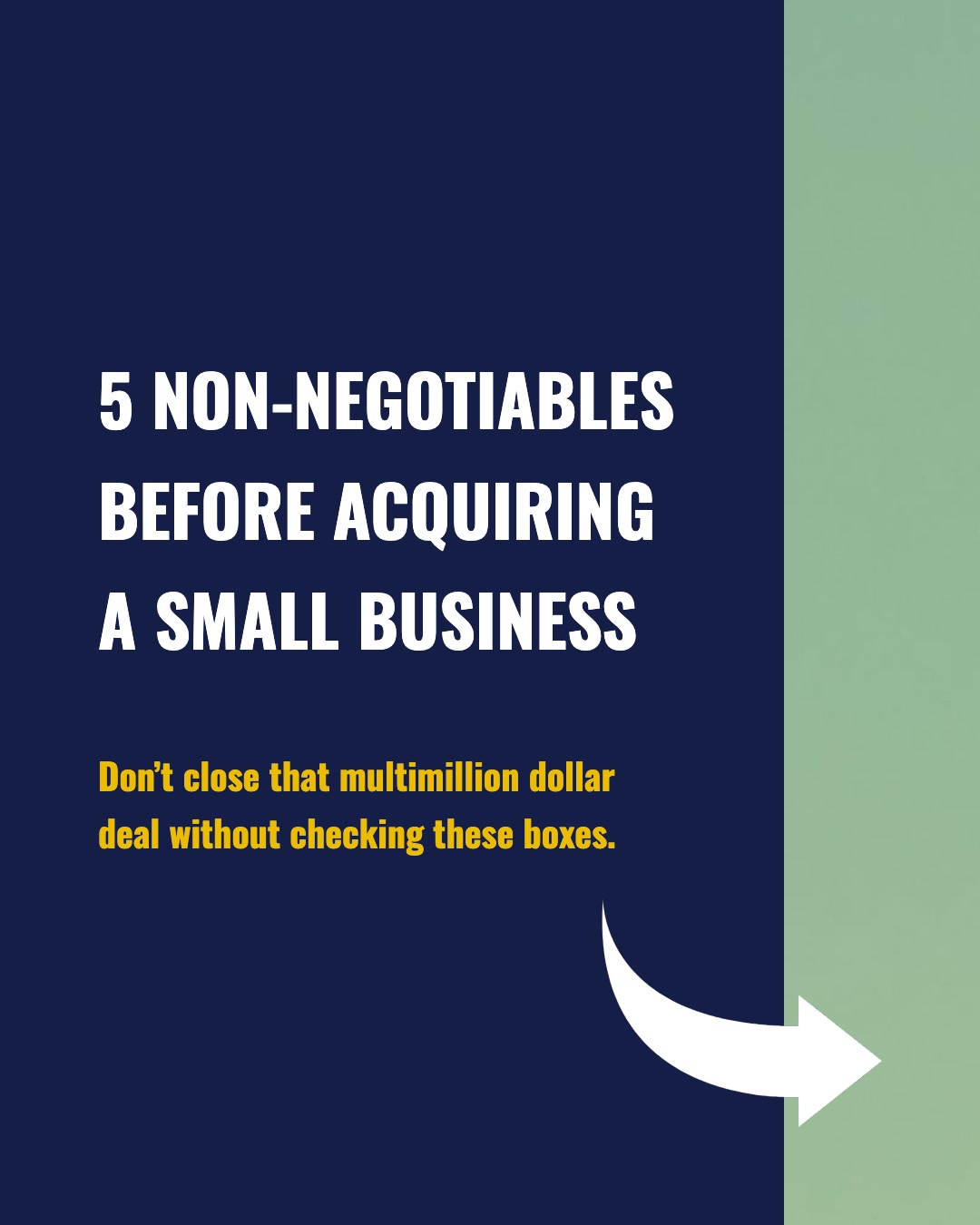
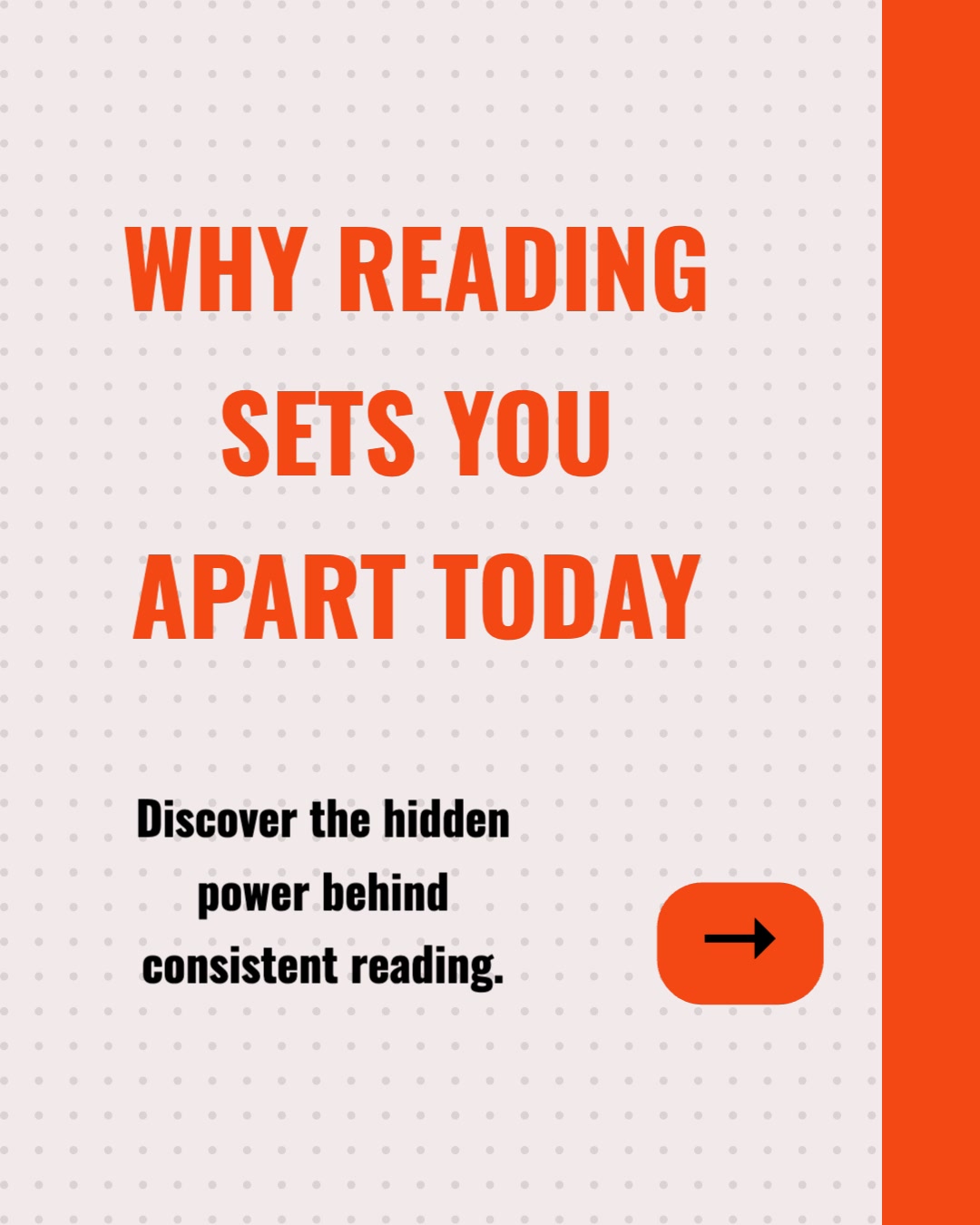


How Do I Turn a Whitepaper into Social Posts?
Six steps from gated PDF to a scheduled launch campaign — no design tool, no PDF wrangling.
Step 1: Drop the PDF or Copy the Key Sections
Drop the whitepaper PDF straight in — it is parsed in your browser and never uploaded, so the file never leaves your machine. Or copy just what you want to promote: the executive summary, the headline findings, and the statistics worth a stat card. Either way, you decide which insights go public and which stay behind the download form.
Step 2: (Optional) Apply Your Brand Kit
Select your brand kit before generating — your logo, colors, fonts, and brand voice are applied to every slide and caption automatically. Research content with consistent branding builds the credibility that gated content depends on.
Step 3: Add the Content and Click Generate
With your PDF parsed or your sections pasted into the text input, click Generate. The AI identifies the most shareable insights — surprising numbers, counterintuitive findings, quotable conclusions — and produces carousel teasers, stat cards, and captions. You can also generate in a different language from the original.
Step 4: Customize & Edit
Review every slide in the visual editor. Swap images, rewrite headlines, reorder slides, and double-check that every number matches the report exactly. Everything is fully editable before anything goes live.
Step 5: (Optional) Add the Download Link
Set up a first comment that auto-posts your landing page URL when each post goes live. The post delivers the insight; the comment captures the download — without an outbound link suppressing reach.
Step 6: Schedule the Campaign
Schedule the posts across LinkedIn, Instagram, TikTok, Facebook, YouTube, and Pinterest, spaced over the weeks after launch. One whitepaper becomes a sustained campaign instead of a single announcement.
What You Get from One Whitepaper
A whitepaper launch deserves a content campaign, not a single link post. Here is what one document becomes.
Carousel Teasers
Multi-slide carousels that walk through the top findings — enough insight to prove the research is worth downloading, structured to end on the gate. Formatted as PDF documents for LinkedIn and sized image sets for Instagram and TikTok.
Stat Cards
Each headline number from your research becomes a standalone designed card. Data is the most shareable thing in a whitepaper — stat cards put it in the feed where it earns saves and reshares.
Insight Posts & Captions
Platform-tailored captions for each finding — analytical and professional for LinkedIn, punchier for Instagram and TikTok. Hashtags and CTAs included, all editable.
Quote Cards
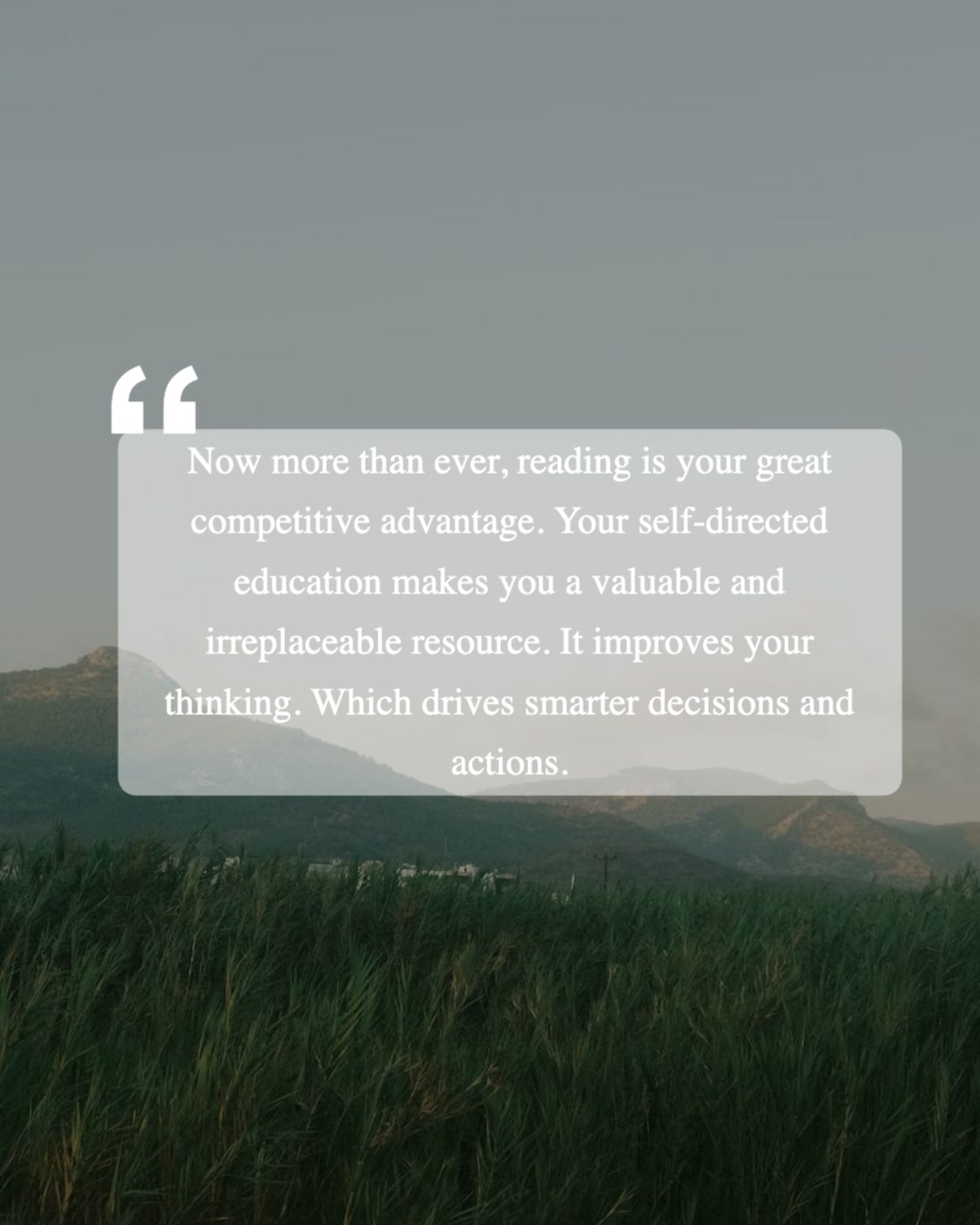
The most quotable conclusions from the research, set as standalone image cards. Strong for LinkedIn single-image posts and for arming executives with shareable proof points.
Animated Slideshow Videos
The same findings as a WaveGen video — an animated slideshow with slide transitions and music, silent with on-screen captions — for placements where motion outperforms static slides.
The Gate Stays Intact
PDF parsing happens entirely in your browser — the file is never uploaded, so a gated or pre-launch report never leaves your machine. And whether you drop the PDF or paste only the sections you choose, the methodology, segment breakdowns, and full recommendations stay in the download. The campaign sells it — it does not replace it.
Why Does a Whitepaper Need a Social Campaign?
The default whitepaper launch — one email, one link post, one landing page — leaves most of the asset's value unrealized.
“Download our whitepaper” is not a hook
A link post asking people to fill out a form competes against every other post in the feed that delivers value immediately. Leading with the insight inverts the pitch: the stat card or carousel proves the research is good, and the download becomes the natural next step for anyone who wants the rest. You earn the form fill instead of asking for it cold.
The research is the content — use it
Demand-gen teams often commission original research and then write new promotional copy from scratch to promote it. The whitepaper already contains the most credible content you will publish all quarter: real numbers, defensible findings, quotable conclusions. Repurposing puts that material itself in the feed, where data-led posts consistently outperform generic promotion.
A campaign outlives the launch week
Most gated assets get one promotional push and then sit on a landing page waiting for search traffic. Ten posts spaced over several weeks keep the report generating downloads long after launch — each finding gets its own moment, each segment of your audience gets the angle most relevant to them, and the pipeline contribution compounds.
Minutes per post instead of a design queue
Turning findings into designed social assets normally means briefing a designer for every stat card and carousel — which is exactly why it rarely happens. WaveGen compresses each batch to minutes: paste the sections, generate, review in the editor, schedule. The campaign that used to be a project becomes a single working session.
The bottom line: gated content lives or dies on distribution. The gate captures the lead, but only if the audience first sees enough of the research to want it. A repurposed campaign — stat cards, insight posts, carousel teasers — is how the whitepaper earns its downloads. WaveGen is the content repurposing and distribution system that turns the document into the campaign. The same workflow handles ebooks and case studies.
Whitepaper Repurposing Tools Compared
Gamma builds presentations, Canva is a full design suite, and aiCarousels designs carousels from pasted text. For research content, the gap is the full pipeline: stat cards, captions, and direct publishing from one pasted source.
| Feature | WaveGen | Gamma | Canva | aiCarousels |
|---|---|---|---|---|
| Pasted whitepaper text to carousel and stat cards | 16:9 decks | Carousel only | ||
| Feed-native sizes (LinkedIn docs, IG 1080x1350, TikTok) | ||||
| Captions written from the same content | ||||
| Auto-post download link in first comment | ||||
| Schedules and publishes directly to social | Pro Content Planner | |||
| Brand kit auto-applied to every slide | Custom themes | Brand Kit (Pro) | Basic styling | |
| Thousands of general-purpose design templates | Carousel-focused | Presentation themes | Carousel templates | |
| Export as PDF or PPTX | PDF (watermark-free on paid) | PDF and images | ||
| Watermark-free output | Paid plans | Paid plans | Paid plans |
Gamma turns docs and prompts into 16:9 presentations you export yourself. Canva offers the deepest template library and a Pro Content Planner, but carousel assembly is manual. aiCarousels generates feed-sized carousels from pasted text for manual export. WaveGen is the only tool of the group that turns pasted whitepaper content into carousel slides, stat cards, and captions and publishes them directly to your social accounts. Comparison based on publicly available feature lists as of June 2026.
How to Build a Whitepaper Launch Campaign with WaveGen
A detailed walkthrough — from gated PDF to a scheduled multi-week campaign in one working session.
Step 1: Choose what goes public
Before touching any tool, decide the split: which findings will you share openly, and which stay behind the form? A good rule is to share the what (the headline findings and standout stats) and gate the how and the so-what (methodology, segment breakdowns, recommendations). Open the PDF and copy the executive summary plus the three to five findings you want in the campaign.
Step 2: Add the content to WaveGen
Drop the PDF — it is parsed in your browser, the file is never uploaded, and roughly the first 12–15 dense pages are read — or paste the copied text for full control over exactly what the AI sees, so nothing you held back can end up in a post. A few hundred to a few thousand words is plenty; the AI does not need the appendices. WaveGen saves the content and carries it into the app automatically.
Step 3: Generate and review the post drafts
Click Generate. The AI breaks your sections into individual post candidates — a carousel teasing the top findings, stat cards for each headline number, and insight posts for each key conclusion. Review what it identified: for research content, accuracy is non-negotiable, so check every number on every slide against the report before anything goes out.
Step 4: Apply branding and polish in the editor
Your brand kit applies your logo, colors, and fonts to every slide automatically. In the editor you can swap AI-generated images, tighten headlines, and adjust the captions per platform — analytical for LinkedIn, punchier for Instagram and TikTok. WaveGen preserves the voice of the source content, so a rigorous report produces rigorous-sounding posts.
Step 5: Wire every post to the landing page
Set up the first comment to auto-post your download link when each post goes live, and make sure each caption's CTA points readers there. The structure matters: the post delivers a complete insight on its own, and the link captures the readers who want the full report — that combination is what turns reach into form fills.
Step 6: Schedule the campaign across the launch window
Schedule the carousel for launch day, then space the stat cards and insight posts over the following weeks. WaveGen publishes each one automatically to the connected account. Paid plans can also download watermark-free image or PDF files for ads, sales decks, and email.
No credit card required. Build your first campaign batch in under 2 minutes.
Who Benefits from Whitepaper Repurposing?
If gated research is part of your pipeline strategy, the promotion campaign matters as much as the asset. Here is who gets the most out of it.
Demand generation teams
Your quarterly research report has a pipeline target attached. A multi-week social campaign of stat cards and carousel teasers keeps the landing page fed with traffic long after the launch email — and gives paid social a library of organic-tested creative angles to promote.
Product marketing and content teams
Industry reports, benchmark studies, and trend analyses are dense with shareable findings. Repurposing turns each one into weeks of feed content without writing new copy — the report already did the hard intellectual work.
Analyst relations and research firms
When the research is the product, every published finding is also marketing. Stat cards and insight carousels showcase the rigor of the work while the full analysis stays behind the paywall or license.
Agencies running content programs
Client whitepapers are reliable campaign fuel. Paste the key sections, generate a branded batch per client, and deliver a full launch campaign in the time a single designed stat card used to take.
Founders and subject-matter experts
Findings posted from a personal profile consistently travel further than company-page links. Arm your executives with insight posts and quote cards from the research so the launch reaches their networks too.
Event and webinar marketers
Whitepapers often pair with a launch webinar. Run the social campaign before the event to drive registrations, then keep posting findings afterward to drive replay views and downloads from one content batch.
Whether it is a benchmark report, an industry survey, or a technical deep dive, the workflow is the same: drop the PDF or paste the sections worth promoting and WaveGen builds the campaign. Also works for ebooks and long-form downloads.
Whitepaper to Social Posts FAQs
Your Research Deserves a Launch Campaign
Months of research should not get one link post. Drop the whitepaper PDF or paste the key sections into WaveGen and turn them into stat cards, insight posts, and carousel teasers that drive downloads for weeks — without giving the report away.
Free to start. No credit card required. Drop the PDF — parsed in your browser, never uploaded — or paste just the sections you want to promote.