Turn Your Ebook into Carousels That Sell the Download
Every chapter of your ebook is a carousel waiting to happen. Drop the PDF — it's parsed in your browser and never uploaded — or paste a chapter, and WaveGen's AI turns it into slides that tease the value and point readers to the full download — on Instagram, LinkedIn, TikTok, and Pinterest. Free to start, no signup required.
We read about the first 12–15 dense pages (~30,000 characters) — a focused excerpt beats the whole book anyway.
Under 2 min
From chapter to slides
1 chapter
= 1 carousel campaign
4 platforms
Instagram, LinkedIn, TikTok, Pinterest
Free
No signup required
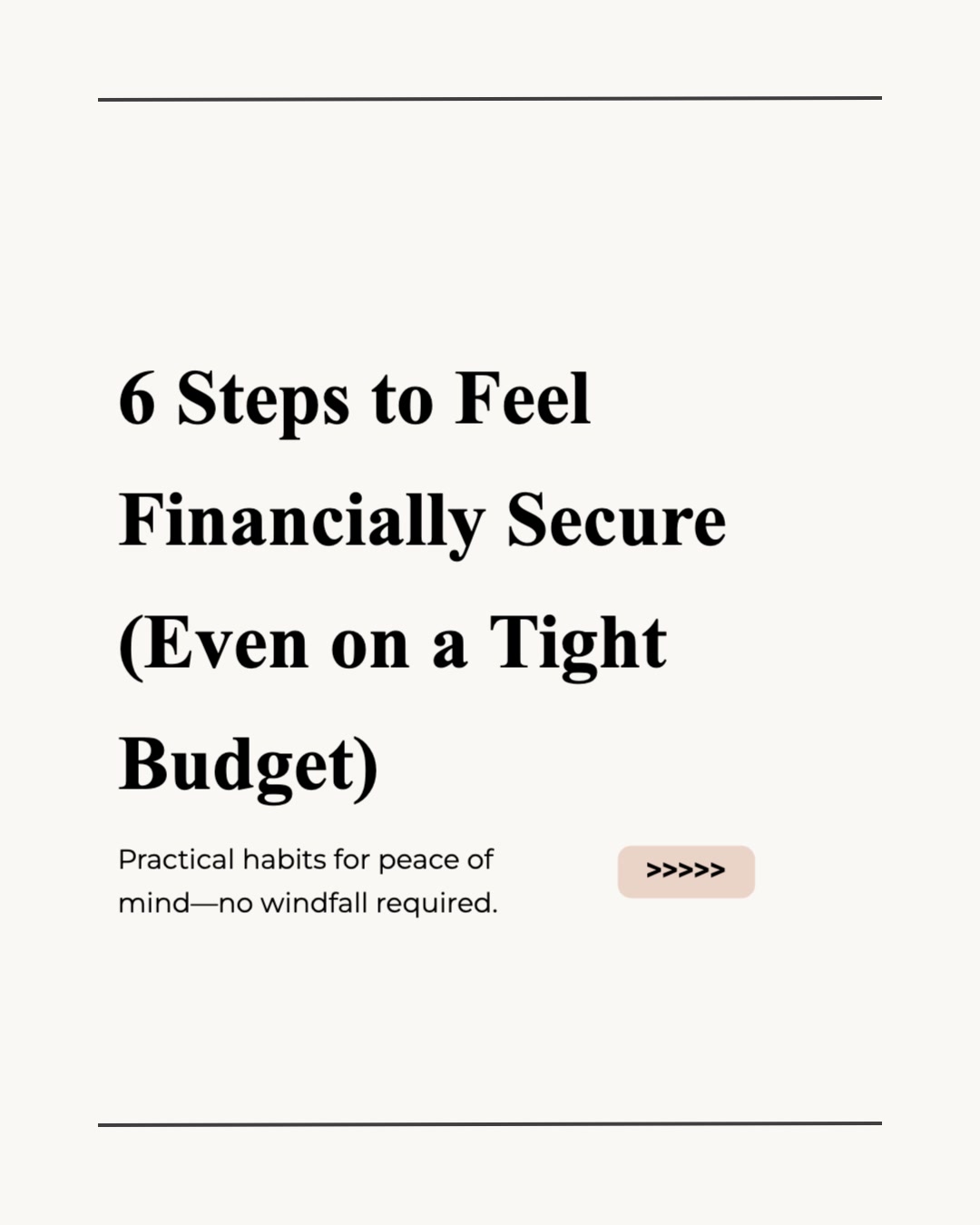



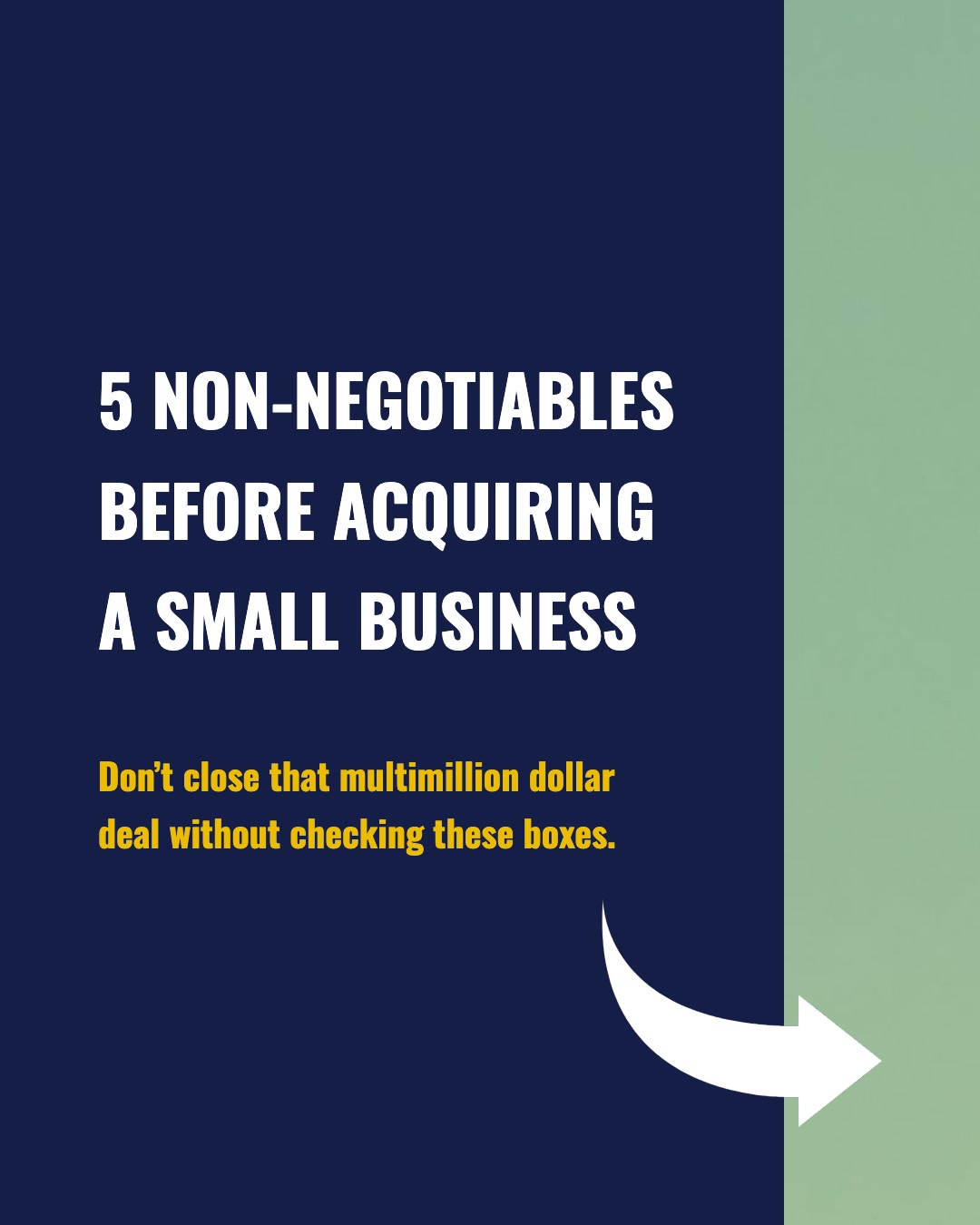

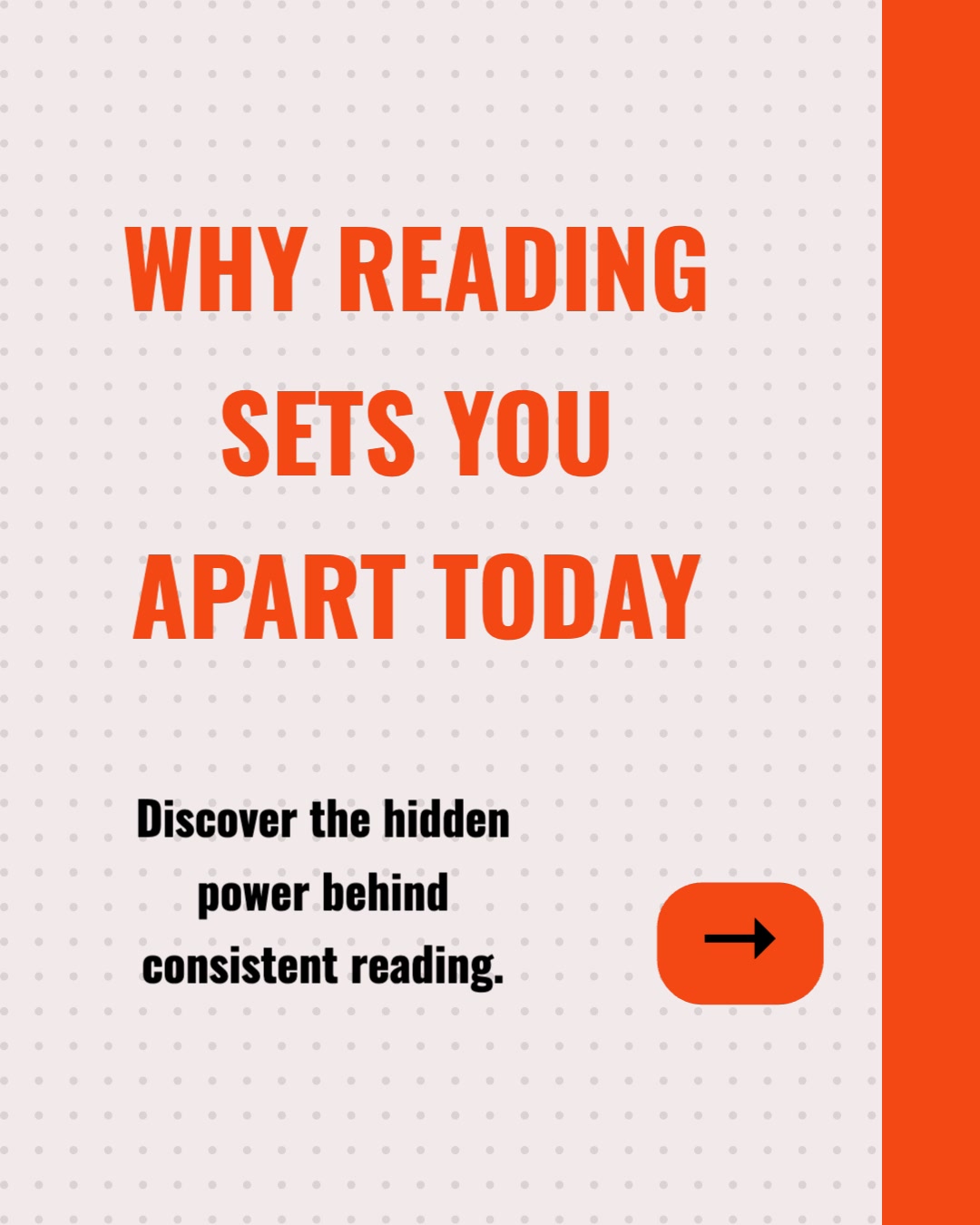
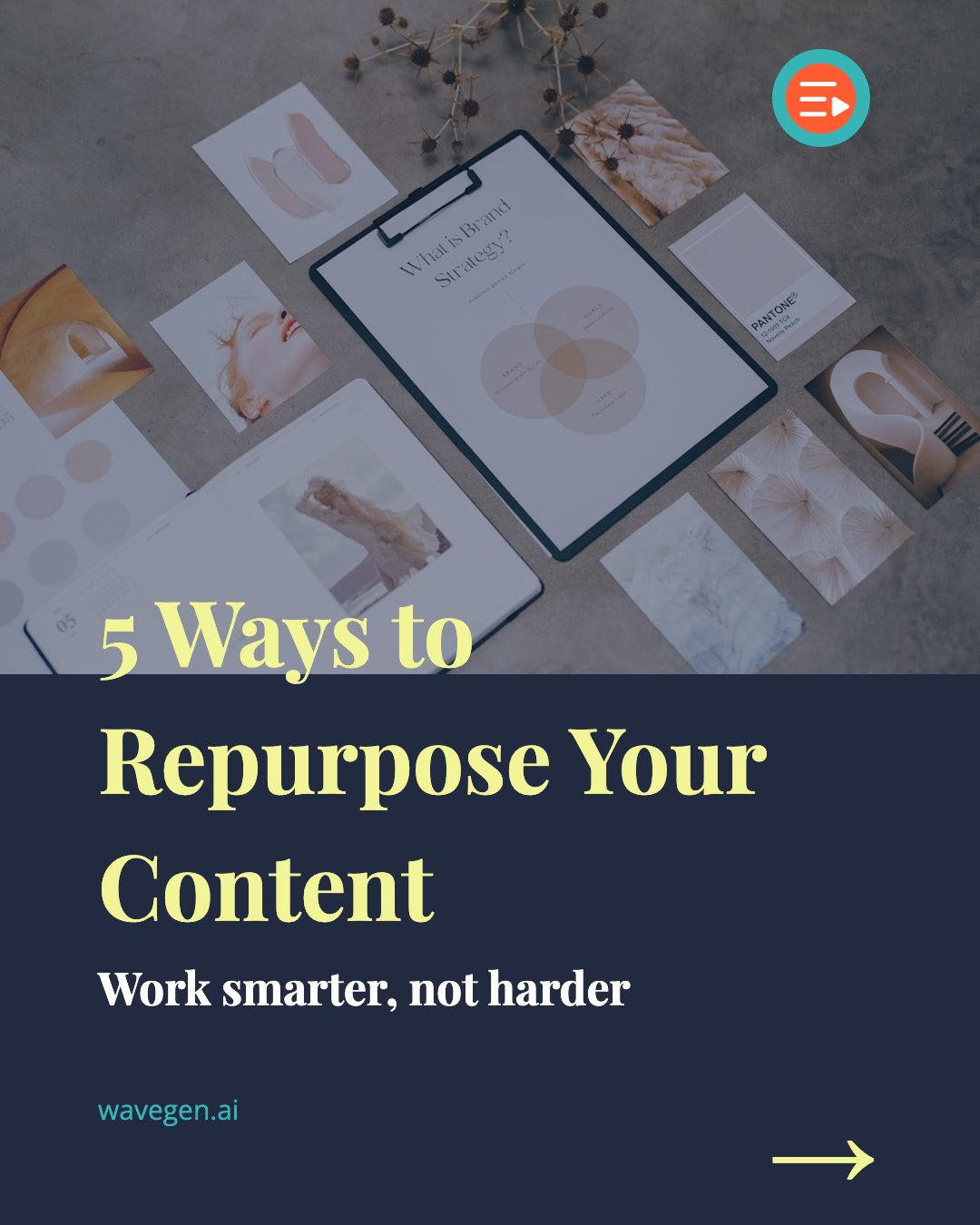
How Do I Turn an Ebook into a Carousel?
Three steps. You pick the excerpt, WaveGen handles the structure, design, and distribution.
1
Drop the PDF or Paste a Chapter
Drop your ebook PDF — it is parsed in your browser and never uploaded — or copy the chapter or framework you want to promote and paste it in. One focused excerpt beats the whole book — you are teasing value, not transferring it.
2
AI Structures It into Slides
WaveGen identifies the strongest points in the excerpt, organizes them across 6–10 slides, writes punchy headlines, and generates a relevant image for each slide.
3
Add Your Download CTA and Publish
Make the final slide a call to action for the full ebook, apply your brand kit, and schedule directly to Instagram, LinkedIn, TikTok, Facebook, YouTube, or Pinterest.
Which Parts of an Ebook Make the Best Carousels?
You do not repurpose an ebook all at once — you mine it. These are the sections that consistently convert into high-performing slides.
Individual Chapters
One chapter, one carousel. A chapter's argument maps almost perfectly onto a 6–10 slide arc with a hook, a build, and a payoff.
Named Frameworks
The framework your ebook is built around is the most shareable thing in it. One slide per step, last slide sells the book.
Key Takeaways Lists
Already have a "10 things you'll learn" summary? Paste it as-is — lists are the easiest input for tight, swipeable slides.
Introductions & Conclusions
The intro states the promise of the book; the conclusion states the transformation. Both are pre-written sales copy.
Case Studies & Examples
Stories inside the ebook — before/after, client results, worked examples — make carousels people actually finish.
Whitepapers & Reports
The same playbook works for B2B downloads: paste the executive summary or one finding and point readers to the gated asset.
How Does WaveGen Compare to Gamma, Canva, and aiCarousels?
Gamma builds presentations, Canva is a full design suite, and aiCarousels designs carousels from pasted text. WaveGen is the only one that turns an ebook chapter into carousels, captions, and quote cards — and publishes them to your social accounts in the same workflow.
| Feature | WaveGen | Gamma | Canva | aiCarousels |
|---|---|---|---|---|
| Paste an ebook chapter, get a feed-ready carousel | 16:9 decks | |||
| Captions and quote cards from the same chapter | Carousel only | |||
| Feed-native sizes (LinkedIn docs, IG 1080x1350, TikTok) | ||||
| Auto-post download link in first comment | ||||
| Schedules and publishes directly to social | Pro Content Planner | |||
| Brand kit auto-applied to every slide | Custom themes | Brand Kit (Pro) | Basic styling | |
| Thousands of general-purpose design templates | Carousel-focused | Presentation themes | Carousel templates | |
| Export as PDF or PPTX | PDF (watermark-free on paid) | PDF and images | ||
| Watermark-free output | Paid plans | Paid plans | Paid plans |
Gamma turns docs and prompts into 16:9 presentations you export yourself. Canva offers the deepest template library and a Pro Content Planner, but carousel assembly is manual. aiCarousels generates feed-sized carousels from pasted text for manual export. WaveGen is the only tool here that pairs the carousel with captions and quote cards and publishes everything directly to your social accounts. Comparison based on publicly available feature lists as of June 2026.
How to Turn an Ebook into a Carousel with WaveGen
A six-step workflow for authors and marketers promoting long-form downloads — four core, two optional.
Step 1: Pick the excerpt that sells the book
Open the ebook and choose one chapter, one named framework, or one list of takeaways. The best excerpt is complete on its own but obviously part of something bigger — a reader should finish the carousel thinking "if this is one chapter, I want the rest." Resist pasting the whole manuscript: a 50-page ebook is ten or fifteen carousels, not one.
Step 2: (Optional) Apply your brand kit
If you have set up a brand kit, select it before generating. Your logo, colors, fonts, and caption styling apply to every slide automatically — so the carousel matches your book cover, landing page, and the rest of your feed. For authors building a recognizable presence across a launch campaign, this is the cheapest consistency you will ever buy.
Step 3: Add the excerpt and click Generate
Drop the ebook PDF (parsed locally — the file never leaves your browser) or paste the excerpt into WaveGen's text input, pick an output language if it differs from the source, and click Generate. The AI reads the text, finds the structural spine — the argument, the steps, the named parts — and produces 6–10 slides with headlines, body copy, and an AI-generated image per slide. Repurposing preserves the voice of your writing, so the slides sound like the book.
Step 4: Shape the carousel around the download
In the visual editor, tighten the hook on slide one and make the final slide a clear call to action: what the full ebook covers, what the reader gets, and where to download it. Swap images, rewrite headlines, merge or split slides. This is where a content excerpt becomes a promotion — the carousel delivers real value and the last slide converts it.
Step 5: (Optional) Auto-post your download link as the first comment
Set up a first comment that posts your landing page link automatically when the carousel goes live. Platforms tend to reward posts that keep links out of the caption, and readers who swiped through all ten slides are the warmest possible audience for an email opt-in. This single setting is the difference between a carousel that gets likes and one that fills your list.
Step 6: Publish now or schedule the chapter series
Publish the carousel now or schedule it to a connected Instagram, LinkedIn, TikTok, Facebook, YouTube, or Pinterest account. On a paid plan, download watermark-free images or a PDF for manual posting elsewhere. Then queue the next chapter for next week: one ebook, repurposed chapter by chapter, can supply a month or more of top-of-funnel content.
No credit card required. Turn your first chapter into a carousel in under 2 minutes.
Why Repurpose Ebook Content into Carousels?
You spent weeks writing the ebook. Most lead magnets get one launch post and then sit on a landing page waiting for traffic that never comes. Repurposing fixes the traffic problem with content you already wrote.
Your lead magnet needs a feed, not just a landing page
A lead magnet only converts the people who reach it, and a landing page has no distribution of its own. Carousels are the distribution layer: each chapter becomes a post that earns algorithmic reach on Instagram and LinkedIn, and every post points back to the download. Instead of buying traffic for the landing page, you publish the book's own value as the ad.
Tease the value, sell the download
The carousel format is built for the tease: a hook slide, eight slides of genuinely useful material, and a final slide that says "this is chapter 3 of 12 — get the rest free." Readers who got real value from the excerpt have already experienced the book working. That is a far stronger opt-in pitch than a cover image and a bullet list of promises.
One ebook = a month of content
A 10-chapter ebook is ten carousels before you touch the frameworks, case studies, intro, and conclusion hiding inside each chapter. Authors and marketers who mine a single download chapter-by-chapter routinely fill four to six weeks of posting calendar from one asset — without writing anything new. The work is already done; it just is not distributed yet.
Carousels reach the audience that will never find your PDF
Nobody discovers a PDF in a feed. They discover a carousel, swipe through it, and then go looking for the PDF. LinkedIn document posts and Instagram carousels are among the highest-engagement organic formats on their platforms, which makes them the natural top of funnel for any gated long-form asset — ebooks, whitepapers, reports, and guides alike.
The bottom line: an ebook is not one piece of content — it is a content library that happens to be stapled together. WaveGen is the content distribution system that unstaples it: paste a chapter, get a carousel, point it at the download, repeat. See the AI content repurposing hub for the full map of input-to-output workflows, or try blog-to-carousel if the content you want to promote already lives at a public URL.
Who Uses Ebook-to-Carousel?
Four situations where turning chapters into carousels consistently beats one launch announcement and a landing page.
Authors launching or relaunching a book
Launch week gets attention; week five gets silence. A chapter-by-chapter carousel series keeps the book in feeds for months after launch, each post delivering a real excerpt of the work and ending with where to get it. For self-published authors especially, this is marketing material that already exists — it is the manuscript.
Marketers promoting gated lead magnets
The ebook, guide, or report behind your opt-in form is usually your team's densest asset and thinnest promotion. Carousels solve the cold-start problem: publish the executive summary or one key finding as slides, auto-post the download link in the first comment, and let the asset's own substance drive the opt-ins.
Course creators with companion ebooks
If your course ships with a workbook or companion ebook, its frameworks and exercises are pre-validated carousel material — students already paid for them. A weekly carousel from the workbook shows prospective students exactly what the teaching looks like, which converts better than any testimonial graphic.
B2B teams with whitepapers and research reports
The same paste-an-excerpt workflow applies to any gated long-form download. One finding from the annual report, one section of the whitepaper, one chart explained across six slides — each becomes a LinkedIn carousel that earns the demand the gated asset then captures. Comms and demand-gen teams can run an entire quarter on one well-mined report.
Ebook to Carousel FAQs
Your Ebook Is a Month of Carousels
You already wrote the hardest part. Drop the PDF or paste a chapter, let WaveGen turn it into slides that tease the value, and point every post at the download — so the ebook starts earning the audience it was written for.
Free to start. No credit card required.