Turn an itinerary into a travel carousel.
Paste a day-by-day itinerary, a travel guide or a package description. WaveGen makes a carousel with one day or stop per slide and a closing slide on how to book.
GENERATED WITH WAVEGEN · DEMO
From a three-day itinerary to a six-slide carousel.
WaveGen made the carousel below from this sample. No brand kit was applied; with yours, it uses your colors, fonts and logo.
THE ITINERARY
3 days in Lisbon: an easy first-timer itinerary From Wayfarer Travel Co. Day 1: Alfama and the castle. Walk up through Alfama's lanes to São Jorge Castle for the view over the river, then ride the historic Tram 28 back down through the old town. Day 2: Belém. See Jerónimos Monastery and the Belém Tower, and stop for a pastel de nata at the bakery next to the monastery. Day 3: Day trip to Sintra. Take the train from Rossio station, about 40 minutes, and spend the day at Pena Palace and the gardens around it. Tip: buy a rechargeable transport card for the trams, the metro and the Sintra train. Want this trip planned for you? Ask us about Lisbon packages.
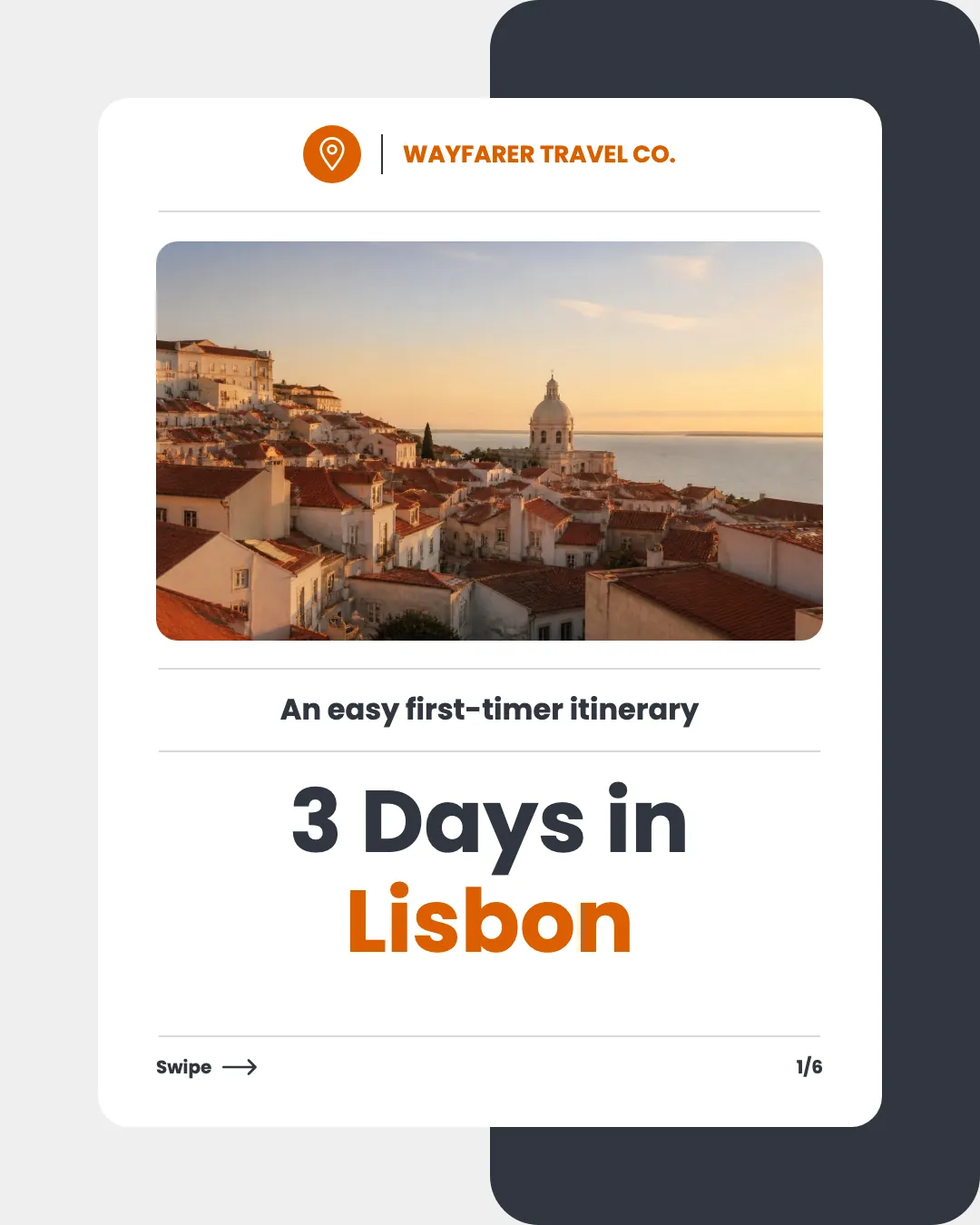
Slide 1 of 6
One day per slide
Each day gets a slide with its photo, the places to see and one thing to do there.
A tip, then how to book
The transport tip gets its own slide before the closing slide on booking the trip.
Read the example caption
Planning a trip to Portugal? Here is an easy first-timer itinerary for 3 days in Lisbon from Wayfarer Travel Co. Start your first day exploring Alfama and the castle. Walk up through the historic lanes to São Jorge Castle for beautiful river views, then ride the famous Tram 28 back down. On day two, head to Belém to see the stunning Jerónimos Monastery and the Belém Tower. Do not forget to grab a classic pastel de nata at the bakery next door! For your third day, take a quick 40-minute train ride from Rossio station for a day trip to Sintra to explore Pena Palace and its gardens. Pro tip: buy a rechargeable transport card for the trams, metro, and the train to Sintra to make getting around a breeze. Want this trip planned for you? Ask us about our Lisbon packages! #Lisbon #LisbonTravel #PortugalTrip #TravelItinerary #WayfarerTravel #Sintra #TravelTips
How to turn an itinerary into a carousel
01
Add the itinerary
Paste a day-by-day plan, or link a travel guide or package page.
02
Generate the carousel
WaveGen gives each day or stop its own slide with a photo, and writes a caption.
03
Check and schedule
Swap in your own trip photos if you have them, check names and times, then schedule it.
Sell the trip one day at a time.
People save itineraries for the trip they're planning. A carousel that walks through the days shows them what the trip feels like.
One day per slide
Name the place and the one or two things to do there. Leave the full schedule for the caption or your site.
Add one practical tip
Transport, tickets or the best time to go makes the post worth saving.
End with how to book
If you sell the trip, the last slide should say how to book it or get a quote.
Travel Carousel Maker FAQs
Where are your travelers going next?
Paste the itinerary and turn it into a post.