SocialBee Alternative
WaveGen vs SocialBee
The SocialBee Alternative That Actually Creates Your Content
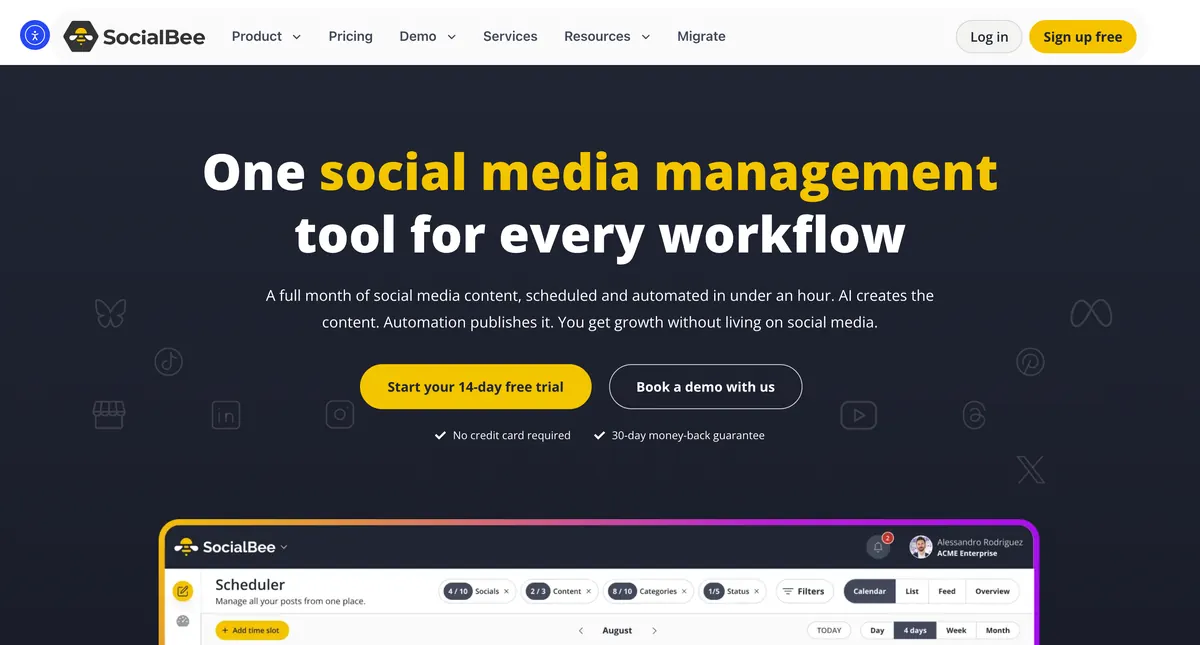
SocialBee is a category-based scheduler built around content buckets and evergreen recycling — genuinely best-in-class for keeping a steady queue rotating. Its Copilot writes captions and can draft a posting plan, and it integrates Canva. But it doesn't generate visual posts: there's no way to turn a blog URL into a ready-made carousel or slideshow. WaveGen does exactly that — turning your blog posts, newsletters, and ideas into ready-to-publish carousels, captions, and slideshows, then scheduling them — starting at $49/mo.
Last updated: September 2026
Try it free: Create your first AI-powered post in 2 minutes →



Trusted by 1000+ businesses
★★★★★SocialBee recycles posts. WaveGen makes them.
A blog post
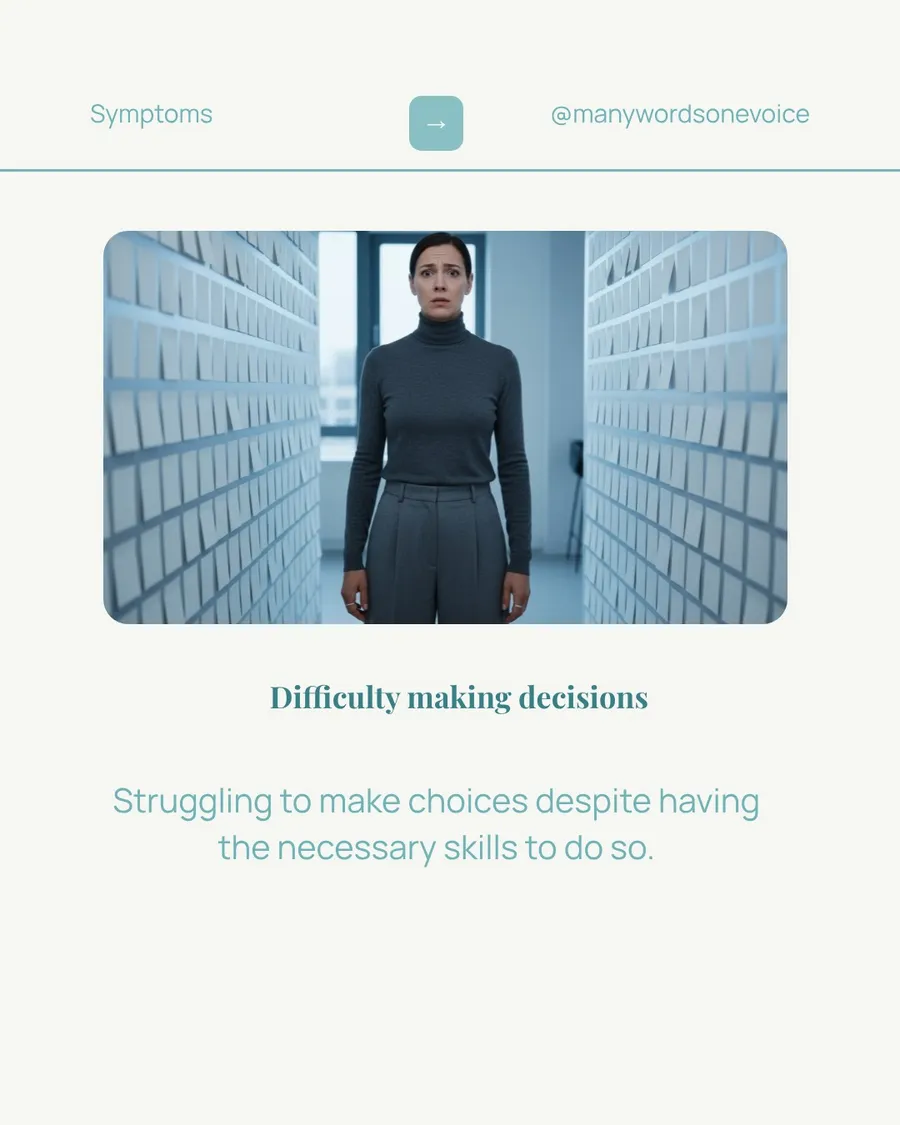
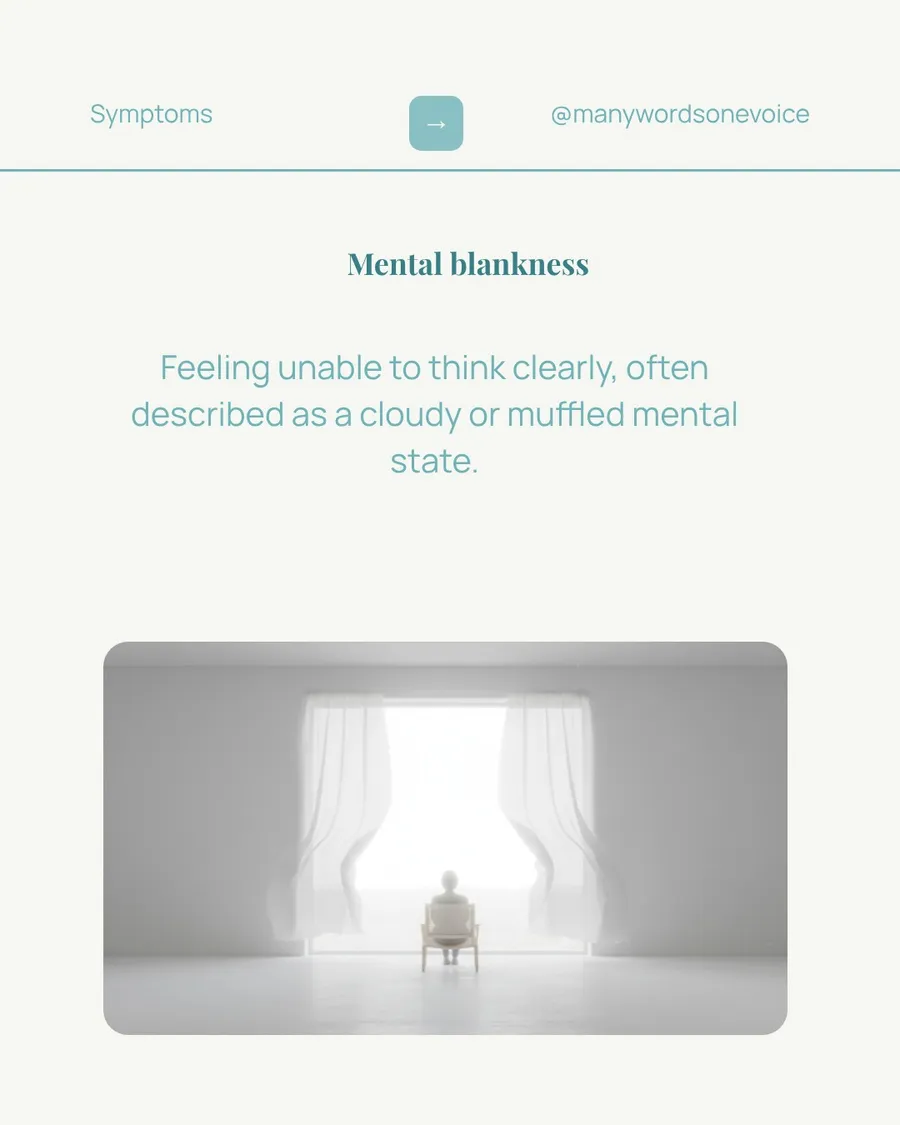
Generated by WaveGen
This is one blog post turned into a ready-to-publish carousel — automatically. SocialBee gives you categories and evergreen queues to rotate posts; WaveGen produces the posts in the first place. That's the expensive half a scheduler leaves to you (or Canva).
Quick Verdict
If your bottleneck is creating content — carousels and slideshows especially — WaveGen is the better choice. SocialBee wins if evergreen recycling and category-based queues are the core of how you post, and you already make your own creative.
Choose SocialBee if you...
Evergreen recycling and category-based queues are central to how you post
You want RSS auto-import to keep buckets full of text updates
You need approval workflows and multi-brand workspaces for a team
You already make your own creative and just need to organize and schedule it
Choose WaveGen if you...
Your real bottleneck is making the content, not organizing it
You want carousels and slideshows generated for you, not assembled in Canva
You repurpose blog posts, newsletters, or articles into social content
You want a simpler tool without a steep category-and-queue learning curve
WaveGen vs SocialBee: Feature Comparison
WaveGen leads on 6 features, SocialBee leads on 4
| Feature | WaveGen | SocialBee |
|---|---|---|
AI content creation | Full repurposing: paste a URL, get carousels, captions, and slideshows | Copilot writes captions and drafts a posting plan — no visual content creation |
Carousel creator | Yes — AI-generated from articles | Can schedule Instagram carousels you upload, but can't generate them |
Slideshows & quote cards | Yes — TikTok slideshows and branded quote cards | Not available — assemble in Canva and import |
Blog-to-post | Paste a URL and get a finished carousel or slideshow | RSS import turns feeds into text posts, not designed slides |
Brand kit | Colors, fonts, logos, brand images, and a customizable brand voice (define it yourself or auto-draft from your website, then edit) | Canva/Unsplash integration for assets; no generative brand kit |
Content autopilot | Monitors RSS/blog sources daily, AI extracts post ideas, one-click generation | RSS auto-import into categories, but no idea-extraction pipeline |
Category & evergreen recycling | Not available | Best-in-class — content categories and evergreen re-queuing |
Scheduling | Queue-based auto-scheduling + manual date/time | Category-based queues, RSS, and time-slot scheduling |
Approval workflows | Not available | Roles, approvals, and multi-brand workspaces on higher tiers |
Entry price | Free plan; paid from $49/mo (5 accounts) | No free plan; $29/mo (5 profiles, 1 user) |
AI content creation
WaveGen
Full repurposing: paste a URL, get carousels, captions, and slideshows
SocialBee
Copilot writes captions and drafts a posting plan — no visual content creation
Carousel creator
WaveGen
Yes — AI-generated from articles
SocialBee
Can schedule Instagram carousels you upload, but can't generate them
Slideshows & quote cards
WaveGen
Yes — TikTok slideshows and branded quote cards
SocialBee
Not available — assemble in Canva and import
Blog-to-post
WaveGen
Paste a URL and get a finished carousel or slideshow
SocialBee
RSS import turns feeds into text posts, not designed slides
Brand kit
WaveGen
Colors, fonts, logos, brand images, and a customizable brand voice (define it yourself or auto-draft from your website, then edit)
SocialBee
Canva/Unsplash integration for assets; no generative brand kit
Content autopilot
WaveGen
Monitors RSS/blog sources daily, AI extracts post ideas, one-click generation
SocialBee
RSS auto-import into categories, but no idea-extraction pipeline
Category & evergreen recycling
WaveGen
Not available
SocialBee
Best-in-class — content categories and evergreen re-queuing
Scheduling
WaveGen
Queue-based auto-scheduling + manual date/time
SocialBee
Category-based queues, RSS, and time-slot scheduling
Approval workflows
WaveGen
Not available
SocialBee
Roles, approvals, and multi-brand workspaces on higher tiers
Entry price
WaveGen
Free plan; paid from $49/mo (5 accounts)
SocialBee
No free plan; $29/mo (5 profiles, 1 user)
See the difference for yourself
Try WaveGen free and compare it side-by-side with SocialBee.
Pricing Comparison
| Scenario | WaveGen | SocialBee |
|---|---|---|
Solo creator, 5 accounts | $49/mo (Starter — 5 accounts) | $29/mo (Bootstrap — 5 profiles, 1 user) |
Small team, 10 accounts | $99/mo (Growth — 10 accounts) | $49/mo (Accelerate — 10 profiles, 1 user) |
Team needing multiple users | $99–199/mo (Growth/Pro) | $99/mo (Pro — needed just to add users) |
Replacing a $2,000/mo agency retainer | $49/mo (Starter) + your time | SocialBee still needs you to make the content |
Solo creator, 5 accounts
$49/mo (Starter — 5 accounts)
$29/mo (Bootstrap — 5 profiles, 1 user)
Small team, 10 accounts
$99/mo (Growth — 10 accounts)
$49/mo (Accelerate — 10 profiles, 1 user)
Team needing multiple users
$99–199/mo (Growth/Pro)
$99/mo (Pro — needed just to add users)
Replacing a $2,000/mo agency retainer
$49/mo (Starter) + your time
SocialBee still needs you to make the content
WaveGen
Free; $49–199/mo
Starter ($49/mo): 30 generated posts, 5 accounts, 2 brand kits. Growth ($99/mo): 60 posts, 10 accounts, 5 brand kits. Pro ($199/mo): 120 posts, 20 accounts, 10 brand kits. Free plan available with 10 posts.
SocialBee
$29 – $449/mo (no free plan)
Bootstrap ($29/mo): 5 profiles, 1 user. Accelerate ($49/mo): 10 profiles, 1 user. Pro ($99/mo): 25 profiles, 3 users — note the cheaper tiers are single-user, so teams are pushed to Pro. Agency tiers run $179–$449/mo. There's a 14-day trial but no free plan. Done-for-you concierge services are quoted separately.
Pros & Cons
WaveGen
Pros
Creates the content: turns articles into carousels, captions, and slideshows
Full brand kit with a customizable brand voice (define or auto-draft from your website)
Autopilot monitors sources and delivers daily content ideas
Free plan and a simpler setup than category-and-queue systems
First comment on all plans for CTAs and links
Cons
No content categories or evergreen recycling
No approval workflows for team review
No analytics or reporting
6 platforms vs SocialBee's broader network list
SocialBee
Pros
Best-in-class category-based scheduling and evergreen recycling
RSS auto-import to keep content buckets full
Copilot for AI captions, hashtags, and posting plans
Approval workflows, roles, and multi-brand workspaces
Optional done-for-you concierge service
Cons
No real content creation — Copilot writes text; carousels are manual uploads
No free plan, only a 14-day trial
Cheaper tiers are single-user, forcing teams up to the $99 Pro plan
Steep learning curve — categories and queues overwhelm beginners
Reliability gripes (queue stalls, occasional double-posting) in reviews
Why Switch from SocialBee to WaveGen?
Create content, not just organize it
SocialBee is a category-and-queue scheduler — its Copilot writes captions and it recycles what you feed it, but you still make the visuals in Canva. WaveGen makes them: paste a blog URL and get carousels, captions, slideshows, and quote cards, brand-matched and platform-sized.
A free plan, not just a trial
SocialBee has no free tier — just a 14-day trial — and its cheaper plans are single-user, so teams jump to $99. WaveGen starts free and $49/mo flat, with content creation included.
Turn one article into a month of posts
SocialBee's RSS import turns feeds into text posts. WaveGen turns a single blog post into a full set of carousels and slideshows — the designed, visual posts recycling alone can't produce.
Content ideas delivered daily
WaveGen's Autopilot monitors your favorite blogs and industry sources, extracts post-worthy ideas, and queues them for one-click generation — so your buckets are never empty and the blank page is never the blocker.
What Our Users Say
Trusted by 1000+ businesses and creators
“I can turn a long-form article or update into multiple posts ready for publishing within minutes. For anyone who needs to publish regularly but can't spend hours editing, it's a true game changer.”

Cleo Song
Attorney / Law Firm Partner
“It takes now ~10 hours to schedule nearly 300 pieces of content for the month across platforms. I've tried many tools and nothing comes close.”

Pio Scelina
Growth Marketer
“WaveGen has been a huge time save. Now I get multiple ready-to-post videos when I finish a new blog post. The UX is excellent.”

Tim Rohling
Consultant
Ready to try WaveGen?
Create your first AI-powered carousel in 2 minutes — free, no credit card required.
What Is SocialBee?
SocialBee is a social media scheduling tool built around content categories and evergreen recycling. You sort posts into buckets, set time slots per category, and SocialBee rotates through them — keeping a steady, varied queue without manual re-scheduling. It's widely considered best-in-class for evergreen recycling. It also offers RSS auto-import, analytics, Canva/Unsplash/GIPHY integration, a Copilot AI that writes captions and drafts posting plans, and approval workflows with multi-brand workspaces on higher tiers. SocialBee even sells a done-for-you concierge service. What SocialBee is not is a content creation tool for visual formats. Copilot writes text and can plan a calendar, and you can schedule Instagram carousels you've already built — but there's no way to generate a carousel or turn a blog URL into designed slides. That still happens in Canva.
“Now I can turn a long-form article into multiple posts ready for publishing within minutes. It's like having an assistant who understands both law and marketing.”
Cleo Song
Attorney / Law Firm Partner
How to Switch from SocialBee to WaveGen
List what you actually use in SocialBee — if it's mostly the queue, you may not need the full category system.
Set up your brand kit first so every AI-generated post matches your identity from day one.
Repurpose your best-performing blog posts first — turn 3-5 top articles into carousels before anything else.
Use Autopilot to keep your pipeline full — add the sources you already read and let WaveGen surface ideas.
Keep SocialBee for evergreen recycling if that's core to you, and use WaveGen to actually make the posts.
SocialBee Alternative FAQs
Make the switch to WaveGen
Turn your articles into carousels, captions, and slideshows — then publish to LinkedIn, Instagram, TikTok, Facebook, YouTube, and Pinterest. Free to start.
Try WaveGen freeMore comparisons
Other tools in the same category, compared to WaveGen.

WaveGen vs Taplio
LinkedIn-only growth tool. WaveGen does 6 platforms with the same content.

WaveGen vs Buffer
Buffer schedules. WaveGen makes the post AND schedules it.

WaveGen vs Hootsuite
Hootsuite killed its free plan and assumes you already have the posts. WaveGen is free to start — and makes them.

WaveGen vs Sprout Social
Sprout Social starts at ~$249 a seat. WaveGen starts at $49 — and makes the content.

WaveGen vs Later
Later plans the posts you upload. WaveGen creates them from your writing.

WaveGen vs Metricool
Metricool analyzes and schedules your posts. WaveGen makes them.

WaveGen vs Publer
Publer schedules your posts and writes captions. WaveGen makes the whole post.

WaveGen vs Loomly
Loomly helps you build and approve posts. WaveGen makes them.