Turn Blog Posts into Social Media Posts
WaveGen turns one blog post into a week of multi-platform content — carousels, captions, and quote cards for LinkedIn, Instagram, Facebook, and TikTok — then schedules and publishes it for you. Paste the URL, and the AI extracts the strongest ideas from your article into ready-to-distribute posts. Free to start, no credit card required.
Works with WordPress, Ghost, Webflow, Medium, Substack — any blog with a public URL.
1 blog post
Becomes a week of content
3 formats
Carousels, captions, quote cards
6 platforms
LinkedIn, IG, Facebook, TikTok, YouTube, Pinterest
Free
No credit card required






How Do I Turn a Blog Post into Social Media Posts?
From published article to scheduled week of content — without opening a design tool or writing a single caption from scratch.
Step 1: Paste Your Blog URL
Copy the link of any public blog post and paste it into WaveGen. The AI fetches the page and reads the full article — WordPress, Ghost, Webflow, Medium, Substack, or any custom CMS.
Step 2: (Optional) Apply Your Brand Kit
Select your brand kit before generating — your logo, colors, and fonts are applied to every slide automatically. Your brand voice is yours to define, or WaveGen can auto-draft one from your website; either way it stays fully editable.
Step 3: Click Generate
The AI extracts the strongest ideas, statistics, and quotable lines from your article and produces carousel slides, platform-tailored captions, and quote cards — each covering a different angle.
Step 4: Customize & Edit
Review everything in the visual editor. Swap images, rewrite headlines, reorder or remove slides, regenerate captions. The live preview shows exactly what your audience will see.
Step 5: (Optional) Add a First Comment
Set up a first comment that auto-posts your blog link the moment each post goes live — keeping the post body link-free for the algorithm while routing readers back to the full article.
Step 6: Schedule Across the Week
Pick dates and times for each piece and WaveGen publishes them automatically to LinkedIn, Instagram, Facebook, TikTok, YouTube, and Pinterest. One sitting, a week of distribution.
What You Get from One Blog Post
One article becomes a full content library — every format the feed rewards, with your branding on all of it.
Carousel Slides
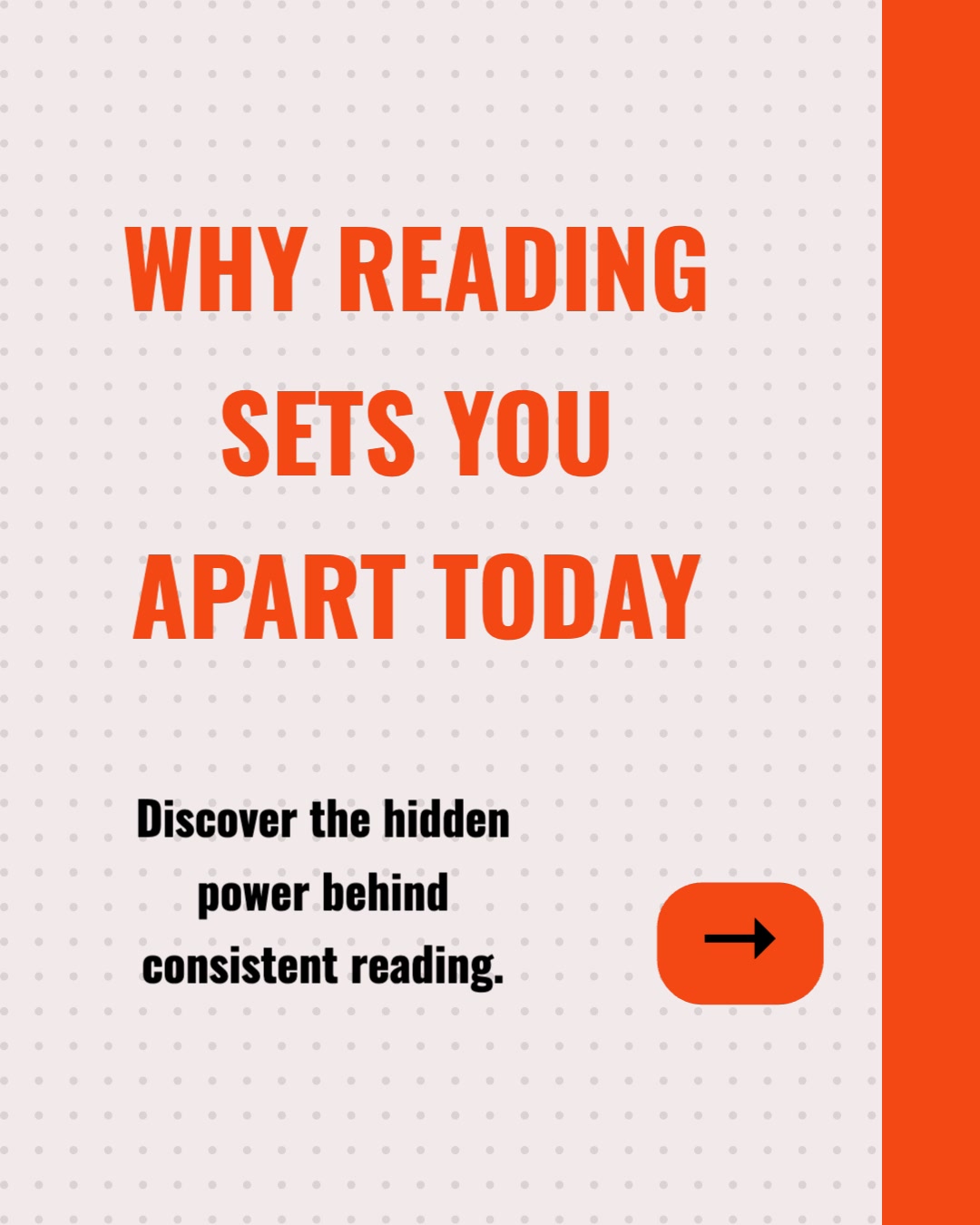
Branded multi-slide carousels sized for LinkedIn (PDF document post), Instagram (1080x1350), and TikTok (1080x1920). Each slide carries a clear headline, supporting text, and an AI-generated image.
Platform Captions
Captions tailored to each platform's tone and limits — longer and professional for LinkedIn, hook-driven for Instagram, short and punchy for TikTok. Hashtags and calls-to-action included.
Quote Cards
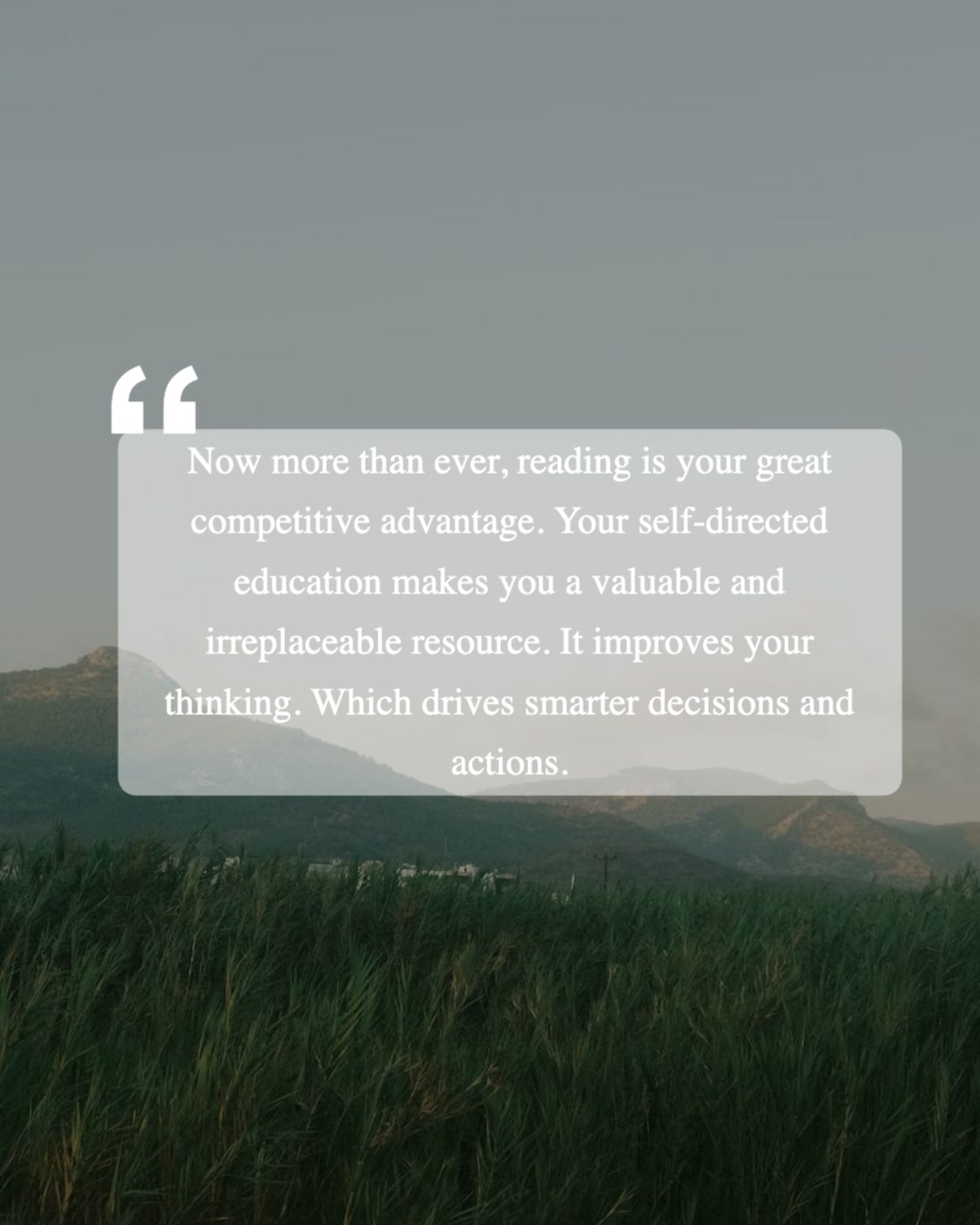
Standalone branded images built from the strongest lines of your article. Ideal for Instagram Stories, LinkedIn single-image posts, and Facebook — quick wins between bigger posts.
Slideshow Video
An animated slideshow built from your slides — transitions and music, silent with on-screen captions, no voice-over needed. Sized for Reels, TikTok, and YouTube.
A Scheduled Week
Not a zip file of assets — a distribution plan. Every piece goes into WaveGen's scheduler with its own date, time, and platform, and publishes automatically.
Traffic Back to the Blog
First-comment auto-posting puts your article link under each post when it goes live, converting social engagement into blog readers and subscribers.
One Blog Post, One Week of Content
Here's what a single 1,500-word article can become when you distribute instead of just publish. Generate everything in one sitting, schedule it, and your feeds run themselves.
LinkedIn carousel
The full framework from your post as a PDF document post — LinkedIn's highest-engagement format for in-depth content.
Instagram carousel
The same ideas re-cut for Instagram: 1080x1350 slides with a swipe-worthy hook and a save-this-post closer.
Quote card
The single strongest line from the article as a standalone branded image — quick to consume, easy to reshare.
Caption-led post
A platform-tailored caption carrying one key insight to Facebook and LinkedIn, with the blog link in the first comment.
Slideshow video
An animated slideshow — slides with transitions and music, silent with captions — sized for Reels and TikTok.
Five posts, four formats, multiple platforms — all extracted from one article you already wrote. And because WaveGen schedules and publishes everything, the week runs without you logging into a single social platform. That's the difference between a content generator and a content distribution system.
How Does WaveGen Compare to Buffer, Hootsuite, and SocialBee?
Buffer, Hootsuite, and SocialBee are great at scheduling posts you've already made. WaveGen creates the carousels, quote cards, and video from your blog URL — then schedules and publishes them too.
| Feature | WaveGen | Buffer | Hootsuite | SocialBee |
|---|---|---|---|---|
| Schedules and publishes to all major platforms | ||||
| AI-written captions and post text | AI Assistant | OwlyWriter AI | AI Copilot | |
| Generates carousel slides from a blog URL | ||||
| Quote cards from the article | ||||
| Animated slideshow video output | ||||
| Built-in visual editor (edit any slide) | ||||
| Brand kit auto-applied to every slide | ||||
| Evergreen recycling with content categories | ||||
| Social listening and brand monitoring |
Buffer, Hootsuite, and SocialBee are schedulers first: you bring the finished creative and they distribute it. Hootsuite adds listening and a social inbox; SocialBee adds evergreen recycling with content categories. WaveGen is the one that generates the visual content — carousels, quote cards, and slideshow video — from a blog URL, then schedules and publishes it. Comparison based on publicly available feature lists as of June 2026.
Why Turn Blog Posts into Social Media Posts?
You spent hours on the article. Most of your potential audience will never visit your blog to read it — but they're scrolling feeds every day.
Meet your audience where they already are
Blog traffic depends on someone searching for your topic or clicking a link. Social distribution flips that: the platforms push your content into feeds algorithmically, in front of people who never knew your blog existed. Repurposing puts the same ideas into the discovery engine instead of waiting to be found.
Visual formats beat text in the feed
LinkedIn document posts and Instagram carousels consistently outperform plain text updates in engagement, and quote cards earn shares that links never do. A blog post repurposed into visual formats competes in the feed on the feed's terms — instead of arriving as a link the algorithm suppresses.
A week of content from work you already did
The hard part — the thinking, the research, the writing — is done. Manually re-cutting an article into carousels, captions, and graphics takes hours per post; WaveGen compresses it to minutes. Publishing weekly on the blog can now sustain a daily presence on social without a bigger team.
Every post feeds traffic back to the source
Repurposing isn't a replacement for your blog — it's a funnel into it. With the article link auto-posted in the first comment, each carousel, quote card, and caption becomes a doorway back to the full piece, turning passive scrollers into readers and readers into subscribers.
The bottom line: a blog post that only lives on your blog is operating at a fraction of its potential. Every article already contains a week of social material — the question is whether extracting and distributing it costs you hours or minutes. An AI social media post generator handles the extraction, the AI carousel generator handles the visuals, and built-in scheduling handles the distribution — and knowing the best time to post on each platform makes the schedule work even harder.
How to Turn a Blog Post into a Week of Social Posts
A detailed walkthrough — from pasting the URL to a fully scheduled week.
Step 1: Paste your blog post URL into WaveGen
Open WaveGen, select the URL tab, and paste the link to your article. The AI fetches the page, strips the navigation and boilerplate, and reads the full text. It works with any public blog — WordPress, Ghost, Webflow, Squarespace, Medium, Substack, HubSpot, or a custom CMS. For unpublished drafts, paste the text directly instead.
Step 2: Let the AI break the article into content blocks
WaveGen identifies the distinct ideas inside your post — the core framework, the supporting statistics, the actionable tips, the quotable one-liners — and maps each to the format it suits best. A step-by-step section becomes a carousel; a sharp opinion becomes a quote card; a key insight becomes a caption-led post. Because the content comes from your own writing, the posts preserve your article's voice.
Step 3: Review and customize each post in the editor
Everything the AI generates is fully editable. Swap or regenerate images, rewrite headlines, tighten captions, reorder slides, or delete pieces that don't earn their slot. Your brand kit — logo, colors, fonts, and your editable brand voice — is applied across every format, so the whole week looks unmistakably yours.
Step 4: Set up the first comment to link back to your blog
For each post, enable the first comment and drop in your article URL. When the post publishes, WaveGen adds the comment automatically. The post body stays link-free — which the algorithms reward — while readers who want the full story have a direct path to your blog.
Step 5: Schedule the week and let WaveGen publish
Assign each post a platform, a date, and a time — say, the LinkedIn carousel Monday morning, the Instagram version Tuesday, a quote card Wednesday, a caption post Thursday, and the slideshow video Friday. WaveGen publishes each one automatically to your connected accounts. One sitting of review and scheduling distributes a week of content while you write the next article.
No credit card required. Repurpose your first blog post in minutes.
Who Gets the Most from Blog Repurposing?
If you publish written content, you already did the hard part. Here's who benefits most from distributing it.
Content marketing teams
Your editorial calendar produces weekly long-form posts, but social needs daily material. Repurposing closes that gap without hiring: each article feeds the social calendar for a week, with consistent branding and zero design-tool round trips.
Solo bloggers and writers
You can't write the article and design five social posts and schedule them across four platforms. WaveGen does the last two. Publish your post, paste the URL, review the generated content, and your distribution runs while you start the next piece.
SaaS and B2B companies
Product announcements, how-to guides, and thought-leadership posts make ideal carousels for LinkedIn — the format that performs best with professional audiences. Each repurposed post drives readers back to your blog and your product.
Agencies managing client content
Client blogs are a steady content source. Batch-process several posts into branded social libraries in one session — each with the client's own brand kit — instead of hand-designing every carousel per client per week.
Consultants and coaches
Your blog builds authority; social builds reach. Repurposing your best frameworks into LinkedIn carousels and quote cards puts your expertise in front of prospects daily, with every post funneling back to the full article.
Newsletter and media publishers
Every issue or article you publish is social material waiting to be extracted. Repurpose the strongest segments into carousels and quote cards to win subscribers from the feed — readers who'd never have found you in the inbox.
Whatever you publish — deep-dive guides, opinion pieces, product updates, or weekly roundups — WaveGen turns it into the visual formats each platform rewards and handles the publishing for you. It works for newsletters too.
Blog to Social Posts FAQs
Your Blog Post Deserves More Than One Publish Button
You wrote it once — now distribute it everywhere. Paste your blog URL into WaveGen and turn it into a week of carousels, captions, and quote cards, scheduled across LinkedIn, Instagram, Facebook, and TikTok from one place.
Free to start. No credit card required.