Instagram Post Generator
AI Instagram Post Generator
Describe your topic, paste text, or enter a blog URL. WaveGen's AI turns it into carousel slides, Reels, captions, and visuals — ready to customize and publish.
Free to start. No credit card required.
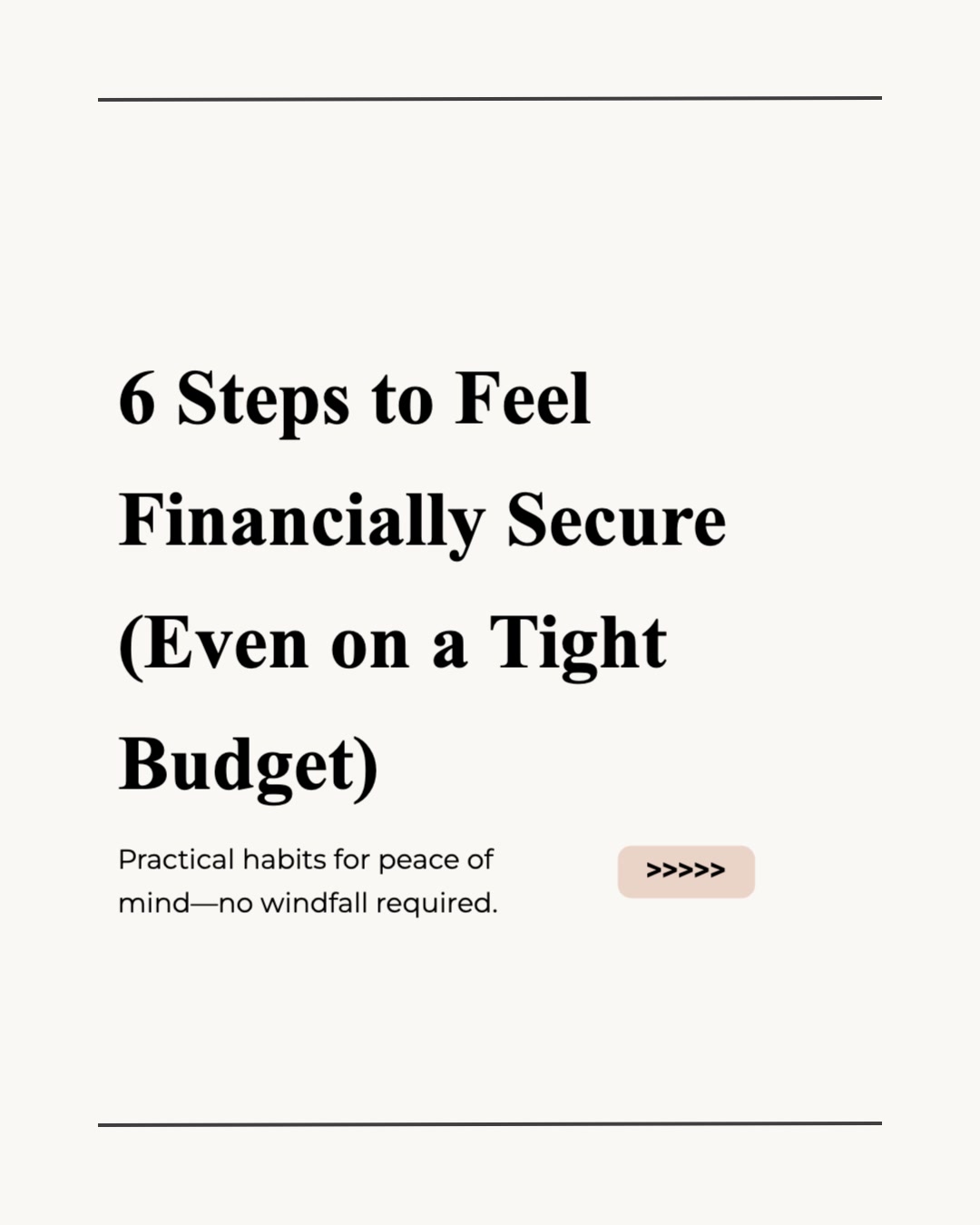



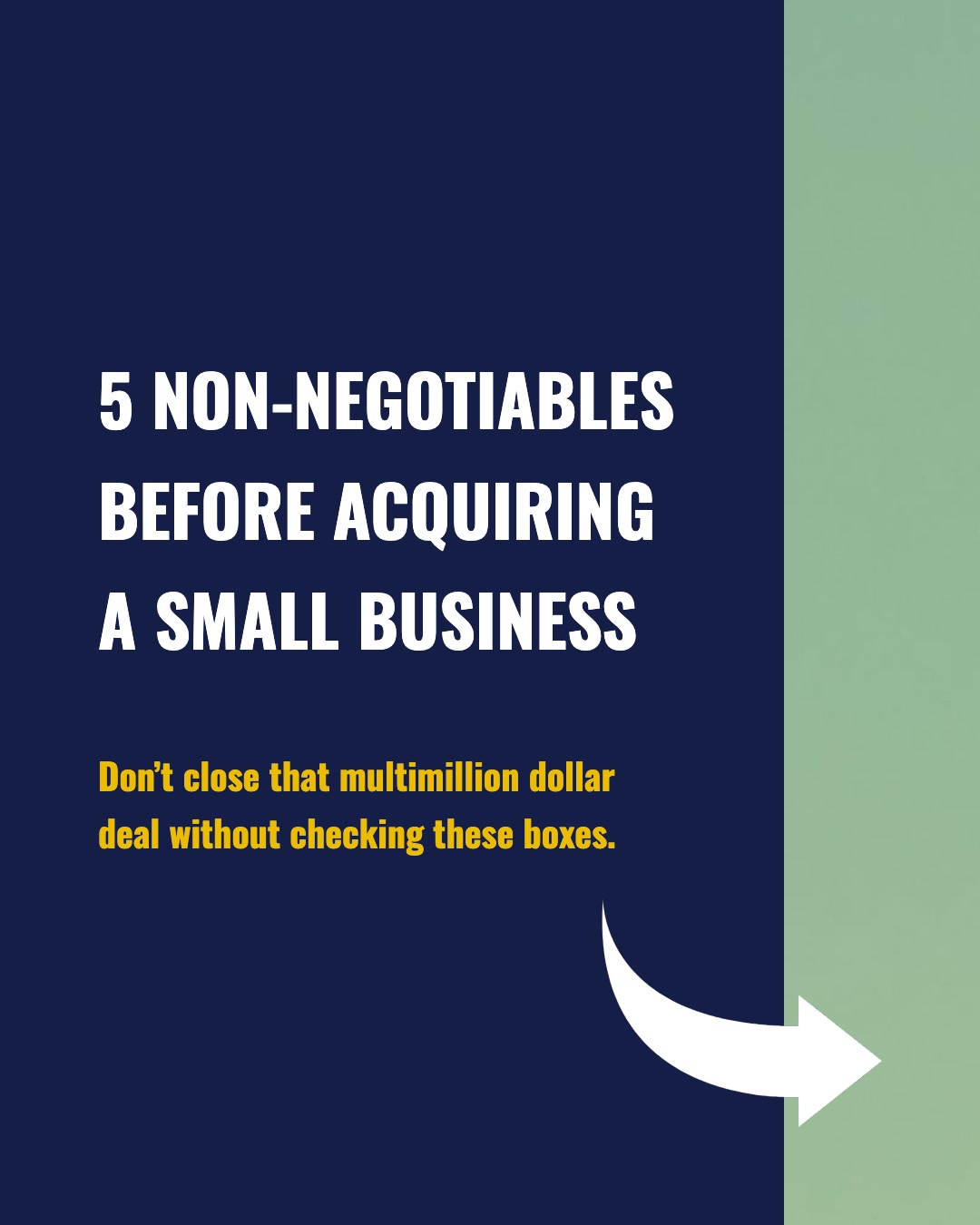

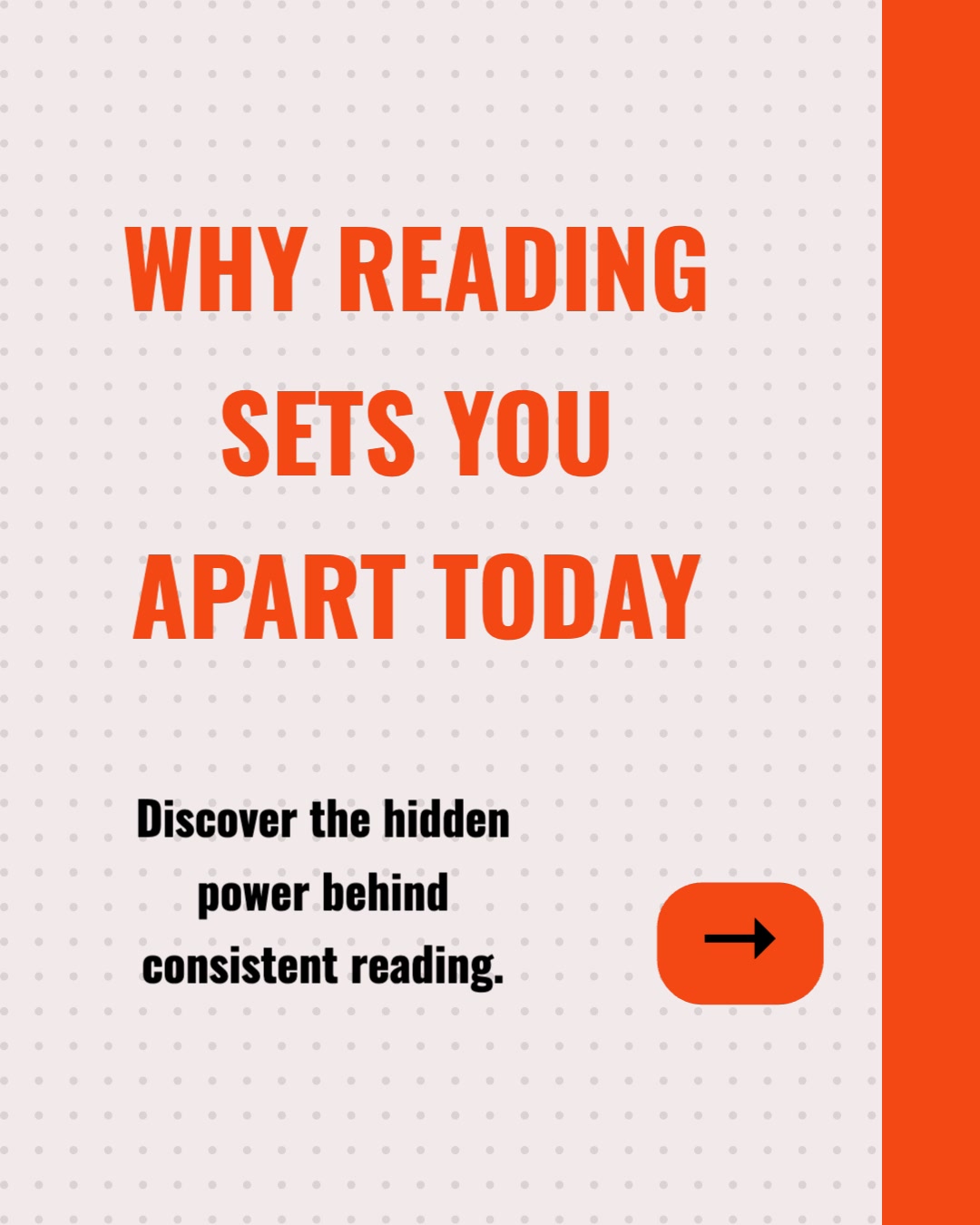
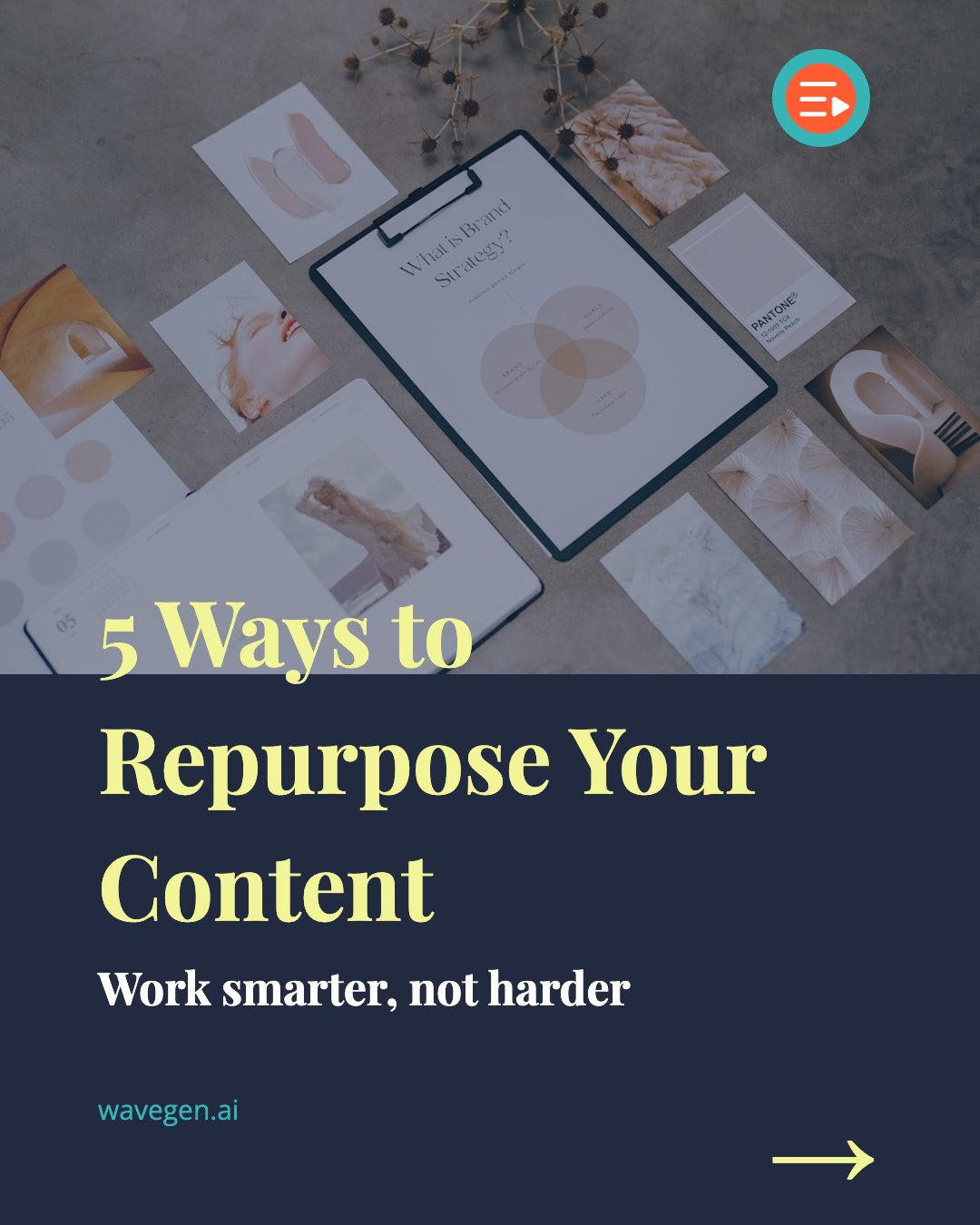
How to Create Instagram Posts with AI
Go from idea to publish-ready Instagram content in three steps. No design experience needed.
Describe your topic or paste content
Type a topic, paste a blog post, or enter any text you want to turn into Instagram content. The more detail you provide, the better the AI output.
AI generates carousels & Reels
WaveGen's AI reads your input and produces carousel slides or Reels — complete with hook, content, and call-to-action. It handles copywriting, layout, and visual design automatically.
Customize and publish
Edit text, swap templates, adjust colors, and add your brand elements. Then download the images or schedule the post to publish directly to Instagram.
Everything You Need to Create Instagram Posts
WaveGen combines AI content generation, professional templates, and scheduling in one tool — so you spend less time creating and more time growing.
AI-Powered Generation
Describe your topic or paste any text. The AI creates a complete Instagram post with slides, captions, and visual layouts in seconds.
Carousels, Feed Posts & Reels
Generate multi-slide carousels, single feed images, and Reels cover slides — all sized for Instagram, with up to 20 slides per carousel.
Professional Templates
Choose from dozens of professionally designed templates. Each one is optimized for Instagram's 1080x1350 portrait format for maximum feed visibility.
Built-in Scheduling
Schedule your generated posts to publish automatically. Connect your Instagram Business account and post directly without downloading and re-uploading.
Brand Kit
Upload your logo, colors, fonts, and brand voice — every post matches your brand automatically. Available on all plans, including free.
Free Tier Included
Start generating Instagram posts for free. No credit card required, no trial period. Get monthly credits and upgrade when you need more volume.
Who Uses an AI Instagram Post Generator?
Whether you're a solo creator or managing a team, AI-generated Instagram content saves hours every week.
Content Creators & Influencers
Turn your ideas, scripts, and video concepts into polished Instagram carousels. Maintain a consistent posting schedule without spending hours on design for every single post.
Marketing Teams & Agencies
Repurpose blog posts, whitepapers, and campaign briefs into Instagram content at scale. Generate posts for multiple client accounts from one dashboard.
Small Business Owners
Create professional Instagram posts without hiring a designer or learning complex tools. Promote products, share tips, and build your brand presence in minutes.
Social Media Managers
Fill your content calendar faster. Generate a week of Instagram posts in one sitting, customize templates to match brand guidelines, and schedule everything in advance.
How to Create Instagram Posts with AI: The Complete Guide
Creating Instagram content used to mean opening a design tool, building slides from scratch, writing copy, choosing fonts, and exporting images one by one. For a single carousel post, that process could take 30 minutes to an hour. Multiply that by five posts a week and you're looking at a part-time job just to maintain a consistent Instagram presence.
AI Instagram post generators have changed that equation entirely. Instead of designing each slide manually, you describe what you want to post about — or paste existing content like a blog post, newsletter, or video script — and the AI handles the rest. It extracts key points, creates a narrative arc across slides, applies professional typography and layout, and produces a complete carousel that's ready to publish.
The workflow is simple. Start by entering your topic or source material into the generator. For best results, be specific: instead of "marketing tips," try "5 email marketing mistakes that kill open rates." The AI uses your input to determine the number of slides, the content for each one, and the overall post structure. Within seconds, you have a draft carousel.
From there, you customize. WaveGen provides a visual editor where you can swap templates, adjust colors to match your brand palette, edit text on any slide, and replace images. The goal is to give you a 90% finished product that you polish in minutes rather than build from zero. Most users spend 2-3 minutes on customization compared to 30-60 minutes creating a carousel from scratch.
One of the most powerful use cases is content repurposing. If you already publish blog posts, newsletters, or YouTube videos, you have a library of content waiting to be transformed into Instagram posts. Paste your blog URL or article text into the generator, and the AI breaks it down into carousel-friendly segments. A 2,000-word blog post can easily become 3-4 different Instagram carousels, each focusing on a different section or takeaway.
This approach is especially valuable for teams managing multiple platforms. Write once, repurpose everywhere. The same article that powers your email newsletter becomes an Instagram carousel, a LinkedIn document post, and a TikTok slideshow — each formatted for its platform's specific requirements.
Choosing the Right Format: Carousels vs. Single Images vs. Reels
Not every Instagram post should be a carousel. Understanding when to use each format helps you maximize engagement across your content mix.
Carousels are the highest-engagement format on Instagram in 2026. They earn more saves, shares, and comments than any other post type. Use carousels when you have educational content, step-by-step guides, listicles, or storytelling that benefits from multiple slides. The optimal carousel size is 1080x1350 pixels (4:5 portrait), which takes up maximum screen real estate in the feed.
Single feed images work best for announcements, quotes, product shots, and standalone visuals. They load faster and are easier to consume at a glance. If your message fits on one slide, don't force it into a carousel — the algorithm rewards engagement rate, not slide count.
Reels dominate discovery on Instagram. If you want to reach people who don't follow you yet, Reels are your best bet. However, even Reels benefit from a strong cover image (which the generator can create) and a carousel companion post that provides the written detail behind the video content.
Best Instagram Post Formats for Engagement in 2026
Instagram's algorithm in 2026 heavily rewards content that keeps users on the platform longer. That means saves, shares, comments, and time spent viewing your post all matter more than simple likes. Understanding which post formats drive these deeper engagement signals is critical for growing your account.
Educational carousels consistently outperform every other format for saves. When someone saves your post, Instagram interprets that as high-value content and shows it to more people. The structure of a carousel — hook slide, value slides, CTA slide — is purpose-built for this behavior. Users save carousels to reference later, which is exactly what the algorithm rewards.
Listicle carousels ("5 tools," "7 mistakes," "10 tips") are the most reliable engagement format. The numbered structure creates a natural curiosity loop that drives swiping. Each slide delivers one discrete value point, making the content easy to consume. Our Instagram carousel templates are designed specifically for this format, with layouts that highlight one key point per slide.
Story-driven carousels use narrative tension to keep users swiping. Start with a provocative statement or question on slide one, build context through the middle slides, and deliver the payoff at the end. This format works particularly well for personal branding, case studies, and before/after content.
Data and statistics posts perform exceptionally well in B2B and professional niches. Present one stat per slide with minimal text and clean typography. These posts get shared frequently because they're easy to reference in conversations and presentations.
For the visual specifications of each format, check the Instagram carousel size guide which covers exact pixel dimensions, safe zones, and file requirements for every post type.
Building a Content Mix That Grows Your Account
The most successful Instagram accounts don't use one format exclusively. They build a content mix that serves different purposes within their overall strategy:
- 60% educational carousels — your core value content that drives saves and positions you as an authority. Use the AI generator to produce these at scale from your existing blog posts and expertise.
- 20% Reels — short video content for discovery and reaching new audiences. Pair each Reel with a carousel that covers the same topic in written format for maximum reach.
- 10% personal/behind-the-scenes — single images or short carousels that humanize your brand. These build connection and drive comments.
- 10% promotional — product launches, offers, and direct CTAs. Keep these minimal so your feed stays value-first.
An AI post generator makes this mix sustainable. Without automation, producing 60% educational carousels would mean hours of design work each week. With AI, you can generate the core content in minutes and spend your creative energy on the personal and video content that requires a human touch.
Instagram Carousel Strategy: From Idea to Engagement
Creating individual carousels is straightforward with an AI generator. But building a carousel strategy that drives consistent growth requires thinking about how each post connects to your broader goals.
Start with your content pillars. Identify 3-5 topics that your audience cares about and that align with what you offer. For a fitness coach, that might be nutrition, workouts, mindset, recovery, and client results. Every carousel you create should fit within one of these pillars. This keeps your content focused and helps the algorithm understand what your account is about — which improves your reach within that niche.
Create carousel series. Instead of standalone posts, build series that reference each other. "Part 1 of 3: Beginner Meal Prep" creates anticipation for parts 2 and 3. Series posts get higher save rates because users want to collect the complete set. They also give you a natural reason to post consistently.
Repurpose across platforms. A carousel you create for Instagram can be reformatted for LinkedIn (as a document post) and TikTok (as a photo slideshow). WaveGen's carousel maker supports all three platforms, so you can create once and publish everywhere. The AI content repurposing workflow handles the platform-specific formatting automatically.
Optimize your hook slide. The first slide of your carousel determines whether someone stops scrolling. It needs to communicate value immediately — what will the viewer gain by swiping through? Effective hooks use specific numbers ("7 tools," "3 mistakes"), provocative questions ("Is your morning routine killing your productivity?"), or bold statements ("Everything you know about protein is wrong"). The AI generator creates hook slides automatically, but reviewing and strengthening them is where human judgment adds the most value.
End with a clear CTA. Your final slide should tell the viewer exactly what to do next: save the post, follow for more, visit the link in bio, or comment with their question. Carousels that end with a specific CTA get significantly more engagement than those that simply stop after the last content slide. The generator includes a CTA slide by default — customize it to match your specific call-to-action for each post.
Instagram Post Generator FAQs
Stop designing. Start posting.
WaveGen turns your ideas into publish-ready Instagram posts in seconds. Carousels, captions, scheduling — all from one tool.