Instagram Carousel Template
Free Instagram Carousel Templates
Browse professional carousel templates, pick one you like, and customize it with your own content and branding.
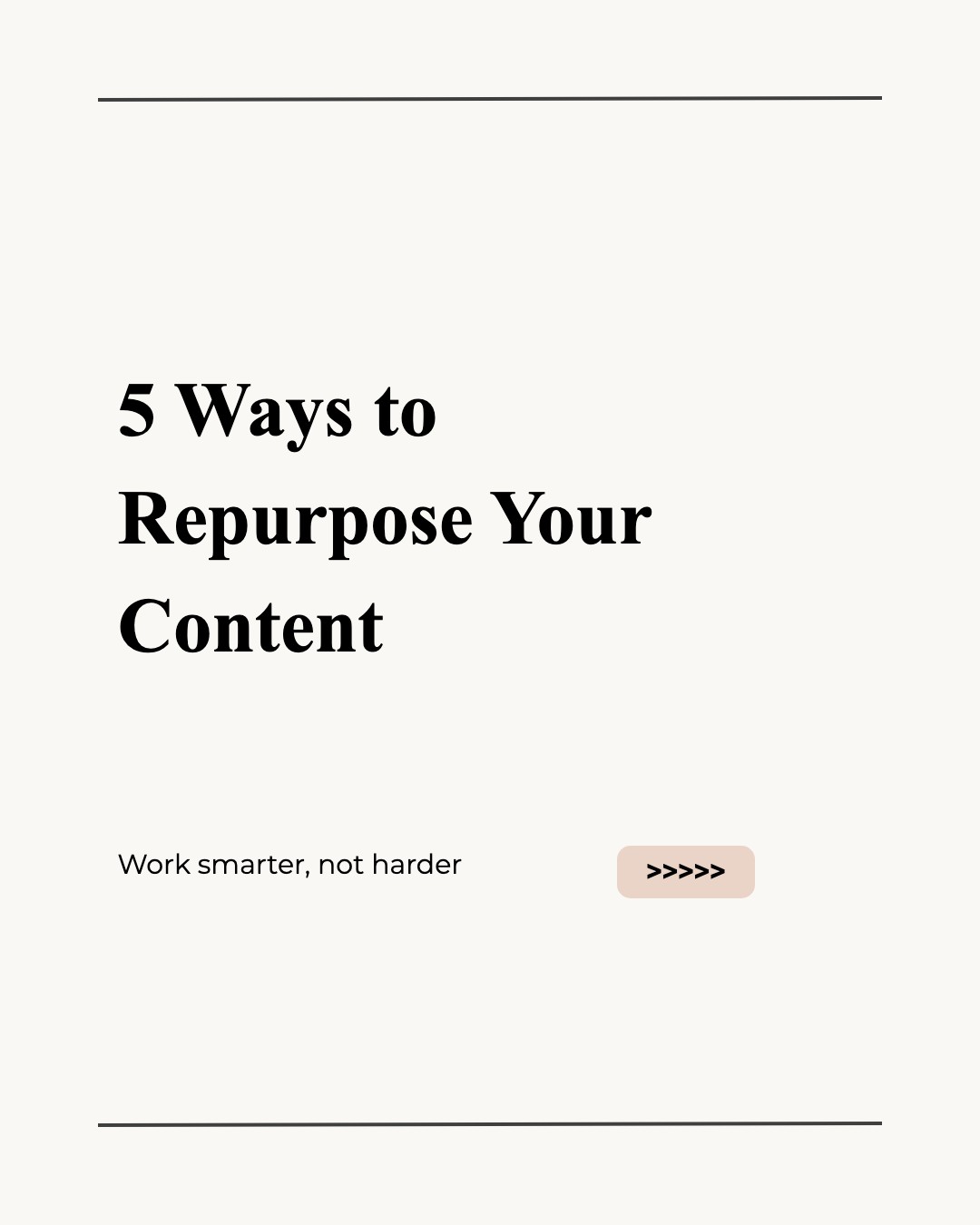
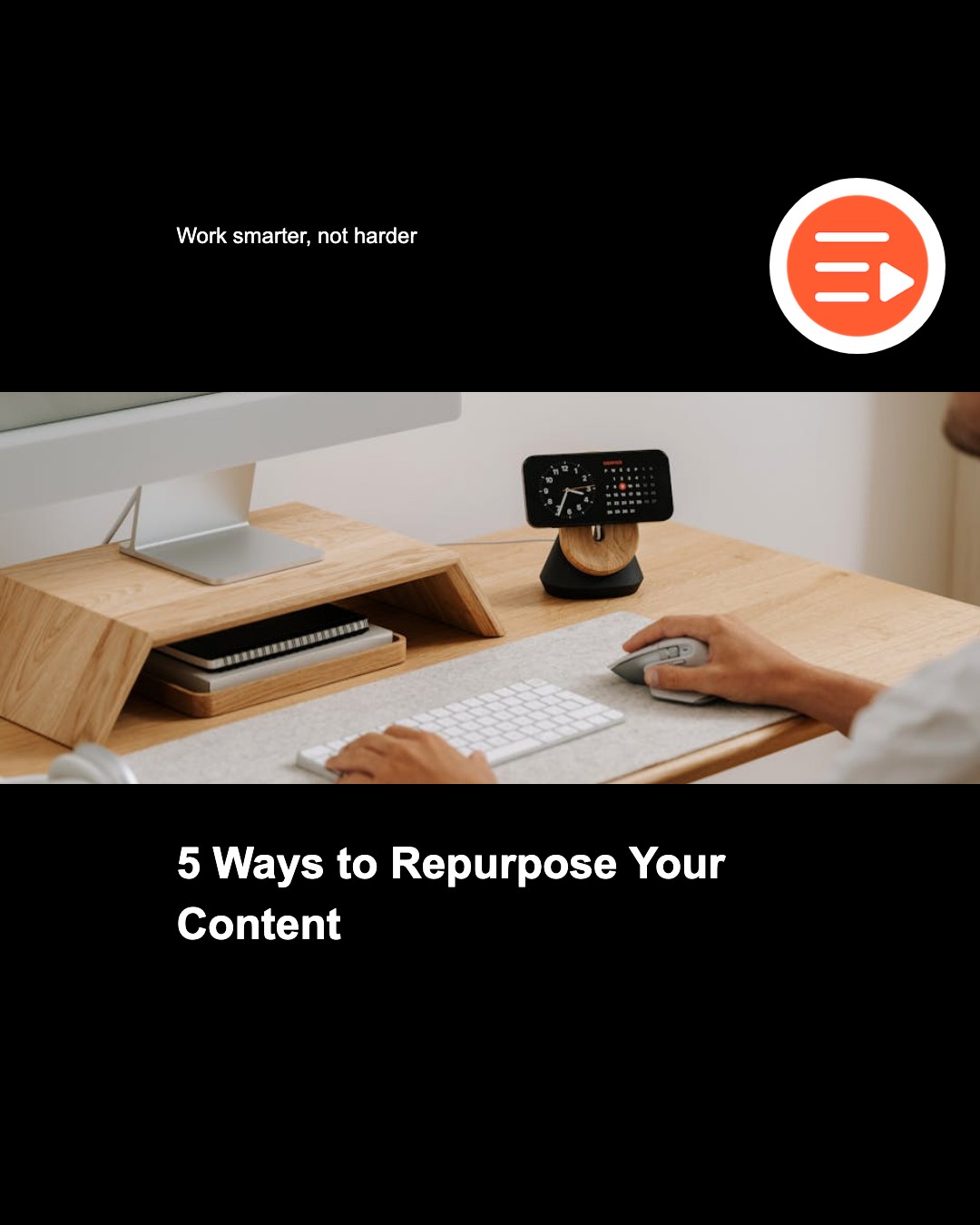
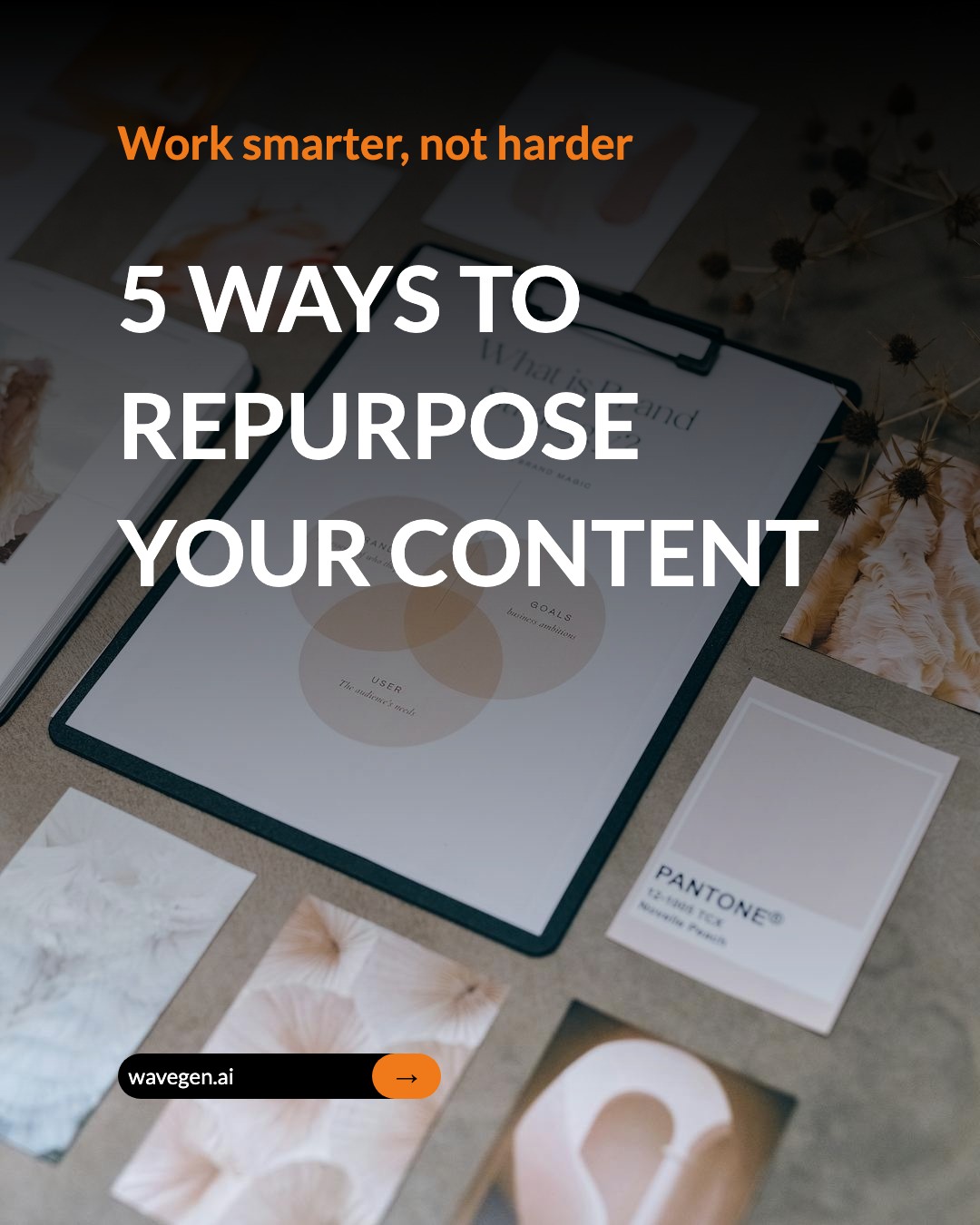
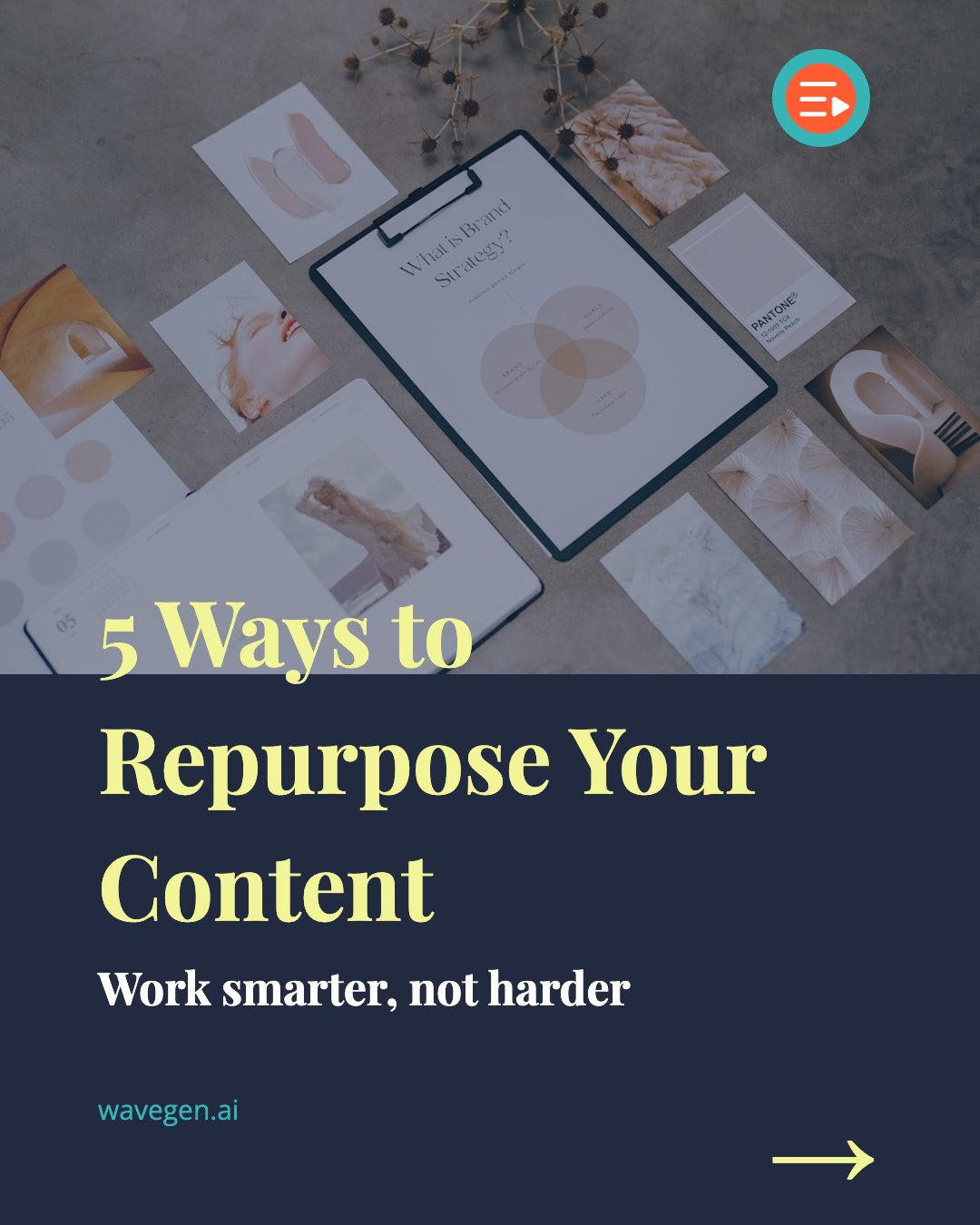

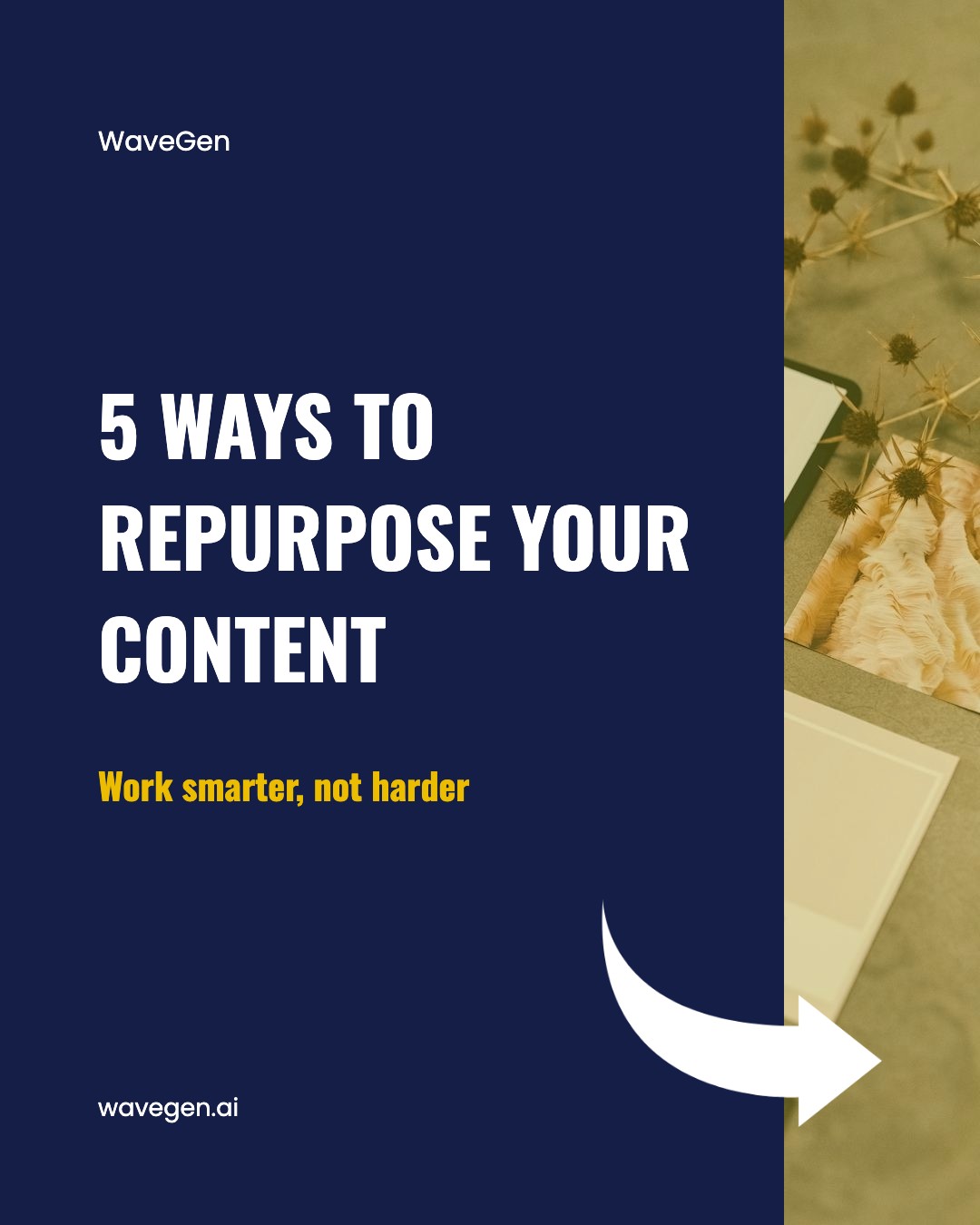
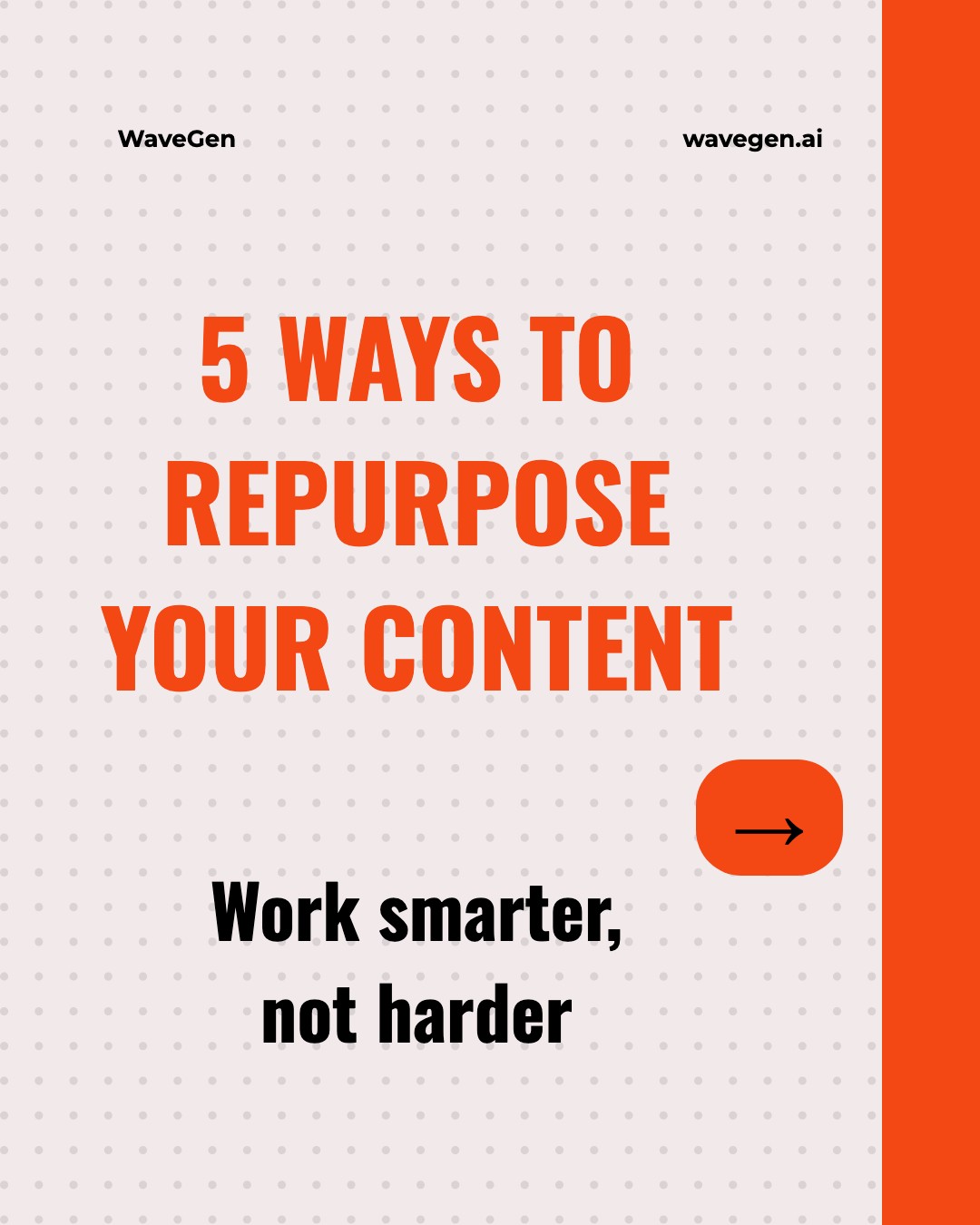
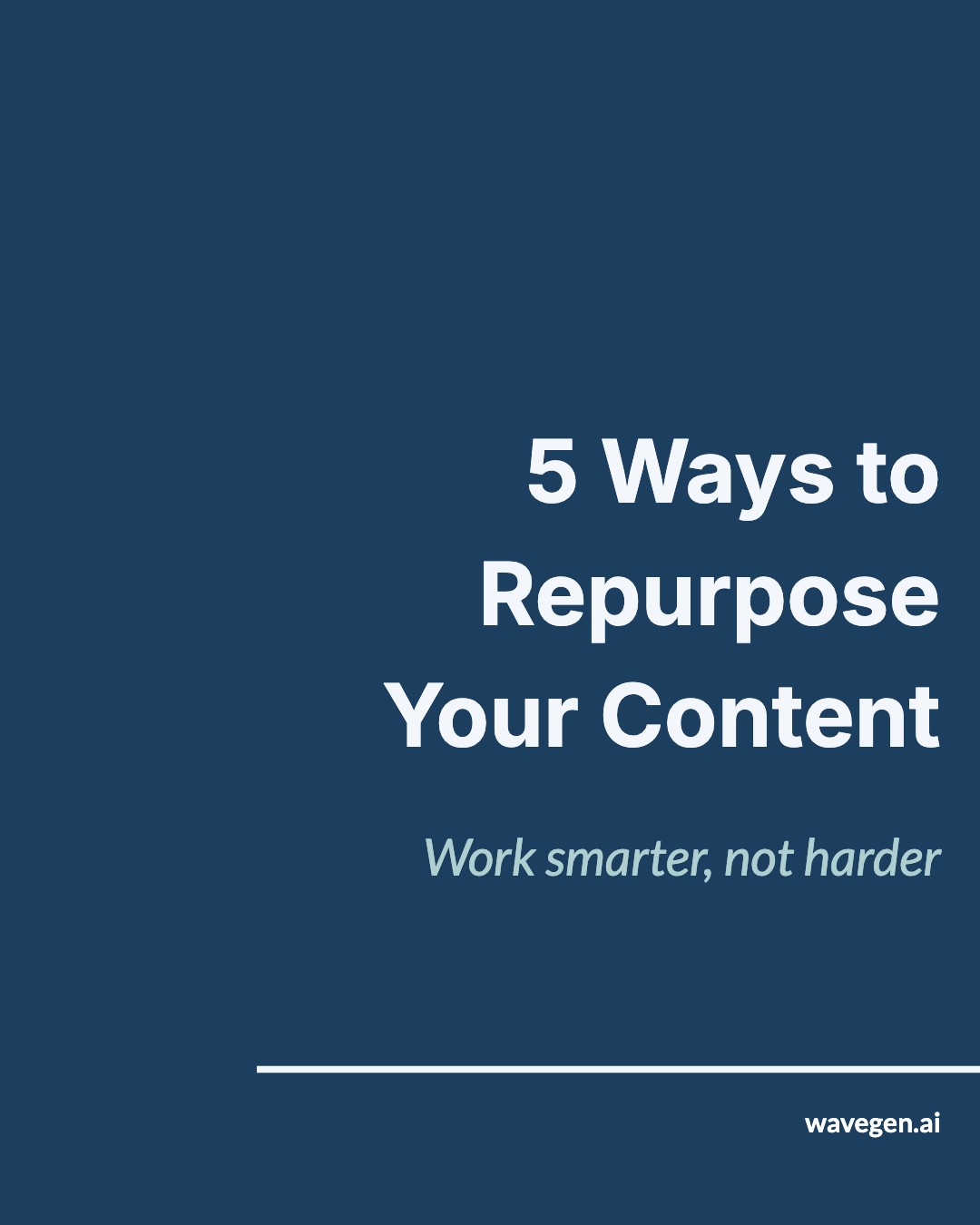
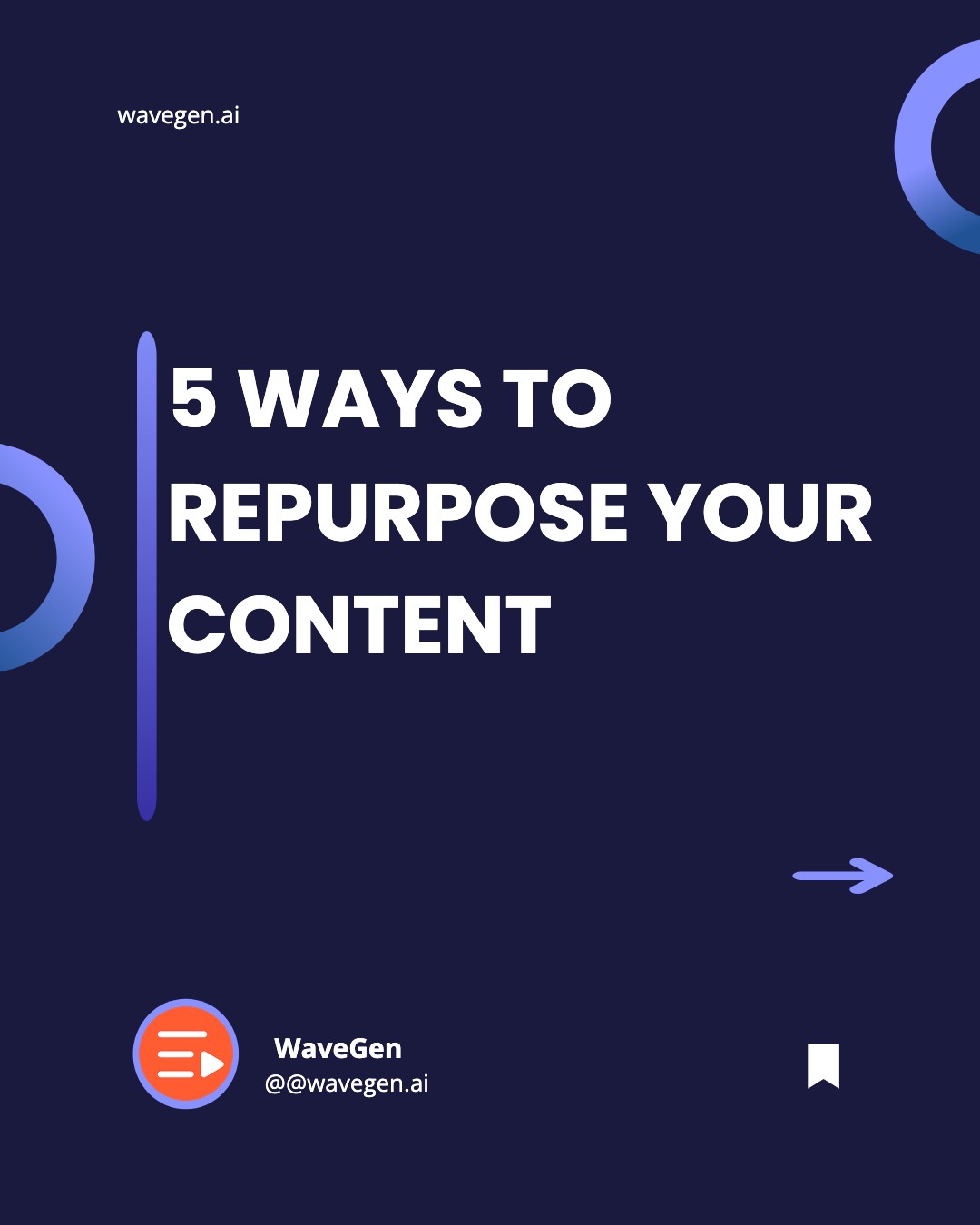
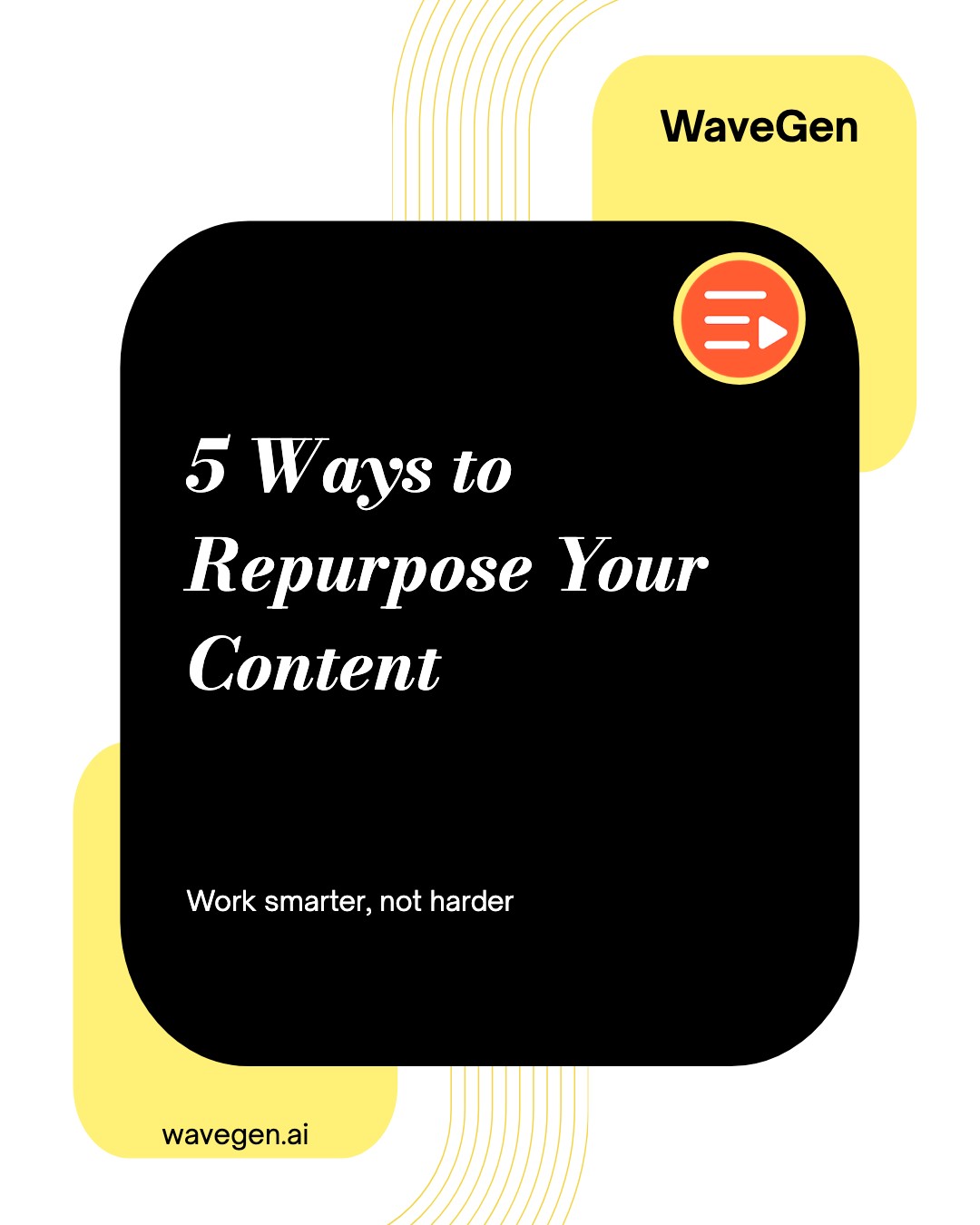

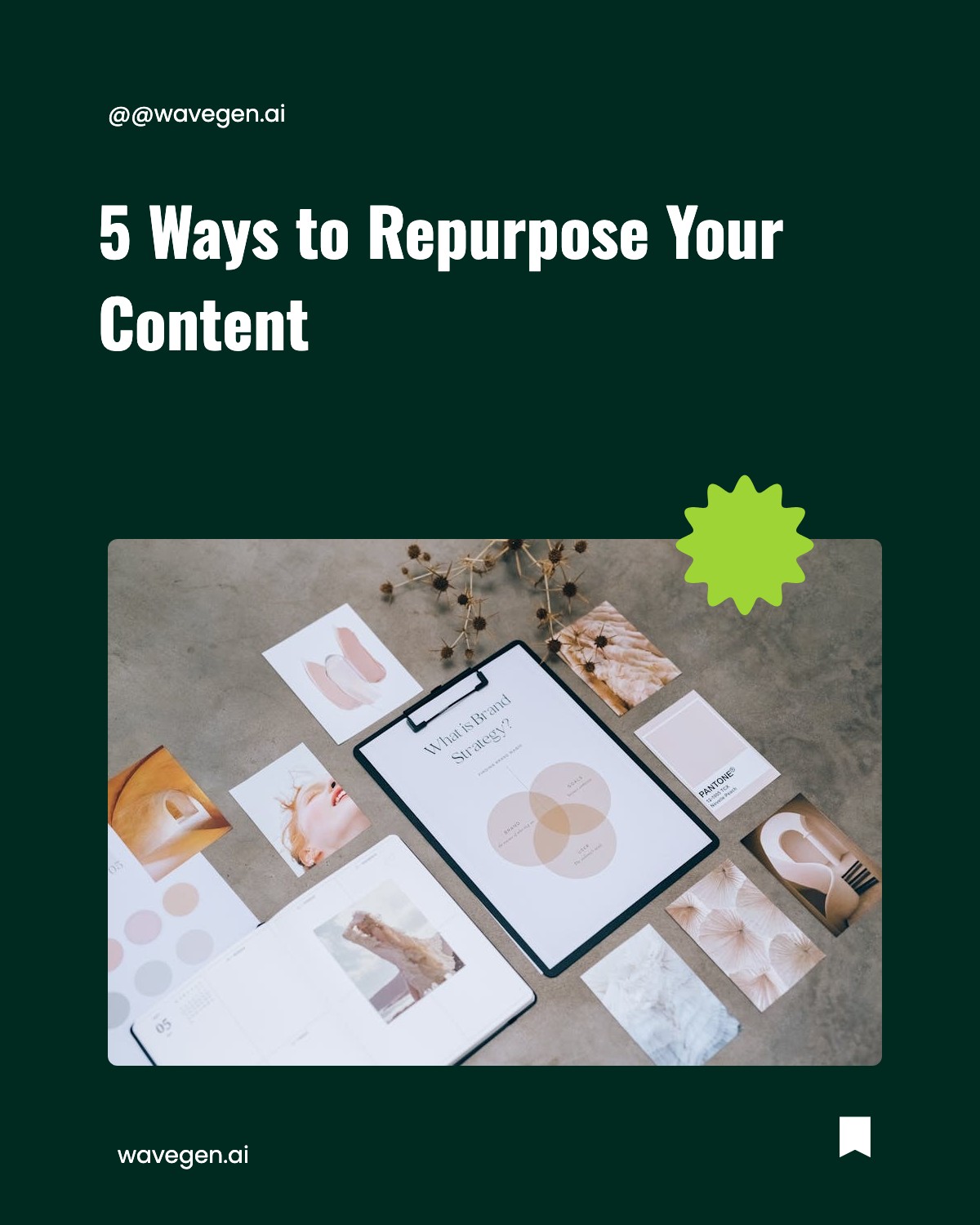
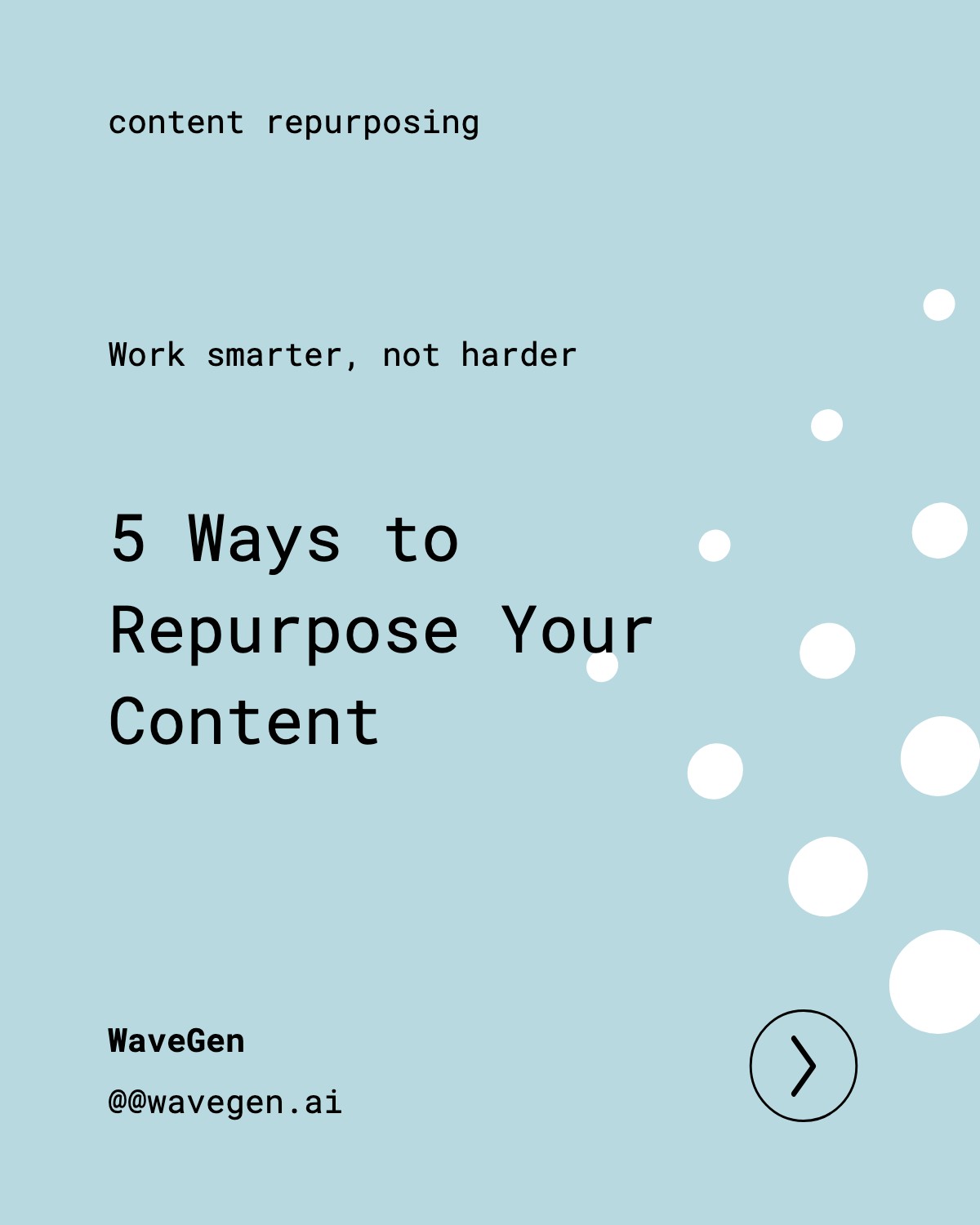
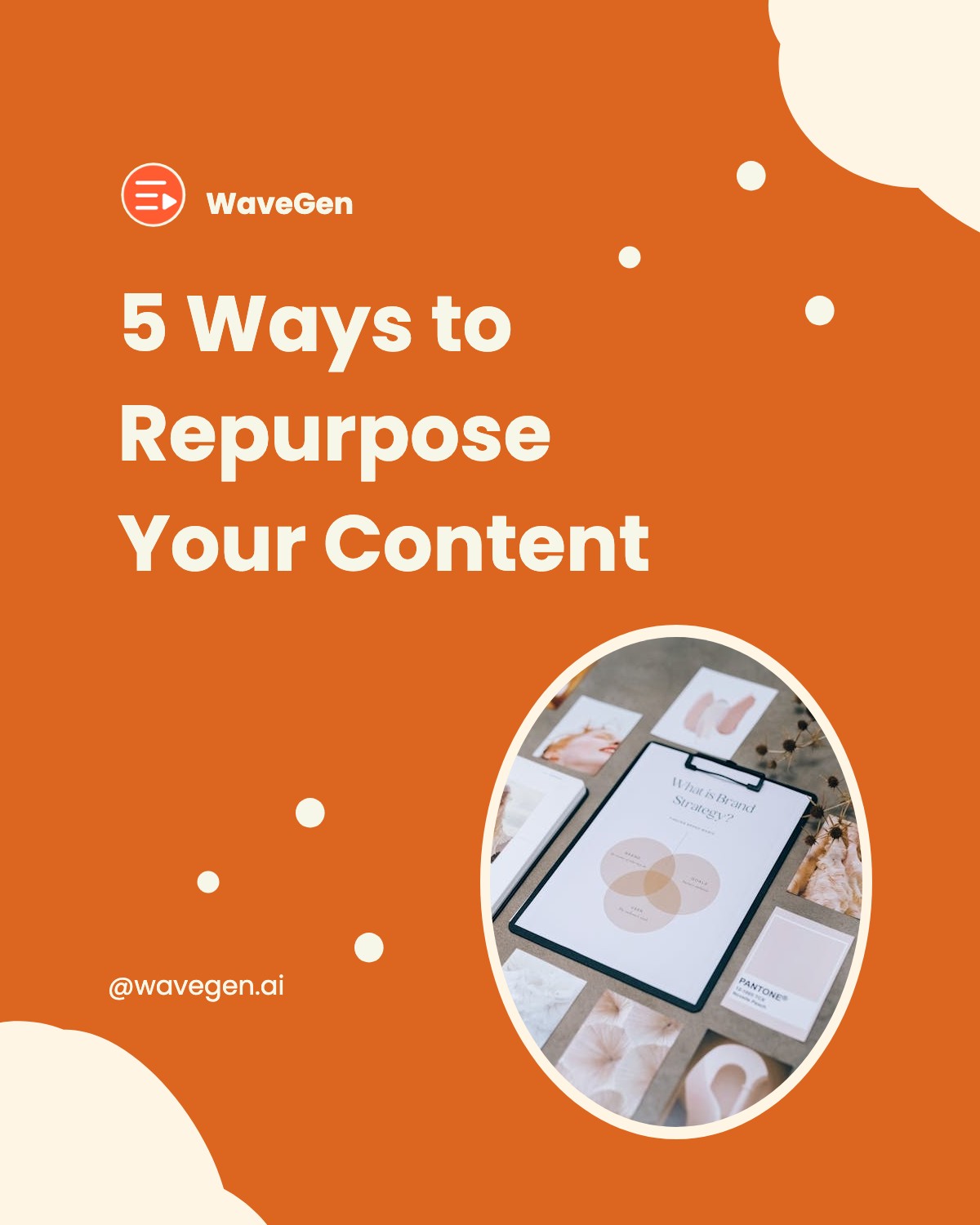
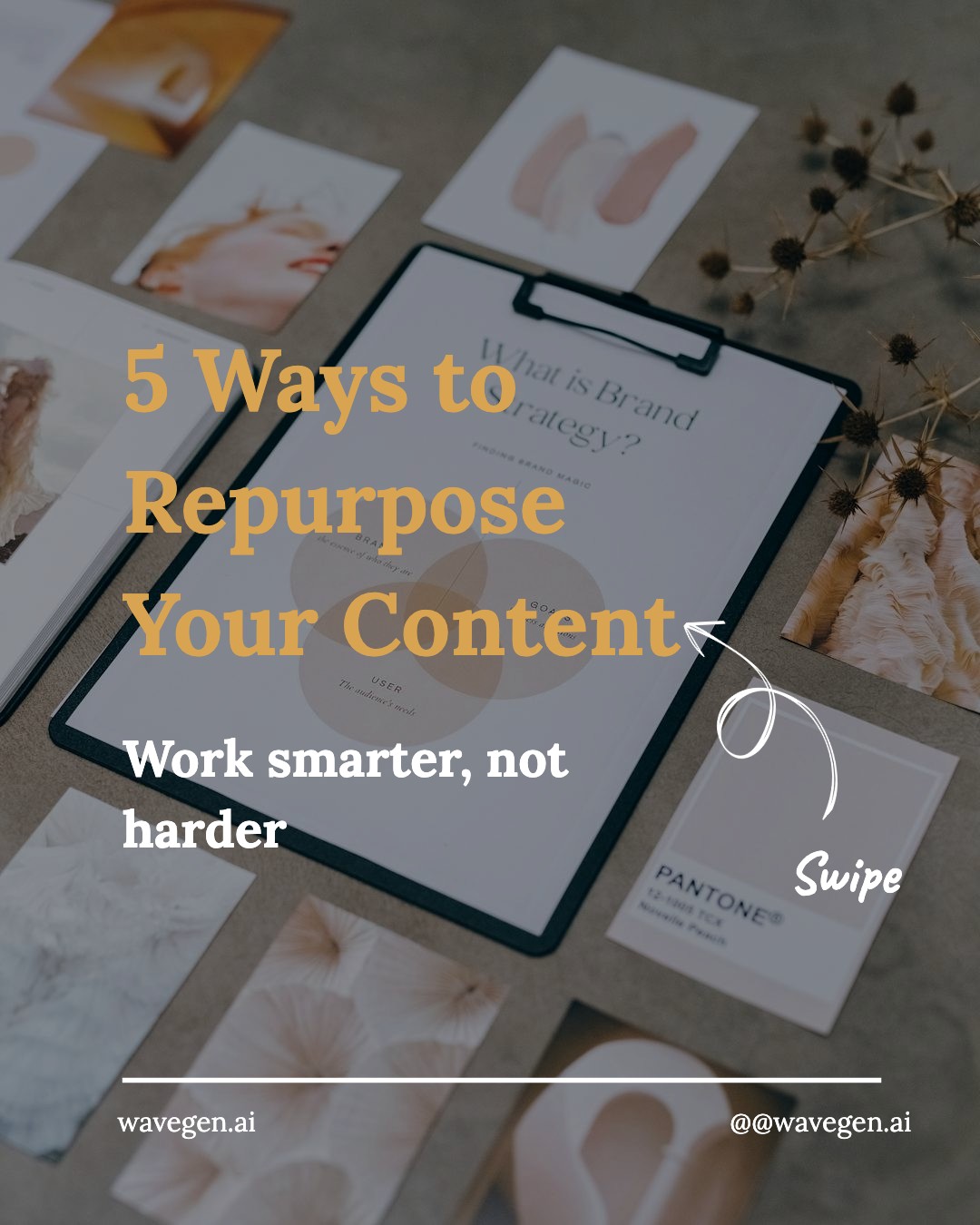
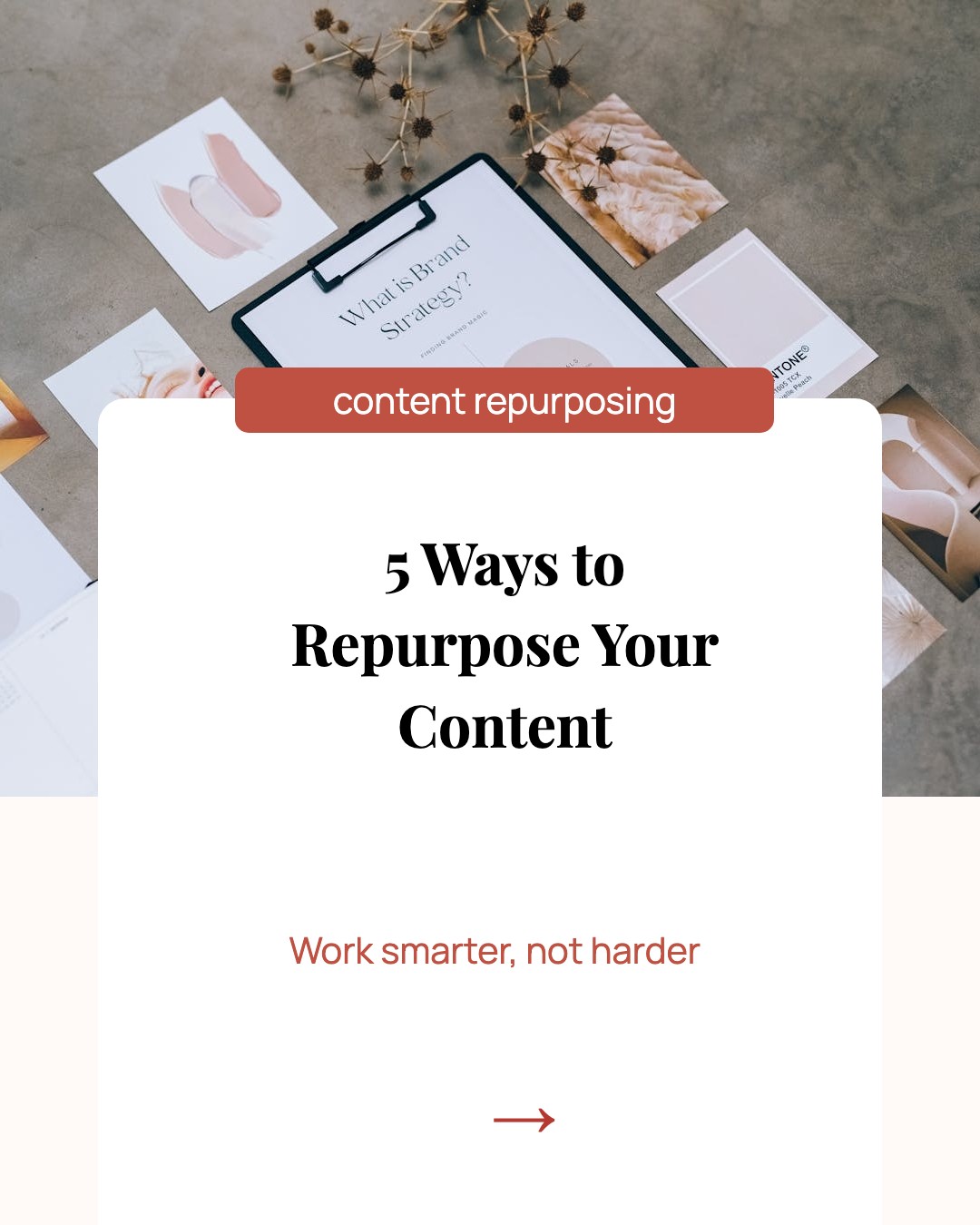
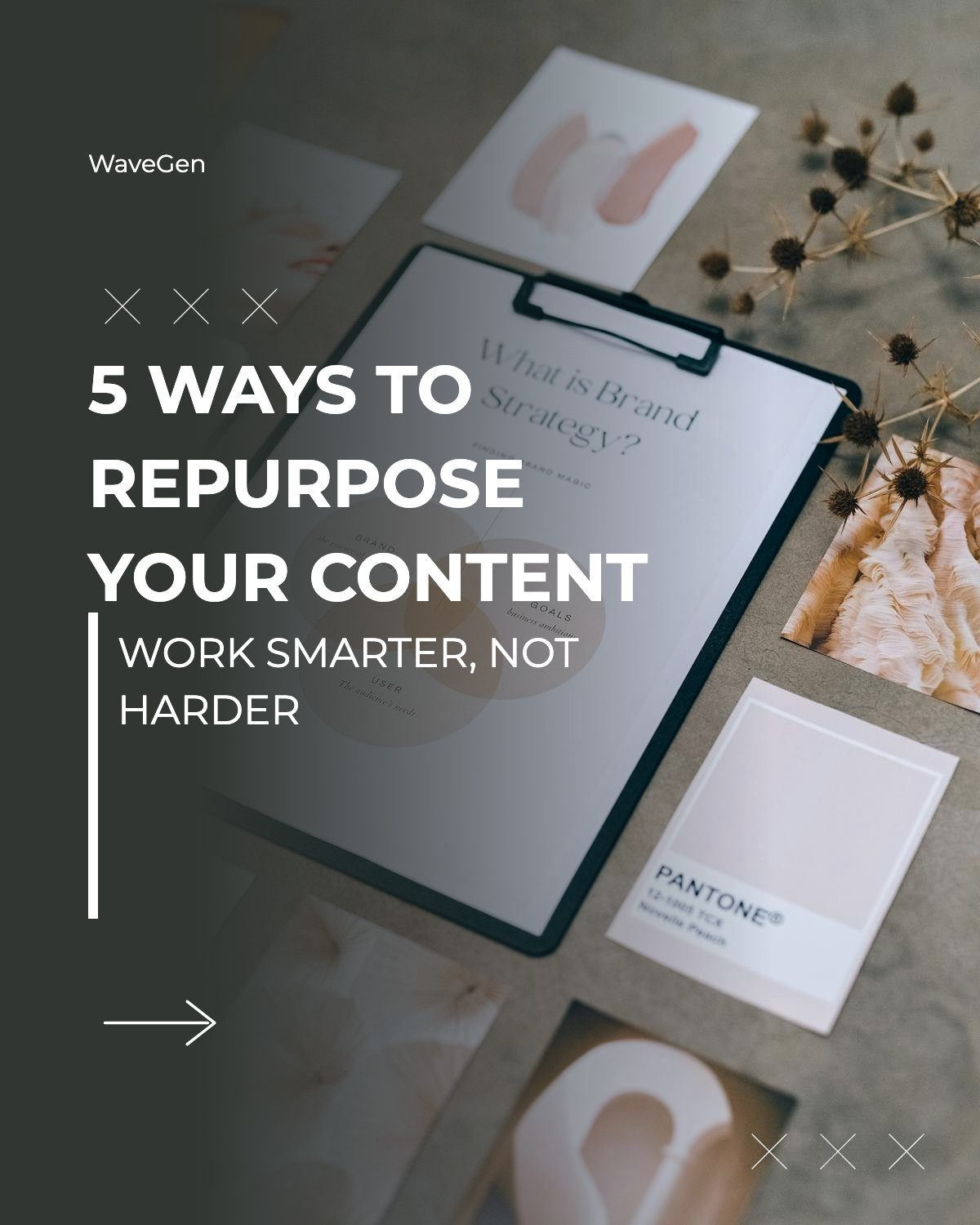
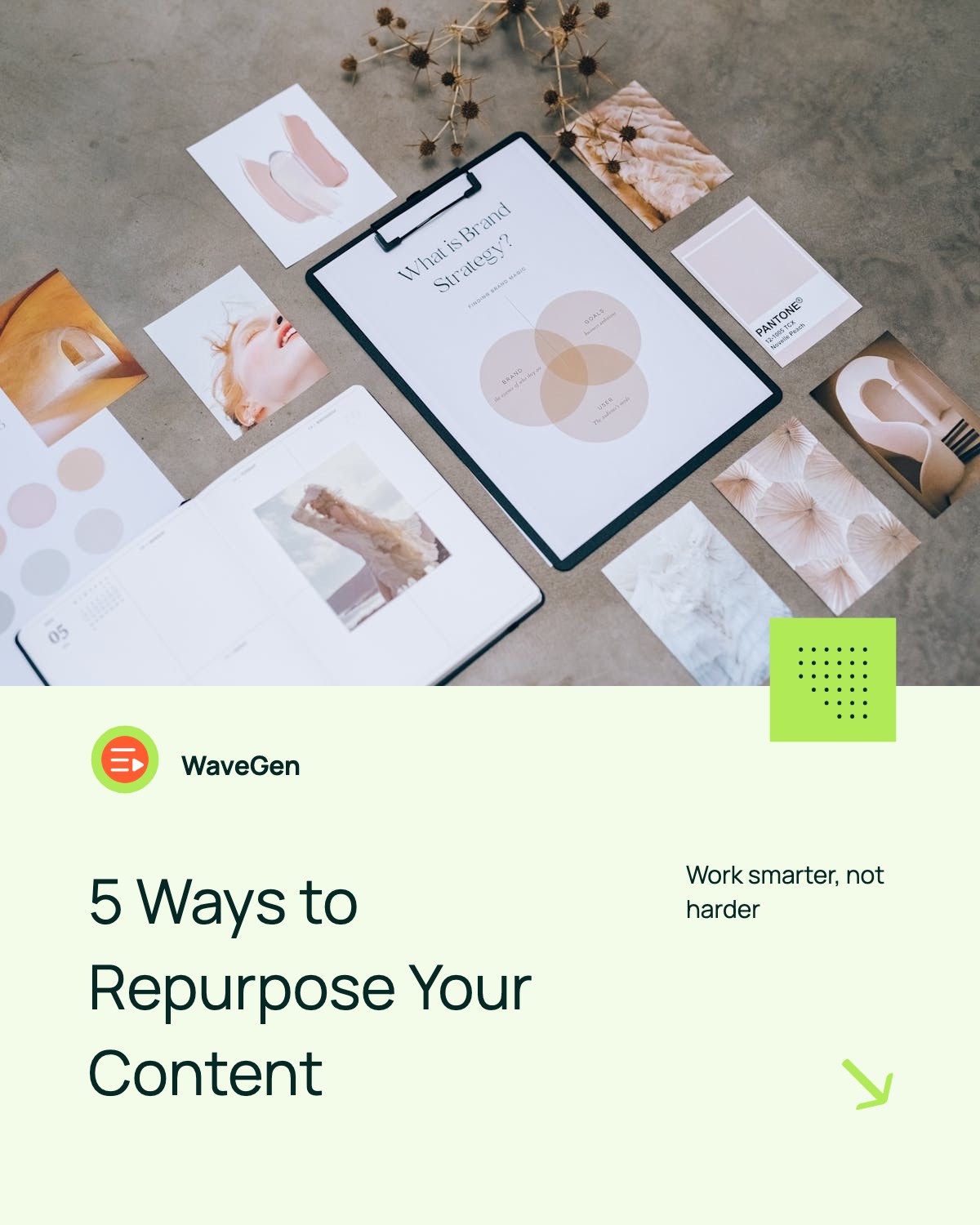
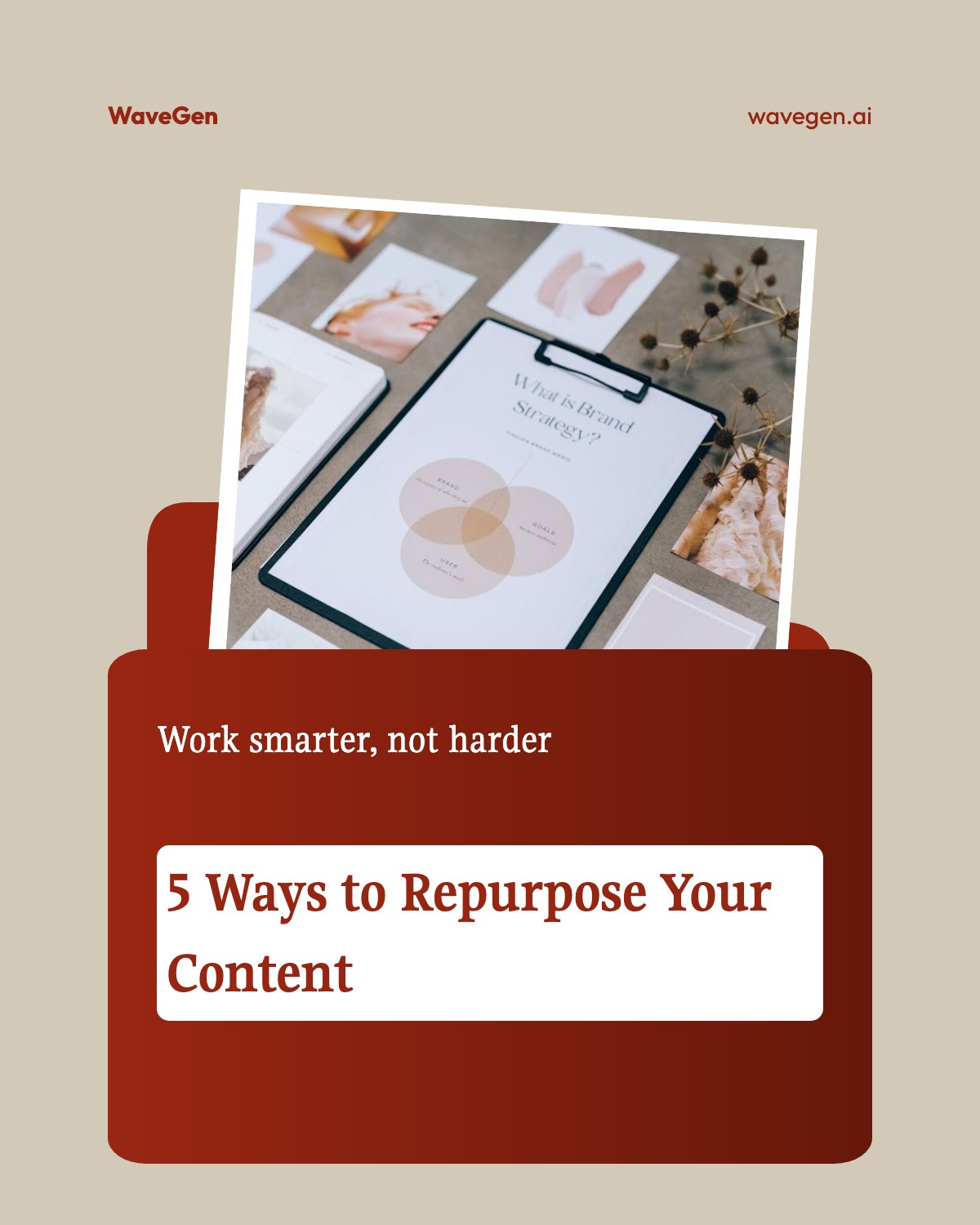
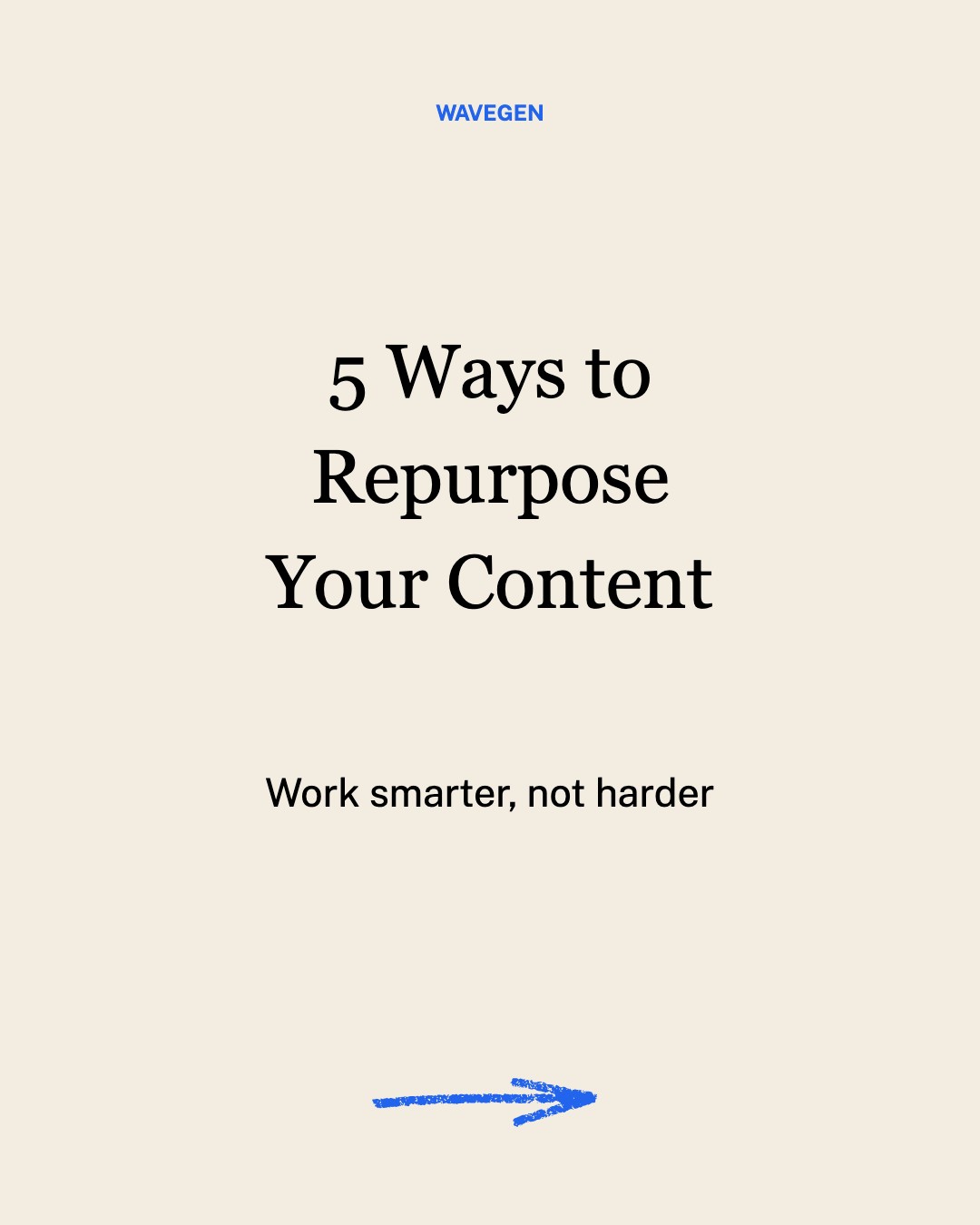
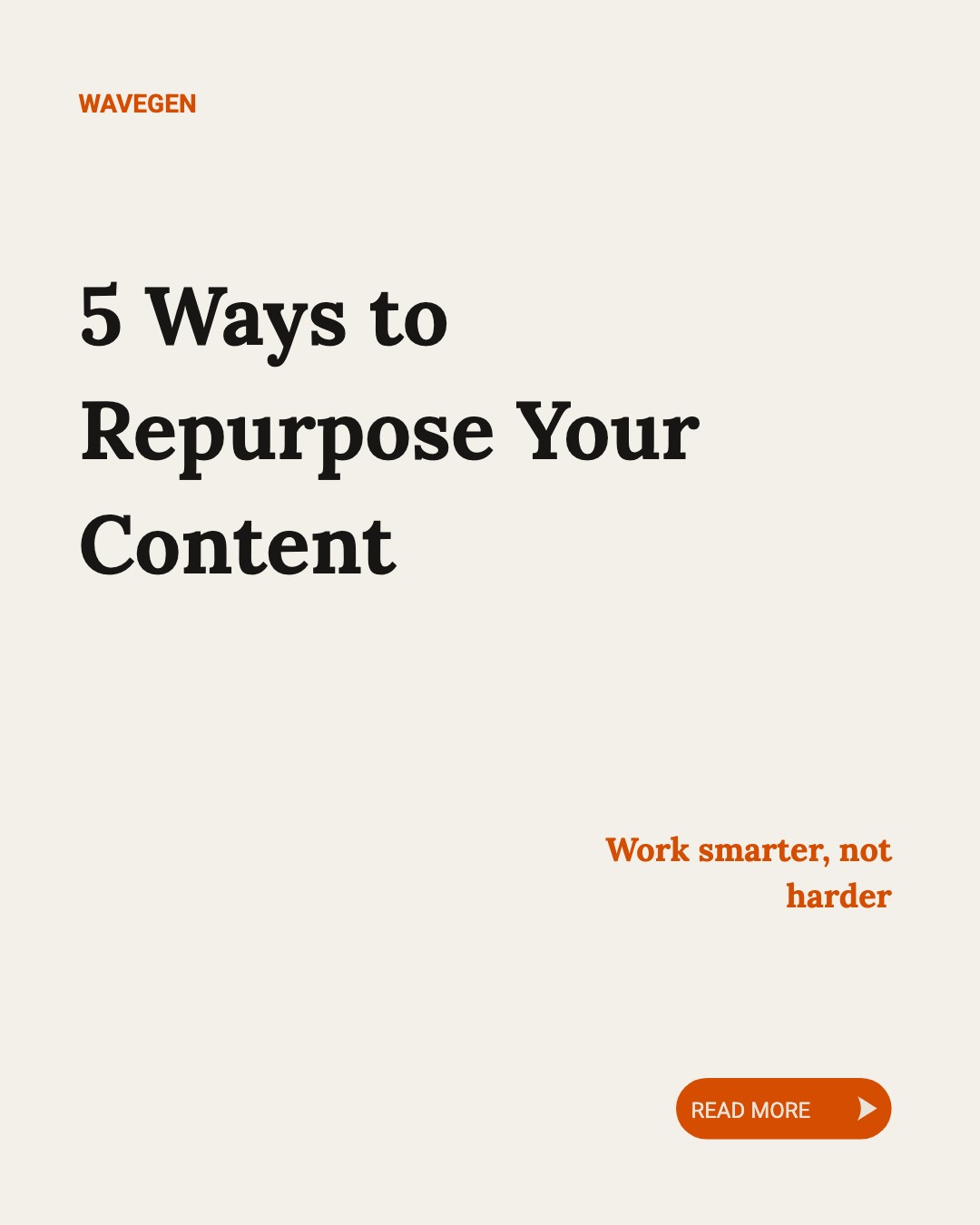
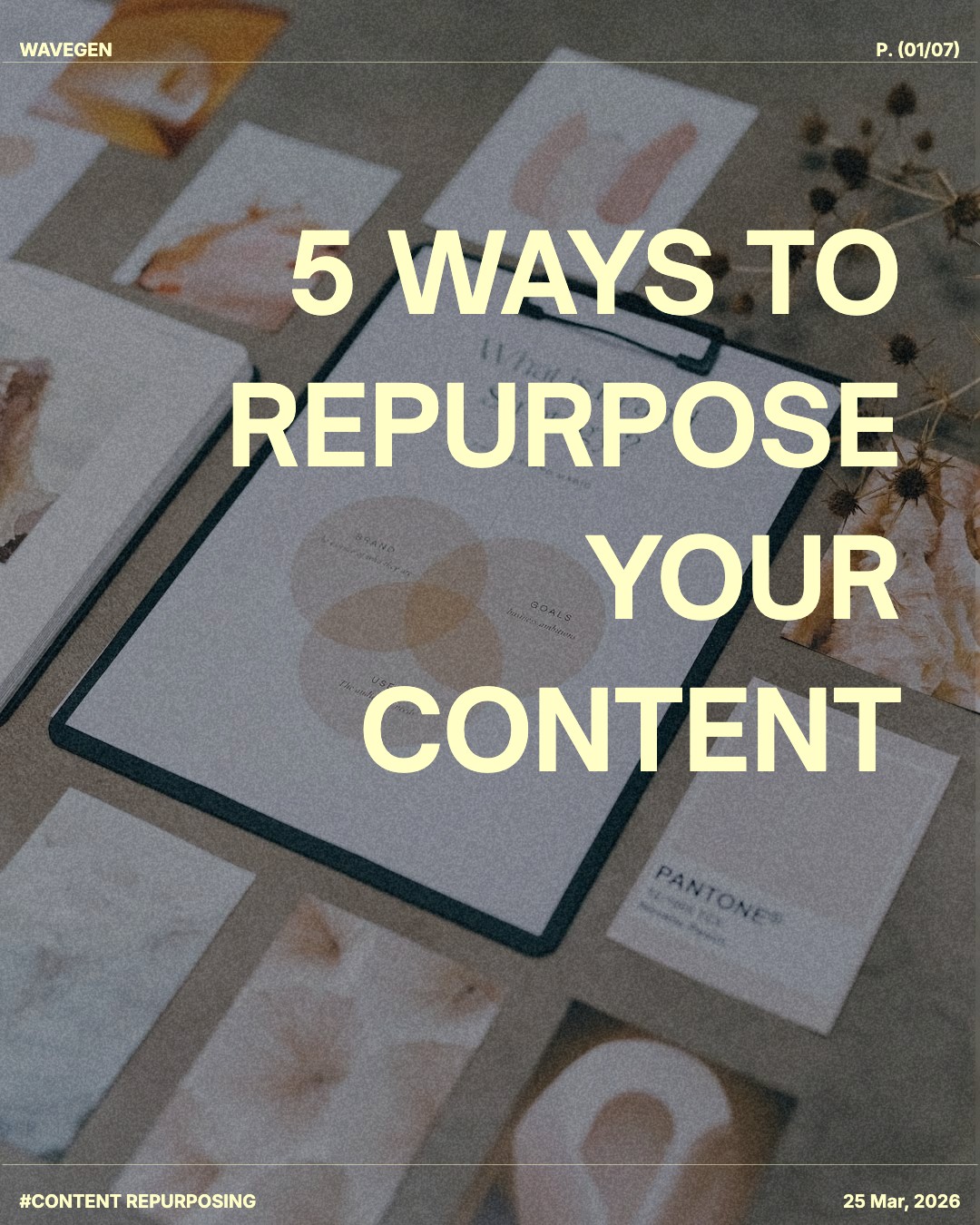


Want to create a carousel from scratch instead?
Try our Instagram Carousel MakerHow to Use These Templates
It only takes 4 steps to go from template to published post.
1. Browse Templates
Scroll through our collection of professionally designed carousel templates above.
2. Copy & Edit
Click a template to save it to your WaveGen account and start editing right away.
3. Customize
Change the text, swap images, and apply your brand colors and fonts to make it yours.
4. Share
Download your carousel or schedule it directly to Instagram, LinkedIn, TikTok, or Pinterest.
Paste a URL and let AI write your carousel in seconds.
Try WaveGen FreeWhy Instagram Carousels Get More Saves
Carousels are the most-saved content format on Instagram. Here's why they outperform single-image posts:
Algorithm loves them
Instagram shows carousels to users multiple times if they don't engage the first time, giving you more chances to be seen.
More saves = more reach
Valuable multi-slide content gets saved for later, which signals to Instagram that your content is worth promoting.
Highly shareable
Educational and entertaining carousels get shared to Stories and DMs, expanding your reach organically.
Swipes count as engagement
Every swipe is a signal to the algorithm that your content is engaging, boosting your post's visibility.
Pro tip: Post carousels consistently (3-4x per week) to build momentum. Include a call-to-action on your last slide asking followers to save, share, or comment. Pair every post with relevant hashtags using our hashtag generator for maximum discoverability.
How to Choose the Right Carousel Template
Picking the right template is the fastest way to make your carousel look polished without spending hours in a design tool. Here is what to consider before you hit download.
Match the template to your content type
Educational content (tips, how-tos, lists) works best with clean, text-heavy layouts that give each slide a clear headline and supporting copy. Story-driven content (behind the scenes, case studies) benefits from templates with larger image areas and minimal text overlays. Choose a template whose slide structure mirrors the information you want to share.
If you plan to pair your carousel with hashtags for extra reach, use our Instagram hashtag generator to find the right tags after you design your slides.
Keep your brand consistent
Stick to one or two templates across your feed so followers recognize your posts at a glance. Consistency in color palette, font pairing, and layout creates a cohesive profile grid that signals professionalism and builds trust.
For full brand-kit customization — including your own colors, logo, and fonts — try the Instagram carousel maker, which lets you save brand presets and generate content with AI.
Think about slide count
Short carousels (3-5 slides) work well for quick tips or announcements. Longer carousels (7-10 slides) are better for in-depth tutorials, listicles, or myth-busting series. The template you pick should have enough breathing room per slide so the text stays readable at mobile scale — aim for no more than 40-50 words per slide.
Optimize for the Instagram feed
All templates on this page use the recommended 1080 x 1350 px (4:5) format, which occupies the maximum vertical space in the feed. That extra height gives you a scroll-stopping advantage over square posts. Need a refresher on dimensions? See our Instagram carousel size guide or the broader Instagram post size reference.
Instagram Carousel Ideas That Work
Not sure what to post? Here are proven carousel formats that drive engagement. You can build any of these with our templates above, or use the AI carousel maker to generate the content automatically.
Educational Tips
Share 5-10 actionable tips related to your niche. Each slide = one tip.
"10 Photography Tips for Beginners"
Step-by-Step Tutorials
Break down a process into simple steps. Great for recipes, DIY, or how-tos.
"How to Style a Bookshelf in 7 Steps"
Before & After
Show transformation stories. Works for fitness, home decor, design work.
"Client Website Redesign: Before vs After"
Myth vs Fact
Debunk common misconceptions in your industry. Very shareable content.
"5 Skincare Myths You Still Believe"
Behind the Scenes
Show your process, workspace, or how your product is made.
"How We Make Our Handmade Candles"
Lists & Roundups
Curate recommendations, favorites, or resources your audience will love.
"8 Books That Changed My Business"
Carousel Template Design Tips
Great content deserves great presentation. Use these visual best practices to make every slide in your free Instagram carousel template stand out.
Lead with a scroll-stopping cover slide
Your first slide is what appears in the feed — it needs to earn the swipe. Use a bold headline (5-8 words), a contrasting background, and a clear topic promise. Avoid generic titles like "Tips" — instead try "5 Mistakes Killing Your Instagram Reach." The cover should make followers pause mid-scroll and want to see what comes next.
Use high-contrast, readable typography
Most people view Instagram on phones, so readability is non-negotiable. Stick to a minimum of 24 px for body text and 36 px or larger for headlines. Dark text on a light background (or vice versa) ensures your message is legible even in bright sunlight. Limit yourself to two fonts per carousel: one for headings, one for body copy.
Maintain visual flow between slides
Each slide should feel like part of a sequence, not a standalone graphic. Keep margins, text alignment, and color accents consistent across every slide. Use numbering ("1/7", "Step 3") or a progress indicator so viewers know how far along they are. That sense of progression encourages them to keep swiping.
End with a strong call-to-action
Your last slide is the most important after the cover. Tell viewers exactly what to do: "Save this for later," "Share with a friend who needs this," or "Follow for more tips." Adding a CTA doubles the chance of saves and shares, which are the two engagement signals Instagram weights most heavily in its algorithm.
Want to skip the design work entirely? Our AI carousel maker turns any URL, article, or topic into a fully designed carousel in seconds — complete with brand colors, images, and optimized copy. Works for Instagram, LinkedIn, TikTok, and Pinterest.
Turn any blog post, article, or idea into a carousel — automatically.
Try WaveGen FreeInstagram Carousel Best Practices
Do's
Start with a hook that stops the scroll
Use large, readable fonts (especially on mobile)
Keep each slide focused on one idea
End with a clear CTA (Save this, Share with a friend, etc.)
Use consistent branding and colors across slides
Include a mix of text and visuals
Don'ts
Don't cram too much text on one slide
Avoid low-contrast color combinations
Don't use tiny fonts that are hard to read
Avoid clickbait hooks that don't deliver value
Don't forget to proofread for typos
Avoid using more than 2-3 fonts per carousel
Instagram Carousel FAQs
Ready to Level Up Your Instagram Carousels?
Turn any blog post, article, or idea into scroll-stopping carousels with AI. Add your branding, schedule posts, and create content in batch — all with WaveGen.