Turn Any Text into a Carousel
WaveGen turns any text — notes, outlines, frameworks, or topic ideas — into carousel slides in under a minute. The AI structures your text into headlines, body copy, and AI-generated imagery for Instagram, LinkedIn, TikTok, and Pinterest. Free to start, no signup required.
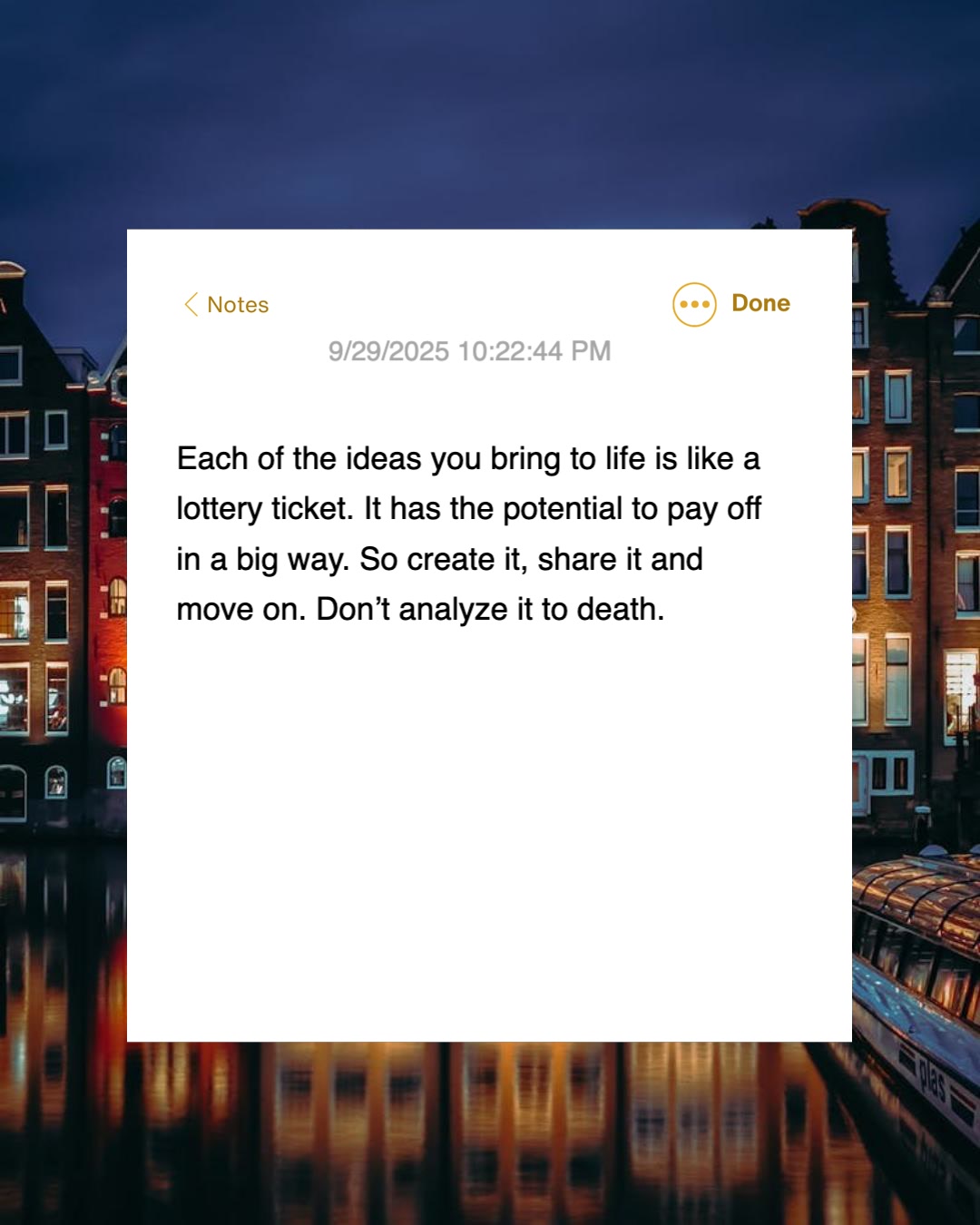
Paste from Notion, Google Docs, Apple Notes, Obsidian, or anywhere you write.
Under 1 min
From text paste to slides
No URL needed
Notes, outlines, drafts
4 platforms
Instagram, LinkedIn, TikTok, Pinterest
Free
No signup required






How Do I Turn Text into a Carousel?
Three steps. You bring the words, WaveGen handles the structure, design, and distribution.
1
Paste Your Text
Notes, outlines, drafts, frameworks, course material, rants — anything written. WaveGen reads the full text and parses its structure automatically.
2
AI Structures It into Slides
WaveGen identifies the main points, organizes them across 6–10 slides, writes punchy headlines, and generates a relevant image for each slide.
3
Customize and Publish
Review each slide, apply your brand kit, adjust copy, and then download or schedule directly to Instagram, LinkedIn, TikTok, Facebook, YouTube, or Pinterest.
What Text Works Best as a Carousel?
Anything with a clear through-line converts well. Structured text (lists, numbered steps, frameworks) produces tighter slides; unstructured text works but benefits from a quick outline first.
Course Material
Lesson outlines, module summaries, student frameworks — turn teaching material into carousel content that attracts new students.
Coaching Frameworks
Your named frameworks, methods, and principles. The single most shareable content type for coaches and consultants.
Notion & Google Docs
Copy from Notion, Google Docs, Apple Notes, Obsidian, or any editor. Formatting mostly survives the paste.
Internal Memos & Updates
Turn team announcements, all-hands notes, or quarterly updates into LinkedIn carousels for the company page.
Ideas and Rough Drafts
Half-finished threads, idea lists, unorganized notes. The AI adds structure; you edit the details.
Anything You've Already Written
If you have the words in any text editor, WaveGen can turn them into a publishable carousel.
How Does WaveGen Compare to Gamma, Canva, and aiCarousels?
Gamma builds presentations, Canva is a full design suite, and aiCarousels designs carousels from pasted text. WaveGen is the only one that turns pasted text into carousels, captions, and quote cards and publishes them to your social accounts in one automated workflow.
| Feature | WaveGen | Gamma | Canva | aiCarousels |
|---|---|---|---|---|
| Paste text, get a feed-ready carousel | 16:9 decks | |||
| Captions and quote cards from the same text | Carousel only | |||
| Feed-native sizes (LinkedIn docs, IG 1080x1350, TikTok) | ||||
| Video slideshow from the same source | Manual editing | |||
| Schedules and publishes directly to social | Pro Content Planner | |||
| Brand kit auto-applied to every slide | Custom themes | Brand Kit (Pro) | Basic styling | |
| Thousands of general-purpose design templates | Carousel-focused | Presentation themes | Carousel templates | |
| Export as PDF or PPTX | PDF (watermark-free on paid) | PDF and images | ||
| Watermark-free output | Paid plans | Paid plans | Paid plans |
Gamma turns docs and prompts into 16:9 presentations you export yourself. Canva offers the deepest template library and a Pro Content Planner, but carousel assembly is manual. aiCarousels generates feed-sized carousels from pasted text for manual export. WaveGen is the only tool here that pairs the carousel with captions and quote cards and publishes everything directly to your social accounts. Comparison based on publicly available feature lists as of June 2026.
How to Turn Text into a Carousel with WaveGen
A six-step workflow for creators, coaches, and internal teams — four core, two optional.
Step 1: Organize your text
Before pasting, give your text a quick structural pass. A clear headline or topic sentence at the top, followed by 4–8 numbered or bulleted points, produces the tightest carousels. Rambling paragraphs work too — they just need more editing after generation.
Step 2: (Optional) Apply your brand kit
If you have set up a brand kit, select it before generating. Your logo, brand colors, fonts, and caption styling apply to every slide automatically. This is the cheapest way to maintain visual consistency across dozens of carousels — especially important for course creators and coaches building a recognizable feed.
Step 3: Paste and click Generate
Paste your text, pick output language if different from the source, and click Generate. The AI reads the full text, identifies the structural spine, organizes it into 6–10 slides, writes headlines, and generates an image per slide. Takes under 60 seconds.
Step 4: Customize in the visual editor
WaveGen's built-in editor is where the carousel becomes yours. Swap any image, rewrite headlines, adjust body text, reorder or remove slides, add new ones, or regenerate individual slides entirely. Apply your brand colors, fonts, and logo. The editor renders a live preview — you see exactly what your audience will see.
Step 5: (Optional) Add first comment with a link
Set up a first comment that posts a link automatically when the carousel goes live — your course signup page, lead magnet, personal site, or wherever you want engaged readers to go next. Readers who swiped through the full carousel are the warmest audience you can point at a conversion page.
Step 6: Download or schedule across platforms
Export as images for Instagram and TikTok, or PDF for LinkedIn carousel posts. Schedule directly from WaveGen to Instagram, LinkedIn, TikTok, Facebook, YouTube, or Pinterest. For creators shipping multiple carousels a week, queue a week of content in one sitting.
No credit card required. Turn your next idea into a carousel in under 2 minutes.
Why Use Text-to-Carousel?
Most creators have written far more than they have published. The bottleneck is not ideas — it is the gap between text and polished slides. This tool closes that gap.
No design skills required
Most creators stall at the design step. You had a good idea, you wrote it down, and then the carousel never happens because Canva is intimidating and templates never quite fit. WaveGen removes the design bottleneck — paste text, get publishable slides. Your ideas stop dying in draft folders.
Publish weekly, not monthly
The difference between creators who compound and creators who stagnate is posting frequency. When each carousel takes 2 hours, you publish monthly. When each takes 5 minutes, you publish weekly — and the feed algorithm rewards the creators who show up consistently. This is the single biggest leverage in the creator economy right now.
Carousels beat every other format
Instagram's algorithm explicitly rewards carousels for driving swipe-through engagement. LinkedIn document posts (carousels) get 2–3x the impressions of text-only posts. TikTok photo mode appears alongside video in For You feeds. Turning your writing into a carousel is the single easiest way to get it the best possible algorithmic treatment.
Consistency becomes free
Once you have a brand kit saved, every carousel you ship looks like it came from the same account. New followers scrolling your feed see a coherent visual identity instead of a patchwork of different styles. The compound effect of visual consistency over 50+ carousels is a recognizable personal brand — without the design effort that normally costs to achieve.
The bottom line: the words you have already written are worth more than the words you have not yet written. Text-to-carousel is the shortest distance between "I have an idea" and "it is published." Check the AI content repurposing hub for the full map of input-to-output workflows, or start with a specific input like blog-to-carousel if you already have a published URL to work from.
Who Uses Text-to-Carousel?
Four use cases where pasting text and getting a carousel back consistently beats starting from a blank template.
Course creators and educators
Your lesson outlines, module summaries, and teaching frameworks are some of the most valuable written content you own. Converting them into carousels grows your course audience by showing potential students the quality of what you teach — without giving away the full curriculum. Best-case: every carousel becomes a top-of-funnel lead magnet for your paid course.
Coaches and consultants
Your named frameworks and signature methods are carousel gold. Coaches who package their frameworks into consistent LinkedIn carousels routinely build inbound pipelines that remove the need for outbound sales entirely. The framework you use with every client is probably the single most shareable piece of content you could possibly publish.
Internal comms and employer branding
Quarterly all-hands notes, team announcements, and internal updates translate surprisingly well into LinkedIn company-page carousels. Company culture content consistently outperforms product content for employer branding, and internal comms teams already have this material written — it just needs to be adapted for public audiences.
Solopreneurs and indie founders
Your Notion notes, half-finished tweet threads, and product-thinking docs contain months of content you have never published. Solopreneurs who run their notes through a text-to-carousel pipeline routinely go from posting weekly to posting 3–5 times a week — without writing anything new. The content backlog was already there.
Text to Carousel FAQs
Turn Your Next Note into a Carousel
You already wrote it somewhere. Let WaveGen structure it, design it, and schedule it across every platform — so the ideas sitting in your notes app actually get published.
Free to start. No credit card required.