August 26, 2026
14 min read
7 Quote Cards for Social Media Tools and Ideas
Explore 7 quote cards for social media tools and ideas, with templates, branding, automation, and platform-ready workflows for better posts.
A creator or marketing team can have a week's worth of strong ideas sitting in an article, newsletter, podcast script, or video transcript, then lose hours turning those ideas into consistent social visuals. The challenge isn't finding another attractive template. It's choosing a production workflow that preserves the original point, fits each platform, and doesn't force the team to rebuild every post from scratch.
This roundup compares quote cards for social media by the job they need to perform: repurposing long-form content, designing manually, controlling brand assets, adding motion, batching daily graphics, or generating large volumes through automation. The comparison considers template depth, editing control, brand governance, collaboration, output formats, scheduling, and workflow complexity. After the tools, you'll also find practical guidance on adapting quote cards for LinkedIn, Instagram, TikTok, YouTube, Facebook, and other channels. For broader inspiration, explore these personalized social media designs.
Table of Contents
- 1. WaveGen.ai
- 2. Canva
- 3. Adobe Express
- 4. VistaCreate
- 5. Visme
- 6. Snappa
- 7. Bannerbear
- Top 7 Quote Card Tools: Feature Comparison
- Turn One Strong Quote Into a Week of Posts
1. WaveGen.ai
A consultant can finish an article, newsletter, podcast script, or YouTube transcript and still face hours of work before the ideas become social posts. WaveGen.ai starts with that existing source material. Paste it into the platform, and it identifies usable ideas for quote cards, carousels, short videos, captions, hashtags, and platform-specific formatting. The workflow begins with your own argument and wording, rather than a blank canvas or a generic prompt.
That approach makes WaveGen.ai a practical choice for source-content repurposing. It suits consultants, lawyers, educators, advisors, newsletter writers, and marketing teams that already publish long-form material. Scheduling, crossposting, and RSS autopilot can reduce repeated review of the same source, allowing a published article to become queued social content without a separate writing session for every channel.
The brand kit stores colors, fonts, logos, and voice guidelines, helping generated assets follow a consistent visual and editorial direction. A visual editor remains available before publishing, so you can revise the quote, image, tone, or layout instead of treating the first draft as final.
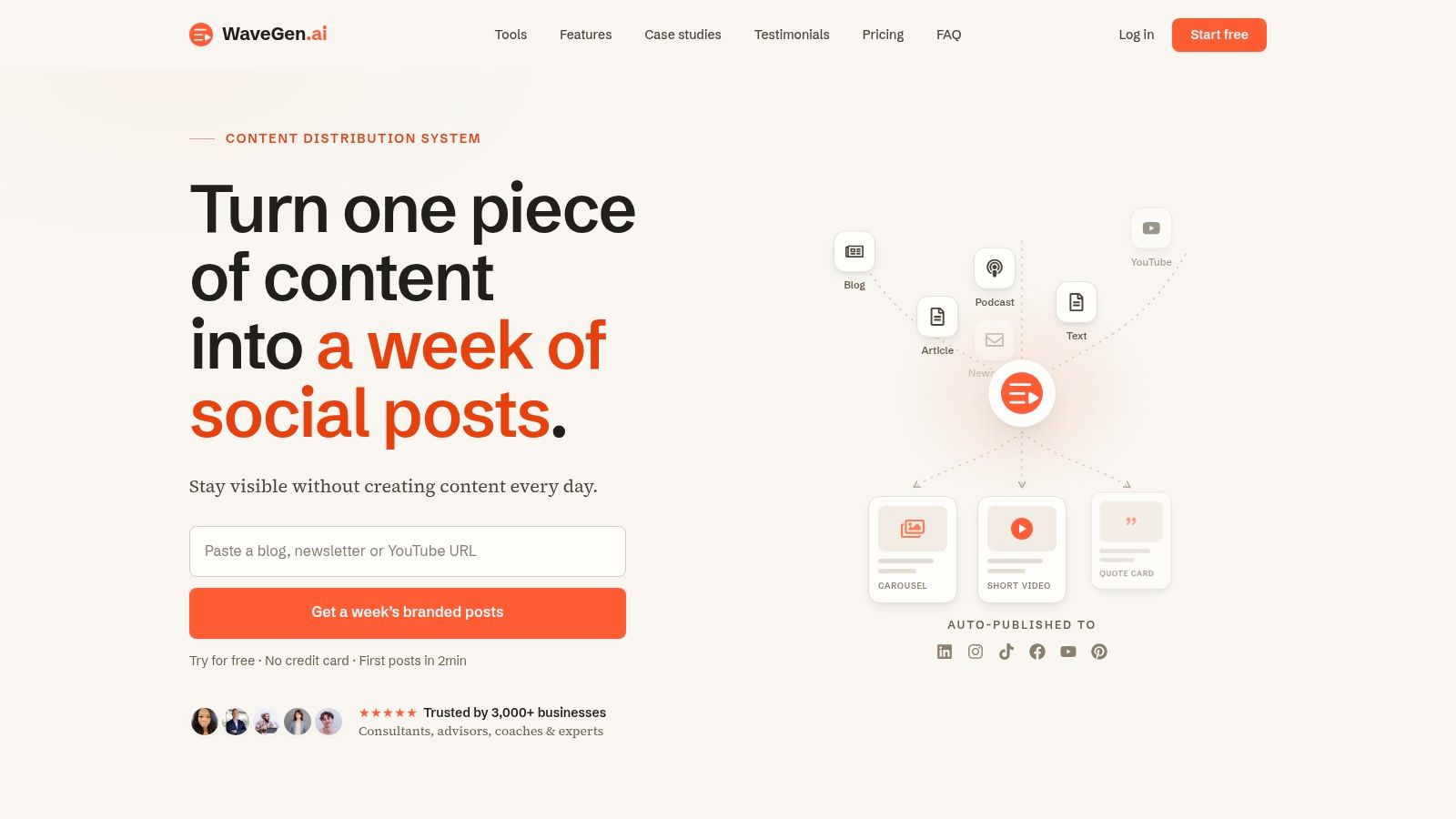
The platform says it is trusted by 3,000+ businesses and reports approximately 20 hours saved per week for typical users. These are product claims, so treat them as directional rather than as an expected result for every account. Pricing starts at $20 per month when billed annually for Starter, with Growth at $35 per month and Pro at $70 per month, plus custom Business and enterprise plans, as listed on the WaveGen.ai website.
Practical rule: Choose WaveGen.ai when the raw material already exists and the production bottleneck is turning one idea into several publishable assets.
The trade-off is creative focus. WaveGen.ai is built to preserve and extend the substance of existing content, not to invent a new point of view or pursue random viral concepts. A free trial includes 10 posts and no card required. Its stated refund policy provides a full refund within 7 days if you have generated 5 or fewer posts, making a real article a useful test before committing.
2. Canva
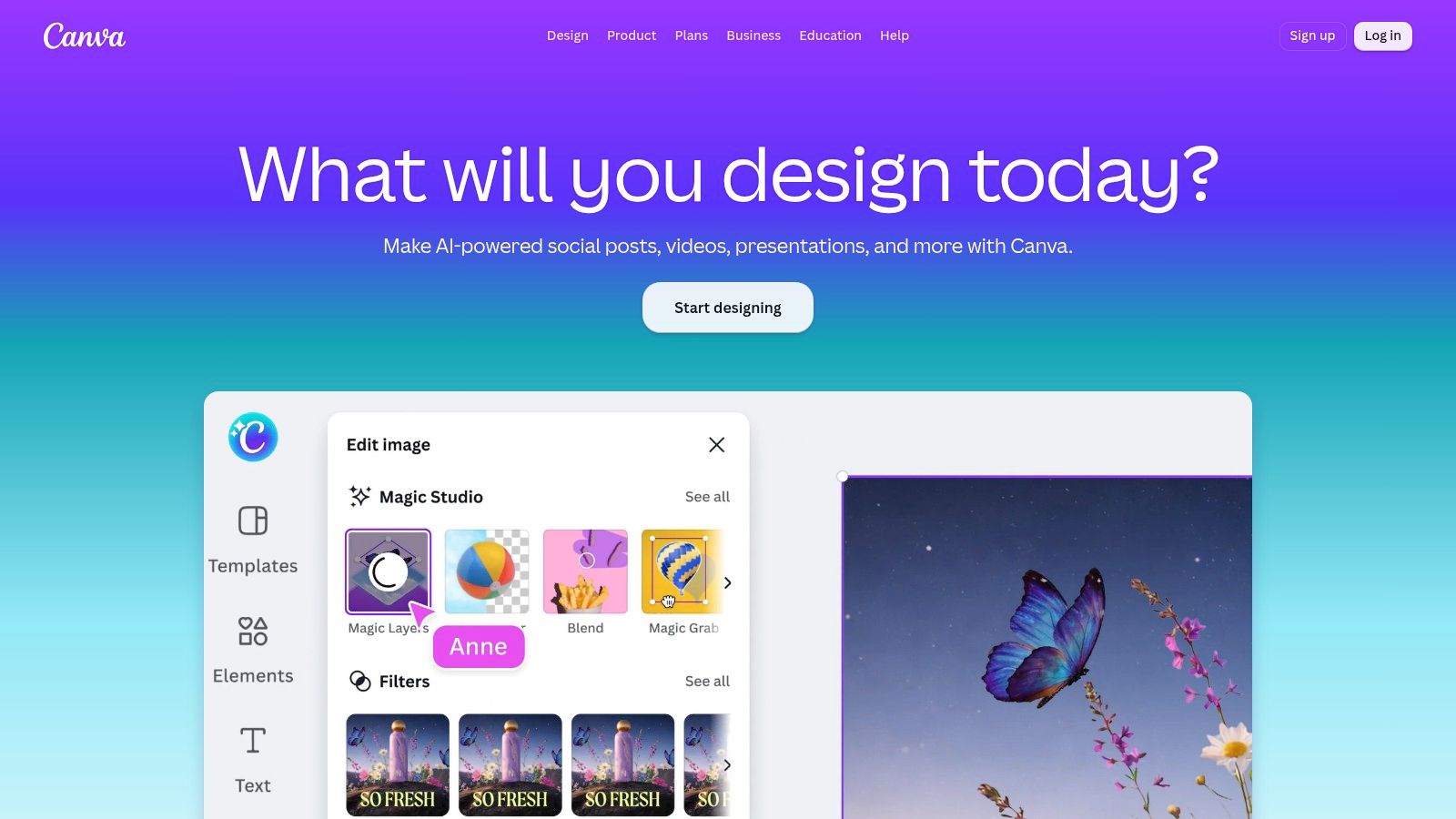
Canva remains the practical default for teams that want to design quote cards themselves without learning a heavyweight creative suite. Its template ecosystem covers Instagram, X, Pinterest, Facebook, LinkedIn, Stories, and other common social layouts. A marketer can select a quote template, replace the text, apply a brand kit, and export variations without starting from a blank page.
The brand kit helps lock in fonts, colors, and logos, while resize tools make it easier to adapt the same concept for square, vertical, and professional-network formats. Canva also combines stock photography, graphic elements, background tools, and AI-assisted editing in one workspace. Paid plans add built-in scheduling, which can remove a separate publishing step for straightforward campaigns.
Best for flexible manual design
Canva works particularly well when the quote needs editorial judgment. You might want to test a portrait background against a plain color field, create a testimonial card with a client photo, or adjust the hierarchy so the speaker's name doesn't compete with the quote. The editor makes those changes accessible to non-designers.
Its weakness is sameness. Popular templates can produce familiar-looking cards unless you alter the typography, image treatment, spacing, and visual structure. Canva's higher-tier brand controls and asset permissions also matter for larger teams, where unrestricted editing can create inconsistent outputs.
For a workflow that begins with a written article and ends with several quote graphics, this guide to creating quote graphics complements Canva's manual editing approach. If your team also needs motion content, compare Canva with these Canva AI video alternatives.
Choose Canva if:
- You need creative flexibility: Designers and marketers can change nearly every visible element.
- You're serving several channels: Resize and export options reduce repetitive setup.
- You need quick onboarding: Most users can begin producing useful cards with minimal training.
3. Adobe Express
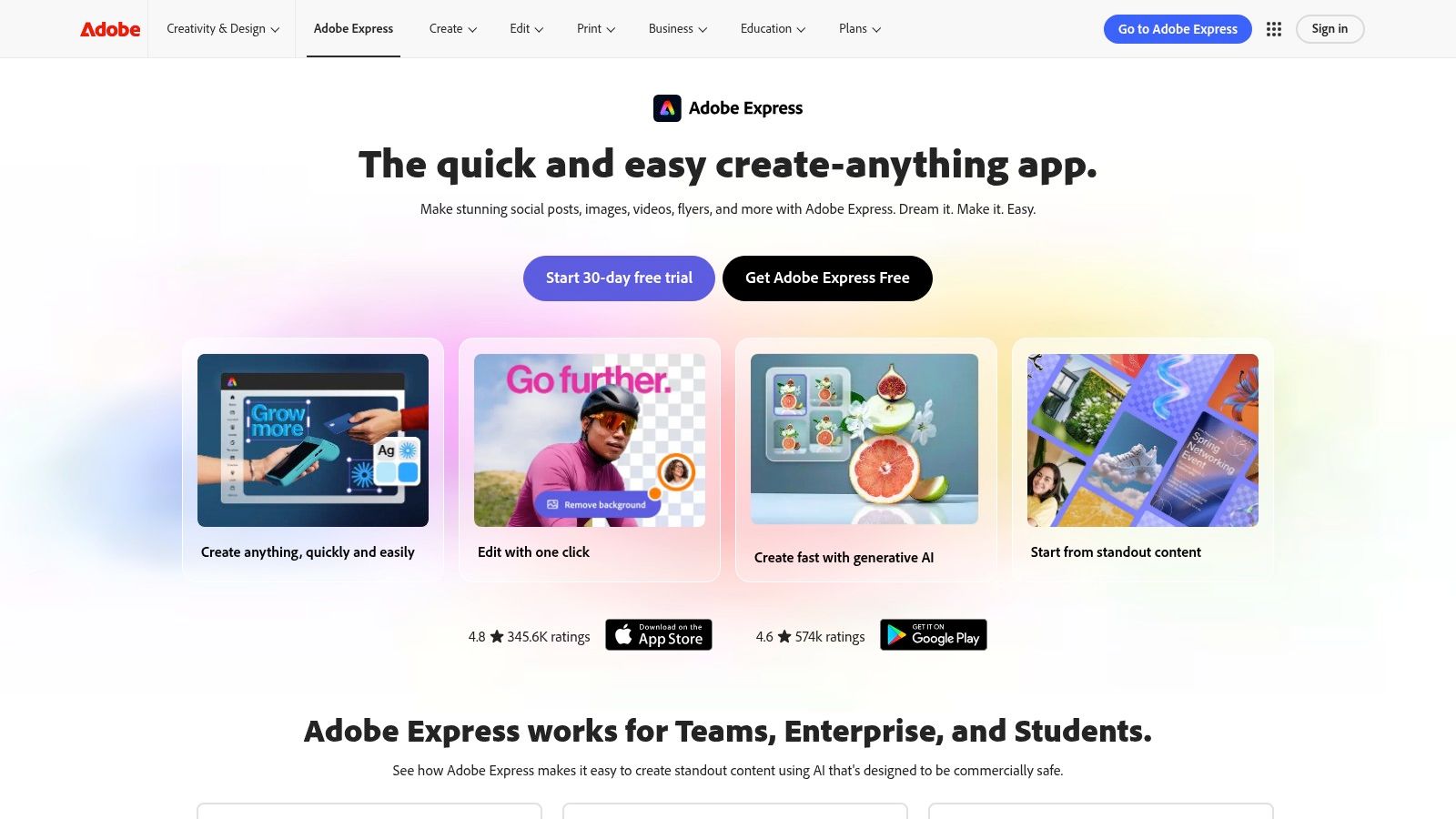
Adobe Express is a sensible choice for organizations that already rely on Adobe Creative Cloud and want a lighter social-design workflow. It offers quote graphics, posters, and social templates, while Creative Cloud Libraries can connect the work to existing Photoshop and Illustrator assets. That connection is valuable when the quote card must use approved photography, logos, illustrations, or campaign components already maintained by a brand team.
The platform also includes brand kits, premium templates, and Firefly-powered generative features. Those tools can help with layout variations, background treatments, and visual exploration, but the strongest reason to choose Express is governance. A team that already manages Adobe assets won't need to create an entirely separate visual system for everyday social graphics.
Best for controlled brand ecosystems
Adobe Express becomes more attractive as the number of stakeholders increases. Brand kits, shared libraries, administrative controls, and enterprise options can help keep a social team from using outdated logos or unapproved creative. Firefly features are also positioned for commercial use cases, though every organization should still review generated content under its own legal and brand policies.
The trade-off is simplicity. Someone who only needs a daily motivational quote may find Express less immediate than a lightweight quote maker. Advanced functions and premium assets can also depend on the selected plan. Teams should test the exact export and collaboration features they need rather than assuming every capability sits in the entry-level experience.
Social output needs to be checked against current channel requirements, so keep a reliable reference for social media image sizes beside the design workspace. Express is most useful when the design must be both fast and accountable.
4. VistaCreate
VistaCreate, formerly Crello, targets the frequent publisher who wants a low-friction editor and a large supply of ready-made social layouts. Coaches, consultants, small businesses, and social managers can start with a quote template, replace the text, apply a brand kit, and schedule the result without navigating a complex production environment.
Its library includes 100,000+ free templates, according to the product plan provided for this comparison. Pro adds premium templates, stock assets, AI image generation, unlimited brand kits, team access, and scheduling features. Those capabilities make VistaCreate a practical middle ground between an individual design tool and a broader team platform.
The strongest use case is repeatable production. A small team can create a limited set of approved layouts for testimonials, advice, educational statements, and branded announcements, then reuse the structure while changing the content. That consistency is more valuable than having unlimited creative options if the team publishes frequently and has little time for design review.
VistaCreate's limitations appear when the project moves beyond static graphics. Its animation and video capabilities are less advanced than those of heavier editors, and its asset library may not match Canva's deepest tiers. It's also not a long-form repurposing engine, so someone still needs to select and prepare the quotes.
A good template system should speed up judgment, not replace it. Review every quote for context before you place it in a polished layout.
Choose VistaCreate when the priority is repeatable branded batches, accessible collaboration, and built-in scheduling without a steep learning curve.
5. Visme
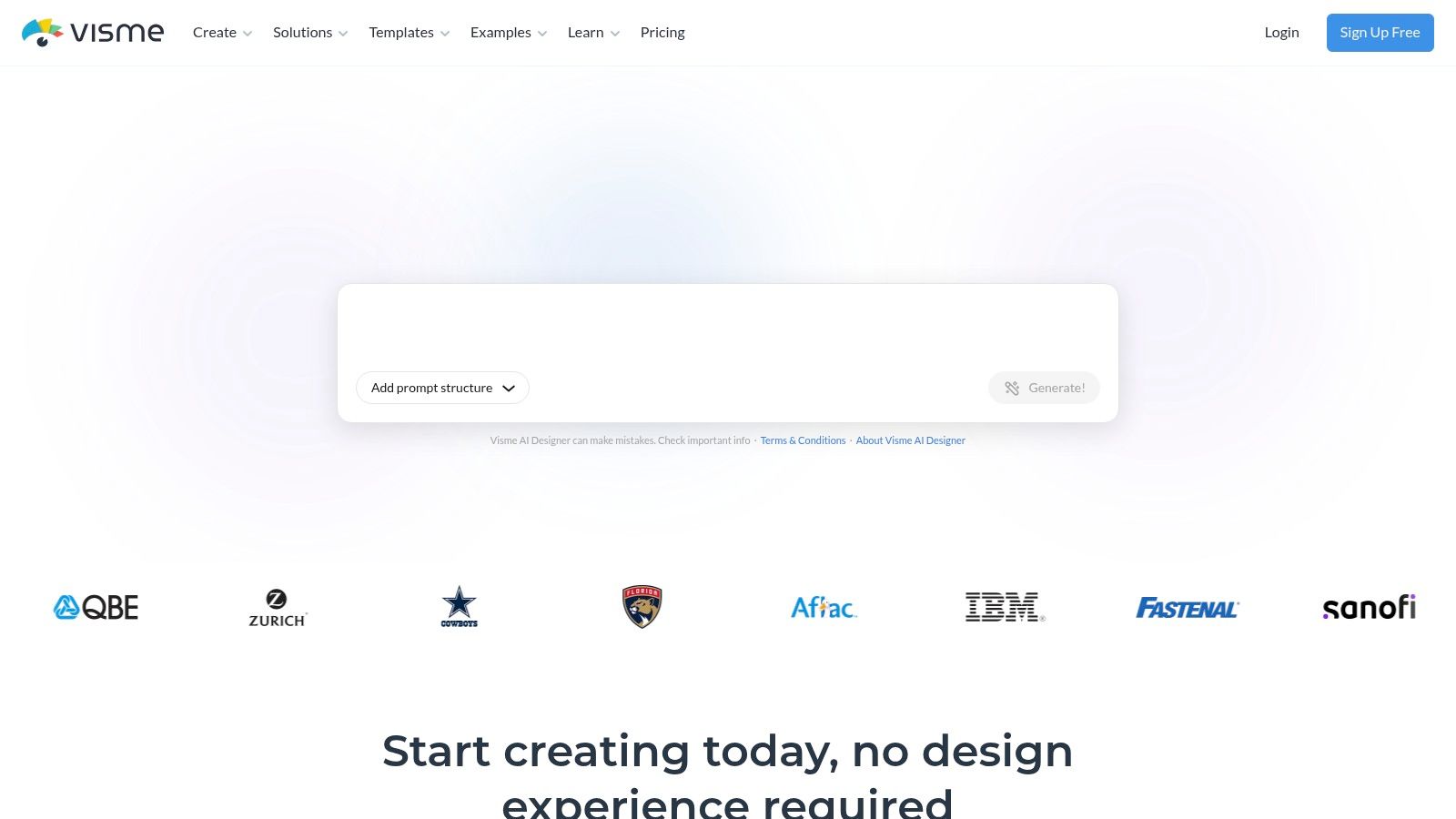
Visme is a useful option when quote cards need to extend beyond static images. The platform supports social graphics, brand kits, collaboration, scheduling, and animated exports such as GIF and MP4 on higher plans. That lets a team turn one statement into a static LinkedIn graphic, a lightly animated Instagram asset, or a short video snippet without moving between several applications.
The distinction matters because motion can change how a quote is consumed. A gradual text reveal, subtle background movement, or animated emphasis may fit a short-form video feed better than a still image. However, motion should support the message. If the quote becomes difficult to read or the animation distracts from the author attribution, the format has failed even if the file looks more dynamic.
Best for mixed visual outputs
Visme suits small and midsize teams that want brand controls, analytics, collaboration, privacy settings, and publishing in one workspace. It can also support presentations, infographics, and other visual materials, which may make the subscription easier to justify for a broader content team. Its visual content creation workflow is a useful reference when deciding whether a quote should remain static or become a motion asset.
The downside is weight. Users who only need fast quote batches may find the interface slower than Snappa or VistaCreate. Advanced formats and export options are also placed behind Pro or Enterprise plans, so confirm the required file types before building a campaign around them.
Visme is the right pick when a quote-card workflow needs static graphics, light animation, team review, and publishing controls in the same environment.
6. Snappa
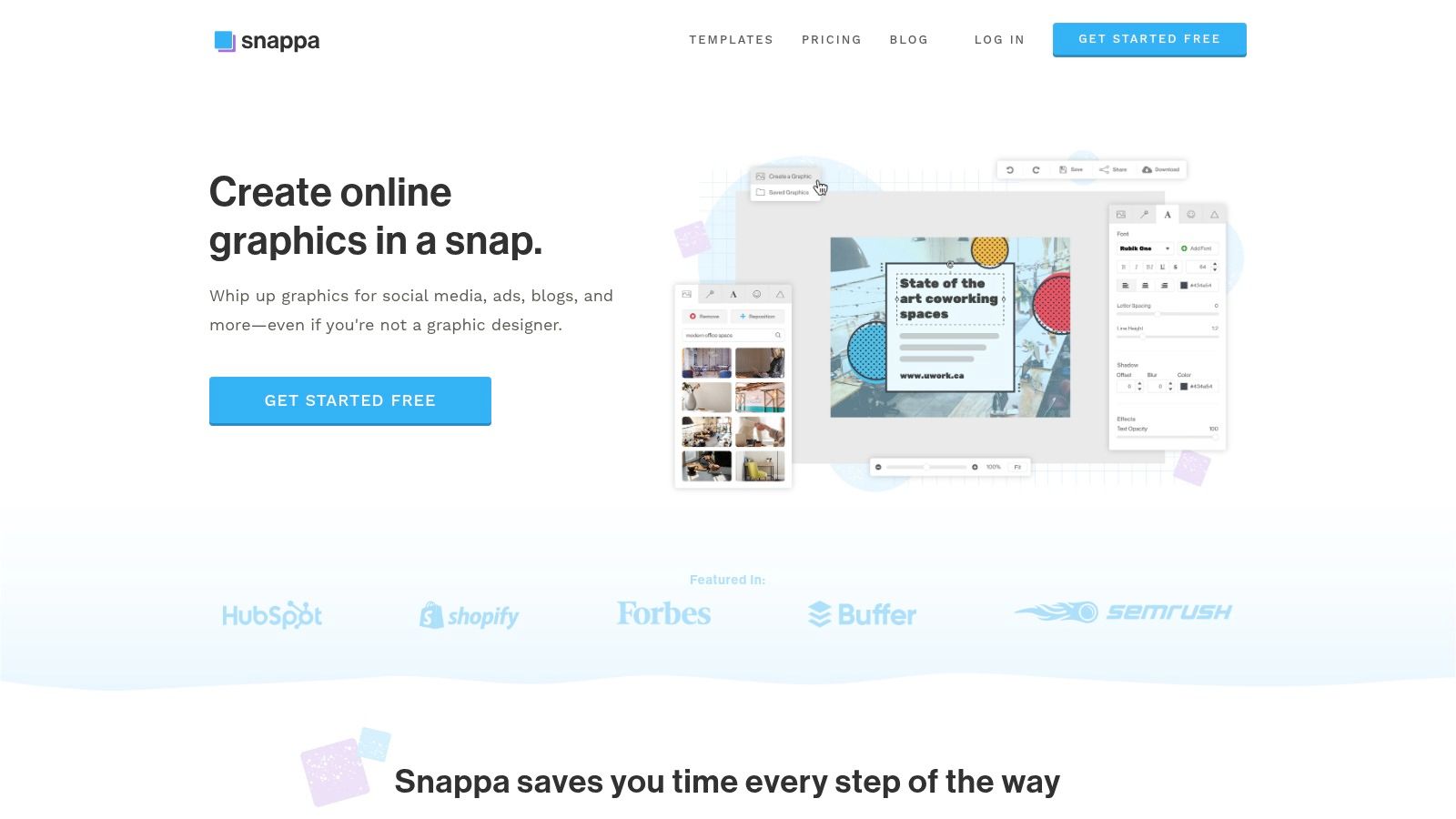
Snappa is built for speed. It strips the quote-card task down to the essentials: choose a social size, start with a template or blank canvas, add text, select an image, apply brand assets, and publish through an integration such as Buffer. For a solo creator producing daily motivational quotes, testimonials, or short educational statements, that directness is a feature.
The platform offers thousands of social templates, custom dimensions, font uploads, and access to 5M+ stock photos and graphics, according to the supplied product information. Paid plans also include tools such as background removal. These features cover the common needs of a fast batch workflow without asking the user to manage a large design system.
Best for everyday batches
Snappa works when the content is already selected and the creator values output speed over extensive collaboration. A social manager can prepare a run of quote cards, keep the typography consistent, and send the files to a publishing queue with little setup. The free tier also provides a straightforward way to test whether the editor fits the team's habits.
It isn't the best choice for complex brand governance. Compared with larger suites, collaboration controls and permissions are limited, and its AI capabilities are less expansive than those associated with Canva or Adobe Express. It also won't identify the strongest quote inside a long article, so the editorial work happens before design.
Use Snappa when the question is, “How can I make this already-approved quote look good and publish it quickly?” Don't choose it if you need automated content extraction, deep enterprise controls, or a connected repurposing pipeline.
7. Bannerbear
Bannerbear is for teams that have outgrown manual duplication. It generates image and video variations from templates through an API or no-code integrations, allowing a quote card to be created from a spreadsheet, Airtable record, RSS item, Zapier trigger, or Make scenario. The template can expose addressable layers for the quote, author, background, logo, and other brand elements while keeping the overall layout locked.
That structure is valuable for agencies, publishers, and creators managing a high volume of repeatable assets. Instead of asking a designer to copy a quote into several layouts, the workflow passes structured content into a predefined template and returns the required outputs. Multi-size generation and webhook support can connect creation to downstream storage or publishing systems.
Best for API-driven production
Bannerbear's strength is reliability at scale, not artistic exploration. A developer can use its REST API and official SDKs, while a nontechnical team can configure no-code triggers. The credit-based usage model also makes volume planning part of the implementation decision.
The trade-off is setup. You'll need to design the template carefully, define the content fields, handle exceptions such as unusually long quotes, and test every output size. Bannerbear complements Canva, Adobe Express, or another editor rather than replacing them for open-ended manual work.
Choose Bannerbear when the recurring job is “generate many consistent variations from structured data.” Choose a conventional editor when every card needs individual visual judgment.
Top 7 Quote Card Tools: Feature Comparison
| Tool | Implementation Complexity 🔄 | Resource Requirements ⚡ | Expected Outcomes ⭐ / 📊 | Ideal Use Cases 💡 | Key Advantages ⭐ |
|---|---|---|---|---|---|
| WaveGen.ai | 🔄 Low, automated repurposing pipeline; visual editor for tweaks | ⚡ Moderate, subscription tiers, post‑credit model, minimal design time | ⭐📊 High, on‑brand carousels, short videos, captioned posts; consistent cross‑platform assets | 💡 Repurposing long‑form content into a week of ready posts; agencies scaling branded output | ⭐ End‑to‑end repurposing, strong brand consistency, major time savings (~20 hrs/week) |
| Canva | 🔄 Very low, template driven, drag‑and‑drop | ⚡ Low–Moderate, free tier; paid for Brand Kit and scheduler | ⭐📊 Good, polished quote graphics across sizes quickly | 💡 Creators/teams needing fast multi‑size quote cards and simple video | ⭐ Vast template library, one‑click resize, AI layout tools |
| Adobe Express | 🔄 Moderate, easier if in Adobe ecosystem; Firefly features to learn | ⚡ Moderate–High, best with Creative Cloud assets and paid plans | ⭐📊 High, brand‑safe, commercially licensed generative assets and polished templates | 💡 Teams with existing Adobe workflows requiring governance and enterprise controls | ⭐ Creative Cloud sync, Firefly commercial models, enterprise admin/security |
| VistaCreate | 🔄 Low, template‑first editor with simple workflow | ⚡ Low–Moderate, Pro unlocks premium assets and team seats | ⭐📊 Good, consistent branded quote cards and frequent publishing | 💡 Coaches, consultants, small teams needing low‑friction social presets | ⭐ Easy standardization, large template set, built‑in scheduling |
| Visme | 🔄 Moderate, broader feature set (animation, analytics) adds complexity | ⚡ Moderate, Pro/Enterprise for advanced exports and analytics | ⭐📊 Versatile, images, GIFs, MP4s with analytics and collaboration | 💡 Teams that want multi‑format outputs and integrated reporting | ⭐ Multi‑format exports, scheduler, collaboration and analytics in one workspace |
| Snappa | 🔄 Very low, simple editor for fast batches | ⚡ Low, simple pricing and usable free tier | ⭐📊 Good, rapid creation of daily quotes/testimonials | 💡 Creators focused on speed and minimal setup for daily posts | ⭐ Fast learning curve, large stock library, social integrations |
| Bannerbear | 🔄 Moderate–High, template setup + API or no‑code flows required | ⚡ Moderate, developer/no‑code setup; credit‑based usage model | ⭐📊 High at scale, automated bulk image/video generation and variations | 💡 Agencies or creators automating hundreds of programmatic quote cards | ⭐ API‑first automation, reliable docs, scalable CDN delivery |
Turn One Strong Quote Into a Week of Posts
The best tool depends on where the work slows down. If your team has articles, newsletters, podcast scripts, or transcripts but lacks time to extract and format ideas, use a repurposing system such as WaveGen.ai. If you want to choose every image and typographic detail yourself, Canva, Adobe Express, VistaCreate, or Snappa will give you more direct manual control. For strict asset governance, Adobe Express is the stronger fit when your organization already uses Creative Cloud. For animated quote treatments, Visme offers a more suitable output range. For high-volume, structured generation, Bannerbear is the better automation layer.
The format itself also needs a job. A quote card can support a professional insight on LinkedIn, a saveable statement on Instagram, a visual hook in a short-form video, or a shareable response to a news discussion. Research on visual social content has found that adding images increased retweets by 119% for air-travel tweets and 213% for SUV-related tweets, while likes increased by 87% and 151% in those categories, as reported by the Baylor University Keller Center. Those results aren't a guarantee for quote cards, but they support treating the visual as a meaningful publishing asset rather than decoration.
Before scheduling, run this review:
- Readable typography: Check the quote at mobile size and remove wording that needs a tiny font.
- Accurate attribution: Confirm the speaker, source, spelling, and context. Don't present a paraphrase as a direct quote.
- Consistent branding: Verify the logo, colors, fonts, and tone against the approved brand kit.
- Platform-specific exports: Adapt the layout for the intended channel instead of stretching one file everywhere.
- Useful captions: Let the caption add context, a question, an example, or a clear next step.
- Final human review: Check line breaks, image rights, links, tags, and scheduling details before publishing.
A short quote usually works best when the card carries the central idea and the caption supplies the explanation. A longer argument belongs in the source content, carousel, video, or caption, not compressed until the meaning changes. Use the SupaBird content repurposing strategy as a broader reminder that one source can support several channel-specific treatments.
Start with one strong quote from a real piece of content. Create one branded template, adapt it for the channels you use, publish the card with a context-rich caption, and measure whether the response comes through comments, shares, saves, or clicks. Then keep the format that earns the strongest response for your audience and retire the layouts that only look attractive in the editor.
WaveGen.ai turns an article, newsletter, podcast script, or YouTube transcript into on-brand quote cards, carousels, short videos, and captions for a coordinated social publishing workflow. It's built for teams that want to preserve their own ideas while reducing repetitive design and scheduling work. Visit WaveGen.ai to turn your next strong source piece into platform-ready quote cards.
quote cards for social media
social media templates
quote graphic tools
social media design
content repurposing
Turn this kind of writing into a week of social content.
Paste a blog post, newsletter, or rough draft — WaveGen turns it into publish-ready carousels, captions, and slideshows for every channel.
No credit card · First posts in 2min