July 20, 2026
16 min read
7 Client Success Stories with Ready-to-Use Templates
Discover 7 powerful client success stories across industries, complete with problem-solution-result breakdowns, pull-quotes, and social-repurposing templates.

Client success stories earn attention because buyers use them to reduce risk. The Content Marketing Institute has long documented that case studies are a standard part of B2B content programs, and that matches what shows up in real buying cycles: prospects ask for proof, not another claim page.
The teams that get the most value from customer proof do not stop at a single polished write-up. They build a repeatable workflow that turns one win into several assets with different jobs: a web case study for search and sales follow-up, a carousel for LinkedIn, a short video for paid and organic distribution, and quote cards for email, nurture, and pitch decks. If client stories are part of your demand engine, they need to sit inside a broader B2B content strategy that connects proof to pipeline stages.
That is the practical angle for this guide. Each platform review looks at how you collect the story, how much editing work your team still owns, and where the trade-offs show up in cost, speed, and content quality. Each example also includes social repurposing templates you can put to work right away, so one customer interview can produce a carousel, a short-form video, and a quote card without rebuilding the story from scratch.
If you already record customer interviews, webinars, or sales calls, production gets easier with AI transcription for sales marketing.
Table of Contents
- 1. Testimonial Hero
- 2. UserEvidence
- 3. Testimonial (testimonial.to)
- 4. Vocal Video
- 5. Boast
- 6. Senja
- 7. Uplift Content
- 7-Platform Client Success Story Comparison
- Next Steps Amplify Your Testimonial Strategy
1. Testimonial Hero
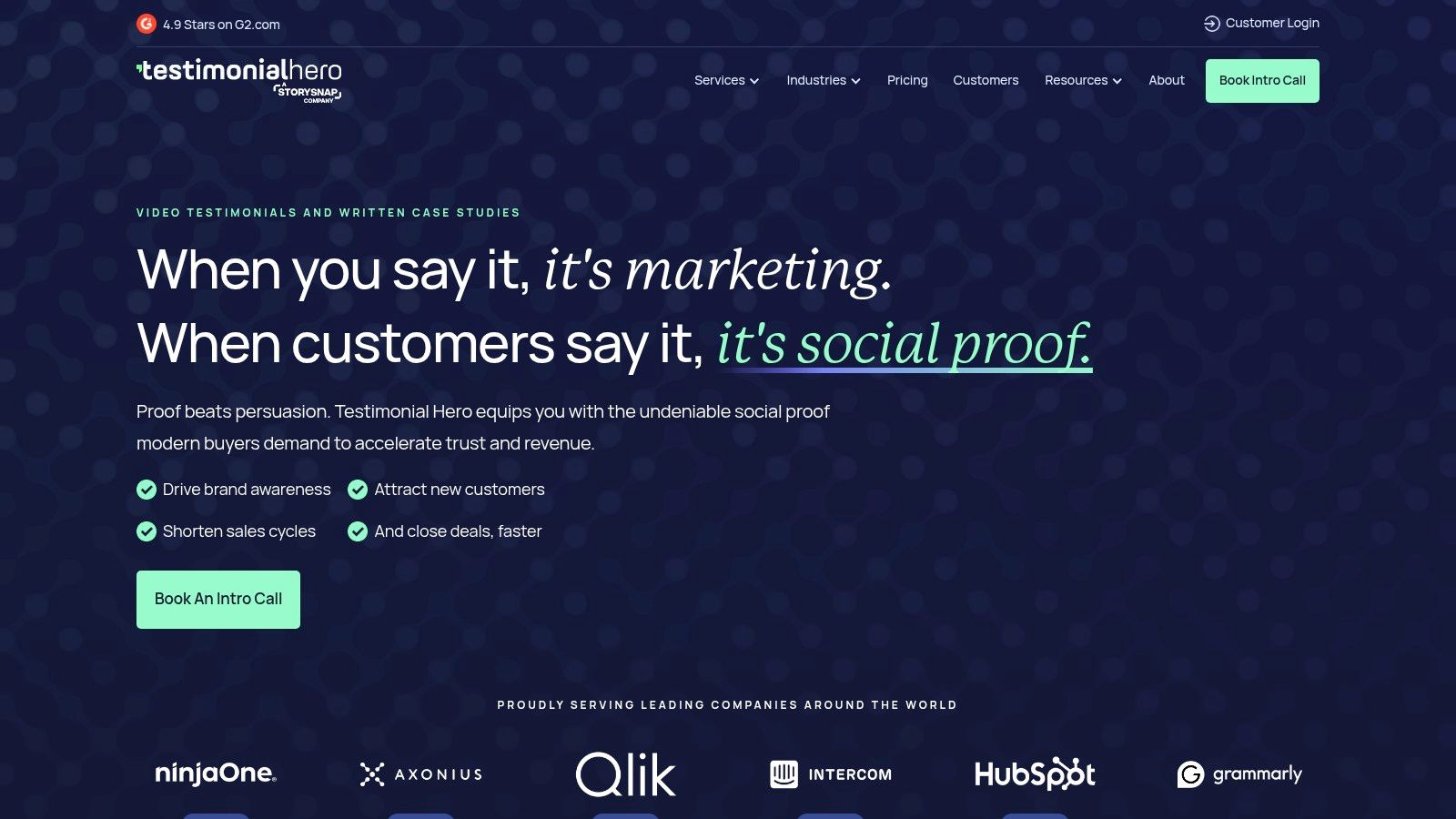
Testimonial Hero fits teams that already know customer stories matter but don't want to run production themselves. They handle strategy, filming, editing, and written case study support, which makes them a practical choice when internal marketing is already stretched.
This is the option I'd shortlist when the primary challenge isn't collecting praise. It's getting customer proof into a polished, publishable format that sales, demand gen, and social teams can all use without chasing edits for weeks.
When premium production is the real bottleneck
A strong client success story needs more than a nice interview. It needs a clear problem, a documented solution, and a result section that is substantive. Structured client success stories with quantifiable metrics correlate with a 67% increase in conversion rates for B2B companies, and stories with concrete statistics are 3.5 times more likely to be shared across social channels, according to this analysis of measurable case study performance.
That's where a service-heavy provider like Testimonial Hero makes sense. Their model is built for companies that want both polished video and written proof assets, not just a clip repository.
Practical rule: If your team delays case studies because nobody owns scripting, interviews, editing, and approvals, outsourcing usually beats buying another self-serve tool.
A simple repurposing template for a Testimonial Hero-style story:
- Carousel: Lead with the result headline, then show challenge, approach, proof, and CTA.
- Short video: Open with one customer sentence that names the problem, then cut to the measurable outcome.
- Quote card: Pull one sentence that combines emotion and outcome, not praise alone.
Their trade-off is straightforward. You're paying for hands-on execution, so it's better for teams with a real content budget than for solo operators. If you're shaping a broader B2B content strategy, that trade can be worth it because the output is usually ready for website, paid social, and sales decks without extra cleanup.
Direct site: Testimonial Hero
2. UserEvidence
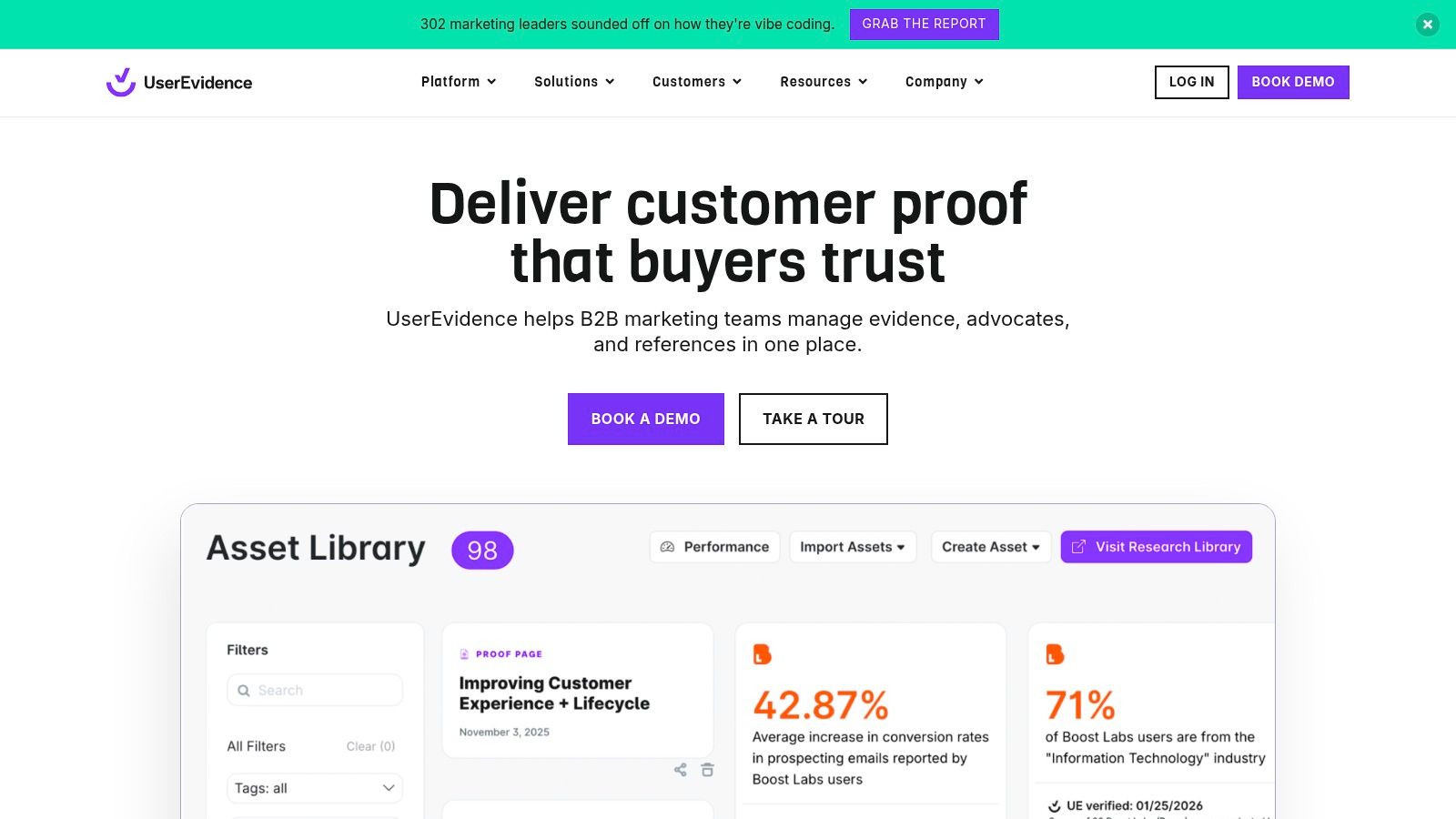
UserEvidence approaches client success stories like a system, not a campaign. That difference matters. Many teams can produce one or two case studies a quarter, but they still struggle to capture proof consistently across launches, renewals, sales collateral, and executive content.
This platform is strongest when marketing and customer success both need access to verified customer proof. Surveys, call analysis, asset management, and distribution workflows make it feel closer to an evidence library than a testimonial widget.
Best when you need an evidence engine, not a one-off story
If your team serves a complex B2B audience, governance matters. Data shows 78% of B2B buyers distrust case studies that lack third-party validation or specific metrics about the client's own growth trajectory, while 65% of published stories omit the client's pre- versus post-participation revenue or efficiency data, according to this analysis of underused client story assets. UserEvidence is built around solving that trust gap.
It also helps answer a practical question that marketers often ignore. Which proof assets are sales using, and which ones influence buying conversations?
What works well here:
- Centralized proof: Quotes, mini-stories, metrics, and highlights live in one place.
- Distribution support: Teams can push assets into platforms like Salesforce and Seismic.
- Measurement: You can connect asset usage with downstream reporting instead of guessing which stories matter.
The teams that get the most from UserEvidence don't wait for “perfect” flagship case studies. They capture smaller pieces of proof continuously and turn them into reusable story blocks.
For repurposing, I'd use this sequence: pull one validated stat into a LinkedIn graphic, turn the customer challenge into a text post, then build a short sales one-pager from the same source material. That's especially useful for firms working through professional services marketing, where buyers often need several layers of trust before they book a call.
The downside is that it's sales-led and likely overkill for low-volume teams. If you only need a simple wall of testimonials, this is more infrastructure than you need.
Direct site: UserEvidence
3. Testimonial (testimonial.to)
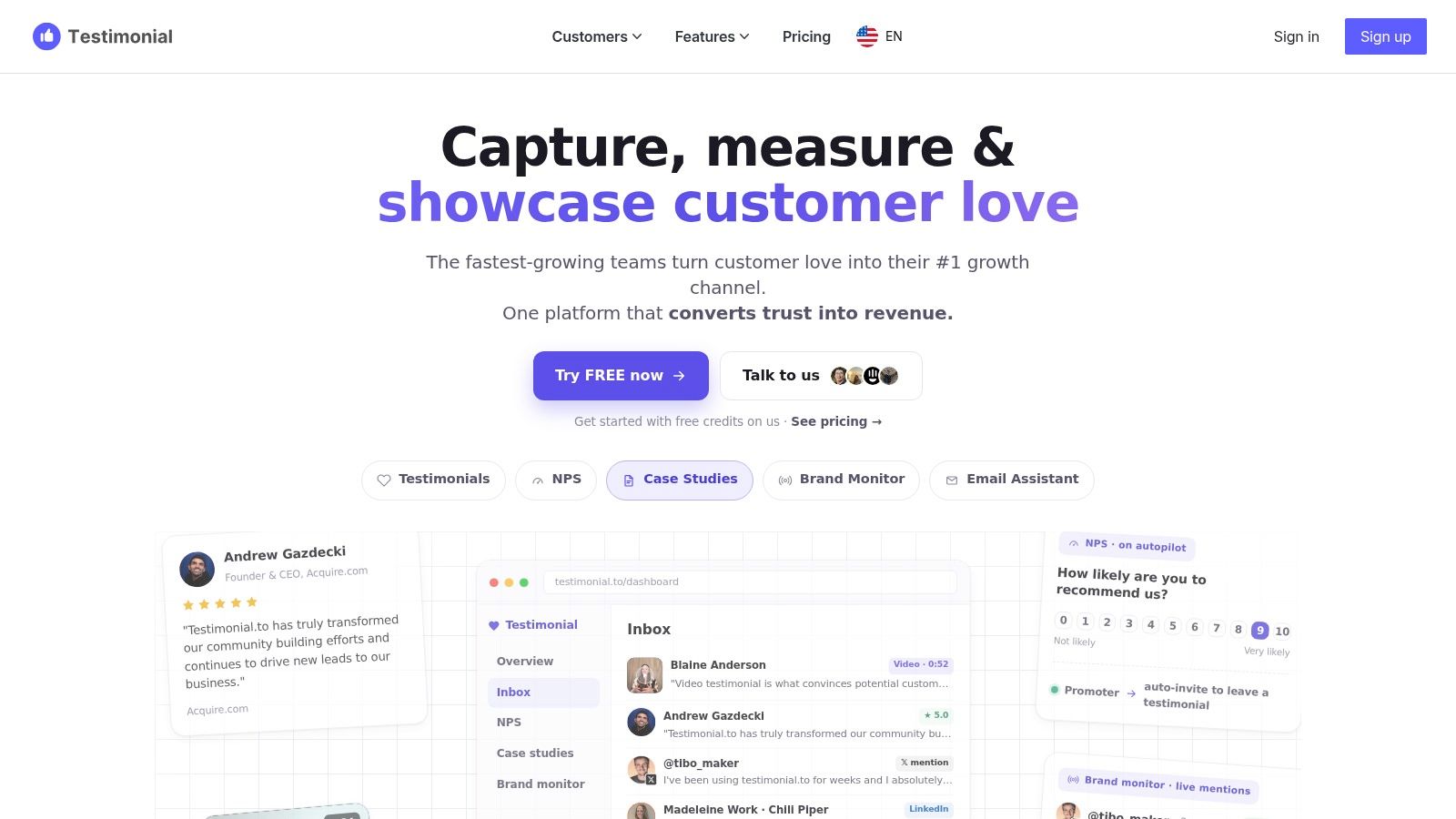
Buyers trust specific customer outcomes more than generic praise. That is why Testimonial works well for small teams that need publishable proof fast, without waiting on a full case study production cycle.
The product is strongest when speed matters. You can collect text and video responses through a shareable link, publish a Wall of Love, and embed proof across your site without developer support. If your customer evidence is scattered across inboxes, Slack threads, call transcripts, and screenshots, that alone saves time.
Best for turning scattered quotes into reusable story assets
The built-in AI tools and case study generator help with formatting, but the quality still depends on the prompt. Self-serve platforms make collection easier. They do not fix weak inputs.
I use a tighter intake structure here:
- Question 1: What problem were you trying to solve?
- Question 2: What had you already tried, and why did it fall short?
- Question 3: What changed after using the service?
- Question 4: What result, metric, or workflow improvement mattered most?
Those four questions do more than fill a testimonial page. They give you the raw material for a LinkedIn carousel, a short customer quote card, and a 30-second founder video script. If you need ideas for distribution, this section pairs well with these LinkedIn post formats for repurposing customer proof.
That is the practical advantage here, and it is different from platforms built for heavier sales enablement. Testimonial is better suited to teams that need a visible proof library first, then want to reshape strong responses into lightweight client success stories for social and sales. A single answer about a reporting bottleneck or faster onboarding can become a website embed, a carousel slide, and a quote graphic with very little editing.
The trade-off is scope. Multi-brand setups can become expensive if each brand needs its own space, and some of the more advanced options sit in higher pricing tiers. Teams that need deeper workflow reporting or tighter sales system integration may outgrow it.
Ask for outcomes, not compliments. “They were great to work with” fills space. “We cut review time from three days to one afternoon” gives you something you can publish, repurpose, and sell with.
If the immediate goal is to build a public proof hub and turn customer answers into social-ready assets, Testimonial is a clean solution for gathering social proof.
4. Vocal Video
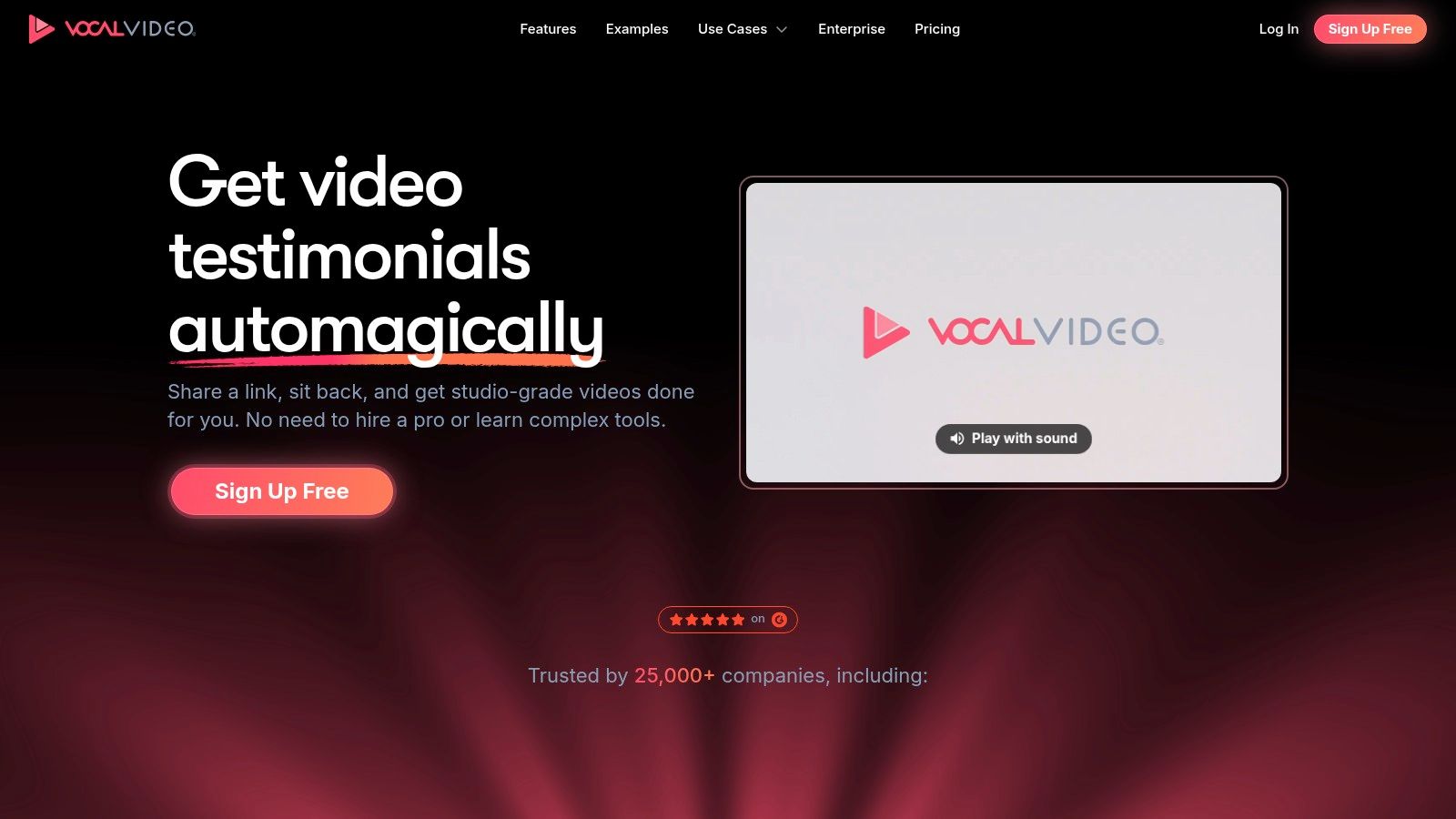
Video testimonials keep getting more space in B2B buying journeys because they show tone, confidence, and specificity in a way static quotes often cannot. Vocal Video is useful for teams that need that proof without running a full production process.
The setup is practical. You send guided prompts, customers record on their own time, and the platform handles subtitles, branded layouts, light editing, and publishing. That makes it a strong fit for distributed customer bases, especially when asking for a live interview would add too much friction and kill response rates.
What I like here is speed. A customer can record a strong answer in a few minutes, and that same response can feed several formats right away if the prompts are written well.
Best for turning customer clips into repeatable content
Vocal Video works best when the goal is not just to collect praise, but to capture usable story parts. Ask for a before state, a change, and a result. That gives you material you can cut into a carousel, a short vertical video, and a quote card without forcing the customer to retake anything.
A practical prompt sequence looks like this:
- Before: “What problem were you trying to fix before you found us?”
- Change: “What changed in your process, team, or output after implementation?”
- Outcome: “What result stands out most now?”
- Fit: “What kind of company or team would get the most value from this?”
That structure is what makes the platform more than a collection tool. One 45-second answer can become slide one of a social carousel, a 20-second clip for LinkedIn, and a single-sentence proof graphic for sales follow-up. If you are building a publishing rhythm, these LinkedIn post ideas built for repurposing customer proof pair well with short testimonial clips.
There is a trade-off. Self-recorded video is fast, but it is only as good as the guidance behind it. Loose prompts produce vague answers. Weak lighting, bad audio, and long-winded responses also create more editing work than teams expect. If brand presentation matters a lot, someone still needs to review clips, trim aggressively, and pull out the strongest outcome statement.
The free plan can also feel tight once volume increases. Watermarks, export limits, and processing caps are manageable for testing, but active marketing teams will hit those limits quickly.
For companies that want a clear case breakdown and immediate social repurposing options, Vocal Video is a solid middle ground. It will not replace a high-end customer story interview. It does make it much easier to collect credible video proof and turn it into publishable assets fast.
Direct site: Vocal Video
5. Boast
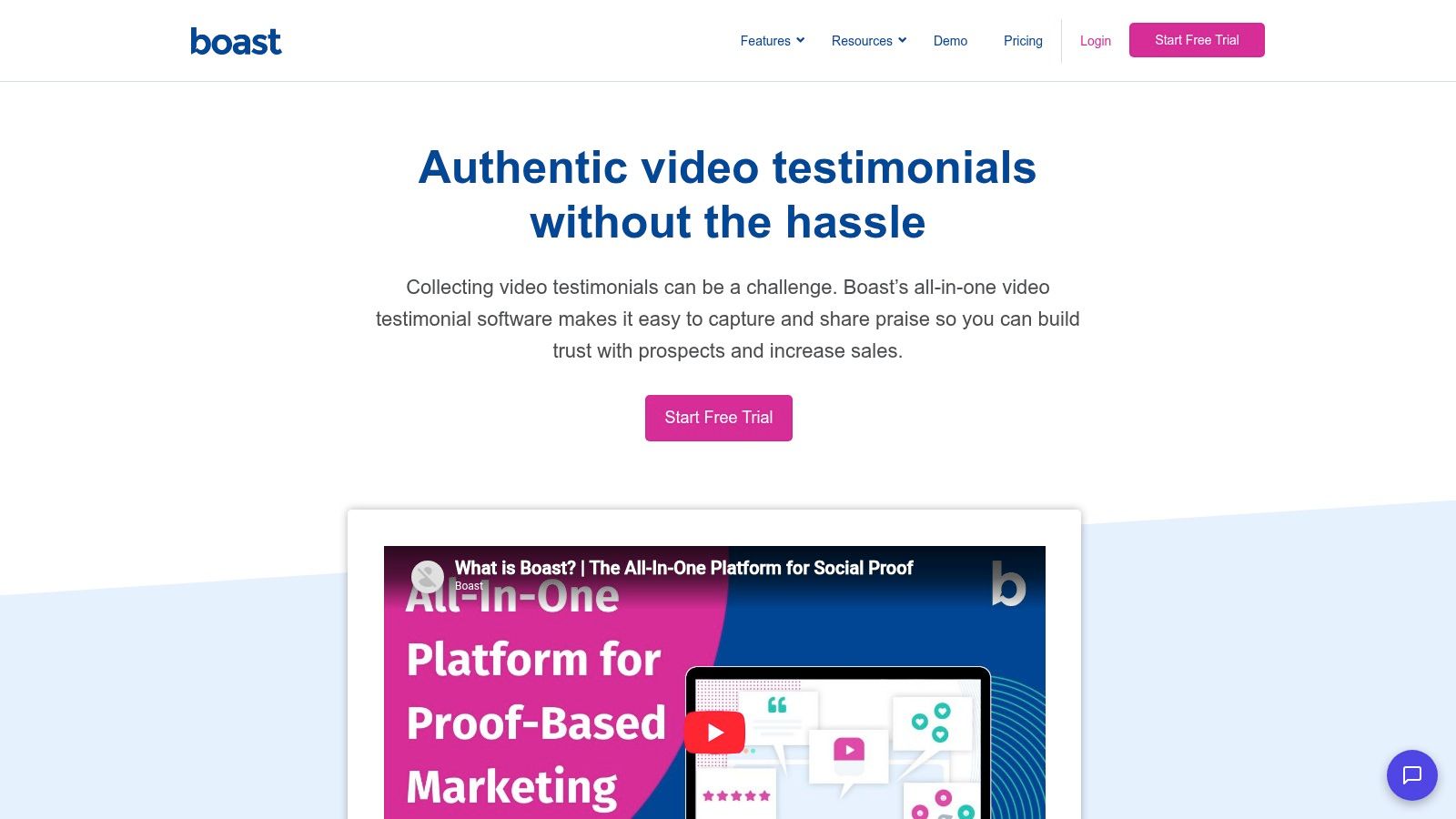
Boast is useful when testimonial collection depends more on follow-up than on storytelling. Some teams already know what they want to ask. Their problem is getting busy customers to respond after the first request.
Boast helps with that through automated email and SMS sequences, submission forms, downloadable videos, and embeddable widgets. That mix makes it especially practical for brands with multiple locations, teams, or service lines.
Useful when follow-up is half the battle
This is one of those tools where operations matter as much as content. If your review and testimonial requests happen inconsistently, automation can improve output quality because more customers complete the process.
I like Boast for teams that need:
- Consistent outreach: Automated requests and reminders reduce manual chasing.
- Flexible collection: Text and video responses both work.
- Multi-user support: Helpful when several staff members request and manage proof.
A good Boast workflow starts right after the win, not months later. Send the request when the result is fresh. Then ask one question about the problem, one about the experience, and one about the outcome. That gives you enough substance to create a quote graphic, website widget, and short email proof block from the same submission.
The trade-off is quota management. If you're running this across several brands or locations, you need to watch storage and response limits closely. Otherwise the low-friction setup can turn into avoidable plan upgrades.
Field note: Teams often over-collect praise and under-collect specifics. A shorter request with sharper prompts usually produces better client success stories than a long questionnaire.
Direct site: Boast
6. Senja
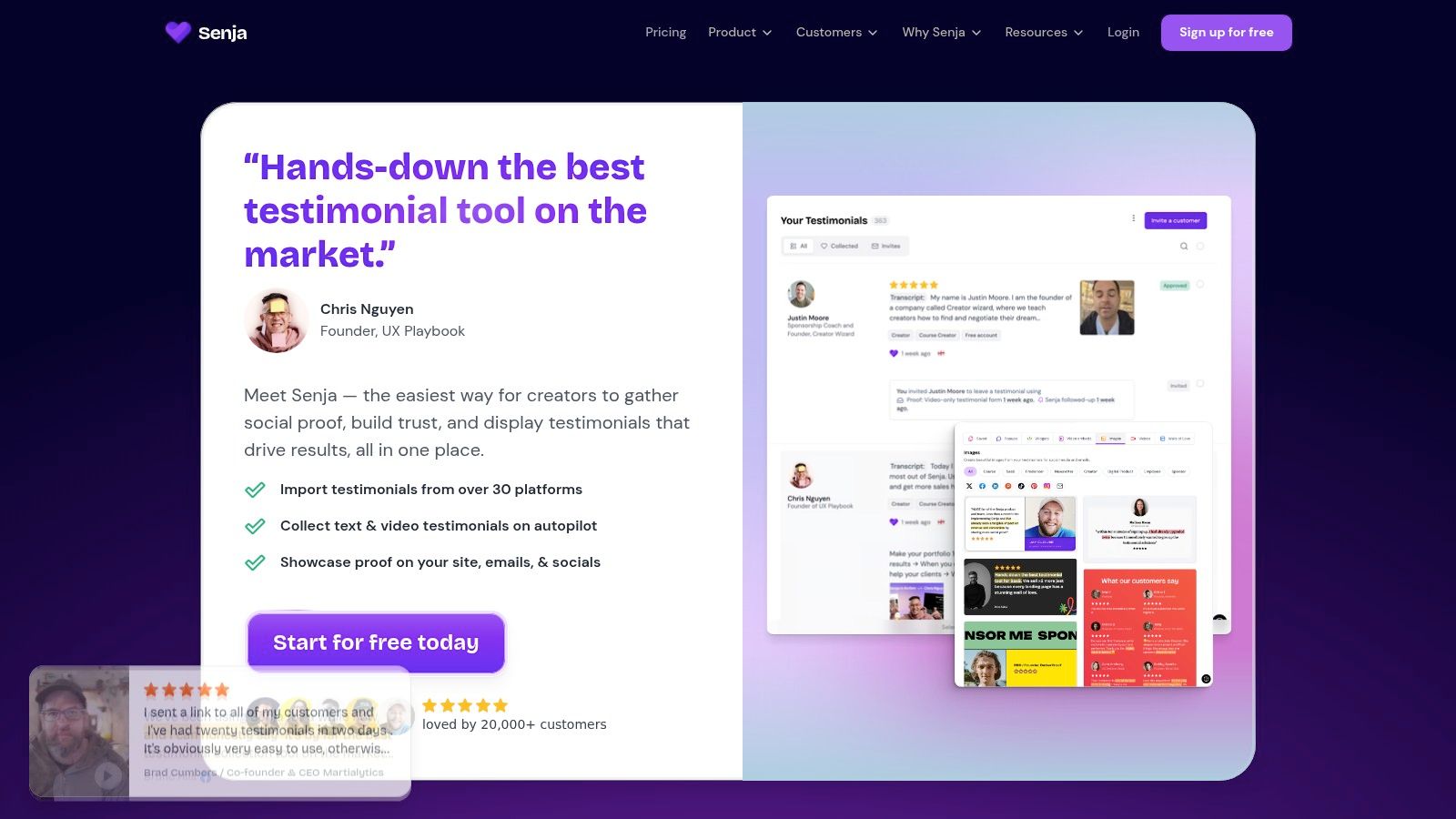
Senja is the lightweight option I'd pick when speed, ease, and budget control matter most. It's straightforward to collect testimonials, import social proof, publish widgets, and create simple visual outputs without much setup.
That makes it a good fit for solo consultants, creators, and lean service businesses. You can start with the free tier, test layouts quickly, and figure out which testimonials deserve to become fuller client success stories later.
Best lightweight option for quick deployment
The strongest part of Senja is how little friction it adds. Unlimited widgets and Walls of Love make it easy to test placement across landing pages, services pages, and resource pages. That's useful because proof often works better when it appears next to a decision point, not hidden on one testimonial page.
There's also a smart repurposing angle here. Data shows that 92% of marketers now use AI to generate social content from long-form assets, yet only 12% document how to adapt case studies for TikTok and Instagram while maintaining brand consistency and legal compliance, according to this analysis of ethical platform-specific repurposing gaps. Senja won't solve compliance strategy by itself, but it does make it easier to turn customer quotes into visual assets you can then review and adapt.
For immediate use, try this micro-content stack:
- Quote card: One specific line about the outcome.
- Carousel: Slide 1 result, slide 2 challenge, slide 3 solution, slide 4 customer quote, slide 5 CTA.
- Short reel script: Read the customer's problem statement over screenshots or B-roll.
Senja's limits are predictable. The free plan caps testimonial volume and includes branding, and larger teams may need paid seats. But for quick validation and fast website proof, it's one of the easiest tools to put into motion.
Direct site: Senja
7. Uplift Content
Uplift Content is a boutique agency built around B2B SaaS case studies and related long-form assets. If your audience expects polished, research-informed customer stories and your internal team doesn't have the writing depth to get there consistently, this is the kind of specialist partner worth considering.
Their advantage isn't just writing quality. It's familiarity with SaaS buyers, approvals, and the kinds of details that make a customer story useful beyond the blog itself.
A specialist choice for SaaS teams that need polished narrative work
A lot of client success stories fail because they stop at Challenge, Solution, Result and never become a distribution asset. That's a missed opportunity. Implementing a systematic content repurposing workflow that extracts 5 to 7 derivative assets from every long-form piece and schedules distribution over 2 to 4 weeks typically yields a 25% to 40% increase in organic site traffic and saves teams 10 to 20+ hours per week in content creation time, according to this guide to repurposing workflows and content audits.
That's why Uplift Content stands out when paired with a strong social distribution process. A detailed SaaS case study can feed:
- A founder post with the before-and-after insight
- A carousel built around problem, rollout, and result
- A short email for bottom-funnel nurture
- A sales slide with one proof point and one customer quote
The downside is cost and timing. Agency work is still constrained by customer interviews, reviews, and approvals. But if your team needs dependable narrative quality and buyer-relevant framing, that trade is usually easier to defend than assigning case studies to whoever has time this month.
Direct site: Uplift Content
7-Platform Client Success Story Comparison
| Solution | Implementation Complexity 🔄 | Resource Requirements ⚡ | Expected Outcomes ⭐📊 | Ideal Use Cases 💡 | Key Advantages ⭐ |
|---|---|---|---|---|---|
| Testimonial Hero | High, agency-managed workflows, on-site scheduling and editorial coordination | High, agency pricing; best value with annual credit commitments; minimal internal production needed | Premium multi-format customer stories (video + written) for sales and social | Companies wanting turnkey, high-quality customer stories without building in-house production | Full-service production and editorial quality; multichannel deliverables |
| UserEvidence | Medium–High, platform setup, governance, and integrations required | Moderate–High, sales-led implementation; best for teams with steady customer volume | Scalable, measurable evidence engine with asset usage and impact analytics | B2B teams operationalizing proof for launches, sales enablement, and reporting | Governance, central library, integrations and analytics for ROI tracking |
| Testimonial (testimonial.to) | Low, no-code embeds and simple shareable collection links | Low, tiered pricing including free; advanced features on higher plans | Quick social-proof hub; collected video/text testimonials and AI-assisted case studies | Small teams seeking easy embeds and automated testimonial collection | Fast setup, automation (invites/monitoring), AI helpers, transparent plans |
| Vocal Video | Low–Medium, self-serve request campaigns and automatic edits | Low–Moderate, free tier limits; paid plans for higher processing and downloads | Scalable video testimonials with auto-editing, transcription and subtitles | Distributed customer bases that need scalable video capture without crews | End-to-end capture→edit→publish workflow; multilingual subtitles and templates |
| Boast | Low–Medium, forms, automated sequences, and multi-location config | Moderate, quotas for storage/response; may need plan upgrades for scale | Managed testimonial and review collection with embeddable widgets and downloads | Agencies or brands with multiple locations balancing testimonials and feedback | Automated email/SMS sequences, multi-location support, clear plan comparisons |
| Senja | Low, quick setup with widgets, imports and ready templates | Low, generous free tier; paid for advanced analytics and teams | Fast-deployed walls/embeds and social-proof highlights for web/social | Teams needing budget-friendly, fast social proof and frequent iteration | Generous free plan, unlimited widgets/walls, simple monthly pricing |
| Uplift Content | High, agency-led interviews, writing, approvals and tailored frameworks | High, boutique agency fees and coordination; suited to teams with budget | Purpose-built B2B SaaS case studies and long-form assets with consistent voice | B2B SaaS companies wanting strategic, polished long-form customer stories | Deep SaaS focus, repeatable frameworks, research-backed content quality |
Next Steps Amplify Your Testimonial Strategy
The best client success stories do two jobs at once. They prove that your work delivers results, and they give you raw material for a steady stream of social and sales content. That second part is where many teams still underperform. They publish one polished story, promote it once, and move on.
That leaves a lot of value unused. Expert case study methodology calls for parsing customer data for granular metrics like revenue impact, time saved, cost reduction, efficiency gains, and customer satisfaction scores, then tagging all derived content with a unified campaign identifier so teams can track cross-channel performance, as outlined in this case study repurposing methodology guide. In practice, that means every story should be built with reuse in mind from the start.
One practical way to work is to test tools side by side based on your real bottleneck. If you need premium production, compare Testimonial Hero and Uplift Content. If you need structured proof collection and governance, look at UserEvidence. If you need quick collection and embeds, Testimonial, Senja, Boast, or Vocal Video will get you moving faster.
The template side matters just as much as the tool side. For each new story, create a basic package immediately after approval: one website version, one result-first carousel, one short video or talking-point script, one quote card, and one sales-ready excerpt. That simple bundle keeps the story alive long after the original publish date.
If you already have long-form case studies, interviews, or customer call transcripts, it also helps to schedule the derivative content instead of posting it manually. That's where a tool like WaveGen.ai can fit. It's a content distribution system designed to turn a source asset into platform-specific social content, which is useful when you want to keep client success stories active across LinkedIn, Instagram, TikTok, YouTube, and Facebook without rebuilding each asset from scratch.
The main goal is simple. Stop treating client success stories as static proof pages. Treat them as reusable campaign assets. If you do that consistently, your testimonials start pulling weight in awareness, consideration, and sales conversations at the same time. For a related visual storytelling angle, this contractor before after marketing guide shows how transformation-based proof can be packaged for promotion.
If you already have case studies, testimonials, podcast interviews, or customer call transcripts, WaveGen.ai can help turn them into carousels, short videos, quote cards, and captions you can publish across channels without rebuilding each asset by hand.
client success stories
case study examples
testimonial tools
social proof
content repurposing
Turn this kind of writing into a week of social content.
Paste a blog post, newsletter, or rough draft — WaveGen turns it into publish-ready carousels, captions, and slideshows for every channel.
No credit card · First posts in 2min