July 28, 2026
17 min read
10 Best Free Social Media Schedulers for 2026
Find the best free social media scheduler for your needs. We compare 10 top tools on features, limits, and ideal use cases to save you time in 2026.

Stop posting manually when your queue is already late and your ideas are still scattered across notes, drafts, and screenshots. That's usually the moment a free scheduler stops being a nice-to-have and becomes the tool that keeps your publishing habit alive. The catch is that free in this category rarely means unlimited. Most tools now sit somewhere between useful and clearly capped, which is why the best free social media scheduler depends on your platforms, your volume, and how much workflow friction you can tolerate.
A good scheduler should let you plan ahead, publish automatically, and keep you from logging into every platform one by one. That shift from manual posting to automated multi-platform publishing is the key reason schedulers matter in 2026, especially for beginners, solo creators, and small teams who need consistency more than complexity, as Buffer's scheduling overview explains in its market context Buffer's scheduling tools overview. The right free plan is not the one with the longest feature list. It's the one that still works once you've hit a real weekly publishing rhythm.
Table of Contents
- 1. Buffer
- 1. Buffer
- 2. Publer
- 4. Pallyy
- 4. Pallyy
- 6. Social Champ
- 6. Social Champ
- 7. Metricool
- 8. Fedica
- 9. Typefully
- 10. Meta Business Suite
- Top 10 Free Social Media Schedulers Comparison
- Your Next Step Start Scheduling and Save Time
1. Buffer
Buffer is often the first scheduler people try because it removes friction fast. It covers 11 social media platforms, including Facebook, Instagram, TikTok, LinkedIn, Threads, Bluesky, YouTube Shorts, Pinterest, Google Business Profile, Mastodon, and X, so it suits creators and small teams that need broad reach without a messy setup Buffer free platform coverage.
A free plan like this helps most when your biggest problem is consistency, not complexity. If you are still learning how to schedule social media posts, the basics matter more than advanced extras, and a clear walkthrough such as how to schedule social media posts can help you set up a simple routine before you start comparing every feature.
Why Buffer works for beginners
Buffer's main advantage is the workflow. The interface stays clean, the queue is easy to scan, and the free plan is commonly described as beginner-friendly because it keeps publishing simple instead of piling on tools you will not use right away Buffer beginner-friendly positioning. That is a good fit if you want to build a steady posting habit without turning scheduling into a second job.
Practical rule: Buffer works best when you need one tool to keep a few channels moving on a reliable schedule, not when you need deep collaboration or advanced reporting.
The limits show up quickly if your posting volume grows. Buffer's free plan is described as free forever for 1 user and 3 channels, with 10 scheduled posts per channel on the free tier, so it can handle a light cadence but starts to feel tight once you batch content, add more platforms, or manage multiple brands Buffer free plan limits. That ceiling matters for small businesses and solo creators alike, because a plan that feels roomy in week one can become restrictive once your content system settles into a real rhythm.
For creators focused on a small number of profiles, Buffer is still a sensible place to start. For anyone who needs more room to plan ahead, coordinate a team, or keep one calendar for several brands, the free plan is more of a testing ground than a long-term home.
1. Buffer
Buffer is still the easiest place to start if you want a scheduler that doesn't fight you. Its free offering is described as supporting 11 social media platforms, including Facebook, Instagram, TikTok, LinkedIn, Threads, Bluesky, YouTube Shorts, Pinterest, Google Business Profile, Mastodon, and X, which is a strong fit for creators who need broad coverage without a complicated setup Buffer free platform coverage.
Why Buffer works for beginners
The strength here is the workflow. Buffer's clean interface makes the queue feel manageable, and the free plan is positioned as beginner-friendly in multiple roundups because it keeps the publishing process simple rather than trying to do everything at once Buffer beginner-friendly positioning. That matters if you're trying to establish a consistent posting habit instead of building a full marketing ops stack.
Practical rule: Buffer is best when you need one tool that helps you publish steadily across a few important channels, not when you need deep collaboration or advanced reporting.
The limits are real, though. Buffer's free plan is described as free forever for 1 user and 3 channels, with 10 scheduled posts per channel on the free tier, so it works well for a lightweight cadence but can feel tight once you start batching content or managing multiple brands Buffer free plan limits. That's where people usually hit the wall first, not because the tool breaks, but because the cap arrives fast.
A strong fit if you want to start on day one with a simple publishing routine. The browser extension, mobile apps, queue workflow, and basic analytics make it easy to get content into motion without overthinking the setup Buffer product site.
2. Publer
Publer suits people who want more creation help before they move to a paid system. Its free plan includes 3 social accounts, excludes X/Twitter on Free, and allows 10 scheduled posts per account on a rolling basis, which is enough room to test a real workflow without paying right away Publer free plan details.
Where Publer is more generous than it looks
The useful part is in the details. Publer's free tier includes network-specific customization, a Canva button, a built-in photo editor, link shorteners, UTM support, drafts, and a calendar view, so it works as a light content workspace as much as a posting queue Publer feature set. That is practical if you draft inside the scheduler and want to avoid bouncing assets between tools.
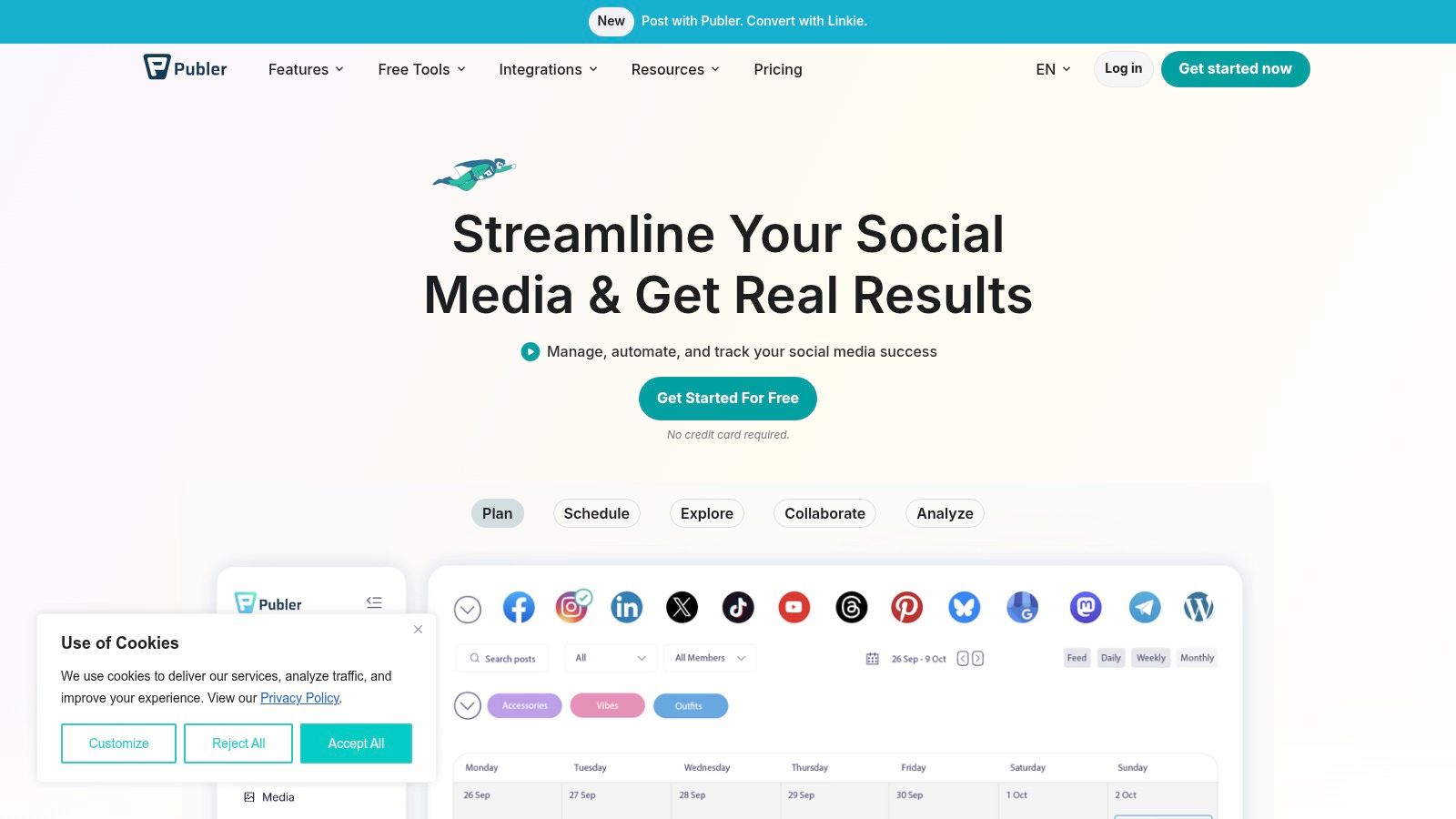
The limits matter just as much. X/Twitter publishing requires a paid plan, and the published-post history on Free is limited to 24 hours, so Publer works for active scheduling but gives you very little room for reporting or audits Publer limitations.
Publer makes the most sense when your daily problem is publishing content, not analyzing it.
That makes it a solid choice for visual creators and small businesses that want a polished free scheduler with a few practical extras. It is more capable than many free tools, but it still stops short of an all-access plan Publer website.
4. Pallyy
Pallyy fits creators who plan around visuals first. The free tier gives you 1 Social Set and 15 scheduled posts per month, so the scope stays tight, but it still covers the basics if you are building a brand with a strong visual identity.
Visual planning without the clutter
The main draw is clear as soon as you use it. Pallyy's grid-style planning works well for Instagram and TikTok workflows, and the interface keeps visual scheduling simple instead of overwhelming you with extra settings. If your priority is keeping a feed coherent, that focus matters.
The free limits are easy to understand, and that helps you decide quickly whether it fits. A 15-post monthly cap is fine for light publishing, but it will run out fast if you manage a busy content calendar, and the social inbox plus approvals sit behind the paid plan. If you need team review, client approval, or a shared response workflow, the free version will feel restrictive sooner than you expect.
For creators who plan content before they post it, this social content planning guide is a useful complement to Pallyy's visual-first workflow.
Best use case: Pallyy works best when your job is making a feed look intentional, not running a high-volume multi-client operation.
That makes it a strong free scheduler for creators, solo brands, and small businesses that care more about visual presentation than collaboration depth. The trade-off is plain. You get a clean planning tool, but not much room to scale before you hit the free-plan wall.
4. Pallyy
Pallyy is for creators who think in grids, previews, and visual rhythm. Its free tier gives you 1 Social Set and 15 scheduled posts per month, which keeps the scope intentionally small but still useful if you're curating a visual brand Pallyy free tier.
Visual planning without the clutter
The advantage is obvious once you open it. Pallyy's grid-style planning is comfortable for Instagram and TikTok workflows, and the interface is designed to make visual scheduling feel straightforward rather than technical Pallyy product positioning. That's a real benefit if you're trying to keep a feed coherent and don't want a tool buried in menus.
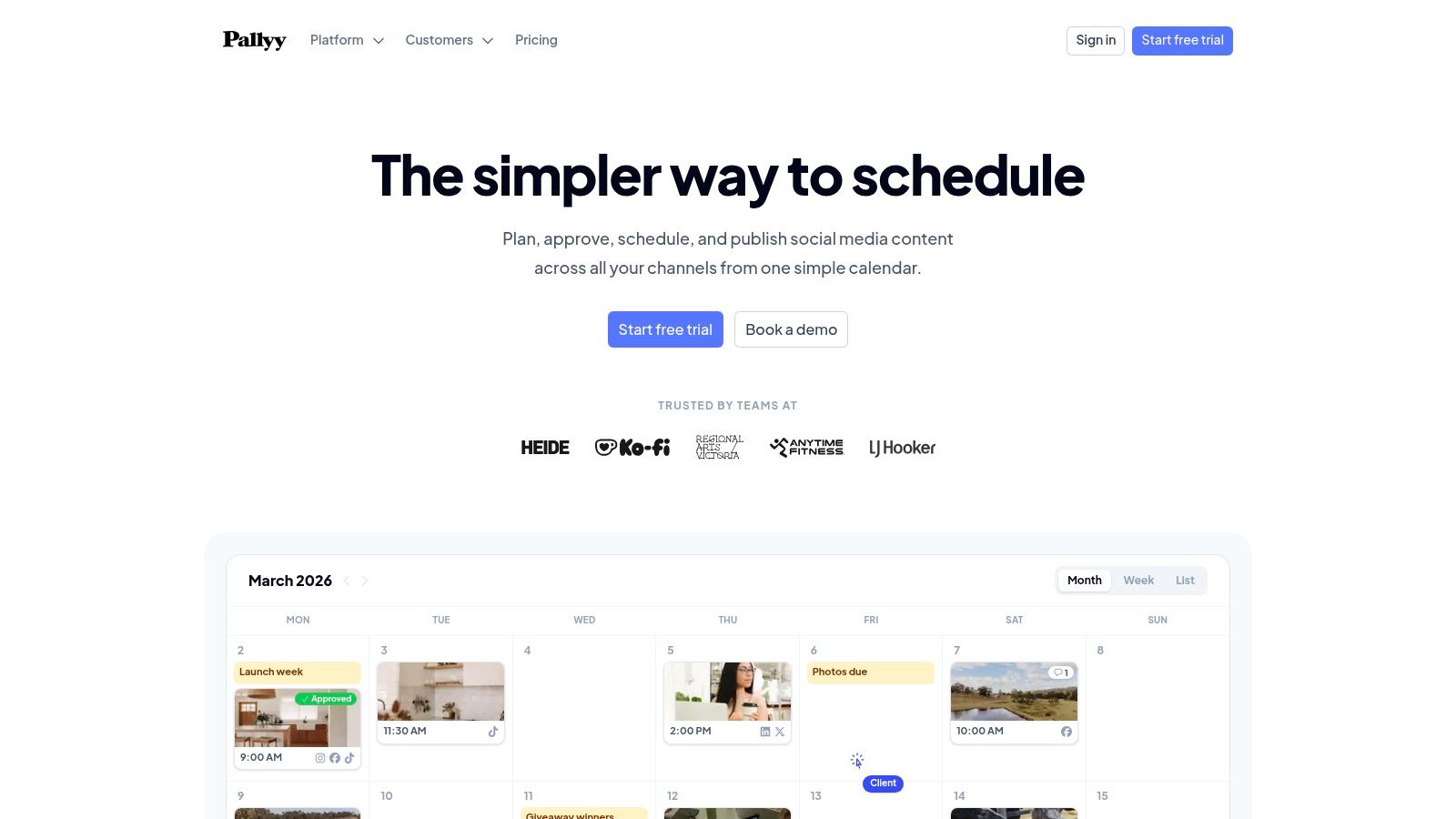
The free limits are clear, and that clarity is part of the appeal. A 15-post monthly cap is enough for light publishing, but it's not enough for a high-volume content calendar, and the social inbox plus approvals are paid-only features Pallyy free plan limits. If you need team review or a shared response workflow, you'll outgrow the free plan quickly.
Best use case: Pallyy is strongest when your main job is making a feed look intentional, not managing a busy multi-client operation.
That's what makes it a good free scheduler for grid-first creators, small visual brands, and anyone who wants a clean place to test a recurring Instagram or TikTok cadence. The price of that simplicity is obvious, but for the right user, it's worth it Pallyy website.
6. Social Champ
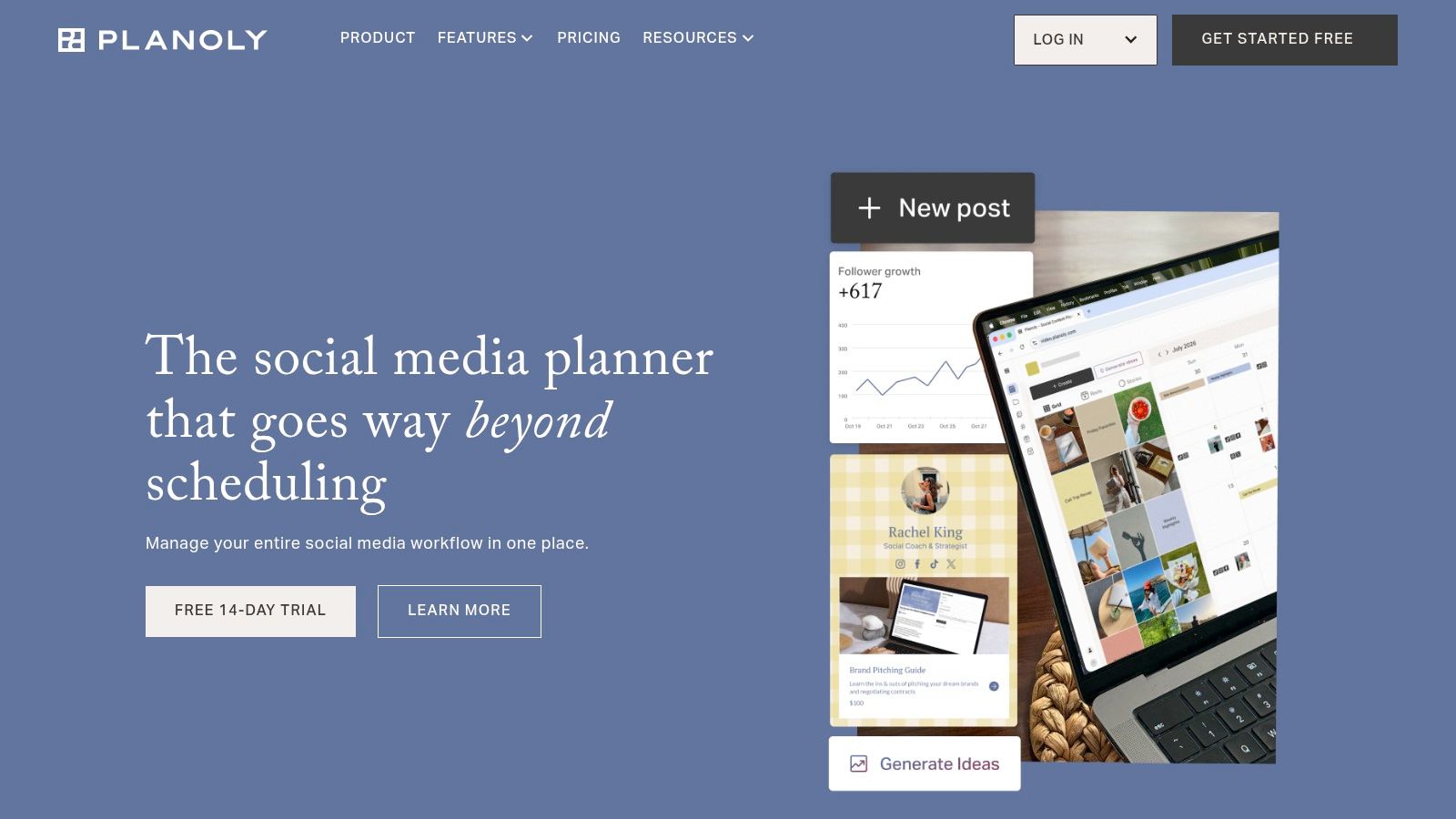
Social Champ sits between lightweight schedulers and fuller suites. Its free plan includes 3 social accounts, 1 user, and up to 15 scheduled posts per profile, plus a calendar view and basic queueing Social Champ free plan.
A practical starter plan for lightweight publishers
That setup is easy to judge against real workload, which matters more than glossy feature lists. Some free tools hide their limits until you've already built a workflow around them, but Social Champ's caps are straightforward enough to assess early. It also offers RSS auto-posting, though that feature may depend on the plan, so it's better treated as a nice extra than the main reason to choose it.
The value is in the upgrade path. Social Champ has higher-capacity plans and agency-style options, which matters if you expect to start solo and later move into a small team workflow Social Champ product site. The free plan itself is modest, but it gives you a sensible place to begin if you want to avoid switching tools too soon.
Advanced analytics, approvals, and larger queues are paid features, so the free tier works best for light publishers, solo creators, and small businesses that only need a basic scheduling routine. If your process depends on review steps or higher posting volume, you will feel the ceiling quickly. For readers comparing tools by how far the free tier really goes, WaveGen.ai's guide to social media scheduling apps is a useful next reference.
6. Social Champ
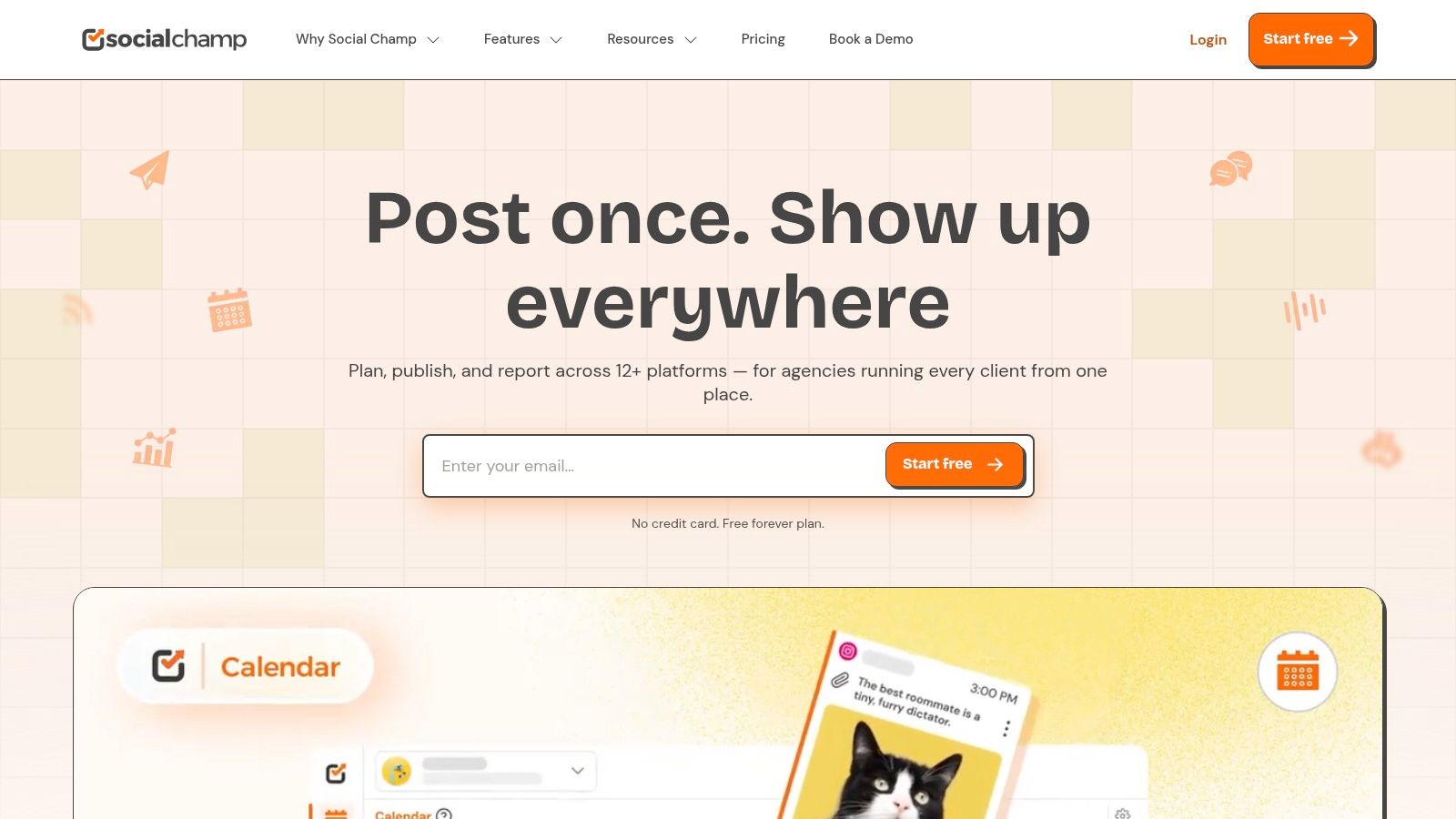
Social Champ sits in the middle ground between very simple tools and heavier suites. Its free plan includes 3 social accounts, 1 user, and up to 15 scheduled posts per profile, along with a calendar view and basic queueing Social Champ free plan.
A practical starter plan for lightweight publishers
That limit structure is easy to understand, which is underrated. A lot of free schedulers make you decode hidden caps, but Social Champ's free tier is clear enough that you can judge it quickly against your own workload Social Champ overview. It also offers RSS auto-posting, though feature availability varies by plan, so you should treat that as a bonus rather than the core reason to choose it.
The value here is that the upgrade path is sensible. Social Champ supports more capacity-oriented plans and agency-style options, which matters if you expect to move from solo publishing into a small team workflow later Social Champ product site. That doesn't make the free plan powerful on its own, but it does make it a decent place to start if you don't want to migrate tools too soon.
Advanced analytics, approvals, and larger queues are paid features, so the free plan is best viewed as a lightweight operational base. It's a reasonable choice when you need a straightforward scheduler that won't feel overbuilt on day one Social Champ website.
7. Metricool
Metricool is the strongest free choice for people who care about performance, not just getting posts out the door. Its free plan is described as free forever, includes 1 brand, 1 profile per supported network, 20 published posts per month from the planner, and 30 days of analytics history with a watermark, plus limited AI credits and basic competitor tracking Metricool free plan.
Analytics are the point
That setup changes how you use a scheduler. Instead of only checking whether a post went live, you can review the reporting layer and make better decisions about timing, format, and content mix Metricool analytics positioning. For solo marketers and small businesses, that often separates a simple posting habit from a content system that improves over time.
The free plan still has clear limits. The 20 posts per month cap works for a modest calendar, but it will not hold up for a brand that posts often or for anyone juggling several clients Metricool free limits. Some networks, integrations, and report exports are paid-only, so the free plan is better treated as a practical sampler than a full analytics suite.
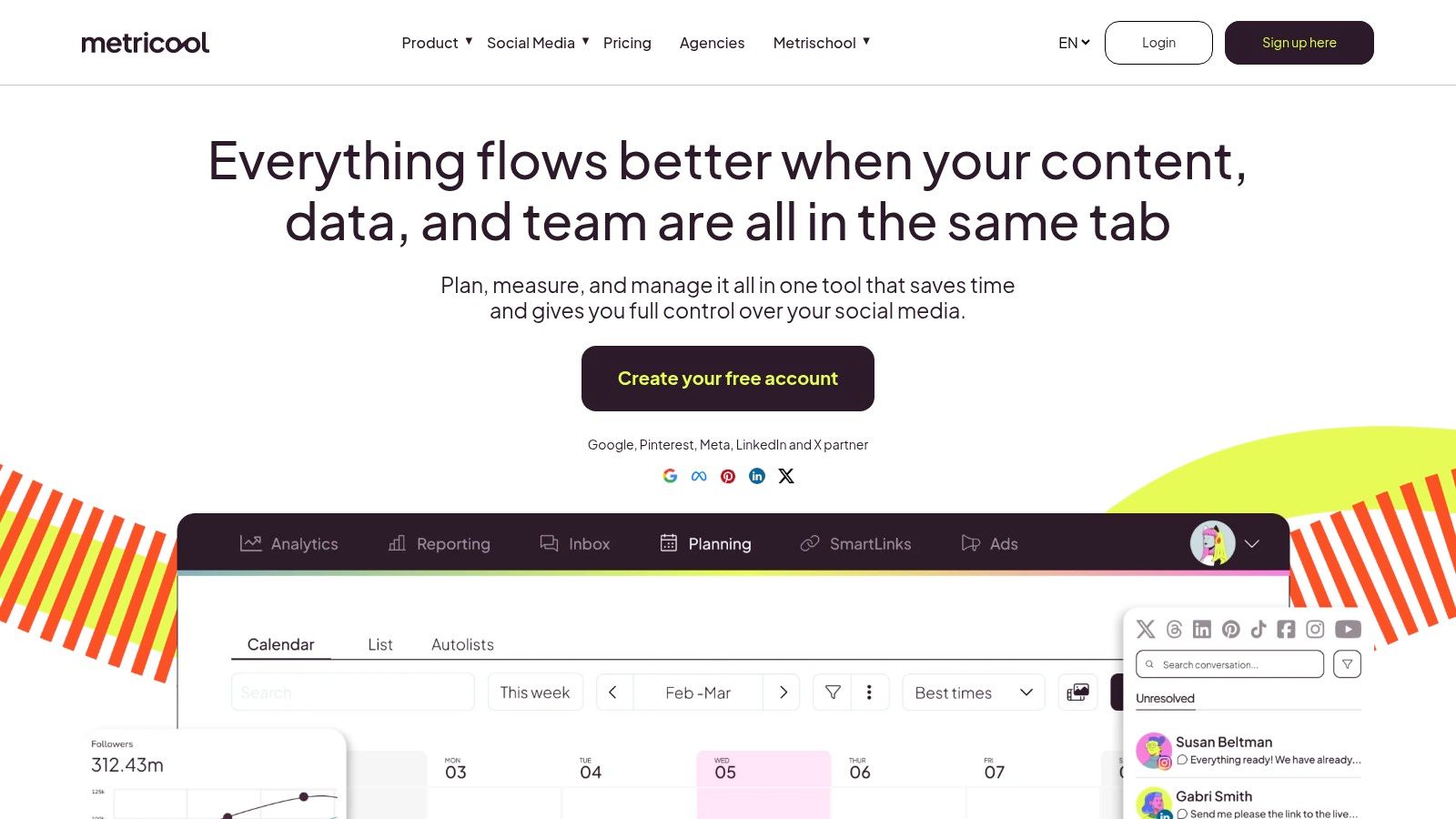
Practical rule: Choose Metricool when your real problem is not content creation, it's figuring out which content deserves more of your time.
That is why it stands out in a crowded free-scheduler category. It gives you enough planner access to stay consistent and enough reporting to learn from what you publish Metricool guide to scheduling apps Metricool website.
8. Fedica
Fedica stands apart because it puts audience timing and analytics ahead of a simple drag-and-drop queue. Its free access includes a defined free plan, multi-network composing, per-platform text tweaks, cross-posting, and timing intelligence based on audience activity Fedica platform overview.
When timing matters more than speed
Use Fedica if better posting times matter more than faster publishing. Its audience-activity focus and best-time-to-post intelligence give you a more strategic angle than basic queue-based schedulers, which is why analytics-driven users tend to like it Fedica positioning. Cross-posting with platform-specific text edits is a practical advantage too, because copying the same caption everywhere usually weakens performance.
The trade-off is that the free tier is harder to pin down in comparison roundups, and the more advanced analytics still sit behind paid plans Fedica free tier context. That makes it a better trial run than a long-term solution for teams that need predictable volume.
Fedica is not the most visual scheduler on this list, and that is fine. It suits people who want a data-informed way to decide when and how to publish, especially if they manage content across several platforms and want each one to feel customized Fedica website.
9. Typefully
Typefully is the most focused tool here, and that focus is exactly why it works. It's built around X, with a minimalist editor, thread composition, drafts, scheduling, best-time suggestions, and limited AI assistance on the free plan Typefully product site.
Best if X is your primary channel
If your strategy depends heavily on X, Typefully is one of the smoothest writing experiences available. The thread composer is the main draw, and it feels designed for people who care about phrasing, pacing, and sequence rather than broad multi-platform management Typefully overview. That makes it a strong companion for founders, writers, and marketers who use X as a primary distribution channel.
The limitation is obvious. Typefully is primarily focused on X, so it doesn't replace a general social scheduler if you need Facebook, Instagram, LinkedIn, and TikTok under one roof. Advanced analytics and automation are paid-only, so the free plan is best treated as a specialist writing and scheduling tool rather than a full social media command center.
A good way to think about it is this, Typefully handles the hard part of X publishing, the writing and threading, better than most broad schedulers do. If X is central to your content strategy, that specialization is worth more than extra network logos Typefully website.
10. Meta Business Suite
Meta Business Suite is the clearest answer if you only care about Facebook and Instagram. It is 100% free, first-party, and built to create and schedule posts and Reels for Facebook Pages and Instagram professional accounts Meta Business Suite.
The strongest free option inside the Meta ecosystem
For FB and IG publishers, this is hard to beat on trust and simplicity. The planner is native, the insights are native, and the notifications stay inside Meta's own system, so you don't have to manage a third-party connection just to keep your accounts moving Meta Business Suite overview. That reliability is a real operational benefit, especially for brands that publish heavily on these two networks and don't need cross-platform extras.
The limitation is just as clear. It only covers Facebook and Instagram, and bulk scheduling plus more advanced workflows are more limited than what third-party tools can offer Meta Business Suite limitations. If your strategy includes LinkedIn, TikTok, X, or YouTube, you'll need another tool alongside it.
For many small businesses, though, that narrow focus is the point. If your audience lives on Facebook and Instagram, Meta's own tool removes unnecessary friction and keeps the publishing workflow straightforward Meta Business Suite website.
Top 10 Free Social Media Schedulers Comparison
| Tool | Core features | UX/Quality (★) | Pricing/value (💰) | Target audience (👥) | Standout (✨🏆) |
|---|---|---|---|---|---|
| Buffer | Multi‑network scheduler, queue & calendar, browser/mobile, RSS/AI | ★★★★ | 💰 Free (10 posts/channel) → paid teams | 👥 Individuals & small teams starting consistent posting | ✨Very simple UX, reliable autopublish 🏆 |
| Publer | Flexible scheduler, visual calendar, built‑in editor, media integrations | ★★★★ | 💰 Free: 3 accounts, 10 posts/account; X requires paid | 👥 SMBs & social managers needing media tools | ✨Canva + link shortener + previews 🏆 |
| Zoho Social | Scheduler + basic reporting, mobile apps, integrates with Zoho suite | ★★★★ | 💰 Free forever: 1 brand, up to 6 channels | 👥 Single‑brand small businesses using Zoho | ✨Broad free network support 🏆 |
| Pallyy | Grid planning, visual scheduler, queueing, IG/TikTok focus | ★★★★ | 💰 Free: 1 social set, 15 posts/month | 👥 Visual creators / Instagram & TikTok-first users | ✨Strong grid planner & clean UI 🏆 |
| Planoly | Instagram‑origin visual planner, multi‑channel option, analytics | ★★★ | 💰 Free: 1 set, 10 uploads/month | 👥 Grid‑first Instagram creators testing multi‑channel | ✨Excellent IG feed mapping 🏆 |
| Social Champ | Calendar & queueing, RSS auto‑post, flexible upgrade paths | ★★★ | 💰 Free: 3 accounts, 15 posts/profile | 👥 Solo publishers & small-scale teams | ✨Flexible pricing (pay‑per‑profile) 🏆 |
| Metricool | Scheduling + analytics + competitor tracking, reporting focus | ★★★★ | 💰 Free: 1 brand, 20 posts/month, 30d analytics | 👥 Data‑oriented marketers & single brands | ✨Analytics‑first planner & competitor insights 🏆 |
| Fedica | Multi‑network composer, cross‑posting, best‑time analytics | ★★★ | 💰 Free tier available (limits vary) | 👥 Users wanting analytics‑driven scheduling | ✨Best‑time‑to‑post intelligence 🏆 |
| Typefully | Minimalist editor & thread composer for X, drafts & scheduling | ★★★★ | 💰 Free limited AI & core features; paid for advanced | 👥 X (Twitter) writers, thread creators | ✨Smooth thread writing & X optimization 🏆 |
| Meta Business Suite | Native FB & IG creator tools, scheduling, native insights | ★★★★ | 💰 Completely free (FB/IG only) | 👥 Facebook & Instagram professional accounts | ✨First‑party reliability + native insights 🏆 |
Your Next Step Start Scheduling and Save Time
A best free social media scheduler only works if it matches how you publish. If you post across several networks and want a straightforward setup, Buffer is still a practical starting point. If analytics are part of your day-to-day decisions, Metricool gives you more to work with. Pallyy and Planoly fit creators who plan around visuals, while Meta Business Suite is the clear free option for Facebook and Instagram. For narrower use cases, Publer, Zoho Social, Social Champ, Fedica, and Typefully each handle a specific workflow well enough to justify a closer look.
The test is not how many features a free plan lists. It is where the free limits show up once your queue fills, your content mix changes, or you need more reporting than the plan gives you. That is why the smartest choice is the one whose restrictions you can live with for the next few months. Start with one tool, publish consistently, and watch for friction in scheduling, approvals, platform coverage, or reporting. Those pressure points tell you whether you need a broader tool or just a cleaner process.
If you want to turn one long-form piece into a week of posts, ProdSnap homepage fits that workflow well. It helps you repurpose source content into platform-specific assets, then schedule and distribute them without rebuilding everything by hand. WaveGen.ai also fits into the same kind of content system if you want a way to support steady publishing across channels.
best free social media scheduler
free social media tools
social media marketing
content scheduling
social media automation
Turn this kind of writing into a week of social content.
Paste a blog post, newsletter, or rough draft — WaveGen turns it into publish-ready carousels, captions, and slideshows for every channel.
No credit card · First posts in 2min