June 22, 2026
19 min read
10 Best Scheduling Apps for Social Media in 2026
Find the best scheduling apps for social media. Our 2026 guide compares 10 top tools for features, pricing, and workflows to save you time and boost engagement.
Stop Juggling Tabs: Find Your Perfect Social Media Scheduler
You've already done the hard part. The blog post is written, the podcast is edited, or the webinar transcript is sitting in Google Docs. Then the tedious work begins. You need a LinkedIn version, an Instagram carousel, a short video clip for TikTok, maybe a quote card for Facebook, and all of it needs to go out on time without looking rushed.
That's where many organizations get stuck. The problem usually isn't posting. It's the messy stretch before posting. Drafts live in docs, assets live in folders, approvals happen in Slack, and someone still has to manually push everything into a scheduler. For many teams, scheduling apps for social media only solve the last step.
Used well, though, a scheduler becomes part of the whole engine. A widely cited 2026 benchmark report says managers using scheduling tools save 6.3 hours per week, or about 328 hours per year. That's why this category keeps getting more important as brands publish across more networks and formats.
This guide focuses on workflow fit, not just feature lists. If you're trying to pick between a lightweight scheduler, a visual planner, or a fuller social suite, the right question is simple: where does your content start, and how much work happens before it reaches the calendar? If you manage multiple brands, this companion guide on top platforms for agencies is also worth a look.
Table of Contents
- 1. WaveGen.ai
- 2. Buffer
- 3. Hootsuite
- 4. Sprout Social
- 5. Later
- 6. Loomly
- 7. Metricool
- 8. SocialBee
- 9. Agorapulse
- 10. Publer
- Top 10 Social Media Scheduling Apps Comparison
- Your Next Step From Overwhelmed to Automated
1. WaveGen.ai
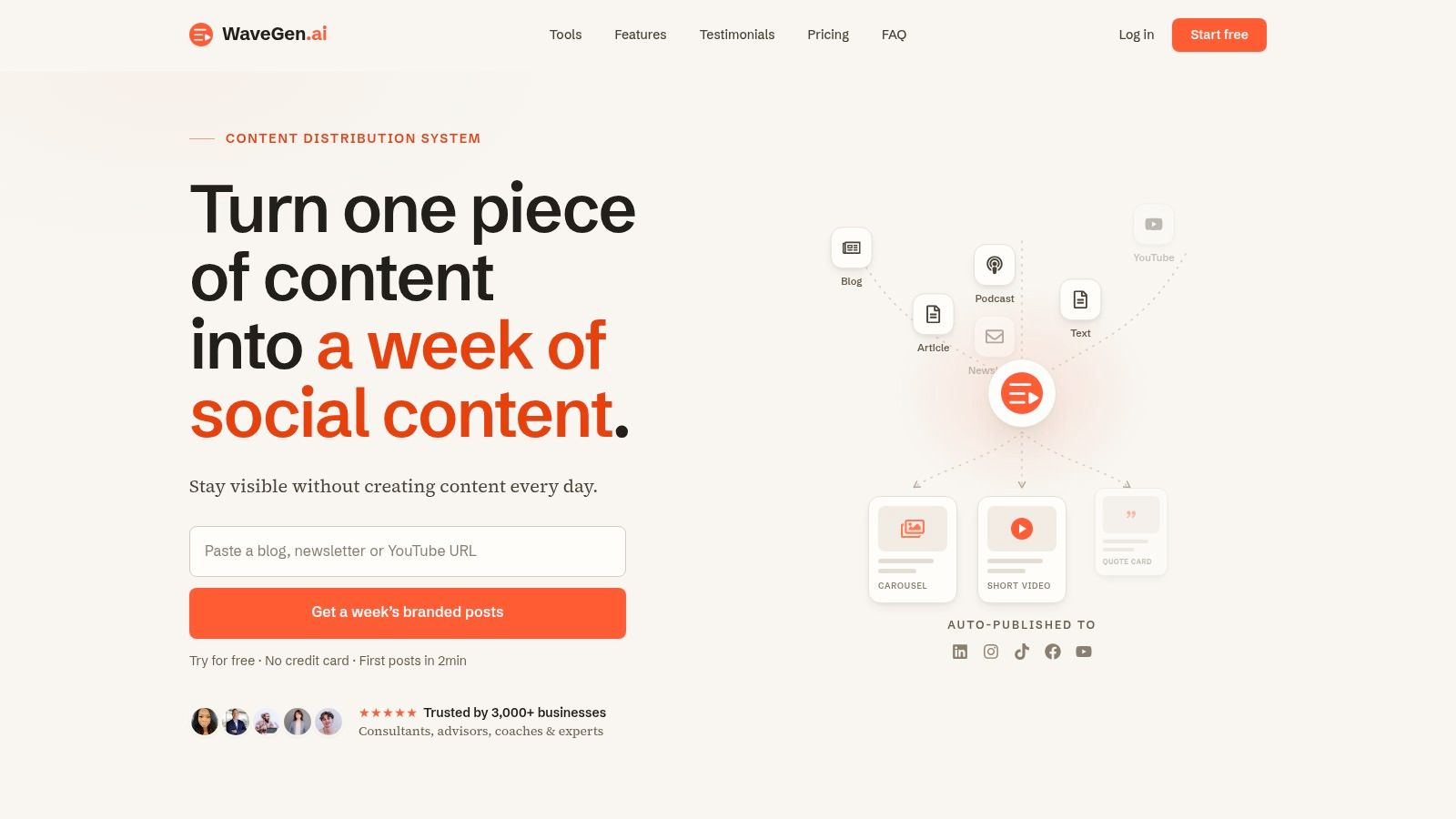
Monday usually does not fail at the scheduling step. It fails earlier. The article is written, the webinar transcript exists, the newsletter went out, and nobody has turned that source material into a week of posts yet.
WaveGen.ai stands out because it starts at that upstream bottleneck. Instead of assuming your captions, visuals, and clips are already ready to publish, it helps turn long-form content into branded social assets first, then routes those assets into scheduling and publishing. For teams that repurpose content every week, that changes the whole workflow, not just the last click on the calendar.
It can turn source material into carousels, short videos, quote graphics, captions, hashtags, and channel-specific formats, then publish to Instagram, TikTok, LinkedIn, YouTube, and Facebook from the same workspace. That matters when the actual constraint is production capacity, not posting discipline.
Why WaveGen.ai changes the workflow
WaveGen.ai fits teams whose content engine starts outside social. That includes consultants, educators, agencies, newsletter operators, and subject-matter-led brands sitting on strong raw material but losing time in adaptation.
The practical advantage is consistency at speed. You set the brand kit once, including colors, fonts, logo, and voice, and the first draft starts closer to usable. That cuts a lot of repetitive cleanup, especially when different people handle writing, design, and publishing. If your process still lives in scattered docs and folders, a dedicated content calendar software setup for social teams usually becomes the next logical layer.
I like tools like this when the job is repurposing with standards, not reinventing every post from scratch. The editor still gives room to tighten copy, swap visuals, and adjust tone, but the heavy lifting is already done.
Practical rule: If your team starts with articles, transcripts, podcasts, or client notes, choose a scheduler that reduces adaptation work before it reduces publishing work.
That is also why WaveGen.ai feels different from queue-first tools. If you are comparing simpler schedulers for a coding-heavy or product-led team, this Buffer alternative for developers shows a different angle on what teams value upstream.
The best fit is steady brand building from original source content. If that matches your process, their guide on how to create social media content is a useful companion.
Best fit and trade-offs
WaveGen.ai is strongest for repurposing-heavy workflows where one source asset needs to become several post formats each week. Agencies, personal brands, and lean in-house teams will get more value from it than trend-driven creators who prefer to handcraft every visual natively inside each platform.
The trade-off is straightforward. It is built for repeatable, on-brand distribution. If your top priority is enterprise reporting, social listening, or approval chains across a large org, broader suites may fit better. If your priority is pumping out high volumes at the lowest possible cost, you also need to watch usage limits and plan structure closely.
A few practical takeaways:
- Best for source-to-post workflows: It shortens the path from article, transcript, or newsletter to scheduled social content.
- Best for brand consistency across contributors: The brand kit helps keep output aligned even when several people touch the workflow.
- Less ideal for reporting-led teams: If analytics and stakeholder dashboards drive the buying decision, another category of tool may be stronger.
- Less ideal for fully bespoke creative teams: The value comes from repeatability, not from designing each post as a one-off.
WaveGen.ai also offers a free trial, annual plans from Starter through Pro, a custom Business tier, rollover credits, and a clear refund policy. For content-led businesses, it is one of the few scheduling apps for social media enabling the full path from source content to scheduled post.
2. Buffer
Buffer is what I recommend when a team wants to get organized fast and doesn't want to buy a full enterprise suite by accident. It has a clean interface, broad channel coverage, queue-based and calendar-based scheduling, and enough collaboration to support small teams without turning setup into a project.
This is a strong fit for creators, consultants, and agencies that value simplicity over complexity. Buffer also supports a wide mix of networks, and broader industry roundups show major scheduling tools now commonly publish across roughly 10 to 13 platforms. Buffer fits that multi-channel reality without feeling bloated.
Where Buffer works best
Buffer shines when the workflow is already pretty clean. You've got captions, assets, and approvals handled elsewhere, and you need a reliable place to queue, schedule, and keep moving. It's especially attractive if you prefer per-channel pricing instead of per-seat contracts.
The limitation is that Buffer won't solve upstream planning on its own for every team. If drafts, approvals, and asset organization are your actual pain points, you may still want a planning layer before Buffer. If you're weighing that trade-off, this look at a Buffer alternative is relevant, along with this outside comparison on choosing the right social media tool.
Buffer is easy to like because it gets out of your way. That's also why some teams outgrow it.
A quick read on fit:
- Good for lean teams: Fast learning curve and minimal overhead.
- Good for multi-channel posting: Broad support without enterprise clutter.
- Weak on deeper listening: You'll need other tools for heavier monitoring and reporting.
- Watch channel-based pricing: It can creep up as account counts expand.
Go to Buffer.
3. Hootsuite
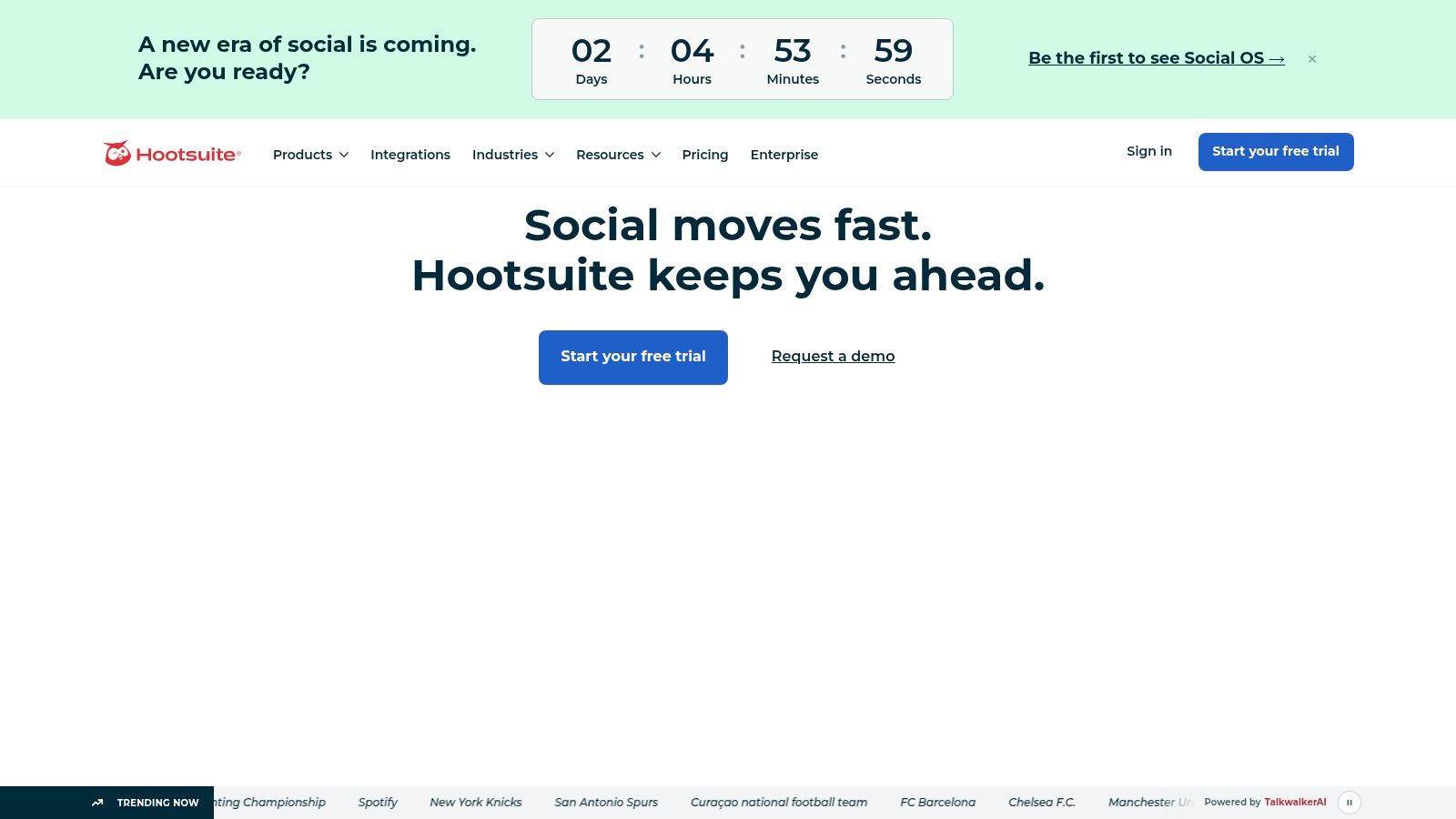
Hootsuite is for teams that need more control than a simple scheduler can offer. Once approvals, inbox management, boosted posts, analytics, and governance all matter at once, Hootsuite starts to make sense.
The trade-off is obvious as soon as you log in. It's not the lightest tool on this list, and it doesn't pretend to be. But if you manage multiple stakeholders, multiple approvers, and a lot of platform activity, that complexity can be useful instead of annoying.
Why teams graduate to Hootsuite
Hootsuite works well when posting is only one part of a broader operating model. Teams can schedule to major networks, manage a unified inbox, use approval workflows, and access more advanced controls on upper tiers. Its built-in AI tools in the composer help speed up drafting, but the bigger reason people buy Hootsuite is operational structure.
If your content process is getting messy before anything hits the calendar, the better fix might be tightening planning first. This guide to content calendar software is useful in that context. Hootsuite becomes more valuable after that process exists.
A few hard trade-offs matter here:
- Best for structured teams: Stronger governance and workflow options than leaner schedulers.
- Useful for centralized operations: Inbox, scheduling, and analytics live in one place.
- Price climbs with team size: Per-user pricing can get expensive.
- Advanced features sit higher up the ladder: Smaller teams may pay for room they don't need yet.
If you want a different perspective, this comparison of a Buffer alternative for developers is another way to think about lighter vs heavier tools.
Visit Hootsuite.
4. Sprout Social
Sprout Social is what I'd call the polished executive-facing option. Plenty of tools can schedule. Fewer tools make reporting, collaboration, customer care, and stakeholder visibility feel this integrated.
That's why Sprout tends to appeal to mid-market and enterprise teams. If your boss, client, or leadership team expects clean reporting and tighter controls, Sprout usually feels more complete than a basic scheduler.
Where Sprout earns its price
Sprout is strongest when publishing needs to sit next to listening, reporting, and customer care. Shared asset libraries, approval workflows, analytics, and enterprise-oriented controls make it a serious operations platform, not just a posting queue.
The cost is the main filter. If all you need is scheduling and a calendar, Sprout is too much tool. If your team needs internal accountability and polished reporting, it's easier to justify.
Buy Sprout when reporting and visibility matter as much as scheduling. Don't buy it just to queue posts.
In practice:
- Best for larger organizations: Multiple teams, formal sign-off, and reporting demands.
- Strong for stakeholder communication: Better fit when results need to be presented clearly.
- Overkill for solo operators: Simpler tools handle basic scheduling more efficiently.
- Premium pricing changes the math: The value shows up when more than one function matters.
Go to Sprout Social.
5. Later
A common breakdown looks like this. The designer has the assets, the social manager has the captions, and nobody is fully sure how the feed will look once everything goes live. Later works well for teams that need to see the visual sequence before they schedule it.

Best when visual planning comes first
Later fits brands that build social from assets outward. That usually means creator businesses, e-commerce teams, lifestyle brands, and anyone posting a steady mix of Reels, product shots, UGC, and short-form video. The value is not just that it schedules posts. It helps teams handle the full path from media library to calendar to published feed, which is a different need from approval-heavy social operations.
That distinction matters. Some tools are better once the post is already approved and ready to queue. Later is better earlier in the workflow, when the team is still choosing which asset goes where, checking visual balance, and repurposing the same creative across Instagram, TikTok, Pinterest, and YouTube.
Its strengths are practical:
- Strong fit for visual-first workflows: The calendar and asset organization make format planning easier.
- Useful for repurposing creative: Teams can work from existing media and adapt it across channels.
- Good option for brand managers handling multiple lines or collections: Social Sets and media organization help keep content grouped.
- Less suited to approval-heavy environments: If several stakeholders need structured sign-off, the process can feel light.
- Less compelling if reporting is the priority: The value is in planning and publishing flow more than deep analytics.
Later also includes link-in-bio and creator-oriented tools, which can matter if social is tied closely to traffic and product discovery. That makes it more than a basic scheduler, but it still has a lane. I would choose Later when the hardest part of the job is organizing visual content into a channel-specific publishing flow. I would not choose it for a team whose main bottleneck is governance, permissions, or executive reporting.
Find it at Later.
6. Loomly
A common breakdown happens after the content is written. The caption is ready, the creative is approved by one person, then it sits in Slack, email, or a shared doc while someone waits for the final sign-off. Loomly fits that part of the workflow better than tools built mainly for fast publishing.
Why approval-driven teams like Loomly
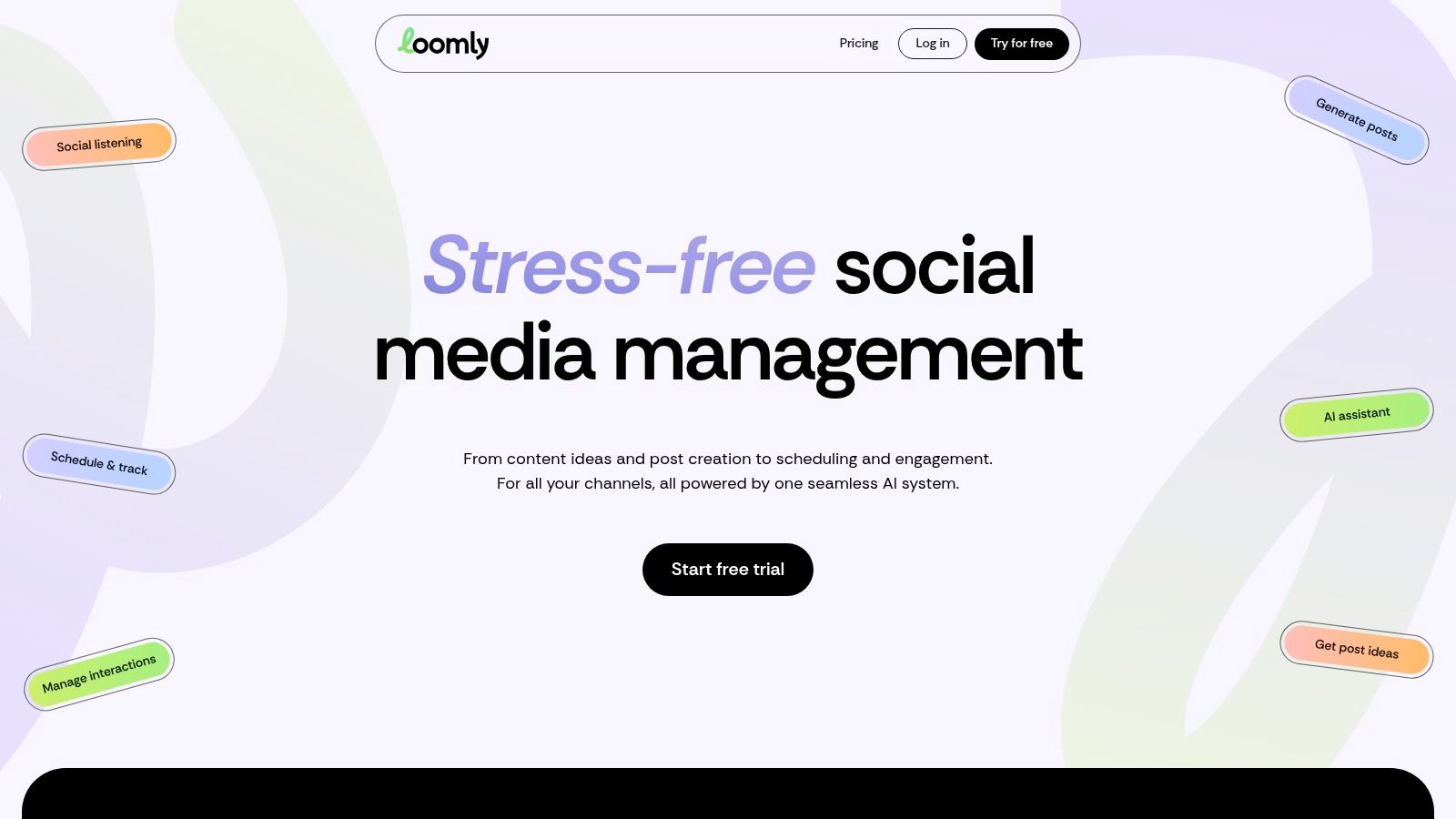
Loomly works well for teams that need a clear path from draft to review to scheduled post. The value is not just the calendar. It is the structure around the calendar. Roles, permissions, post status tracking, and approval steps give social managers a cleaner handoff process, especially when marketing, legal, clients, or franchise owners all need visibility.
That makes Loomly a better fit for operations with repeatable publishing routines than for creators who just want to queue posts quickly. If the actual bottleneck is review, not ideation, Loomly solves a more important problem than a basic scheduler does.
It also fits this guide's bigger question: what happens before the post is published? Loomly is useful when your workflow starts with raw ideas or assets from several contributors, then moves through internal review before anything gets scheduled. Teams that repurpose the same campaign across channels can keep that process more controlled, even if the platform is less focused on analytics depth or visual merchandising than some alternatives.
A practical summary:
- Strong for collaborative workflows: Approvals, permissions, and status visibility help keep work moving.
- Good for teams with multiple reviewers: Easier to manage handoffs without chasing feedback across separate tools.
- Less attractive for budget-sensitive starters: Plan limits can push growing teams into a higher tier sooner than expected.
- Less compelling if performance analysis is the priority: Loomly is stronger in planning and approvals than in advanced reporting.
I would choose Loomly when missed approvals create more problems than missed posting slots. I would skip it if the team's main need is deeper analytics, agency-style reporting, or a lighter-cost scheduler for straightforward publishing.
Go to Loomly.
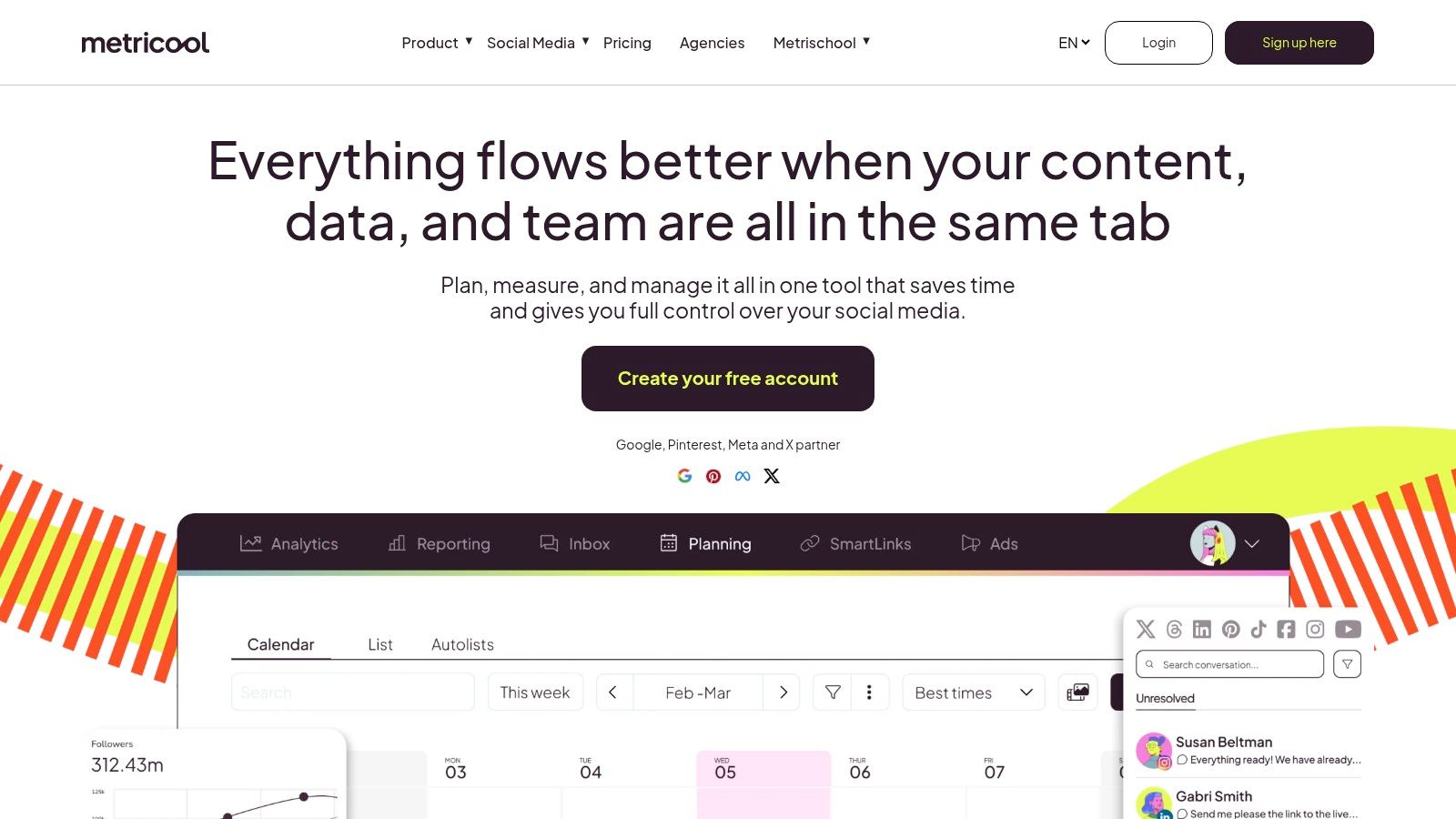
7. Metricool
Metricool is the scheduler I'd pick when the reporting conversation starts early. Some teams schedule first and analyze later. Metricool is better for teams that want planning and performance to live close together from day one.
It also suits agencies well because the product thinks in terms of brands and reporting outputs, not just individual accounts. That makes day-to-day management cleaner when client work is the core use case.
Best for performance-minded operators
Metricool combines scheduling with strong cross-network analytics, reporting, and ad-platform connections. If your weekly process includes checking performance, exporting reports, comparing brands, and adjusting the next batch of content, this tool supports that loop well.
The caution is that some capabilities sit behind add-ons or higher tiers. Agencies also need to read the pricing logic carefully because brand counts, extras, and plan structure can affect total cost more than expected.
A practical summary:
- Best for reporting-minded marketers: Stronger analytics orientation than many lightweight schedulers.
- Good for agencies: Brand-based setup fits multi-client work.
- Not as simple as pure posting tools: You'll spend a little more time learning the account structure.
- Check add-ons carefully: The value is good, but only if the plan matches your stack.
Visit Metricool.
8. SocialBee
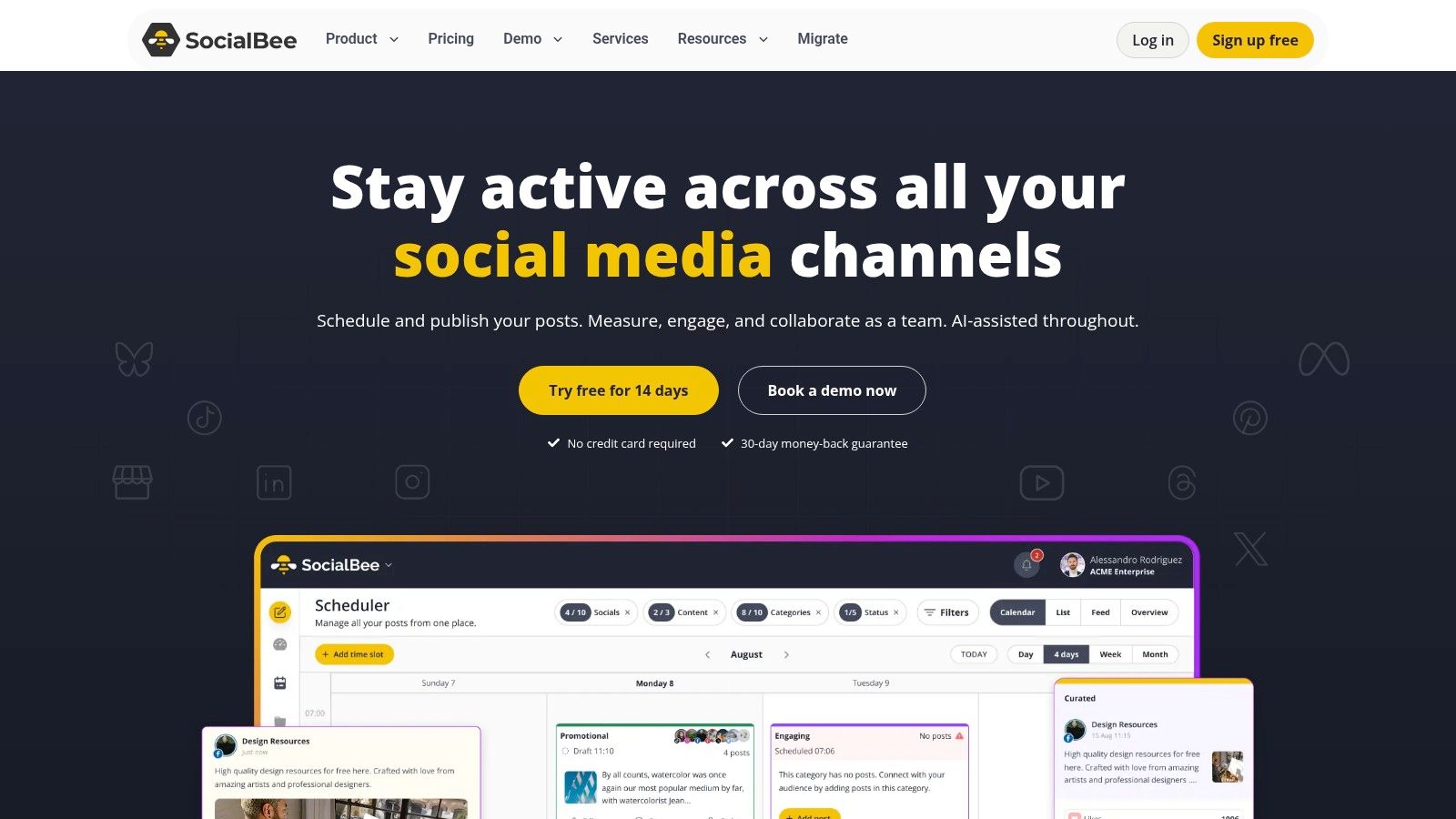
SocialBee is built for recurrence. If your content strategy includes recurring themes, evergreen tips, curated links, testimonials, and repeatable educational posts, SocialBee can make that workflow feel much lighter.
That category-based approach is useful for solo operators, coaches, consultants, and smaller teams that need consistency more than complexity. It's not trying to be the deepest enterprise suite. It's trying to keep your posting rhythm alive without constant reinvention.
Where evergreen posting wins
SocialBee works best when you already know your content buckets. For example, one category for tips, another for testimonials, another for offers, another for newsletter highlights. Once those buckets exist, recurring posting becomes easier to manage and less dependent on daily effort.
It also helps when you're repurposing ideas over time rather than creating everything net new. That's why it appeals to personal brands and service businesses.
A scheduler with recycling is only useful if your content library is organized well enough to recycle confidently.
The trade-offs are straightforward:
- Great for evergreen systems: Category queues and recycling are the core strength.
- Friendly for small teams: Setup is manageable and doesn't require a full ops layer.
- Lighter on deep analytics and listening: Performance-driven teams may want more.
- Some collaboration features sit higher up: Fine for simpler teams, less ideal for bigger ones.
Find it at SocialBee.
9. Agorapulse
Agorapulse is one of the better options when community management is inseparable from publishing. Some teams don't just need to schedule posts. They need to reply to comments, manage inboxes, tag conversations, and prove responsiveness to clients or leadership.
That's where Agorapulse earns attention. It's not only a scheduler. It's a workflow tool for publishing plus engagement.

Best when engagement is part of the workflow
Agorapulse stands out for its inbox and engagement features. Labels, saved replies, reporting, and agency-friendly collaboration all help when your team needs to do more than fill a content calendar. If your social manager also handles customer questions or client moderation, this kind of setup matters.
It's easier to adopt than some enterprise-grade suites, but costs still scale with users and add-ons. So the value depends on whether engagement workflows are central or occasional.
Quick fit check:
- Best for engagement-heavy brands: Great when inbox management matters every day.
- Strong for agencies: Reporting and collaboration are solid.
- More expensive as teams grow: Per-user pricing adds pressure.
- Too much for simple queueing: Pure publishing teams may not use enough of the platform.
Go to Agorapulse.
10. Publer
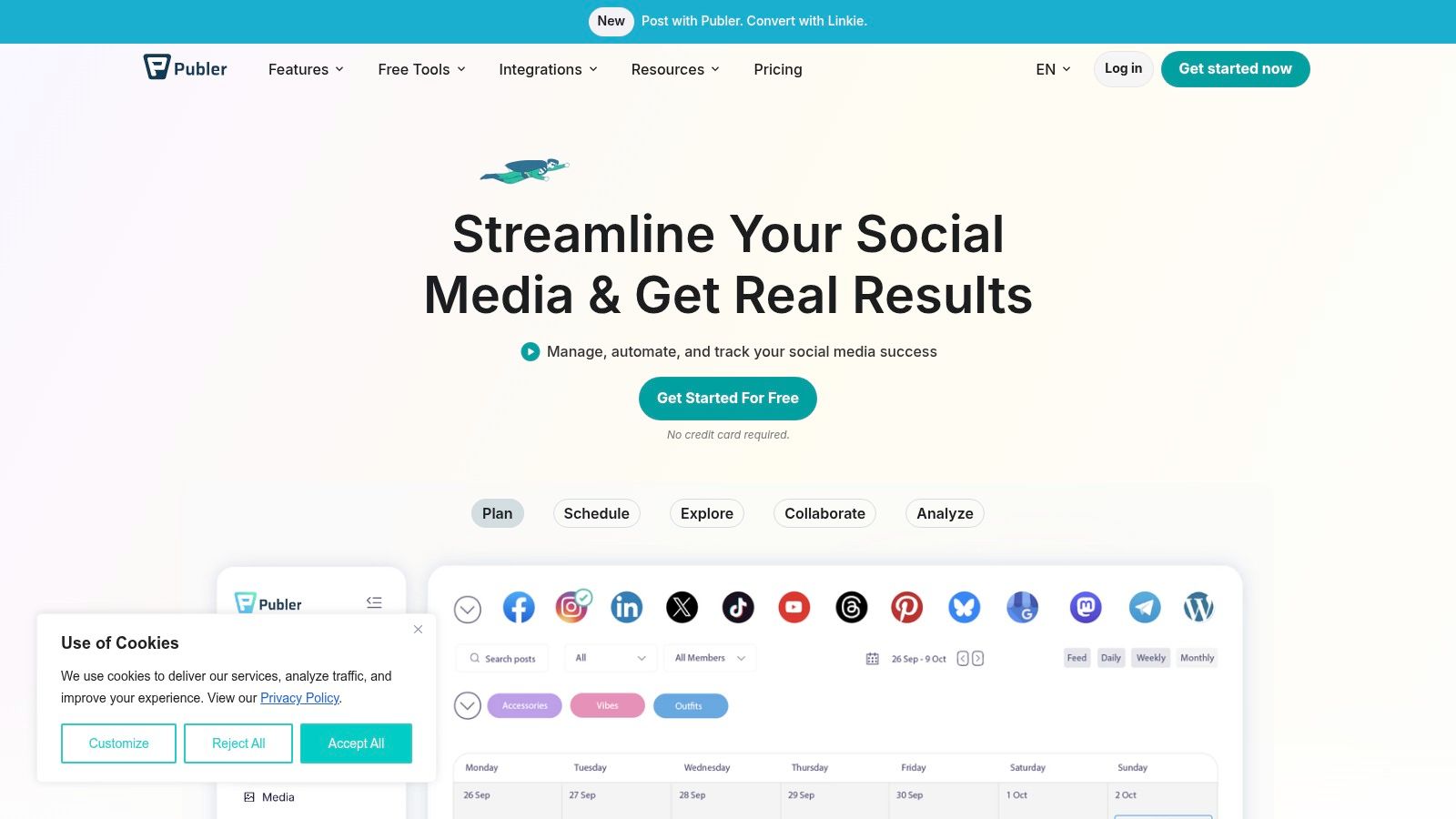
Publer is the budget-conscious workhorse. It's a good fit for freelancers, lean in-house teams, and operators who need broad scheduling capability, bulk tools, and automation without paying for a heavyweight suite.
This is the kind of tool that makes sense when your workflow is straightforward. You know what you want to post, you need to get it scheduled efficiently, and you don't need deep collaboration layers to make it happen.
Best for high-volume simple publishing
Publer is useful for bulk scheduling, queues, workspaces, and media handling. If your goal is to post consistently across several accounts with minimal friction, it delivers a lot of practical value. It's one of the easier choices for high-volume, lower-complexity publishing.
The trade-off is depth. You're not buying top-tier collaboration, listening, or executive-grade reporting. You're buying efficiency.
A simple way to decide:
- Good for straightforward scheduling: Fast, affordable, and practical.
- Good for freelancers and small teams: Especially if cost control matters.
- Not ideal for advanced approvals: Collaboration is lighter than mid-market platforms.
- Not ideal for reporting-heavy clients: You may outgrow it if reporting becomes central.
Visit Publer.
Top 10 Social Media Scheduling Apps Comparison
| Tool | Core features | UX & Quality ★ | Value & Pricing 💰 | Best for 👥 | Unique selling points ✨ |
|---|---|---|---|---|---|
| WaveGen.ai 🏆 | Repurposes long-form → carousels, short videos, quote cards, captions; brand kits, scheduler, RSS autopilot | ★★★★☆, visual editor, consistent branding | 💰 Free trial (10 posts); Starter $20/mo → Pro $70/mo; roll-over credits | 👥 Consultants, creators, agencies, content marketers | ✨ Starts from your writing; auto-generates visuals & video; major time savings (~20h/wk) |
| Buffer | Queue & calendar scheduling, broad channel support, browser/mobile apps | ★★★★☆, simple, fast to deploy | 💰 Free tier; per-channel pricing on paid plans | 👥 Creators, small teams, agencies | ✨ Lightweight UX; many channel integrations |
| Hootsuite | Scheduling, unified inbox, approvals, deep analytics, integrations | ★★★☆☆, mature, enterprise-ready but pricier | 💰 Higher cost; per-user tiers for enterprise | 👥 SMBs → enterprises needing governance | ✨ Governance, advanced analytics, marketplace |
| Sprout Social | Scheduling + enterprise reporting, social listening, customer care | ★★★★☆, premium, robust reporting | 💰 High cost per user; enterprise ROI focus | 👥 Mid-market & enterprise teams | ✨ Industry-leading analytics & listening |
| Later | Visual calendar, Instagram grid preview, media library, link-in-bio | ★★★★☆, visual-first planning | 💰 Free/basic tiers; some pricing details gated | 👥 Creators, e‑commerce, visual brands | ✨ Grid preview & visual scheduling workflow |
| Loomly | Calendar-centric scheduling, approvals, roles/permissions | ★★★★☆, clear collaboration & workflows | 💰 Starter caps; generous upper-tier limits | 👥 SMB teams needing approvals | ✨ Structured approval flows & brand controls |
| Metricool | Scheduling + strong analytics, competitor tracking, reporting exports | ★★★★☆, data-forward & reporting-rich | 💰 Good analytics value; add-ons for advanced features | 👥 Performance teams & agencies | ✨ Advanced analytics, Looker Studio & ads connectors |
| SocialBee | Category-based queues, recycling, best-time suggestions | ★★★☆☆, fast setup, budget-friendly | 💰 Affordable plans; 14-day free trial | 👥 Solo creators, coaches, SMBs | ✨ Evergreen recycling & category automation |
| Agorapulse | Scheduling, shared inbox, labels/saved replies, Power Reports | ★★★★☆, excellent inbox & reporting | 💰 Per-user pricing; 30-day trial | 👥 Agencies & engagement-focused teams | ✨ Unified inbox + robust client reporting |
| Publer | Bulk scheduling, automations, workspaces, media library | ★★★☆☆, cost-effective for volume | 💰 Free plan + low-cost paid tiers | 👥 Freelancers & small teams needing high-volume | ✨ Bulk tools and affordable scaling path |
Your Next Step From Overwhelmed to Automated
The best scheduling apps for social media don't all solve the same problem. That's the mistake buyers make. They compare publishing features line by line, then wonder why the tool still feels frustrating after signup.
The core difference is workflow shape.
If your content starts as articles, newsletters, podcast scripts, or transcripts, a repurposing-first tool like WaveGen.ai makes more sense than a calendar-first tool. If your brand lives on visual platforms and feed layout matters, Later will feel more natural. If your team needs approval chains, reporting, inbox management, and governance, Hootsuite, Sprout Social, or Agorapulse will usually be the more realistic fit. If you're a solo operator who just needs consistency without bloat, Buffer, SocialBee, or Publer may be all you need.
There's also a market reason this category keeps expanding. Grand View Research projects the scheduling apps market at $749.3 million in 2026, on the way to $1.813 billion by 2033, with a 13.5% CAGR. The same report says the cloud-based segment held most revenue share in 2025 and North America accounted for the largest regional share. In plain English, teams want browser-based tools that centralize scheduling, collaboration, reminders, and day-to-day execution.
That tracks with what happens inside social teams. The problem isn't only hitting publish. It's coordinating drafts, approvals, assets, edits, and reporting without losing days each month to repetitive admin.
So don't pick a tool by asking, “Which scheduler has the most features?” Ask:
- Where does our content start? Long-form source material, visual assets, or direct social drafts.
- Who touches a post before it goes live? Just you, a client, a designer, legal, or a full team.
- What matters after publishing? Engagement, analytics, approvals, reporting, or staying consistent.
- What kind of friction wastes the most time right now? Asset creation, review cycles, scheduling itself, or cross-platform adaptation.
Then test your top two or three with real work, not a fake demo. Take one actual week of content. Build it, schedule it, revise it, and see where the process gets smoother or more annoying.
That hands-on test matters more than any feature page. A tool can look perfect in a comparison and still create drag in your real process. The right platform is the one that removes steps your team keeps repeating, keeps content moving, and makes consistency feel sustainable instead of exhausting.
If your biggest bottleneck is turning one strong idea into a full week of scheduled posts, WaveGen.ai is worth trying first. It doesn't just queue content. It helps you generate branded carousels, short videos, quote cards, captions, and platform-specific assets from the long-form content you already create, then schedule and publish them from one place. For consultants, marketers, creators, and agencies that want a cleaner path from source content to distribution, that's a meaningful upgrade over a standard scheduler alone.
scheduling apps for social media
social media tools
content scheduling
social media marketing
automation tools
Turn this kind of writing into a week of social content.
Paste a blog post, newsletter, or rough draft — WaveGen turns it into publish-ready carousels, captions, and slideshows for every channel.
No credit card · First posts in 2min