LinkedIn Carousel Generator
Free LinkedIn Carousel Generator
Make LinkedIn carousels free, right in your browser. Edit a template and download a PDF to post as a LinkedIn document — no signup needed. Or paste a link or topic and WaveGen’s AI writes the slides for you.
- PDF for LinkedIn document posts
- 1080×1350 slides
- No signup to edit and download
Or make it yourself — no signup
Slide 1 of 7
PNG or PDF · No signup
FIND YOUR STARTING STYLE
Good ideas deserve good design.
A few designs to get you started. Discover even more templates in the WaveGen app.
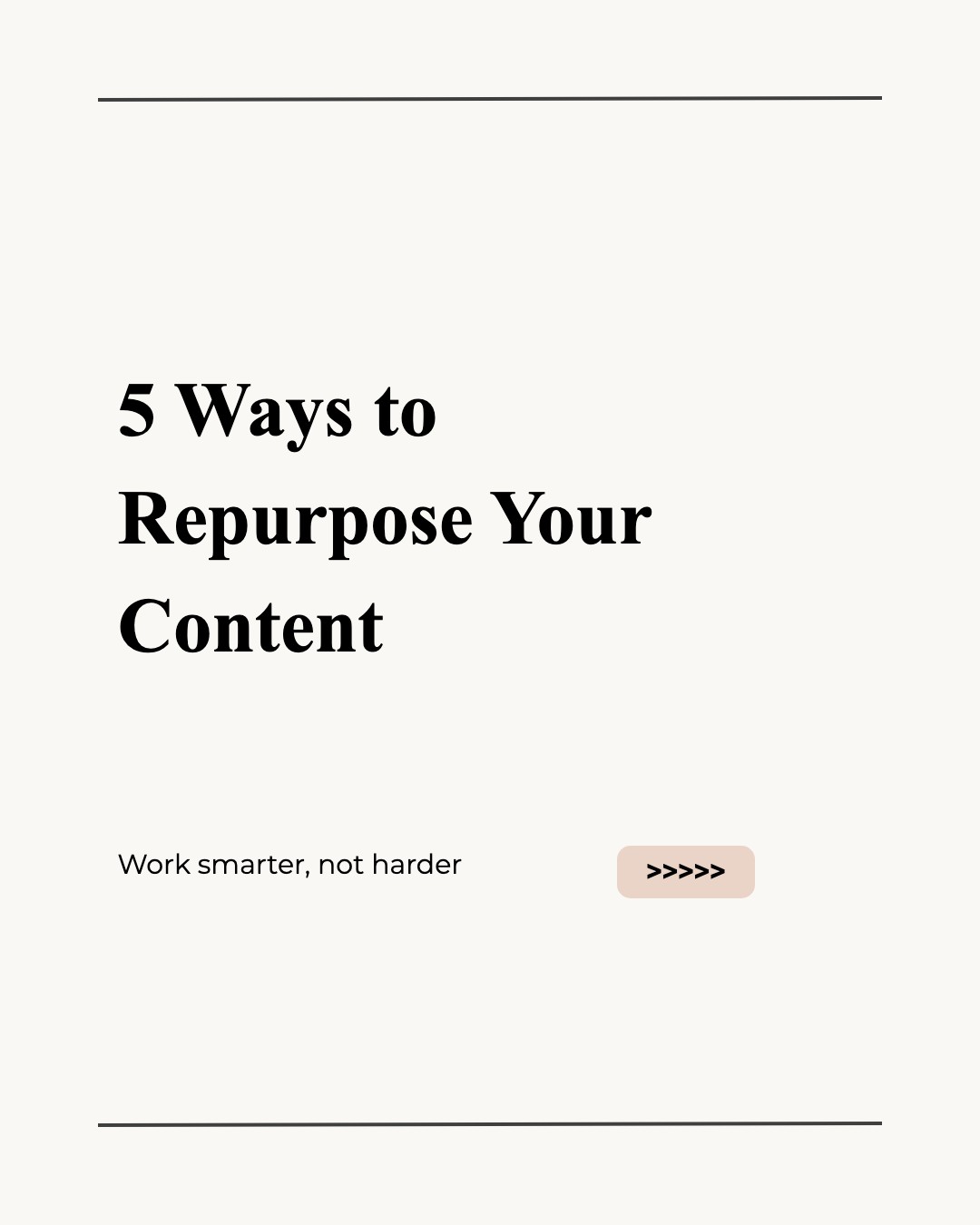

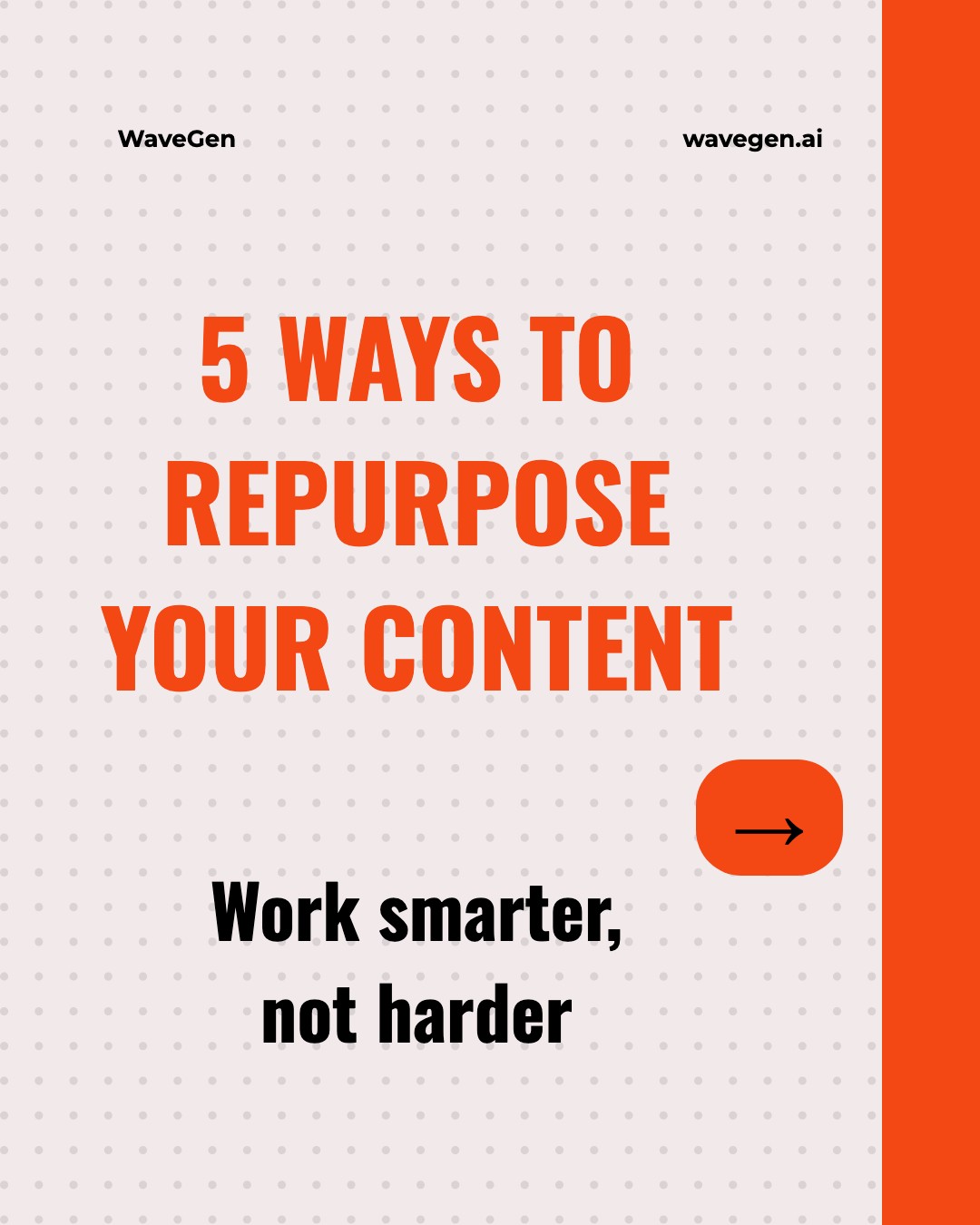
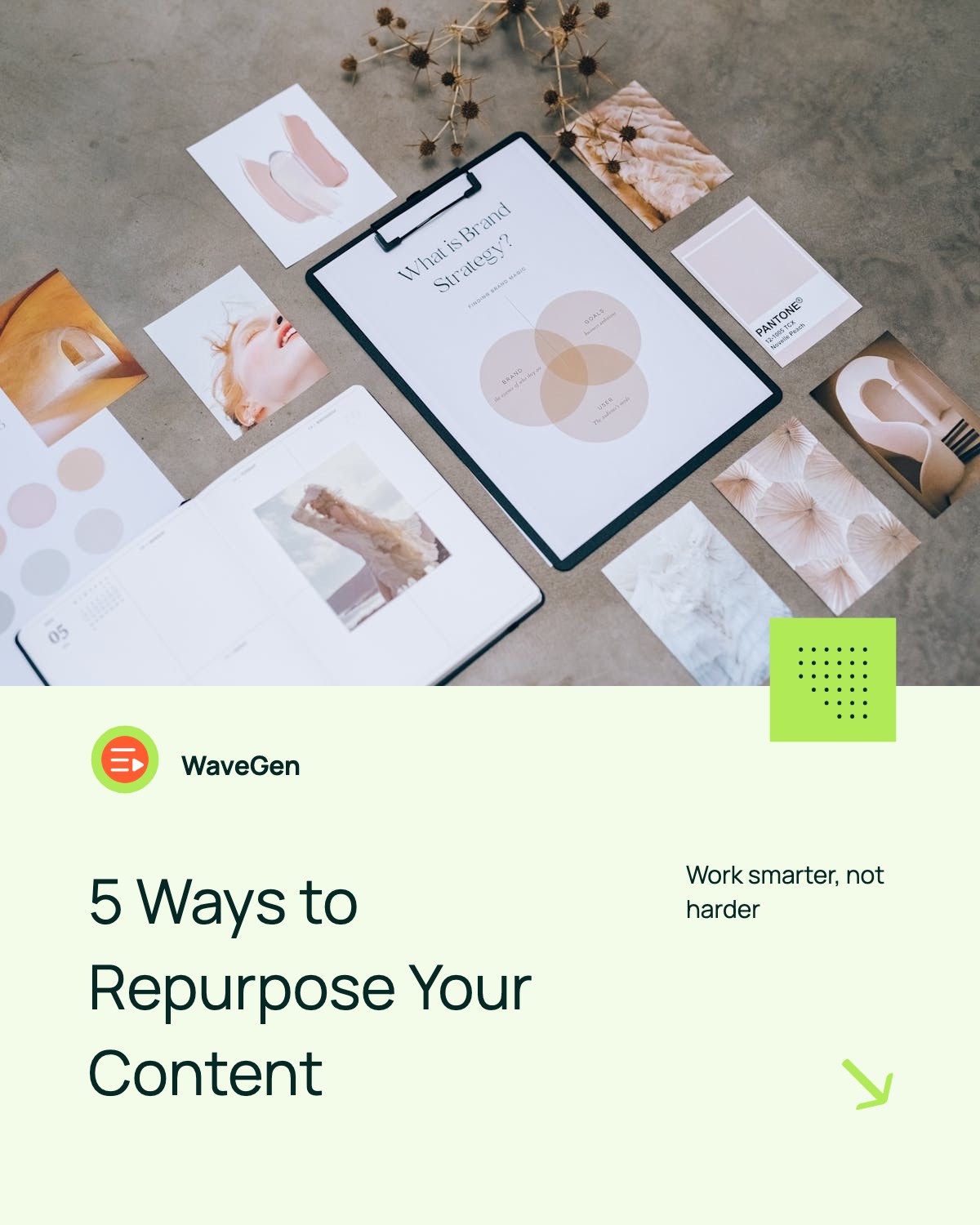
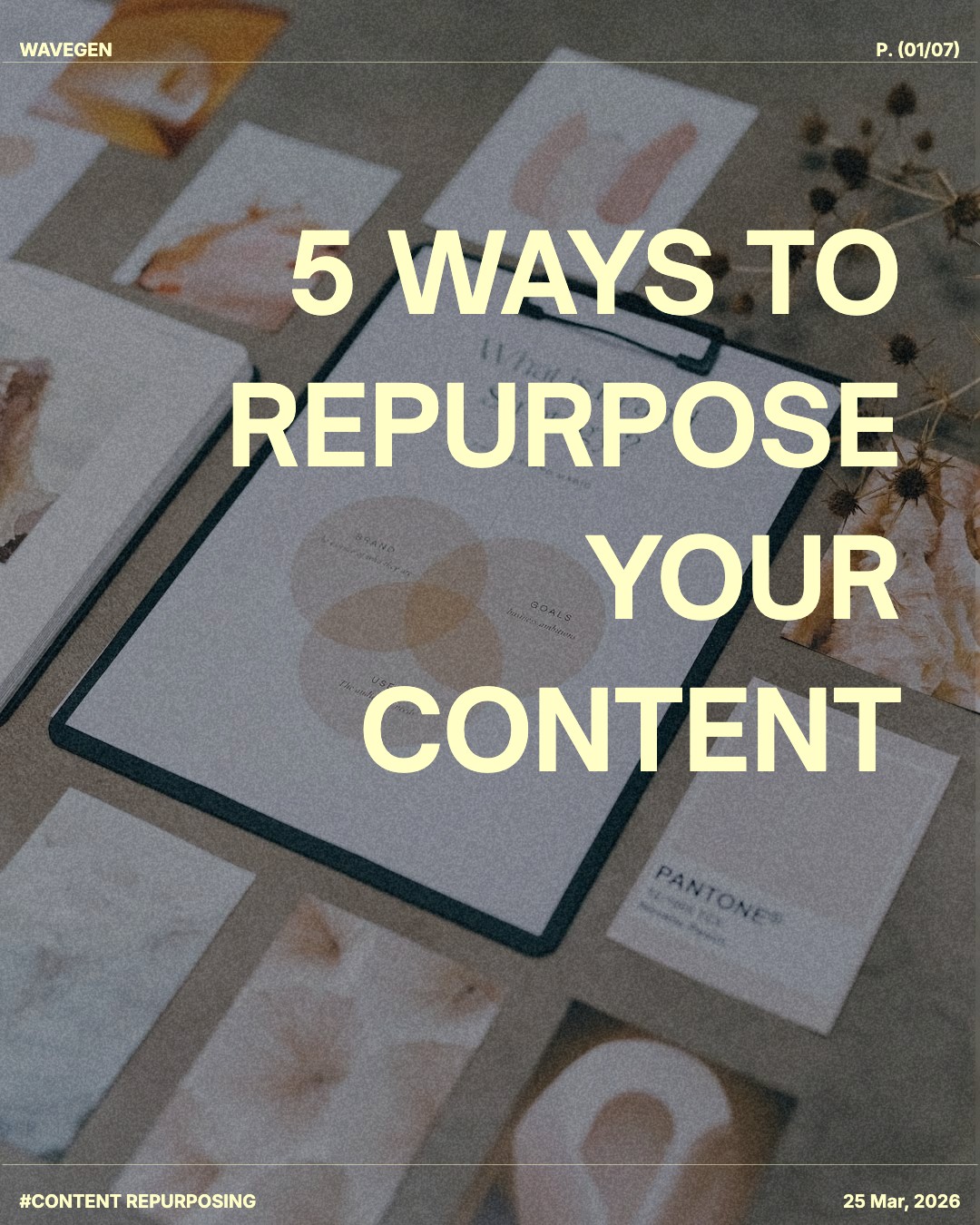

How to Create a Free LinkedIn Carousel
With this free LinkedIn carousel generator, it only takes a few steps:
1. Choose Your Path
Paste a topic or link to create with AI, or edit a template right on this page with no signup.
2. Add Content
Enter a topic or text, or link to an article, newsletter, YouTube video, or PDF. You can also write your slides in the template editor.
3. Preview
Review your slides, refine the design, and check each one before you publish.
4. Publish & Share
Download a PDF for LinkedIn, or publish and schedule from WaveGen.
5. Analyze
See what catches attention. Compare reach and engagement in WaveGen, then use what you learn in your next post.
Why LinkedIn Carousels Get 3x More Engagement
Carousels are one of the highest-performing content formats on LinkedIn — as long as they're built at the right LinkedIn carousel size. Here's why they work so well:
Increased dwell time
Users spend more time on carousel posts, signaling to LinkedIn's algorithm that your content is valuable.
Encourages interaction
Swiping through slides counts as engagement, boosting your post's visibility in the feed.
More space for value
Multiple slides let you deliver complete ideas, tutorials, or stories without overwhelming readers.
Stands out visually
Carousels break the monotony of text posts and catch attention as users scroll.
Pro tip: Post carousels consistently (2-3x per week) to build momentum. The LinkedIn algorithm rewards creators who show up regularly with high-quality content.
LinkedIn Carousel Best Practices
Do's
Start with a hook that creates curiosity
Use large, readable fonts (40px+ for body text)
Keep each slide focused on one idea
Include a clear call-to-action on the last slide
Use consistent branding across all slides
Add page numbers so readers know how many slides remain
Don'ts
Don't cram too much text on one slide
Avoid low-contrast color combinations
Don't use tiny fonts that are hard to read on mobile
Avoid generic stock photos that add no value
Don't forget to proofread for typos
Avoid clickbait hooks that don't deliver value
LinkedIn Carousel FAQs
Ready to Level Up Your Carousels?
Turn your ideas, articles, YouTube videos, and PDFs into LinkedIn carousels. Add your branding, schedule posts, and see what catches attention with WaveGen.