Turn Your Medium Articles into Carousel Slides
WaveGen converts any Medium story URL into Instagram, LinkedIn, and TikTok carousels that tease the article and drive reads back to Medium — in under 2 minutes. The AI reads the full story, extracts the key points, and generates on-brand slides with AI-generated images. Free to start, no signup required.
Works with public Medium stories and friend links. Member-only story? Paste the text in the app instead.
Under 2 min
From Medium URL to first draft
Up to 20 slides
Per Instagram carousel
4 platforms
Instagram, LinkedIn, TikTok, Pinterest
Free
No signup required






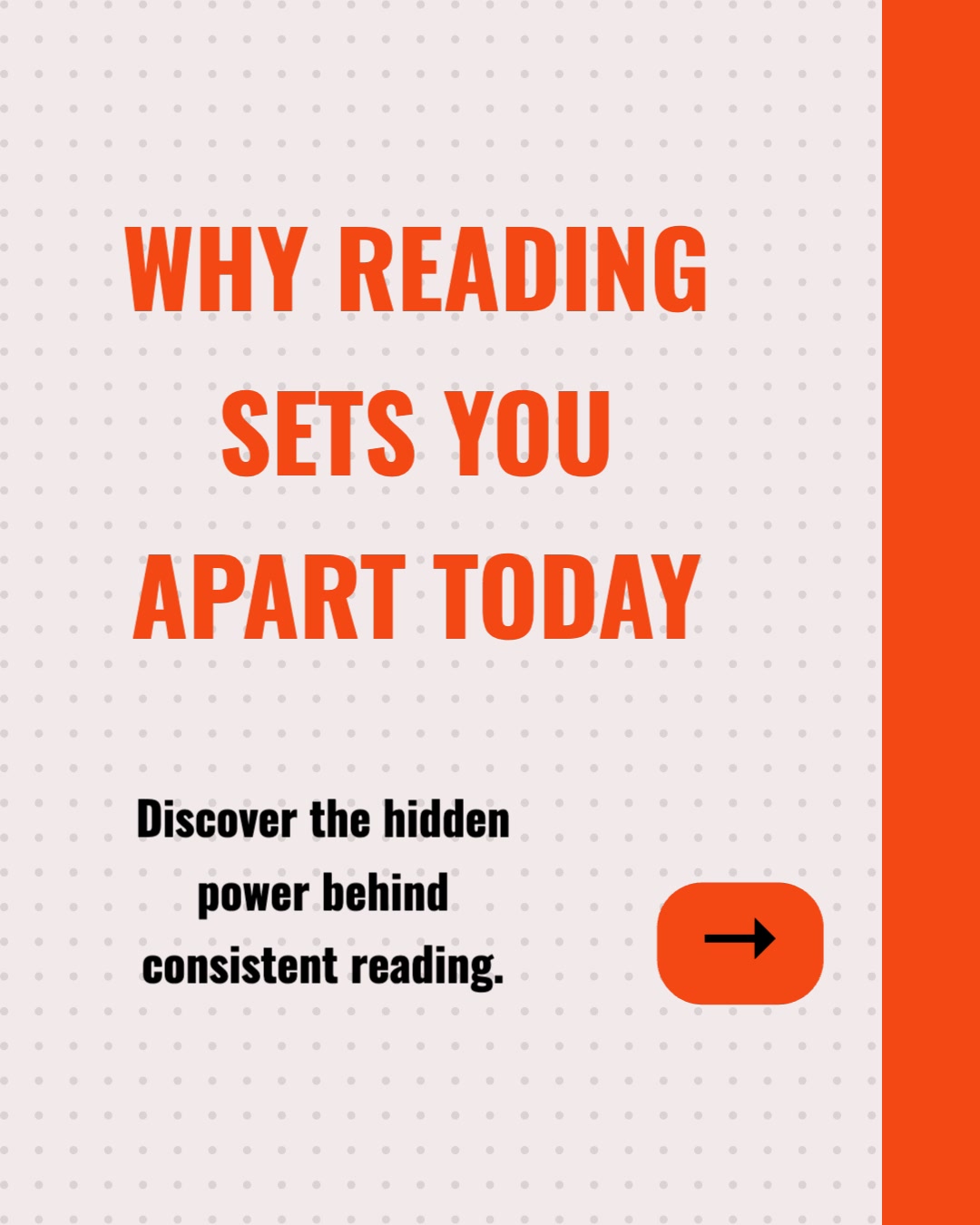
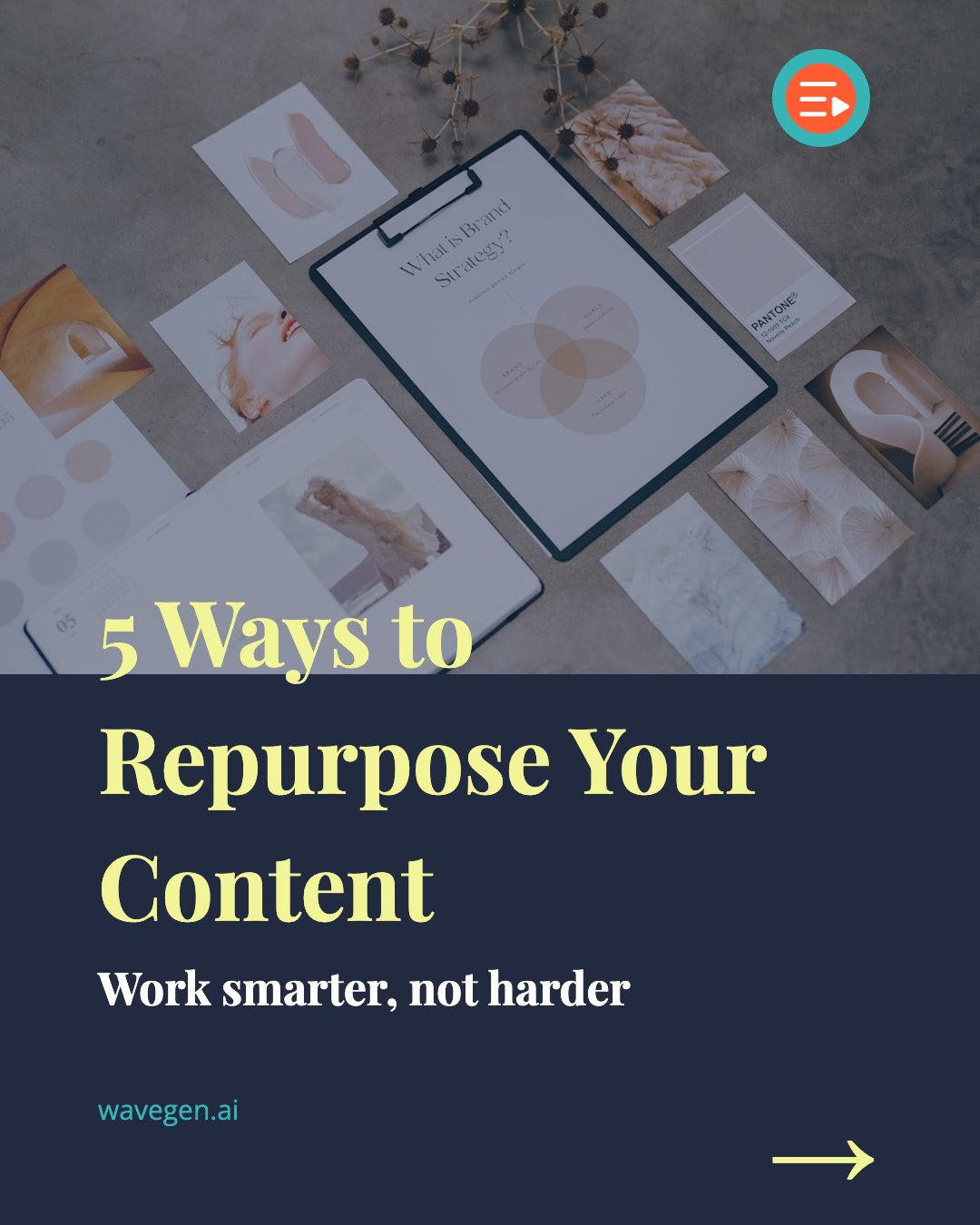
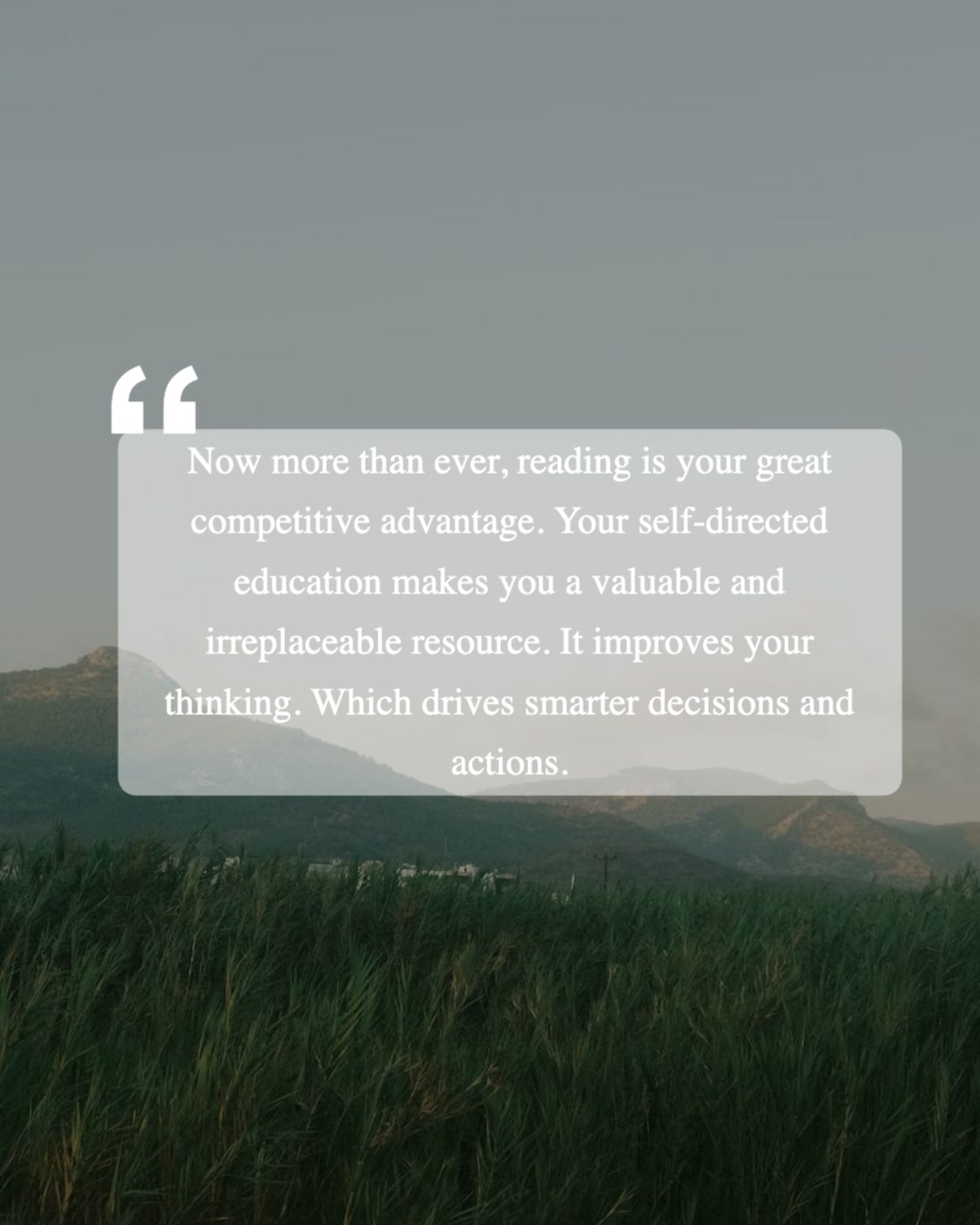
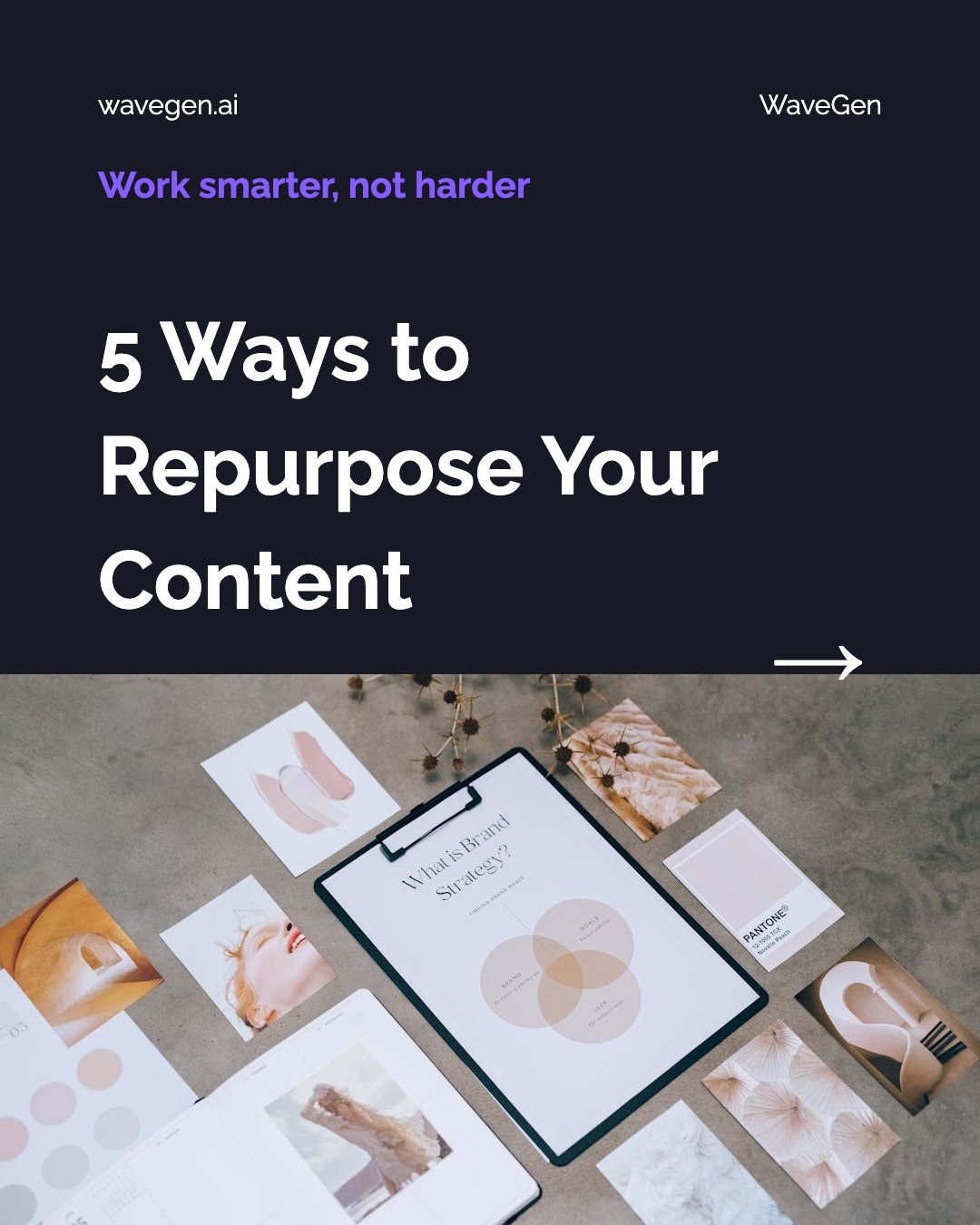
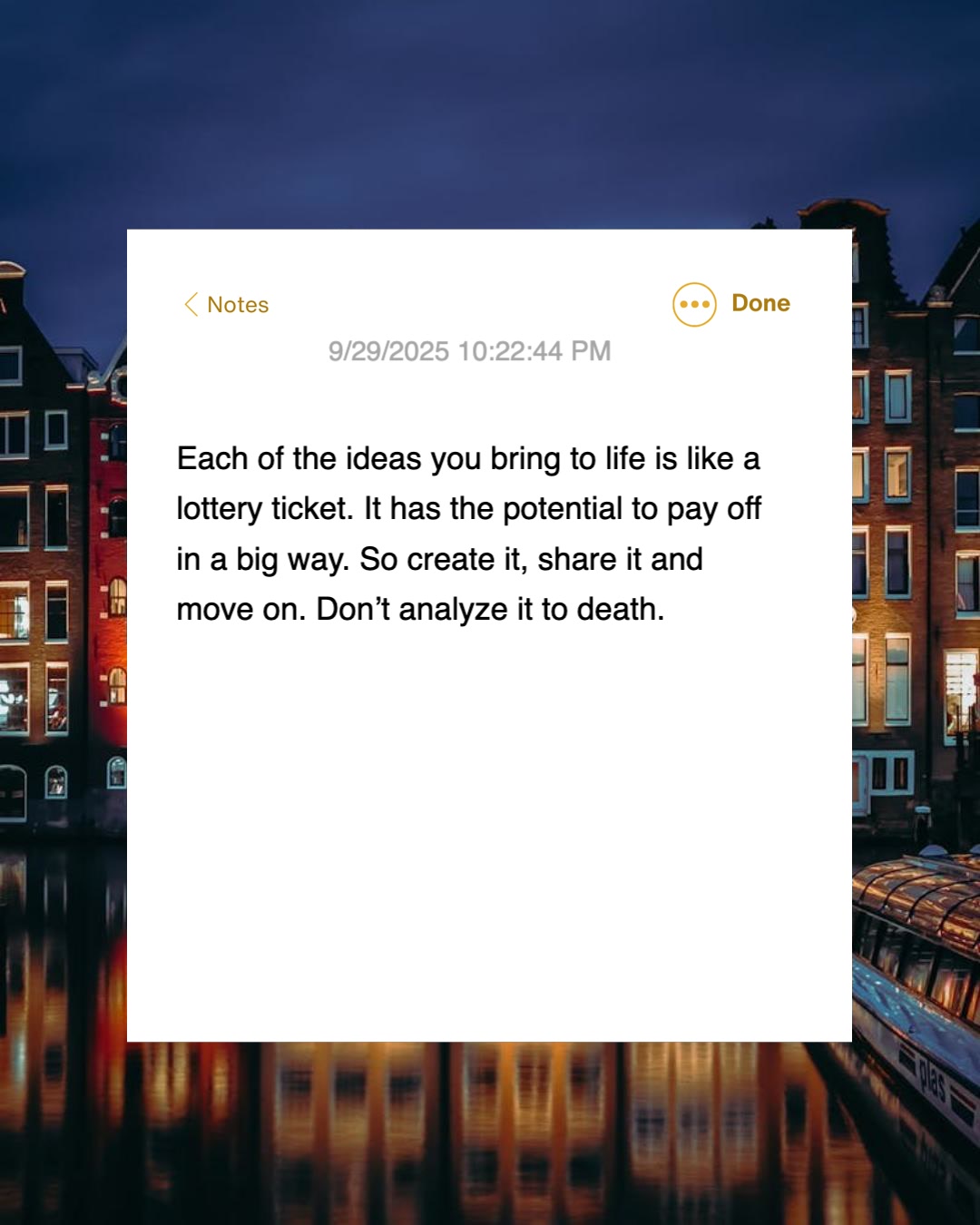
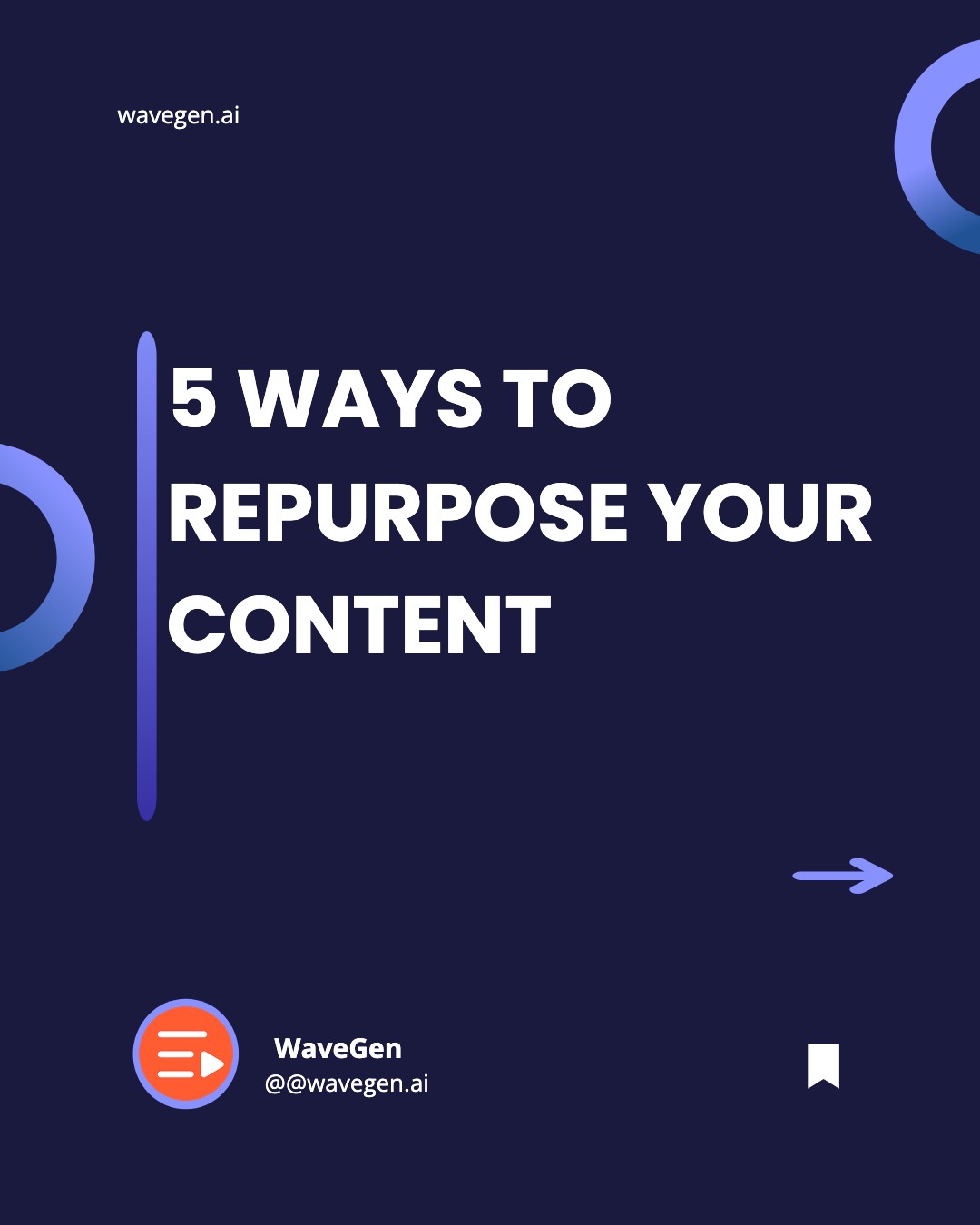
How Do I Turn a Medium Article into a Carousel?
Three steps. No templates to fill, no copy to rewrite, no images to source. WaveGen handles everything from story URL to finished slides.
1
Paste Your Medium URL
Copy the link of any public Medium story or friend link and paste it into WaveGen. The AI fetches and reads the full article automatically — member-only stories can be pasted as text instead.
2
AI Extracts Key Points
WaveGen's AI identifies the main arguments, statistics, and quotable lines from your story and structures them into individual carousel slides with headlines and body text — keeping the voice of your original writing.
3
Get Ready-to-Publish Slides
Each slide gets a relevant AI-generated image, your brand colors and fonts, and proper sizing for Instagram, LinkedIn, TikTok, or Pinterest. Publish or schedule directly, with your Medium link in the first comment.
Which Medium Stories Can You Convert?
Anything you have written on Medium can become a carousel. Here is how the different story types come in — including the paywalled ones.
Public Medium Stories
Any free, publicly visible Medium article — yours or in a publication.
Friend Links
Friend links bypass the paywall, so member-only stories fetch via their friend link.
Member-Only Stories (paste text)
Behind the metered paywall? Copy the story text and paste it in — same output.
Publication Articles
Stories you published in Medium publications — Better Programming, The Startup, and the rest.
Listicles & Guides
Numbered lists and how-to guides map naturally onto one-point-per-slide carousels.
Personal Essays
Essays and opinion pieces — the strongest lines become hooks and quote slides.
One honest caveat: stories behind Medium's metered paywall may not fetch fully from the URL. As the author you can always see the full text — copy it and use WaveGen's paste-text input, and the output is identical.
Why Promote Your Medium Articles Beyond Medium?
Medium's recommendation system decides who sees your story — and you don't control it. Repurposing puts distribution back in your hands.
Stop depending on the algorithm's mood
On Medium, distribution is decided by curation and the recommendation feed — a story can be your best work and still reach almost nobody if the algorithm passes it over. A carousel on LinkedIn or Instagram is distribution you initiate. Every repurposed article is a second, third, and fourth chance for the story to find its audience, on channels where you control the publish button.
Reach readers who are not on Medium
Medium's recommendation system can only show your story to people already reading on Medium. The professionals scrolling LinkedIn and the audiences swiping Instagram and TikTok carousels are a different — and far larger — pool. A teaser carousel meets them in their own feed and routes the interested ones to the full story, where they can clap, follow, and read your back catalog.
Carousels are built for the tease
A link post to a Medium article is easy to scroll past. A carousel makes the reader experience the idea — slide one hooks, the middle slides build the argument, and the closing slide points to the full story. That swipe-through engagement is also exactly what platform algorithms reward, which means more reach for the same article without writing anything new.
Minutes per article, not hours
Doing this manually — re-reading the article, outlining slides, writing headlines, designing in a graphics tool, exporting per platform — takes the better part of an hour per story. WaveGen compresses it to under two minutes, which changes the economics: suddenly it is realistic to repurpose every story you publish, and to go back through your archive and promote the evergreen ones too.
The bottom line: Medium rewards writers who bring their own readers — external traffic earns reads, follows, and engagement signals that feed back into internal distribution. Repurposing each article into carousels is the most repeatable way to generate that external traffic. A content repurposing platform handles the extraction, the AI carousel generator handles the design layer, and built-in scheduling means one sitting covers the whole week.
How Does WaveGen Compare to Buffer, Hootsuite, and SocialBee?
Buffer, Hootsuite, and SocialBee schedule posts you've already created. WaveGen reads a Medium URL and produces carousel slides, video, and captions in one workflow — then schedules them too.
| Feature | WaveGen | Buffer | Hootsuite | SocialBee |
|---|---|---|---|---|
| Schedules and publishes to all major platforms | ||||
| AI-written captions and post text | AI Assistant | OwlyWriter AI | AI Copilot | |
| Turns a Medium URL into carousel slides with AI images | ||||
| Animated slideshow video from the same article | ||||
| Built-in visual editor (edit any slide) | ||||
| Brand kit auto-applied to every slide | ||||
| Evergreen recycling with content categories | ||||
| Social listening and brand monitoring |
Buffer and SocialBee are schedulers with AI writing assistants — SocialBee adds content categories and evergreen recycling — and Hootsuite layers on enterprise listening and a social inbox. All three distribute content you've already made. WaveGen is the option built for visual output — carousel slides and video generated from the same Medium URL, with publishing built in. Comparison based on publicly available feature lists as of June 2026.
How to Turn a Medium Article into a Carousel with WaveGen
Go from a published Medium story to a scheduled carousel in six steps — four core, two optional.
Step 1: Copy your Medium story URL
Open the Medium article you want to promote and copy its URL. Public stories and friend links work directly. If the story is member-only and sits behind the metered paywall, copy the article text instead — as the author you always see the full piece — and use WaveGen's paste-text input. Either way the output is the same.
Step 2: (Optional) Apply your brand kit
If you've set up a brand kit, select it before generating — your logo, brand colors, fonts, and brand voice are applied to every slide automatically. You define the voice yourself or auto-draft it from your website, and it stays editable. This keeps your carousels visually consistent whether you repurpose one story or your whole archive.
Step 3: Paste the URL and click Generate
Select the URL tab, paste your Medium link, and click Generate. The AI fetches the story, maps its structure, and identifies the strongest talking points — the central argument, supporting evidence, actionable tips, and memorable lines. Within seconds it produces a set of carousel slides, each with a headline, supporting text, and a relevant AI-generated image, written to tease the story rather than replace it. You can also generate in a different language from the original article.
Step 4: Customize in the visual editor
Review the generated slides in WaveGen's built-in editor. Sharpen the hook on slide one — it decides whether anyone swipes. Swap images, rewrite headlines, reorder or remove slides, and make sure the closing slide clearly points readers to the full story on Medium.
Step 5: (Optional) Add a first comment with your story link
Set up a first comment that automatically posts your Medium link when the carousel goes live. Readers hooked by the slides can jump straight to the full article — where Medium counts the visit as external traffic, one of the signals its distribution system rewards.
Step 6: Schedule to social media
When the carousel looks right, publish or schedule it directly to Instagram, LinkedIn, TikTok, Facebook, YouTube, or Pinterest — all from within WaveGen, free. LinkedIn gets the PDF document format, Instagram gets correctly sized image slides, TikTok gets the vertical slideshow. On a paid plan you can also download the slides as watermark-free images and PDFs for manual posting anywhere else.
No credit card required. Convert your first Medium article in under 2 minutes.
Where Should You Publish Medium Article Carousels?
Different platforms reward the carousel format differently — and each one sends a different kind of reader back to your story.
LinkedIn is usually the highest-value channel for Medium writers. Carousel (document) posts are uploaded as PDFs that followers swipe through, and they consistently earn strong reach with professional audiences — the same people likely to read a thoughtful Medium essay to the end, follow you, and share it. WaveGen exports your story-sourced carousel as a LinkedIn-ready PDF and can drop the Medium link into the first comment automatically.
Instagram carousels allow up to 20 slides per post, and the algorithm re-shows carousels to followers who did not swipe the first time — effectively giving the same post multiple chances at engagement. WaveGen sizes each slide for Instagram's feed automatically and writes a caption with a hook and hashtags, so your Medium story arrives in the format Instagram rewards rather than as an easily skipped link.
On TikTok, the photo carousel format appears in the For You feed alongside videos and benefits from the same recommendation engine. WaveGen exports slides at 1080 x 1920 for TikTok's vertical format — and if you want motion, it can generate an animated slideshow video from the same article: slides with transitions and music, silent with on-screen captions, no filming or voice-over required. One Medium story, native formats on every major platform.
Medium to Carousel FAQs
Give Your Next Medium Story the Audience It Deserves
You already spent hours writing the article. Let WaveGen turn it into carousels that tease the story across Instagram, LinkedIn, and TikTok — and route every swipe back to your Medium profile. Paste a URL, generate slides, and schedule them, all in one place.
Free to start. No credit card required.