Turn your market report into a market update post.
Upload the monthly report from your MLS or board, link your blog post, or paste the numbers. WaveGen makes a carousel with one statistic per slide and what it means for buyers and sellers.
GENERATED WITH WAVEGEN · DEMO
From monthly numbers to a seven-slide market update.
WaveGen made the carousel below from this sample. No brand kit was applied; with yours, it uses your colors, fonts and logo.
THE MARKET NUMBERS
October 2026 Market Update: Santa Cruz County, single-family homes Median sale price: $1,295,000, up 4% from October 2025. Homes sold: 142, down 6% from a year ago. Median days on market: 28, up from 21. Active listings: 389, up 12%. Sale-to-list price ratio: 99.1%. What it means: buyers have more choice and a little more time than last year. Sellers who price right are still selling close to asking. Wondering what your home is worth? Call Maya Chen, Coastline Realty.
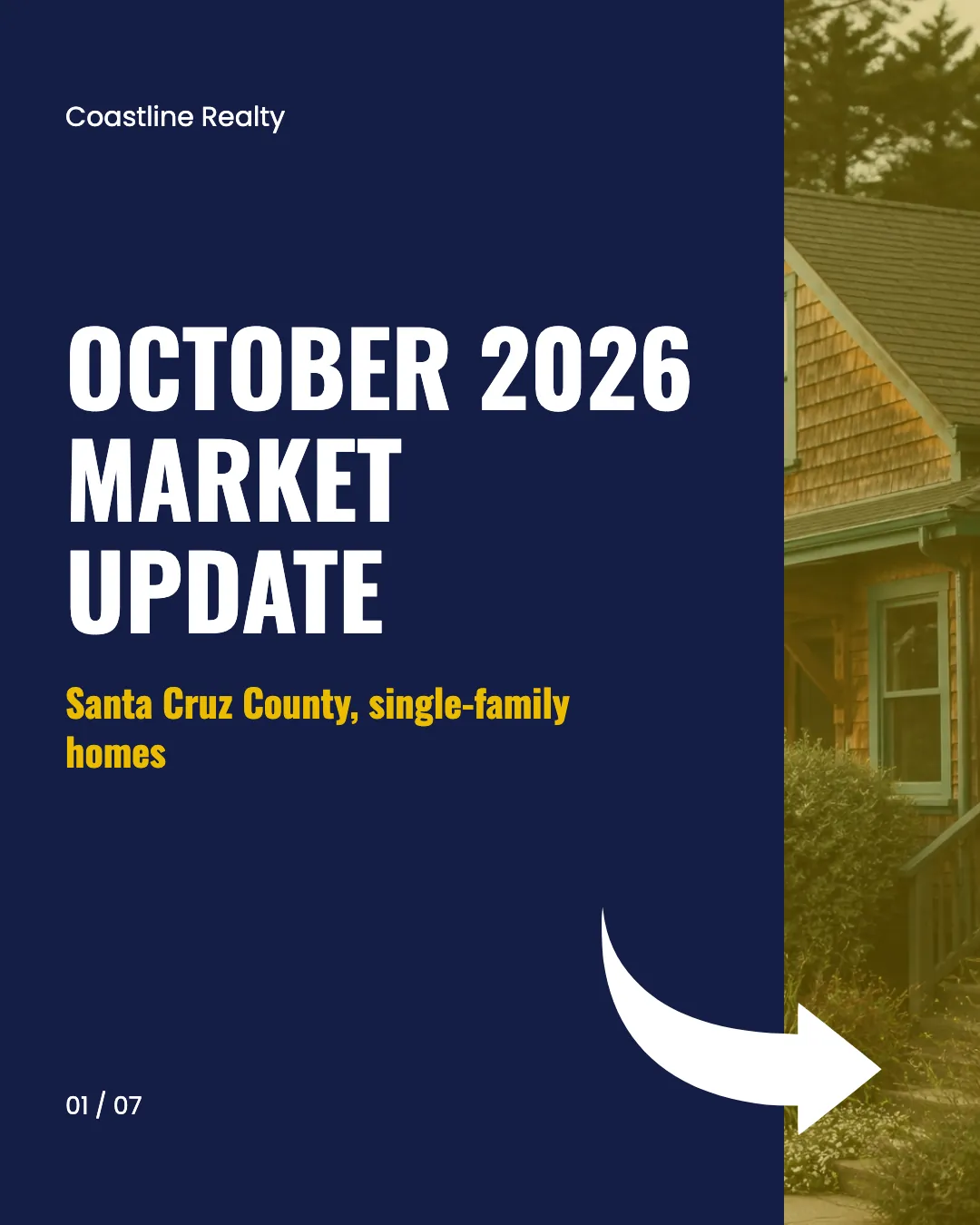
Slide 1 of 7
One number per slide
Each statistic got its own slide with the report's figure kept exactly, and a line on what it means for buyers or sellers.
The agent's call to action
The closing slide names the agent and brokerage, so the post ends with who to talk to.
Read the example caption
Here is your October 2026 Market Update for single-family homes in Santa Cruz County! 🏡 The market is shifting, offering new opportunities. The median sale price is $1,295,000, up 4% from October 2025. However, sales have slowed slightly, with 142 homes sold—down 6% from a year ago. Inventory is growing, with active listings up 12% to 389 homes. Properties are also staying on the market a bit longer, with the median days on market rising from 21 to 28 days. What does this mean for you? Buyers now have more choice and a little more time to make decisions than last year. For sellers, the sale-to-list price ratio remains strong at 99.1%. Sellers who price right are still selling close to asking. Wondering what your home is worth? Call Maya Chen at Coastline Realty. #SantaCruzRealEstate #MarketUpdate #SantaCruzHomes #CoastlineRealty #RealEstateStats
How to turn a market report into a carousel
01
Add your report
Upload the PDF from your MLS or board, link your market update, or paste the numbers.
02
Generate the market update
WaveGen picks the numbers that matter, gives each one a slide with what it means, and writes a caption.
03
Check the numbers and schedule
Compare every figure with the report, then schedule it for early in the month, when people look for the latest numbers.
Be the agent who explains the market.
Buyers and sellers see headlines about the national market. A monthly update for your own area shows you know what's happening where they live.
Pick four or five numbers
Median price, homes sold, days on market and inventory tell most of the story. Leave the rest in the report.
Say what each number means
"Days on market up from 21 to 28" means more for buyers when it says they have a little more time to decide.
Post on the same week every month
A regular update becomes something people expect, and a reason to follow you between moves.
Market Report to Carousel FAQs
What did the market do this month?
Upload your report and turn it into a market update post.