July 24, 2026
18 min read
10 Best AI Tools for Social Media Managers in 2026
Discover the top 10 AI tools for social media managers. Our 2026 guide covers tools for repurposing, scheduling, and analytics to save time and boost reach.
You're probably staring at a content calendar that's half empty, a Slack thread full of “can we make this more on-brand?” comments, and a pile of long-form content that should be doing more for you than one lonely LinkedIn post. That's the ai tools for social media managers in 2026, the category has moved past novelty and into daily operations, from caption generation and scheduling to analytics, social listening, and engagement automation, as reflected in Zapier's 2026 roundup of tools like Hootsuite, Sprout Social, ContentStudio, FeedHive, Eclincher, and Predis.ai (Zapier's 2026 AI social media management roundup). The key question isn't whether AI belongs in your workflow anymore, it's which tool solves the bottleneck you're dealing with.
If your job is to keep brands visible across multiple channels, you already know the pain points. One tool writes captions, another schedules them, a third handles analytics, and a fourth is where the actual content gets repurposed. This guide skips the theory and gets straight to the tools that help social managers ship faster, stay consistent, and make better decisions about what deserves another round of distribution. For a broader market view, the best social media AI tools in 2026 framing is useful, but this list is organized by job, not by hype.
Table of Contents
- 1. WaveGen.ai
- 2. Hootsuite
- 2. Hootsuite
- 3. Sprout Social
- 4. Buffer
- 5. Later
- 6. SocialBee
- 7. Metricool
- 8. Lately.ai
- 10. OpusClip (Opus.pro)
- 10. OpusClip (Opus.pro)
- Top 10 AI Tools for Social Media Managers, Comparison
- How to Build Your AI Social Media Stack in 2026
1. WaveGen.ai
WaveGen.ai belongs at the center of a social media stack because it handles the work that usually gets left behind, repurposing. A lot of managers still spend too much time turning one useful asset into separate posts for each channel, then reworking the same message again and again to fit the format. WaveGen.ai takes a blog post, newsletter, podcast script, or YouTube transcript and turns it into social content that can carry a consistent brand kit, including colors, fonts, logo, and voice.
The practical value shows up in the handoff from long-form content to distribution. WaveGen.ai generates carousels, short videos, quote cards, captions with hashtags, and platform-specific formatting, then gives you a visual editor so you can tighten the output before it goes live. It also supports one-click publishing to Instagram, TikTok, LinkedIn, YouTube, and Facebook, with Pinterest on the roadmap.
That matters if your team already publishes material that deserves more than one pass through the feed. WaveGen.ai also handles scheduling, crossposting, and an autopilot mode that watches RSS feeds and suggests posts, which helps keep the pipeline moving without forcing you to rebuild content manually every time. For teams comparing scheduling options and deciding where automation should sit in the workflow, this guide to social media scheduling apps is a useful companion.
WaveGen.ai is strongest when repurposing is the bottleneck, not the only job. If you only need a basic scheduler, a lighter tool may be enough. If you need to multiply one piece of content across channels while keeping the brand consistent, WaveGen.ai works like the foundation of the stack, not a late-stage add-on. It fits teams that want to turn long-form assets into repeatable social output without handing off quality control to a generic generator.
2. Hootsuite
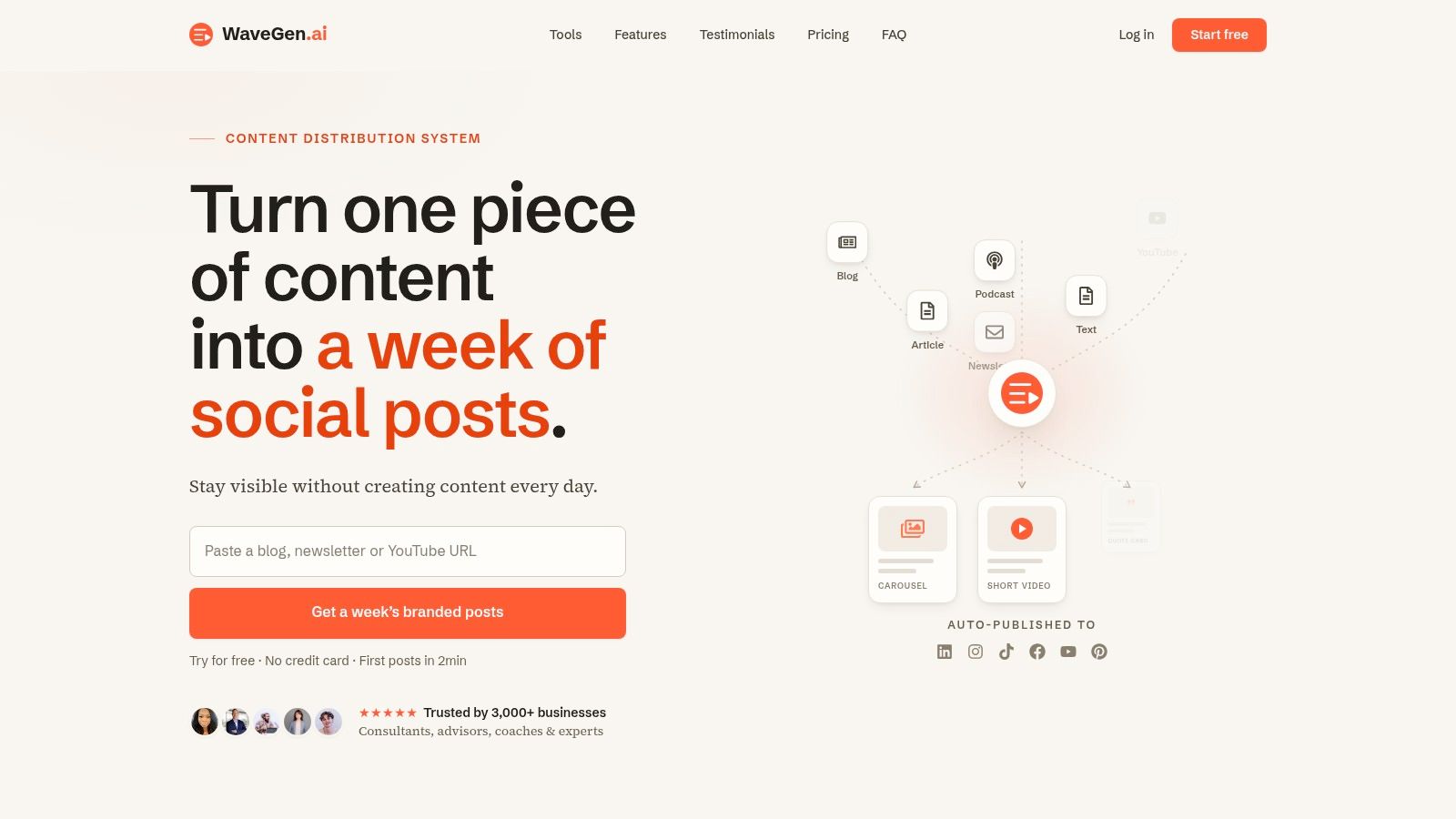
Hootsuite works for teams that need a social operations layer, not just a place to queue posts. Publishing, engagement, analytics, and listening sit in one system, which matters because social teams usually split their work across those functions every day. The AI assistant, Wisdom, also called OwlyGPT in some product surfaces, helps with ideation, copy, optimization, and insights.
The value is in the structure around the AI. Hootsuite gives social managers a central place to publish across major networks, monitor conversations, and manage incoming questions without bouncing between tools. That makes it a better fit for multi-brand teams, agencies, and organizations with more stakeholders in the loop.
Why teams buy it
Hootsuite fits organizations that care about governance as much as speed. Approval-friendly workflows, centralized management, and a single interface for multiple social functions are the main reasons it stays in the stack. The trade-off is breadth, smaller teams can pay for capabilities they rarely touch, and the interface can feel heavier than a focused scheduler.
It also helps when the job is coordination, not just output. If a brand needs someone to draft copy, another person to approve it, and a separate team to monitor responses and mentions, Hootsuite gives that process a home.
Hootsuite makes the most sense when social isn't just a marketing task, it's an operating function.
For teams comparing workflow structure and deciding where scheduling should sit, a practical guide to social media scheduling apps is a useful companion.
2. Hootsuite
Hootsuite works best when the job is broader than writing captions. It brings publishing, engagement, analytics, and listening into one place, which suits teams that need a social operations layer instead of a tool for a single task. For social managers balancing content, response work, and reporting, that scope matters.
Its AI assistant, Wisdom, also known as OwlyGPT in some product surfaces, helps with ideation, copy, optimization, and insights. That is useful when a team needs a fast draft or a second pass on messaging, but the key advantage is the structure around the AI. Hootsuite's publishing supports major networks, and its listening plus inbox workflows are built for teams that handle multiple stakeholders, multiple brands, or a steady flow of questions and mentions.
Why teams buy it
The platform fits organizations that care about governance as much as speed. It works well for teams that need approval-friendly workflows, centralized management, and a single interface for several social functions. The trade-off is breadth. Smaller teams can end up paying for depth they rarely use, and the product can feel heavier than a focused scheduler.
It also helps when social is a coordination problem, not just a content problem. If one person drafts, another approves, and a third monitors replies and mentions, Hootsuite gives that process a home. That is where it earns its place in the stack, especially for teams that need clear handoffs and fewer disconnected tools.
Hootsuite makes the most sense when social isn't just a marketing task, it's an operating function.
For people comparing workflow structure, a separate guide on scheduling apps for social media can help show where Hootsuite fits. The platform is less about one clever AI feature and more about keeping publishing, monitoring, and response work in one operating rhythm.
Website: Hootsuite
3. Sprout Social
Sprout Social is built for teams that need social data to support decisions, not just fill a dashboard. Hello Operator's 2026 guidance puts the shift plainly, the clearest signal is conversion value, not likes or impressions, and that move toward outcome-based measurement now shapes how social media managers are judged (Hello Operator). Sprout fits that mindset because it puts analytics, listening, and intelligence ahead of quick AI copy help.
The platform's strength is the way it connects publishing with customer insight. Its AI features assist with replies, summaries, and optimization, while the broader product brings together publishing, engagement, analytics, listening, and influencer features. That makes it a strong fit for brands using social for customer care and market research, not just distribution. Teams buy it when they want to see what people are saying, then turn that signal into action.
What it does better than lighter tools
Sprout's AI-powered listening and analytics are the main reason it stands apart. Enterprise teams care about sentiment shifts, mention tracking, and whether social activity connects to leads, sales, or campaign ROI. The tool works well when social managers need to report beyond vanity metrics and make the business case for social's impact.
The trade-off is cost and complexity. Sprout is not a casual scheduler, and it does not try to be one. It makes more sense for teams that already have enough volume to justify deeper measurement and structured workflows. Smaller teams may find the feature set larger than their day-to-day needs, even if the functionality is strong.
Website: Sprout Social
4. Buffer
Buffer is the tool for people who want to stay organized without turning social management into a software project. It's lighter than enterprise suites, but that's exactly why many solo creators and smaller teams keep it around. The AI Assistant helps with brainstorming and drafting, and the broader product stays focused on planning, queueing, best-time suggestions, and basic analytics.
Buffer works because it respects channel differences without making them a headache. Zapier's review notes that its AI Assistant detects the channel you're writing for and adapts the output accordingly, which is a small feature that matters a lot when you're tailoring one idea across multiple networks (Zapier). It's also a good fit if you're building a simple stack around a scheduler and a separate writing tool.
Best use case and limits
Buffer is strongest for consultants, solo marketers, and lean teams managing a modest number of profiles. The pay-per-channel model keeps the setup simple, and the free tier makes it easy to test without a messy procurement process. That simplicity is also the limitation, because it doesn't try to do advanced listening, deep collaboration, or heavy governance.
If your team needs fast scheduling, channel-specific rewriting, and low-friction publishing, Buffer is a clean answer. If you need enterprise approvals or social care workflows, it'll feel too light.
Website: Buffer
5. Later
Later is a visual-first scheduler that fits teams whose social work starts with the feed, not the inbox. It's especially useful for Instagram- and TikTok-led strategies, where layout, visual pacing, and caption ideation all have to work together. The AI Caption Writer and Ideas engine runs on monthly AI credits, which keeps the tool practical, but also means heavy users need to watch usage.
Later's real value is visual planning. If your workflow depends on seeing the grid, previewing the feed, and keeping a consistent look across posts, it's a better fit than a generic queue-based scheduler. The platform also includes Instagram and Pinterest analytics, link-in-bio features, and mobile apps, which makes it easier for social managers who live inside visual campaigns rather than long editorial calendars.
Where Later shines
For teams that care about feed aesthetics, Later does the job well. It helps social managers draft captions without leaving the planning environment, and the app supports the kind of in-the-moment adjustments that visual brands make all the time.
The main drawback is the credit model. If you generate a lot of captions or ideas, the metered approach can become a planning issue. It's not the best choice if your team needs deep listening or customer care workflows, but it's a solid option when the priority is visual consistency and fast in-app ideation.
Website: Later
6. SocialBee
SocialBee fits teams that need a content engine running across several brands or clients without constant manual rebuilding. Its AI Copilot can draft strategy, calendars, and posts that are ready to edit, but the stronger part of the platform is the system underneath it. Category-based scheduling and evergreen recycling keep good content in circulation, so the same core ideas can keep working instead of disappearing after one publish.
For agencies and freelancers, SocialBee solves a real operational problem. Workspaces, approvals, and client management keep accounts separated cleanly, while AI image alt-text and direct publishing to major networks remove a few of the repetitive tasks that slow down day-to-day production. For teams managing recurring content themes, that mix saves time without forcing a complete workflow change.
What to watch for
SocialBee is stronger at recycling and operational consistency than at deep analytics or advanced listening. That trade-off matters. If the main problem is keeping multiple clients organized and making evergreen content work harder, SocialBee fits well.
Use SocialBee when the content already exists in your ecosystem and needs to keep working harder, not when you need enterprise-level social intelligence.
Some posts may still need reminders instead of full auto-publish, depending on the platform or account type, so check the exact workflow before rolling it out across every client.
Website: SocialBee
7. Metricool
Metricool is one of the most practical picks for data-driven social managers who want reporting without immediately jumping to a heavyweight enterprise suite. It combines planning, publishing, competitor benchmarking, ads integration, and reporting, and it also adds smaller AI helpers such as alt-text generation inside the composer. That makes it a useful middle ground between pure scheduling and deeper analytics.
The platform's broad coverage is a baseline expectation now, not a luxury. Metricool's suite explicitly supports planning and publishing across Instagram, TikTok, Facebook, X, LinkedIn, YouTube, Pinterest, Twitch, and Google Business Profile, which shows how broad platform support has become in the category (Zapier). For managers working across many channels, that breadth matters more than flashy AI copy features.
Why it belongs in a stack
Metricool is valuable when you need to show what's working, benchmark against competitors, and keep an eye on paid and organic activity in the same place. It's not the deepest platform for listening or customer care, but it covers a lot of day-to-day management without feeling bloated.
The newer technical angle is its support for external AI agents through MCP, which signals where the category is heading, toward connected workflows rather than isolated dashboards. For teams that want reporting, planning, and usable AI touches in one place, Metricool is a very workable option.
Website: Metricool
8. Lately.ai
Lately.ai is built around repurposing, and that makes it especially useful for teams that already produce a steady stream of long-form content. It learns brand voice and turns blogs, videos, and podcasts into social-native snippets, which is the kind of capability most social managers need. If you already have the raw material, the tool helps make sure it doesn't sit unused after publication.
A lot of AI tools for social media managers fall short in this regard, they help with one post, but not with the distribution system around the post. Lately is more operational than that. It supports publishing and advocacy, and its workflows are tuned for turning text, audio, and video into repeatable social output.
Where it wins and where it doesn't
The main strength is consistency. If your brand publishes a lot and you need the social layer to reflect that output without sounding fragmented, Lately helps preserve voice across many variants. That's useful for content-rich teams that don't want every snippet to feel manually rebuilt.
The downside is focus. Lately is narrower than broader management suites, and pricing details can vary by tier, so it's worth verifying what's included before you commit. It's strongest when repurposing is already part of the operating model.
Website: Lately.ai
10. OpusClip (Opus.pro)
A long recording often hides a week's worth of short-form posts. OpusClip handles that first pass, pulling clips from webinars, podcasts, founder interviews, and educational videos, then adding captioning, reframing, and a ranking layer so editors do not have to inspect every cut by hand. The Virality Score helps with triage, but it still needs human judgment before anything goes live.
That makes it a strong fit for teams that already have video and need to turn it into social inventory fast. OpusClip adds auto captions, reframing, text-based editing, timeline editing, and AI B-roll, so one source file can become several platform-ready clips with far less manual labor. For teams building a video workflow, it helps to think beyond clipping and into distribution. A useful companion resource is our guide on video content strategy, because clipping only pays off if the rollout around it is organized too.
How to use it well
Use the score as a starting point, not a final answer. Hook quality, pacing, and brand fit still need a person to review them, especially when the original video is long or the message is nuanced. OpusClip also does not replace a social scheduler, so publishing and engagement still need to happen in another tool.
It works best inside a repurposing stack, where the goal is to turn one asset into many without rebuilding each post from scratch. That is the core trade-off. You gain speed and volume, but you still need a separate system to manage distribution, approvals, and audience interaction.
10. OpusClip (Opus.pro)
OpusClip solves one of the most common video bottlenecks in social: turning one long recording into multiple short-form assets. If you have webinars, podcasts, founder interviews, or educational videos, this tool does the first pass of clipping, captioning, reframing, and prioritization so you don't have to edit every cut by hand. The Virality Score is useful as a triage signal, even if it shouldn't be treated like a guarantee.
It's the right tool when video already exists and needs to be split into social inventory fast. OpusClip adds auto captions, reframing, text-based editing, timeline editing, and AI B-roll, so teams can move from a single source file to multiple platform-native clips with far less manual work. That's why it sits naturally in a stack built around content repurposing, especially for creators and brands that publish video-heavy material.
How to use it well
The score helps you decide what to publish first, but human review still matters. The hook, pacing, and brand fit can't be delegated completely to automation. OpusClip is also not a full social scheduler, so you'll need a management tool for publishing and engagement.
For teams building a video workflow, it helps to think beyond clipping and into distribution. A useful companion resource is create short videos from idea to distribution, because clipping only pays off if the rest of the rollout is organized too.
Website: Opus.pro
Top 10 AI Tools for Social Media Managers, Comparison
| Product | Core capability | UX / Quality | Value & Pricing | Target audience | Unique selling point |
|---|---|---|---|---|---|
| WaveGen.ai 🏆 | Repurposes long‑form into carousels, short videos, quote cards & captions | ★★★★★, strong UX, major time savings | 💰 $20–$70+/mo; free trial; scalable tiers | 👥 Creators, coaches, consultants, agencies | ✨ Brand‑first repurposing + visual editor, autopilot RSS & one‑click multi‑platform publish 🏆 |
| Hootsuite | End‑to‑end publishing, listening & analytics | ★★★★☆, mature, enterprise grade | 💰 Seat‑based; higher cost for teams | 👥 Mid→large teams, multi‑brand orgs | ✨ Integrated AI (Wisdom/OwlyGPT) + advanced social listening |
| Sprout Social | Enterprise publishing, care, analytics & listening | ★★★★☆, deep workflows & reporting | 💰 Per‑seat enterprise pricing; 30‑day trial | 👥 Brands using social for customer care & research | ✨ Social Intelligence + AI Assist for replies & summaries |
| Buffer | Lightweight scheduler with AI assistant | ★★★☆☆, simple, low‑friction | 💰 Per‑channel pricing; free tier | 👥 Solo creators, consultants, small teams | ✨ Easy setup & transparent pricing for small portfolios |
| Later | Visual planner + AI caption credits (IG/TikTok focus) | ★★★★☆, excellent visual workflows | 💰 Tiered plans + AI credits; pay for heavy AI use | 👥 Visual‑first creators & small teams | ✨ Best‑in‑class feed preview & credit‑based caption ideation |
| SocialBee | Scheduling, recycling & multi‑brand workspaces | ★★★★☆, efficient for agency workflows | 💰 Agency‑friendly tiers; strong value | 👥 SMBs, agencies, freelancers | ✨ Evergreen recycling, category scheduling & approvals |
| Metricool | Planner, analytics, competitor benchmarking & ads | ★★★★☆, data‑driven UX | 💰 Accessible pricing; great reporting ROI | 👥 Data‑driven managers & small agencies | ✨ Robust reporting, competitor benchmarking & MCP support |
| Lately.ai | Repurposes blogs/videos/podcasts into many social snippets | ★★★★☆, focused on repurposing scale | 💰 Tiered/credit pricing; verify inclusions | 👥 Content‑rich teams & enterprises | ✨ Learns brand voice to scale consistent repurposing |
| Jasper | Marketing AI for brand‑safe copy & reusable campaigns | ★★★★☆, marketer‑focused UX | 💰 Credit‑based tiers; pairs with schedulers | 👥 Marketers needing consistent copy & campaigns | ✨ Brand Voice + Campaigns & centralized briefs (copy first) |
| OpusClip (Opus.pro) | Auto‑clips long videos into Shorts/Reels/TikTok with captions | ★★★★☆, fast short‑form production | 💰 Subscription; clip credits/pricing varies | 👥 Podcasters, video creators, editors | ✨ Auto reframe, captions & Virality Score to prioritize clips |
How to Build Your AI Social Media Stack in 2026
The right setup isn't one platform, it's a stack that matches the core bottleneck. If you create long-form content, a repurposing engine like WaveGen.ai is the most foundational layer because it turns source material into a week of on-brand social output instead of leaving you to rebuild every asset manually. That matters more in 2026 because the category now spans the whole pipeline, not just caption drafting or scheduling (Zapier).
If you manage multiple clients or brands, start with a management layer that can handle approvals, scheduling, inboxes, and analytics. Hootsuite and Sprout Social are stronger here than lighter tools because they're built around governance, listening, and reporting, which is also where the business value tends to show up. Hello Operator's guidance on outcome-based metrics is a good reminder that the point isn't to post more, it's to connect work to revenue or tracked business outcomes (Hello Operator).
For solo creators or smaller teams, keep the stack simpler. A scheduler like Buffer, a copy layer like Jasper, and a repurposing tool for video or long-form content can cover a lot of ground without adding operational drag. If your feed is visual-first, Later or Metricool can handle the planning and reporting side better than a generic writing assistant ever will.
The best stack is the one that removes one repeated task completely, not the one that gives you ten more features to babysit.
The smartest teams also build around what AI still can't do well. Brand governance, voice consistency, and human review matter because AI can speed up production without guaranteeing judgment. Sprout Social's emphasis on customer intelligence, Hootsuite's governance depth, and WaveGen's voice-preserving repurposing all point to the same operational reality, AI works best when it amplifies a real strategy instead of improvising one.
Start by mapping your workflow from source content to distribution, then identify the bottleneck that costs you the most time or consistency. Pick the tool that solves that specific pain first, then add one more layer only when the workflow proves it needs it. If you're ready to centralize repurposing and turn long-form content into a repeatable social engine, start with WaveGen.ai and build the rest of your stack around it.
A CTA for WaveGen.ai.
ai tools for social media managers
social media ai
content repurposing tools
social media automation
wavegen.ai
Turn this kind of writing into a week of social content.
Paste a blog post, newsletter, or rough draft — WaveGen turns it into publish-ready carousels, captions, and slideshows for every channel.
No credit card · First posts in 2min