Turn One Blog Post into a Set of Pinterest Pins
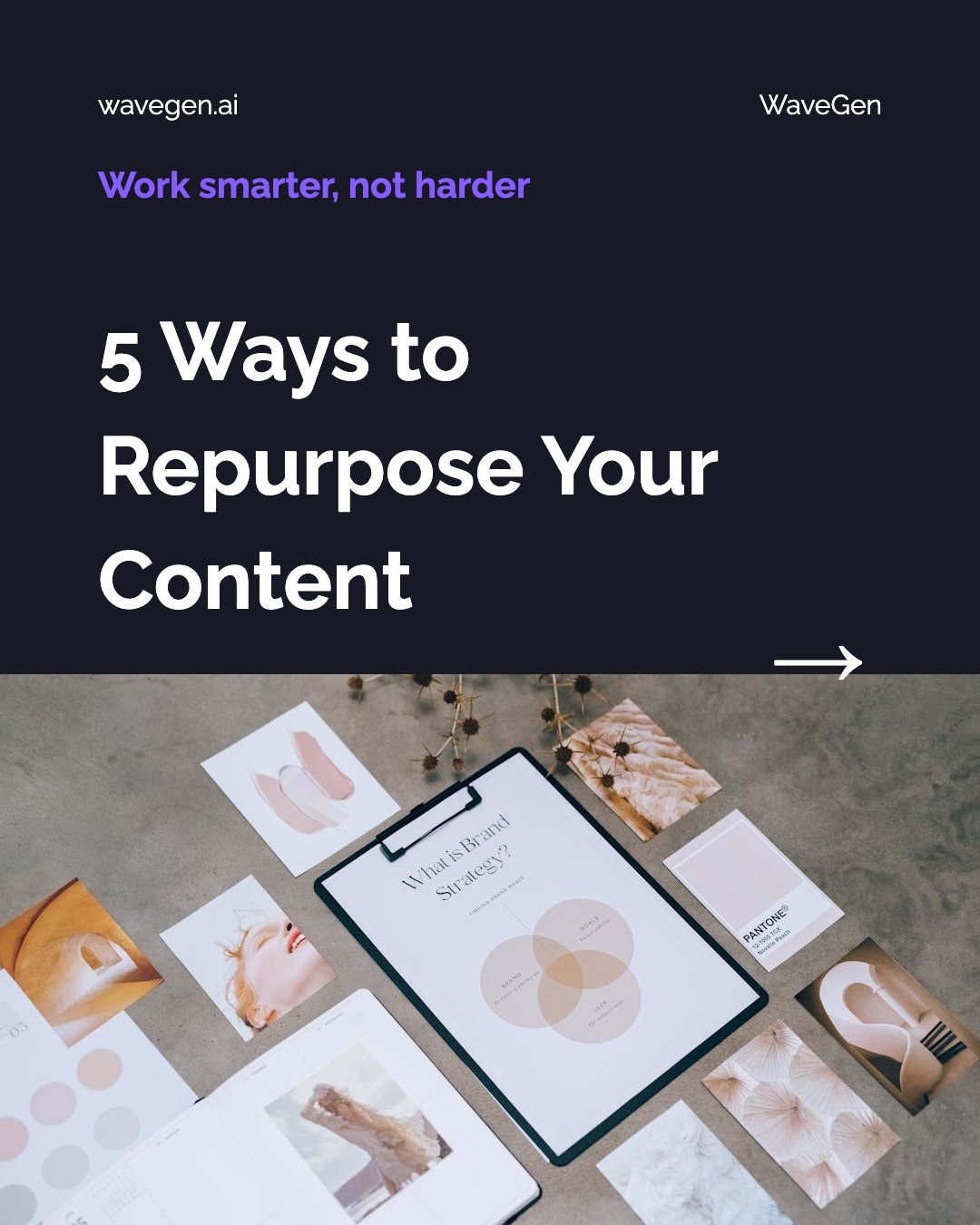
WaveGen reads your article and builds several different pins from it — not one. Each pin takes a different angle, enters Pinterest search on different terms, and links back to the same post. Portrait 1000×1500, styled with your brand. Free to start.
Works with any public URL — blog posts, guides, recipes, resource pages.
Under 3 min
From blog URL to pins
1000×1500
Pinterest's 2:3 portrait
Several pins
One article, many entries
Free
No credit card required

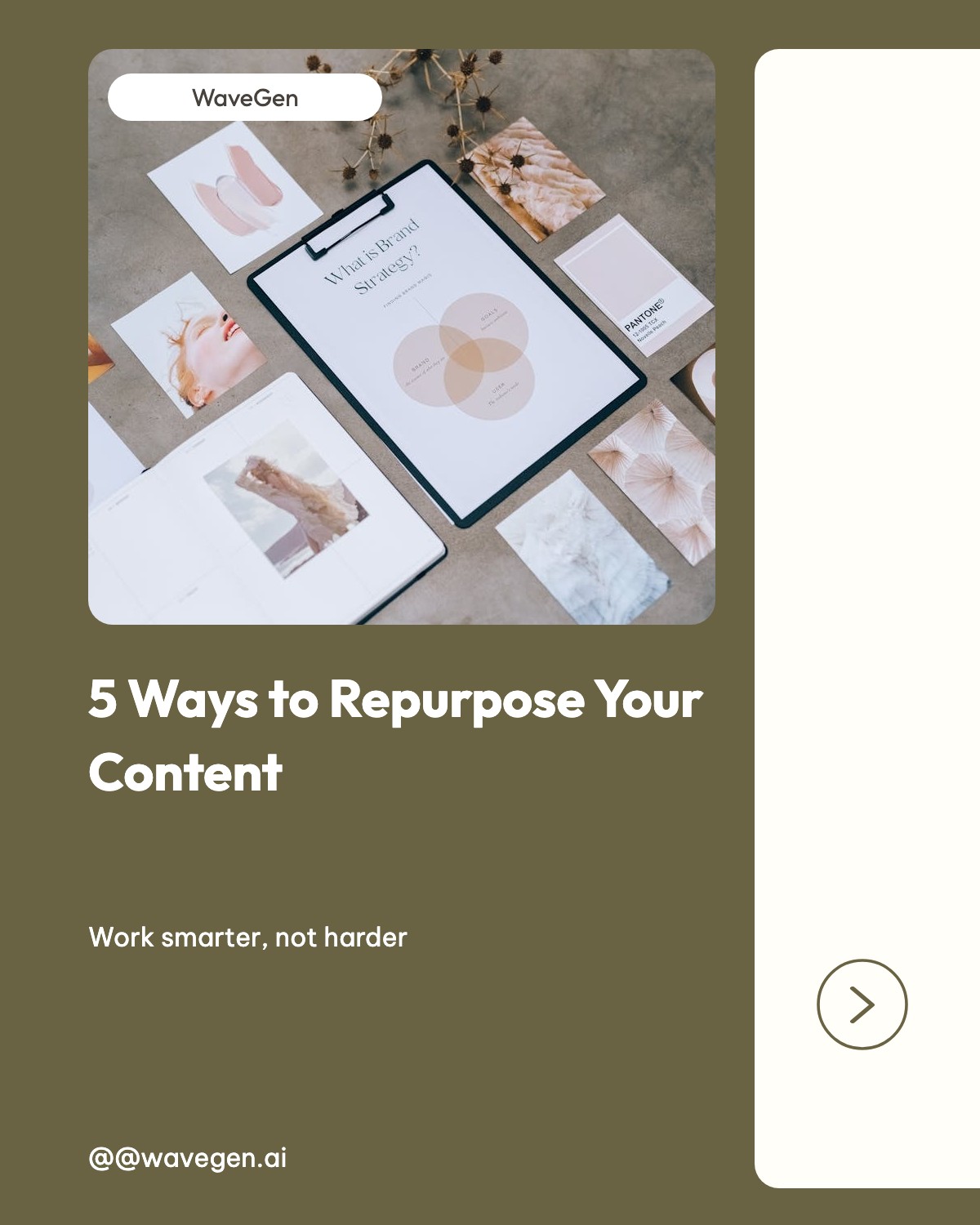

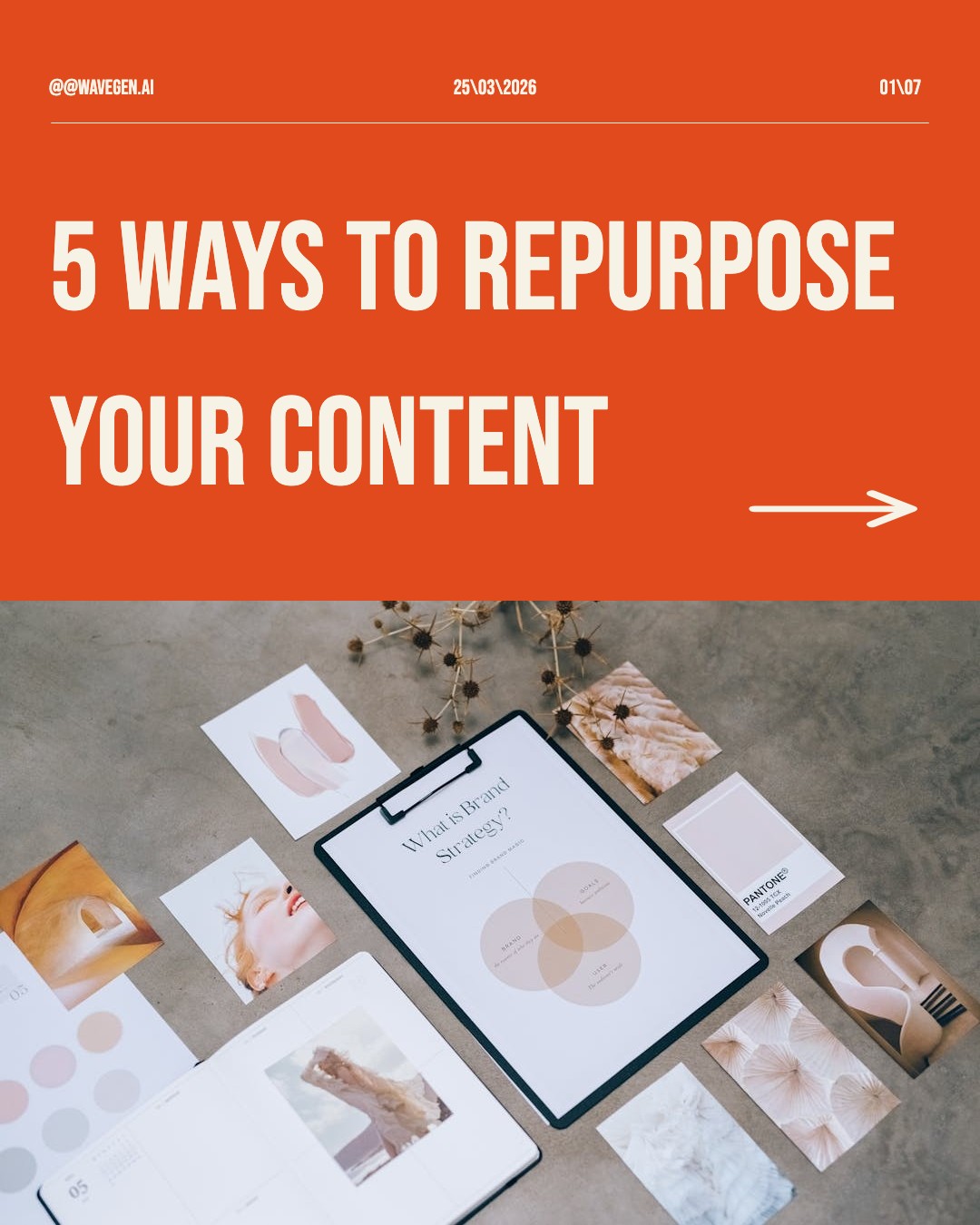

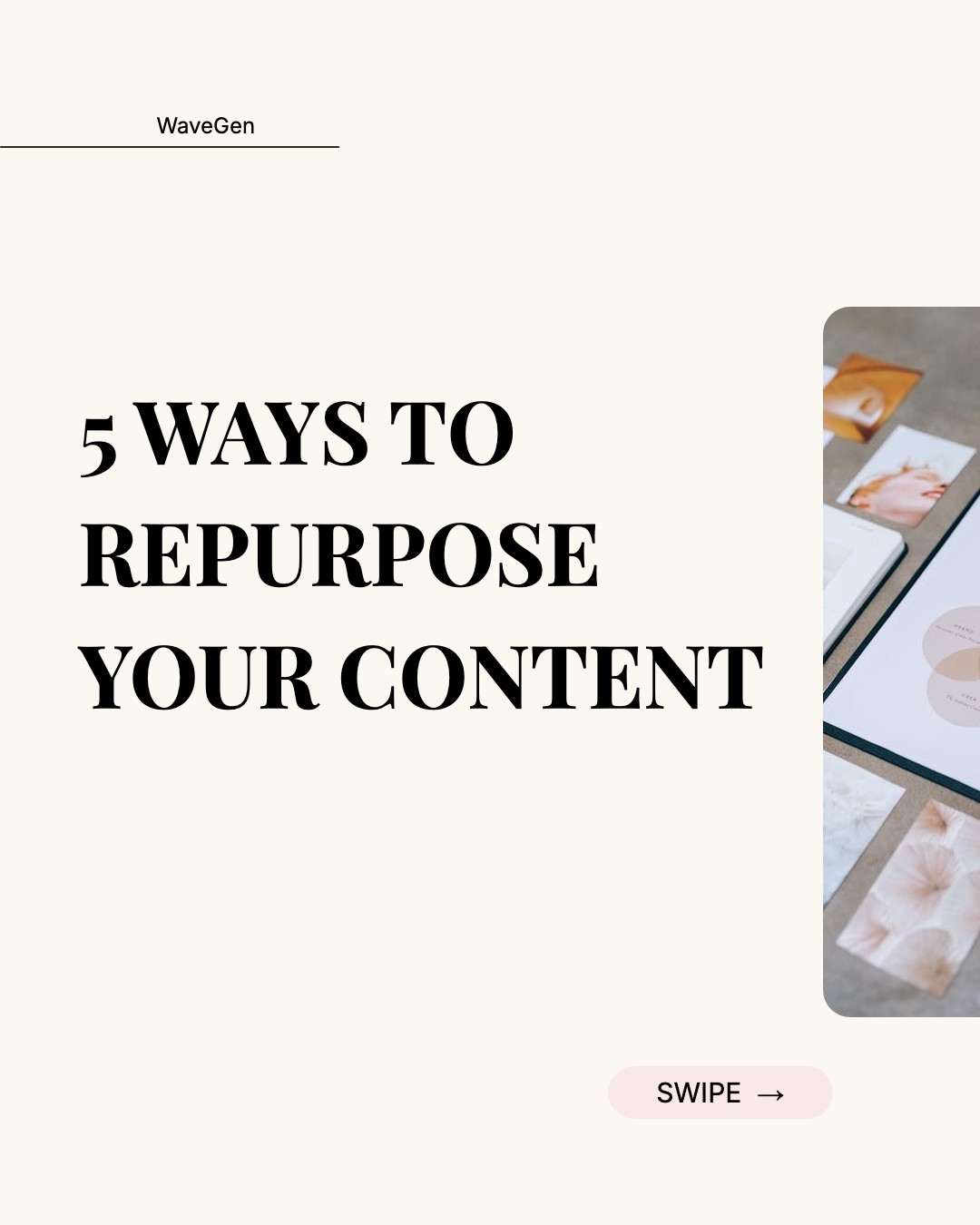
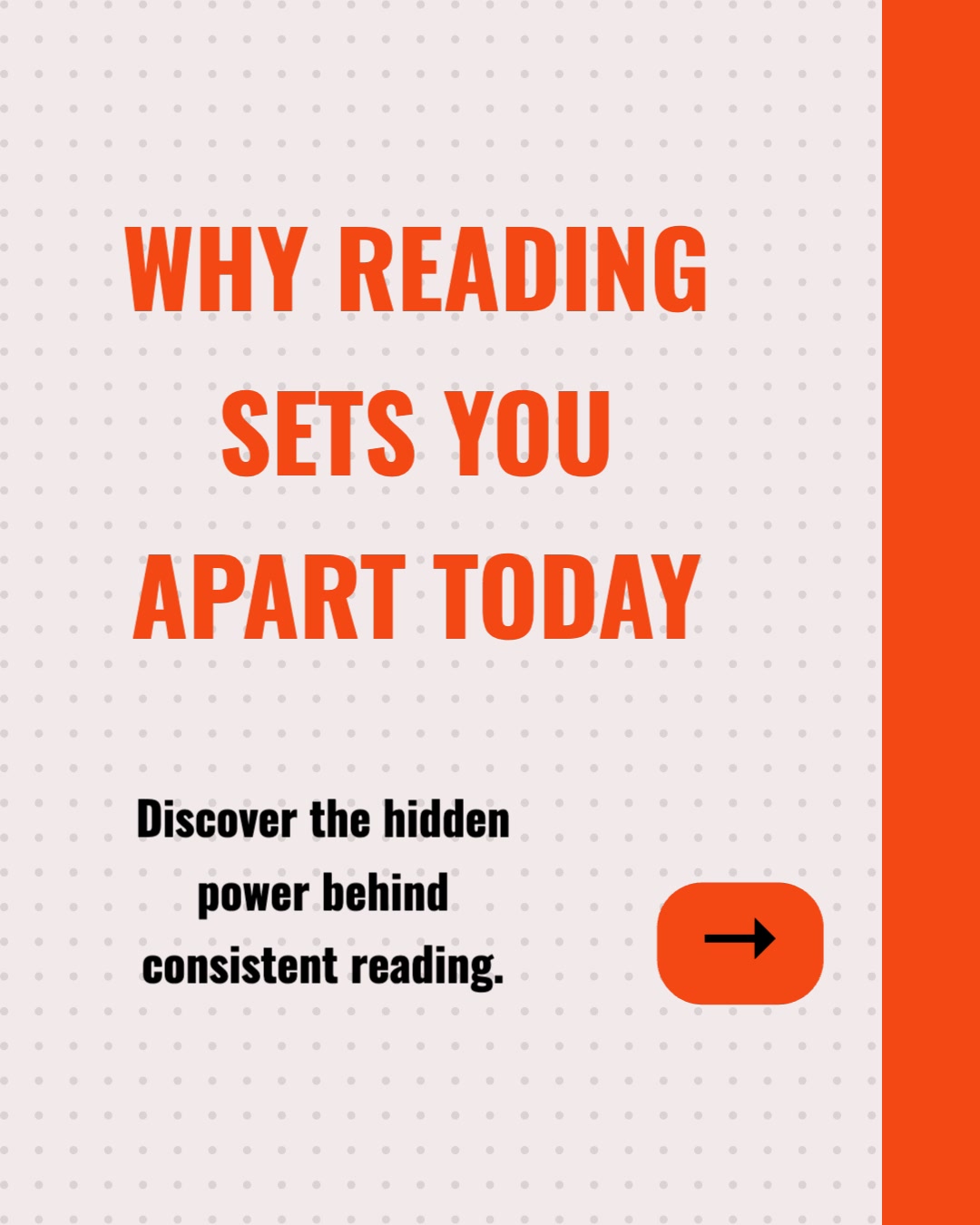


How Do I Turn a Blog Post into Pinterest Pins?
Three steps — and the important one is the middle. The point is not to make a pin; it is to make several, so one article gets several ways to be found.
1
Paste Your Blog URL
Drop in the link to the post you want traffic to. WaveGen fetches the article and parses its structure automatically.
2
AI Finds Several Angles
Rather than one summary, the AI pulls out distinct hooks — the takeaway, a statistic, a how-to framing — so each pin can rank on different search terms.
3
Pins Built and Scheduled
Each angle becomes a 1000×1500 portrait pin in your brand styling, carrying the link back to your post — scheduled to your boards or downloaded.
Pinterest Is a Search Engine, Not a Feed
This is the thing that changes the strategy. Everything that makes Pinterest worth a blogger’s time follows from it.
Pins are found by search, not by timing
On a social feed, a post is shown for a few hours and then effectively disappears. On Pinterest, pins surface through search results and related-pin recommendations, which means publishing time matters far less than what the pin says. The practical consequence: your pin title and description are doing search work, and they deserve the same attention you would give a blog headline.
The lifespan is measured in months
Because discovery is search-driven, a pin that matches what people look for keeps being shown long after it was published. This is the longest-lived distribution channel most bloggers have access to — a pin made today can still be sending readers to your article a year from now, which almost nothing else in social does.
Every pin is a link back to your site
Unlike most social formats, where links are penalized or buried, the destination URL is the native mechanic of a pin — that is what a pin is for. This makes Pinterest unusually well aligned with what a blogger actually wants, which is readers on the post rather than engagement that stays on the platform.
More pins means more entries, not more spam
Because each pin is its own search entry, several pins pointing at one article is normal practice rather than duplication — provided the images and headlines genuinely differ. Pinterest's guidance favors new visuals over re-pinning the same graphic repeatedly, which is why generating a varied set from one URL fits how the platform works.
What Blog Content Works Best as Pins?
Pinterest rewards content people intend to act on — make, cook, buy, plan, build. News and commentary do poorly here regardless of how good the writing is, because nobody saves them for later.
How-To Guides
Step-by-step writing is the single best fit for Pinterest — people search the platform looking for exactly this and save it for later.
Roundups and Lists
"12 tools for…" posts give you a natural pin per entry, each entering search on a different term.
Recipes, Templates, Printables
Anything downloadable or actionable performs disproportionately well. The pin is the preview; the blog post is the payoff.
Evergreen Reference Posts
Content that stays true for years matches Pinterest's long search lifespan better than anything time-bound.
Seasonal and Planning Posts
Pinterest users plan months ahead. Holiday, wedding, and back-to-school posts should be pinned well before the season, not during.
Any Public URL
Landing pages, resource hubs, newsletters — if the page has structured text and a URL worth driving traffic to, it can become pins.
What’s the Best Tool for Making Pins from Blog Posts?
Tailwind is the Pinterest specialist and goes deeper than WaveGen on Pinterest’s own mechanics. Canva gives you far more design control. WaveGen’s difference is that it starts from your article and covers your other channels from the same URL. Here is where they actually diverge.
| Feature | WaveGen | Tailwind | Canva | Later |
|---|---|---|---|---|
| Writes pin copy from an article | Partial | |||
| Start from a blog URL | Imports images | |||
| Multiple distinct pins per article | Manual | Manual | ||
| Pinterest keyword research | ||||
| Pinterest-specific scheduling intelligence | Date and time | Interval scheduling | Basic | Best-time slots |
| Template library size | Focused set | Large | Very large | Moderate |
| Brand kit applied automatically | Paid plans | Paid plans | ||
| Carousels, slideshows, and video from the same URL | ||||
| Publishes beyond Pinterest | LinkedIn, IG, TikTok, FB, YouTube | IG, Facebook | Limited | IG, TikTok, FB, LinkedIn |
| Watermark-free output | Paid plans | Paid plans | Free for most exports | Paid plans |
Comparison based on publicly available feature lists as of August 2026. If Pinterest is your only channel, Tailwind’s keyword and interval-scheduling depth is a genuine advantage WaveGen does not match. All trademarks belong to their respective owners.
How to Turn a Blog Post into Pins with WaveGen
From a published article to a scheduled set of pins in seven steps — five core, two optional.
Step 1: Pick a post people would save
Pinterest rewards intent to act. How-to guides, roundups, templates, recipes, and planning posts do well; opinion pieces and news do not, however good they are. If you are choosing between articles, pick the one a reader would want to come back to later — that is the same instinct Pinterest's algorithm is built around.
Step 2: (Optional) Set up your brand kit
Configure your colors, fonts, and logo once and every pin inherits them. Pinterest surfaces your pins next to thousands of others, so a recognizable visual signature is doing real work — people who liked your last pin can tell the next one is yours before they read the title.
Step 3: Paste the URL and generate
Select the URL tab, paste your blog link, and click Generate. WaveGen reads the article and produces a set of pins rather than a single image — each built from a different angle inside the post, so they compete for different searches instead of duplicating each other.
Step 4: Rewrite the pin titles for search
This is the highest-value edit on the page. Pin titles are read by Pinterest search, so phrase them the way someone would type them — "how to prune tomatoes in summer" rather than "our summer garden notes." Our Pinterest SEO guide covers finding the right terms; WaveGen writes the copy, but the keyword judgment is worth your two minutes.
Step 5: Check each pin stands alone
A pin is seen without its siblings, so each has to make sense by itself. Remove any that only work as part of the set, and swap imagery so no two look alike at thumbnail size — near-identical pins is the one thing that makes a multi-pin strategy look like spam rather than coverage.
Step 6: (Optional) Match pins to the right boards
Board choice affects how Pinterest categorizes a pin. Sending the how-to angle to a tutorials board and the statistic to an industry board gives each pin a more relevant context than dropping all of them on one general board.
Step 7: Schedule them across weeks, not at once
Publishing five pins on one day is worse than publishing one a week for five weeks. Steady publishing suits how Pinterest distributes content, and spacing gives each pin its own window to be picked up. Schedule the whole set from WaveGen with the dates spread out, and the article keeps arriving in front of new people long after you have moved on to writing the next one.
No credit card required. Turn your first blog post into pins in under three minutes.
Where Pins Fit in a Repurposing Workflow
Pins are the long-tail end of the workflow. A carousel earns attention on LinkedIn and Instagram in the week you publish; a slideshow does the same on TikTok; pins keep working for months afterward through search. Running all three off the same URL is the point of content repurposing — the article is written once and shows up in three different places on three different timelines. If you want the search side handled properly, pair this with our Pinterest SEO guide and Pinterest scheduler.
Blog to Pinterest Pins FAQs
Get Months of Traffic Out of One Post
Paste the URL, get a set of pins that each enter Pinterest search on different terms, and schedule them across the next few weeks — all pointing back to the article you already wrote.
Free to start. No credit card required.