June 10, 2026
18 min read
The 10 Best AI Content Creation Tools for 2026
Discover the 10 best AI content creation tools for 2026. This guide reviews tools for writing, video, design, and repurposing to scale your output.

You're probably dealing with the same problem most content teams have right now. One strong idea isn't enough anymore. You need the blog post, the LinkedIn version, the email angle, the carousel, the short video, and the follow-up posts that keep distribution going after publish day. That's where the workload spikes. Writing the core piece is hard enough. Repackaging it for every channel is what drains the calendar.
That pressure is exactly why AI content creation tools have become a standard part of marketing operations. One industry estimate valued the global AI-in-content-creation market at $9.3 billion in 2022 and projected $47.5 billion by 2030, while a newer estimate put generative AI in content creation at $14.8 billion in 2024 and forecast $80.12 billion by 2030 (market growth projections for AI content creation). This isn't a novelty category anymore. It's a real software layer across marketing, media, e-commerce, and education.
The challenge isn't finding tools. It's choosing the right tool for the job. Some are best for drafting from scratch. Some are stronger at design and asset production. Others are only worth paying for if you already publish long-form content and need to repurpose it into a full distribution system.
This guide gets to the point. These are the 10 best AI content creation tools for 2026, organized by workflow so you can build a stack that aligns with how your team creates and distributes content.
Table of Contents
1. Jasper
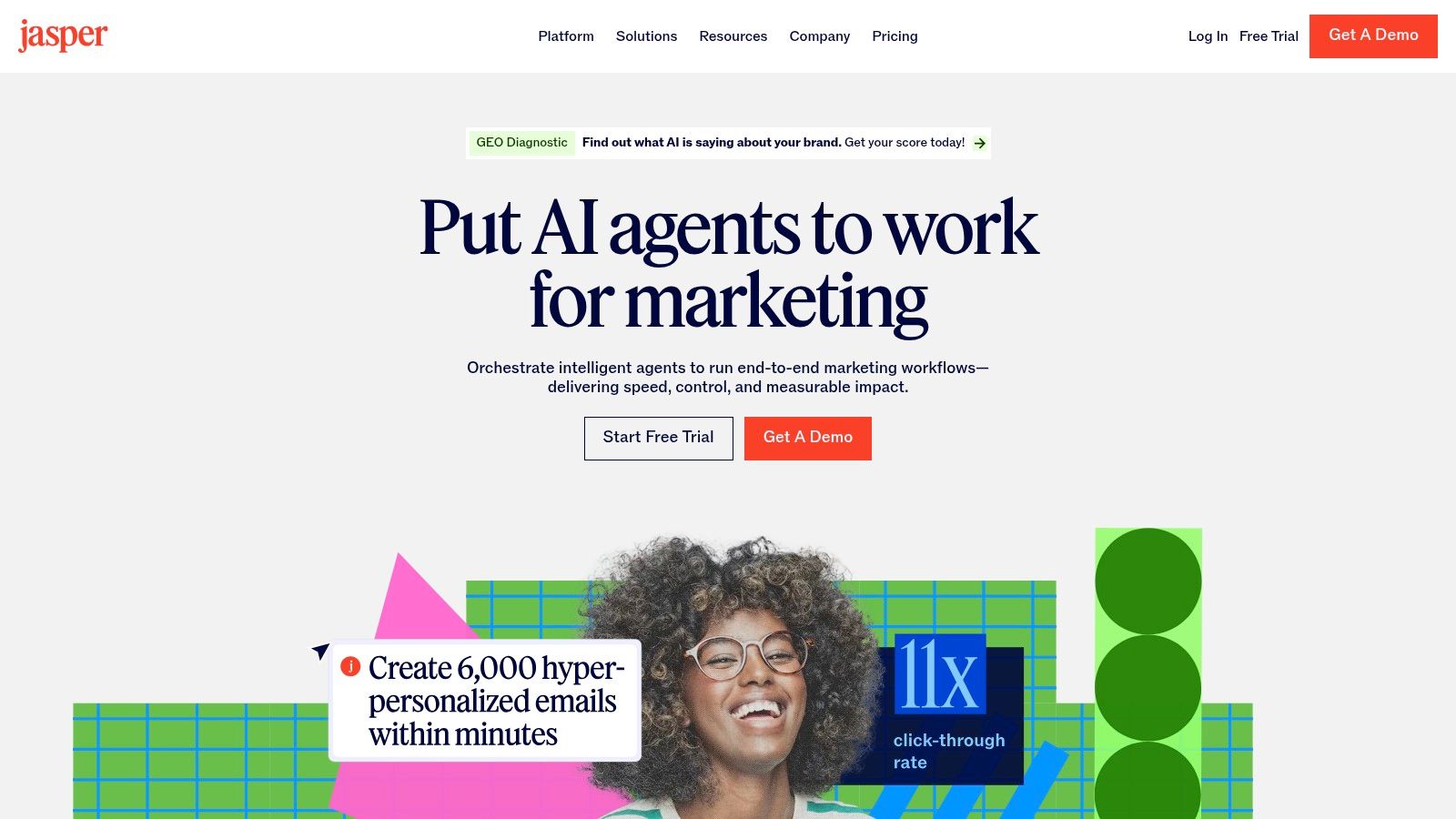
Jasper is one of the better picks when basic prompting has stopped being enough. If you're managing a brand with multiple campaigns, contributors, and review layers, Jasper gives you more structure than a general chatbot. It's built for marketing teams that need on-brand output repeatedly, not just a decent paragraph on demand.
Its strongest advantage is control. Brand Voices, Knowledge, and Audience settings help reduce the drift you get when different people prompt the same model in different ways. The agent and workflow setup also cuts down on repetitive prompt writing, which matters once content creation becomes an operational process instead of a creative side task.
Where Jasper fits best
Jasper works best for teams that publish at volume and care about consistency across channels. It also makes sense for companies that need collaboration features, permissions, browser extensions, and API access.
A few practical trade-offs stand out:
Best for repeatable campaigns: Jasper is stronger when you're producing recurring assets like landing pages, paid copy, email sequences, and campaign variants.
Less useful for casual use: If you only need occasional drafts, it can feel heavier than necessary.
Better with setup: The more effort you put into brand voice and knowledge inputs, the better the outputs usually get.
Practical rule: Jasper is worth it when your bottleneck is consistency across a team, not blank-page syndrome.
If you're comparing tools in this category, it's worth reviewing a Jasper alternative for repurposing-heavy workflows, especially if your main job is turning existing content into social distribution assets rather than generating net-new marketing copy.
For straightforward drafting, Jasper is good. For governed drafting at scale, it's much better.
2. Copy.ai
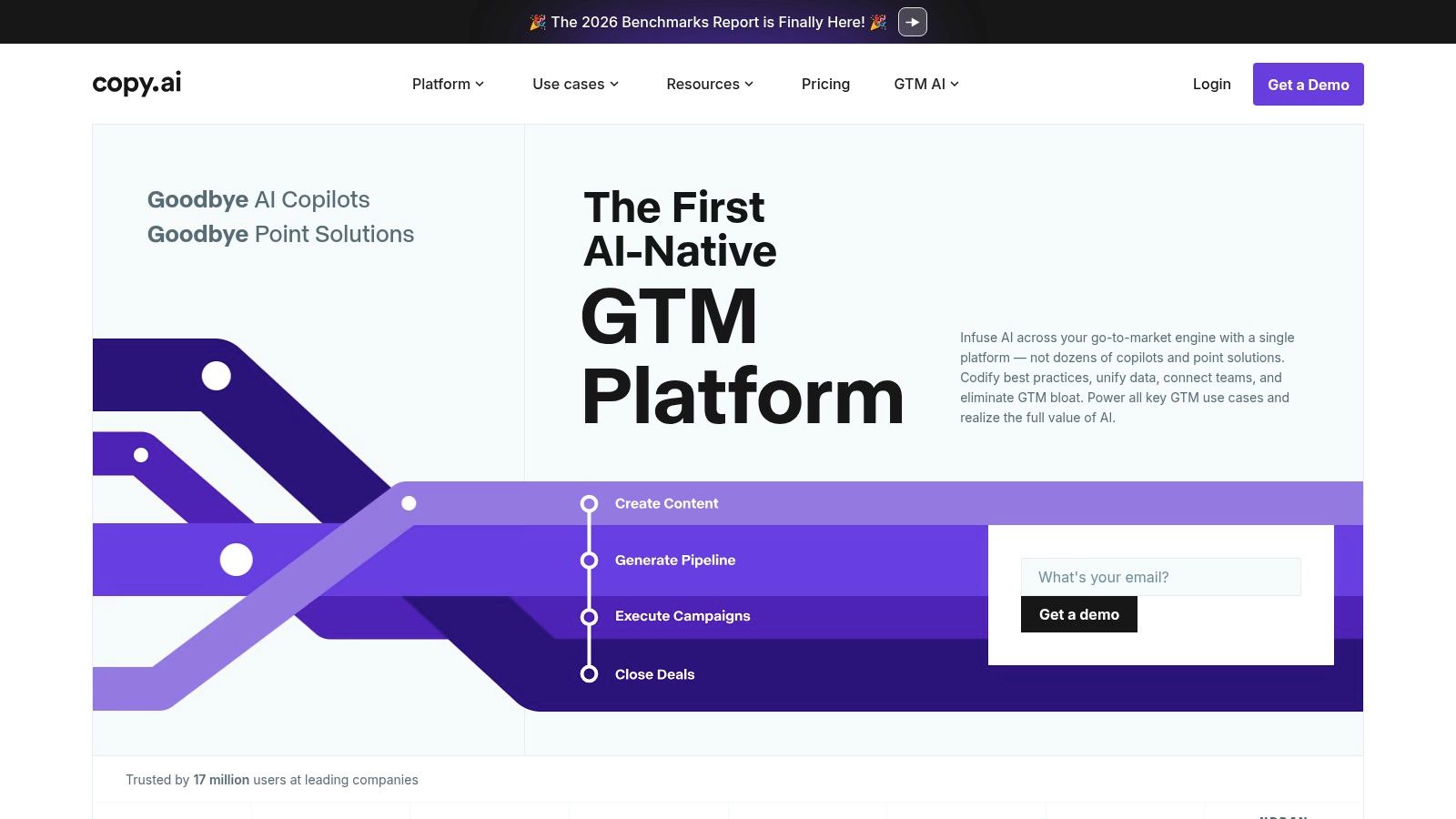
Copy.ai started as a lightweight copy generator. It's now much closer to a workflow platform. That shift matters because many businesses don't struggle with writing one post. They struggle with repeating the same content tasks every week without rebuilding the process from scratch.
Copy.ai is a good fit for growth teams that want shared brand knowledge, reusable workflows, and agent-style automation. Its Infobase and Brand Voice features help centralize context, which is useful when multiple people are touching the same content pipeline.
What it does well
The entry tier's unlimited chat use is attractive if your team drafts often and wants room to experiment. But the primary value is higher up the stack, where workflows and automations start replacing ad hoc prompting.
What works in practice:
Good for SOP-driven marketing: If your team already has repeatable processes, Copy.ai can map to them well.
Useful shared knowledge layer: Infobase reduces the usual issue of every writer re-explaining the brand from scratch.
Setup matters: Without proper brand inputs, it can still produce generic output.
One useful market signal is how common these tools have become in real operations. A summary of recent adoption data reports that over 80% of marketers use AI for content creation, nearly 94% plan to use AI for content creation, and about 75% rely on AI for video and image creation (content marketing AI adoption summary). That means the practical question isn't whether to use AI. It's whether your chosen tool saves enough process time to justify living inside it every day.
Copy.ai does that best when you treat it as a system, not just a writer.
3. Canva
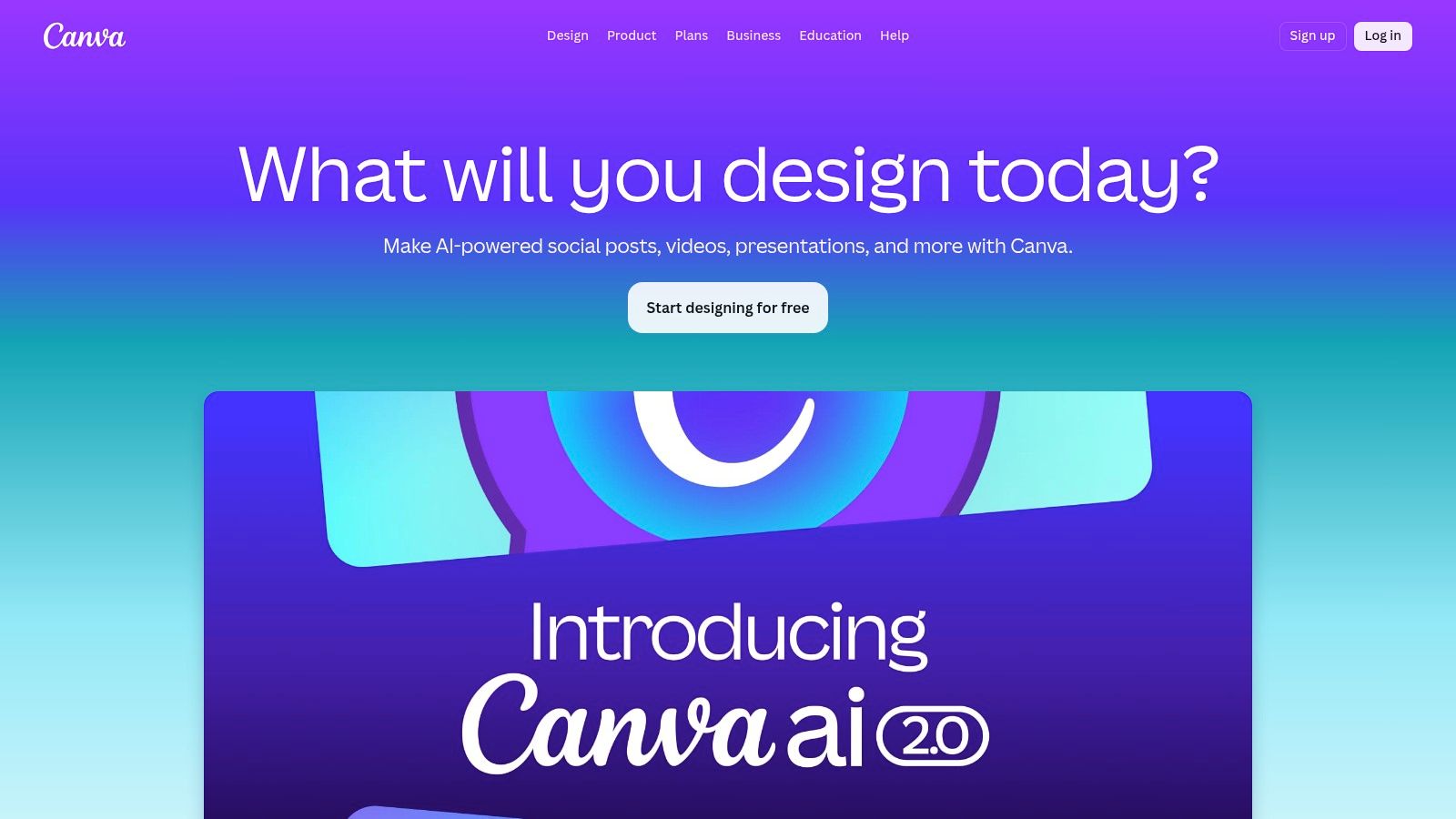
Canva is the easiest recommendation on this list for non-designers. If your real problem is turning decent ideas into usable social graphics, resized assets, quick videos, and branded templates, Canva's Magic Studio is hard to beat for speed.
It combines copy help, image generation, layout suggestions, resizing, and brand kits inside a tool many teams already know how to use. That matters more than feature depth. A tool only helps if people open it.
Best use case
Canva is strongest when content creation and design are happening in the same sprint. Social managers, founders, coaches, and lean marketing teams can move from rough idea to publish-ready asset without handing work to a separate designer for every variation.
A few realities worth keeping in mind:
Excellent for branded volume: Brand kits make it easier to keep fonts, colors, and logos aligned.
Great for channel adaptation: Magic Switch is useful when one concept has to become multiple platform sizes.
Not a full creative suite: When edits get complex, power users will still feel the edges.
Canva shines when “good and on-brand today” beats “perfect after three rounds of design review.”
For many teams, Canva isn't the smartest place to invent the message. It's the smartest place to package and ship it. If your bottleneck sits in visuals, templates, and platform formatting, it often earns its place faster than a pure writing assistant.
4. WaveGen.ai
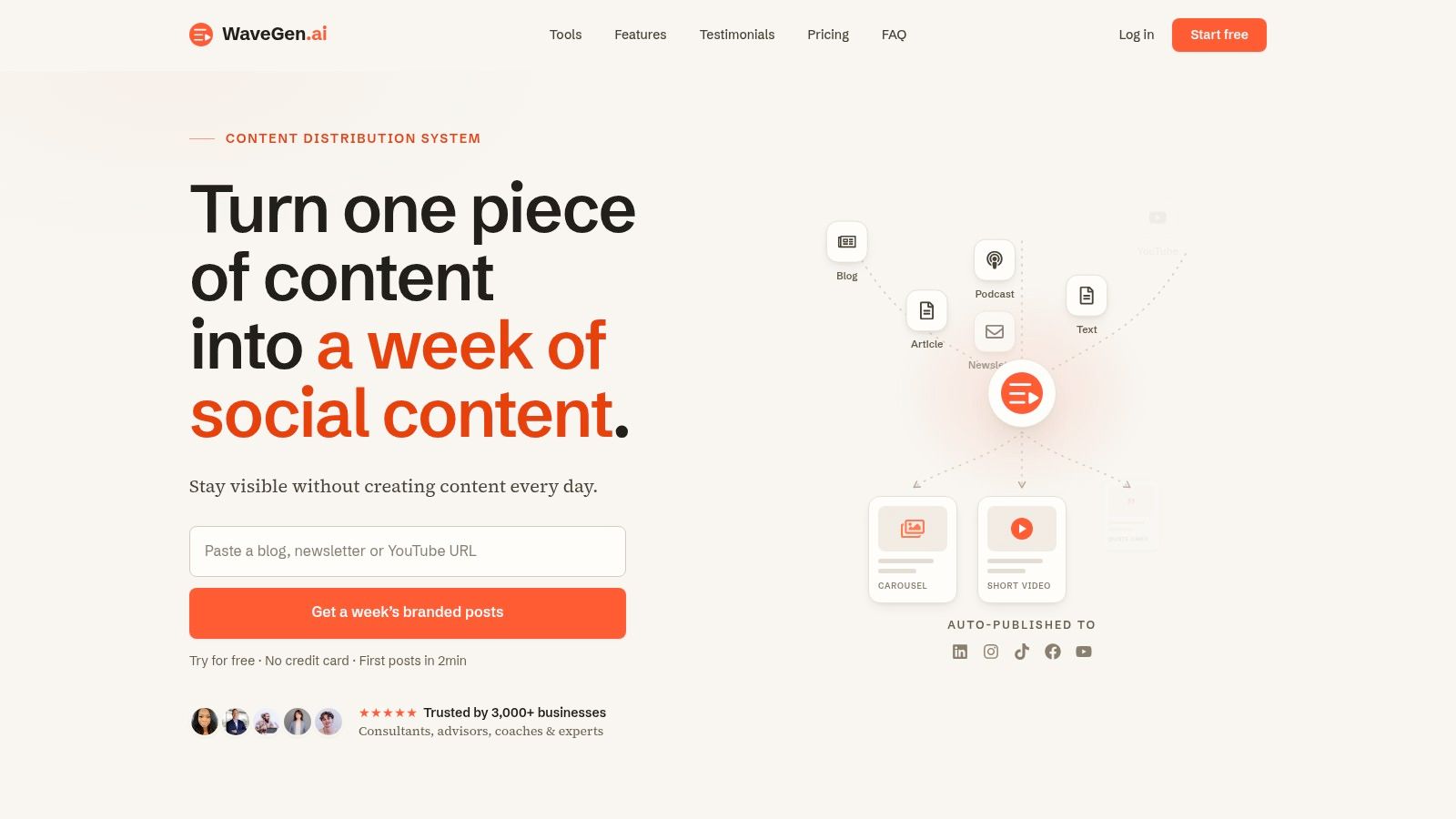
A common bottleneck looks like this. The strategy is sound, the long-form content is already published, and the team still struggles to turn that material into a steady stream of social posts. WaveGen.ai fits that stage of the workflow.
Its value is straightforward. It takes source material you already own, such as blog posts, newsletters, podcast scripts, and video transcripts, and turns it into channel-specific social assets. That makes it a better fit for repurposing than for blank-page ideation.
That distinction matters if you are building an AI content stack instead of buying isolated tools. Drafting tools help when the problem is creating net-new material. WaveGen helps when the problem is distribution, adaptation, and consistency after the core idea already exists. If your team publishes useful IP but fails to squeeze enough value from it, this is the category to look at first.
Why WaveGen stands out
The strongest part of WaveGen is the workflow. It starts with your existing expertise, then converts it into carousels, short videos, quote graphics, captions, and other social formats without forcing you to rebuild each asset by hand.
I also like that brand controls are built into the process. You can set colors, fonts, logos, and voice preferences once, then apply them across generated assets. That saves time, and a key advantage is that it keeps repurposed content from looking like it came from five different tools. The built-in editor helps too, because repurposed content still needs review before publishing.
In practice, these are the trade-offs that matter:
Best for repurposing existing IP: Strong choice for teams with blogs, newsletters, webinars, podcasts, or video libraries.
Less useful for original thought: If you need help finding the message, a drafting tool usually belongs earlier in your stack.
Helpful for maintaining publishing cadence: Scheduling, cross-posting, and RSS-based automation reduce manual distribution work.
Good fit for multi-channel social production: It supports major social platforms, which matters when one source asset needs several downstream versions.
If your immediate need is turning a single article or transcript into ready-to-edit posts, it is worth testing a focused AI social media post generator workflow before you commit to a broader stack.
Who should pick it
WaveGen makes sense for consultants, agencies, educators, coaches, newsletter operators, and B2B teams with a backlog of strong source material. These teams usually do not need more ideas. They need a faster way to package, adapt, and publish the ideas they already have.
It is a weaker fit for teams that want highly custom visual design on every post or expect AI to create a differentiated point of view from scratch.
Repurposing works best when the source material already has a clear opinion, a useful lesson, or real expertise behind it.
If you are deciding between repurposing and generation, use a simple rule. Start with repurposing when you already have solid IP and weak distribution. Start with drafting when you have channel demand but no source material worth reusing yet. That is the role WaveGen plays in a modern content workflow.
5. Lately.ai
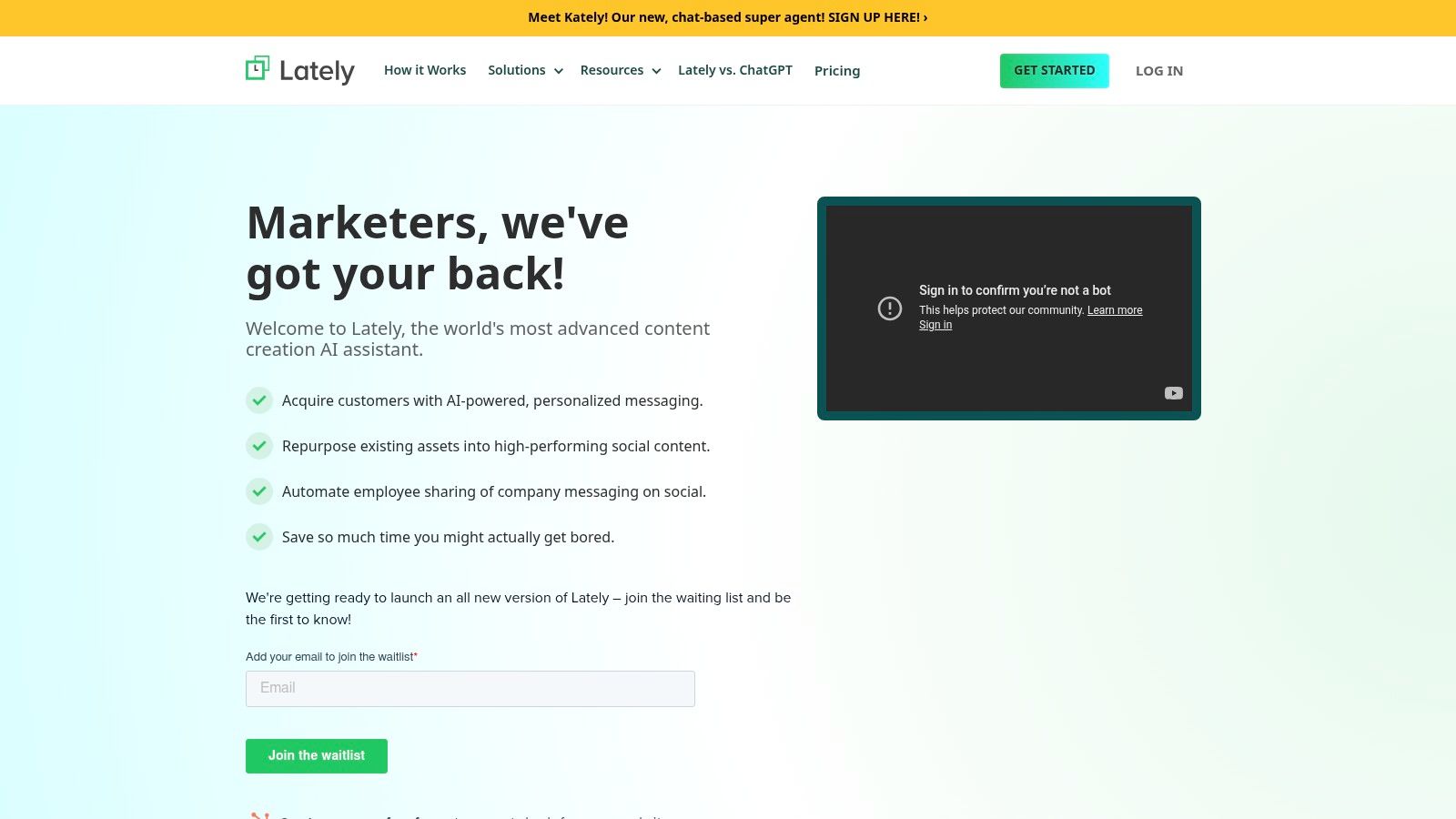
Lately.ai is built for a narrower use case than most of the tools here, and that's why it can be a strong fit. It's not trying to be your universal AI workspace. It's focused on turning long-form content into social posts and helping teams manage that across a larger organization.
If you're in B2B, social selling, or a more regulated environment, that matters. Lately leans into voice modeling, governance, scheduling, and employee advocacy rather than broad creative generation.
Where it earns its keep
Lately tends to make sense when a company has a lot of existing content and multiple people publishing under the same brand umbrella. The tool can ingest text, audio, and video, then atomize that material into social content at scale.
A few honest trade-offs:
Better at repurposing than drafting from zero: If you want fresh long-form creation, it's not the obvious first tool.
Helpful for multi-voice teams: Employee advocacy and compliance controls give it a more enterprise-friendly feel.
Needs historical material: It's stronger once it has past content to learn from.
If your main goal is turning existing assets into social posts quickly, compare Lately against a more focused AI social media post generator before you commit. Lately is often best when governance needs are heavier and the organization is bigger.
For solo creators, it may be more machine than you need. For structured B2B teams, that extra machinery can be the point.
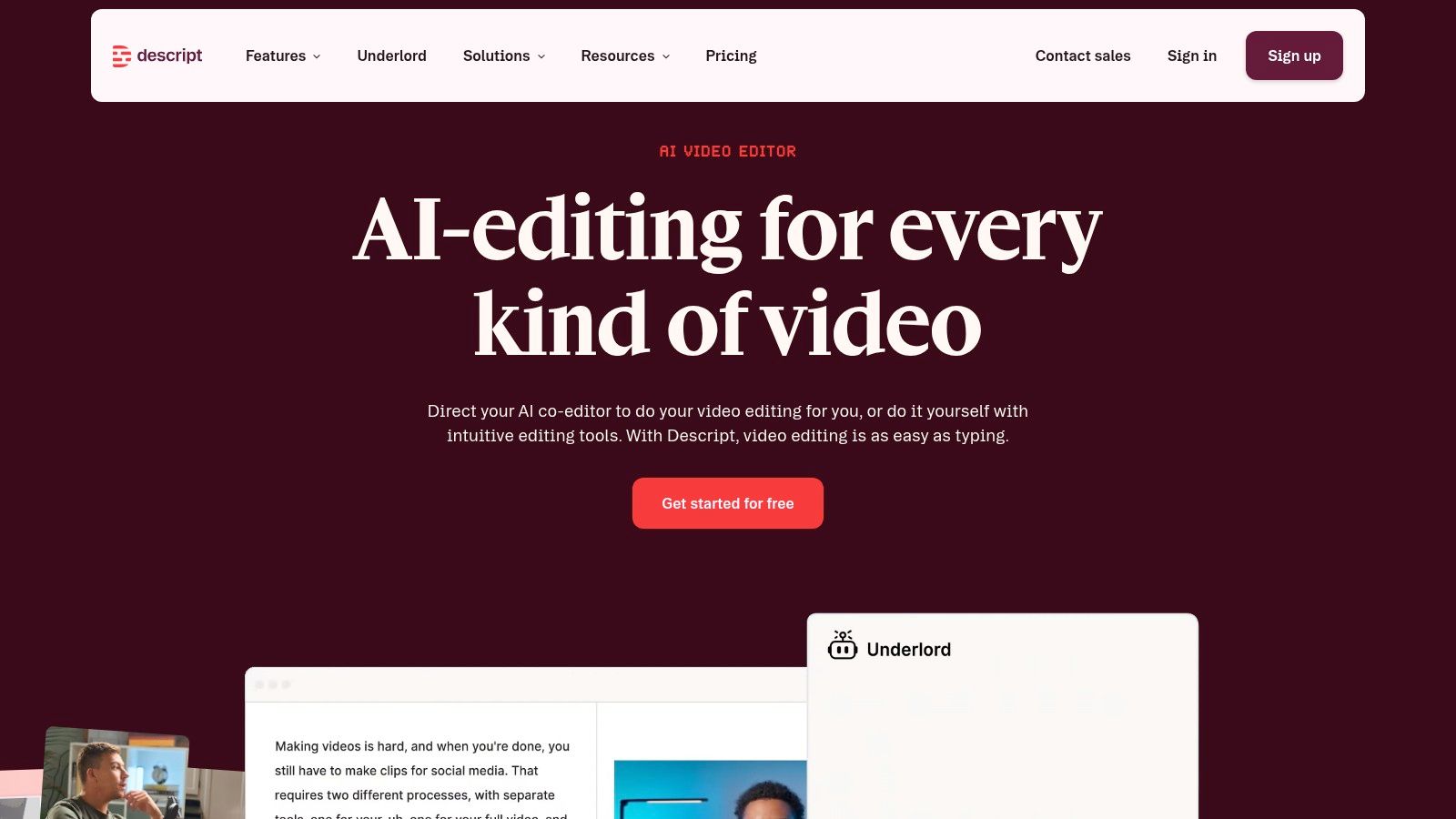
6. Descript
Descript changed video and podcast editing by making text the interface. That sounds small until you use it. Editing a webinar, interview, or podcast by deleting text instead of dragging clips around a timeline is a much faster way for non-editors to work.
That's why Descript keeps showing up in repurposing stacks. It's one of the most practical AI content creation tools for anyone turning recorded conversations into clips, lessons, social posts, or cleaned-up episodes.
What Descript is actually for
Descript is not a magic “make my content good” button. It's a rough-cut accelerator. It handles transcription, screen recording, captions, filler-word removal, AI voice features, and collaboration well enough that many creators can stay inside one tool for most of the process.
Where it performs best:
Fast cleanup of spoken content: Great for podcasts, webinars, tutorials, and course recordings.
Strong for text-first editors: If you think in scripts and transcripts, the workflow feels natural.
Still needs human judgment: AI cleanup can save time, but pacing, clip selection, and visual polish still benefit from manual editing.
One broader forecast worth noting is that market estimates for AI-powered content creation continue to show expansion, with one projection putting the category at USD 2.29 billion in 2024 and USD 12.9 billion by 2035 at a 16.73% CAGR, while another places it at USD 2.3 billion in 2024 and USD 7.9 billion by 2033 at 7.7% CAGR (Roots Analysis overview of AI-powered content creation market forecasts). The exact numbers vary, but the practical takeaway is clear. Demand is growing fastest where tools compress production time across text, image, and video, not just writing.
Descript fits that compression model well.
Visit Descript
7. OpusClip
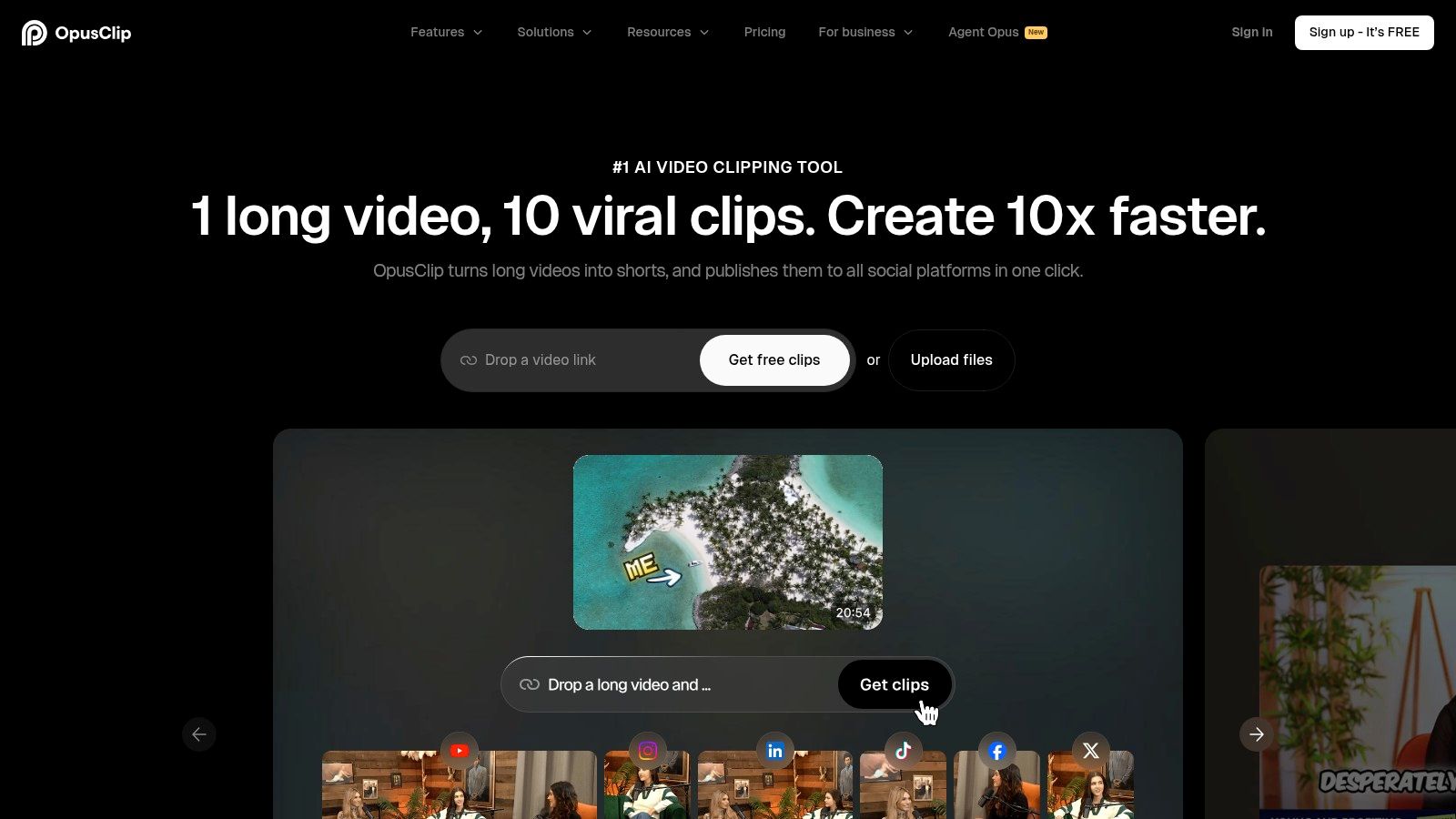
OpusClip is for one very specific pain point. You have long videos, and you need short clips now. Not next week, not after a manual edit pass through an expensive timeline workflow.
It detects highlights, creates vertical clips, adds captions, and formats output for Shorts, Reels, and TikTok-style distribution. For creators publishing webinars, interviews, podcasts, and talking-head videos, that speed is the appeal.
When it works best
OpusClip works best when the source footage is already strong and the speaker is clear. In those cases, it can save a lot of repetitive editing time. It's especially useful for teams that need volume and can tolerate reviewing the AI's choices instead of making every selection manually.
A few trade-offs matter:
Great for clipping at scale: It reduces the grunt work of pulling short-form highlights from long-form video.
Not always right about the best moment: AI-picked hooks and framing can miss nuance.
You'll still review exports: Caption styling, crop choices, and clip boundaries often need a quick human pass.
Fast clipping isn't the same as good editorial judgment. The best teams still approve what gets published.
If you're evaluating this category, look at an Opus Clip alternative if you also want branded social outputs beyond basic short-video extraction. OpusClip is strong when your input is video and your output is more video. It's less complete when your distribution plan also needs carousels, quote graphics, and caption packs from the same source.
8. Pictory

Pictory sits in a useful middle ground. It's for people who want video output from written content but don't want to become video editors. Paste in a script, article, or transcript, and it builds a video with stock footage, captions, and voiceover options.
That makes it handy for marketers with blog libraries, newsletter archives, or educational content that can be adapted into lightweight social video.
Where Pictory fits
Pictory is often a good choice when your team thinks in text first and video second. It gives you a fast route from article to watchable asset, which is enough for many awareness and distribution use cases.
What tends to work:
Easy text-to-video workflow: Good for turning thought leadership into video snippets.
Beginner-friendly: You don't need a full editing background to get publishable output.
Stock dependence can show: The quality rises or falls based on media choices and how much you refine the draft.
The downside is familiar. When everyone uses the same stock-heavy shortcuts, videos can start looking interchangeable. Pictory is best when it helps you create the first solid draft fast, then you tighten the message and visuals before publishing.
9. Kapwing
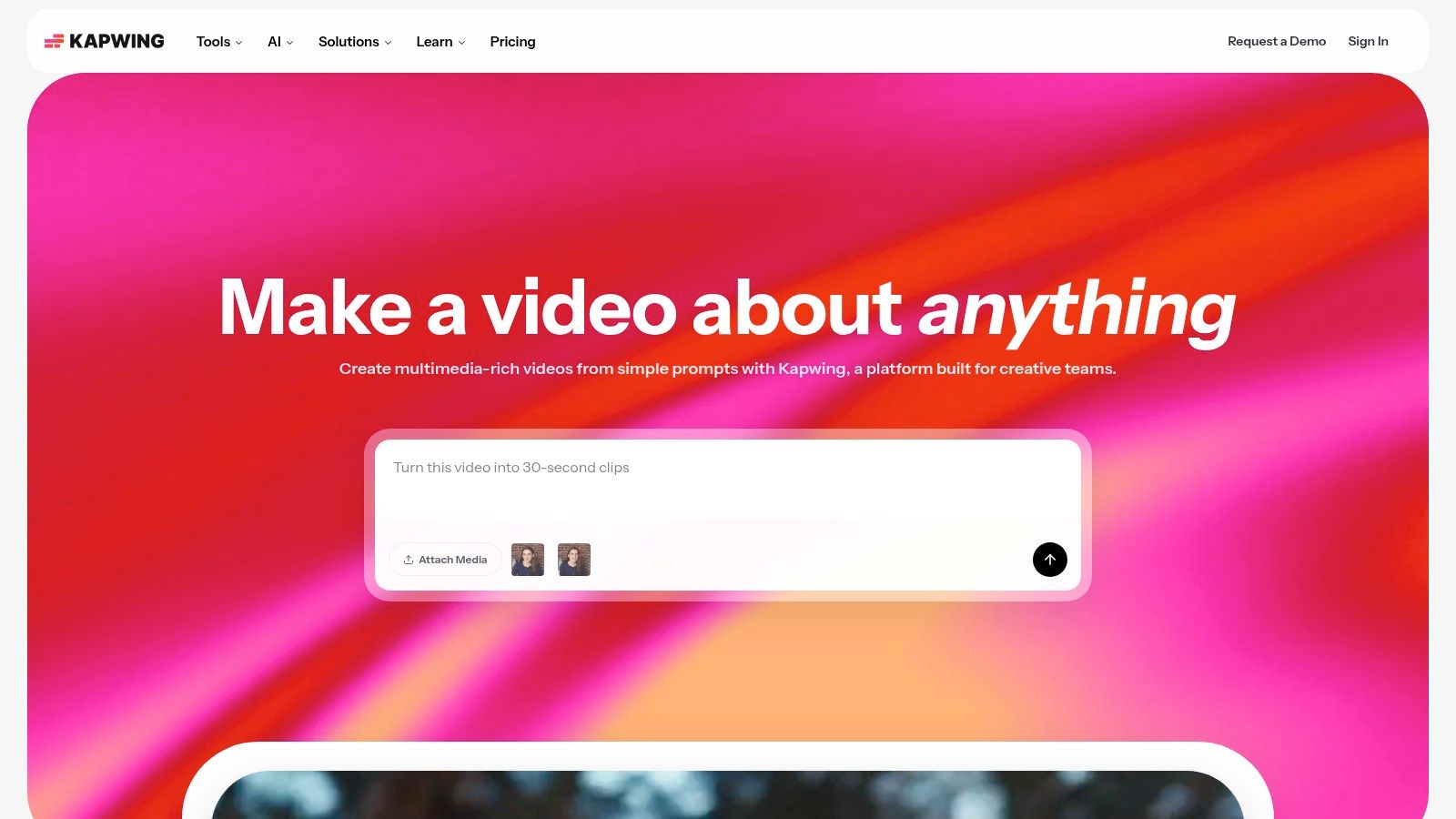
Kapwing is one of the better browser-based editors for teams that need speed and collaboration more than cinematic control. Agencies, social managers, and lean in-house teams often care less about advanced motion design and more about getting captioned, resized, platform-ready content out the door.
That's where Kapwing fits. It handles transcript-based editing, auto-subtitles, silence removal, resizing, translation, templates, and team workspaces without asking everyone to work inside desktop software.
Good fit for fast-turn teams
Kapwing is practical when multiple people need to touch the same asset quickly. For social teams, the browser-based workflow is usually the point.
Its strengths are pretty clear:
Collaborative editing: Easy for teams that review and revise quickly.
Strong platform formatting: Good for adapting one video into multiple aspect ratios.
Limited for advanced polish: If you need custom animation systems or complex post-production, you'll outgrow it.
A lot of AI content creation tools promise creativity. Kapwing mostly promises throughput, and that's often more valuable.
10. HeyGen

HeyGen solves a different problem than the rest of the tools here. Sometimes you need a person on screen, but you don't want to book studio time, record takes, manage lighting, or re-record every time the script changes. HeyGen gives you avatar-based presenter videos from scripts.
That makes it useful for explainers, product walkthroughs, FAQs, internal training, course intros, and multilingual versions of the same message.
Where HeyGen makes sense
HeyGen is strongest when speed matters more than personality-rich original performance. If the goal is clear delivery at scale, it's efficient. If the goal is building a very personal on-camera brand, it can feel artificial.
What to expect:
Fast presenter-style video creation: Useful when you need lots of scripted videos.
Strong multilingual use case: Dubbing and lip-sync translation are the practical draw.
Watch your rendering model: Credit-based systems can get expensive or confusing if you scale carelessly.
The biggest mistake with avatar video is using it where authenticity should carry the message. HeyGen works best for instructional or repeatable communication, not every piece of brand storytelling.
Top 10 AI Content Creation Tools: Feature Comparison
| Product | Core features | UX / Quality (★) | Price & Value (💰) | Target audience (👥) | Unique selling point (✨) |
|---|---|---|---|---|---|
| Jasper | Brand voices, Agents, style guides, browser extensions | ★★★★ | Seat-based pricing; enterprise plans | 👥 Marketers & teams | ✨ Governance + reusable Agents for scalable, on‑brand copy |
| Copy.ai | Brand Voice, Infobase, Workflow/Agent builder, multi-model chat | ★★★★ | Entry tier affordable; automation on higher tiers | 👥 Growth teams & content ops | ✨ Workflow-driven automation and unlimited chat on entry tier |
| Canva (Magic Studio) | Magic Write/Media/Design, brand kits, Magic Switch, templates | ★★★★ | Freemium → Pro for full AI features | 👥 Non‑designers & social creators | ✨ End‑to‑end template-driven design + easy brand consistency |
| WaveGen.ai 🏆 | Automated repurposing, one‑click brand kit, multi‑channel publish, visual editor, RSS autopilot | ★★★★★ | 💰 Starter $20/mo, Growth $35, Pro $70, Enterprise custom; free trial | 👥 Creators, consultants, agencies, professionals | ✨ Turns one long‑form piece into a week (or more) of on‑brand social assets |
| Lately.ai | Learns high‑performing posts, atomization, scheduling, compliance | ★★★★ | Enterprise pricing; contact sales | 👥 B2B teams, regulated industries | ✨ Voice model + employee advocacy & compliance controls |
| Descript | Text‑based audio/video editing, Overdub TTS, captions, screen recording | ★★★★ | Freemium; paid tiers for TTS/exports | 👥 Podcasters, educators, video editors | ✨ Edit video like a document; fast transcript-driven workflow |
| OpusClip | Auto highlight detection, captions, hashtags, platform exports | ★★★★ | Free tier with limits; paid for heavy use | 👥 Creators needing short‑form clips | ✨ Auto-generates ranked short clips from long videos |
| Pictory | Text→video, stock footage, auto captions, bulk workflows | ★★★ | Credit/export limits on plans | 👥 Writers & social video creators | ✨ Quick path from script/article to stock‑footage videos |
| Kapwing | Auto‑captions, resize/translate, remove silence, team workspaces | ★★★★ | Freemium; paid for 4K & team features | 👥 Social managers & agencies | ✨ Browser‑based collaborative editor with templates |
| HeyGen | Script→avatar videos, multilingual lip‑sync, credit rendering | ★★★ | Credit/min pricing; free test tiers | 👥 SMBs & creators wanting presenter videos | ✨ Lifelike avatars + multilingual dubbing and lip‑sync |
Build Your AI-Powered Content Engine in 2026
AI content creation tools are no longer optional experiments for curious marketers. They've become part of normal execution. In a 2026 Statista Content Marketing Trend Study, content creation was the most common application of AI tools, and around 4 in 10 respondents said they used AI for customer service as well as ideation and inspiration. A separate 2026 Siege Media and Wynter survey found that 97% of content marketers plan to use AI this year, with ChatGPT the most trusted tool at 80%, ahead of Claude at 55%, Gemini at 44%, and Perplexity at 38% (Statista coverage of AI use in content marketing). That tells you two things. Adoption is mainstream, and buyers are now comparing tools by workflow fit, not novelty.
The easiest mistake is buying one tool and expecting it to solve every part of content operations. That rarely works. Drafting, design, editing, clipping, avatar video, and repurposing are different jobs. A strong stack usually combines two or three tools that each do one part well.
If your biggest bottleneck is blank-page writing, start with Jasper or Copy.ai. If the friction sits in turning ideas into branded assets, Canva is usually the simplest win. If your team records webinars, podcasts, or tutorials, Descript and OpusClip can remove hours of editing work. If you need presentable video without filming, HeyGen fills that gap fast.
But if you already publish long-form content and struggle with distribution, repurposing deserves more attention than it usually gets. That's where many teams waste the most time. They invest heavily in the core article, episode, or newsletter, then fail to extract enough downstream value from it. In practice, that's why repurposing-first tools often produce the clearest operational lift. They help you multiply existing expertise instead of asking AI to manufacture a perspective you never wrote down.
There's also a trust issue to keep in mind. AI still needs review. The more content you generate or repurpose, the more important your approval process becomes. Brand drift, weak formatting, inaccurate phrasing, and over-automation usually show up after teams try to scale too fast. The fix isn't avoiding AI. It's using it where it reduces mechanical work while keeping humans responsible for judgment, claims, compliance, and final voice.
Start with your bottleneck. Don't adopt five platforms at once. Pick the tool that removes the most repetitive work from your current workflow. Use it long enough to build a process around it. Then add the next layer only when the previous one is already paying off.
That's the opportunity in 2026. Not replacing creators. Building a content engine that lets good creators publish, repurpose, and distribute their ideas without drowning in production overhead.
If your best ideas already live in blog posts, newsletters, podcast scripts, or transcripts, WaveGen.ai is the fastest way to turn them into a steady stream of on-brand social content. It's built for creators, consultants, agencies, and lean marketing teams that need distribution, not more generic AI writing. Start with one source asset, generate platform-ready posts in minutes, refine them in the visual editor, and publish across channels without rebuilding the same content by hand every week.
ai content creation tools
ai marketing tools
content marketing ai
ai video generator
ai writing tools
Turn this kind of writing into a week of social content.
Paste a blog post, newsletter, or rough draft — WaveGen turns it into publish-ready carousels, captions, and slideshows for every channel.
No credit card · First posts in 2min