AI Slide Generator for Social Media
Turn one topic or article into a full set of social slides — a scroll-stopping hook slide, clear value slides, and a CTA slide — each designed native to the channel, with a caption written for you. Export as a 4:5 carousel or 9:16 story and publish straight to Instagram, LinkedIn, TikTok, and Pinterest.
Free to try — no credit card required
Making a 16:9 presentation deck to present in a meeting? You want a deck tool like Gamma or PowerPoint. This generator makes social slides people swipe through in the feed — not slideshows for a projector.

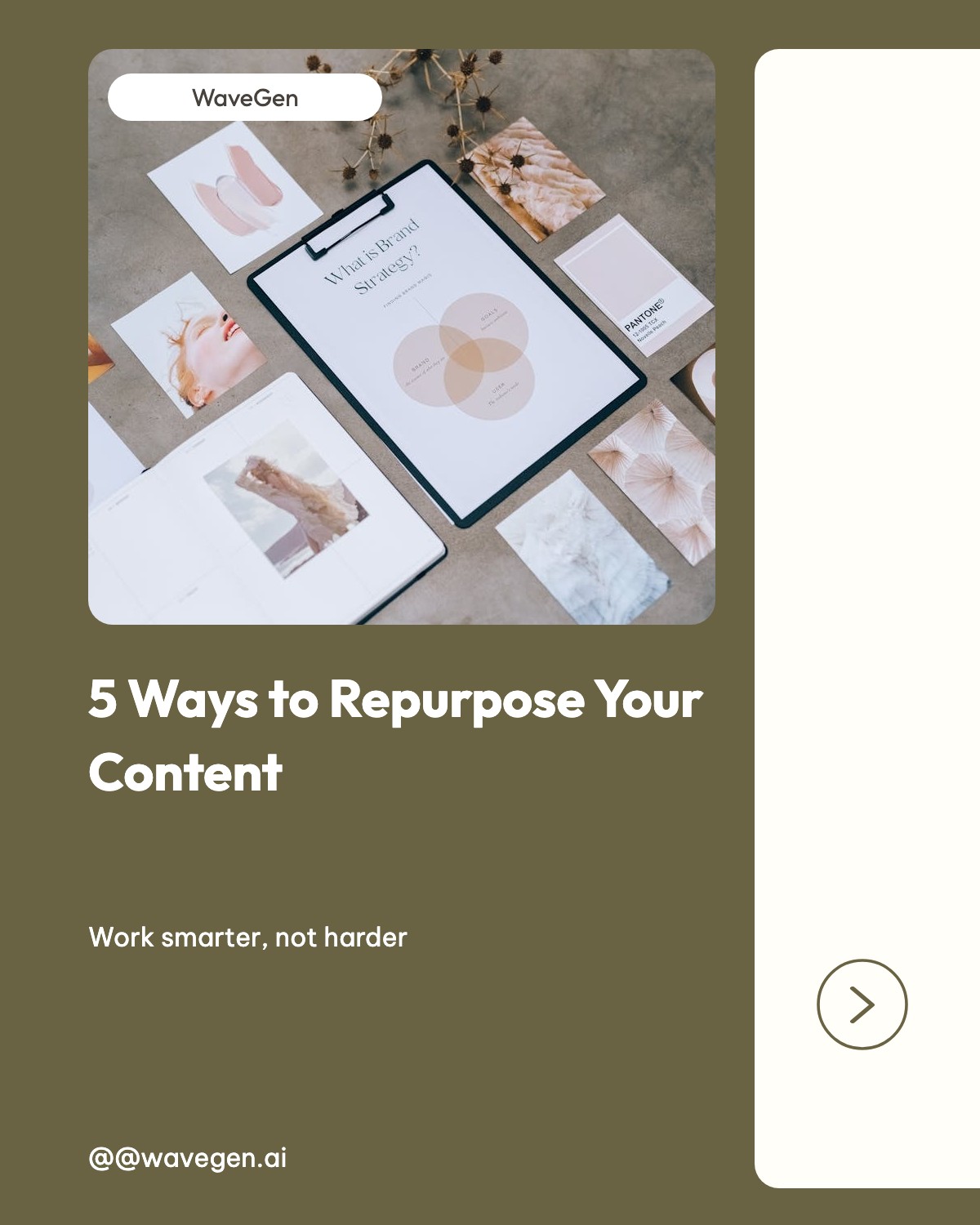

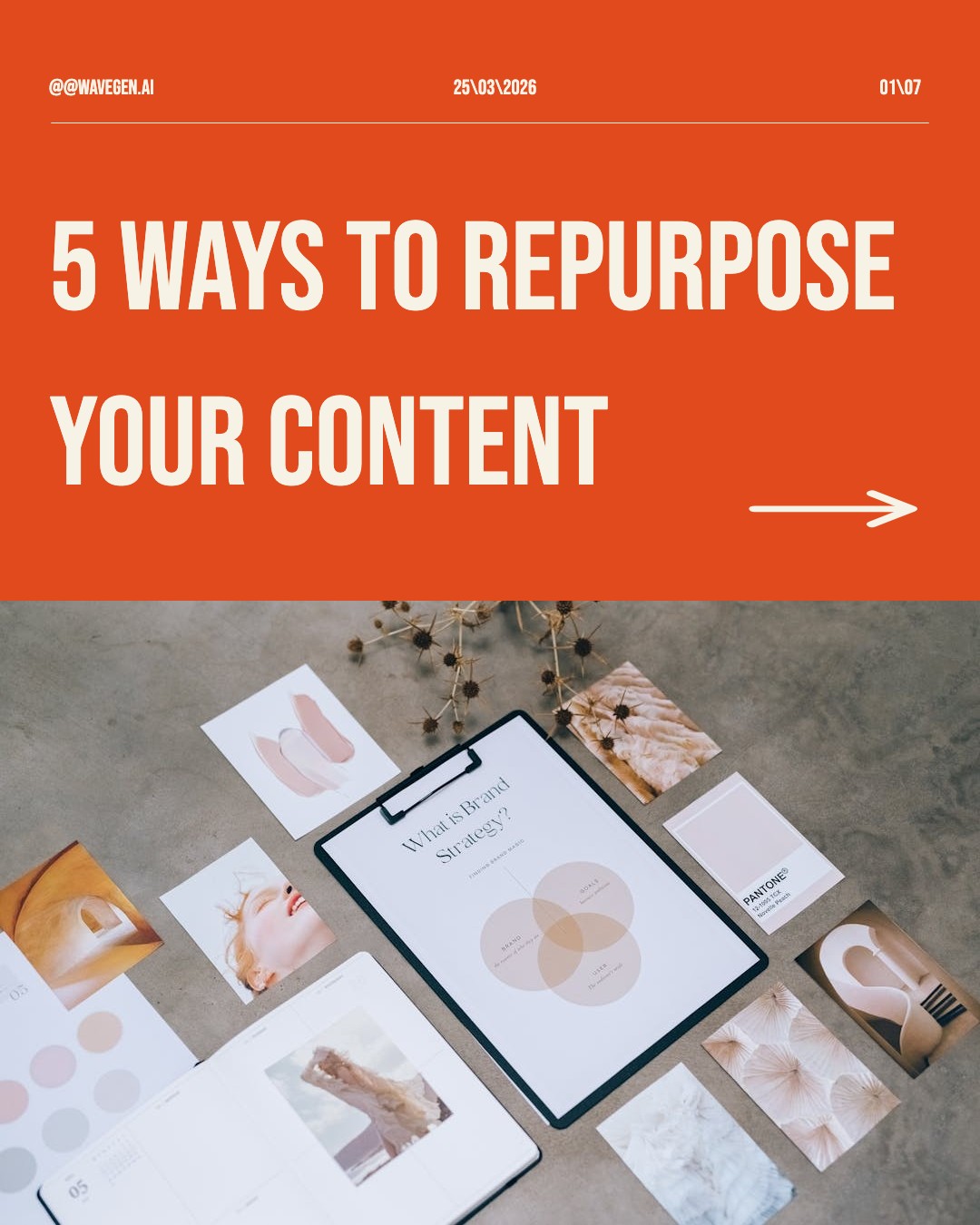

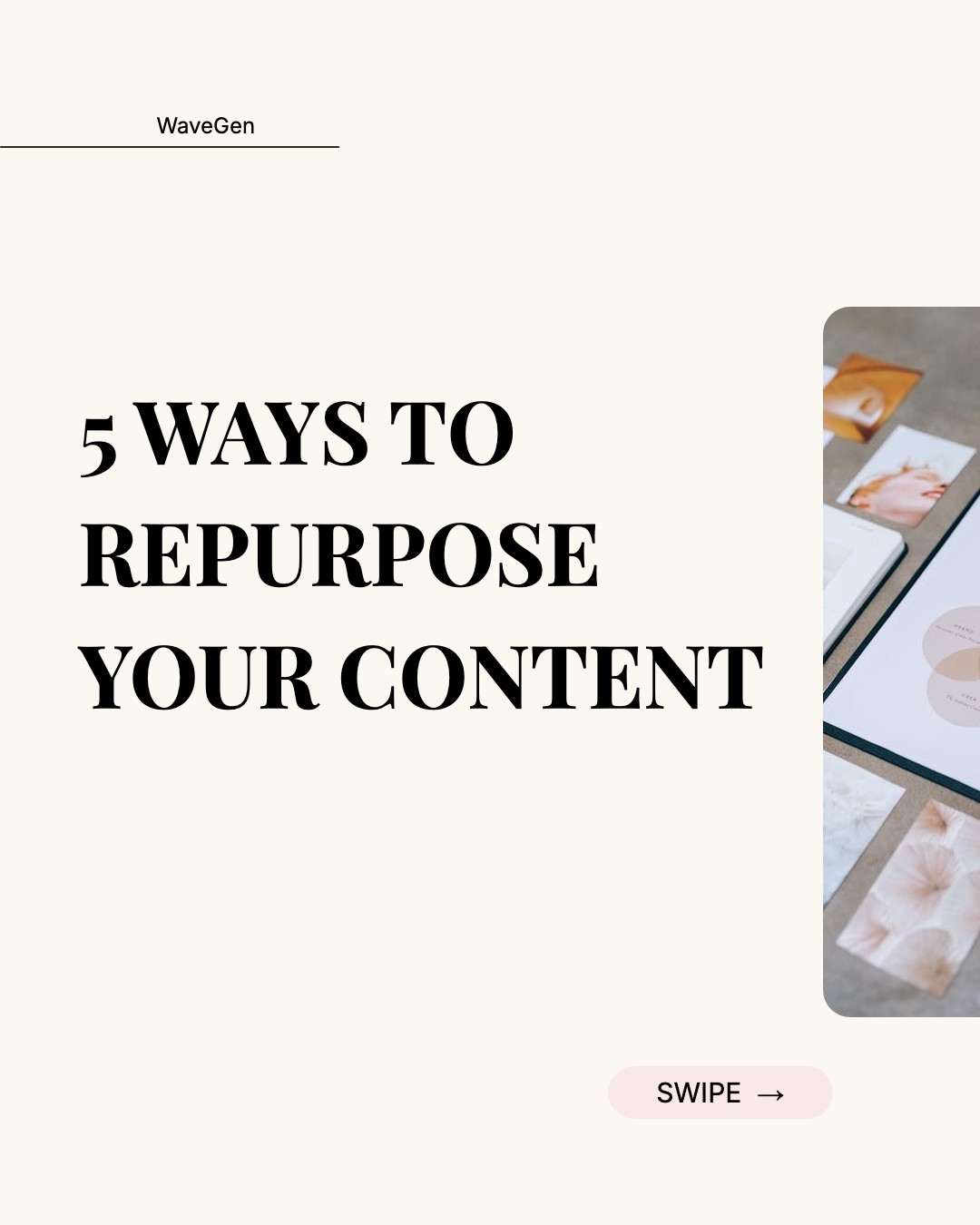
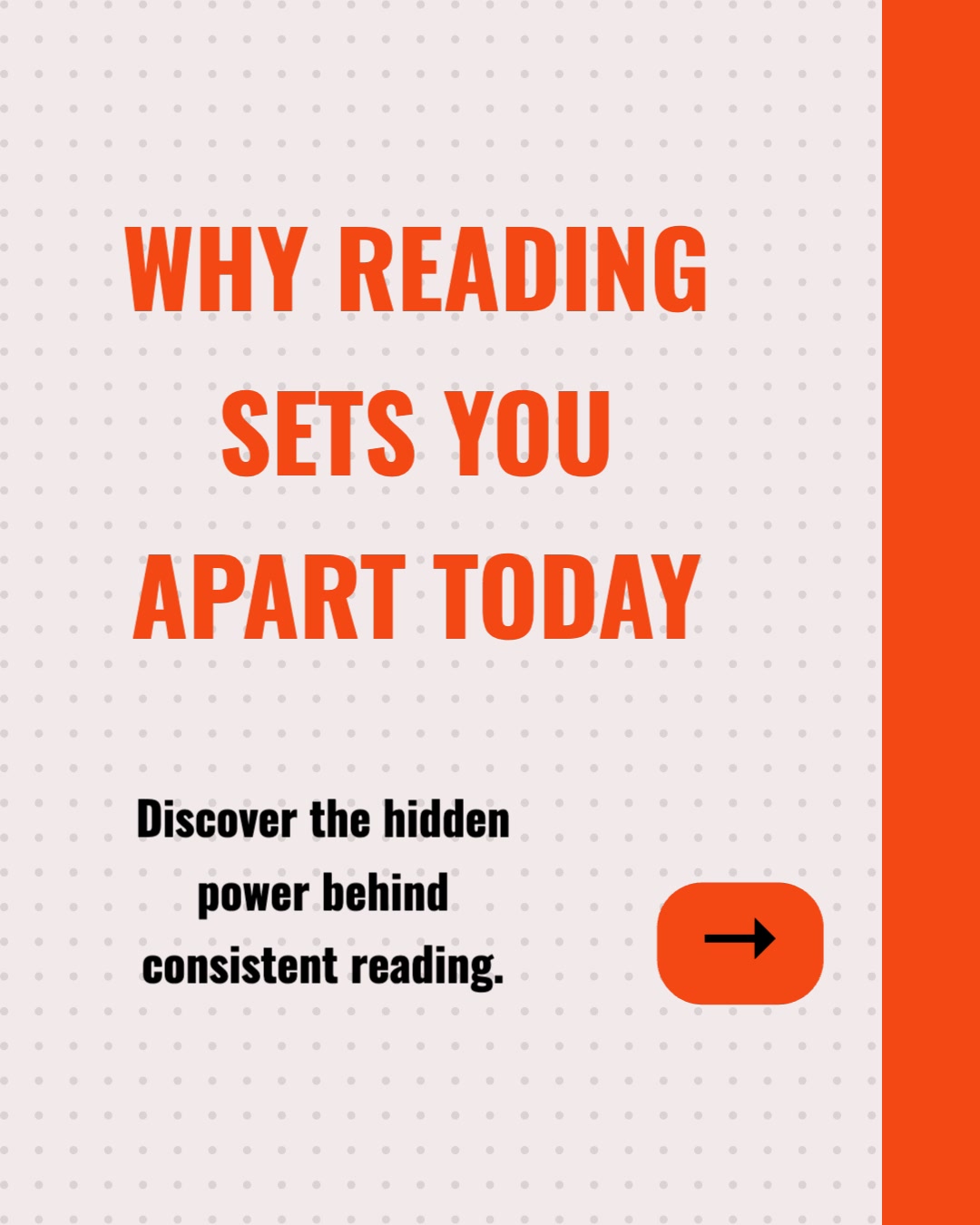
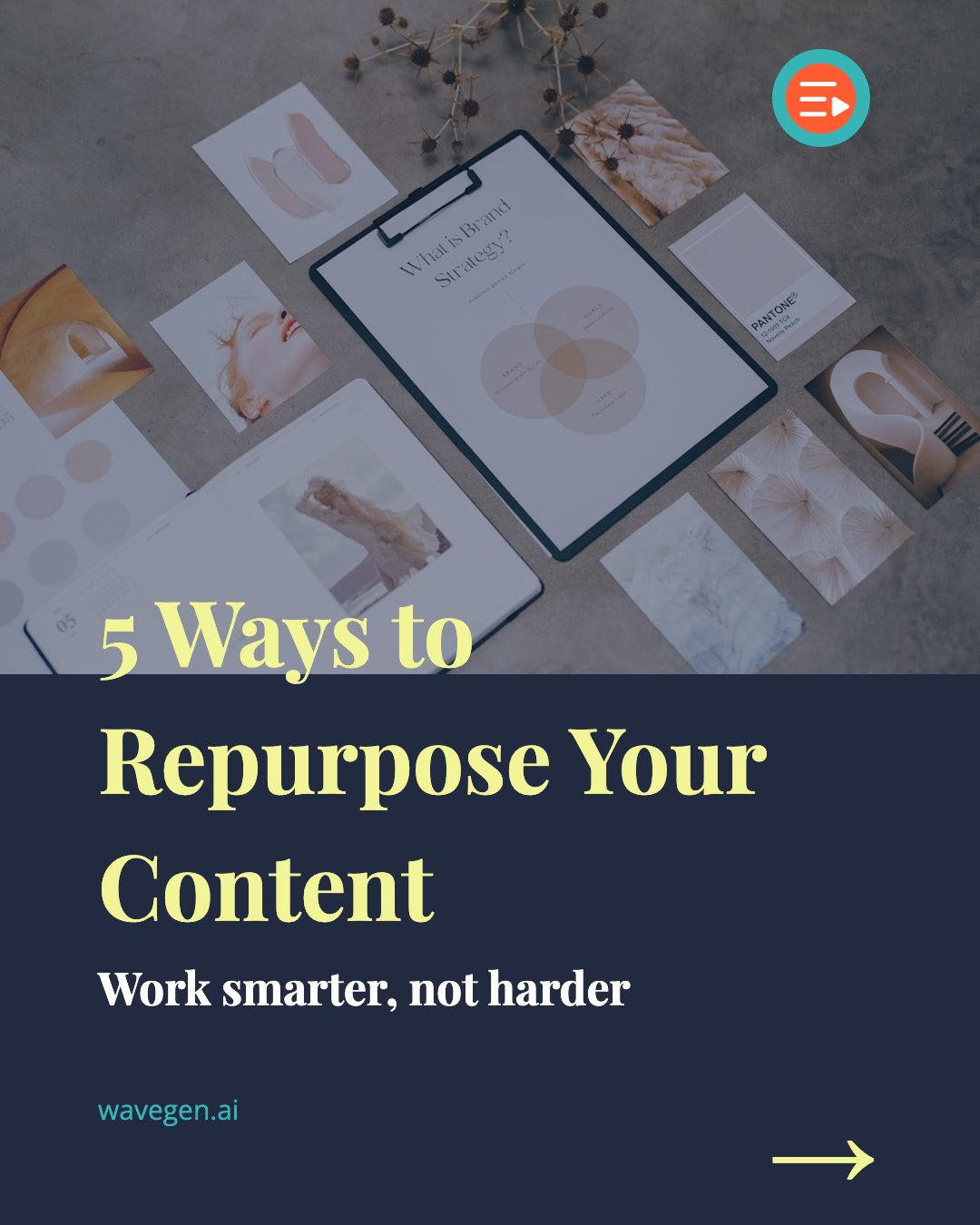

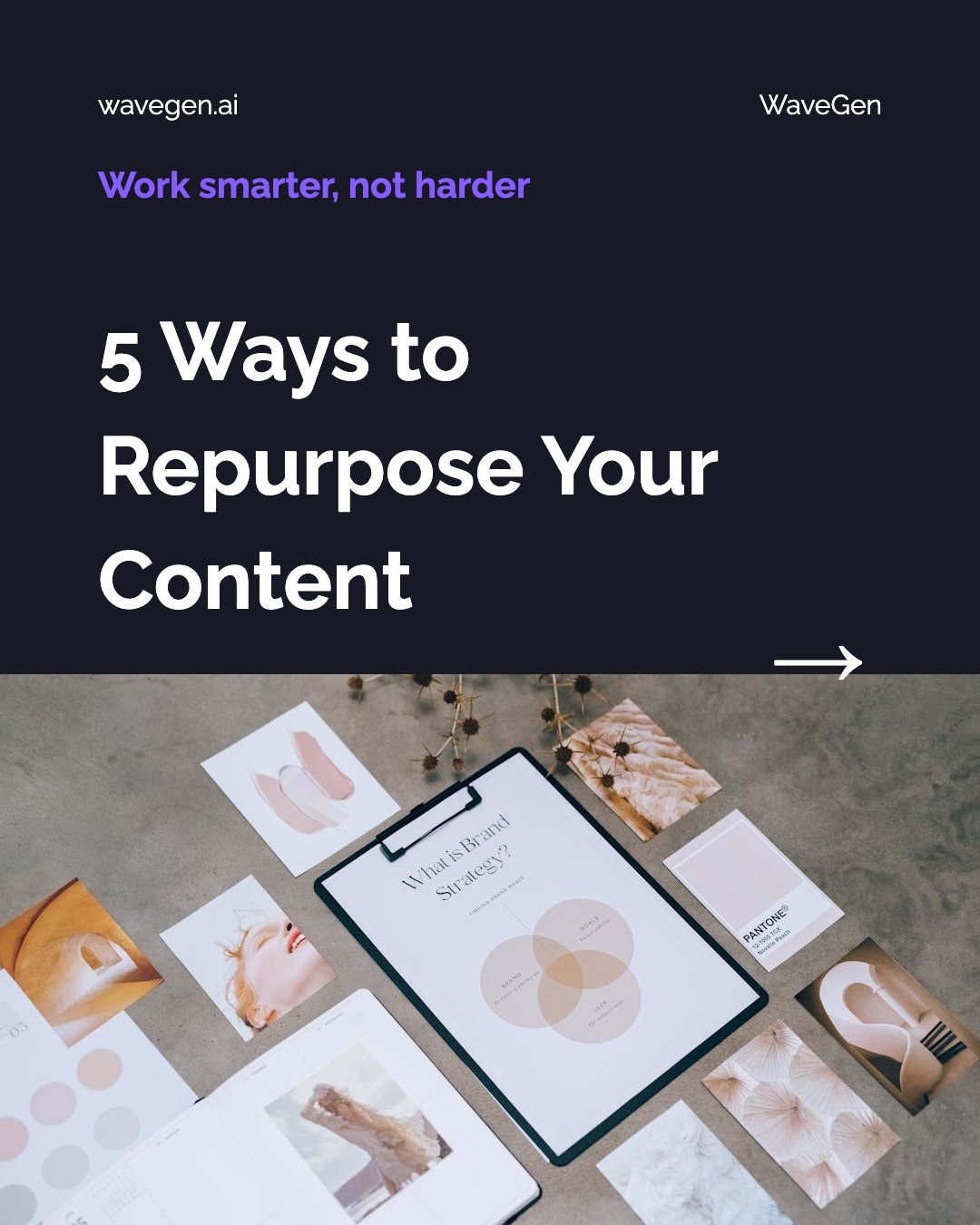
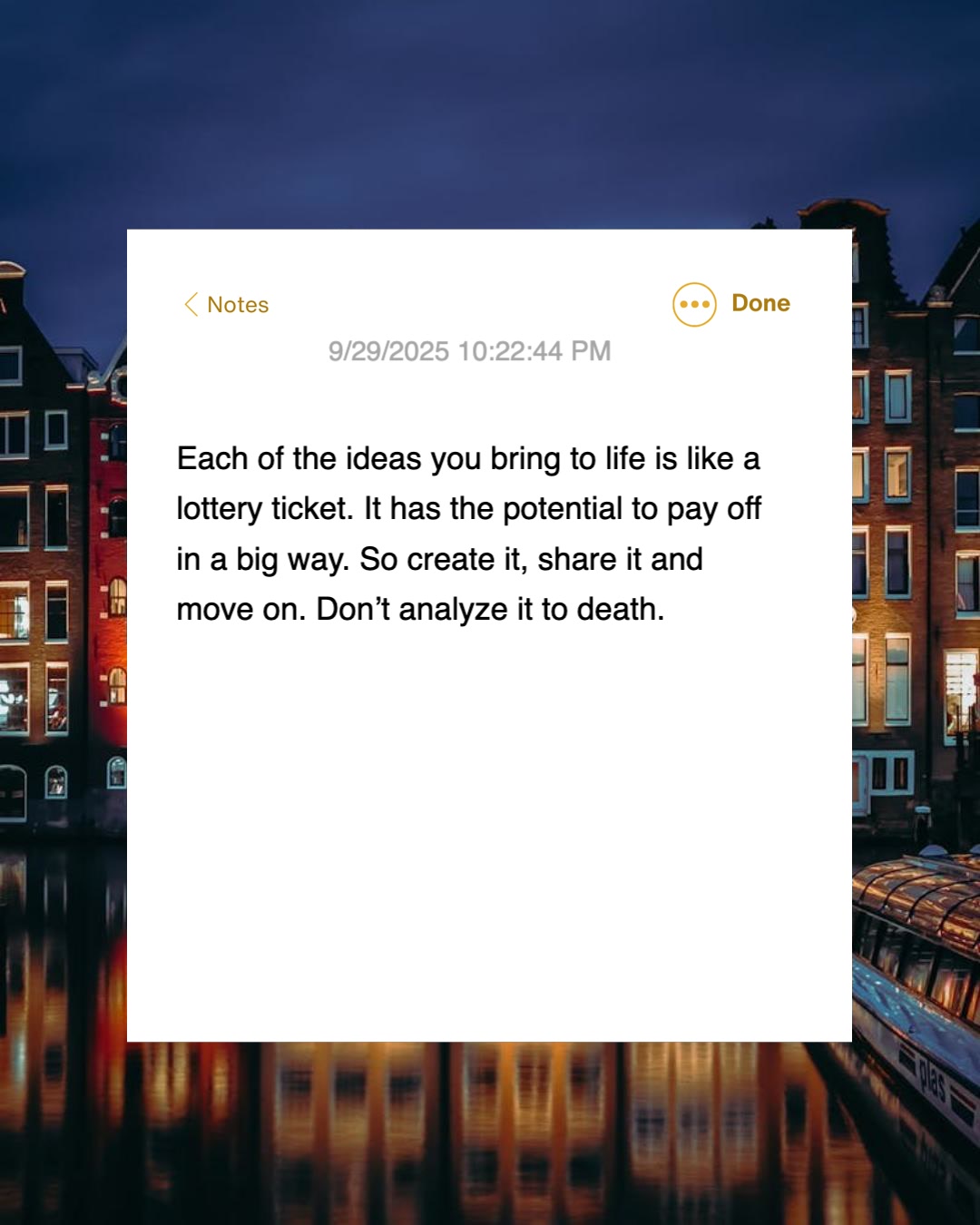
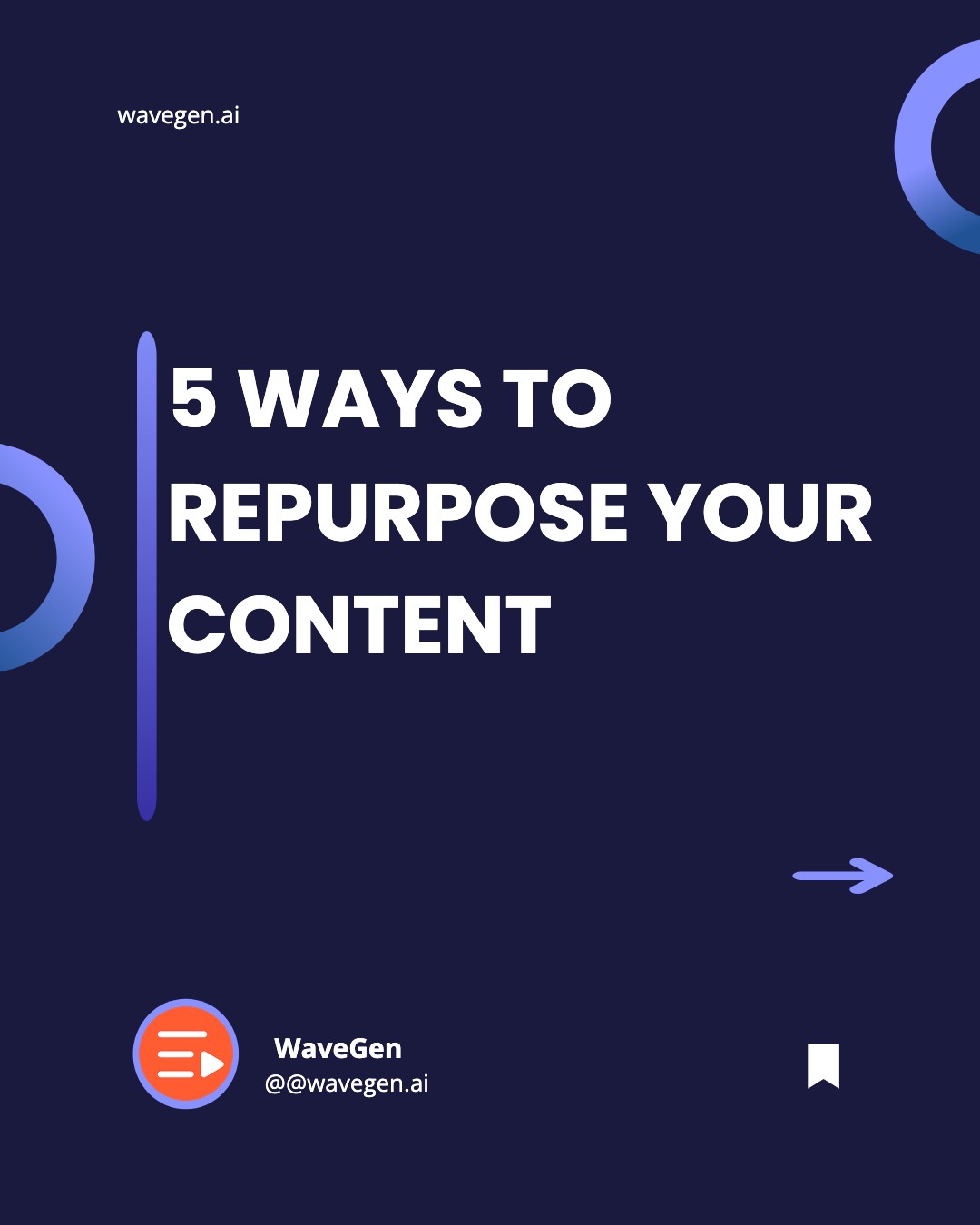
What the AI Generates: the Anatomy of a Slide Set
Every set the AI builds follows the structure that actually performs in the feed.
Hook slide
The scroll-stopper. One bold promise or question that earns the first tap. The AI writes a hook framed around the most compelling point in your content — not buried at the end.
Value slides
One idea per slide. The AI breaks your content into a clean sequence where each slide delivers a single takeaway and earns the swipe to the next — the pattern that drives saves and shares.
CTA slide
The close. A clear ask — follow, save, share, or visit — so the engagement you earned turns into a result. The AI ends every set with a call to action you can edit.
Slides in the Formats Social Actually Uses
Two social-native sizes — never a 16:9 deck. Pick the one that fits where you are posting.
4:5 carousel slides
Swipeable slides for Instagram and LinkedIn carousels — the highest-engagement, most-saved feed format. Up to 20 slides on Instagram and longer document carousels on LinkedIn.
Size
1080 x 1350 px
9:16 story & vertical slides
Full-screen vertical slides for TikTok photo slideshows, Instagram Stories, and Reels-style frames. The format short-form audiences swipe through fastest.
Size
1080 x 1920 px
How the AI Slide Generator Works
From a topic to a publish-ready slide set in under two minutes.
Enter a Topic, Text, or URL
Type a topic, paste your text, or drop in a blog post URL. The AI handles all three input types.
(Optional) Apply Your Brand Kit
Select your brand kit before generating — your logo, colors, fonts, and voice are applied to every slide.
Generate Slides + Caption
The AI structures your content into a hook slide, value slides, and a CTA slide with AI-generated images — and writes the post caption and hashtags to match. Generate in a different language if you want.
Pick a Format & Edit
Choose a 4:5 carousel or 9:16 story, then rewrite copy, swap images, and reorder slides in the visual editor.
Autopublish or Schedule
Publish the slides and caption now, or schedule them to post automatically to Instagram, LinkedIn, TikTok, or Pinterest — no downloading or re-uploading.
Everything You Need to Make Social Slides with AI
A complete slide workflow — from a topic to a scheduled post — built for the feed and powered by AI.
Topic-to-Slides
Start from nothing but an idea. Type a topic and the AI writes every slide — hook, value, and CTA — so you go from blank page to a full social slide set in one step.
URL & Text-to-Slides
Paste a blog post, newsletter, or any text. The AI reads it, finds the most slide-worthy points, and structures them into a swipeable sequence — repurposing without rewriting.
Channel-Native Design
Every slide is laid out native to the channel — 4:5 carousel or 9:16 story, with safe zones and dimensions that fit the feed. No 16:9 deck layouts, no resizing, no awkward cropping when you post.
AI Captions & Hashtags
The AI writes the post caption and hashtags alongside your slides, in your brand voice — so you get a publish-ready post, not just a set of images you still have to caption.
Instagram, LinkedIn & TikTok
Generate slides formatted for each platform's dimensions and engagement patterns from a single piece of content.
Brand Kit on Every Slide
Your logo, colors, and fonts apply to every slide automatically, so your posts are instantly recognizable in the feed. Set your brand voice and captions stay on-brand too. Available on all plans, including free.
Autopublish & Schedule
Publish now or schedule, and WaveGen posts your slides directly to your connected accounts at the set time — no downloading, no re-uploading, no separate scheduler.
Multi-Language Slides
Generate slides in a different language from your source. Paste an English article, get a slide set in Spanish, French, or dozens of others.
First Comment Auto-Post
Auto-post a link to your original article in the first comment when your slides go live — driving traffic back to your site.
Which AI Slide Generator Do You Actually Need?
Search "AI slide generator" and you will find two completely different categories of tool wearing the same name. Picking the wrong one wastes an afternoon, so it is worth being clear about the split before you start.
The first category makes presentation decks — 16:9 slides for a meeting, pitch, or webinar, read one at a time while a presenter talks. Gamma, Beautiful.ai, Tome, and PowerPoint Copilot live here. If you are standing in front of a room or sharing your screen, that is what you want.
The second category — where WaveGen lives — makes social slides: vertical or square frames built for the mobile feed and read by swiping. There is no presenter, so each slide has to stand on its own and pull the viewer to the next. The craft is different: a hook that stops the scroll, one idea per slide, tight pacing, and a call to action at the end. That is the format this generator produces — and it is the format that earns saves, shares, and reach on Instagram, LinkedIn, TikTok, and Pinterest.
If you want full manual control over each slide instead of an AI first draft, the carousel maker gives you an in-page builder. And if you want the slides as a single autoplaying video with music rather than a swipe-through, the AI slideshow maker animates the same content for Reels, TikTok, and Shorts.
Why Social Slides Are Worth the Effort
1.4x more reach than single-image posts on Instagram
3.1x more engagement than standard feed posts
Most-saved content type on Instagram — saves drive distribution
LinkedIn carousels outperform text posts for impressions and comments
TikTok photo slideshows are among the platform's fastest-growing formats
Frequently Asked Questions
Common questions about generating social slides with AI.
Turn Any Topic Into Social Slides — In Seconds
Enter a topic or paste a URL, and AI writes every slide — hook, value, and CTA — sized for Instagram, LinkedIn, TikTok, and Pinterest. Edit, then publish or schedule, all in one place.
Social Slides, Not Presentation Decks
"Slides" means two very different things. WaveGen makes one of them — the kind built for the feed.
Social slides — what this generates
Vertical or square (4:5 or 9:16), built for the mobile feed, and read by swiping — Instagram and LinkedIn carousels, TikTok photo slideshows, story slides. Each slide carries the whole message on its own and earns the swipe to the next. There is no presenter, so the hook, pacing, and call to action do the work.
Presentation slides — use a deck tool
16:9 decks built for a projector or shared screen and read one at a time while you talk over them. If that is what you need, an AI deck tool like Gamma, Beautiful.ai, or PowerPoint Copilot is the right fit. WaveGen does not make 16:9 decks — every slide it produces is sized for the feed.