June 28, 2026
23 min read
10 Social Media Content Types to Master in 2026
Struggling with content? Discover 10 essential social media content types, from Reels to carousels, with actionable tips to boost engagement and reach in 2026.
Beyond the Feed: A Strategic Guide to Content That Converts
Feeling stuck on the content creation treadmill? You're not alone. Most advice about social media content types gives you a list, then leaves you with the hard part: how to turn one strong idea into a full week of platform-ready posts without sounding repetitive or losing your brand voice.
That gap matters. A lot of consultants, coaches, and small teams don't struggle because they lack ideas. They struggle because daily creation is operationally heavy. That challenge is especially common among regular publishers, with 78% of consultants and coaches reporting that they publish regularly but still struggle with day-to-day creation, according to Jasper's overview of social media content workflows.
The smarter approach is to start with one core asset, a newsletter, article, podcast script, webinar, or YouTube transcript, then systematically reshape it into multiple formats. That's where most generic guides stop short. They name content formats, but they don't show the production system behind them.
This guide fixes that. You'll get 10 social media content types worth mastering in 2026, plus the practical playbook for repurposing each one. You'll also see where tools fit, including automation workflows that turn long-form ideas into carousels, quote cards, captions, and short clips. If you're refining your broader publishing workflow, these key content creation methods are a useful companion.
Table of Contents
- 1. Carousel Posts
- 2. Short-Form Video Reels
- 3. Quote Cards / Graphic Posts
- 4. Live Streams
- 5. Caption Text Posts
- 6. Educational Tutorials / How-To Videos
- 7. User-Generated Content / Testimonial Posts
- 8. Infographics and Data Visualization
- 9. Behind-the-Scenes / Day-in-the-Life Content
- 10. Newsletter Content and Repurposing
- Top 10 Social Media Content Types Comparison
- From Creation to Conversion Your Unified Content System
1. Carousel Posts
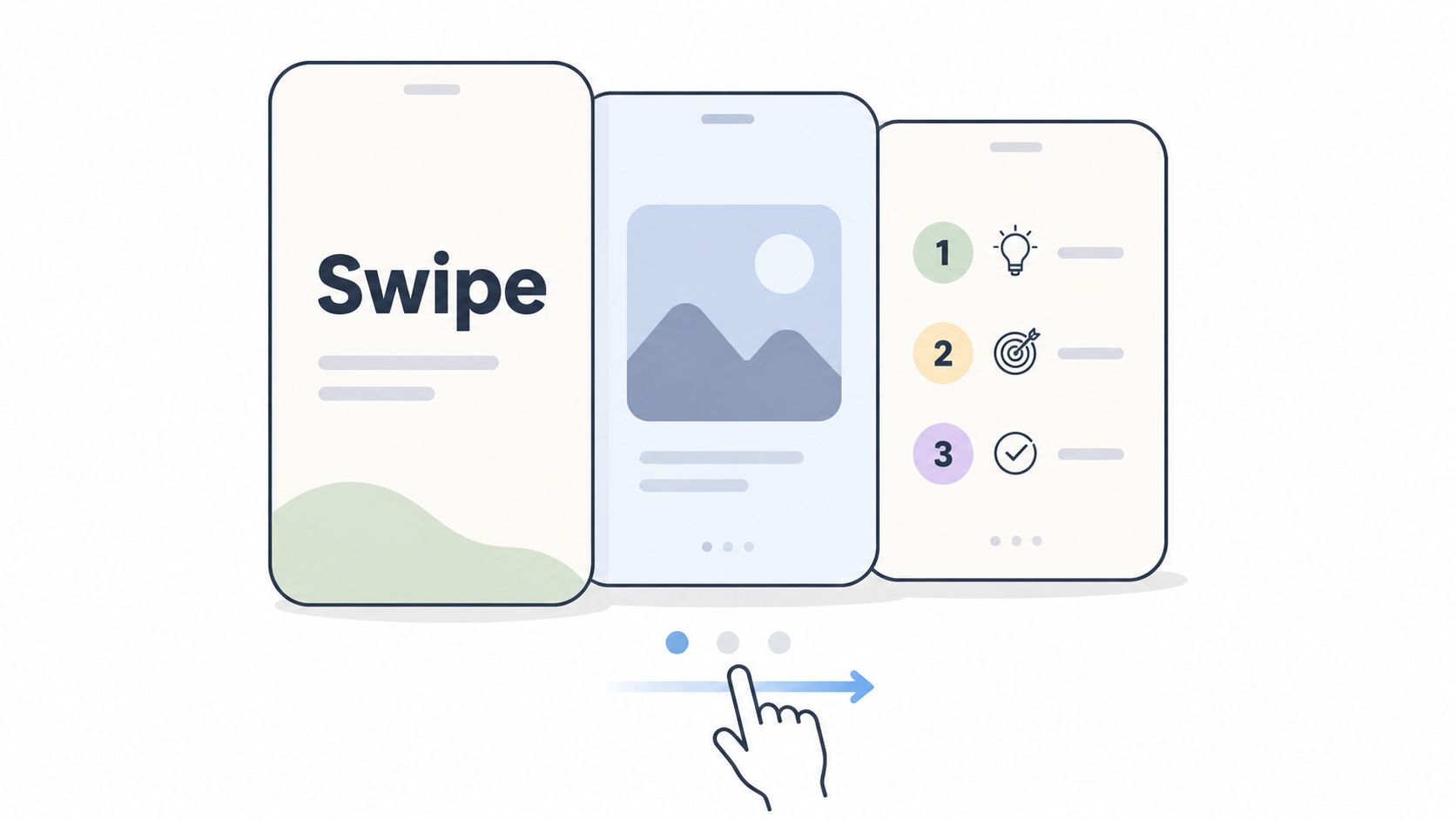
Here's the fastest way to make one deep idea feel substantial on social media without producing a full video. Turn it into a carousel. Carousels work because they force structure. You need a hook, a sequence, and a payoff.
That makes them ideal for repurposing newsletters, articles, and webinar notes. A strong LinkedIn opinion piece can become a 7-slide argument. A client lesson can become a step-by-step Instagram swipe post. McKinsey-style insight summaries, creator breakdowns from people like Gary Vee, and before-and-after transformation posts all follow the same logic: one idea, unpacked visually.
Why carousels work
The first slide does one job. It earns the swipe. If slide one reads like a headline from your blog, it usually underperforms. If it makes a specific promise, such as "3 client onboarding mistakes that slow referrals," people keep going.
Practical rule: Write slide one last. The hook gets better when you already know the strongest insight inside the deck.
Consistency matters here too. Emerging 2025 data referenced by Jasper notes that brands using a consistent voice and aesthetic achieve higher recall, which is exactly why carousel design should be templated instead of reinvented each time. The fastest setup is to lock your fonts, color palette, and logo placement inside a brand kit, then edit only the message.
Repurposing workflow
Start with a long-form source and highlight five to eight distinct beats. Those become slides. Then assign each beat a role:
- Hook slide: Promise a result or reveal a tension.
- Body slides: One insight per slide. Don't stack multiple arguments.
- Proof slide: Add an example, screenshot, or short anecdote.
- Final slide: Give one next action.
If you're batching content, pair carousel creation with your scheduling workflow. This guide to social media scheduling apps is useful once you've got a week's assets ready.
What doesn't work is treating carousels like miniature whitepapers. Dense copy, tiny font, and six ideas per slide kill completion. Keep each slide skimmable on a phone, then let the caption carry any extra nuance.
2. Short-Form Video Reels
Want the fastest way to turn one strong idea into reach across multiple platforms? Start with short-form video.
Reels, Shorts, and TikToks win because they package voice, credibility, and clarity into a format people can consume in seconds. Static posts still matter, but short video gives you more room to show how you think, how you speak, and whether your advice holds up in real use. For consultants, founders, educators, and service businesses, that matters more than polish.
Short video also works well as the top layer of a repurposing system. A newsletter section can become a talking-head script. A webinar answer can become a clipped reel. A blog article can become three separate videos if it contains three distinct claims. If you need a practical process for turning written ideas into publishable assets, this guide on how to create social media content from source material is a useful companion.
Why reels outperform so many other formats
Short video gets attention because it creates context fast. Viewers hear tone, see confidence, and judge clarity almost immediately. That is hard to reproduce with a quote graphic or a caption-only post.
The trade-off is production friction. Teams waste time when they script every reel from scratch, over-edit simple ideas, or try to force long-form content into a vertical format without restructuring it first. The better workflow is lighter. Pull one complete idea from a longer source. Write a strong first line. Keep the pacing tight. Add on-screen captions for silent viewing.
For planning and batching, this piece on video content strategy fits well here. If you're creating reels from text instead of filming fresh footage, Text-to-video Reels production can also speed up output.
Operational playbook for repurposing reels
Start with a source that already has substance. Good inputs include newsletters, blog posts, podcast transcripts, webinar recordings, sales call clips, and YouTube interviews.
Then break the workflow into production steps:
- Find one self-contained insight: Pull a statement that can stand on its own in 20 to 45 seconds.
- Write the opening line first: The first sentence should make a specific promise, name a mistake, or surface tension.
- Trim for one idea: Cut side notes, disclaimers, and setup language that slows the clip down.
- Design for silent viewing: Add captions and a clear headline on the first frame.
- End with a next step: Use a CTA that fits the goal. Save, comment, follow, or click all serve different jobs.
Here is the practical standard I use. If the clip needs extra explanation in the caption to make sense, it is not ready. Reels perform better when the idea is complete inside the video itself.
WaveGen.ai helps at the production stage by turning long-form text into reel-ready scripts, visuals, and captioned video outputs without requiring a full edit pass for every asset. That matters when you're publishing in batches and need one article or newsletter issue to produce multiple platform-specific clips.
What usually fails is random clipping. Cutting a 90-second segment out of a webinar and posting it raw rarely works because the pacing, framing, and opening were built for a different format. Reels need a native feel, even when the source started somewhere else.
3. Quote Cards / Graphic Posts
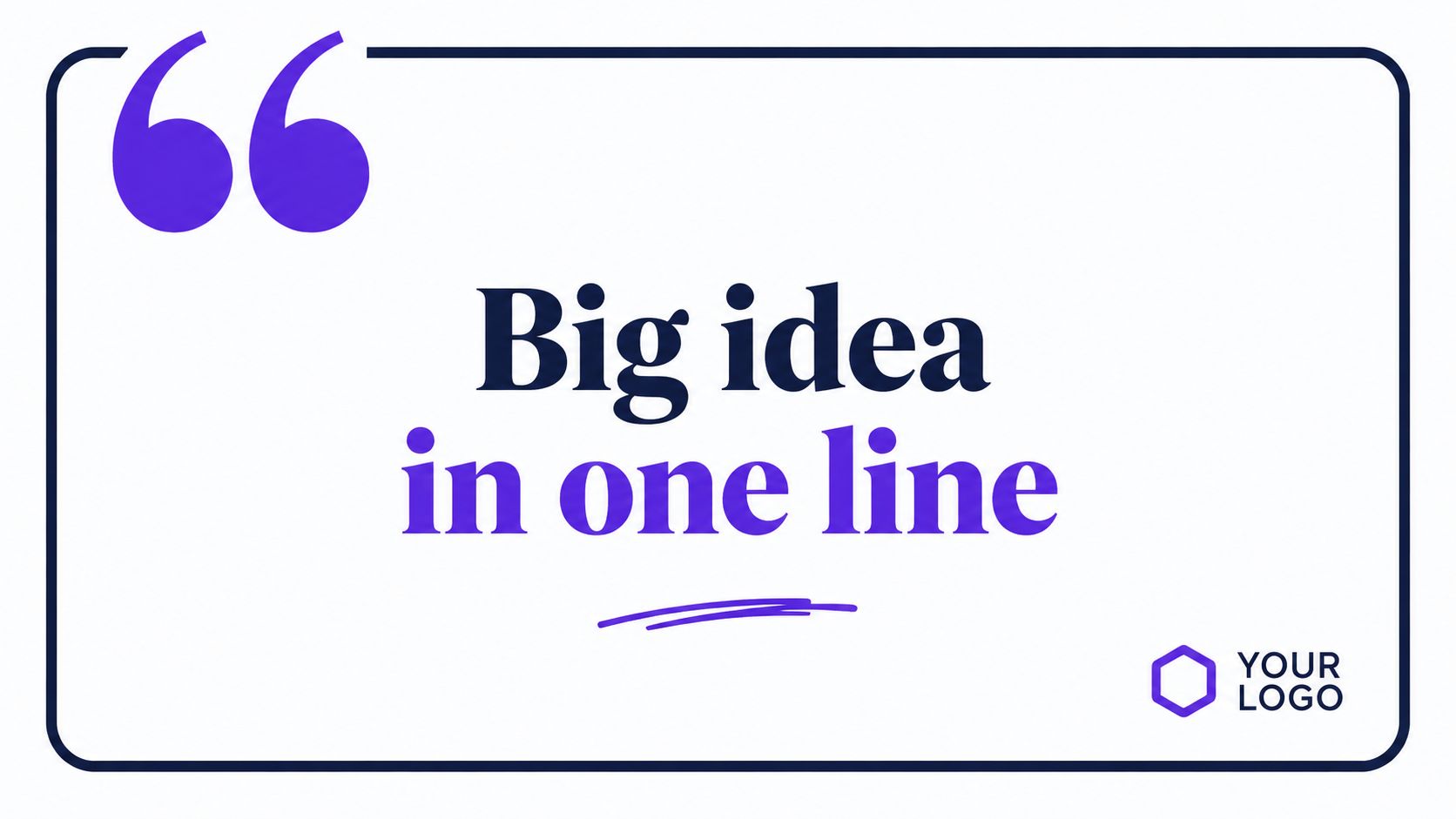
Quote cards look easy, which is why so many of them perform badly. Most brands choose sentences that sounded smart in a long article but become vague once isolated on a square graphic.
The good version is simple. One sharp sentence. Strong contrast. Clear typography. Subtle branding. These are the key elements. Simon Sinek-style leadership lines, customer testimonial pull quotes, and clipped newsletter insights all work when the sentence can stand alone without explanation.
What quote cards do well
Quote cards are useful when you want reach without asking for too much time from the viewer. They also fill an important role in your content mix. Not every post should demand a full swipe sequence or a minute of watch time.
They work especially well for consultants, educators, and founders who publish long-form content regularly. A newsletter often contains several lines that can become standalone social assets. The challenge is maintaining visual consistency across them, which is where a saved design system helps.
If you want a practical overview of turning source material into designed posts, this walkthrough on how to create social media content is directly relevant.
How to pull them from long-form content
Read through your article or transcript and highlight lines that meet three tests:
- Clarity: The sentence makes sense without surrounding context.
- Tension: It challenges a common assumption.
- Specificity: It sounds like a real opinion, not motivational wallpaper.
Good quote cards aren't summaries. They're fragments with enough sharpness to stop the scroll.
What doesn't work is over-designing them. If the background is busy, the sentence is long, or the logo is louder than the quote, the post becomes an ad instead of a shareable thought.
4. Live Streams
Live streams create a kind of trust that edited content can't fully replicate. People hear hesitation, follow-up questions, side comments, and unscripted examples. That texture makes live content valuable for launches, Q&As, interviews, and office-hours style sessions.
Still, live content is expensive in attention. It only works when you have a real reason to be live. "We're going live because the algorithm likes it" is weak positioning. "We're reviewing three audience submissions" or "We're answering tax questions for freelancers" gives people a reason to show up.
When live content is worth it
Use live streams when interaction changes the quality of the content. That usually means expert interviews, audience coaching, product walkthroughs, or reactions to breaking industry news. LinkedIn Live, YouTube Live, Instagram Live, and audio-first formats like Spaces all fit different audience behaviors.
A good live session needs a run of show. Not a script. A sequence. Opening topic, audience prompts, main discussion beats, closing CTA. Without that structure, streams drift and replays become unusable.
Turn one live session into a content batch
A single live session can generate days of follow-up posts if you plan it that way:
- Before the stream: Publish a promo graphic, a reminder post, and a question sticker.
- During the stream: Note timestamps when strong answers land.
- After the stream: Clip highlights, transcribe key moments, and turn the best lines into quote cards or carousels.
If you use overlays, lower-thirds, or title cards, keep them branded but restrained. Viewers came for the discussion, not the graphics package. The strongest post-live workflow is usually replay to clips, clips to carousels, then clips to captions.
5. Caption Text Posts
Need to publish a strong post today without filming, designing, or editing? Start with a caption text post.
This format works when the value sits in the idea itself. A clear opinion, a sharp lesson from the field, a short story with a useful takeaway. On LinkedIn and Facebook, text still earns replies when it sounds like a person with experience, not a brand trying to fill a content calendar.
Text posts have a narrower job than video. They are built for discussion, signal testing, and message clarity. If a point cannot hold attention in plain text, it usually is not ready for a carousel or reel either.
Where caption text posts outperform heavier formats
Use text posts when speed matters and production would slow down the insight. That includes reacting to an industry shift, sharing a lesson from a sales call, correcting a common misconception, or posting a point of view that invites debate.
The trade-off is reach versus depth. A text post rarely carries the same passive consumption as short-form video, but it can produce better comments because the barrier to responding is lower. That makes it a strong format for audience research. Good replies often become the raw material for future posts, webinar topics, and newsletter sections.
What usually hurts performance is obvious. Long warm-ups, vague claims, and paragraph blocks with no pacing. Strong text posts get to the point fast, create a tension point early, and earn the next line.
A practical repurposing workflow
Start with one long-form asset. A newsletter, article, podcast transcript, client memo, or webinar recap all work.
Pull out three usable angles from the same source:
- Point-of-view post: Make one clear claim and defend it with a short reason.
- Story post: Share the moment, mistake, or client pattern that led to the lesson.
- Tactical post: Give one step people can apply today.
Then rewrite for platform behavior instead of cross-posting the same caption everywhere. LinkedIn can support more context and a stronger professional stance. Facebook usually responds better to conversational phrasing and cleaner formatting. Instagram caption posts need a first line that creates curiosity because the visual has to stop the scroll first.
I use text posts as a message-testing layer. If one angle gets thoughtful comments, saves, or DMs, that is the version worth turning into a designed asset next.
How to turn text into a repeatable system
A simple workflow keeps this format from becoming random:
- Highlight strong lines from a long-form source.
- Group them into opinion, story, and tactical buckets.
- Write three hooks for each bucket.
- Post the strongest version as text first.
- Promote the winner into a carousel, graphic post, or short video.
WaveGen.ai speeds this up in a practical way. Drop in a newsletter draft, article, or transcript, and generate caption variations by platform and angle. That saves the tedious step of rewriting the same idea from scratch, while still letting you edit for voice and specificity.
The standard is simple. If the post sounds like it could have been written by anyone, keep working. If it sounds like a real operator sharing a tested idea, publish it.
6. Educational Tutorials / How-To Videos
Educational content has a long shelf life when it solves a real problem. Tutorials do well because they create immediate utility. People save them, send them, and return to them.
That said, many how-to videos are bloated. The creator spends too long setting up the topic, then rushes the actual method. The best tutorials lead with the outcome. Show me what I'll be able to do, then teach the steps.
A good example of the format looks like this:
Teach one thing clearly
One tutorial should teach one transformation. Not five. If you're explaining content repurposing, don't also try to explain brand strategy, posting cadence, and analytics in the same clip unless it's a long-form training.
A clean tutorial structure is straightforward:
- Outcome first: State the result.
- Steps second: Break it into a small sequence.
- Common mistake: Warn viewers what to avoid.
- CTA last: Tell them what to do next.
Repurpose the lesson in multiple lengths
Tutorials are one of the best starting points for repurposing because they already have built-in sections. A longer YouTube lesson can become a 60-second quick tip, a LinkedIn carousel, and a quote card pulled from the strongest line.
Field note: When a tutorial underperforms, the issue usually isn't the editing. It's that the promised outcome wasn't specific enough.
Use screen recordings for software workflows, talking head plus text overlays for advice, and B-roll only when it clarifies the process. Fancy production doesn't rescue a muddy lesson. Clear sequencing does.
7. User-Generated Content / Testimonial Posts
UGC and testimonial content do a job brand-created content can't do on its own. They transfer credibility. A company can describe its value all day. A customer example makes it believable.
This category is also more important than many teams realize. According to Sprout Social's guide to social media content types, 80% of marketers prioritize visual content. That creates pressure to produce volume, but it also exposes a gap: teams often don't know how to turn authentic customer input into repeatable visual assets without sounding canned.
Why UGC still works
UGC works when it feels native to the customer voice. That can be a selfie video, a screenshot, a written recommendation, a stitched reaction, or a short testimonial card. Brands like Slack and Airbnb have long benefited from this style because the customer story is more persuasive than brand narration.
The mistake is over-scripting it. The more polished the testimony becomes, the less believable it feels. You want structure, not sterilization.
A practical UGC system without constant outreach
You don't need endless manual outreach to use this format well. Build a small intake system instead:
- Ask at high-satisfaction moments: After a win, completion, or positive reply.
- Give a prompt: Ask what problem they had, what changed, and what they'd tell someone similar.
- Offer flexible formats: Text, audio note, selfie video, or screen-recorded walkthrough.
- Repurpose lightly: Keep their wording intact, then adapt it into cards, captions, or clips.
A solo creator can do this with a simple form and permission checkbox. An agency can run it as a client-closeout step. The operational win comes from turning customer language into a reusable content bank, not chasing testimonials only when the calendar looks empty.
8. Infographics and Data Visualization
Infographics are useful when the data deserves a visual. They are not a cure for bland content. A weak idea laid out with icons is still a weak idea.
Use this format for comparisons, processes, frameworks, timelines, and a small number of important metrics. If your post depends on statistics, every number needs to be accurate and clearly sourced. This is a fundamental requirement.
For teams that publish research summaries or trend reports, visualizing social media trends is a helpful design reference.
Use data selectively
One strong chart is usually better than eight small ones. Social users scan quickly, so your visual needs to communicate the main point almost instantly. If the viewer needs a minute to decode the graphic, it probably belongs in a report, not a feed post.
This is also where design restraint matters. Use one accent color for emphasis, keep labels readable on mobile, and avoid stuffing paragraphs into the image.
Build once, publish many ways
The most efficient workflow is to turn one data set into multiple assets. A report can become:
- A single infographic: The headline finding.
- A carousel: One finding per slide.
- A short video: Talk through the biggest takeaway.
- A caption post: Add interpretation, not just numbers.
Good infographics don't just show data. They frame the meaning. If the audience can't tell why the information matters, the graphic won't travel.
9. Behind-the-Scenes / Day-in-the-Life Content
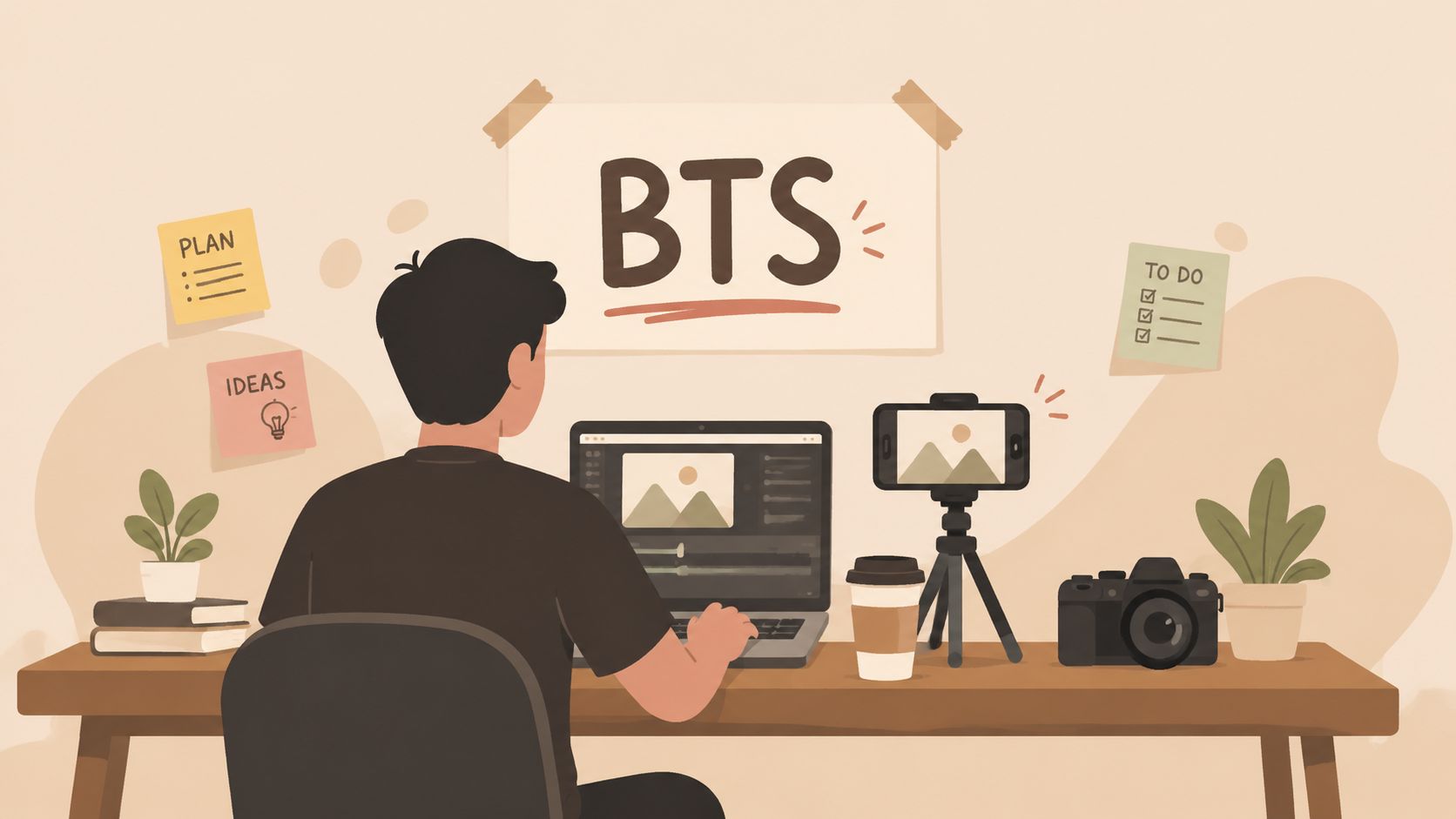
Behind-the-scenes content gives your polished content a pulse. It shows the process, the mess, the tools, and the people involved.
Audiences can sense when a brand only publishes finished outputs. BTS content closes that distance. It makes a consultant feel more approachable, a team feel more credible, and a creator feel more human.
What makes BTS content believable
The best BTS posts aren't random clips from your camera roll. They still need a point. Show a work session, a setup change, a planning meeting, a failed first draft, or the routine behind a result.
Tesla-style factory glimpses, creator desk setups, and founder build-in-public updates work because they reveal process. Viewers don't need cinematic footage. They need context.
Share enough to be real, not so much that the post becomes private instead of useful.
A simple capture system
Capture BTS content in small moments during the week, then package it later. A smartphone folder called "content stock" is often enough. Save clips of your workspace, whiteboards, voice note recording, editing timeline, client prep, or team call snippets.
Then build posts around a narrow narrative:
- What happened today
- What changed
- What went wrong
- What you learned
What doesn't work is posting "busy day today" with a vague office photo. BTS earns attention when it reveals something specific about how the work gets done.
10. Newsletter Content and Repurposing
What if your newsletter was already your weekly social media calendar?
Teams that publish a newsletter regularly usually do not have a content volume problem. They have a packaging problem. One strong issue already contains the raw material for five to seven social posts if the original draft has a clear point of view, a usable framework, and a few lines worth repeating.
Newsletter-first publishing works because the source asset is already doing the hard work. It has structure. It has voice. It has a built-in argument. That gives you something many social teams lack: a reliable starting point that does not depend on chasing trends every morning.
A useful newsletter usually gives you these building blocks:
- An opening opinion for a LinkedIn or X text post
- Subheads or steps for a carousel
- One sharp sentence for a quote card
- A practical lesson for a short video script
- A reader question or objection for a comment-driven post
The trade-off is format fit. A newsletter can carry nuance because the reader has already chosen to spend time with you. Social posts need faster framing. Repurposing is not copy-paste work. It is adaptation. Cut the setup, keep the tension, and restate the takeaway in the language of the platform.
Here is a weekly workflow I use with clients who publish one newsletter and need a full week of distribution:
- Monday: Pull the strongest claim into a text post with one example and one question.
- Tuesday: Turn the main framework into a 5 to 7 slide carousel.
- Wednesday: Extract one quote or contrarian line into a branded graphic.
- Thursday: Record a 30 to 60 second video that explains the core lesson in plain language.
- Friday: Share a reply, objection, or lesson that came from reader feedback.
That system keeps the source of truth in one place. It also reduces a common failure point: writing separate content for every platform until quality drops and publishing slips.
If you want this to run without manual rework each week, build the process around a source document and templates. Paste the newsletter into WaveGen.ai, tag the core sections, then generate first drafts by format. The useful part is not speed alone. It is consistency. The tool can turn one article or newsletter into platform-specific drafts, keep your brand kit applied, and give your team editable starting points instead of blank pages.
The best newsletter repurposing does two jobs at once. It extends the life of the original issue, and it creates a repeatable production system your team can sustain. That is what makes newsletter content one of the highest-efficiency formats on this list.
Top 10 Social Media Content Types Comparison
| Format | Implementation Complexity 🔄 | Resource Requirements ⚡ | Expected Outcomes ⭐ / 📊 | Ideal Use Cases 💡 | Key Advantages ⭐ |
|---|---|---|---|---|---|
| Carousel Posts | Moderate, sequence planning & slide design | Moderate, images/videos + design time | High engagement & retention; strong LinkedIn/IG reach | Repurposing long-form content, step-by-step tutorials | Effective storytelling across multiple slides; cost‑efficient info delivery |
| Short-Form Video Reels | High, trend-aware scripting & fast edits | High, recording gear, editing, audio, trends research | Very high reach; top algorithmic visibility | Brand awareness, viral/entertainment content, creator growth | Maximum reach and discovery; strong for younger audiences |
| Quote Cards / Graphic Posts | Low, template-based design | Low, simple design assets and copy | Moderate engagement; highly shareable | Thought leadership, pulling highlights from articles | Quick to produce; consistent branding and easy repurposing |
| Live Streams | High, real-time moderation and setup | Medium–High, stable internet, multi-guest tools | Strong live engagement and authenticity; variable replays | Q&A, product launches, community building | Real-time interaction and exclusivity; builds deep trust |
| Caption Text Posts | Low, writing-focused (hooks + structure) | Low, minimal visual assets, copy time | High discussion potential (esp. LinkedIn) when copy is strong | Personal branding, sparking professional conversations | Fast to produce; authentic voice-driven engagement |
| Educational Tutorials / How-To Videos | High, structured scripting and editing | High, screen recording, voiceover, editing tools | High long-term value; authority building & lead gen | In-depth teaching, product demos, evergreen training | Evergreen content with strong intent and trust |
| User-Generated Content / Testimonial Posts | Low–Moderate, collection and permissions | Low, customers create content; curation/time needed | Very high trust and conversion impact | Social proof, case studies, retention marketing | Authentic peer recommendations; cost-effective social proof |
| Infographics & Data Visualization | Moderate–High, design + data validation | Medium–High, design skills/software + data prep | High shareability & comprehension; credibility boost | Research summaries, reports, data-driven insights | Makes complex data scannable and memorable |
| Behind-the-Scenes / Day-in-the-Life | Low, informal capture with light planning | Low, mobile footage, minimal editing | High authenticity and emotional connection | Culture, recruiting, humanizing the brand | Humanizes brand with low production overhead |
| Newsletter Content & Repurposing | Moderate, long-form writing + segmentation | Medium, writing time + repurposing workflow/tools | Consistent multi-channel output; high subscriber engagement | Newsletter authors, consultants, content engines | Efficient content pipeline; generates weeks of social posts |
From Creation to Conversion Your Unified Content System
How do you turn one strong idea into a week of content that attracts attention, builds trust, and creates conversion opportunities without starting from zero each day?
The answer is a unified system. Each format has a job inside that system. Carousels explain the framework. Reels earn initial reach. Quote cards sharpen positioning. Text posts invite replies. Tutorials handle deeper education. UGC reduces skepticism. Behind-the-scenes content adds personality. Newsletters and long-form articles feed the whole machine.
That shift matters because buyers now research people and companies across multiple formats before they act. If your best ideas only live in a blog archive, a webinar replay, or an email send, distribution breaks down. Good thinking exists, but it is trapped in the wrong format for the platform.
Start with the hardest asset to produce well. In practice, that is usually a newsletter, article, client workshop, podcast transcript, or recorded training. Build from that source once, then repurpose with rules instead of improvising every day.
A workable weekly workflow looks like this:
- Choose one source asset: newsletter, article, transcript, webinar, or internal memo
- Pull out the usable parts: hook, core framework, strong quote, proof point, objection, example, CTA
- Assign each part to a format: carousel for teaching, reel for the key insight, quote card for positioning, caption post for discussion, tutorial clip for deeper intent
- Apply one brand system: fixed fonts, colors, templates, voice guidelines, and CTA structure
- Batch production and scheduling: create once, review once, publish across the week
This solves a problem I see often with small teams and solo operators. Inconsistent voice. Ad hoc posting creates a hidden tax because the team keeps re-deciding tone, layout, angle, and offer. That slows production and weakens recognition.
A repurposing system removes those repeated decisions. The source asset carries the main argument. Each social format then translates that argument for a different consumption style and stage of buyer intent. One newsletter can become a Monday carousel, a Tuesday reel, two quote cards, a text post that tests the contrarian point, and a Friday tutorial clip that answers the top objection.
That is the operational difference between publishing content and running a content system.
WaveGen.ai fits this model because it converts long-form source material into platform-specific assets while keeping brand kits, templates, and messaging rules consistent. That matters less as a writing shortcut and more as a production control layer. If you are comparing tools, ask a practical question. Can it take one finished source asset and turn it into approved, on-brand posts for multiple formats without manual rebuilding?
Teams that get this right do not create seven unrelated posts each week. They produce one high-quality source, slice it with intent, and distribute it across formats that support the full path from discovery to conversion.
If you already publish newsletters, articles, podcasts, or video scripts, WaveGen.ai can help you turn that source content into carousels, short videos, quote cards, and captions without rebuilding each post manually. It's a practical option for teams that want a steadier publishing cadence while keeping voice and design consistent.
social media content types
content strategy
social media marketing
content creation
digital marketing
Turn this kind of writing into a week of social content.
Paste a blog post, newsletter, or rough draft — WaveGen turns it into publish-ready carousels, captions, and slideshows for every channel.
No credit card · First posts in 2min