June 30, 2026
15 min read
How to Improve Click Through Rates: 2026 Strategies
Boost engagement! Learn how to improve click through rates with practical, data-backed strategies for search, ads, email & social. Drive traffic in 2026.
You're probably seeing one of two patterns right now.
Either your content gets impressions but almost no clicks, or it gets plenty of engagement and still doesn't move people anywhere useful. The post earns likes. The newsletter gets opens. The ad gets seen. But traffic stays flat, demo requests don't rise, and the pipeline doesn't feel the impact.
That usually isn't a content volume problem. It's a click-through problem. More specifically, it's an intent-matching problem. If the headline, snippet, thumbnail, or CTA doesn't line up with the exact next step the reader wants, attention dies at the point where action should happen.
Table of Contents
- Beyond Engagement Why Your Clicks Are More Important Than Your Likes
- Winning the Click in Search Results
- Optimizing Ad Copy for Higher Click Rates
- Improving Email Engagement and Click Rates
- Driving Actionable Clicks from Social Media
Beyond Engagement Why Your Clicks Are More Important Than Your Likes
A post with high engagement and low CTR often looks healthy in a dashboard. It isn't. It usually means the content was interesting enough to react to, but not specific enough to act on.
That gap shows up constantly in social content and repurposed assets. Recent analysis highlighted in CHEQ's CTR guide notes that high engagement often correlates with low CTR when the CTA lacks specificity, and it cites a Bloomreach study showing 68% of users abandon vague CTAs like “Learn More” in favor of specific ones like “Get the 3-Step Guide.” That's the difference between attention and intent.
If you're serious about how to improve click through rates, stop asking whether a post was “performing.” Ask a narrower question: did the asset make the next step obvious for the right person?
A founder posting “New podcast episode is live” is asking the audience to do too much work. A founder posting “How we fixed churn handoff issues. Full teardown and checklist” gives the user a reason to click now. Same content. Different actionability.
High engagement can hide weak commercial intent. Clicks expose it fast.
This is also where teams confuse reach with progress. Impressions tell you how often something appeared. CTR tells you whether the message earned action. If you need a clean refresher on the math, this guide on how to calculate click through rate is useful because it keeps the metric simple and practical.
On social channels, this problem gets worse when you optimize only for visibility. A post can generate a lot of surface activity and still send almost nobody to your site. That's why it helps to separate reach metrics from traffic metrics early, especially if you're auditing channels like LinkedIn where visibility can look stronger than business impact. This breakdown of impressions on LinkedIn is a good reminder that being seen and being clicked are not the same outcome.
Diagnosing the Root Cause of Low CTR
Low CTR usually comes from one of three issues. You're attracting the wrong audience, presenting a weak value proposition, or making the next step unclear. Teams frequently try to fix all three at once and learn nothing.
Use a narrower audit. Find the exact point where relevance breaks.
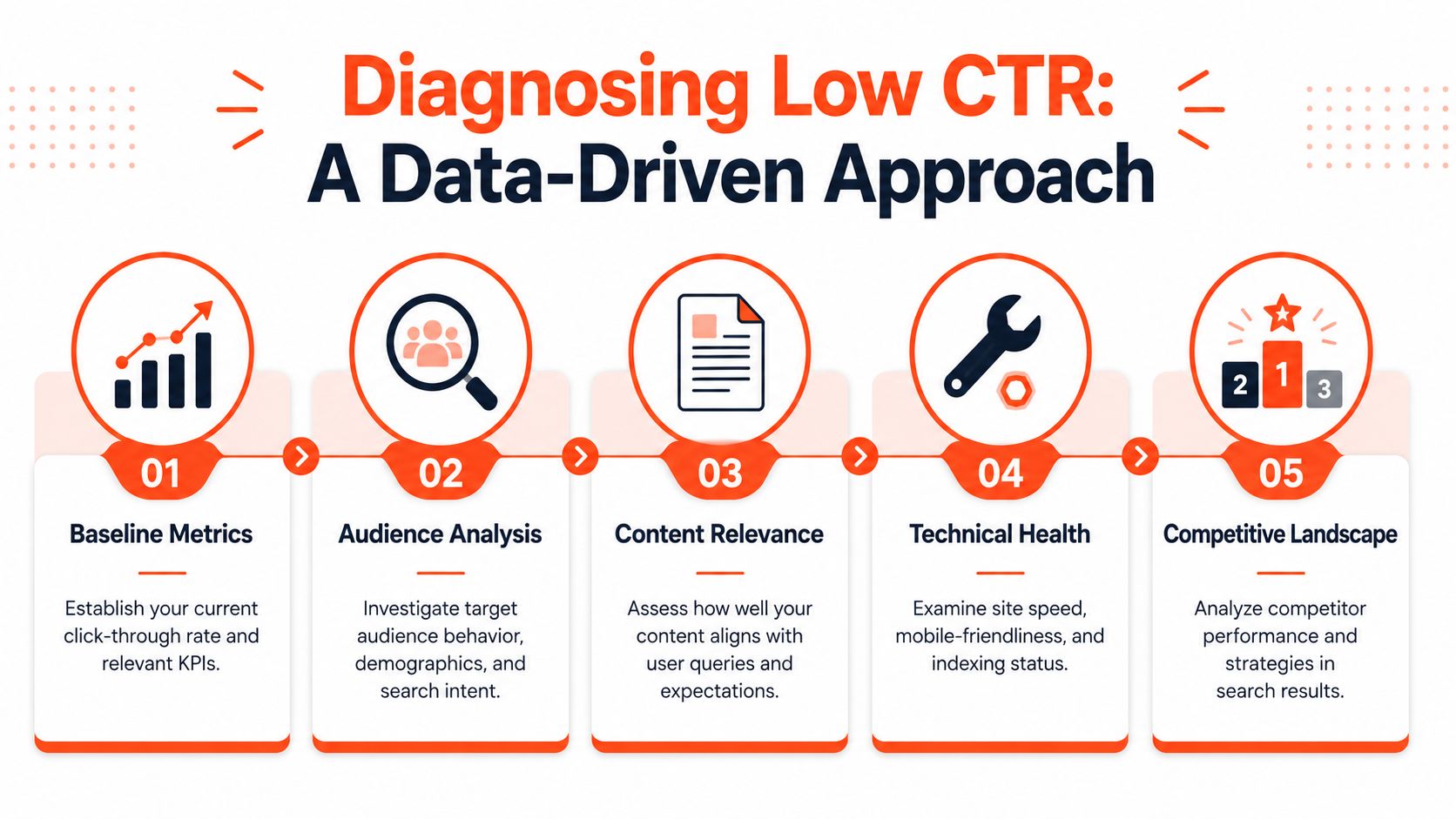
Start with a real baseline
Benchmarks matter because they tell you whether you have a messaging problem or a channel-fit problem. Across industries, search ads average 6.64% CTR while display ads average 0.57% CTR according to CXL's CTR benchmarks. That gap matters because search captures active intent and display usually interrupts it.
If your search campaigns sit below that search benchmark, don't jump straight to bidding changes. First inspect keyword intent, ad relevance, and landing page continuity. If your display campaigns underperform, the issue may be broader than creative. Display starts from a much lower-engagement baseline.
Here's the fast read:
| Channel type | What low CTR usually means |
|---|---|
| Search ads | Keyword and message misalignment |
| Display ads | Weak targeting, weak creative, or both |
| Subject line, timing, or CTA friction | |
| Social | High curiosity, low actionability |
For a broader tactical list, this guide on how to boost your CTR is a useful companion because it reinforces the channel-by-channel mindset.
Audit the three failure points
Audience mismatch
You're getting impressions from people who were never likely to click. In paid channels, this often comes from broad targeting or loose keyword grouping. In organic and social, it usually comes from headlines that attract curiosity from the wrong segment.
Check whether the promise in the asset matches the person you want. “Marketing tips” is broad. “Email follow-up templates for financial advisors” is selective. Selective usually wins.
Weak value proposition
People understand the topic but don't see why they should click your version. This happens when copy describes the format instead of the payoff.
Compare these side by side:
- Weak framing: “Watch our webinar”
- Stronger framing: “See the exact onboarding sequence we use to qualify leads”
The first tells me what it is. The second tells me why I should care.
Practical rule: If the user has to infer the benefit, expect weak CTR.
Unclear next step
Even interested people stall when the CTA is vague. “Learn more” rarely carries enough intent. “Download the pricing checklist” does.
In this stage, a lot of teams lose clicks after doing the hard part of earning attention.
Use a channel-by-channel checklist
Run this audit in order:
Check query or audience fit
Look at the exact search term, audience segment, or post framing. Was the asset shown to the right person?Check promise clarity
Can someone tell what they'll get before clicking?Check message continuity
Does the snippet, ad, or social caption match the landing destination?Check friction at the action point
Is the CTA specific, visible, and singular?Check device experience
A mobile user who can't quickly read or tap won't rescue your CTR.
Teams often think they need a creative overhaul. Most of the time, they need a cleaner match between who saw it, what was promised, and what happened after the click.
Winning the Click in Search Results
Ranking is only half the job. Once you appear on the page, you're in a packaging battle.
Search users don't read results carefully. They scan fast, compare snippets side by side, and click the result that feels most relevant with the least uncertainty.
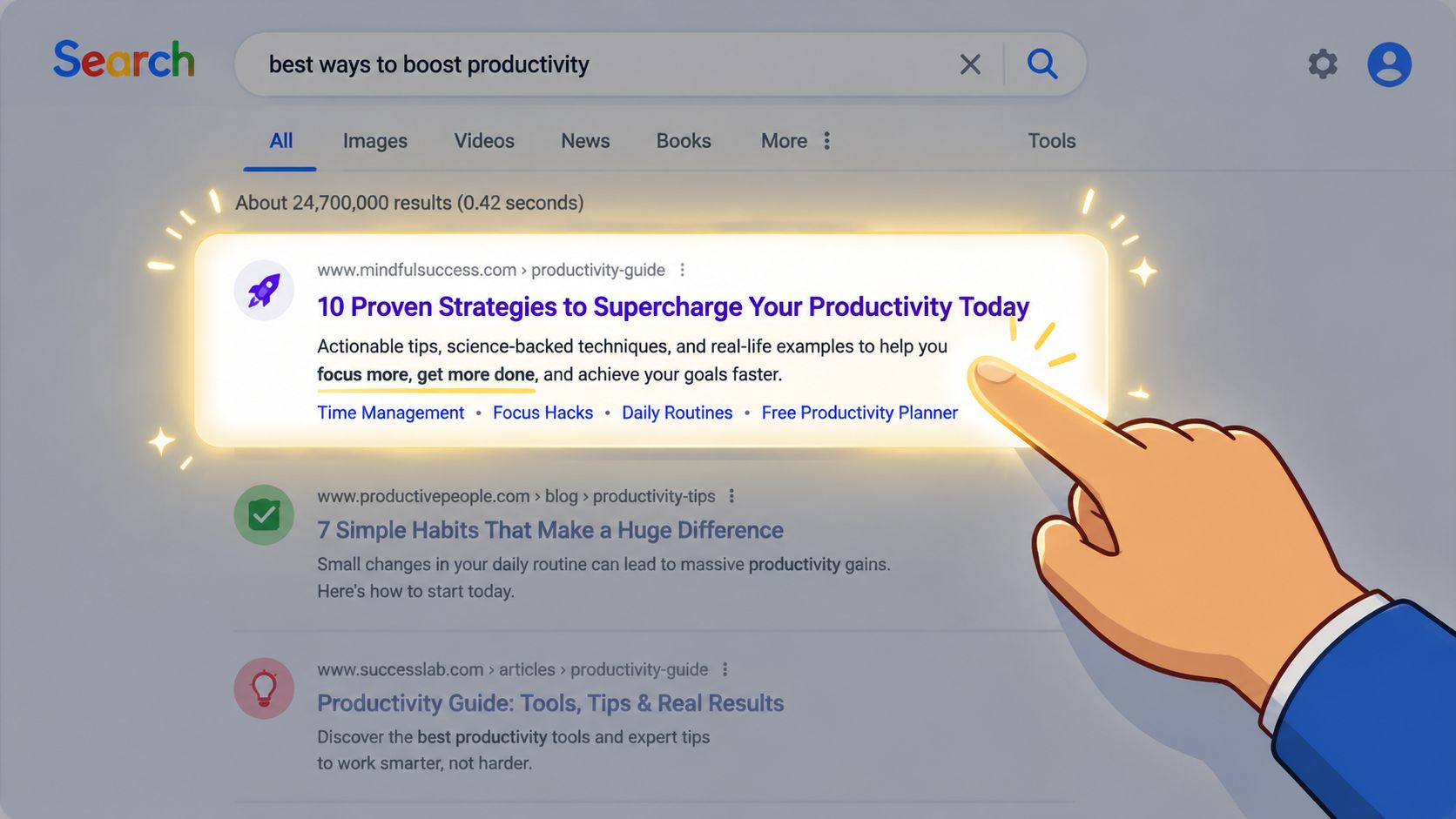
Write title tags for scanners, not for yourself
Most weak title tags fail in one of two ways. They're too generic, or they're too clever. Generic titles disappear into the page. Clever titles force interpretation.
A strong title tag does three jobs quickly:
- Matches the query language so the user feels immediate relevance
- Signals a concrete payoff instead of a broad topic
- Creates differentiation from the surrounding results
Good title thinking sounds like this:
- “Email CTR benchmarks” is descriptive
- “Email CTR benchmarks and the fixes that move clicks” is more competitive
- “Why your email gets opens but not clicks” can outperform both on the right query because it names the exact problem
Specificity beats broadness. Benefit beats label. Relevance beats wordplay.
Turn the meta description into a promise
The meta description shouldn't repeat the title. It should reduce hesitation.
Use it like a compact ad. State what the reader will find, who it's for, and what practical outcome they'll get. If the article includes a teardown, checklist, template, comparison, or step-by-step audit, say that plainly.
A useful internal test is this: if the title earns the glance, does the description earn the click?
Search snippets work best when the user can predict the value of the page before they open it.
That matters even more as search behavior shifts. If you're trying to adapt snippet strategy for newer search interfaces, this piece on optimizing CTR for AI answers is worth reading because it pushes beyond classic blue-link thinking into answer-driven environments.
Use schema where it clarifies the next click
Schema doesn't fix weak positioning, but it can make a strong result more clickable. The point isn't decoration. The point is clarity.
Use structured data when it helps the user understand what sits behind the click:
| Schema use | Why it helps CTR |
|---|---|
| FAQ markup | Shows the page addresses specific questions |
| Review markup | Signals credibility where reviews are relevant |
| Product markup | Helps commercial pages communicate key details |
| Article markup | Supports clearer interpretation of content type |
Don't add schema because a plugin makes it easy. Add it where it sharpens intent match.
Three snippet mistakes that suppress CTR
- Leading with the brand name when the query is non-branded and the brand adds no persuasive value
- Stuffing exact-match keywords into a title that reads awkwardly
- Promising one thing in the title and another on the page, which trains users to avoid your result over time
Founders often ask whether they should prioritize ranking improvements or snippet improvements first. If the page already has impressions, snippet work can be the faster lever. You don't need a new position to earn more clicks from the visibility you already have.
Optimizing Ad Copy for Higher Click Rates
Paid traffic gets expensive fast when ad groups are too broad. The fastest way to waste budget is to write one decent ad for a mixed set of intents and hope the platform figures it out.
It usually won't. Relevance has to be built into the structure.
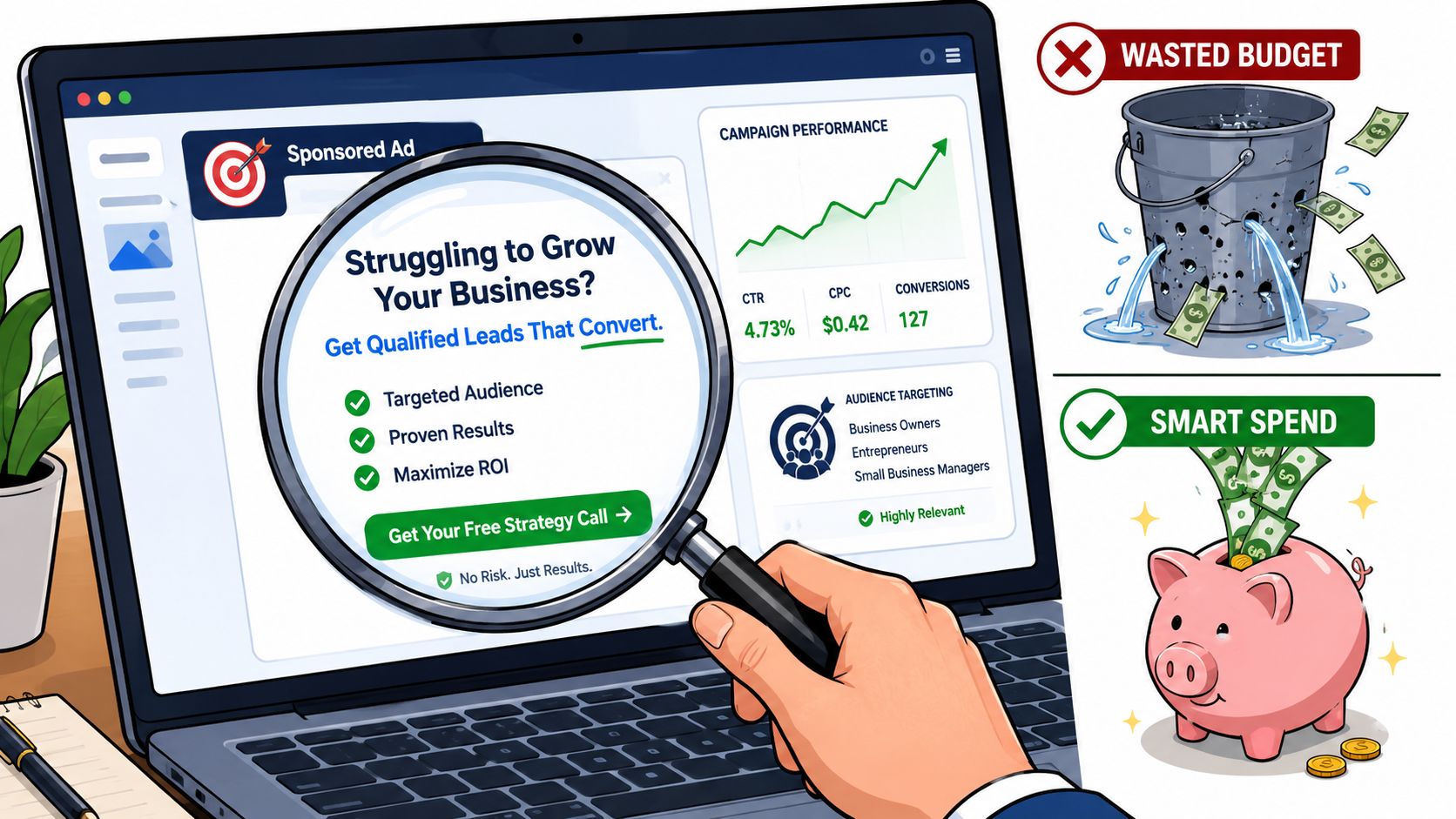
Break broad campaigns into intent clusters
One of the clearest ways to improve paid CTR is to split broad ad groups into tightly themed clusters. As explained in this granular ad group segmentation walkthrough, breaking generic campaigns into specific keyword clusters with hyper-relevant ad copy creates a tighter loop between the search query and the ad message, and that approach is proven to almost always improve CTR and conversion results immediately upon implementation.
The practical version looks like this.
A generic campaign might use one ad group for “dog training.” That's too broad. A better structure splits it into smaller clusters like “Labrador training,” “puppy obedience training,” “reactive dog training,” or “crate training help.” Each ad group gets its own headline language, description language, and landing page.
Here's the contrast:
| Broad setup | Intent-cluster setup |
|---|---|
| One ad group for all dog training searches | Separate groups by breed, problem, or training stage |
| Generic headline and generic CTA | Copy that mirrors the actual query |
| One landing page for all traffic | Dedicated page for each micro-intent |
That structure works because it removes ambiguity. A person searching for Labrador training doesn't want to decode whether your generic ad is relevant. They want instant confirmation.
Match the landing page to the ad
A strong ad can still lose the click if the user expects mismatch after clicking. That expectation forms fast.
If the ad says “Puppy crate training plan,” the landing page shouldn't open with a generic hero about full-service dog coaching. It should continue the exact message and make the next step obvious.
Teams often overvalue ad copy and undervalue page continuity. CTR rises when the user trusts that the click will pay off.
For teams creating lots of campaign variants, the same principle applies to content production more broadly. Systems that help organize variant creation, messaging consistency, and asset adaptation can reduce this friction. If you're exploring that side of workflow, this overview of AI content creation tools is a practical starting point.
Test one message angle at a time
A/B testing in ads only teaches you something if the change is clear. Don't test five variables in one pass.
Test one angle per round:
- Benefit-first copy against problem-first copy
- Specific outcome language against broader positioning
- Direct CTA language against softer language
- Audience qualifier against no qualifier
If your ad group is broad, test structure before copy polish. Better organization often beats better writing.
Also watch what doesn't work. Generic urgency, vague value claims, and unsupported superlatives often get impressions without earning trust. “Best solution for your business” is forgettable. “Automate invoice follow-up for agencies” is much easier to click because the user can place themselves inside the message.
Improving Email Engagement and Click Rates
Email CTR improves when the path from inbox to action feels obvious. Most underperforming campaigns fail before the body copy even gets a chance.
The reader makes two decisions in sequence. First, whether to open. Then, whether anything inside the email deserves a click.
Fix the inbox decision first
Subject lines still do a lot of the work. According to GoFundMe Pro's email CTR guidance, optimizing subject lines to 50 characters or less and sending emails between 10 a.m. and 2 p.m. can significantly improve opens and clicks.
That advice is useful because it's practical, not abstract. Short subject lines survive mobile inboxes better. Midday sends often hit when people are already in work mode and willing to act.
A good subject line also narrows the promise. Don't write “Newsletter 14.” Don't write “Update from our team.” Write what the reader gets.
Examples of stronger framing:
- For founders: “The landing page mistake killing demo clicks”
- For consultants: “A proposal follow-up email that gets replies”
- For operators: “Checklist for fixing slow lead handoffs”
Subject line audit
Use this checklist on your next send:
- Keep it brief so the value appears before truncation
- Name the payoff instead of naming the format
- Avoid vague curiosity that creates opens but weak clicks
- A/B test two clear angles rather than tiny wording changes
Build the email around one action
Many email campaigns lose CTR because they ask the reader to do too much. Navigation links, social icons, multiple offers, unrelated article links, and secondary promotions all compete with the main action.
Better emails usually have one job.
If the offer is a guide, make the guide the center of gravity. If the goal is a demo, every sentence should support the demo click. Cut anything that creates a side quest.
Here's a simple structure that works:
- Open with the problem the reader already recognizes
- Present the resource or next step that addresses it
- Reinforce the benefit in plain language
- Ask for one click
That doesn't require long copy. In many campaigns, shorter body copy performs better because it gets the reader to the action faster.
The best email CTA usually feels like the natural continuation of the first sentence.
Make the CTA impossible to miss
CTA presentation matters as much as CTA wording. A single prominent button outperforms a buried text link when the goal is one specific action.
The verified guidance here is concrete. A single, visually distinct CTA button can increase clicks by up to 371% when replacing generic text links, and mobile-optimized button design can yield 15% higher CTR performance according to Alexander Jarvis's CTR optimization write-up.
That doesn't mean every email needs louder design. It means the action element needs priority.
Use this standard:
| CTA choice | Better practice |
|---|---|
| Several links with equal visual weight | One dominant button |
| Generic text like Submit | Specific action text like Get the checklist |
| Low-contrast styling | High-contrast button that stands out |
| CTA buried late in the email | Primary CTA visible early |
What usually fails is cautious language. “Learn more” is rarely the best button copy when the offer is concrete. “Get the proposal template” is better because the user knows exactly what happens after the click.
Driving Actionable Clicks from Social Media
Social platforms reward content that stops the scroll. That's useful, but incomplete. If your business depends on traffic, pipeline, or booked calls, social content needs to do more than attract reaction. It needs to direct the right person toward the right next step.
That's why a lot of high-performing social content underdelivers commercially. It was built for applause, not for movement.
Social posts need a job
Every post should have a defined action path. Not every post needs a hard sell, but every post should know what it is trying to advance.
A useful social audit asks:
- Is this post trying to earn awareness, traffic, replies, or leads?
- Does the CTA fit that job?
- Would the right person know why to click right now?
This matters a lot when repurposing long-form content. A carousel summarizing an article shouldn't end with “link in bio” and hope for the best. It should name the asset and the payoff. That's the difference between social engagement and traffic generation.
For teams trying to improve click quality rather than just surface interaction, this guide to social media engagement strategies is useful because it frames engagement as a means, not the finish line.
Repurpose for micro-intent, not broad reach
The strongest repurposed content doesn't just repeat the original content in smaller pieces. It rebuilds each asset around a specific micro-intent.
For example, one article can become:
- A carousel for people diagnosing a problem
- A short video for people comparing approaches
- A quote card for people considering a next step
- A CTA post that points to the full resource
That's how to improve click through rates on social without turning every post into a blunt promotion. The asset has to match the user's stage of intent.
If the user wants a checklist, offer the checklist. If they want a teardown, offer the teardown. If they want a concrete template, say that directly. Broad prompts lose clicks because they force the audience to guess what's behind the link.
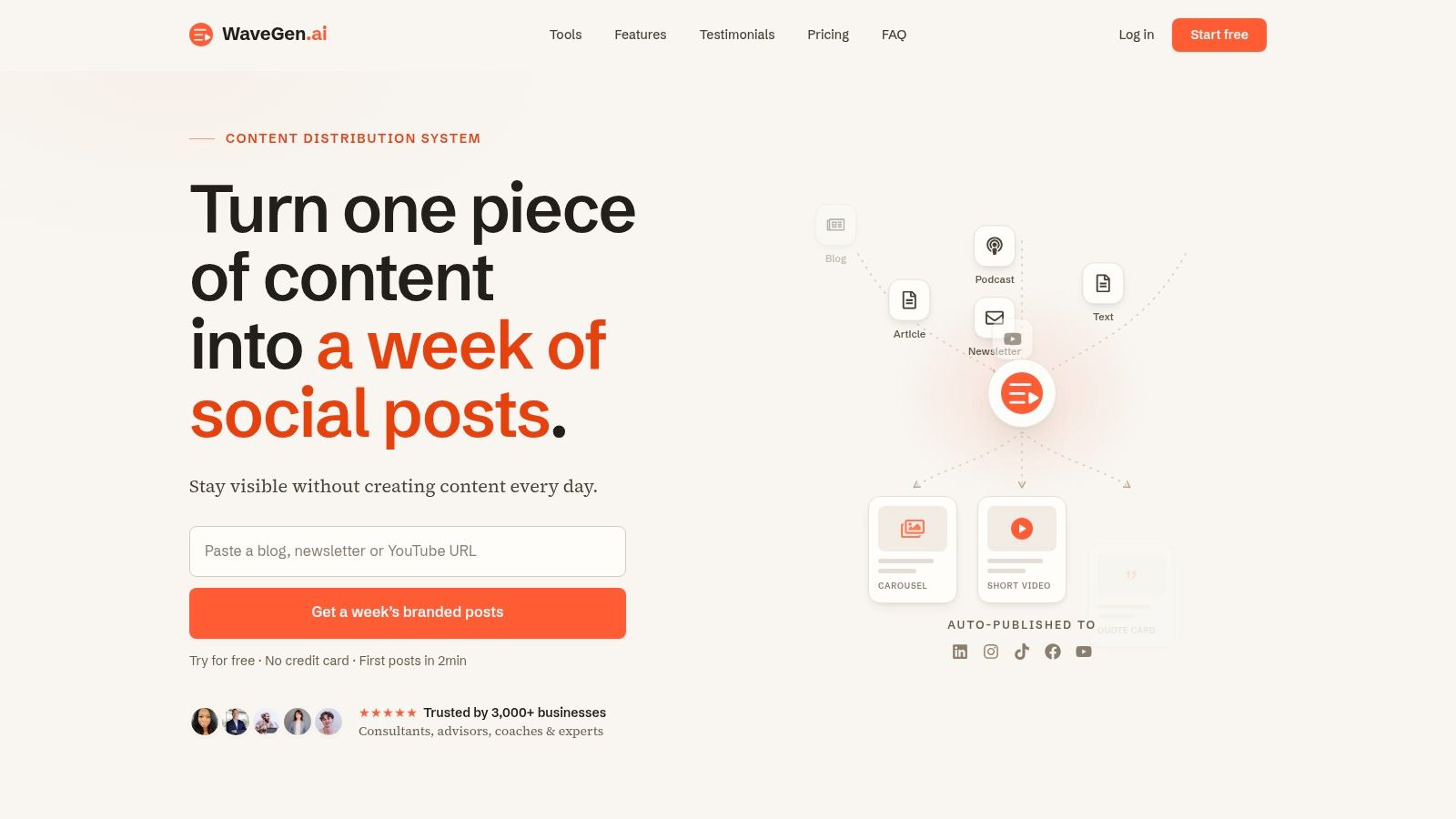
If you already publish articles, newsletters, podcast scripts, or videos, WaveGen.ai helps turn that source content into on-brand social assets built for specific platforms and clear next-step actions. It's a practical way to repurpose what you already make into carousels, short videos, quote cards, and captions without rebuilding everything from scratch.
how to improve click through rates
ctr optimization
digital marketing
conversion rate optimization
content marketing
Turn this kind of writing into a week of social content.
Paste a blog post, newsletter, or rough draft — WaveGen turns it into publish-ready carousels, captions, and slideshows for every channel.
No credit card · First posts in 2min