June 14, 2026
15 min read
Impressions on Linkedin
Unlock more impressions on LinkedIn. Our 2026 guide explains what they are, how to track them, and provides actionable tactics to boost your visibility.
The average LinkedIn post received about 696 impressions in 2023, 811 in 2024, and 812 in 2025. On LinkedIn, an impression is counted each time your content is displayed on a member's screen for at least 300 milliseconds with at least 50% of the content in view, so it measures exposure, not unique viewers.
You're probably here because you're posting solid content and the distribution feels inconsistent. One post gets seen. The next one seems to disappear. That's a frustrating place to be, especially when LinkedIn is one of the few platforms where a single post can still put your name in front of decision-makers, referral partners, and future clients.
Impressions on LinkedIn matter because they tell you whether your content is getting a shot. Before anyone can click your profile, save a post, comment, or message you, they have to see you in the feed. That makes impressions a top-of-funnel signal worth taking seriously.
The mistake is treating them as the goal. High visibility helps, but only if that visibility reaches the right people and turns into the next action. The useful question isn't “How do I get more impressions?” It's “How do I design posts that earn more impressions and convert that visibility into profile visits, conversations, and pipeline?”
Table of Contents
- Your Guide to LinkedIn Impressions
- What Exactly Are Impressions on LinkedIn
- Impressions vs Reach vs Engagement
- What Is a Good Number of Impressions on LinkedIn
- Why Impressions Are a Starting Point Not the Finish Line
- 7 Actionable Tactics to Increase Your LinkedIn Impressions
- Scale Distribution with a System like WaveGen.ai
Your Guide to LinkedIn Impressions
A lot of LinkedIn content fails before the quality of the idea even gets tested. The post may be smart, useful, and relevant, but if it doesn't earn enough early distribution, hardly anyone sees it. That's why impressions on LinkedIn are one of the first metrics I look at when diagnosing content performance.
Why this metric deserves attention
Impressions tell you whether LinkedIn placed your content in front of people. Not whether they cared. Not whether they clicked. Just whether the platform gave your post exposure in the feed.
That sounds basic, but it's foundational. If impressions are weak, your problem is distribution. If impressions are strong but business results are weak, your problem is message-to-audience fit, offer relevance, or conversion path.
Practical rule: Treat impressions as the first gate. If the post doesn't clear visibility, nothing else downstream matters yet.
What good operators do differently
The strongest LinkedIn creators don't just post more. They build around distribution mechanics.
They pay attention to:
- Format fit: Native formats often travel better than content that sends people away from LinkedIn.
- Feed behavior: The first lines need to earn a stop, not just summarize the topic.
- Audience specificity: Broad advice gets casual attention. Specific advice gets relevant attention.
- Follow-through: They review what got seen, then adapt their next batch of posts accordingly.
That's the useful lens for thinking about impressions on LinkedIn. They're not a vanity stat to screenshot. They're an operating metric.
What to optimize for
If your visibility is uneven, don't start by posting more often. Start by tightening the inputs that affect distribution.
A practical workflow looks like this:
- Check exposure first. Did the post get enough feed placement to be judged fairly?
- Check audience response second. Did the right people comment, save, or click through?
- Adjust one variable at a time. Hook, format, topic angle, CTA, or posting time.
That's how impressions become useful. They stop being a number you react to and become a signal you can work with.
What Exactly Are Impressions on LinkedIn
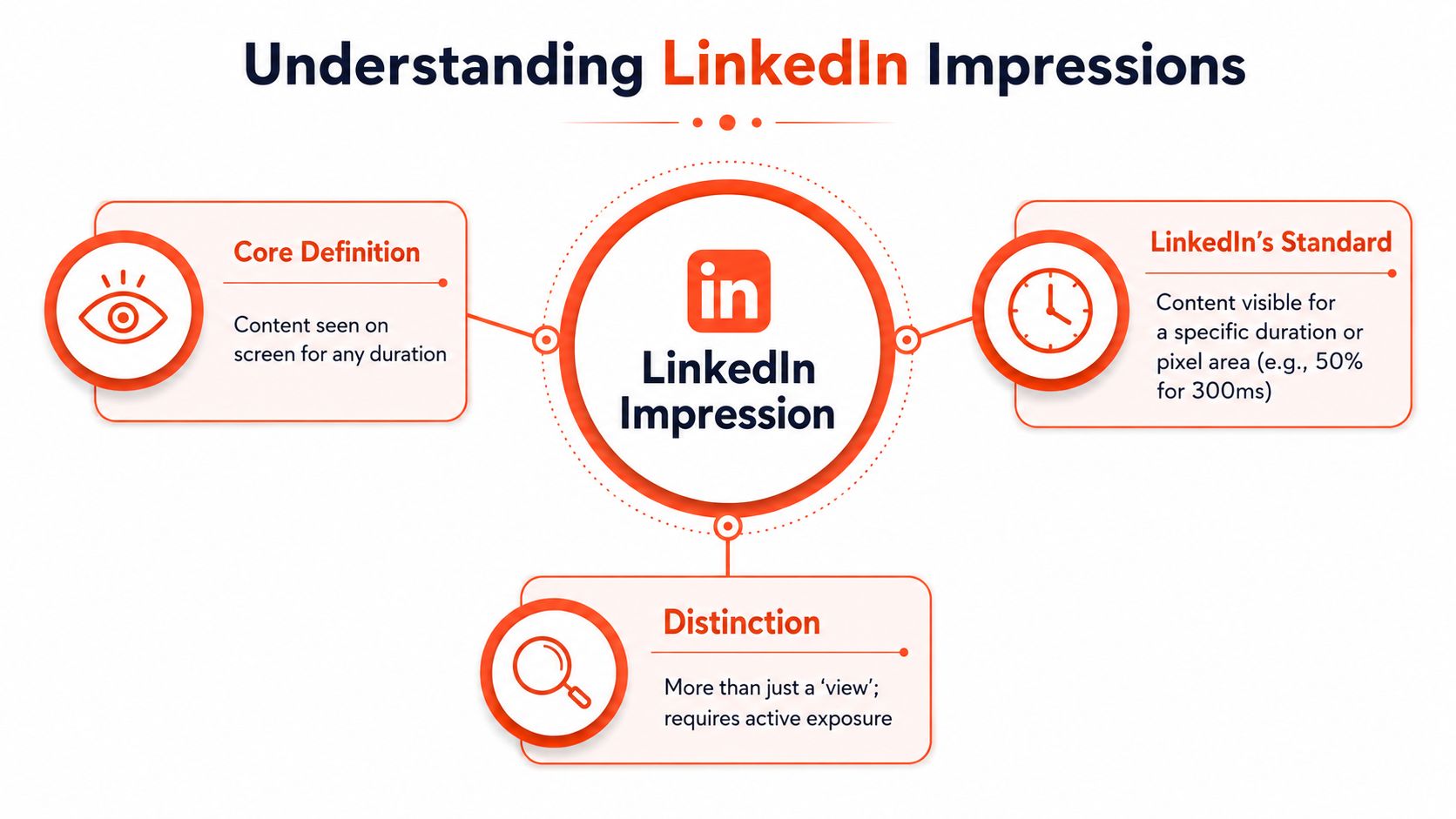
An impression on LinkedIn is a recorded instance of your content appearing on a member's screen under LinkedIn's viewability rules. It is an exposure metric. That matters because exposure is the first condition for every downstream result you care about, including profile visits, follower growth, and lead inquiries.
What that means in plain English
If your post shows up in someone's feed and stays visible long enough to qualify, LinkedIn logs an impression. As Dreamdata explains in its overview of LinkedIn impression tracking, this is about measured on-screen visibility, not merely the act of publishing.
That distinction is easy to miss.
A post can be live on your profile and still generate very little exposure if LinkedIn does not distribute it widely in-feed. On the other hand, a post can earn strong impressions before it produces any meaningful engagement. That is why impressions deserve attention. They show whether your content entered the market at all.
What impressions do and do not tell you
Impressions tell you your content had an opportunity to be seen. They do not tell you whether the viewer read the post closely, remembered your company, clicked through, or became a pipeline opportunity.
I treat impressions as an early distribution signal. If they stay low, the post probably never got enough exposure to judge the message fairly. If they climb, you have earned attention at the top of the funnel. Then the next question becomes whether that visibility translated into profile visits, comments from the right people, site traffic, or inquiries.
That is the practical value here. Impressions are not proof of business impact by themselves. They are the input metric that makes business impact possible.
Where LinkedIn impressions usually come from
Several common post types can generate impressions:
- Original feed posts: Text, image, video, and document posts shown in the feed
- Reposts and shares: Additional distribution can create more appearances across second- and third-degree networks
- Personal profiles and company pages: Both can generate impressions, but the distribution pattern often differs
- Repeat exposure: The same person can see the same post more than once, and each qualifying display can add to the total
This is one reason format and packaging matter so much. A clear hook, a strong opening line, and relevant topic cues improve the odds that LinkedIn keeps showing the post. Supporting discovery signals can help too, especially if you use targeted tags instead of stuffing broad ones. A LinkedIn hashtag generator can help you choose tags that match the topic and audience more closely.
The key takeaway is simple. An impression means your content earned a moment of visibility. On LinkedIn, that is not a vanity detail. It is the first measurable sign that your brand is entering more feeds and creating more chances for the right people to notice you.
Impressions vs Reach vs Engagement
These terms get mixed together constantly, and that creates bad decisions. If you don't separate them, you can't tell whether your issue is weak distribution, poor resonance, or both.
The simplest distinction
Impressions are the total number of times your content is shown. Reach refers to unique viewers. Engagement is what people do after seeing the post, such as liking, commenting, sharing, or saving.
If one person sees your post three times, that can produce three impressions but only one unit of reach. That's the core distinction noted in the earlier definition source.
LinkedIn Metrics at a Glance
| Metric | What It Measures | Example |
|---|---|---|
| Impressions | Total displays of your content in the feed | One person sees the same post three times, generating three impressions |
| Reach | Unique people who saw the content | That same person counts once in reach |
| Engagement | Actions taken on the content | A viewer comments, reacts, shares, or saves |
| Views | A more specific content-consumption metric, often used differently from feed exposure | Someone may generate an impression without contributing meaningful content consumption |
Why the difference changes strategy
A post with high impressions and modest reach may be getting repeat exposure to a smaller audience. That isn't automatically bad. Repetition can help recall. But it does change how you interpret the result.
A post with healthy reach but low engagement tells a different story. It got seen by distinct people, but the message didn't move them enough to act.
That's why serious reporting should never stop at one metric. The pattern matters more than the headline number.
How to use each metric well
Use impressions when you want to judge distribution strength. Use reach when you want to understand audience breadth. Use engagement when you want to judge content resonance.
For hashtag testing, that distinction is especially useful. If you're refining discoverability, a tool like WaveGen's hashtag generator for social posts can help you create more relevant hashtag sets, but the primary read comes from whether those changes improve distribution first, then response.
High impressions with weak engagement usually point to a packaging problem or an audience mismatch. Low impressions with strong engagement often signal a distribution problem, not a content-quality problem.
What Is a Good Number of Impressions on LinkedIn
You publish a post, it gets 900 impressions, and the next one gets 300. The first reaction is usually simple: one performed, one did not. In practice, the better question is whether those impressions were strong for your account size and whether they led to any business-relevant movement.
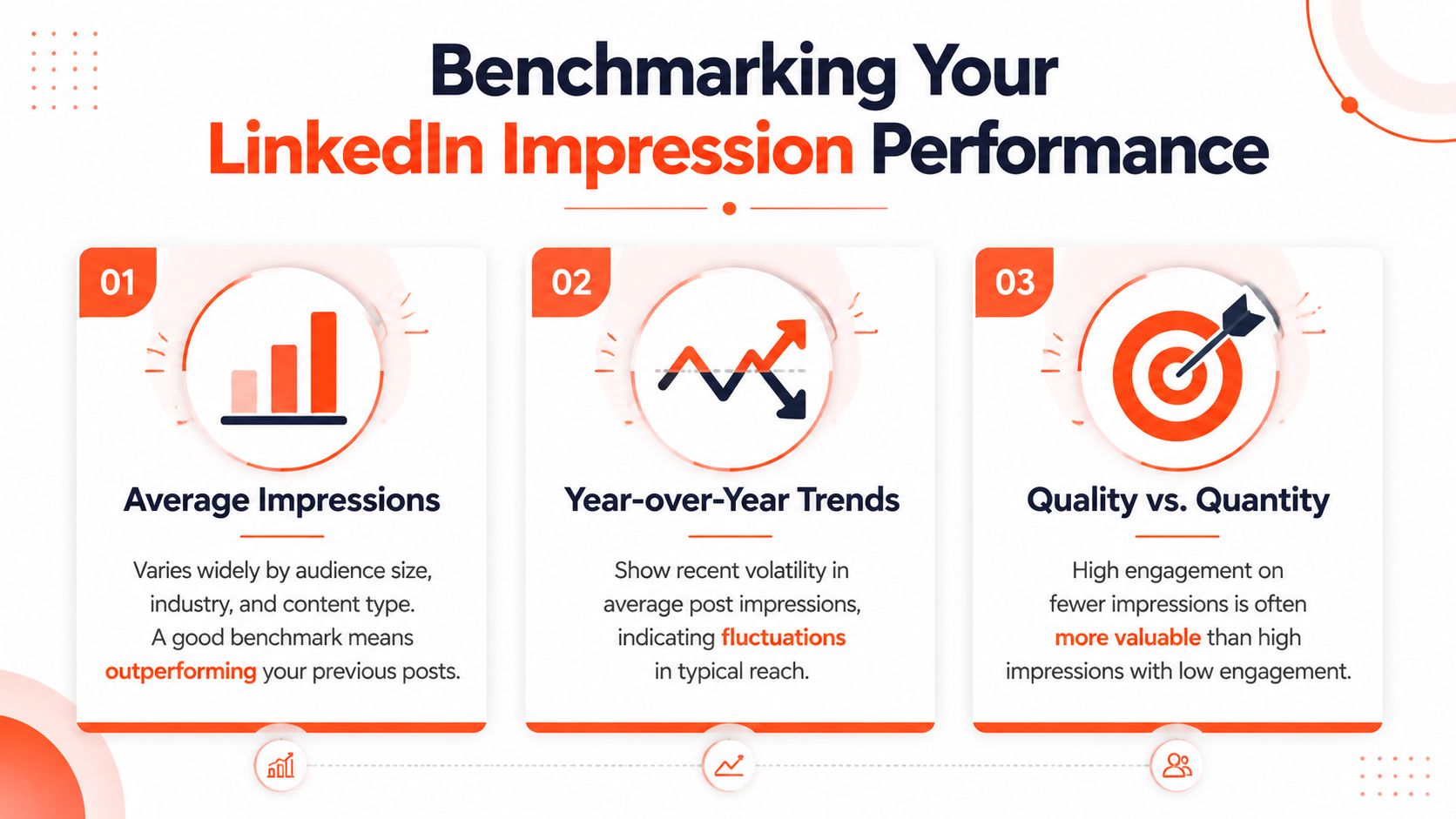
According to Statista's LinkedIn post impression data, the average LinkedIn post received around 696 impressions in 2023, about 811 in 2024, and roughly 812 in 2025. That gives you a market reference point, not a target to chase blindly.
Benchmarks that are actually useful
A practical rule is to judge impressions in context of follower count and posting history. Smaller pages can be in a healthy range with a few hundred impressions per post. Larger pages should usually expect a higher floor, but bigger audiences also create more inconsistency because distribution depends on format, topic, timing, and how quickly early viewers respond.
That is why fixed benchmark numbers only help so much.
The better operating standard is relative performance. A good post on LinkedIn usually clears your recent median, reaches beyond your most engaged followers, and puts your name in front of the right professional audience often enough to drive secondary actions.
How to judge your own numbers
Use three filters.
- Account size: A post that performs well for a 700-follower founder account would be weak for a company page with 40,000 followers.
- Recent baseline: Compare each post against your last 10 to 15 posts, not against a viral outlier.
- Audience fit: Impressions from buyers, partners, recruits, or industry peers matter more than broad exposure from people who will never take the next step.
I treat impressions as a top-of-funnel signal. If they rise and profile views, connection requests, newsletter signups, or lead inquiries rise with them, visibility is doing its job. If impressions rise and nothing else moves, you may be getting attention without traction.
What “good” really means
A good number of impressions on LinkedIn is high enough to expand your visibility and relevant enough to create downstream interest.
For a niche consultant, 400 impressions from the right decision-makers can outperform 4,000 impressions from a general audience. For a brand publisher, scale matters more because broader distribution supports retargeting, recall, and audience growth over time. The trade-off is straightforward. Volume helps awareness. Relevance drives commercial value.
Judge impressions by momentum first, then by consequence. If your posts are consistently earning more visibility than your baseline and that visibility leads to profile visits, qualified comments, or inbound conversations, your impression count is good.
Why Impressions Are a Starting Point Not the Finish Line
One area where much LinkedIn advice struggles is that it treats impressions as proof of success. They're not. They're proof of exposure.
An impression only tells you that a post appeared. It does not tell you who noticed it, whether the audience was relevant, or whether it led to any next step, as noted by Oppora's explanation of LinkedIn impressions.
What impressions can signal
Used properly, impressions are a leading indicator. If your content suddenly gets more exposure and you also see more profile visits, saves, comments from target accounts, or inbound messages, that's meaningful.
When those signals move together, impressions stop looking like vanity. They become evidence that your brand is showing up in more buying journeys, referral pathways, and professional conversations.
Visibility without relevance is noise. Visibility with downstream movement is marketing.
Where people go wrong
The common mistake is chasing broad attention that doesn't map to business value. A post can do well with generalist audiences and still produce no useful interest for your service, offer, or expertise.
That's especially common with motivational content, vague career advice, or generic storytelling. It can travel. It often doesn't convert.
A better interpretation looks like this:
- High impressions, low relevance: More people saw you, but the wrong people did.
- Moderate impressions, high relevance: Fewer people saw you, but the right people engaged.
- High impressions, high relevance: You have something worth scaling.
What to pair with impressions
Track your posts against business-adjacent signals, not just social ones.
Look for:
- Profile visits: A sign that exposure generated curiosity.
- Saves: A clue that the content felt useful enough to revisit.
- Comments from target accounts: Stronger than broad engagement.
- Lead movement: Inbound messages, connection requests, or inquiry conversations that follow visibility spikes.
That's the operating model. Impressions tell you whether your ideas are entering the market. The follow-on signals tell you whether that market response is worth building on.
7 Actionable Tactics to Increase Your LinkedIn Impressions
The biggest lever isn't volume. It's better distribution design. Recent guidance on LinkedIn content distribution highlights several underused inputs that shape impressions, including strong opening lines, role-specific hooks, native documents or carousels, and early comment activity, as discussed by JoinValley's guide to boosting LinkedIn impressions.
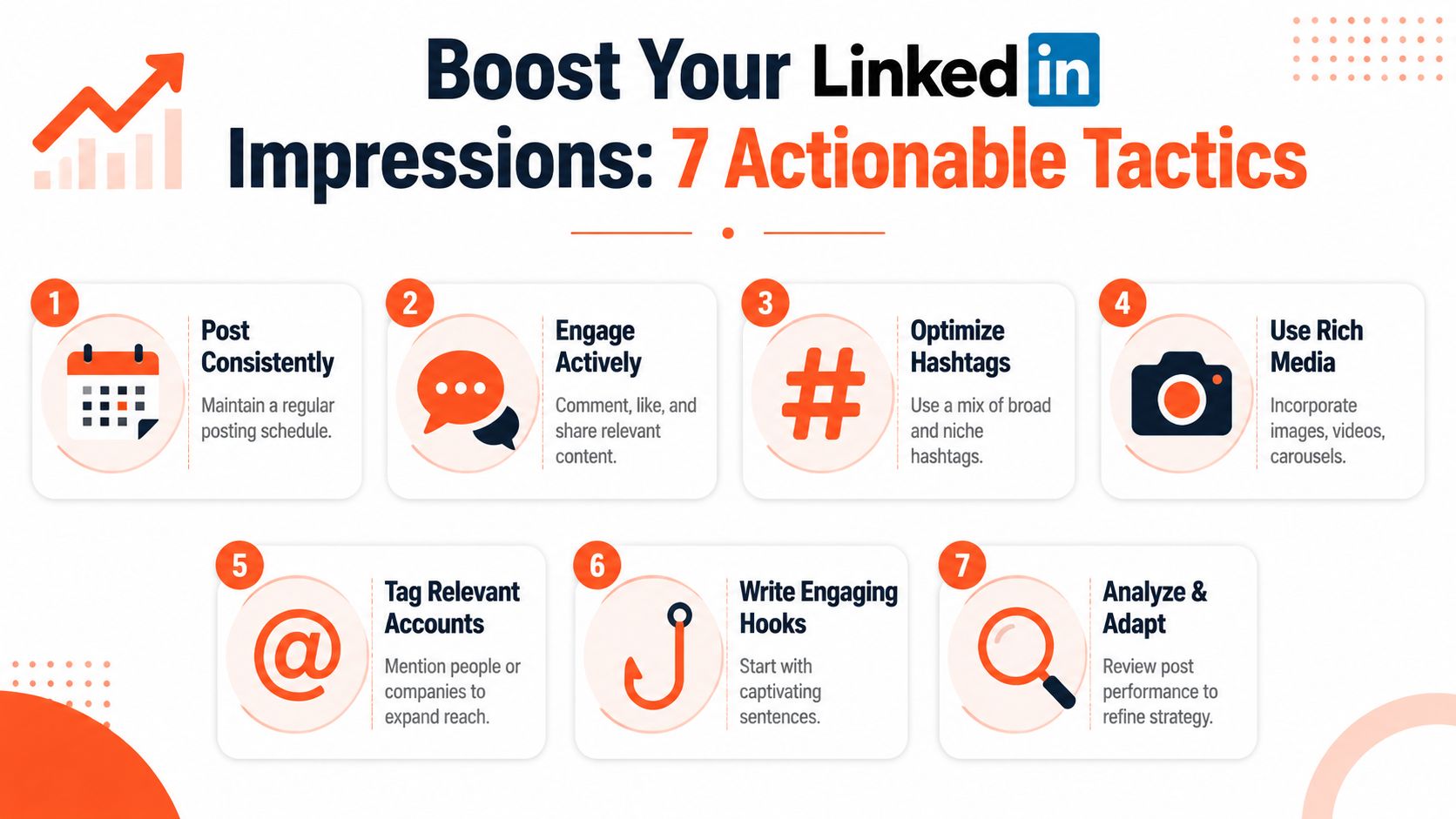
1. Fix the first two lines
The opening lines decide whether people stop scrolling. Most underperforming posts fail there.
Write for a specific reader, not a generic audience. “For consultants struggling to turn views into inquiries” will usually outperform a broad opener because it gives the right person a reason to self-select.
2. Use native formats that earn dwell time
Native documents and carousels often work well because they keep people interacting inside LinkedIn. Swiping through a document post asks for less commitment than leaving the platform to read a blog post.
If you already publish newsletters, blogs, or scripts, turn key points into a document post instead of dropping a link as the main asset.
This is a useful walkthrough on timing if you want to test distribution windows more deliberately: best time to post on LinkedIn based on workflow planning.
3. Match the hook to the role
“Here's how to write better content” is broad. “How fractional CMOs can use LinkedIn posts to create warmer sales conversations” is much sharper.
Role-specific framing helps LinkedIn impressions because the right people are more likely to stop, read, and interact. That early relevance can improve continued distribution.
4. Create early comment momentum
Early comments matter because they signal active participation around the post. That doesn't mean gaming the system. It means publishing content that invites a real response.
Good prompts include:
- Decision prompts: Ask readers which of two approaches they prefer.
- Experience prompts: Ask what changed after they tested a tactic.
- Point-of-view prompts: Ask where they disagree.
5. Repurpose one idea into multiple feed-ready assets
A strong idea usually has more than one viable format. A blog post can become a text post, a carousel, a short video, and a quote graphic. That increases your number of credible shots at distribution without forcing you to invent new topics constantly.
Repurposing also helps you test what format your audience responds to best. Sometimes the idea is fine. The packaging is what was wrong.
6. Use hashtags with restraint and intent
Hashtags can help with discovery when they reinforce the topic clearly. They don't rescue weak posts. They also don't need to be stuffed.
Use a small, relevant mix that matches the subject and audience. If your post is for B2B consultants, choose hashtags that support that context instead of broad tags that dilute it.
7. Review winners for structure, not just topic
Don't just ask which topic got the most impressions. Ask what structural choices helped it travel.
Check:
- Opening pattern: Was it contrarian, specific, or problem-led?
- Format choice: Text, image, video, or document?
- Comment quality: Did the right people join in?
- CTA style: Was it asking for a response, a reflection, or a profile click?
The fastest way to grow impressions on LinkedIn is to stop treating every post as a one-off and start treating distribution as a repeatable system.
Scale Distribution with a System like WaveGen.ai
Individuals often don't fail on strategy. They fail on execution capacity.
They know they should repurpose strong ideas, test formats, maintain a steady cadence, and keep visual consistency across posts. Then client work, approvals, and daily operations take over. The result is uneven posting and fewer chances to build momentum.
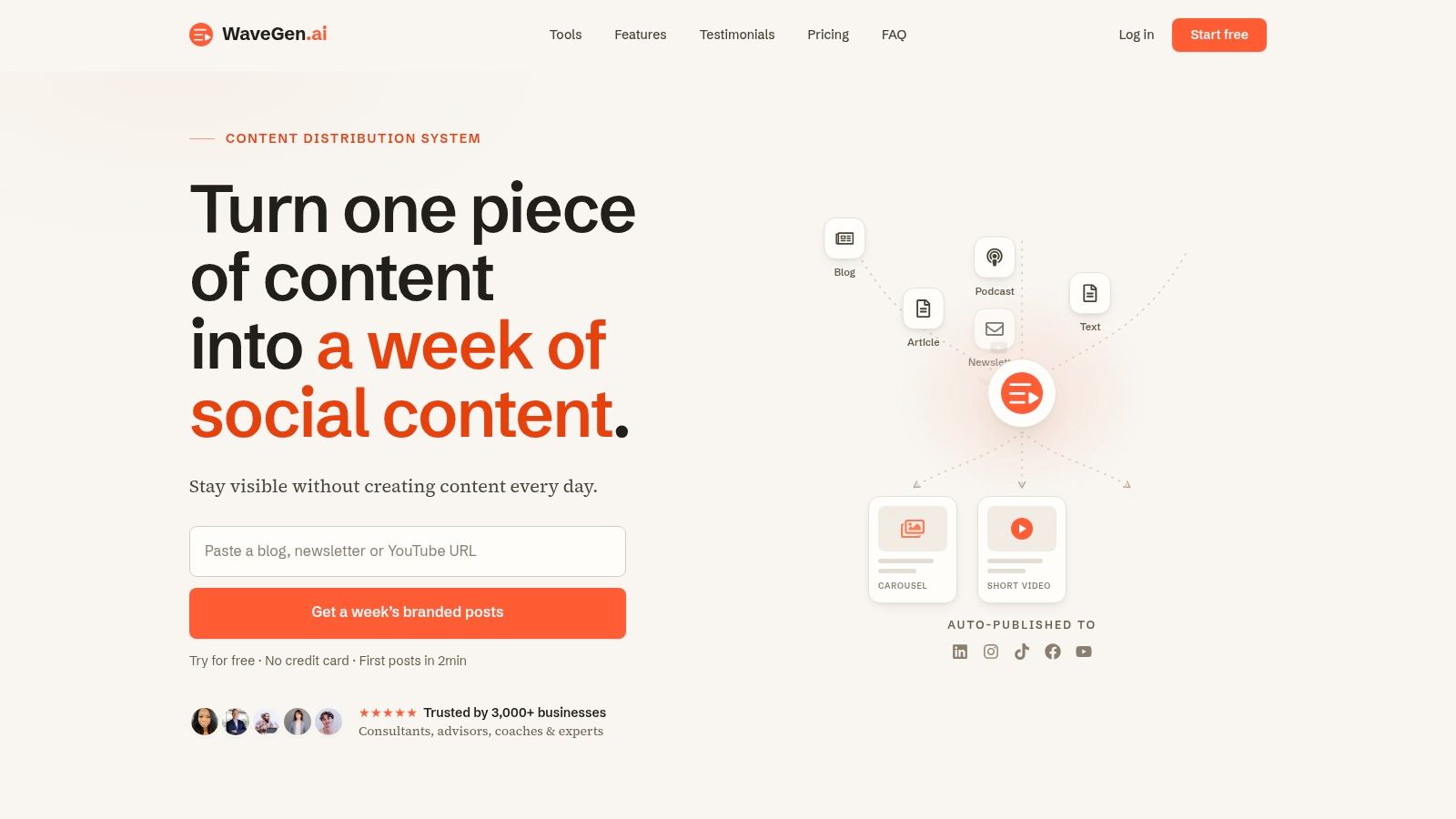
A content distribution system can reduce that friction by turning one source asset into multiple LinkedIn-ready formats. WaveGen.ai does that by taking an article, newsletter, podcast script, or transcript and generating social assets such as carousels, short videos, quote cards, and captions with platform-specific formatting. For teams evaluating workflows, its broader category fits alongside other AI content creation tools used for repurposing and distribution.
Where a system helps most
The value isn't just speed. It's consistency.
A system is useful when you need to:
- Repurpose without starting from zero: One core idea can become several posts.
- Keep branding aligned: Colors, fonts, and voice stay consistent across assets.
- Publish on a rhythm: Scheduling reduces the stop-start cycle that hurts visibility.
- Test formats faster: You can compare text-first posts, carousels, and clips without rebuilding everything manually.
For impressions on LinkedIn, that matters because distribution rewards steady, well-packaged output. The more reliably you can turn good source material into native feed content, the more opportunities you create for visibility that leads somewhere useful.
If you want a simpler way to turn your existing articles, newsletters, podcasts, or transcripts into LinkedIn-ready carousels, short videos, quote cards, and scheduled posts, WaveGen.ai is one option to explore. It's built for teams and creators who already have ideas and need a cleaner system for repurposing and distribution.
impressions on linkedin
linkedin marketing
linkedin analytics
content strategy
social media growth
Turn this kind of writing into a week of social content.
Paste a blog post, newsletter, or rough draft — WaveGen turns it into publish-ready carousels, captions, and slideshows for every channel.
No credit card · First posts in 2min