Turn Your Substack Posts into Subscriber-Winning Social Posts
WaveGen turns one Substack post into branded carousels, captions, and quote cards that tease the essay and route new readers back to subscribe — in under 2 minutes. Paste any public Substack URL and the AI generates platform-tailored posts for LinkedIn, Instagram, TikTok, Facebook, YouTube, and Pinterest. Free to start, no signup required.
Works with any public Substack post — custom domains too. Subscriber-only post? Switch to Paste Text.
No credit card required. See your first posts in under 2 minutes.
Under 2 min
From Substack post to multi-platform posts
6 platforms
LinkedIn, IG, TikTok, Facebook, YouTube, Pinterest
3 formats
Carousels, captions, quote cards
Free
No signup required




How It Works
Six steps — four core, two optional — to turn one Substack essay into a week of subscriber-driving social content.
Step 1: Paste Your Substack URL
Copy the link of any public Substack post — yourname.substack.com or your custom domain — and paste it in. WaveGen fetches and reads the full piece automatically. Subscriber-only edition? Paste the text instead and everything else works the same.
Step 2: (Optional) Apply Your Brand Kit
Select your brand kit before generating — your logo, colors, fonts, and brand voice are applied to every slide and caption automatically. You define the voice yourself or auto-draft it from your website, and it stays fully editable.
Step 3: Click Generate
WaveGen's AI reads the essay, identifies the central argument, supporting points, and quotable lines, then produces carousel slides and captions that tease the piece — preserving the voice of your original writing rather than flattening it.
Step 4: Customize & Edit
Review slides in the visual editor. Sharpen the hook on slide one, swap images, rewrite text, reorder slides, or add a final slide with an explicit subscribe call-to-action.
Step 5: (Optional) Add Your Subscribe Link
Set up a first comment that auto-posts your Substack link the moment the carousel goes live — so curious readers can jump straight from the social post to your publication and subscribe.
Step 6: Schedule or Publish
Publish or schedule to a connected LinkedIn, Instagram, TikTok, Facebook, YouTube, or Pinterest account. The free plan includes one connected account; paid plans add more connections and watermark-free image and PDF downloads for manual posting.
What You Get from One Substack Post
One essay becomes a full promotion campaign — every piece built to tease the post and route readers back to subscribe.
Teaser Carousels
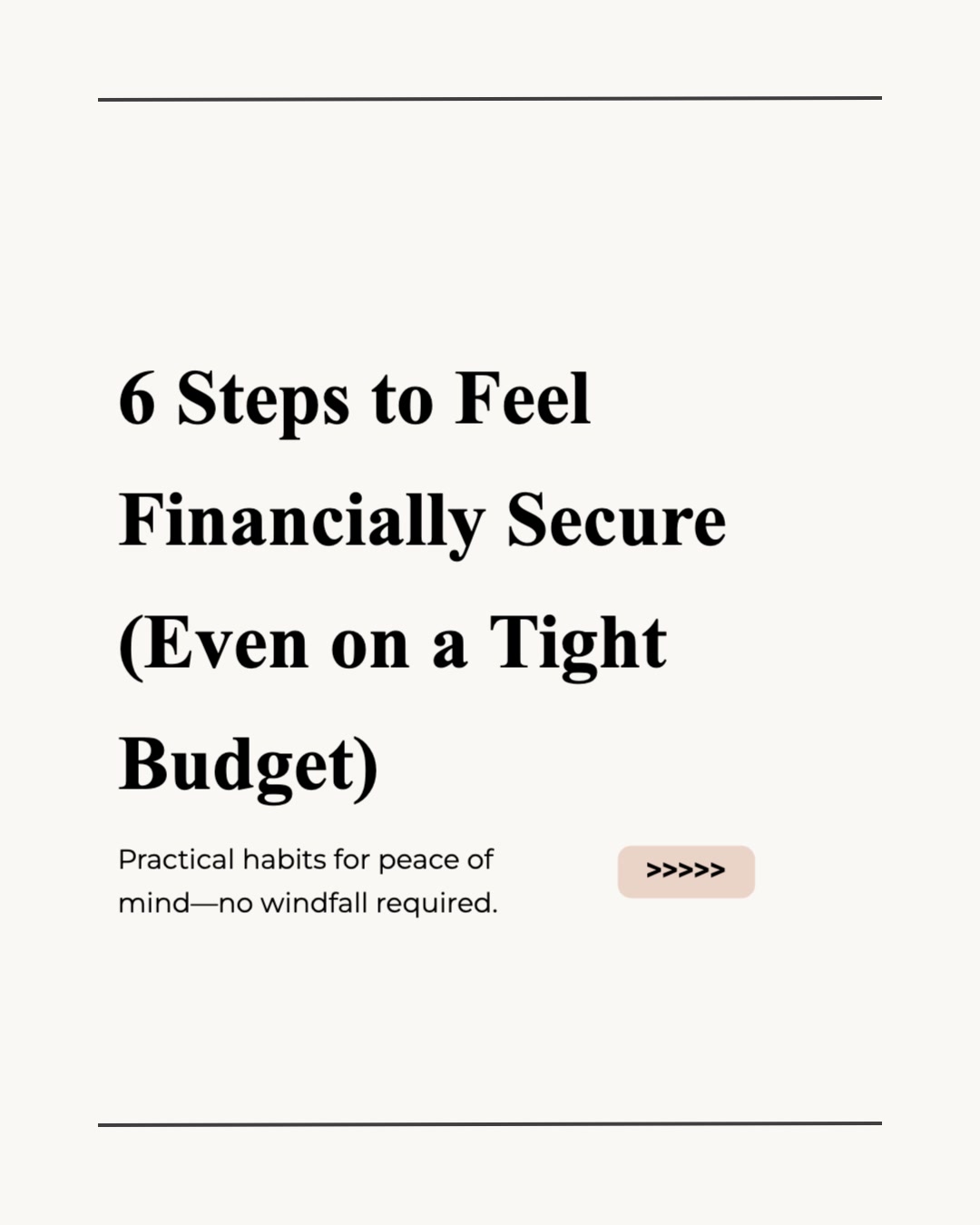
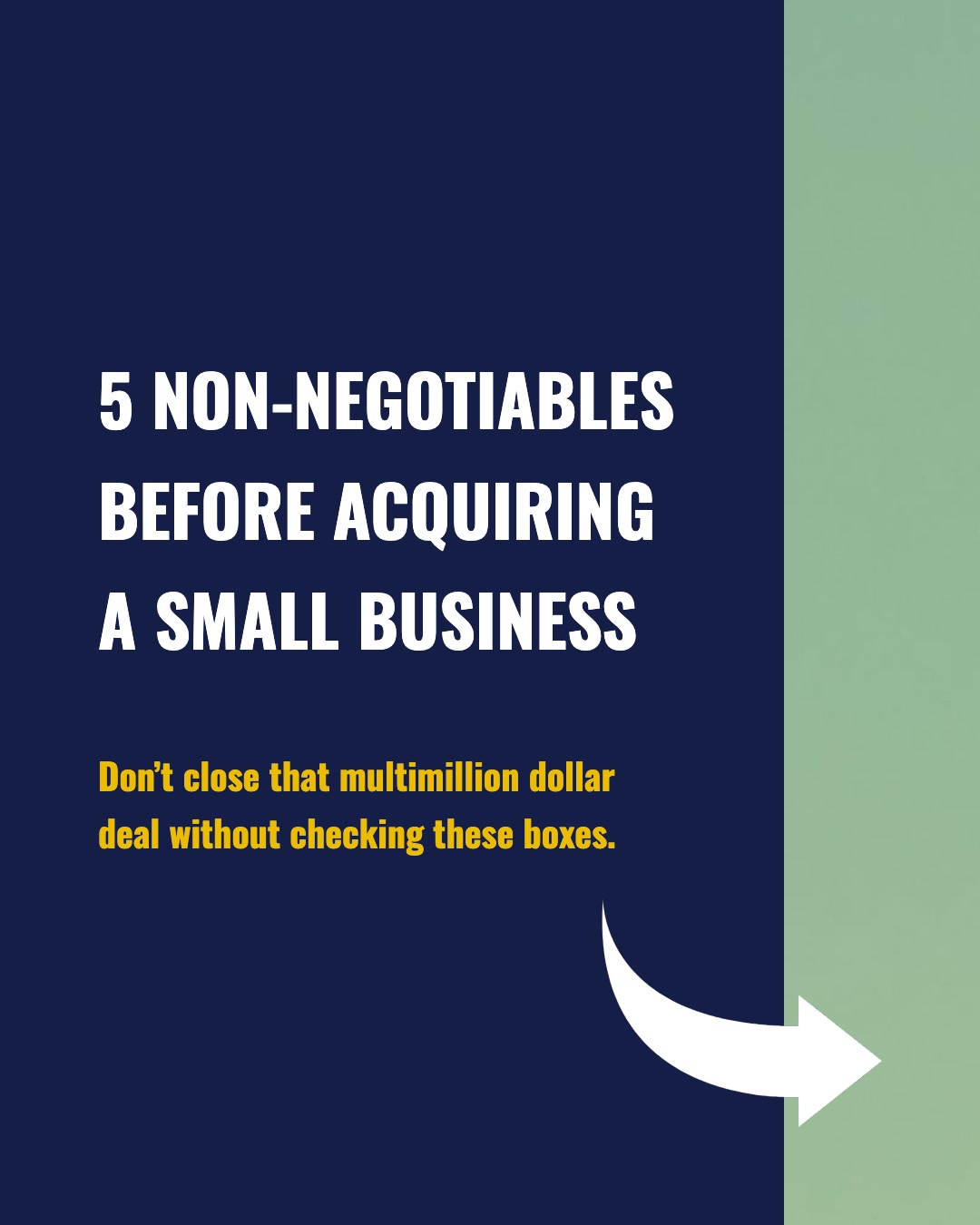
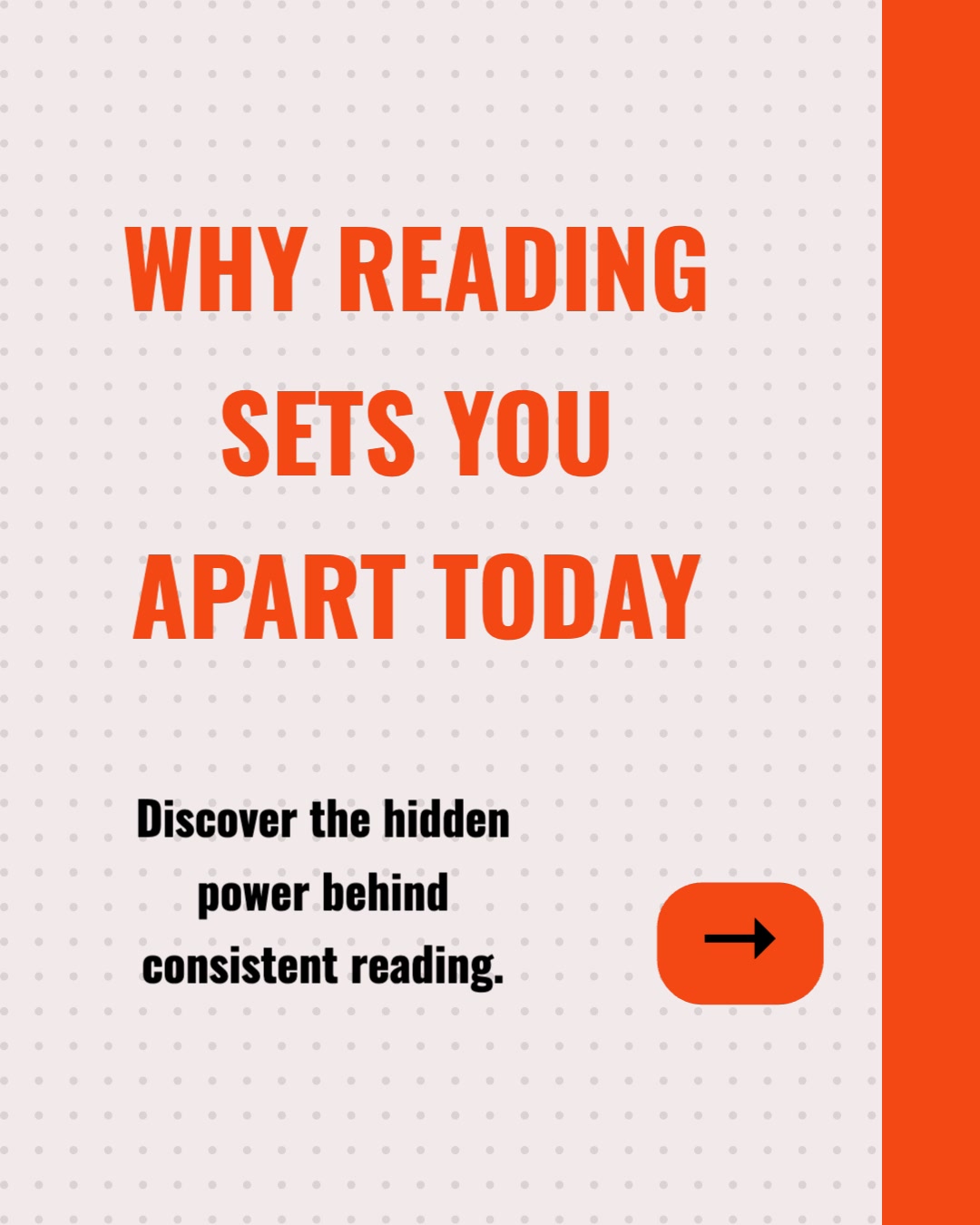
Branded, multi-slide carousels sized for LinkedIn (PDF), Instagram (1080 x 1080), and TikTok (1080 x 1920). The first slide hooks with your essay's central tension; the last slide points readers to the full piece on Substack.
Platform Captions
AI-written captions tailored to each platform — professional for LinkedIn, conversational for Instagram, hook-driven for TikTok. They also double as ready-made Substack Notes: paste one alongside your post link for a native restack-ready teaser.
Quote Cards
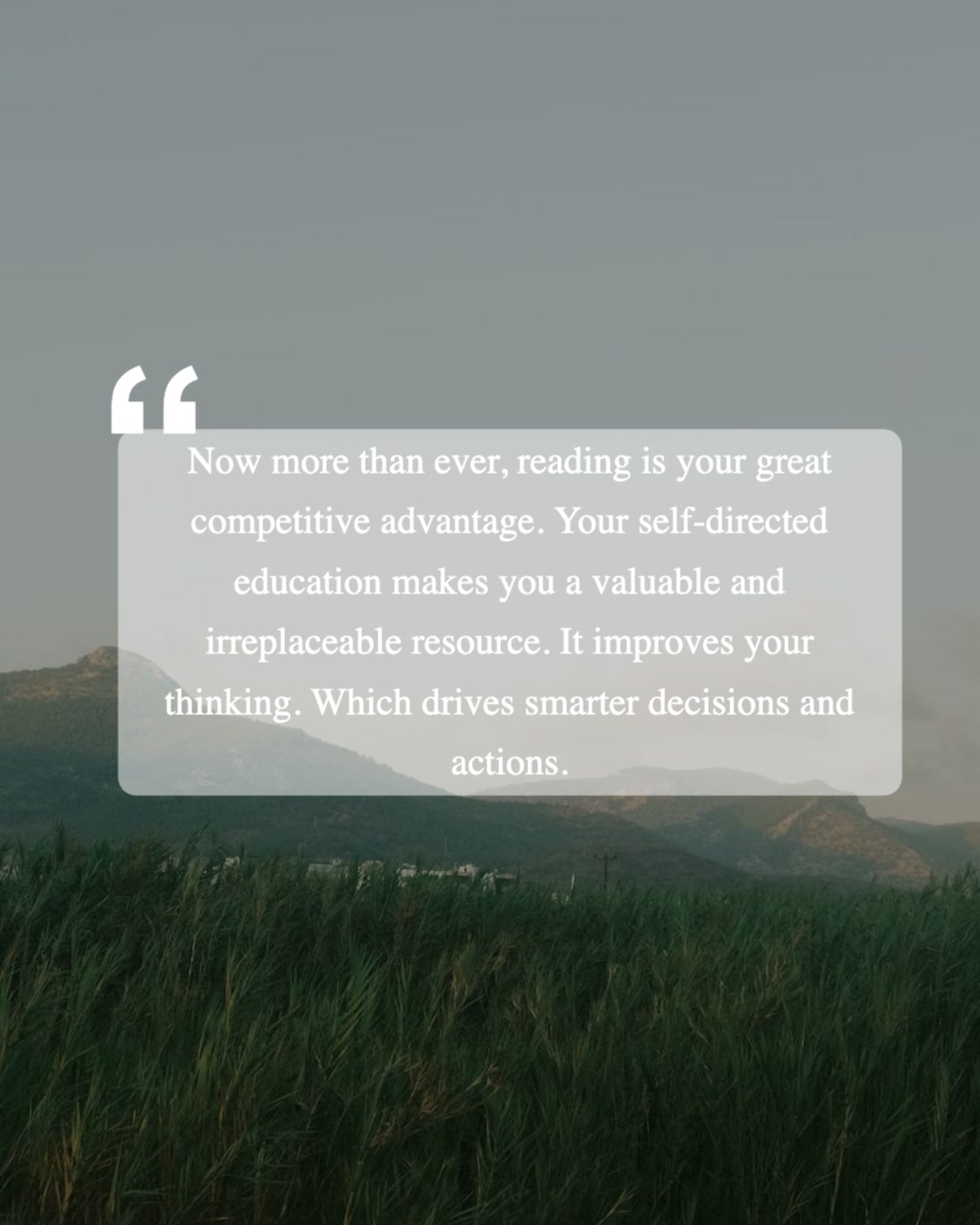
Standalone quote-card images pulled from your essay's strongest lines. Ideal for Instagram Stories, LinkedIn single-image posts, and quick mid-week touchpoints between editions.
Animated Slideshow Videos
Turn the same post into an animated slideshow video — slides with transitions and music, silent with on-screen captions — for Reels, TikTok, and YouTube Shorts. No filming, no voice-over needed.
A Week of Touchpoints
From a single edition you get a carousel, a quote card, captions, and a video — each with its own angle. Drip them out between publish days so your feeds stay active while you write the next post.
Every Substack Post Is a Subscriber-Acquisition Asset
You already wrote the hard part. Repurposing decides whether each essay grows your list — or only reaches the people who already subscribed.
Substack discovery has a ceiling
Recommendations, Notes, and the app feed are powerful — but they mostly circulate your work among people already inside the Substack ecosystem. The readers who would love your writing but have never opened the Substack app are on LinkedIn, Instagram, TikTok, and Pinterest. Visual teasers put your essays in front of them where they already scroll.
Social teasers feed the growth loop
A carousel that teases your latest essay converts social reach into subscribers, and every new subscriber strengthens your position inside Substack itself — more opens, more restacks, more recommendation weight. Off-platform promotion and on-platform discovery compound each other rather than competing.
Tease, don't republish
The goal is not to give the whole essay away on social — it is to surface the sharpest idea, create an open loop, and route readers to the full piece. WaveGen builds each carousel as a teaser by design: a hook, the core tension, and a closing slide that points to your Substack. The essay stays the destination; the carousel is the doorway.
The writers who grow fastest on Substack treat every edition as two deliverables: the essay itself, and the promotion campaign around it. The essay takes hours; with a content distribution system like WaveGen, the campaign takes minutes. That asymmetry is the whole opportunity. Learn more about AI content repurposing.
WaveGen vs Buffer, Hootsuite, and SocialBee
Buffer, Hootsuite, and SocialBee schedule posts you've already made. WaveGen generates the visuals from your Substack URL, then schedules them — here is how they compare, feature by feature.
| Feature | WaveGen | Buffer | Hootsuite | SocialBee |
|---|---|---|---|---|
| Schedules and publishes to all major platforms | ||||
| AI-written captions and post text | AI Assistant | OwlyWriter AI | AI Copilot | |
| Turns a Substack URL into carousel slides with AI images | ||||
| Quote card generation | ||||
| Animated slideshow video from the same post | ||||
| Built-in visual editor (edit any slide) | ||||
| Brand kit auto-applied to every slide | ||||
| Evergreen recycling with content categories | ||||
| Social listening and brand monitoring |
Buffer and SocialBee are schedulers with AI writing assistants — SocialBee adds content categories and evergreen recycling — and Hootsuite layers on enterprise listening and a social inbox. All three distribute content you've already made. WaveGen is the option built for visual output — carousels, quote cards, and video generated from the same Substack URL, with publishing built in. Comparison based on publicly available feature lists as of June 2026.
How to Promote a Substack Post with WaveGen
A detailed walkthrough — from hitting publish on Substack to a scheduled week of social teasers.
Publish on Substack, then grab the URL
Hit publish on your Substack edition as usual, then copy the public post URL — it works whether you are on yourname.substack.com or a custom domain. If the edition is subscriber-only, copy the post body text instead; WaveGen's paste-text input handles paywalled content that the URL fetcher cannot reach.
Paste it into WaveGen and generate
Open WaveGen, paste the URL (or text), and click Generate. The AI reads the full essay, maps its structure — the central claim, the supporting arguments, the strongest one-liners — and produces carousel slides, captions, and quote cards built around teasing the piece rather than summarizing it to death.
Tune the hook and the closing slide
In the visual editor, give slide one extra attention: it decides whether anyone swipes. Then check the closing slide — this is where you tell readers the full essay lives on your Substack. Your brand kit (logo, colors, fonts, and your editable brand voice) is applied automatically, so the output already looks like you.
Set the first comment to your subscribe link
Turn on the first-comment option and drop in your Substack URL or subscribe page. When the post goes live, the comment posts automatically — readers who want more can get to your publication in one tap, without the link dragging down the post itself.
Schedule across the week between editions
Schedule the carousel for day one, the quote card for mid-week, and the video for the weekend — across LinkedIn, Instagram, TikTok, Facebook, YouTube, and Pinterest from one screen. Pinterest keeps the image or carousel version instead of the video. You can also paste a generated caption into Substack Notes with your post link for a native teaser inside the ecosystem.
That is the entire workflow. One Substack edition becomes three to six visual teasers, each one a doorway back to your publication — and the whole campaign takes less time than writing a single Note. See how the AI carousel generator works.
Which Substack Writers Benefit Most?
If you publish on Substack, the hardest part — the writing — is already done. Here is who gets the most from repurposing it.
Writers building a free list
Early on, every subscriber counts and most of them come from outside Substack. Turning each post into LinkedIn and Instagram teasers puts your writing in front of audiences who have never heard of your publication — and a subscribe link in the first comment converts the curious ones.
Paid newsletter writers
Your free posts are the top of your paid funnel. Repurposing them into carousels widens that funnel without writing anything new. For subscriber-only editions, paste the text and tease the ideas publicly — a glimpse behind the paywall is one of the strongest upgrade prompts there is.
Niche analysts and industry writers
Finance, tech, healthcare, climate — analysis-heavy Substacks translate beautifully into LinkedIn carousels, where professional audiences reward substance. One chart-backed argument from your latest edition can become the most-engaged post in your industry's feed that week.
Essayists and culture writers
Personal essays live or die on their best lines. WaveGen pulls your sharpest passages into quote cards and carousel hooks that capture the voice of the original — giving Instagram and TikTok readers a real taste of your writing, not a generic summary.
Multi-publication operators
Running more than one Substack, or ghostwriting for clients who do? Separate brand kits keep each publication's look and voice distinct, and the URL-in, campaign-out workflow makes promoting several publications a batch job instead of a daily grind.
Writers active on Substack Notes
Notes rewards consistent, native-feeling teasers. The captions WaveGen generates double as Notes drafts — pair one with your post link for the in-ecosystem audience while the carousels work the external platforms. Same source post, two discovery channels.
Whether you publish a weekly deep dive or a daily note, WaveGen turns each edition into the visual formats social platforms reward — with your Substack as the destination every post points back to. Also works for blog posts and articles.
Substack to Social Posts FAQs
Your Next Edition Deserves New Subscribers
You already wrote the essay. Paste the URL into WaveGen and turn it into carousels, captions, and quote cards that tease the piece and route new readers back to your Substack — in under two minutes.
No credit card required. Works with any public Substack URL — custom domains included.