Turn Your Podcast into a Carousel
Paste your episode transcript and WaveGen builds quote carousels and key-takeaway carousels for Instagram, LinkedIn, and TikTok in under 3 minutes. Your host, Descript, or Riverside already made the transcript — WaveGen turns it into the posts that fill the gap between episodes. On YouTube? Paste the link instead.
Works with transcripts from Transistor, Buzzsprout, Descript, Riverside, Apple Podcasts, or any source.
Under 3 min
From transcript to slides
3–5 carousels
Per 45-minute episode
6 platforms
IG, LinkedIn, TikTok, FB, YT, Pinterest
Free to start
No credit card required






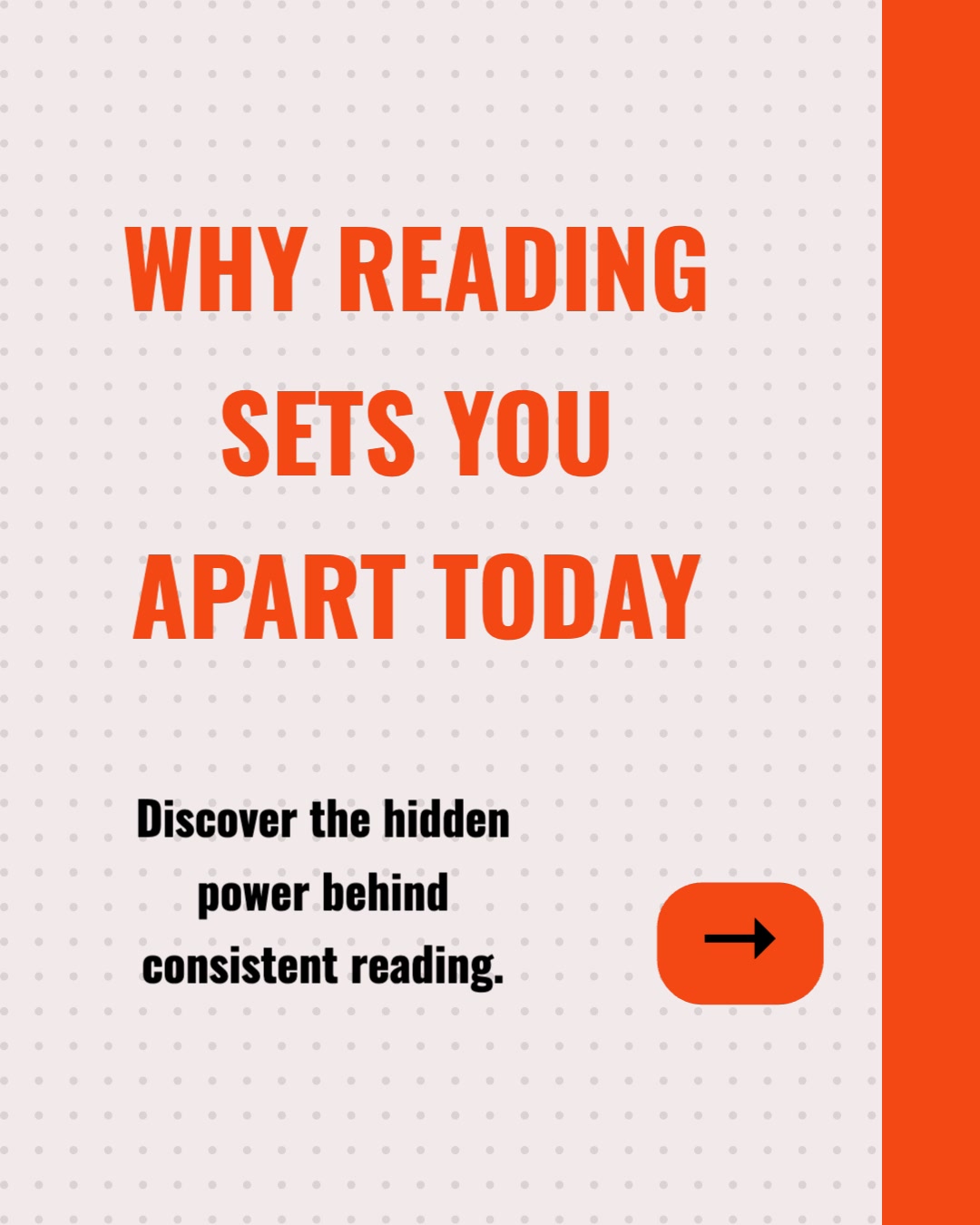



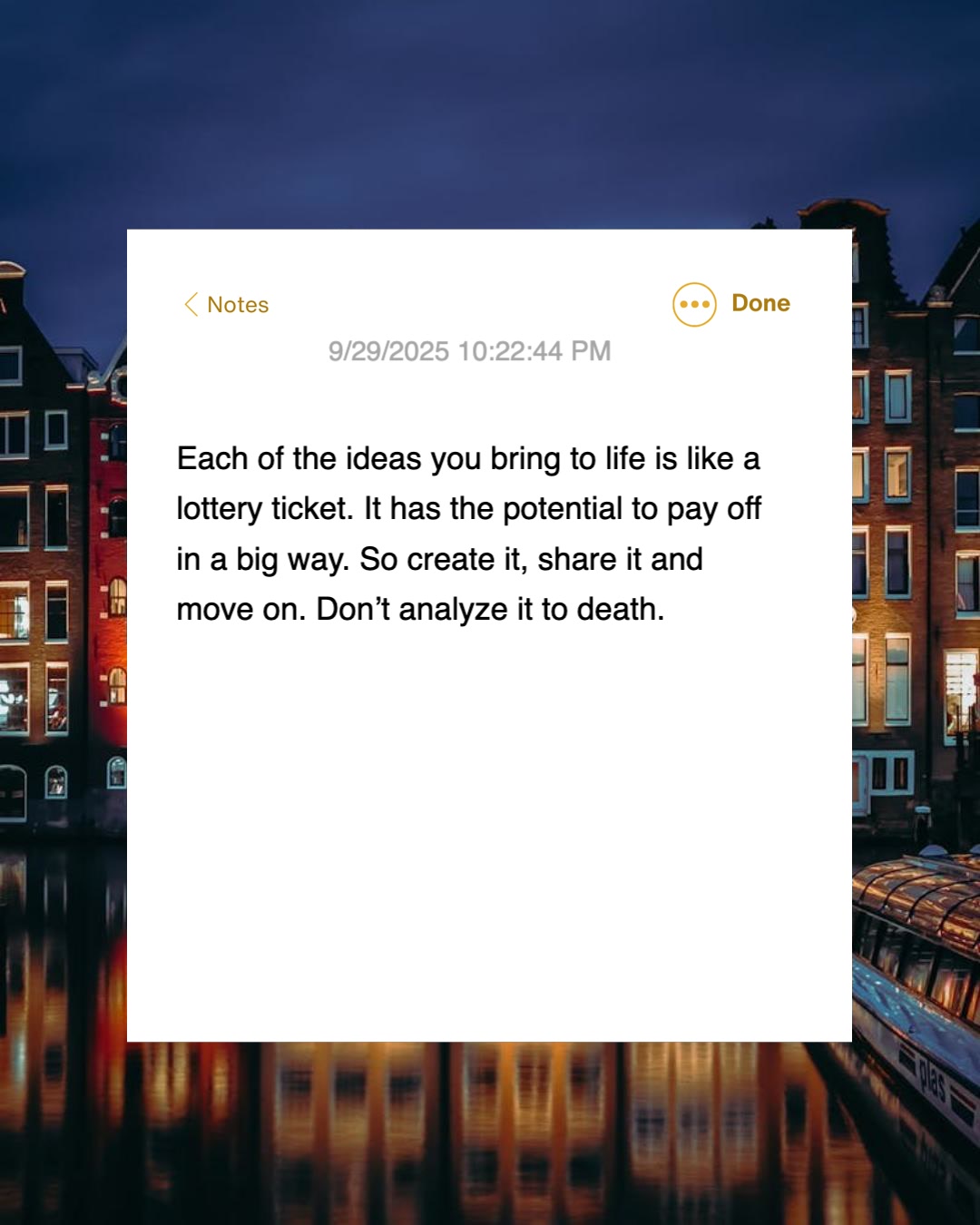

How Do I Turn a Podcast Episode into a Carousel?
Three steps. The episode you already recorded becomes the social posts that promote it — quotes preserved, filler words stripped.
1
Paste Your Episode Transcript
Copy the transcript your podcast host, Descript, or Riverside already generated and paste it in. If the episode is on YouTube, paste the link instead — WaveGen pulls the captions.
2
AI Finds the Best Moments
WaveGen reads the full transcript and surfaces the strongest takeaways and the most quotable lines — with speaker attribution — and builds each into a slide.
3
Review, Brand, and Publish
Check each slide, apply your show's brand kit, then publish or schedule directly to Instagram, LinkedIn, TikTok, Facebook, YouTube, or Pinterest.
Where Do I Get the Transcript? You Already Have One.
Transcripts used to be a paid service. Today they are a free byproduct of publishing a podcast — almost every tool in your stack generates one automatically.
Your podcast host
Transistor, Buzzsprout, and most modern hosts auto-generate a transcript for every episode you upload. Copy it from your dashboard.
Descript
If you edit in Descript, the transcript is the edit. Select all, copy, paste into WaveGen.
Riverside
Riverside transcribes every recording automatically. Export the transcript from the recording page.
Apple Podcasts
Apple generates transcripts for shows in its catalog. View the transcript in the app and copy the text.
YouTube captions
If your episode is on YouTube, skip the copy-paste entirely — paste the YouTube link and WaveGen pulls the captions for you.
Any transcription tool
Otter, Rev, Whisper, or your remote-recording platform — if it outputs text, WaveGen can work with it.
One honest caveat: Spotify and Apple Podcasts episode links do not work as input. Both platforms generate transcripts, but they keep them inside their apps — the public episode page behind the link only carries the title and description. Paste the transcript text from your host or recording tool, or use your episode's YouTube version if you publish there. WaveGen also does not ingest audio files — it is a written-content tool, and the transcript is the written form of your episode.
How Does WaveGen Compare for Podcast Content Repurposing?
Several tools repurpose podcast content. Castmagic turns audio into show notes and written assets; Descript edits the recording and cuts clips; Opus Clip turns video episodes into captioned short clips. WaveGen is the content distribution system that turns the transcript into designed carousels and publishes them.
| Feature | WaveGen | Castmagic | Descript | Opus Clip |
|---|---|---|---|---|
| Ingests raw audio files | Transcript or YouTube link | Video only | ||
| Designed carousel slides from the episode | ||||
| Quote slides with speaker attribution | Text quotes only | |||
| Short video clips from the recording | ||||
| Show notes and episode summaries | ||||
| Written social posts and captions | Clip captions only | |||
| Brand kit (logo, colors, fonts) on output | Video templates | Caption styles | ||
| Publishes directly to social platforms | Video to some platforms | Auto-posts clips |
Castmagic is the stronger pick for ingesting raw audio and producing show notes and newsletters, and Descript and Opus Clip are the right tools when the output you want is video clips — all three take media files, which WaveGen does not. If your goal is designed carousels, quote slides, and captions built from the episode and published across platforms, WaveGen covers that full path. Comparison based on publicly available feature lists as of June 2026.
How to Repurpose a Podcast Episode into Carousels with WaveGen
The full episode-promotion workflow, from transcript to scheduled posts.
Step 1: Grab the transcript from a tool you already use
Open your podcast host (Transistor, Buzzsprout, and most hosts generate transcripts automatically), Descript, Riverside, or Apple Podcasts and copy the episode transcript. A 45-minute episode produces roughly 6,000–9,000 words — far more raw material than any single post needs. If the episode is on YouTube, copy the video link instead and skip straight to step 3.
Step 2: (Optional) Apply your show's brand kit
Set up a brand kit once with your show's logo, colors, and fonts, and every carousel comes out instantly recognizable as your show. You define your brand voice yourself or let WaveGen auto-draft one from your website, then edit it — and when repurposing, WaveGen preserves the voice of the episode itself, so the slides sound like you and your guest, not like a generic AI.
Step 3: Paste the transcript (or YouTube link) and generate
Paste the transcript into the text input, or switch to the YouTube tab and paste the link — WaveGen pulls the video's actual captions. The AI reads everything, picks the strongest 5–9 ideas or quotes, rewrites spoken language into slide-friendly copy, and keeps the best lines verbatim with attribution.
Step 4: Review quotes and customize slides
Quoted slides deserve a careful read — your guest will see this post. Fix any line that isn't verbatim, swap a weak takeaway for a better one, reorder slides, regenerate imagery, or rewrite headlines in the visual editor. The live preview shows exactly what your audience will see on each platform.
Step 5: Add a first comment linking to the episode
Set a first comment with the episode link — Spotify, Apple Podcasts, YouTube, or your site — that posts automatically when the carousel goes live. Someone who just swiped through your episode's best ideas is far more likely to press play than someone who saw "new episode out now" with a bare link.
Step 6: Publish now or schedule the between-episode gap
Publish now or schedule to a connected Instagram, LinkedIn, TikTok, Facebook, YouTube, or Pinterest account. A high-leverage pattern is to generate 3–5 carousels from one episode — takeaways, guest quotes, and a single-theme deep dive — then spread them across the week. Paid plans can also download watermark-free image files or PDFs.
No credit card required. Turn your latest episode into a carousel in under 3 minutes.
Why Repurpose Podcast Episodes into Carousels?
Audio is the hardest format to discover. Your best ideas are locked behind a 45-minute time commitment most of your potential audience will never make — carousels set them free.
Reach scrollers who will never press play
Most social users will not commit 45 minutes to an episode from a host they do not know — but they will swipe through a carousel that delivers the episode's best ideas in 90 seconds. The subset who love the carousel become listeners; the rest still saw your thinking and your show's name. Either outcome beats a link nobody clicked.
Guest quote carousels recruit the guest's audience
A quote carousel built around your guest's strongest lines gives the guest a reason to reshare — their face, their words, professionally presented. When they do, your show reaches their entire audience at zero cost. This is the most reliable growth loop in podcasting, and it starts with surfacing the quote.
Native carousels beat episode-link posts
"New episode out now" plus a link is the lowest-performing post format on every platform — algorithms bury outbound links. A carousel of the episode's actual ideas, posted natively with the episode link in the first comment, gets full algorithmic distribution and warms people up before asking them to listen.
Fill the gap between episodes
Weekly and biweekly shows go quiet for days between releases, and quiet feeds lose followers. One episode contains material for 3–5 carousels — takeaways, quotes, a single-theme deep dive — which is a full week of posts from a recording you already made. Podcast content repurposing is the cheapest consistency you can buy.
The bottom line: you already did the hard part — the research, the conversation, the recording. Repurposing podcast episodes is not about making more content; it is about distributing the content you made to the people who will never find it in an audio app. If your episodes live on YouTube, the YouTube to carousel workflow skips the transcript step entirely. And for the full map of input-to-output workflows, see the AI content repurposing hub.
Three Carousel Patterns Every Episode Supports
Run the same transcript through each pattern and one episode fills your calendar until the next release.
The quote carousel
First slide = your guest's single strongest line as a pull-out quote with name and attribution. Middle slides = the context and the two or three supporting quotes. Last slide = guest tag plus episode link in the first comment. Post it the day the episode drops and tag the guest — this is the pattern guests reshare most.
The key-takeaways carousel
First slide = the episode's promise as a hook ("5 things we learned about X from someone who actually did it"). Middle slides = one takeaway per slide, in the order they build. Last slide = "the full story is in the episode" CTA. Post it two or three days after release to catch the people who missed launch day.
The single-theme deep dive
Pick the one segment of the episode with the most depth — a framework, a story, a contrarian argument — and give it a whole carousel. First slide = the claim. Middle slides = the argument built step by step. This is your between-episodes post: it stands alone for people who will never listen, while quietly advertising that the show goes deeper.
Podcast to Carousel FAQs
Your Next Episode Deserves More Than a Link Post
The transcript already exists — your host or editing tool made it for you. Paste it below and let WaveGen turn the episode's best quotes and takeaways into carousels that promote the show all week.
Free to start. No credit card required.