Turn a LinkedIn Post into a Carousel
Your best post already proved the idea works. WaveGen rebuilds it as a document-post carousel for a second wave of reach. Copy the post text, paste it below, and the AI structures it into swipeable slides — hook first, one idea per slide, CTA last. Free to start, no signup required.
Paste the post text, not the URL — LinkedIn posts sit behind a login wall, so copying the text is the reliable way.
Under 2 min
From post text to slides
Document post
LinkedIn's native carousel format
6 platforms
LinkedIn, Instagram, TikTok, Pinterest + more
Free
No signup required
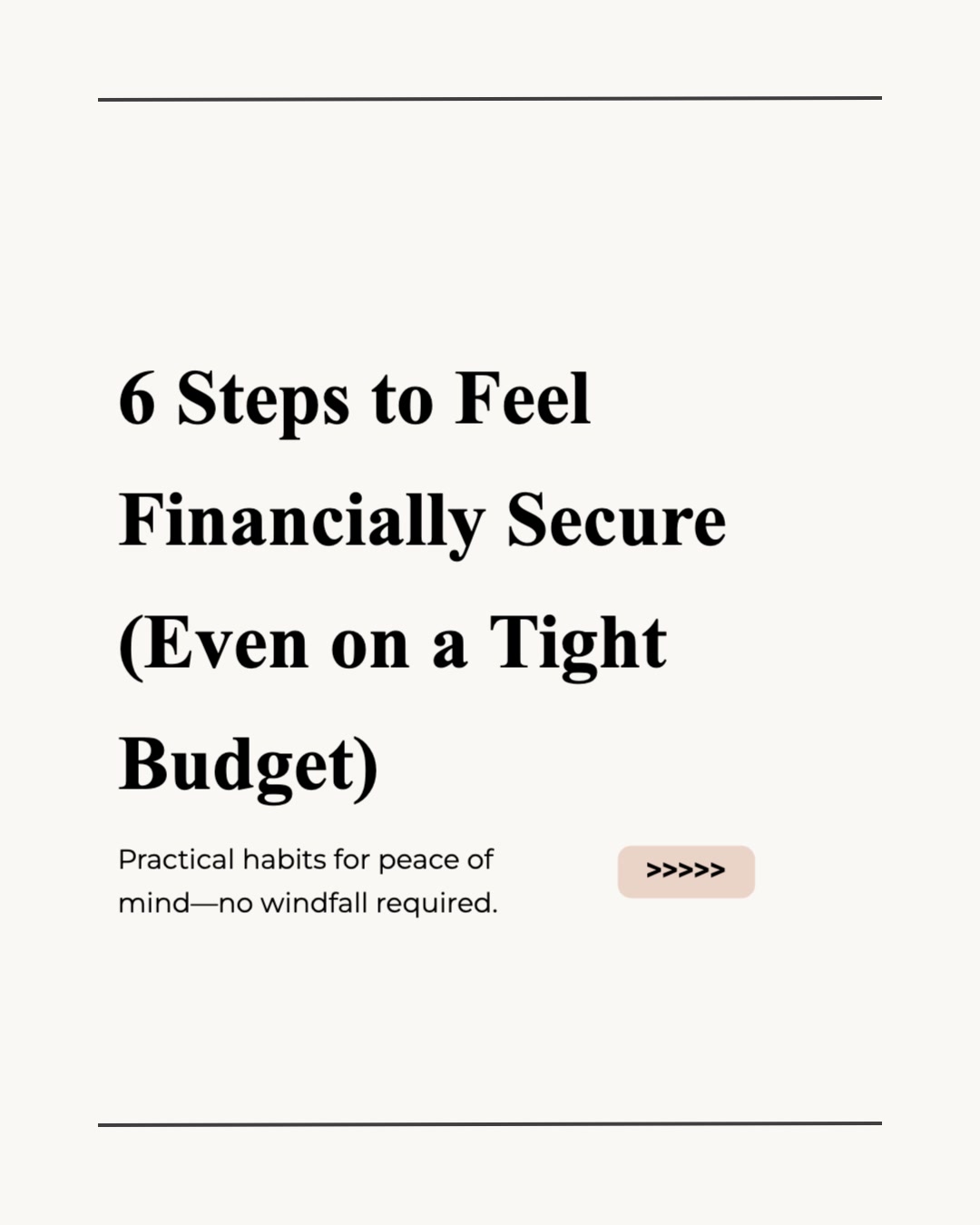



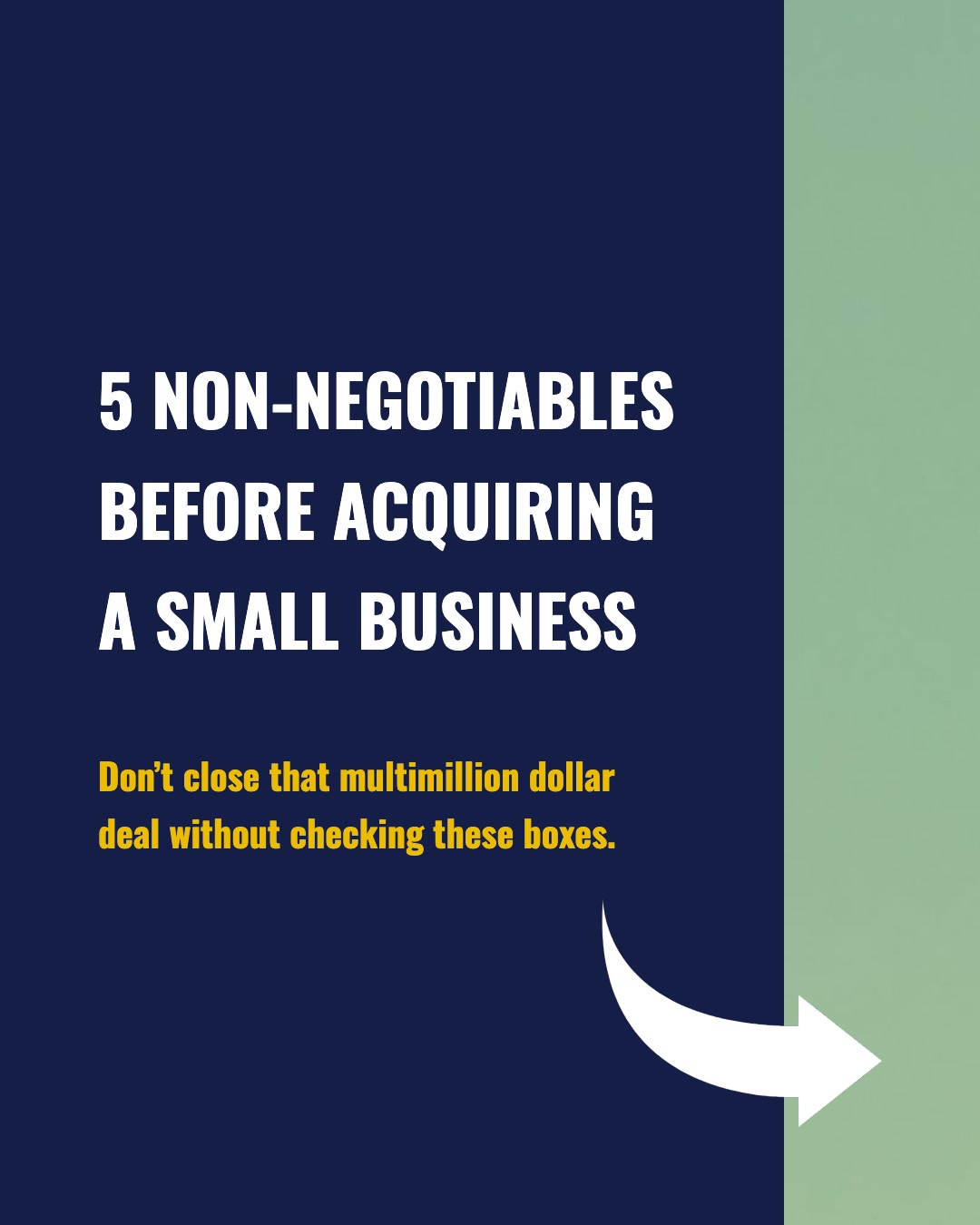

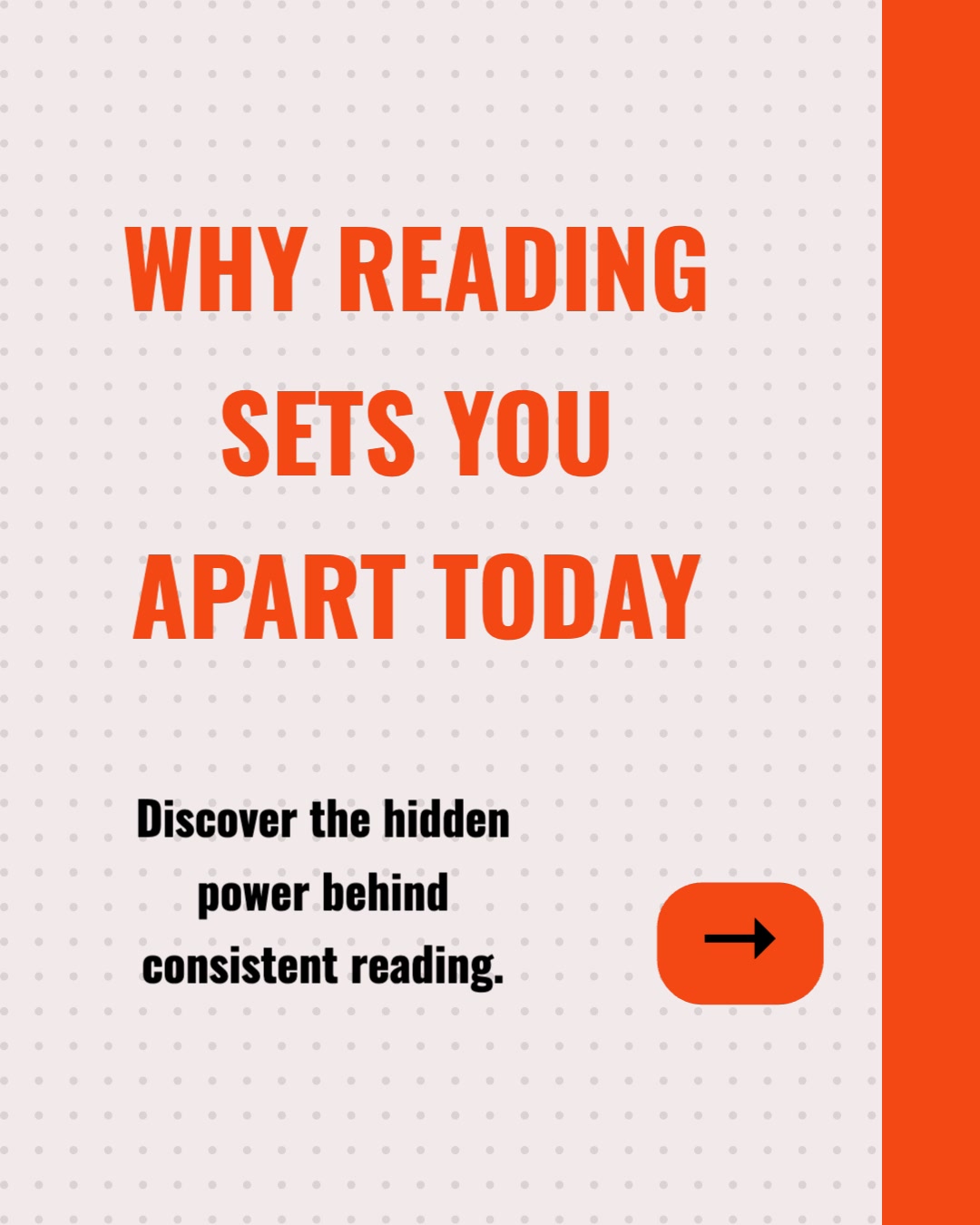
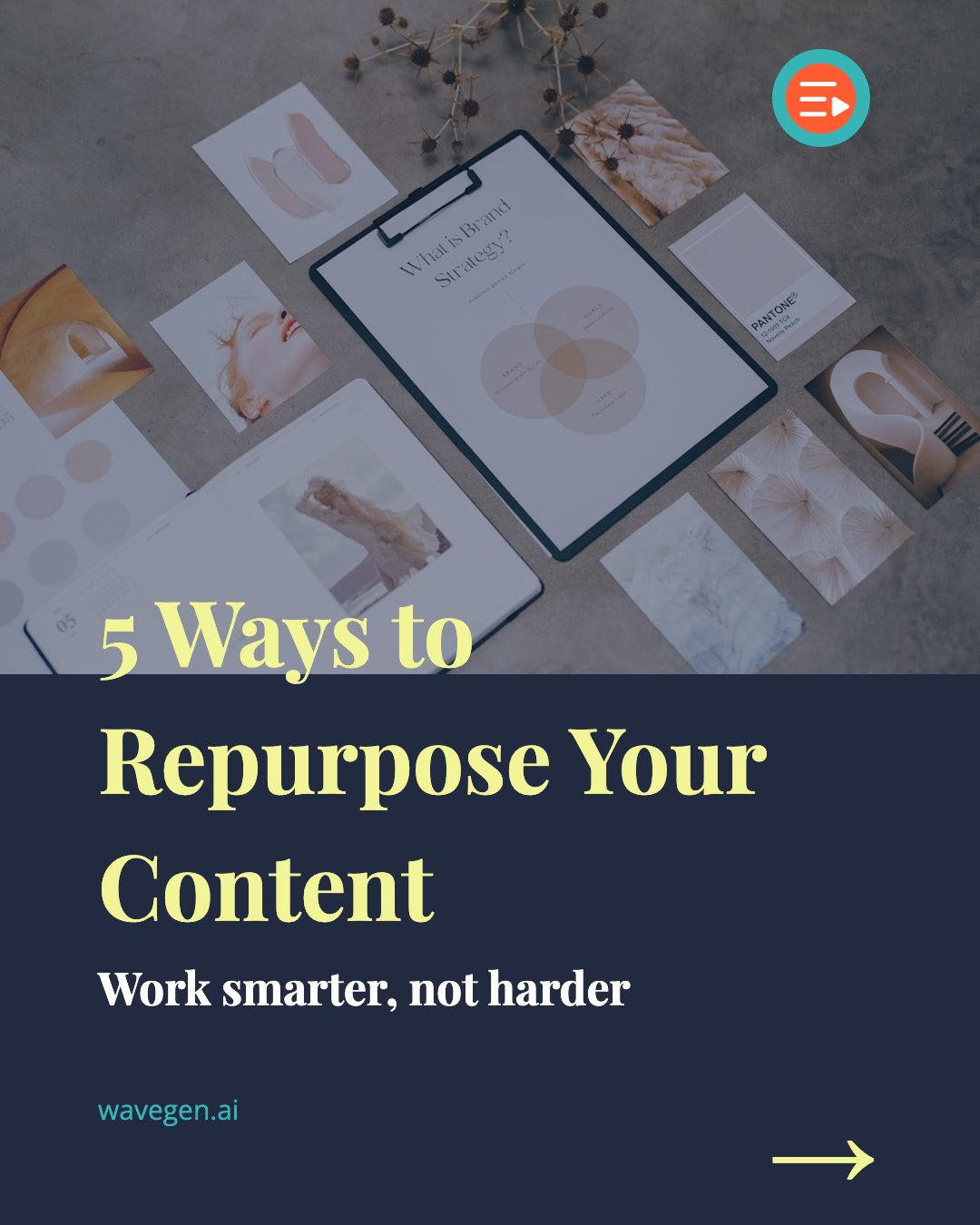

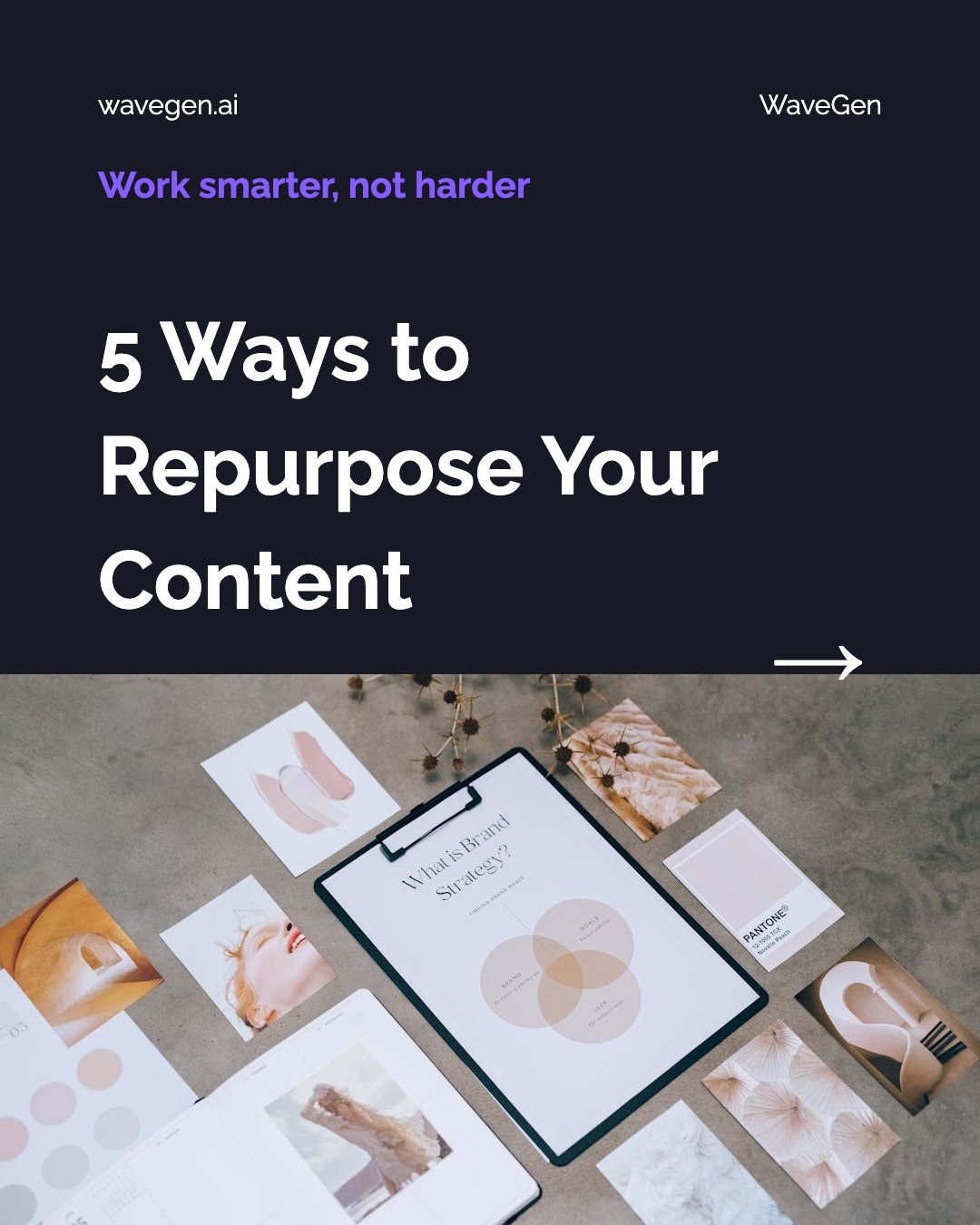
How Do I Turn a LinkedIn Post into a Carousel?
Three steps. The writing is already done — and already validated by your audience. WaveGen handles the rebuild.
1
Copy the Post Text
Open your post on LinkedIn, click 'see more' to expand it, select the text, and copy. Paste it into WaveGen — the text, not the link.
2
AI Rebuilds It as Slides
WaveGen restructures the post into one idea per slide — a scroll-stopping hook slide, the argument built point by point, and a closing CTA slide — with imagery for each.
3
Publish as a Document Post
Review and brand the slides, then schedule directly to LinkedIn as a native document post — or cross-post the same carousel to Instagram, TikTok, Facebook, YouTube, and Pinterest.
Which LinkedIn Posts Make the Best Carousels?
Open your LinkedIn analytics, sort by engagement, and work down the list. These six post types convert best.
Top Performers
Posts that already earned outsized impressions, comments, or saves. Pre-validated content is the safest thing you can republish.
Listicle Posts
"7 lessons", "5 mistakes", "3 frameworks" — numbered posts map one-to-one onto carousel slides.
Story Posts
Posts with a narrative arc — setup, struggle, turn, lesson. Each beat becomes a slide and the swipe builds suspense.
Contrarian Takes
Hot takes that sparked debate in the comments. The carousel format lets you build the full argument point by point.
Long-Form Posts
Posts that pushed LinkedIn's character limit. Dense text posts often perform even better when given room to breathe across slides.
Archive Gold
Strong posts from 6+ months ago that your current followers never saw. Old wins are new content in a new format.
How Does WaveGen Compare to Other LinkedIn Carousel Tools?
Taplio, Supergrow, and Typegrow all generate LinkedIn carousels and schedule them — they are strong LinkedIn-only tools. The difference is where the content starts and where it ends up: WaveGen rebuilds the writing you already have and publishes it beyond LinkedIn too.
| Feature | WaveGen | Taplio | Supergrow | Typegrow |
|---|---|---|---|---|
| AI carousel generator for LinkedIn | ||||
| Schedules and publishes to LinkedIn | ||||
| Ingests long sources (URL, PDF, YouTube, transcript) | ||||
| Repurposes the same post for Instagram, TikTok, Facebook, YouTube, Pinterest | LinkedIn only | LinkedIn only | LinkedIn only | |
| Video slideshow output from the same source | ||||
| Quote cards and captions generated alongside the carousel | ||||
| LinkedIn analytics dashboard | ||||
| Lead and CRM features | ||||
| Free plan | Generate, edit, publish; file downloads on paid plans | Trial; ~$65+/mo after | Trial only | Limited free tier |
Taplio is a LinkedIn all-in-one with analytics and lead/CRM features at premium pricing. Supergrow and Typegrow are LinkedIn personal-branding tools with AI posts, carousel makers, and scheduling. All three write and design from scratch or short prompts, and all three stay on LinkedIn. WaveGen starts from content you already have — a post, URL, PDF, transcript, or YouTube link — and turns it into carousels, quote cards, and video for LinkedIn plus Instagram, TikTok, Facebook, YouTube, and Pinterest. Comparison based on publicly available feature lists as of June 2026.
How to Turn a LinkedIn Post into a Carousel with WaveGen
A six-step workflow for creators who want their proven posts to earn a second wave of reach.
Step 1: Pick the post worth upgrading
Open your LinkedIn analytics and sort recent posts by impressions and engagement. You are looking for posts where the idea clearly landed — strong comments, saves, or reshares. That engagement is market validation: your audience already voted for this content. Rebuilding a proven post is far safer than gambling on a brand-new idea.
Step 2: Copy the post text
Open the post, click 'see more' to expand the full text, select it, and copy. Paste the text into WaveGen — not the URL. LinkedIn posts sit behind a login wall, so no tool can reliably fetch them from a link; the five-second copy-paste is the dependable path, and it lets you trim or tweak the text before converting if you want to. LinkedIn articles work too: copy the article text and paste it the same way.
Step 3: (Optional) Apply your brand kit
If you have set up a brand kit, select it before generating. Your headshot or logo, brand colors, and fonts apply to every slide automatically — so the carousel is instantly recognizable as yours in the feed. For creators posting carousels weekly, visual consistency is what turns individual posts into a recognizable personal brand.
Step 4: Paste and click Generate
WaveGen's AI reads the post, identifies its structural spine — the hook, the supporting points, the payoff — and rebuilds it as 6–10 slides. The first slide is engineered to stop the scroll, each middle slide carries exactly one idea, and the last slide closes with a CTA. Every slide gets AI-generated imagery. Takes under a minute.
Step 5: Review and sharpen in the editor
The visual editor is where the carousel becomes yours. Rewrite any headline, swap images, reorder or remove slides, or regenerate individual slides. Because the source post already performed, you usually only need light edits — tighten the hook slide and confirm the CTA points where you want readers to go next. Live preview shows exactly what your audience will see.
Step 6: Schedule it as a document post
Publish directly to LinkedIn as a native document post immediately or on schedule. Add an automatic first comment with your link so the post body stays link-free. On a paid plan, you can also download watermark-free image files or a PDF for manual posting anywhere.
No credit card required. Turn your best post into a carousel in under 2 minutes.
Why Turn LinkedIn Posts into Carousels?
Because the hardest part of content — finding an idea your audience actually responds to — is already done. The carousel is how you collect the rest of the value.
Proven posts are pre-validated content
Every new post is a bet on an unproven idea. A post that already earned strong engagement is the opposite — your audience told you, with their attention, that this idea works. Rebuilding it as a carousel is the lowest-risk publishing decision available to you: a proven message in a format the feed rewards. Smart creators systematically recycle their winners; the rest keep gambling.
Document posts earn longer dwell time
A text post is consumed in one glance; a document post takes swipes. Every swipe is an engagement signal, and the seconds a reader spends paging through your slides register as dwell time — the signal LinkedIn's feed weighs most heavily when deciding whether to keep distributing a post. The same idea, restructured to be swiped instead of skimmed, simply earns more algorithmic credit.
Most of your followers never saw the original
Only a fraction of your followers see any given post — the feed shows your content to a slice of your network and expands from there based on early engagement. Republishing your best idea as a carousel weeks later reaches a substantially different audience, plus everyone who has followed you since. The original post's reach was a sample, not the ceiling.
One proven post, every platform
The same carousel that publishes to LinkedIn as a document post works as a swipeable carousel on Instagram, photo-mode post on TikTok, and slides on Facebook. Your best LinkedIn writing — already validated by a professional audience — becomes a multi-platform content drop without writing a single new sentence. That is what a content distribution system is for.
The bottom line: your post archive is a list of pre-validated content ideas ranked by your own audience. The only question is whether you collect the second wave of reach those ideas have earned — or leave it on the table while you gamble on new material. If the content you want to convert is not a post yet — notes, an outline, a draft — start from text-to-carousel instead. Check the AI content repurposing hub for the full map of input-to-output workflows.
Carousel Patterns by Post Type
Different post structures rebuild into different carousel shapes. Here is how the three most common types translate.
Listicle posts
The cleanest conversion. First slide = the number and the promise ("7 lessons from 5 years of consulting"). Each list item gets its own slide with the point as the headline and one or two supporting lines beneath. Last slide = recap of all seven plus a CTA. In post form, readers skim the list in seconds; in carousel form, each point earns its own beat of attention — and seven swipes of engagement signal.
Story posts
Stories rebuild as suspense carousels. First slide = the moment of tension ("My biggest client fired me on a Tuesday"). Middle slides = one story beat each — setup, struggle, turn — with the swipe doing the work a line break did in the text post. Final slides = the lesson, stated plainly, plus the CTA. The format rewards exactly what makes story posts work: the reader's need to know what happens next.
Contrarian takes
Hot takes rebuild as argument carousels. First slide = the contrarian claim, stated at full strength. Middle slides = the argument built one step at a time — evidence, the common objection, your answer to it. Last slide = the reframed conclusion plus an invitation to disagree in the comments. The carousel version often outperforms the original because the slide-by-slide build lets skeptical readers follow the reasoning instead of bouncing off the headline claim.
LinkedIn Post to Carousel FAQs
Give Your Best Post a Second Life
You already wrote it, and your audience already validated it. Let WaveGen rebuild it as a document-post carousel and schedule it across every platform — so the idea that worked once gets the second wave of reach it earned.
Free to start. No credit card required.