June 13, 2026
18 min read
10 Best Editorial Calendar Templates for 2026
Find the perfect editorial calendar template for your team. We review 10 top options from Asana, Notion, Excel, and more to streamline your content workflow.
Your content plan is probably living in five places at once. Topic ideas in a notes app. Deadlines in Slack. Drafts in Google Docs. Social promotion in someone's head. Then publication week arrives and everyone asks the same question: what's going live?
A good editorial calendar template fixes that. It gives you one operating view for ideas, production, approvals, publishing, and distribution. That matters even more now because by 2025, teams in the United States and Europe are projected to be publishing 3.5 times more content annually than in 2018 without larger teams, and over 68% have adopted digital editorial calendar templates to keep cross-channel work organized, according to Content Marketing Institute research summarized in the verified data provided for this article. The point isn't just to make a prettier schedule. It's to build a system that your team will maintain.
The templates below cover broad project tools, database-style systems, dedicated content calendars, and spreadsheet options. I've focused on the trade-offs that matter in practice: who each template is for, where it starts to break, and how to connect planning to distribution so your calendar doesn't stop at “publish.”
Table of Contents
- 1. Asana – Editorial Calendar Template
- 2. Trello – Editorial Calendar
- 3. Notion – Basic Content Calendar Template
- 4. Airtable – Content Calendar Template
- 5. monday.com – Content Calendar Template
- 6. ClickUp – Content Calendar Template
- 7. CoSchedule – Marketing/Content/Social Calendar
- 8. HubSpot – Editorial Calendar Templates
- 9. Hootsuite – Social Media Content Calendar Template
- 10. Later – Free Notion Social Media Content Calendar Template
- Top 10 Editorial Calendar Templates, Feature & Format Comparison
- From Plan to Published: Activating Your Content Engine
1. Asana – Editorial Calendar Template
If your team already runs campaigns, launches, or creative production in Asana, its Editorial Calendar template is one of the fastest ways to add structure without creating another tool problem.
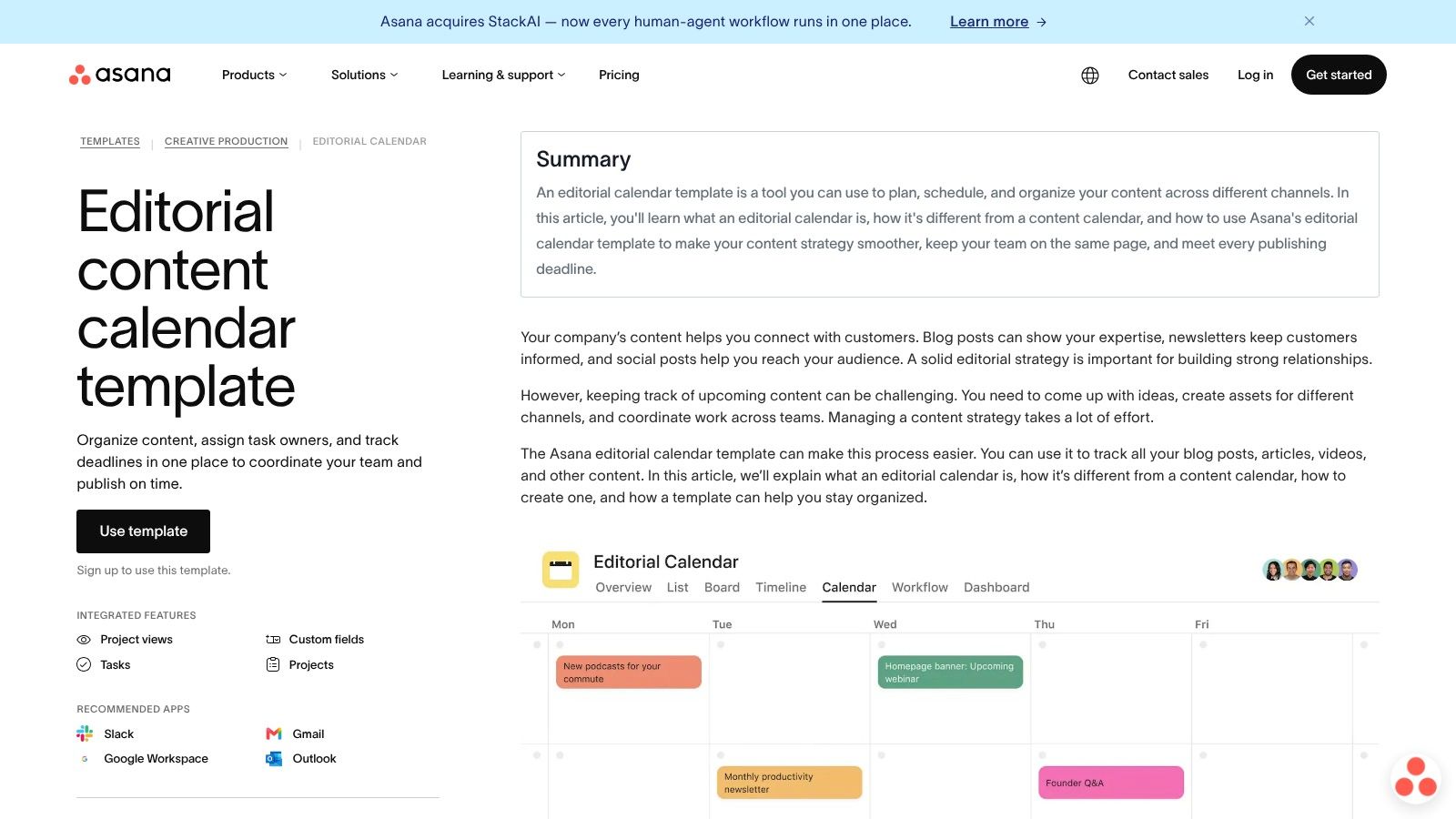
Asana works best when content is already task-driven. Each piece can move from idea to draft to review to publish with assignees, subtasks, due dates, and approvals attached. That's useful for teams who need editorial planning and execution in the same place, not a simple date grid.
Why teams choose it
The strongest part of Asana isn't the calendar view itself. It's the production workflow around the calendar. You can give writers, editors, designers, and stakeholders their own responsibilities without losing the publishing date.
- Best fit for in-house teams: Marketing, PR, and social can share one workspace instead of maintaining separate trackers.
- Useful built-in structure: Statuses, custom fields, and timeline views make it easier to manage real work, not just scheduled ideas.
- Cleaner handoffs: Subtasks and approvals reduce the “who owns this now?” problem.
Practical rule: Choose Asana when your biggest bottleneck is coordination across people. Skip it if you only need a lightweight planning board.
Where it struggles
Asana can feel heavy if you're a solo creator or consultant publishing a modest volume. It shines when several people touch each content asset. If nobody needs workload balancing, dependencies, or approval routing, the interface can feel like more process than value.
It's also strongest when your company already pays for Asana. If not, you're adding a project management platform just to get an editorial calendar template, and that's often more than a small content operation needs.
2. Trello – Editorial Calendar
Trello is what I recommend when a team needs order fast and doesn't want to spend a week designing a system. Its editorial calendar use case keeps planning simple: cards for content, lists for stages, labels for channels or themes, and a calendar view for publish timing.
Trello's biggest advantage is low friction. A solo creator can understand it in minutes. An agency can duplicate boards per client. A small team can move from “we have ideas everywhere” to a working process in one afternoon.
What works well
Trello is ideal when your workflow is visually obvious. Backlog, Writing, Editing, Approved, Scheduled, Published. That style fits content teams that value momentum and clarity over detailed reporting.
- Simple card-based planning: Due dates, checklists, attachments, and custom fields are enough for many editorial teams.
- Agency-friendly duplication: One board structure can be reused across clients or brands.
- Good for editorial visibility: You can see stuck work immediately.
Keep Trello disciplined. If one person uses labels for channels, another uses them for priority, and a third ignores naming rules, the board gets messy fast.
Trade-offs to watch
Trello starts to bend under complex dependency chains. If blog content triggers newsletter copy, legal review, design requests, and multi-market approvals, you can still force it to work, but you'll rely heavily on conventions and add-ons.
That's the key divide. Trello is excellent for lightweight editorial control. It's less comfortable as a full content operations system.
3. Notion – Basic Content Calendar Template
Notion's Content Calendar template is the most flexible option on this list for consultants, advisors, and solo operators who want the calendar, the brief, and the asset library in one workspace.

The reason people stick with Notion is context. A content item doesn't have to be just a title and a date. It can hold the brief, talking points, research notes, draft checklist, repurposing plan, and final links. For teams working from long-form content, that's valuable because the editorial calendar template becomes a mini content hub.
Best use case
Notion is strong when one source asset needs to feed multiple outputs. That's an underserved gap in most template advice, which often stops at scheduling instead of showing how one article becomes email, social, and video. A relational setup in Notion handles that better than a plain spreadsheet.
If your workflow starts with a blog post or newsletter, pair the calendar with a documented repurposing step. That's also where tools like AI content creation tools for repurposing and production support fit naturally after planning.
Where it earns its place
The database views are the headline feature, but the value is how adaptable the structure is.
- Flexible views: Board, table, and calendar views let editors, writers, and clients see the same pipeline differently.
- Strong for embedded context: Briefs, assets, and checklists can live inside the record.
- Easy to duplicate: Useful for client work, brand portfolios, or separate content pillars.
The downside is setup discipline. Notion doesn't force a good workflow. If you don't define statuses, ownership, and naming rules early, the workspace becomes a well-decorated junk drawer.
4. Airtable – Content Calendar Template
Airtable sits between spreadsheet familiarity and database control, which is why its content calendar approach works so well for marketing teams managing many moving parts.
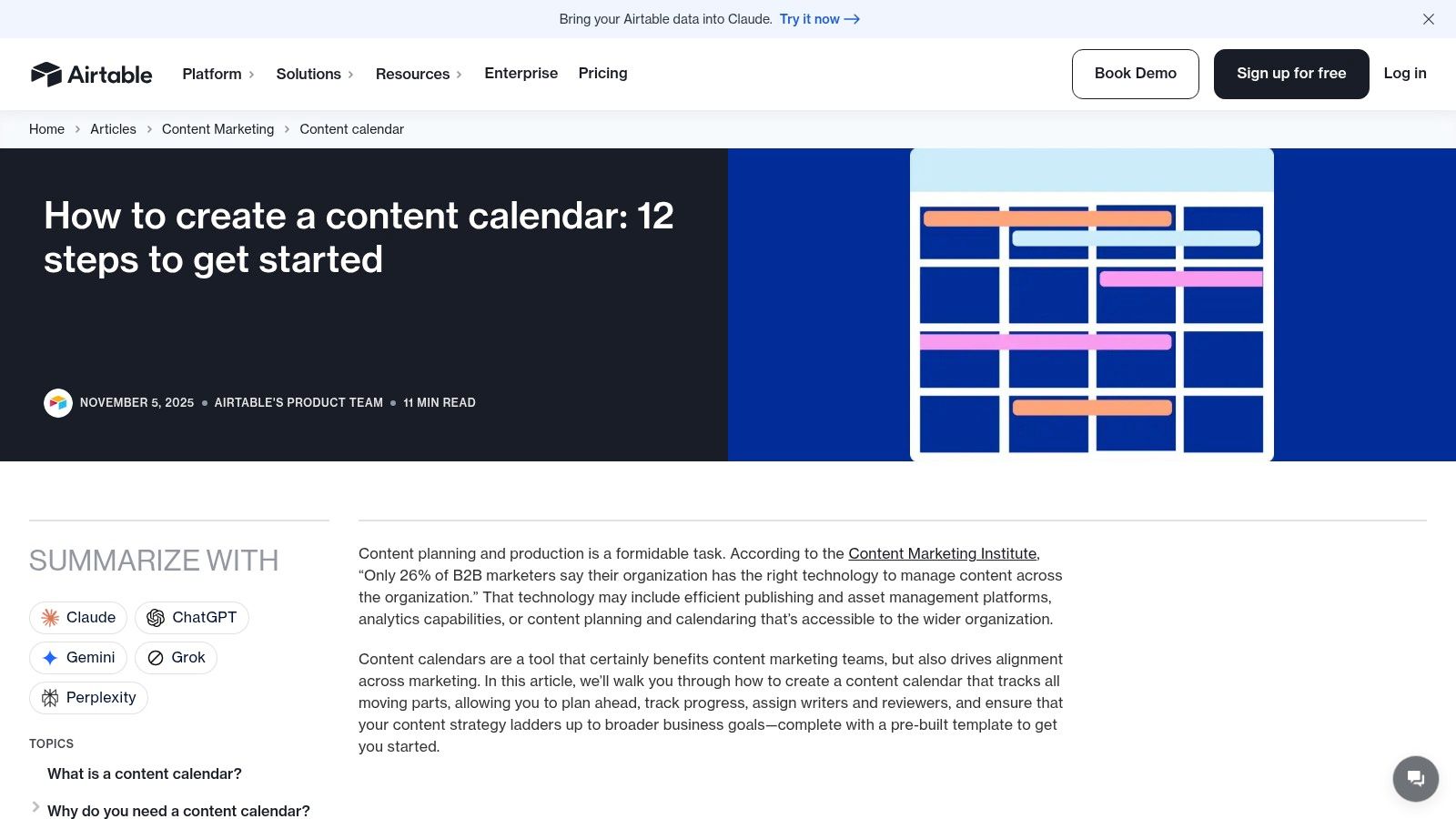
This is one of the few options that handles content operations cleanly once you move beyond a simple publishing schedule. You can link assets, channels, campaigns, contributors, and status records without turning the calendar into clutter.
Why Airtable fits multi-channel teams
The average organization now manages content across 5.2 distinct channels and tracks roughly 12 key data fields per entry, based on the verified data for this article. That's exactly the kind of environment where Airtable makes sense, because records can stay structured while different teams view the same data through calendars, galleries, kanban boards, or filtered interfaces.
- Great for structured content ops: You can track source asset, derivative asset, owner, review stage, and channel in one base.
- Useful for intake and reporting: Forms, CSV imports, and interfaces help agencies and content teams manage requests and visibility.
- Better than spreadsheets for reuse: Linked records make repurposing easier to trace.
The practical downside
Airtable can become overengineered. Teams often start with a simple editorial calendar template and then add so many linked tables and automations that basic publishing work slows down.
Airtable is best when someone owns the system. Without an operator, it turns into a database everybody respects and nobody updates.
It's also worth planning permissions and governance early. Airtable can support serious content workflows, but the more teams you add, the more important it becomes to decide who can edit structure versus who should only update records.
5. monday.com – Content Calendar Template
The monday.com content calendar template is a strong middle ground for SMB marketing teams that want automation and visibility without building a system from scratch.
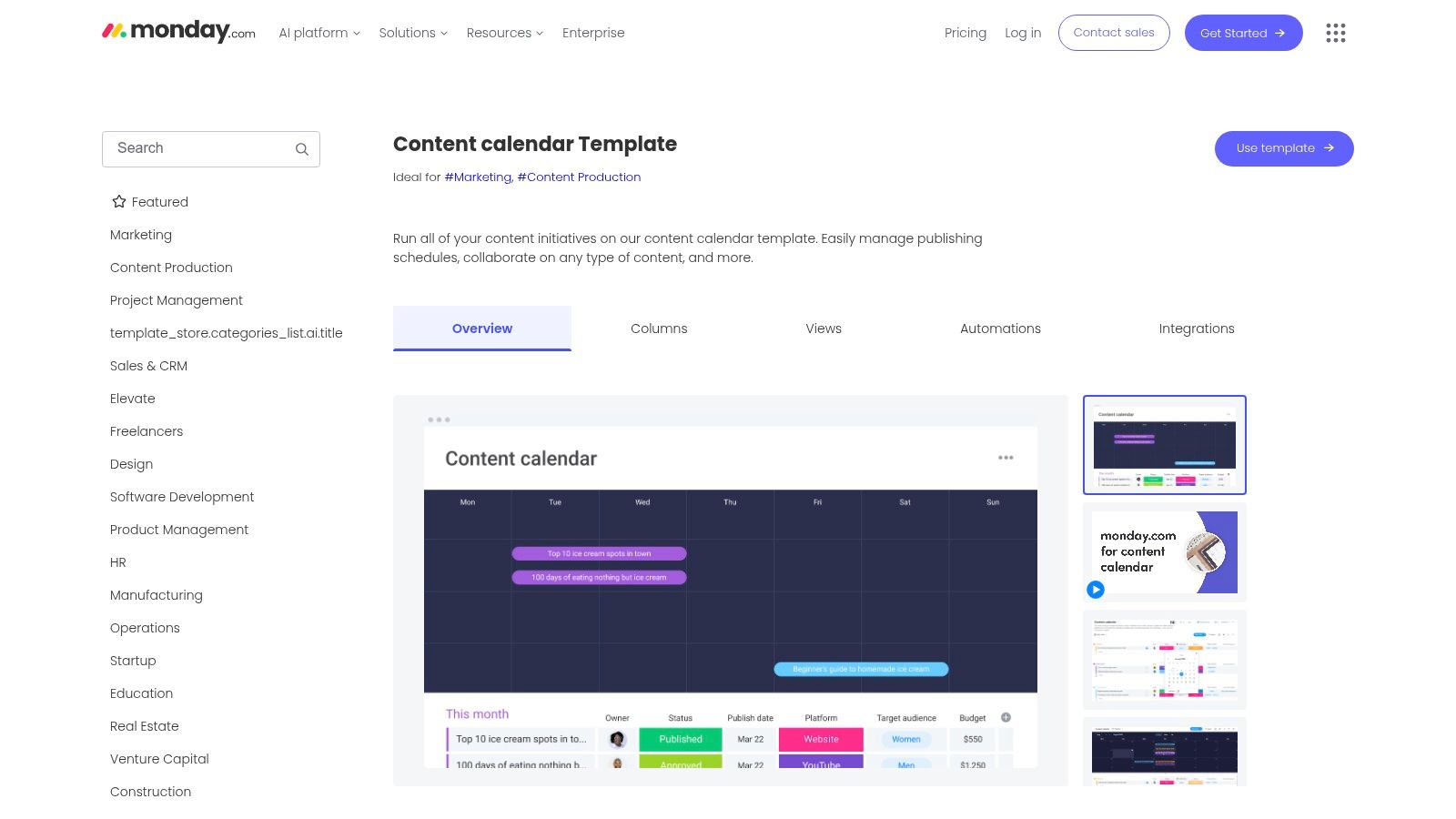
What monday.com does well is operational clarity. Month groups, campaign boards, status columns, reminders, and dashboards make it easier to see both the publishing schedule and team load. It feels more guided than Notion and less database-heavy than Airtable.
When it's the right pick
This template is especially useful for teams that think in campaigns first and assets second. If your content ties back to launches, webinars, product pushes, or recurring initiatives, monday.com maps that structure naturally.
Its workflow also aligns with a real gap in many editorial template guides: coordinating source assets and derivative assets across channels. monday.com's own template ecosystem leans into cross-channel planning, which helps teams avoid duplicating work while trying to promote the same content everywhere.
Pros and cons in practice
- Strong visualization: Calendar, Gantt, and workload views help managers spot bottlenecks quickly.
- Helpful automation layer: Status changes, reminders, and approvals reduce routine follow-up.
- Better for teams than individuals: It's designed for collaboration, not minimalist planning.
The catch is value. monday.com makes the most sense when your team already uses it broadly. If you're adopting it only for content planning, you may be paying for more work OS than your editorial process needs.
6. ClickUp – Content Calendar Template
ClickUp's Content Calendar template appeals to teams that want everything in one platform: tasks, docs, goals, and calendar views.
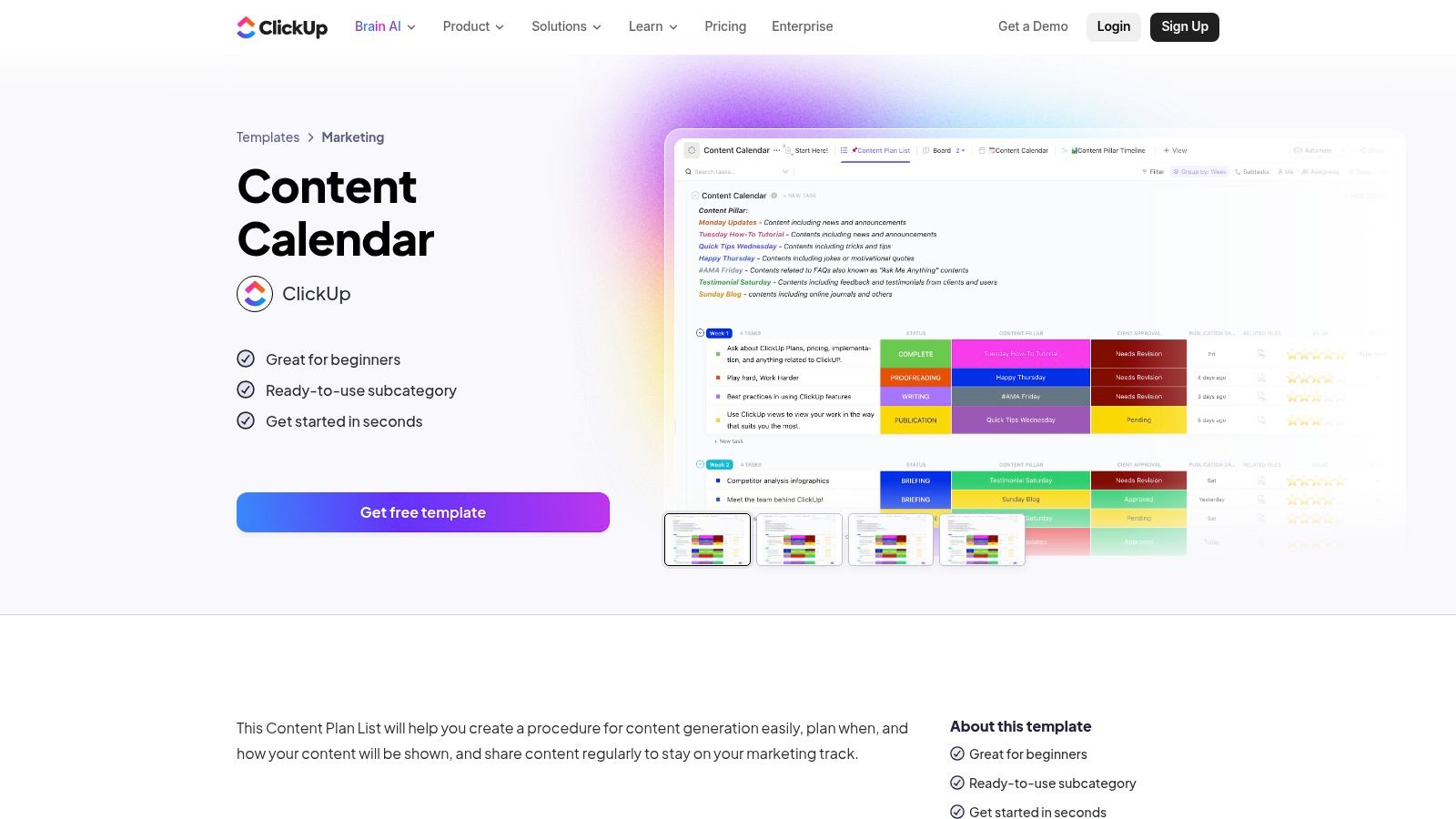
For some teams, that's a win. A content item can hold the brief, subtasks, comments, dependencies, and publication date. For others, it's too much software around a simple planning need. ClickUp has breadth, and breadth always creates a learning curve.
Where ClickUp helps most
If you manage multiple brands or content types and want standardized workflows, ClickUp is good at templating repeatable production. Blog post, newsletter, webinar recap, social thread. Each can have its own reusable task setup while still rolling into one calendar.
There's also a practical benefit for content leads. When the team misses deadlines, ClickUp makes it easier to see whether the bottleneck is ideation, drafting, editing, design, or approval.
What to expect after setup
- Deep workflow control: Custom fields, statuses, and multiple views support detailed editorial processes.
- Useful doc integration: Drafts, notes, and briefs can live close to the calendar.
- Good for scaling consistency: Reusable templates reduce setup time across brands.
The trade-off is cognitive load. ClickUp can solve a lot, but it asks teams to learn its logic. If the team wants intuitive planning first and advanced operations second, another template may get adopted faster.
7. CoSchedule – Marketing/Content/Social Calendar
CoSchedule is one of the few tools here built specifically for editorial and marketing calendars, which shows up immediately in its Marketing Calendar. You don't spend much time translating a general project tool into a publishing workflow.
The biggest practical advantage is native support for both content planning and social scheduling. That matters because many editorial calendar template setups break at distribution. The article gets published, then social promotion lives in a separate app, separate spreadsheet, or somebody's memory.
Why teams like it
CoSchedule is a good choice for teams that want one calendar to manage blog, campaign, and social execution together. The task templates and drag-and-drop scheduling feel purpose-built rather than adapted.
Its approach also matches a useful benchmark from an operational planning framework: review the editorial calendar weekly, revisit strategy monthly or quarterly, and design the template with fields like target metric, refresh date, and distribution checklist using this content-planning benchmark on review cadence and time-to-publish. CoSchedule supports that style well.
Best fit and biggest limit
- Best for marketers who publish and distribute together: Editorial and social sit closer to each other than they do in broad PM tools.
- Faster setup: You're working from a marketing-native model.
- Good starter path: The free calendar lowers the barrier.
If your social team also cares about timing, a separate guide to best times to post across platforms can complement the calendar once content is approved.
The limitation is scope. CoSchedule is a marketing calendar first, not a full business operating system. If your team needs heavy project management outside content, another platform may cover more ground.
8. HubSpot – Editorial Calendar Templates
HubSpot's editorial calendar templates for Excel and Google Sheets are still a very good answer for teams that need a neutral, portable system everyone can open.
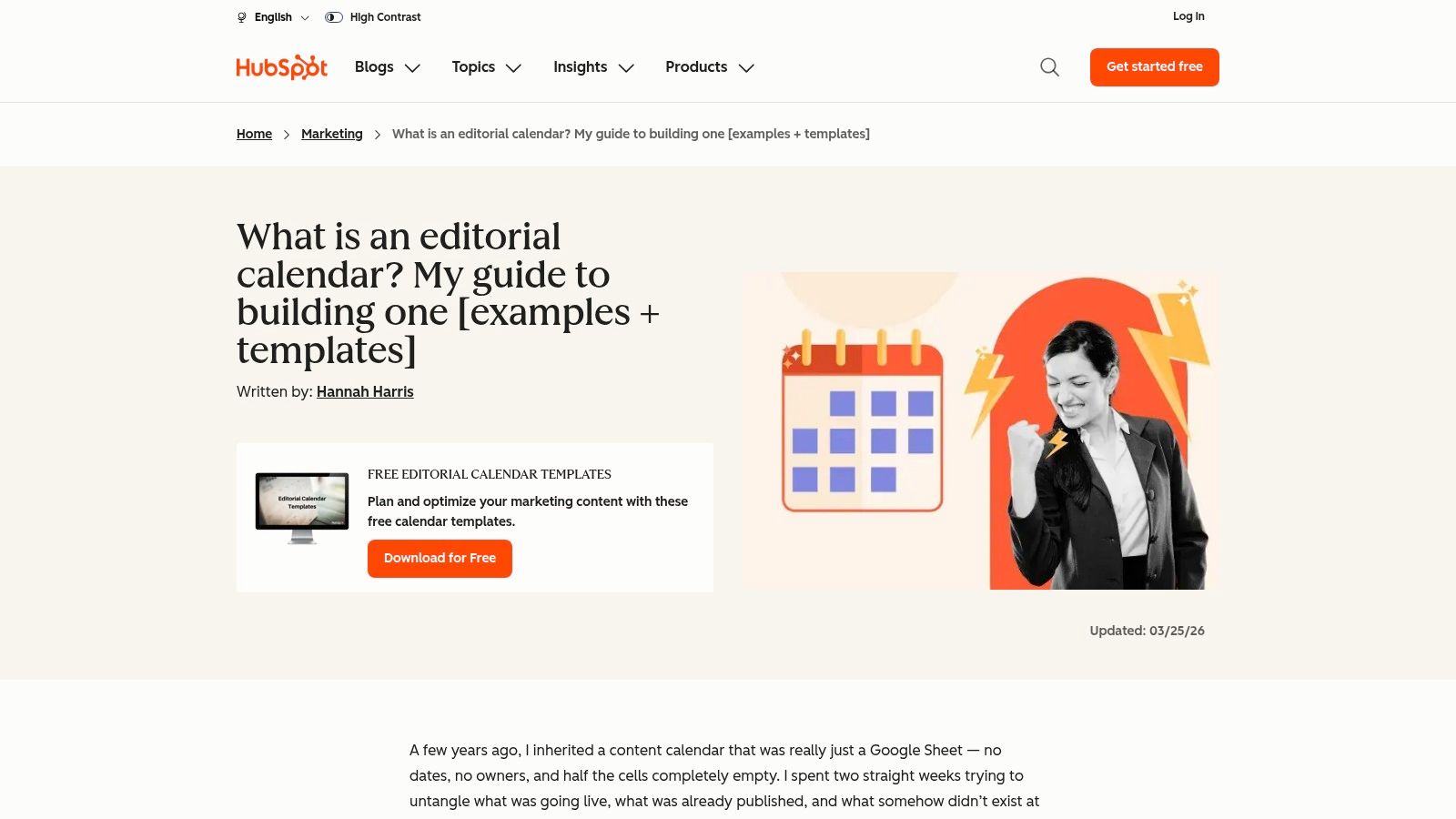
There's a reason spreadsheets haven't disappeared. Clients understand them. Stakeholders don't need onboarding. Freelancers can work from them immediately. If your current problem is zero structure, a spreadsheet template is often the fastest fix.
Why spreadsheets still matter
The first widely recognized digital editorial calendar template launched through HubSpot in 2012, and by 2024 it had been downloaded over 1.2 million times, according to the verified data provided for this article. That history matters because it reflects a simple truth: teams often begin with a spreadsheet before they graduate into a more operational tool.
- Easy to hand off: Clients, editors, and contributors can all work with it.
- Good starter structure: Title, persona, keyword, due date, publish date, and funnel stage are enough for many teams.
- Low resistance: No new software behavior to learn.
When it stops being enough
The pain point is manual upkeep. Once your workflow includes approvals, multiple channels, derivative assets, or recurring review cycles, spreadsheets become fragile. Teams forget to update statuses. Filters break. Version control gets messy.
A spreadsheet is excellent for planning. It's weak for governance.
If your calendar mostly answers “what are we publishing and when,” HubSpot is a solid pick. If it also needs to answer “who approved it, what social assets come next, and what needs refresh,” you'll likely outgrow it.
9. Hootsuite – Social Media Content Calendar Template
Hootsuite's social media content calendar template is built for social-first teams that want a straightforward planning sheet before committing to a larger workflow platform.
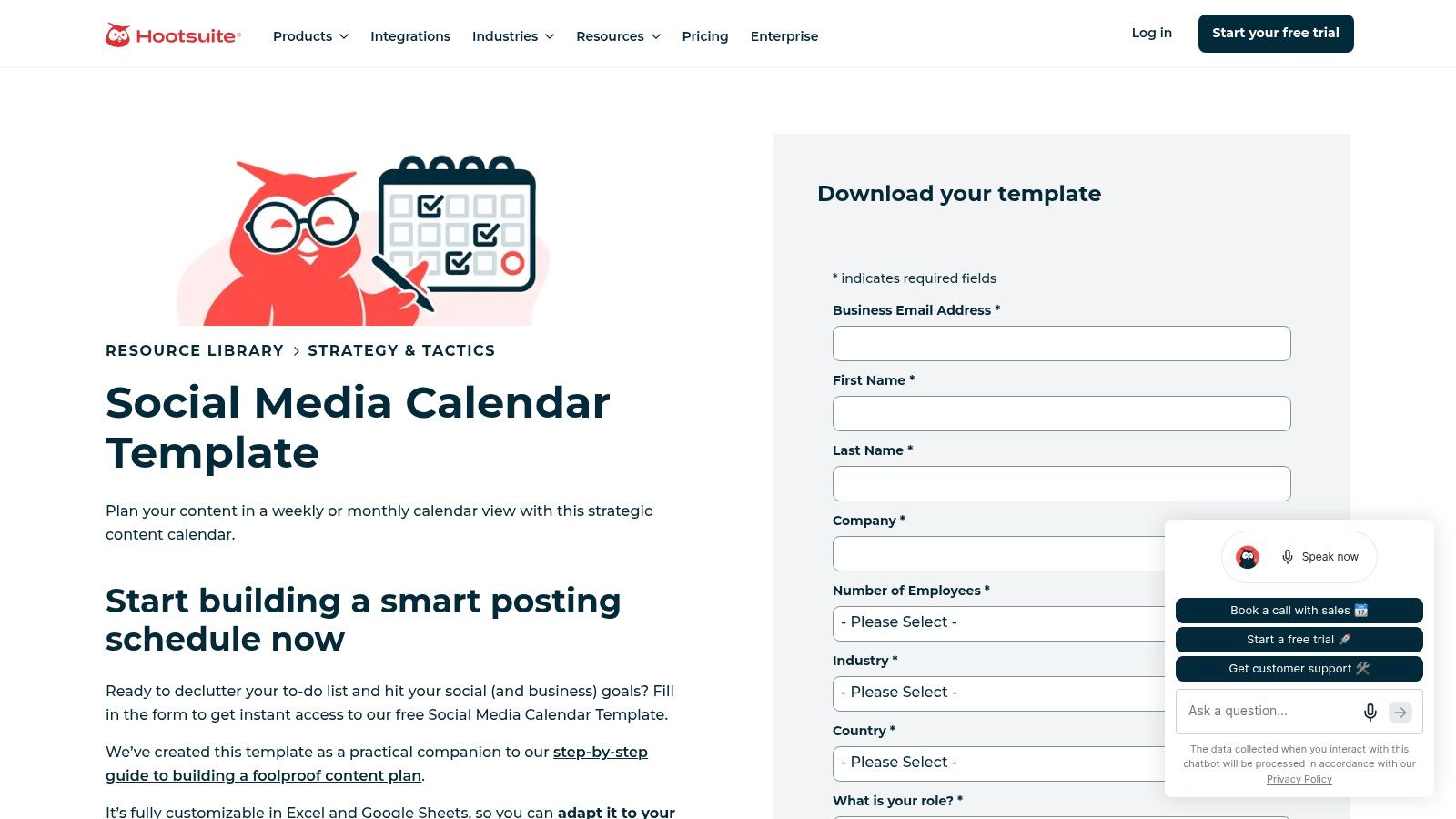
This is not the template I'd use to manage editorial production from idea through legal review. It is a practical option for planning posts, links, captions, assets, owners, and posting windows across platforms. That narrower scope is its strength.
Best for social operators
If your team already has long-form production handled elsewhere and needs a clean social planning layer, Hootsuite's template does the job. It works especially well for creators and small teams who need a visible weekly or monthly posting cadence.
It's also a good fit when you need a content idea bank for social derivatives. If your article pipeline is steady but your social plan feels repetitive, this kind of template pairs well with a bank of social media content ideas for repurposing and channel planning.
Real limitations
- Fast to start: No heavy workflow redesign required.
- Good for social-specific fields: Copy, links, assets, status, and owner are front and center.
- Natural handoff to publishing tools: Helpful if you later adopt Hootsuite scheduling.
The issue is scale. Spreadsheet-based social calendars get cluttered when multiple brands, approvers, or campaign layers stack on top of each other. For one brand, it's manageable. For an agency with several active clients, it gets messy quickly.
10. Later – Free Notion Social Media Content Calendar Template
Later's free Notion social media content calendar template is a smart option for teams that already like Notion but want a schema that feels more social-native than a generic content database.
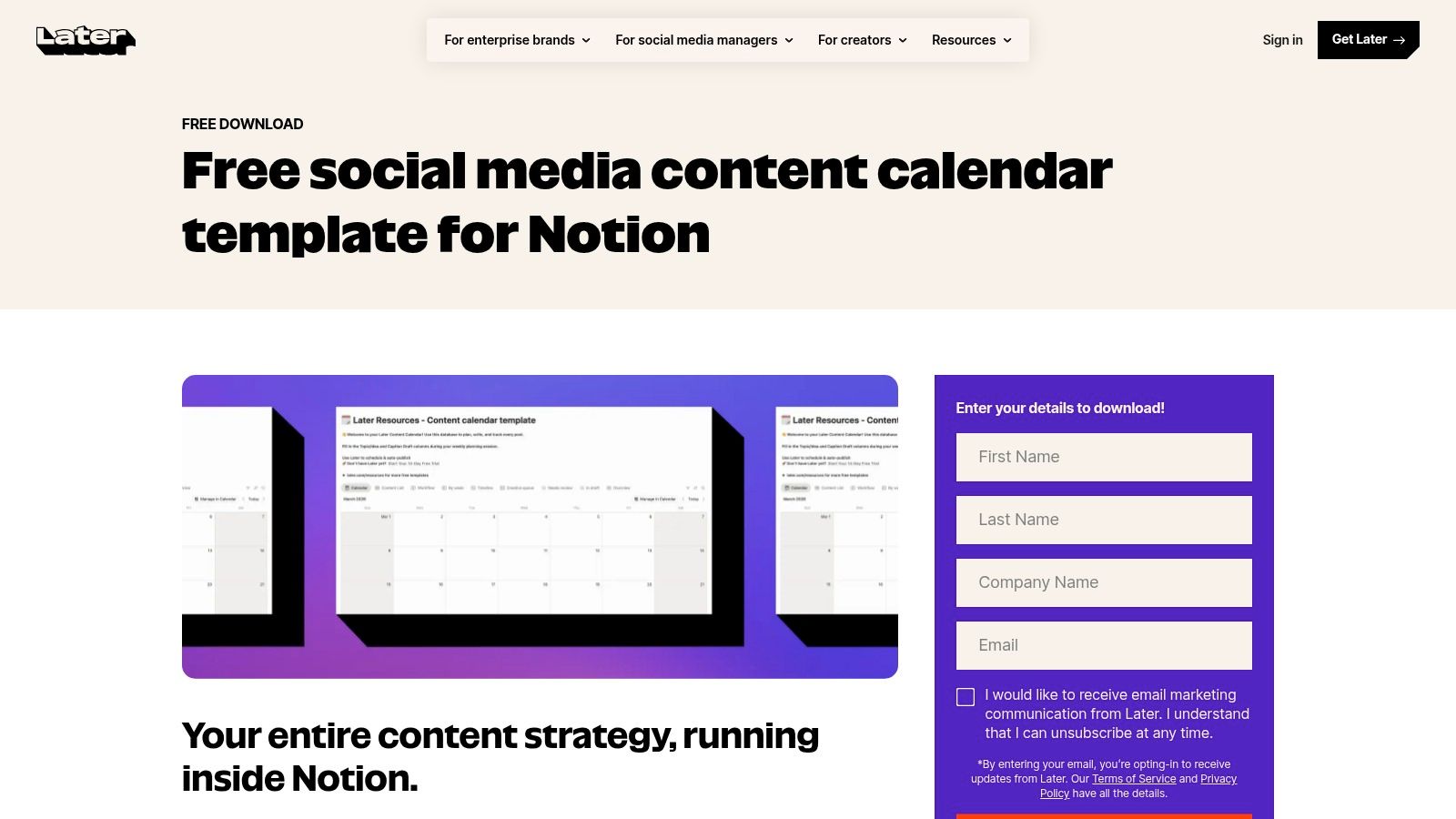
This template is useful because it narrows Notion's flexibility into a more opinionated setup. Platform, caption, asset link, owner, status, publish date. That's enough structure to keep social planning clear without forcing a full custom build.
Where it fits best
Later is a strong pick for consultants, coaches, and small social teams that create content in Notion and publish elsewhere. It's also good for teams who want to duplicate a starter system per client without rebuilding properties every time.
The broader governance point matters here too. Many editorial calendars focus on owners and deadlines but underplay approvals, compliance, accessibility, and review loops. If you work in expert-led or regulated fields, build those checkpoints directly into this template instead of assuming social content is “lighter” and less risky.
Practical recommendation
- Choose it if you're already in Notion: The learning curve is much lower than adopting a new platform.
- Useful for client duplication: One schema can support multiple brands cleanly.
- Keep expectations realistic: It's a planning template, not a scheduler.
The limit is the same as most Notion-based social setups. Planning is smooth. Publishing still depends on another tool or a manual process. That's fine as long as you design the handoff intentionally.
Top 10 Editorial Calendar Templates, Feature & Format Comparison
| Tool | Core features ✨ | UX / Quality ★ | Value & Price 💰 | Target audience 👥 | Standout USP 🏆 |
|---|---|---|---|---|---|
| Asana – Editorial Calendar Template | ✨ Statuses, custom fields, List/Calendar/Timeline/Board, in-line approvals | ★★★★ | 💰 Template; best value for paid Asana orgs | 👥 Teams already on Asana, cross‑functional marketing | 🏆 Native PM workflows & approvals |
| Trello – Editorial Calendar (starter) | ✨ Kanban cards, drag‑drop, Calendar view, Power‑Ups | ★★★★ | 💰 Free–Paid; low friction for small teams | 👥 Solo creators & small teams, agencies duplicating boards | 🏆 Simple, fast Kanban planning |
| Notion – Basic Content Calendar Template | ✨ Relational DB, Board/Table/Calendar, embed briefs & assets | ★★★★ | 💰 Free template; scales with Notion tiers | 👥 Consultants, solopreneurs, flexible teams | 🏆 All‑in‑one workspace (docs + calendar) |
| Airtable – Content Calendar (base) | ✨ Database base, linked assets, Calendar/Gallery/Kanban, automations | ★★★★ | 💰 Free–Paid; scales with records/extensions | 👥 Content marketers & agencies needing structure | 🏆 Structured data + reporting capabilities |
| monday.com – Content Calendar Template | ✨ Prebuilt columns, Calendar/Gantt, automations, dashboards | ★★★★ | 💰 Paid; best if org already on monday (seat costs) | 👥 SMB marketing teams & cross‑team ops | 🏆 Visual dashboards & capacity planning |
| ClickUp – Content Calendar Template | ✨ Custom fields, Calendar/Board/List/Timeline, reusable templates | ★★★ | 💰 Free–Paid; feature‑rich but steeper learning | 👥 Marketing teams needing tasks + docs together | 🏆 Deep task management + docs integration |
| CoSchedule – Marketing/Content/Social Calendar | ✨ Unified editorial + social calendar, Best Time Publishing, analytics | ★★★★ | 💰 Free tier + paid; limits on free social profiles | 👥 Editorial & social teams wanting purpose‑built tool | 🏆 Built‑for‑marketing calendar with scheduling |
| HubSpot – Editorial Calendar Templates (Sheets) | ✨ Downloadable Excel/Google templates with sample rows & instructions | ★★★ | 💰 Free; no software lock‑in | 👥 Teams preferring spreadsheets or client handoffs | 🏆 Simple, client‑friendly starter templates |
| Hootsuite – Social Media Content Calendar Template | ✨ Weekly/monthly sheets for posts, fields for copy/assets/links | ★★★ | 💰 Free template; scheduling needs Hootsuite paid | 👥 Social‑first teams planning before publishing | 🏆 Practical bridge to Hootsuite Planner |
| Later – Free Notion Social Media Content Calendar | ✨ Notion DB with platform views, captions, asset links | ★★★ | 💰 Free template; scheduling still separate | 👥 Notion planners focused on social workflows | 🏆 Social‑specific schema inside Notion |
From Plan to Published: Activating Your Content Engine
Choosing the right editorial calendar template is really a decision about operating style.
If you're a solo creator or consultant, start lighter than you think you need. Trello, Notion, HubSpot's spreadsheet, or Later's Notion template are easier to maintain consistently. A simple system that gets updated every week beats a powerful one the team avoids. That weekly habit matters. Teams that consistently update their calendars weekly and review them quarterly show a measurable 25% improvement in content ROI, according to the verified research summary linked in this article's source set.
If you run an in-house content team, agency, or multi-channel operation, structure matters more. As noted in the verified data for this article, teams using structured editorial calendars report a 42% increase in publishing efficiency and a 30% reduction in missed deadlines compared with ad hoc planning, based on Content Marketing Institute research referenced in the verified data set. That's why Asana, Airtable, monday.com, and ClickUp tend to outperform spreadsheets once approvals, dependencies, and repurposing enter the workflow.
The part many teams miss is distribution design. A calendar shouldn't stop at “published.” It should also answer what happens next. Which newsletter picks up the article? Which short-form videos come from it? Which carousel, quote card, or social clips are due, and who owns them? That's the gap that turns a publishing plan into a content engine.
For that, I'd add a few fields to any template you choose:
- Content Pillar: So the calendar shows strategic balance, not just dates.
- Target Persona: So distribution stays audience-specific.
- Funnel Stage: So you don't overproduce top-of-funnel content.
- Source Asset and Derivative Asset: So repurposing is planned, not improvised.
- Distribution Checklist: So publishing triggers promotion, not wishful thinking.
- Refresh Due Date: So evergreen content doesn't disappear after launch.
A practical benchmark from the verified data is to keep average time-to-publish under 21 days for evergreen content, while reviewing the calendar weekly and revisiting strategy monthly or quarterly. That pushes teams to track lead indicators such as briefs shipped and drafts delivered on time, not just lagging outcomes.
Once that structure exists, connect the calendar to the tools you use downstream. In a setup using Airtable, Notion, Asana, or monday.com, a Published status can trigger the next step through automation. That could be a Slack alert to social, a task for design, or a content repurposing workflow in a tool like WaveGen.ai if your process includes turning an article, newsletter, or transcript into social assets. The template gives you visibility. The workflow connection gives you output.
The best editorial calendar template isn't the prettiest one. It's the one your team can trust, update, and use to move content all the way from idea to distribution.
If your editorial calendar already organizes articles, newsletters, or transcripts, WaveGen.ai can help with the next step by turning that source content into on-brand social assets for distribution across channels.
editorial calendar template
content calendar
content planning
marketing templates
social media calendar
Turn this kind of writing into a week of social content.
Paste a blog post, newsletter, or rough draft — WaveGen turns it into publish-ready carousels, captions, and slideshows for every channel.
No credit card · First posts in 2min